
So my team is responsible for ad creative across Meta, TikTok, and Shorts. We were doing maybe 8-10 variations a week manually — shooting, editing, captioning, exporting. Management wanted us to 4x that without hiring. Classic.
I spent about two months trying to automate the pipeline. First mistake was looking for the one tool that does everything — doesn't exist. The "all-in-one" platforms are mediocre at everything. What actually worked was chaining specialized tools together, each one handling a single step. Basically building a production line instead of looking for a magic box.
Here's the pipeline we landed on after testing probably 15+ tools:
Step 1: Raw material generation
We use a mix here depending on the ad type. For product B-roll and dynamic camera shots, Kling 3.0 has been the best — motion quality is noticeably better than alternatives and the output looks cinematic enough for paid ads. Downside is the 10-second limit per generation, so you're stitching clips for anything longer. Credit consumption adds up fast too.
For quick first drafts from a product URL, Creatify is our starting point. Paste a URL, get a UGC-style video with AI avatars. Most outputs pass the "doesn't immediately look AI" test but you're gonna post-edit basically everything. The scripts it generates are generic and lip sync can be off. We treat it as a rough draft generator.
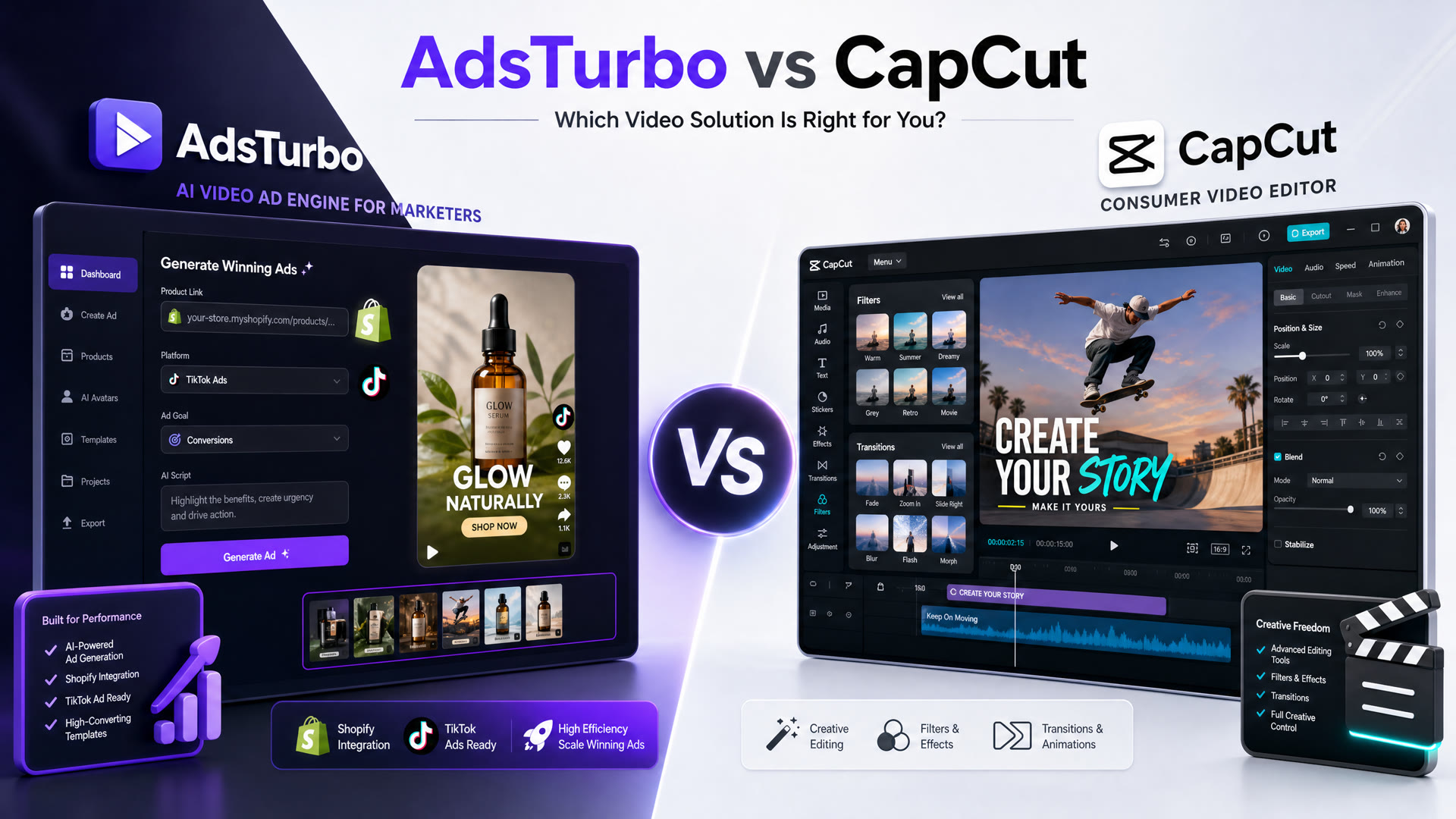
AdsTurbo fills a different niche — we mostly use it to clone the structure of competitor ads that are performing well, then swap in our product. Saves a ton of time on the "what structure should this ad even have" question. The URL-to-video is decent too. Credits burn fast on premium models though, so we've learned to be selective about when to use it.
Step 2: Voiceover
ElevenLabs for anything that needs narration. Multilingual quality is impressive — we've done Spanish, German, Portuguese voiceovers that nobody flagged as AI. Occasionally butchers niche product names though, and dialing in emotional range beyond "friendly narrator" takes time.
Step 3: Assets and backgrounds
Freepik for product image touchups and AI background generation. Supporting role — the Magnific upscaling is handy for low-res product shots. Not a core tool but saves trips to Photoshop.
Step 4: Assembly and variation testing
CapCut is the glue. Final trimming, native-style captions, and most importantly batch exporting hook variations. Timeline is dead simple vs Premiere. Auto-caption feature alone saved hours. It's an editor not a generator, but that's exactly what the last step needs.
The actual insight after automating all this: the pipeline matters way less than the hook. We went from 8 to about 35-40 variations a week, and the biggest performance driver wasn't video quality — it was testing more hooks and angles. Half our best performing ads look kind of rough honestly. The automation buys you speed to test, not polish.
AI compresses the iteration loop from days to hours. But human judgment still picks which hooks land and which angles resonate. We just test more of them now.
Anyone else running a similar pipeline? We're heavy on Meta/TikTok short-form so I'm sure the automation looks different for YouTube or longer stuff. Curious how people are handling the hook testing step specifically — that's still the least automated part for us.