Upload an MP4 or paste a supported video link. AdsTurbo generates a clip-by-clip report with shot timing, visual notes, scripts, camera angles, and ad-structure scoring.
Upload an MP4 or paste a supported video link to generate a report with shots, timing, scripts, visual notes, and camera angles.
Upload one MP4 file up to 200MB, choose one from Assets, or paste a supported video link.
Review each detected clip, its timing, script, visual content, camera angle, and ad structure.
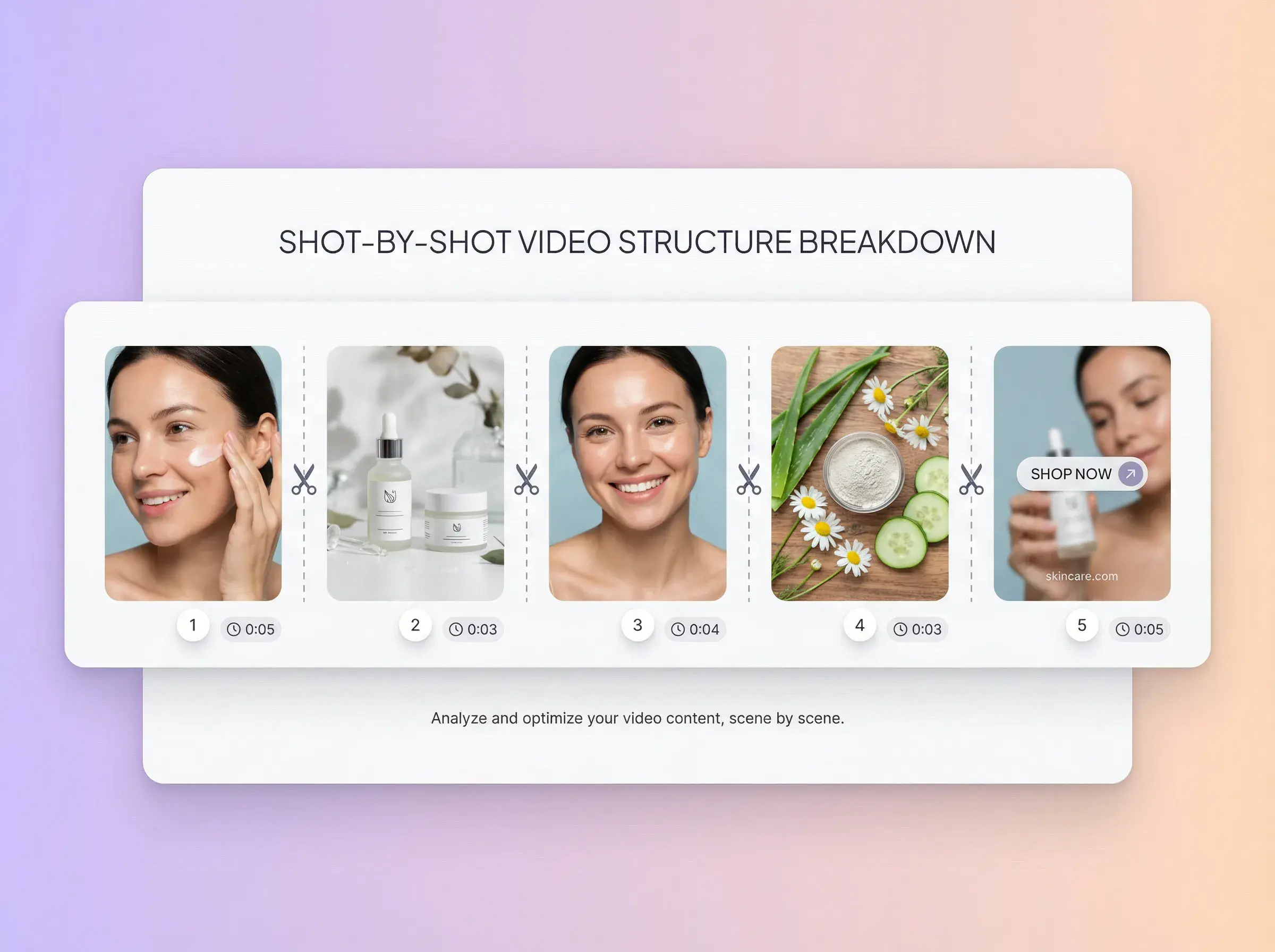
Review each detected clip with timing, a key frame, visual notes, script text, and camera angle.
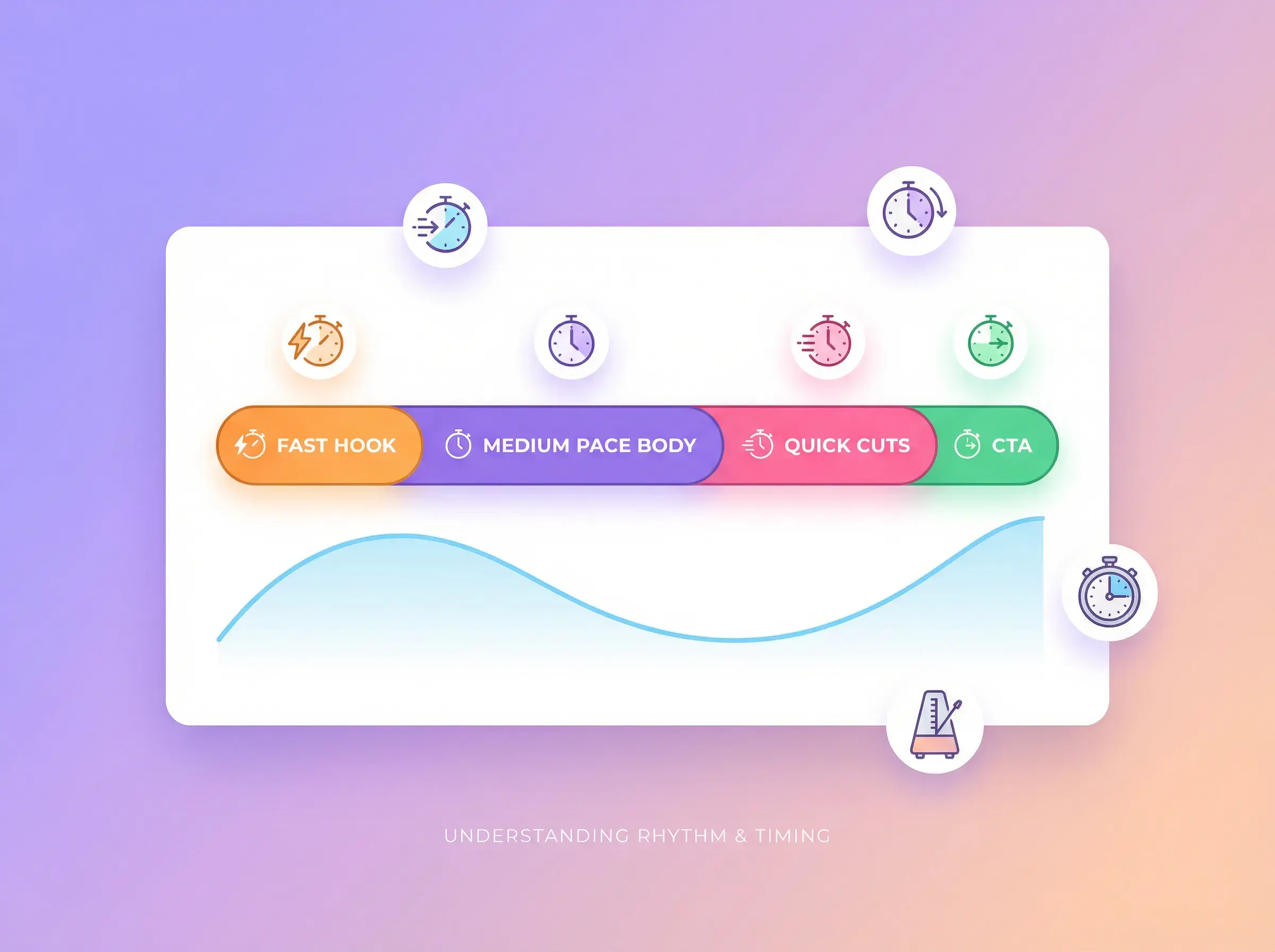
See the duration and order of each detected clip.
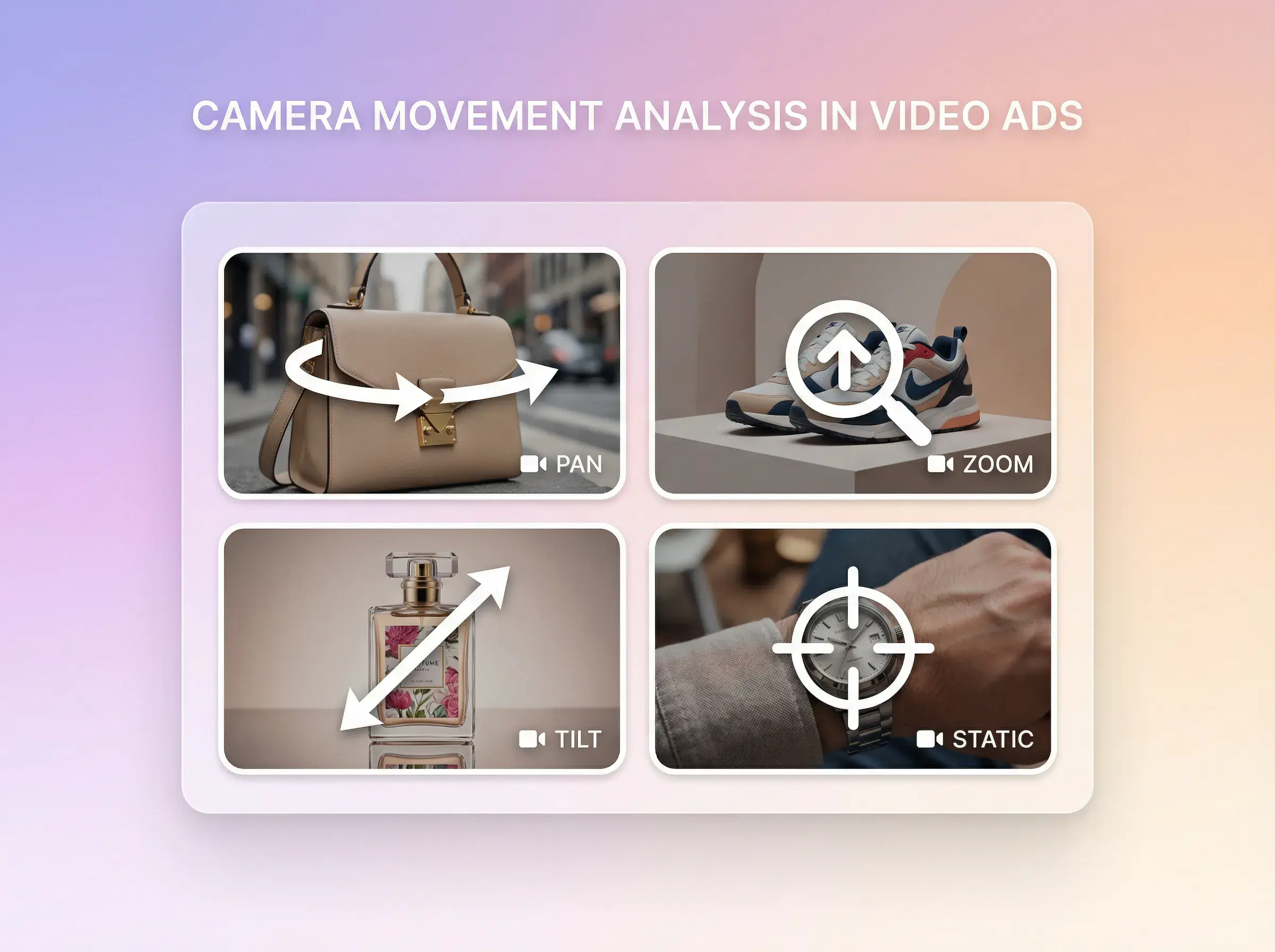
Review visual content and camera-angle notes for each detected clip.

Review overall ad potential across attention, relevance, clarity, proof, and conversion.
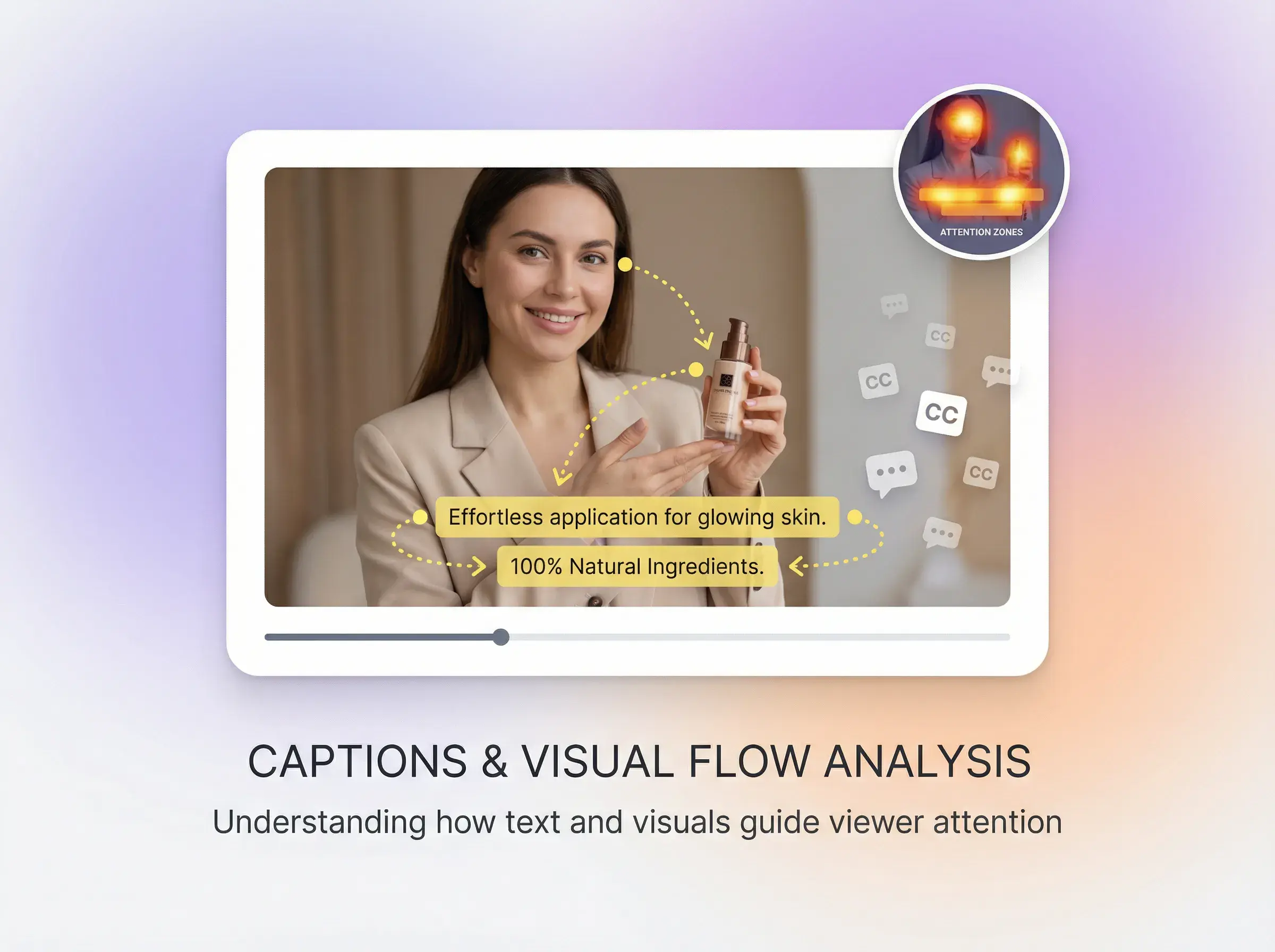
Review clip-level script text, visual content, and the full video script.
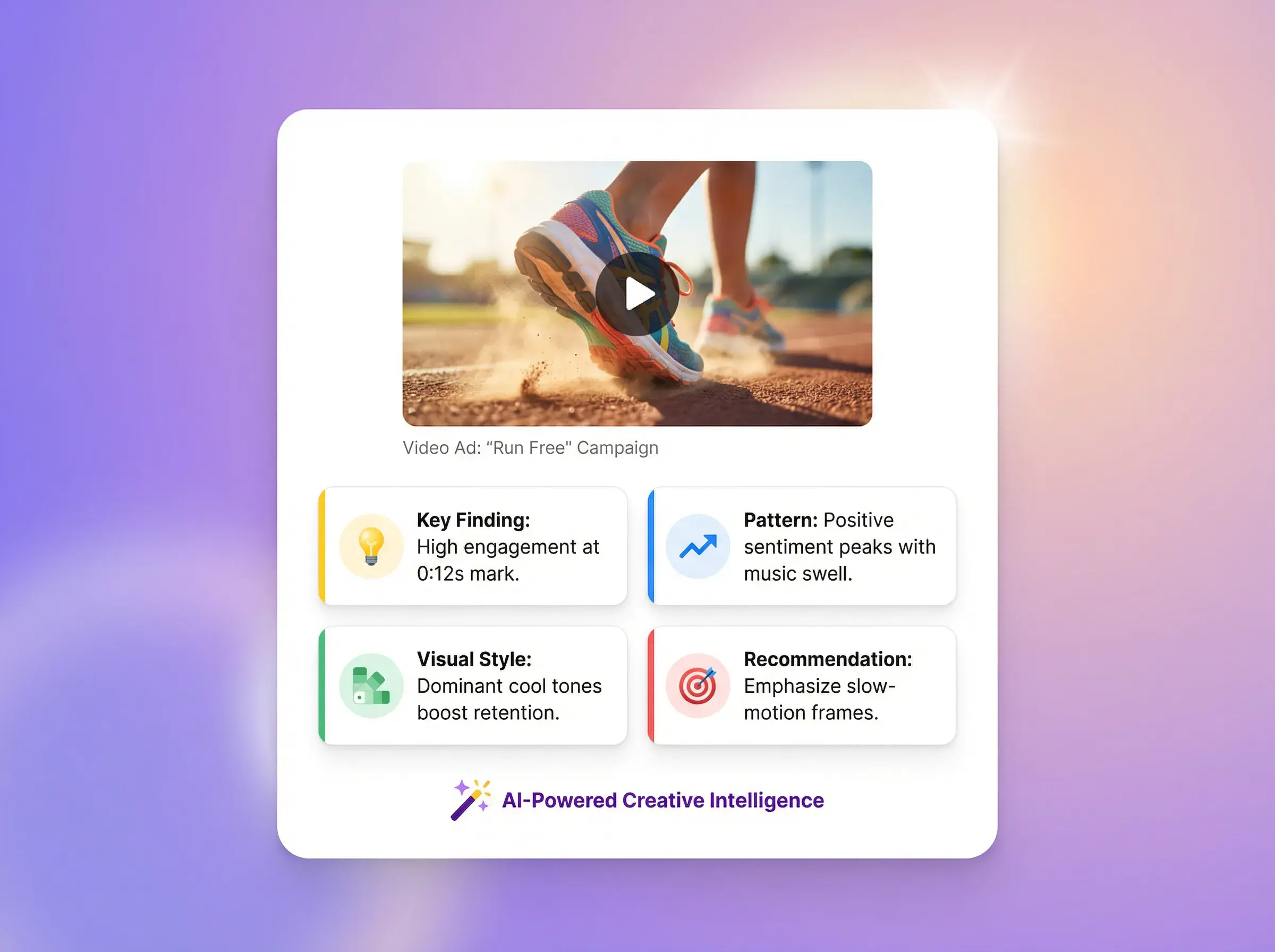
Check display, in-use, hook, problem, proof, and closing modules with reasons and evidence.
Answer first
Evaluate Clip by Clip from the live workspace. Confirm the current input, output, credits, duration, formats and limits there before you start; this page omits values that have not been verified.
verified where available
Use the live controls as the source for options available to your account.
Check input, output, credits, duration, formats and limits before you continue.
Inspect the result and confirm rights, privacy and destination requirements.
The Privacy Policy states that AdsTurbo does not use private User Content to train public AI models without explicit permission and never sells personal information or User Content.
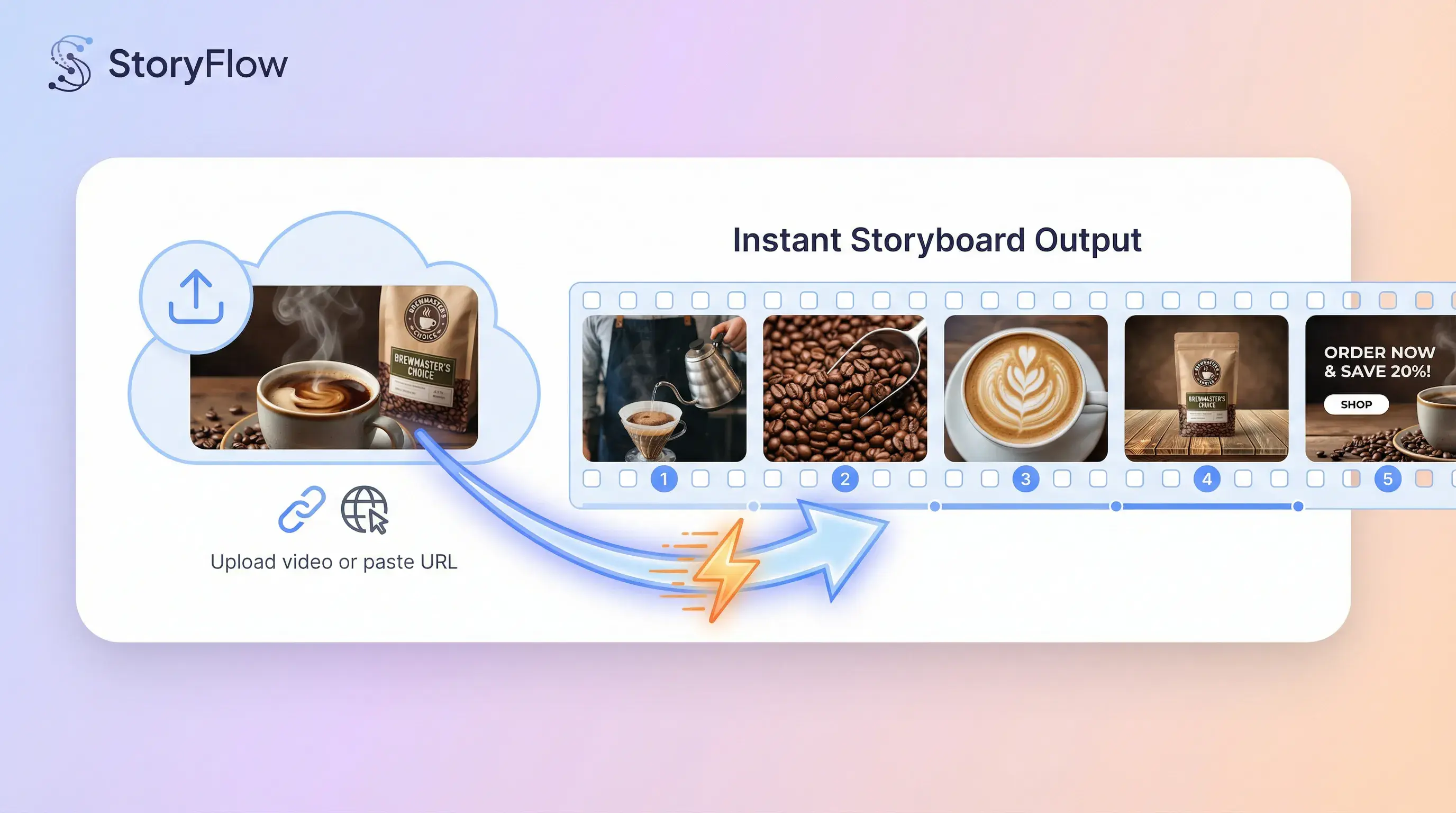
VIDEO INPUT
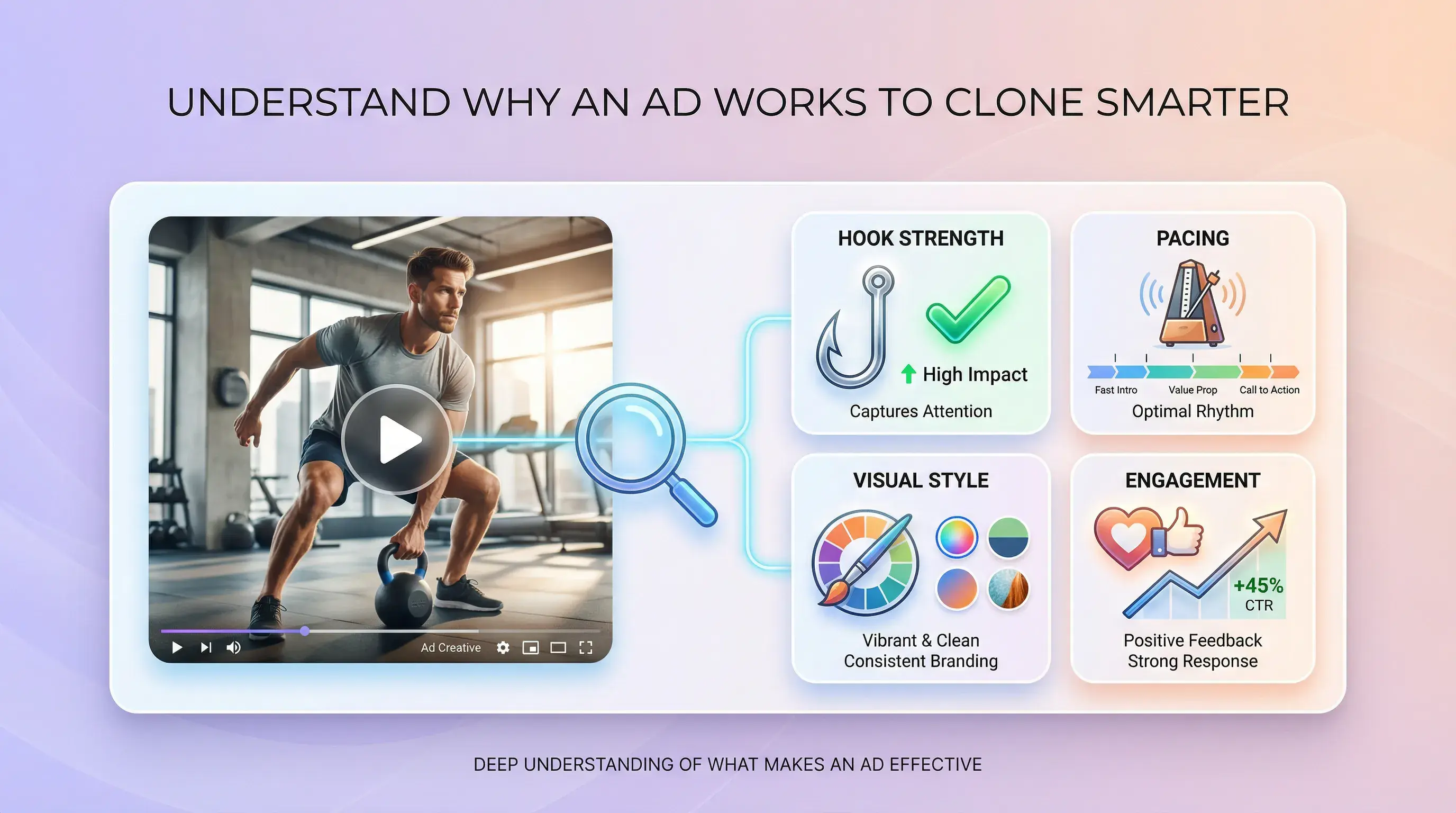
AD STRUCTURE REVIEW
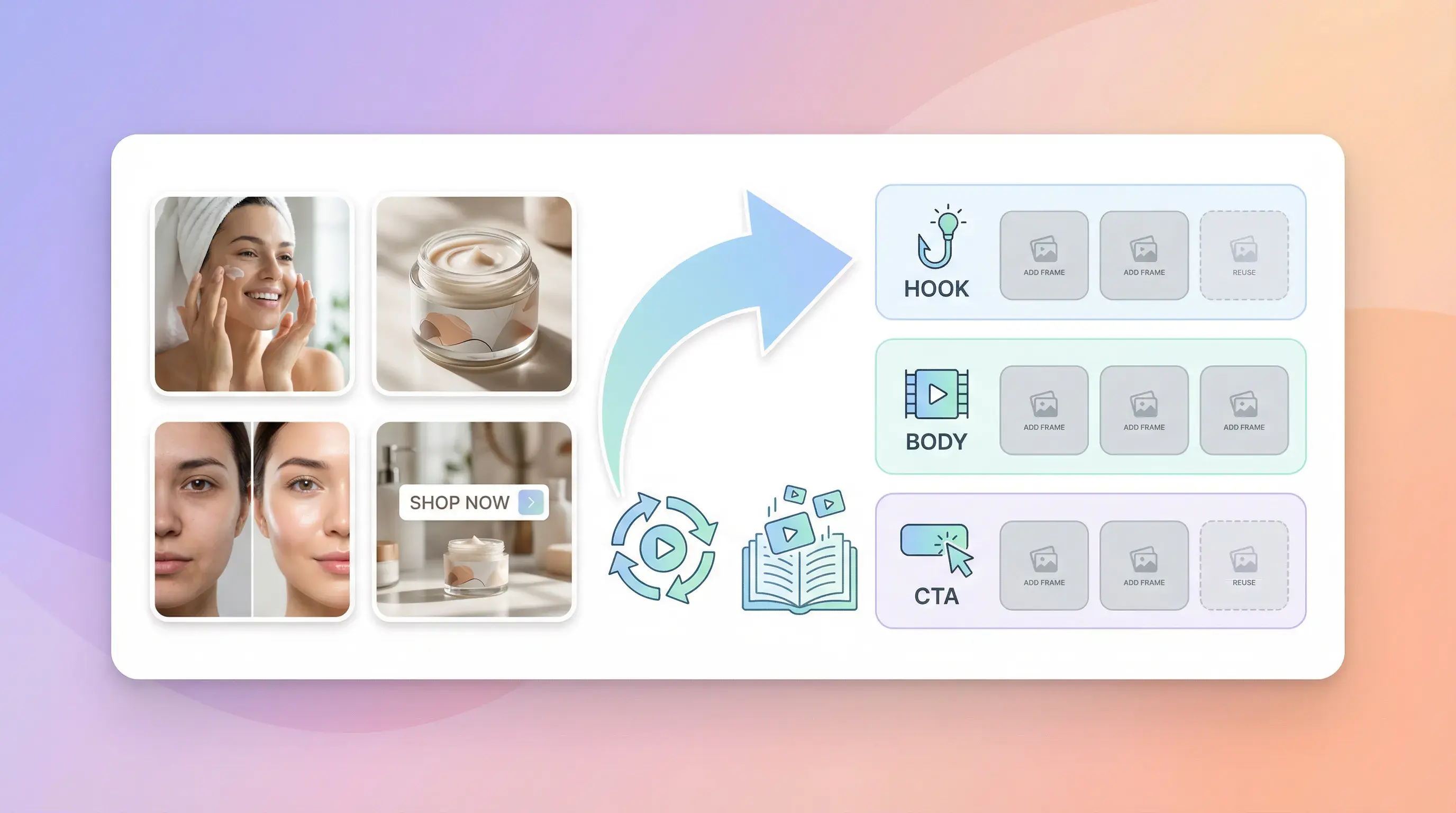
CLIP-BY-CLIP REPORT
SCRIPT AND EVIDENCE
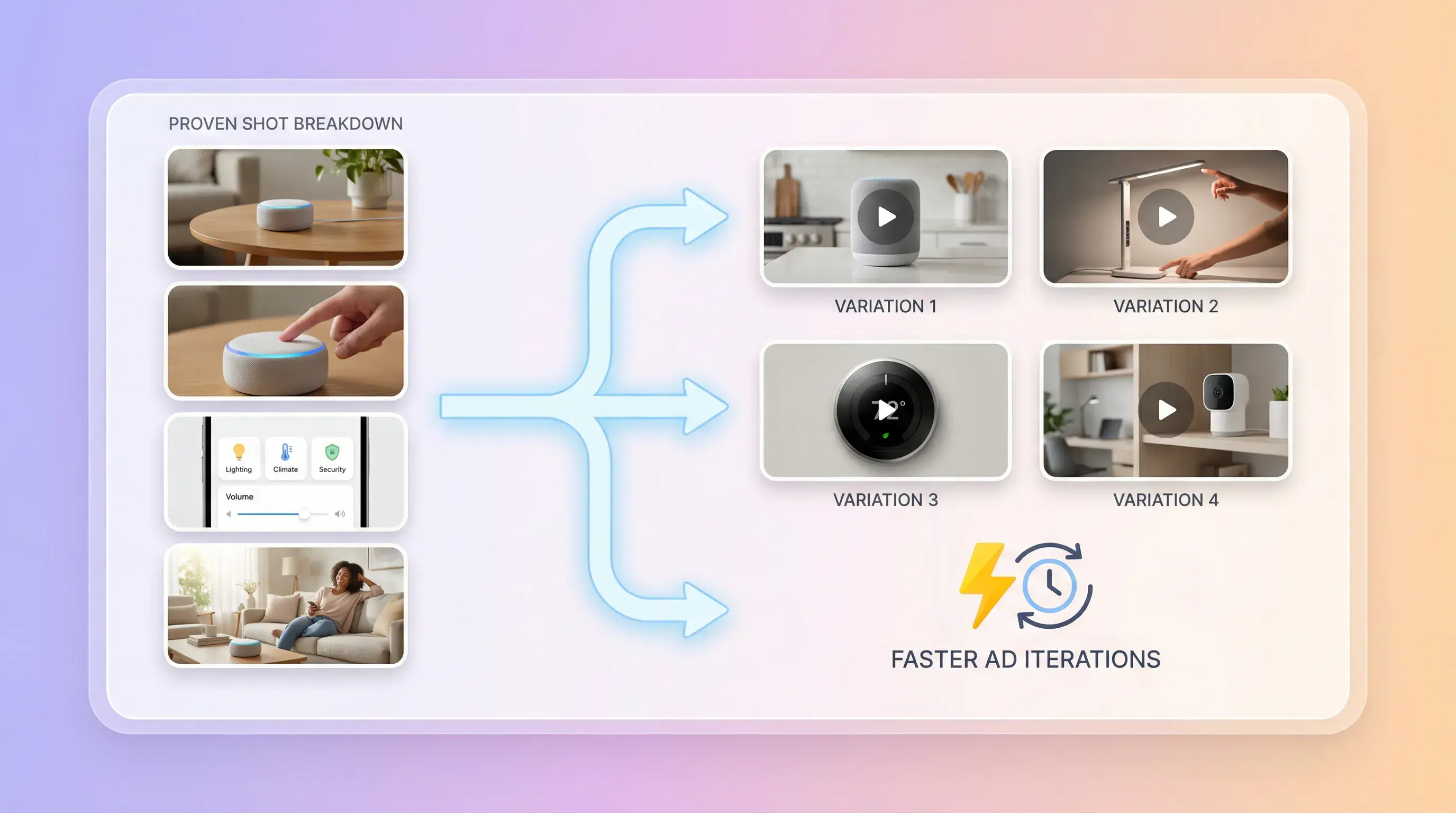
Planning a new variation from an authorized reference? As a separate step, Ad Clone turns a selected clip into an editable prompt.
REPORT SCOPE
Compare what each workflow records. Review AI-generated findings before using them.
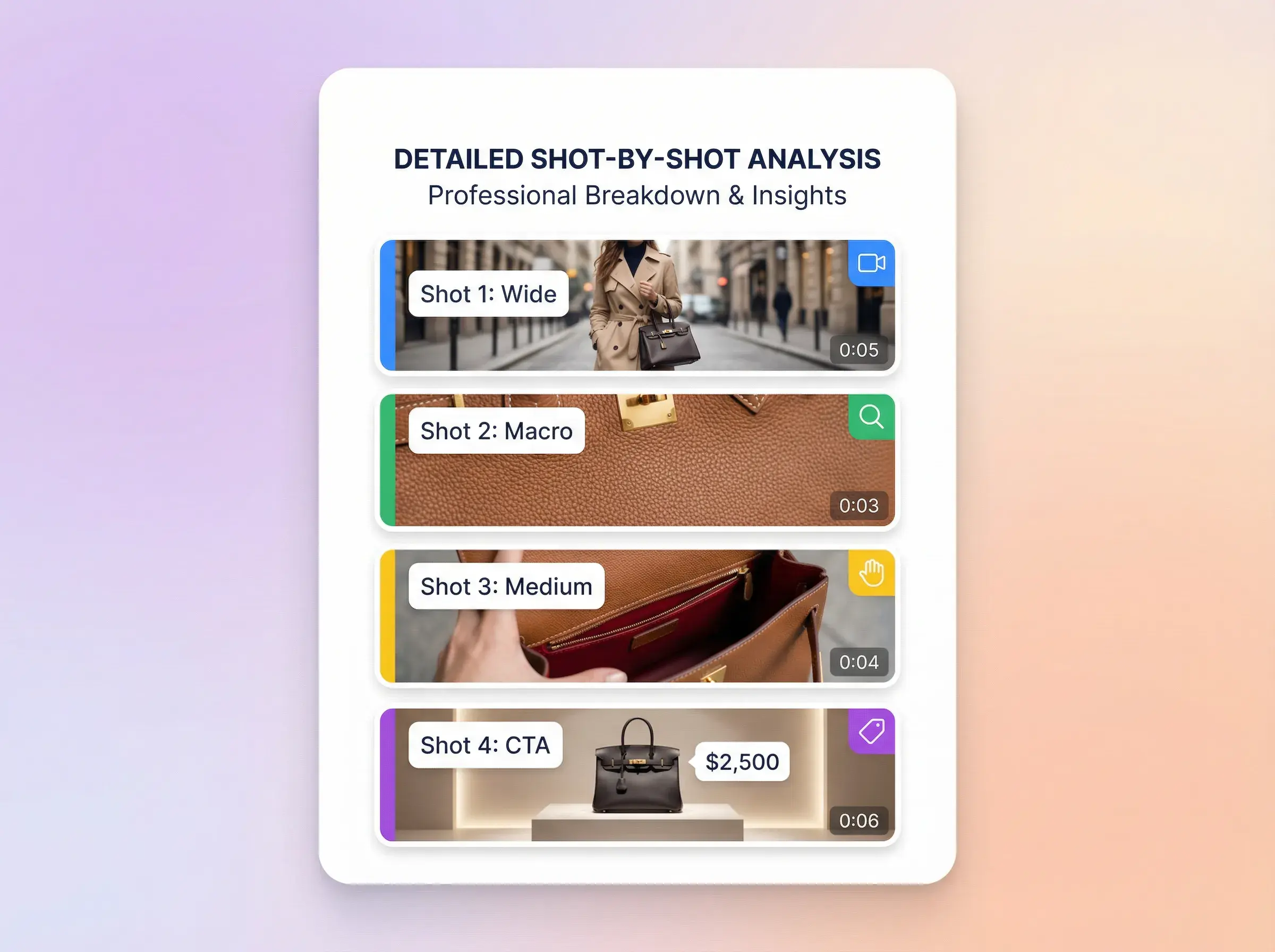
Detected clips with timing, key frames, visual notes, script text, and camera angles.
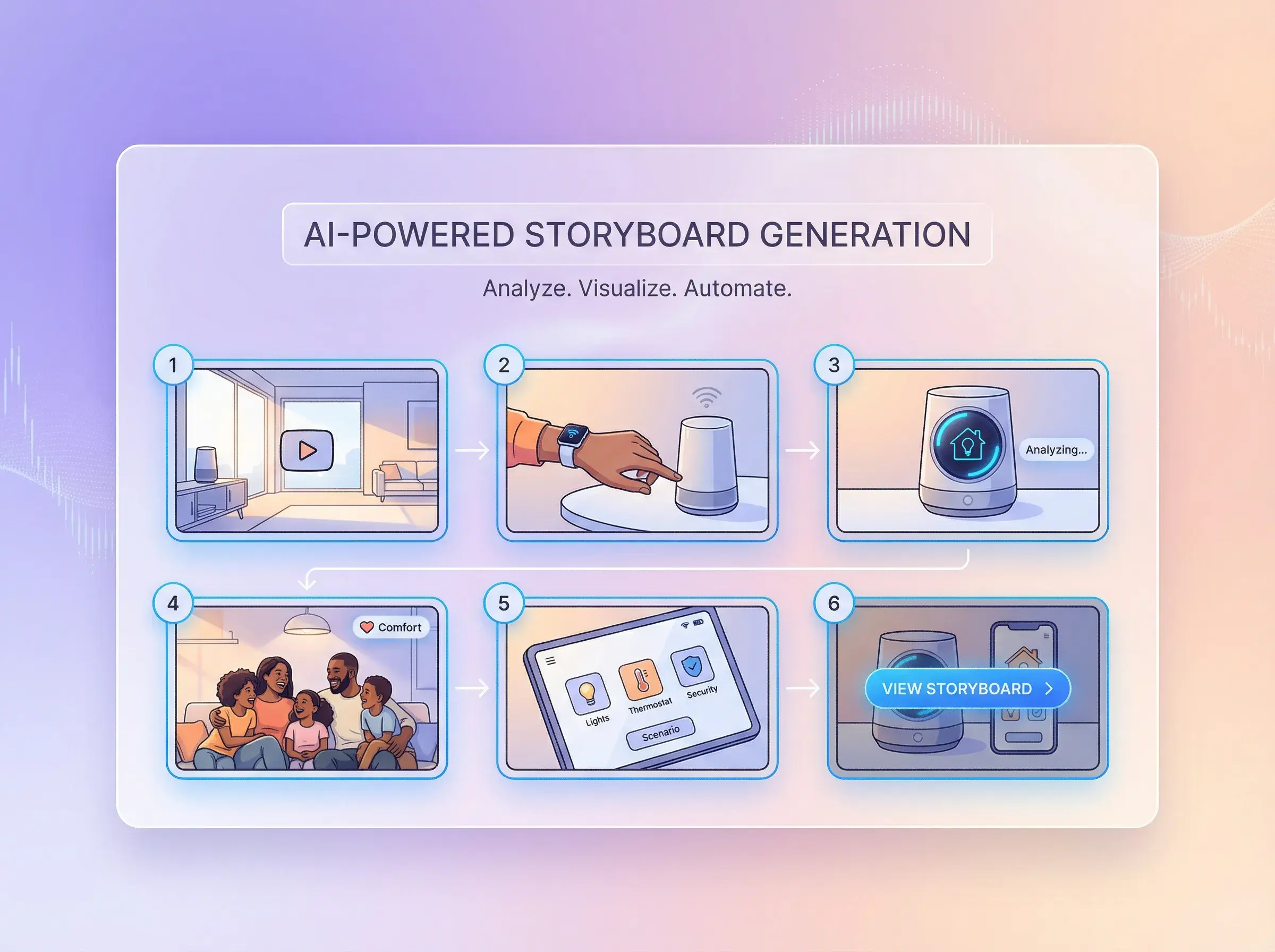
Open the extracted script alongside the clip-level breakdown.
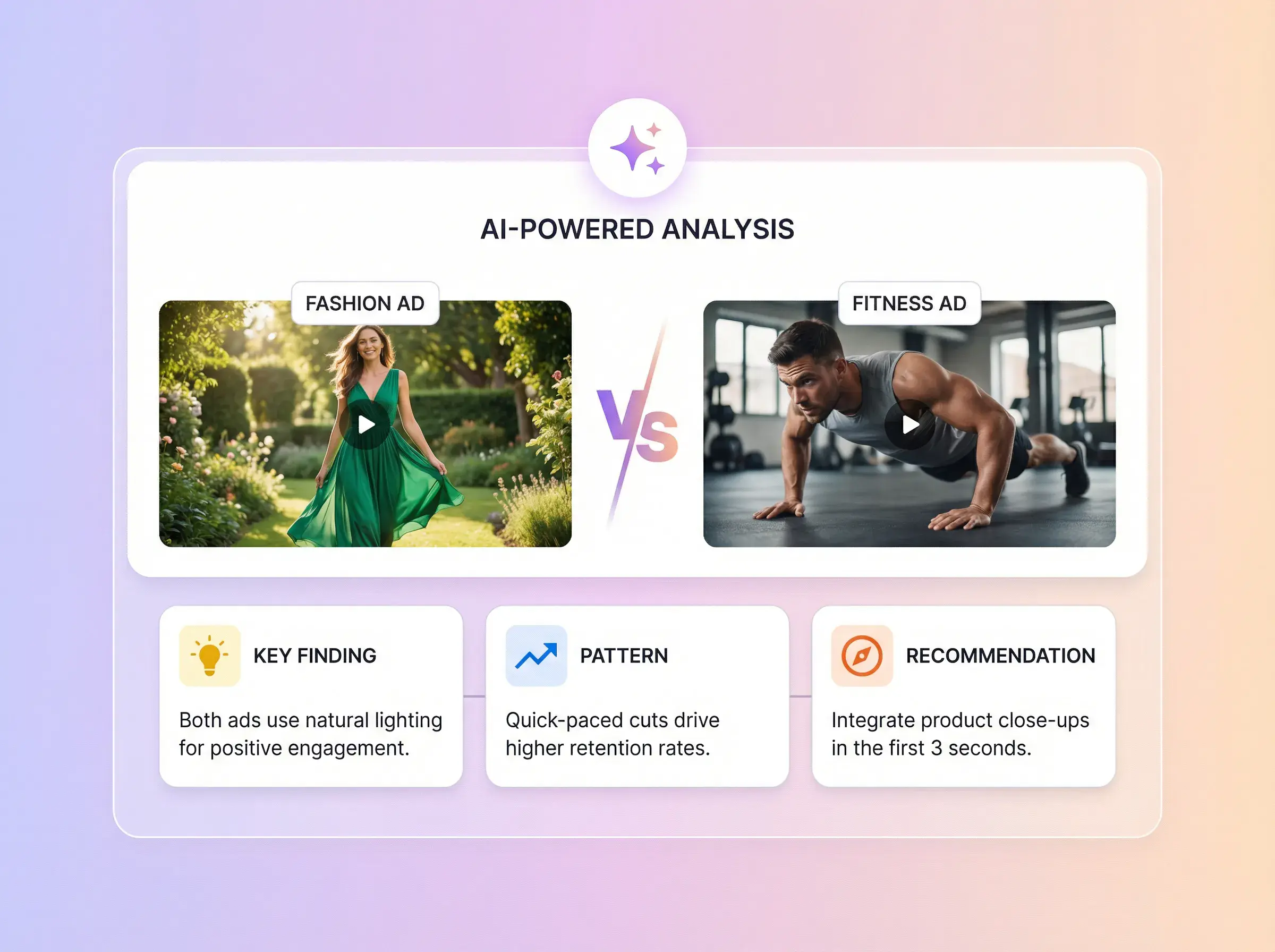
Review the overall score, five evaluation dimensions, and module-level reasons and evidence.



AdsTurbo is an AI video analyzer built for ad creatives. To analyze a video with AI, add the video, submit it, and open the report when it is ready.
The report breaks the video into detected clips and adds an ad-structure review on top. Review AI-generated results before you rely on them.
Use the report to inspect why a video is built the way it is: compare the clip sequence with the full video, read the script for each clip, and use the module reasons and evidence when planning your next edit. The report does not generate or guarantee a new winning ad. To create new versions from a reference video you are authorized to use, try AdsTurbo Ad Clone.
CLIP BY CLIP
Upload one MP4 file up to 200MB, or paste a supported video link. Use only material you own or are authorized to analyze.
The report can include an overall ad score, five evaluation dimensions, a module breakdown, and clip-level timing, visuals, scripts, and camera-angle notes. Review AI-generated results before use.
The report helps you inspect structure, scripts, visuals, and ad modules. It does not generate or guarantee a new winning ad.
You can submit a supported MP4 or video link and review the detected clips in the same report format. Results depend on the source video.
Open the completed analysis in Task Center to review the clip-by-clip report and full video script.
An AI video analyzer reviews a video automatically and reports what is in it. AdsTurbo’s video analysis AI splits a video into detected clips, reports timing, key frames, visual notes, script text and camera angles for each clip, and scores the ad structure across attention, relevance, clarity, proof and conversion.
Yes. Paste a supported video link instead of uploading a file. If a link cannot be read, the workspace shows an error; you can then upload the video as an MP4 up to 200MB.
Check the live workspace before starting a task. Use the Pricing page for current plan details; values not verified in the claim ledger are intentionally omitted here.
The Privacy Policy states that AdsTurbo does not use private User Content to train public AI models without explicit permission and never sells personal information or User Content.
Upload an MP4 or paste a supported video link, then review the generated report before using its findings.
 AdsTurbo


