Upload a reference video you own or have permission to use. AdsTurbo analyzes its style and structure into an editable prompt for new video variations.
Upload a reference video or paste a supported link. AdsTurbo analyzes the selected clip and creates an editable prompt for generation.
Analyze an authorized reference clip and customize a generation prompt in three steps.
Upload a supported video file or paste a supported video link, then choose the segment you want to analyze.
AdsTurbo analyzes the selected clip and creates an editable prompt based on its content, style, and structure.
Edit the prompt, add multiple reference images of people, products, or scenes, choose an aspect ratio and output count, then review the generated results.
AdsTurbo creates one prompt from the selected clip. Check these creative details and edit them before generation.
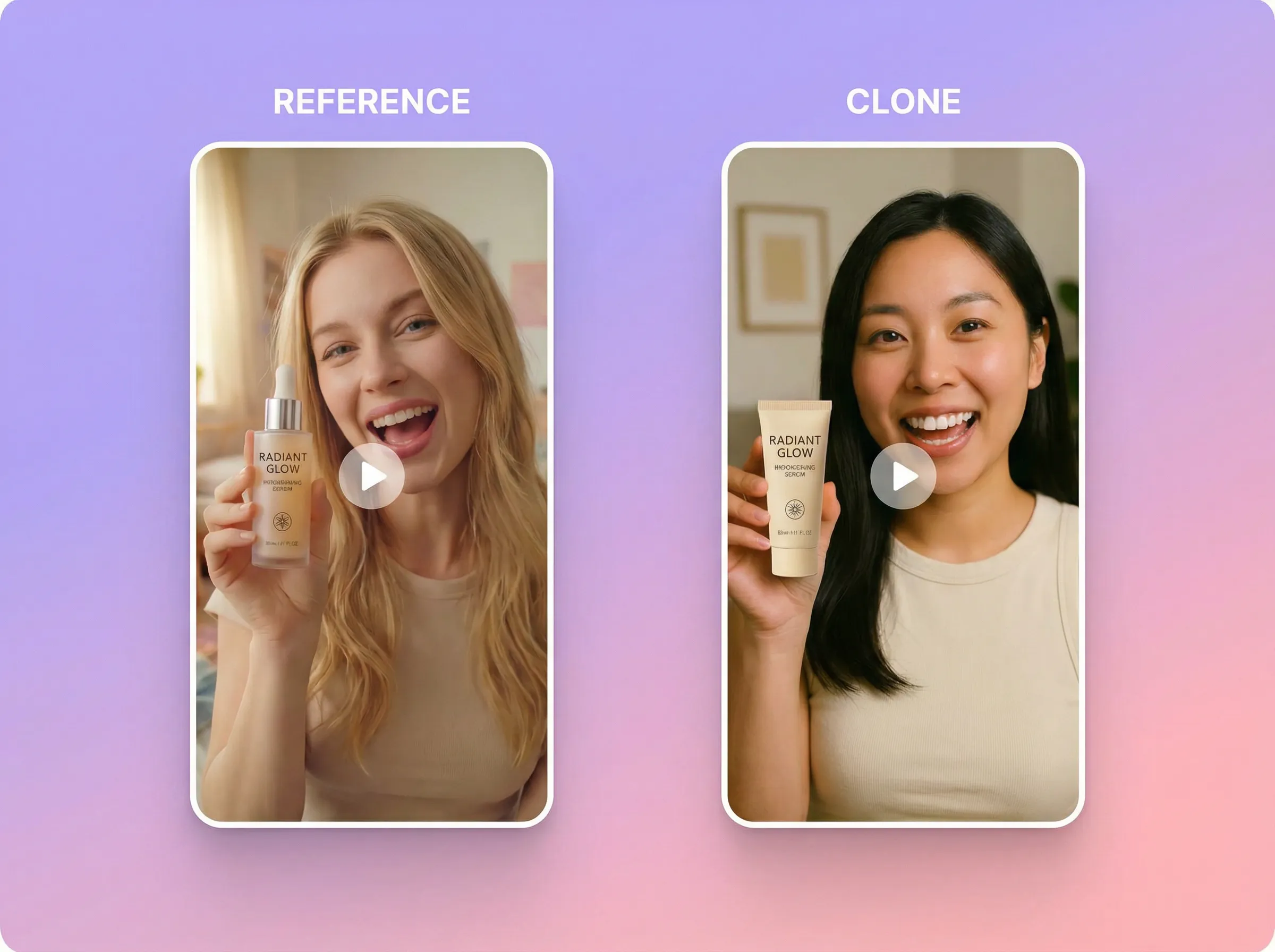
Use the reference structure as a starting point, then describe a new opening and creative direction in the prompt.
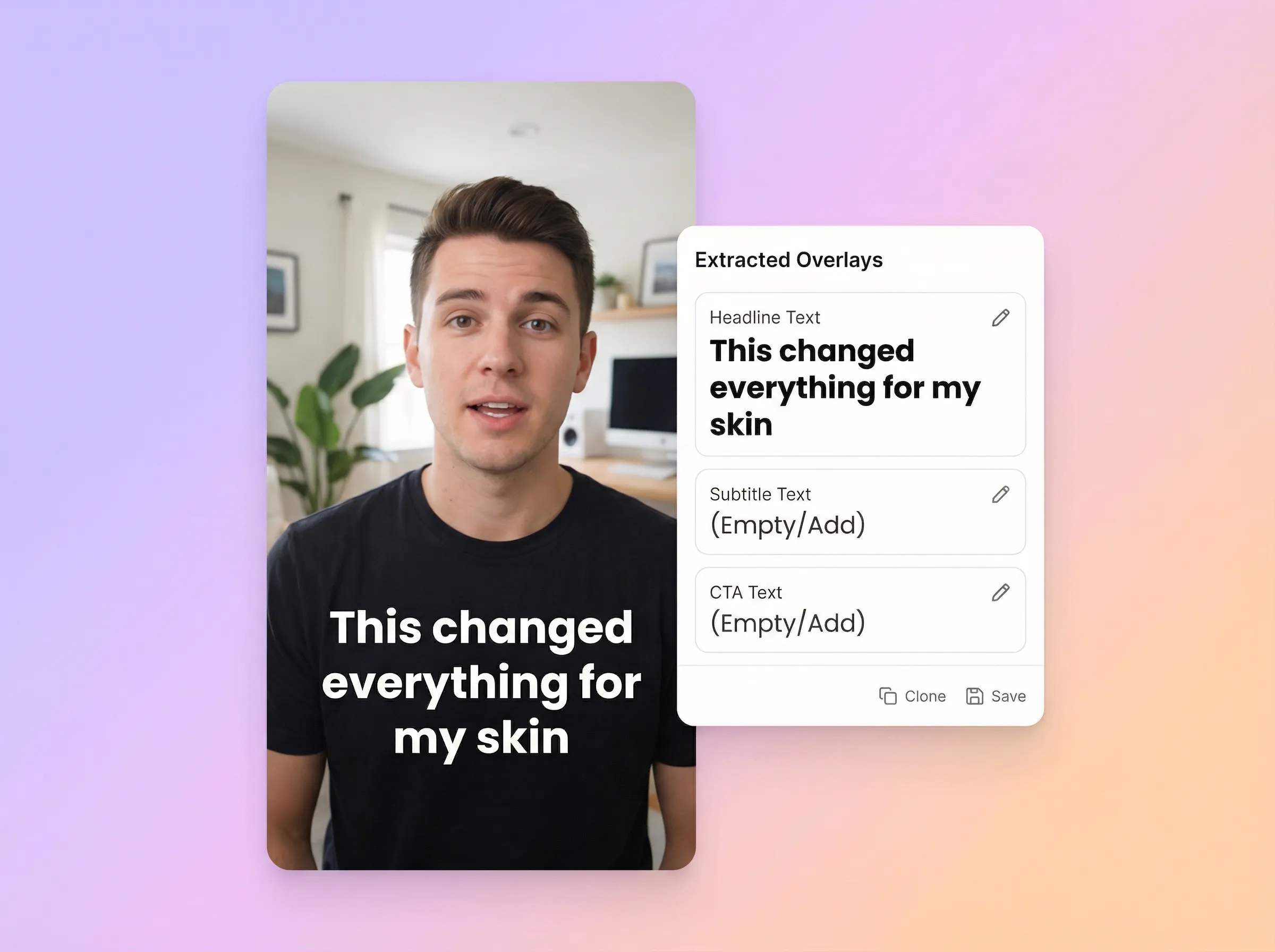
Check any text described in the prompt and replace it with copy you have reviewed for the new variation.
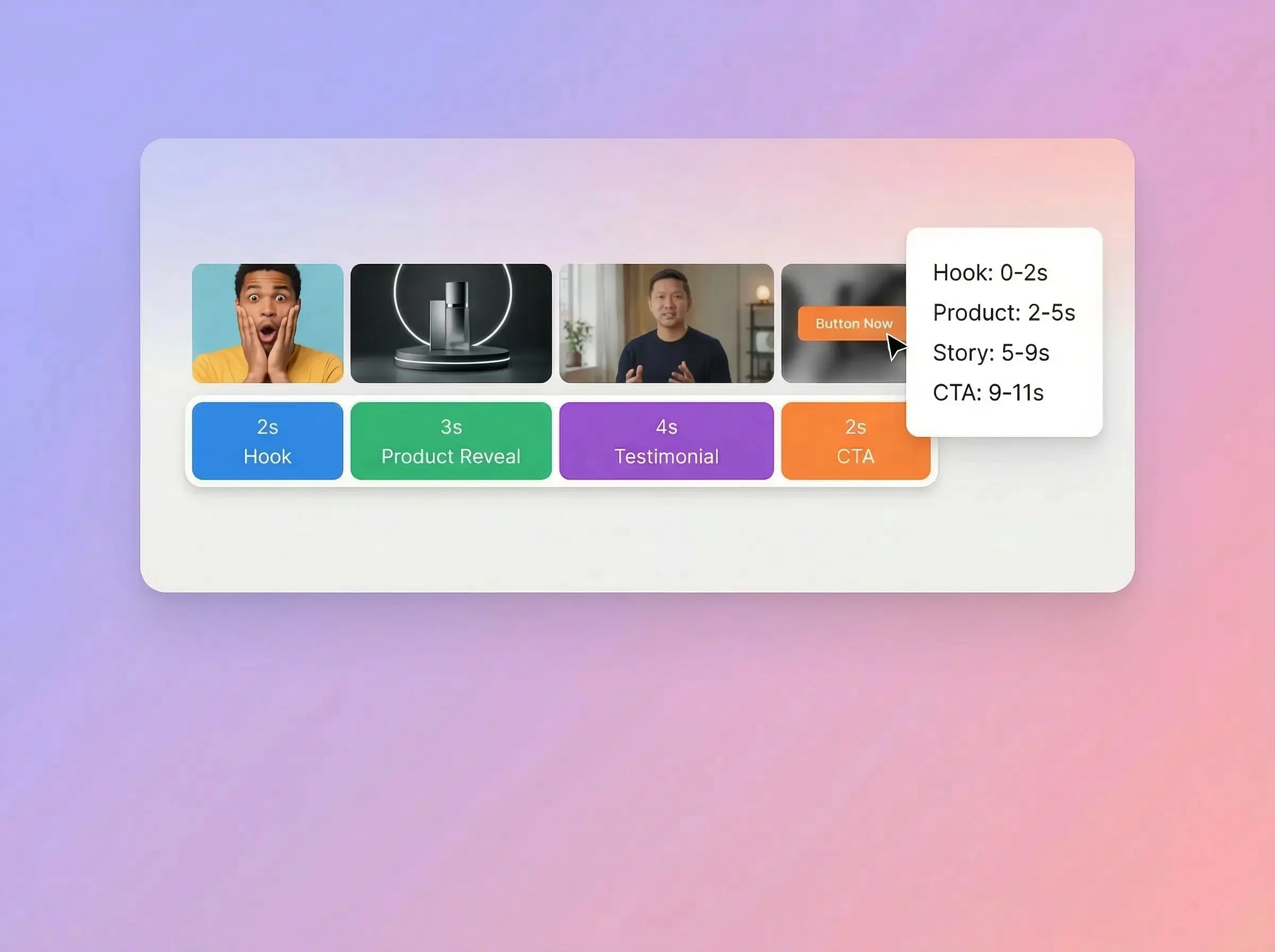
Review the described scene order, visual style, and pacing, then adjust the prompt as needed.
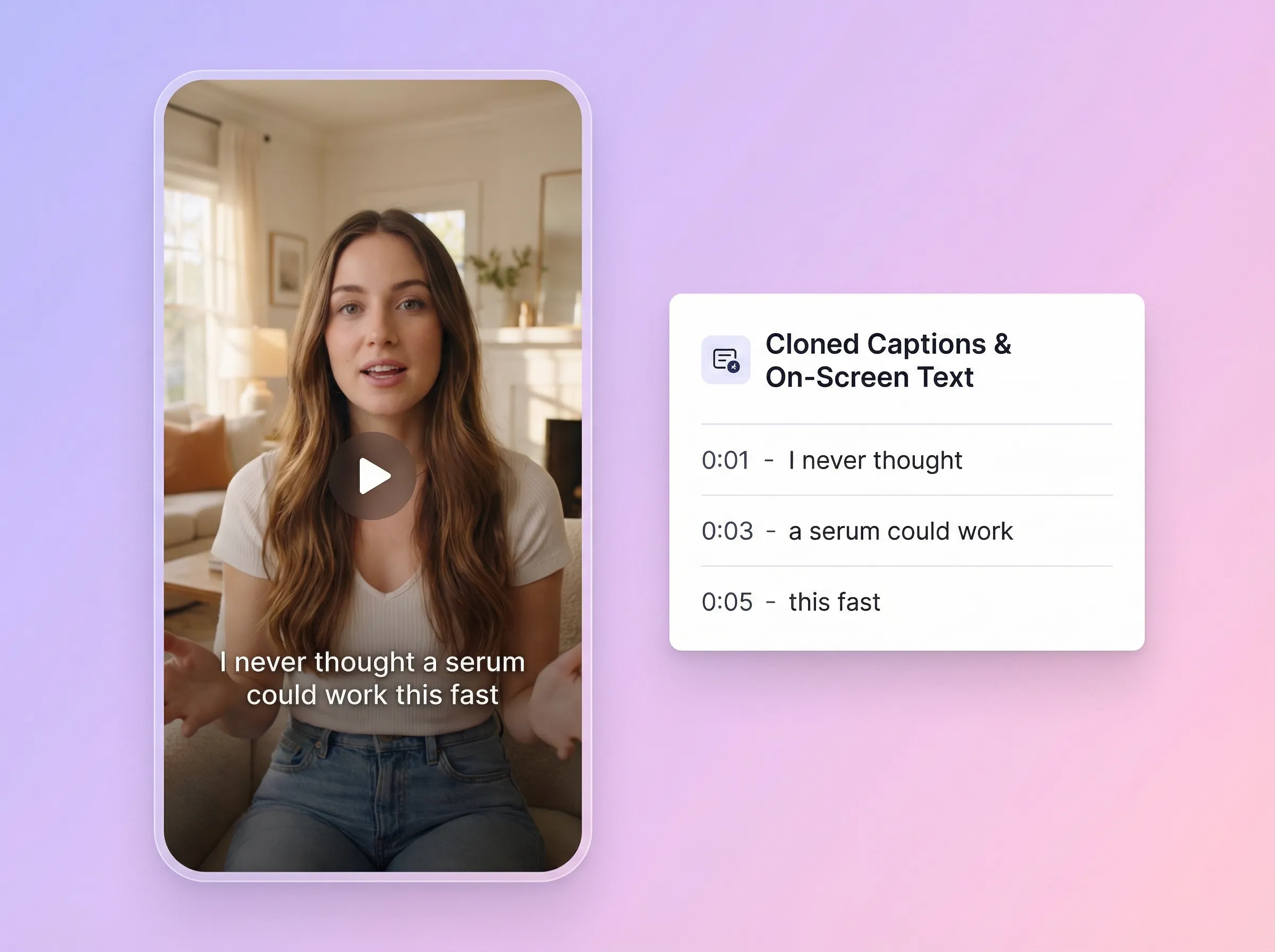
Describe the intended captions or overlays in the prompt, and verify all rendered text in the generated video.
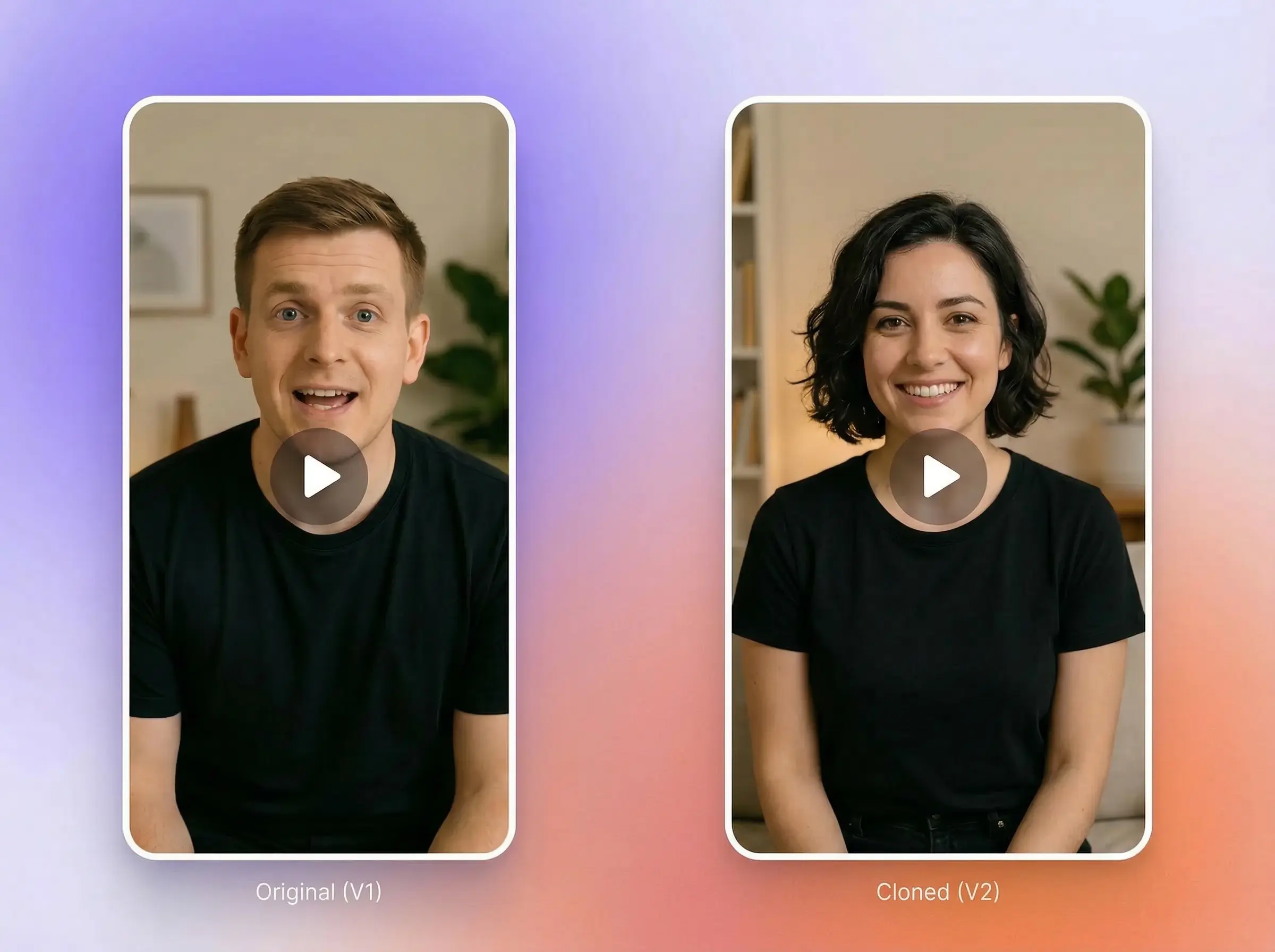
Use only faces and voices you have permission to use, and review how people are represented in the output.
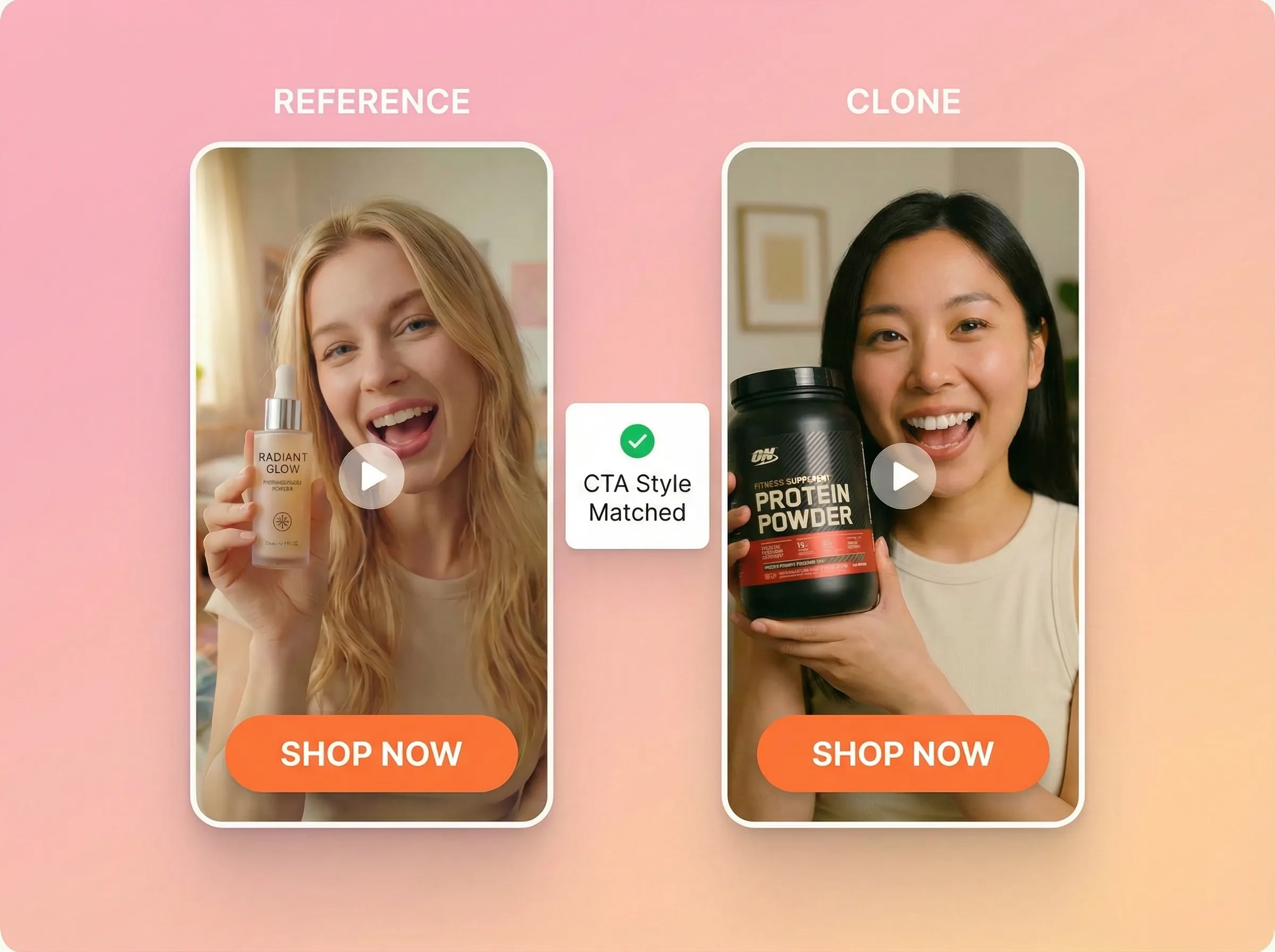
Describe your own product, offer, and closing beat in the prompt, then verify every claim before publishing.
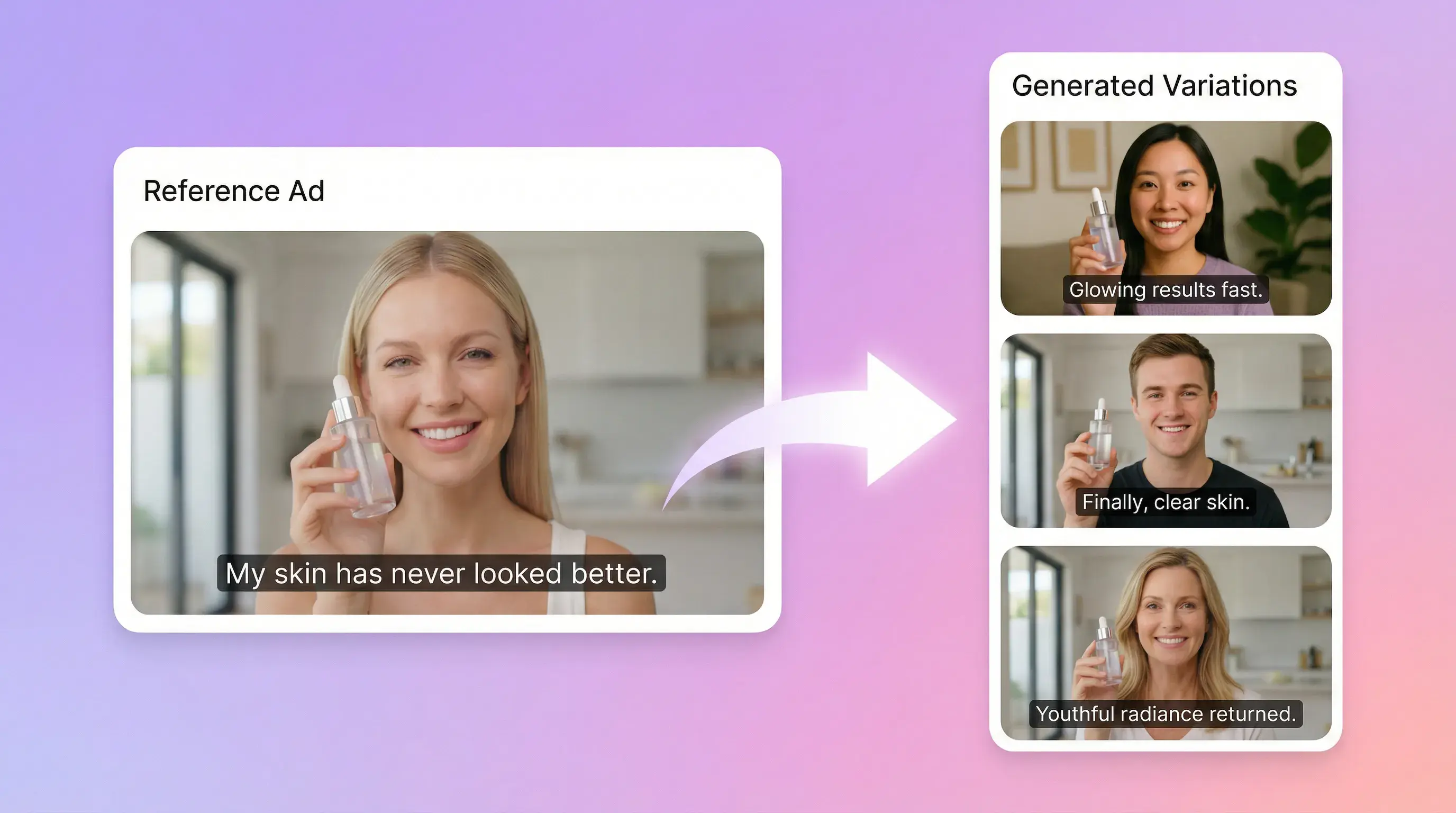
Reference-to-prompt workflow
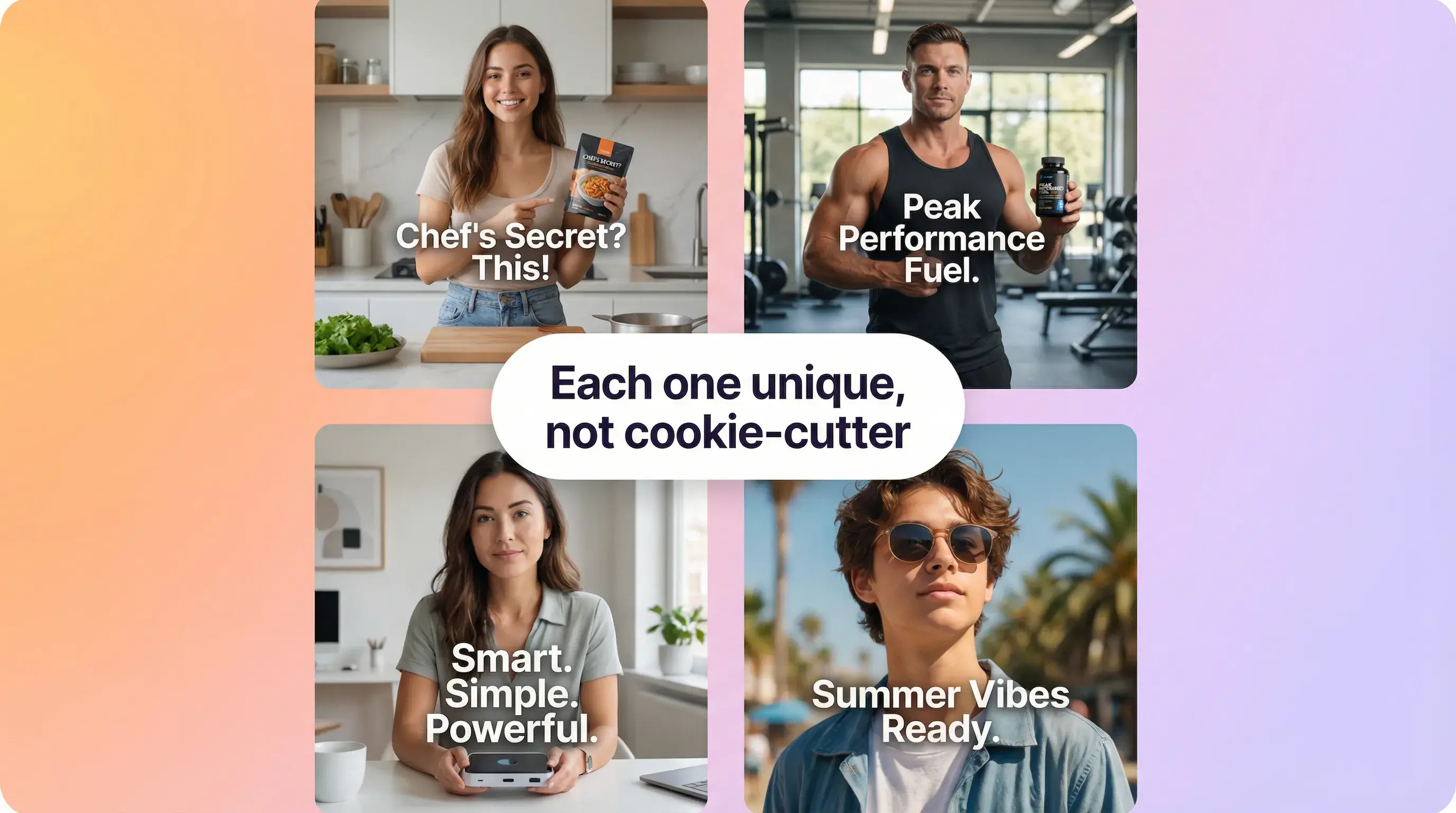
Reference image guidance
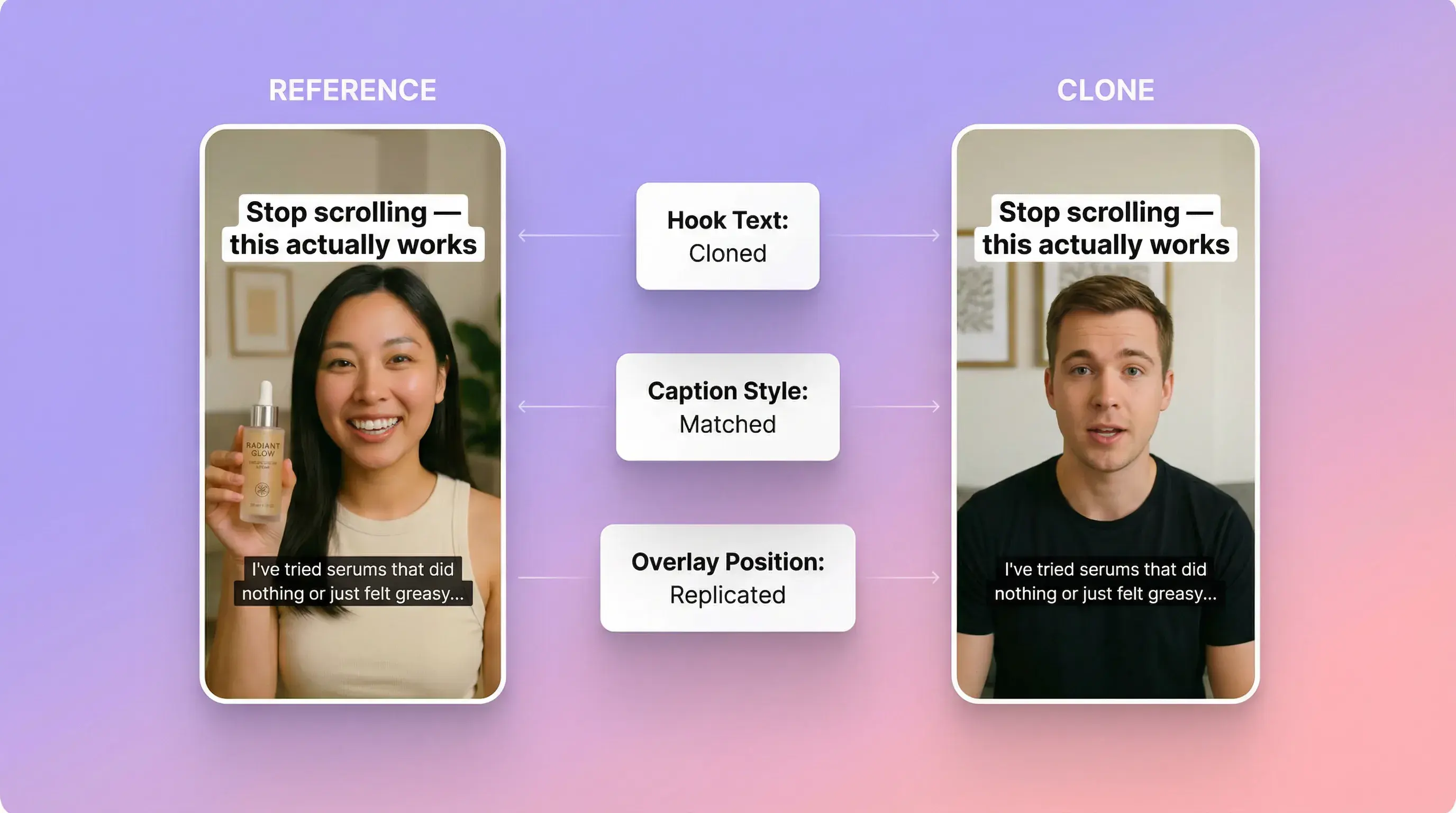
Editable creative brief
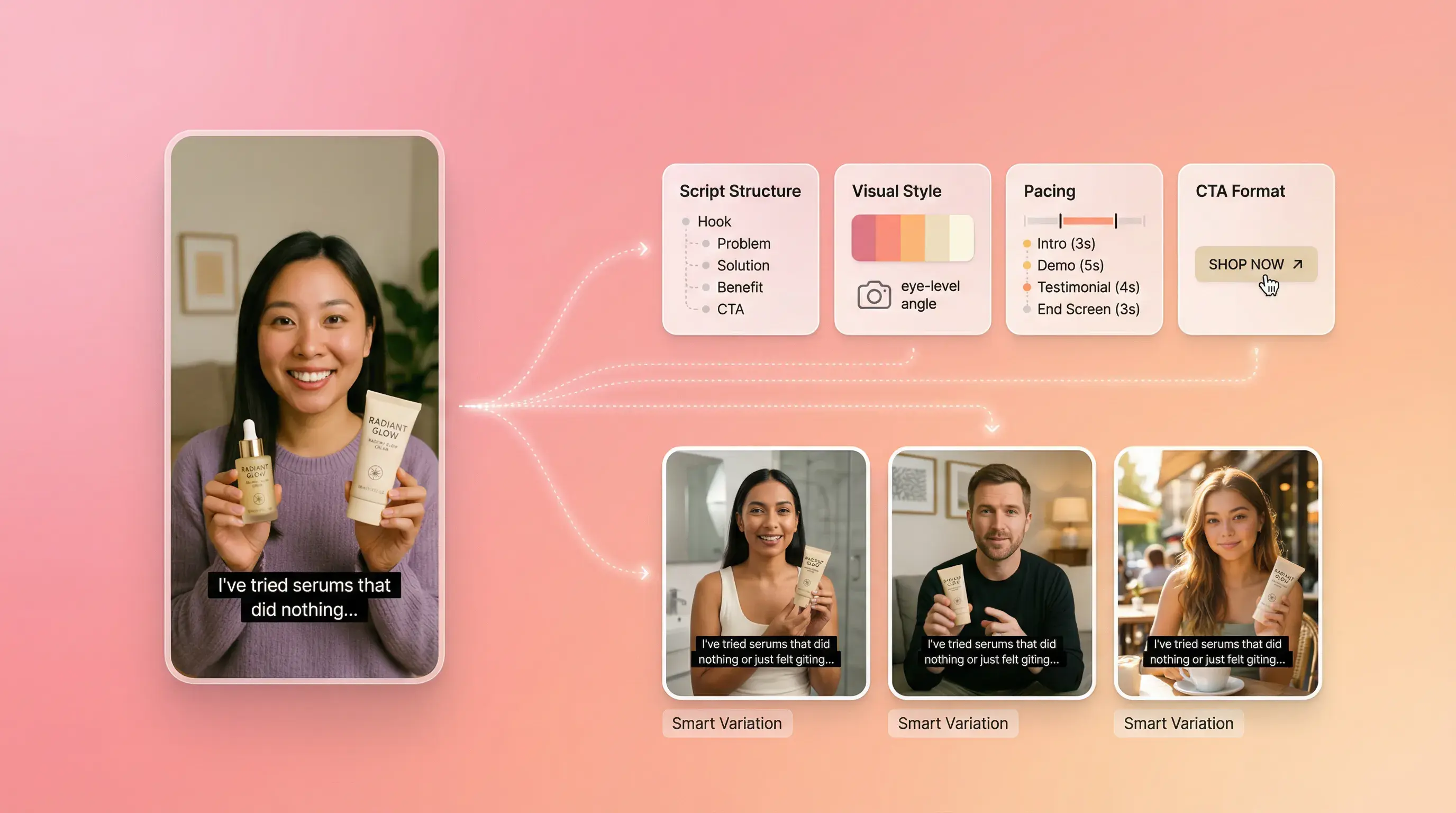
Generation and review
REFERENCE-LED VIDEO VARIATION
Availability, processing time, credits, and output quality vary by source and settings. Use authorized material and review every result before publishing.
SPEED + PERFORMANCE ITERATION
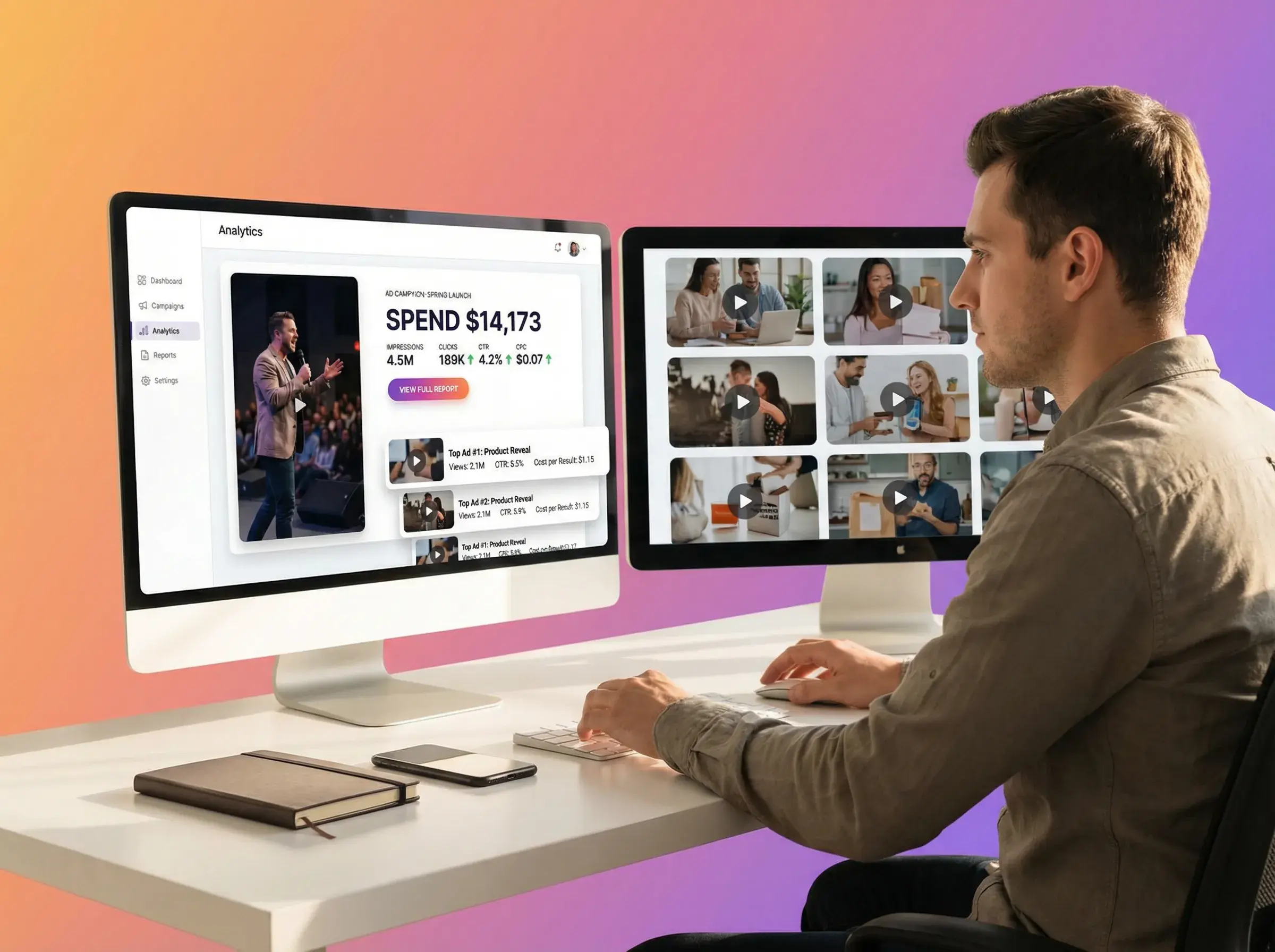
Ad Clone is designed for speed + performance iteration—not one-off "pretty videos."

Request 1–3 outputs from the same editable prompt, then review each generated result.
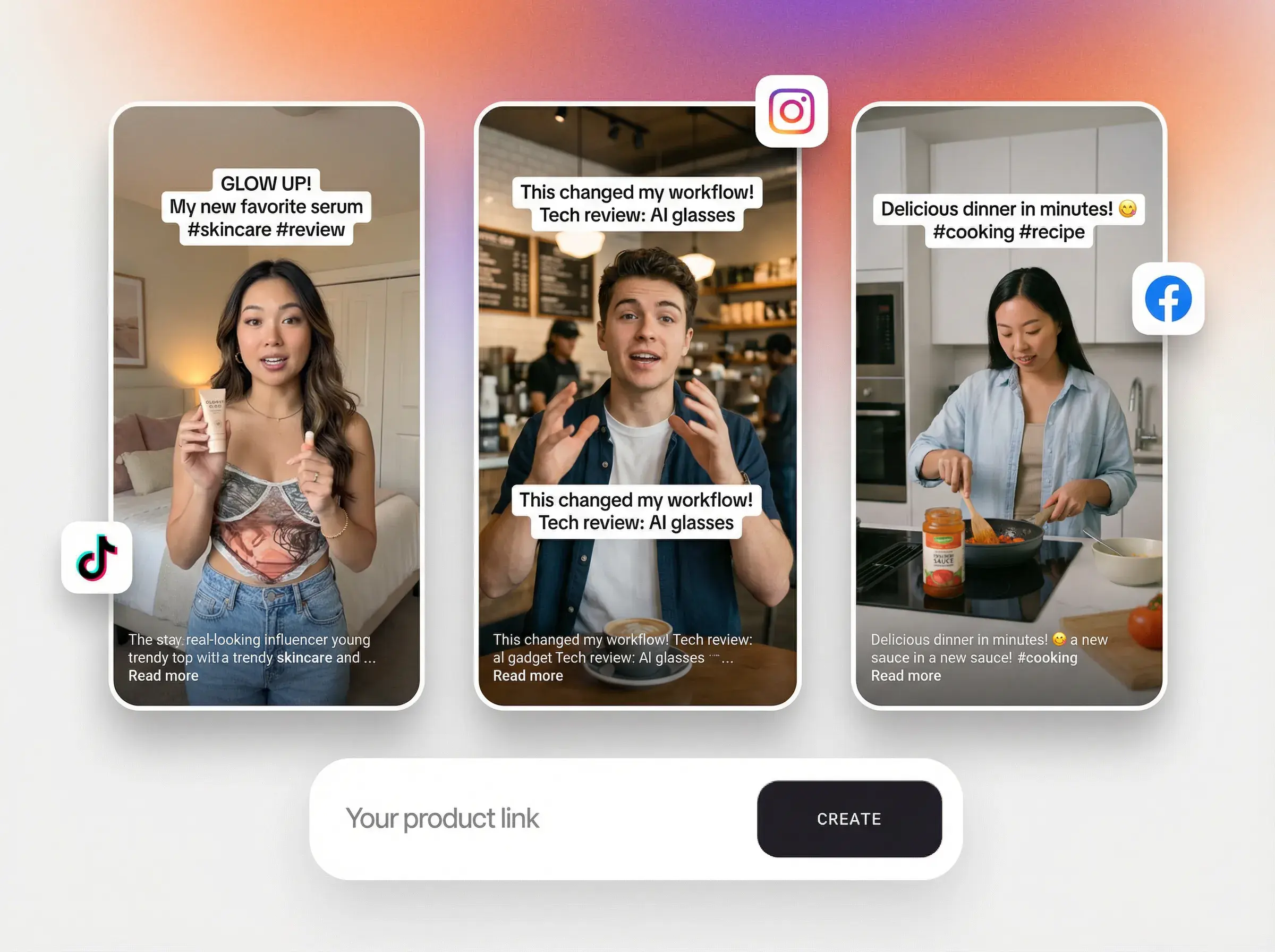
Edit the prompt between runs to test different products, messages, scenes, or CTA concepts.
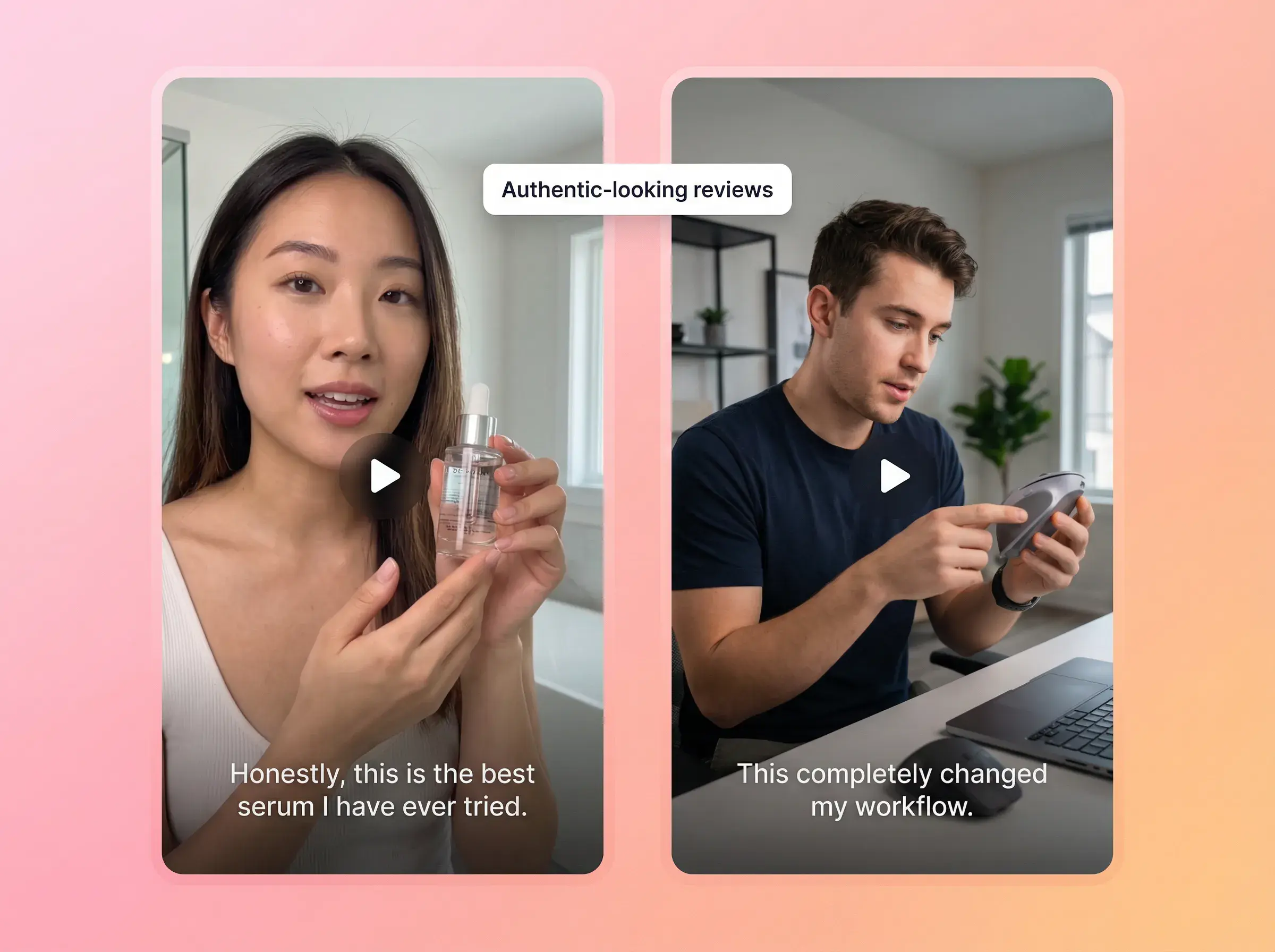
Choose 21:9, 16:9, 4:3, 1:1, 3:4, or 9:16 in the workspace, then verify destination requirements.
AD CLONE
A short-form video file or supported video link that you own or have permission to use. Link parsing and format availability depend on the source platform.
No. Ad Clone uses the reference to analyze style and structure and generate a new variation. AI output is probabilistic and may contain errors or artifacts. Review every result before publishing.
Yes. In the current workspace, you can request 1–3 outputs from the same editable prompt. To test different hooks, captions, or CTAs, edit the prompt or run additional generations.
The workspace supports 21:9, 16:9, 4:3, 1:1, 3:4, and 9:16. Check each output against the destination platform’s current requirements.
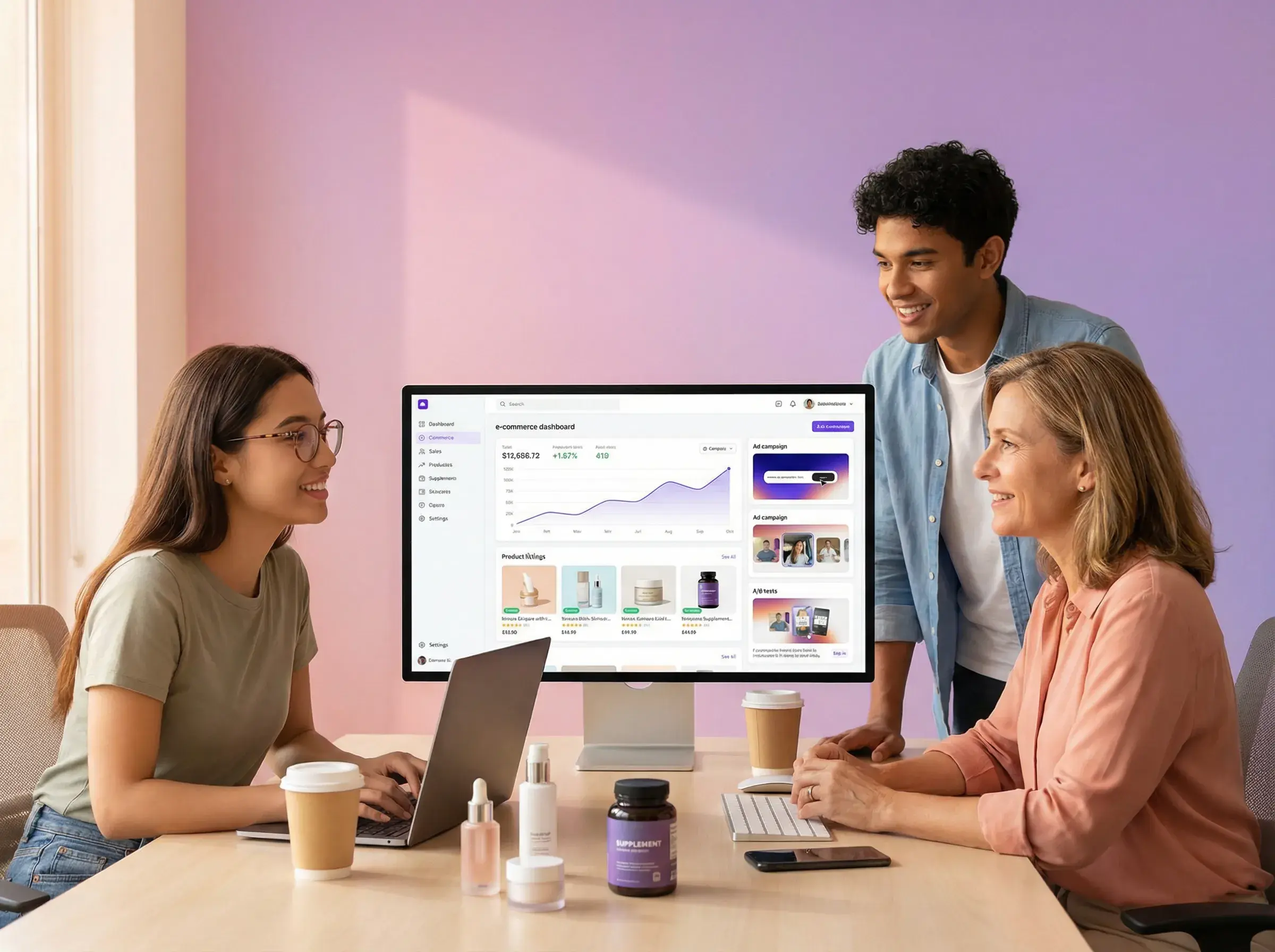
Yes. It is designed for e-commerce and performance-creative workflows that start from an authorized reference and can use multiple reference images of people, products, or scenes.
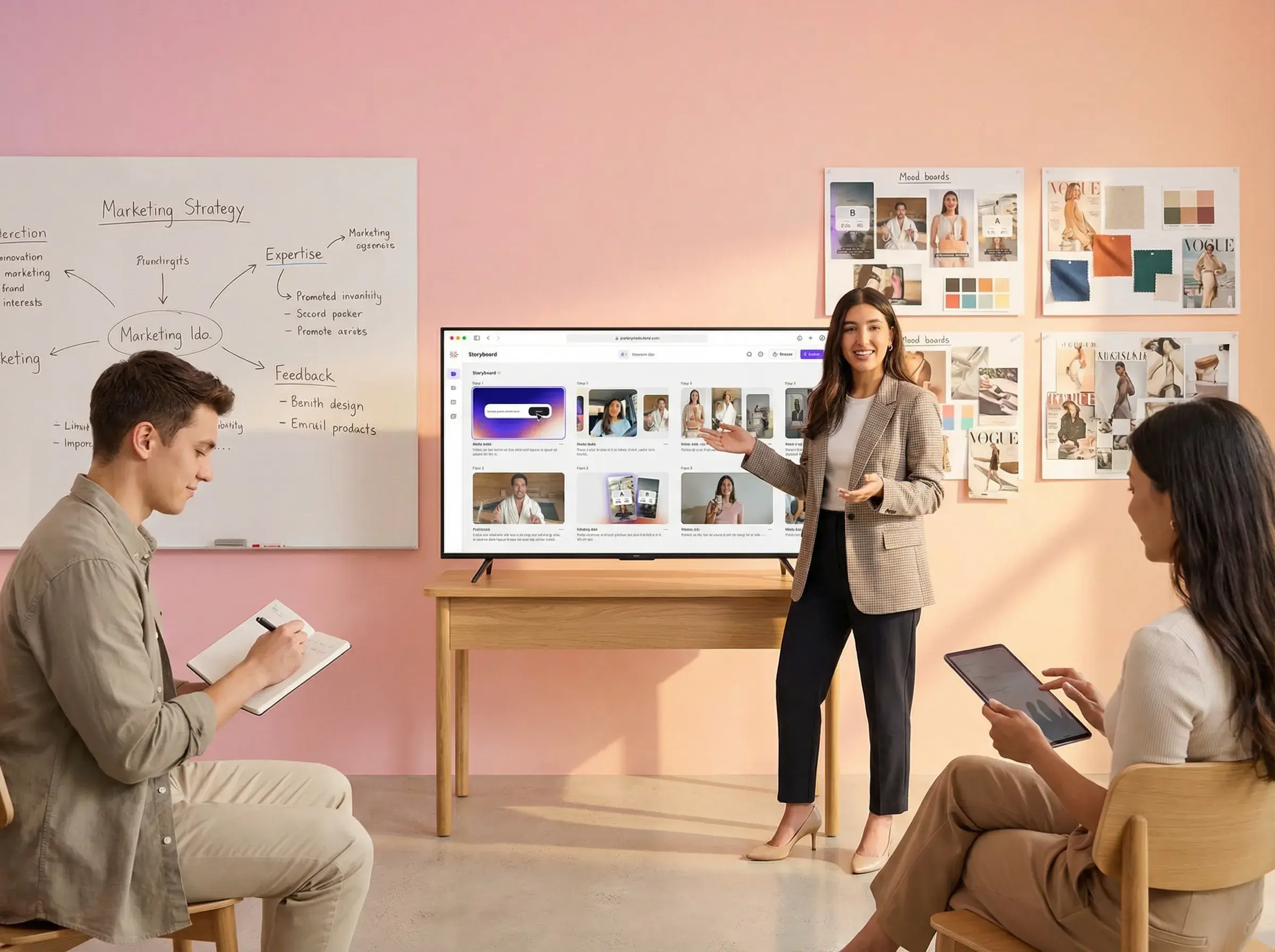
Analyze the structure, edit the generation prompt, and review each AI-generated result before publishing.
 AdsTurbo