Been running paid social for a few ecom brands the past 4 months, and I've tested way too many AI video tools trying to find the magic one that does everything.
Stopped doing that. Now I run a stack of 5 tools — each handles one job — and our ad output went from 5–6 variants/week to 30+, without the work feeling like slop.
Here's the stack and how it fits together.
1. ChatGPT / Claude — scripts and angle variations
Where every ad starts. I write the hook, the script outline, and 5–10 angle variations here before touching any video tool.
Pro tip: I feed it 3–4 winning ads from my swipe file as reference + a short brand voice doc. The output is way sharper than zero-shot prompts. The first version is usually mid; the second one after I tell it what's wrong is almost always usable.
2. Nano Banana Pro — clean product / hero images
My go-to for product shots and avatar-style setups. Way faster than firing up Photoshop or hiring a 1099 designer for a single image.
Pro tip: generate a clean product shot here first, then take that into a video tool to animate. Skipping the "good static input" step is where most AI video gets that off, kind-of-melted feeling. Garbage in, garbage out applies hard.
Downside: it doesn't do video itself. So pair it with something that animates.
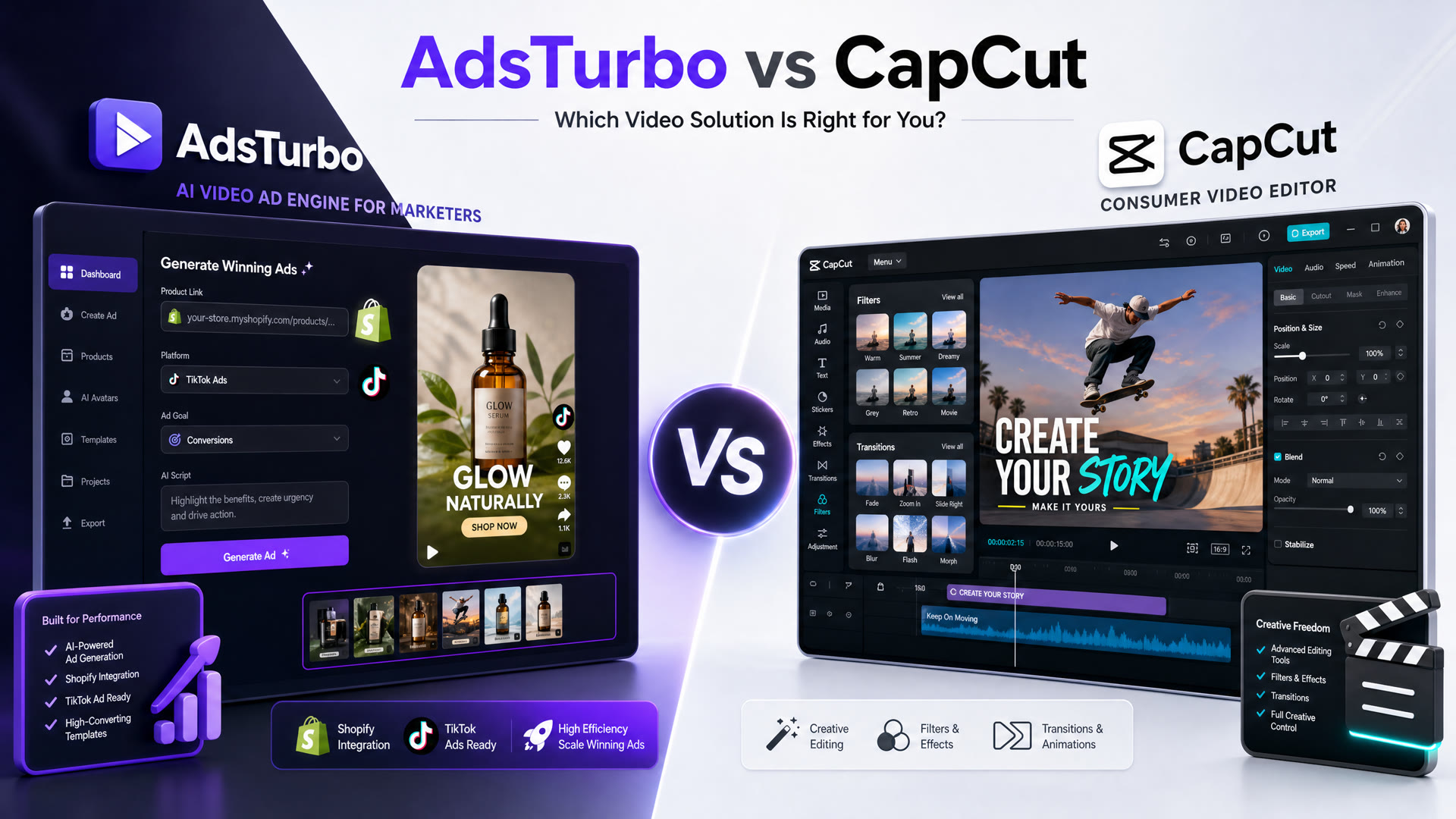
3. AdsTurbo — main ad creative loop
This is where most of our actual ad volume gets made. We use it for two things:
- Cloning a winning ad structure. Paste the URL of a competitor's ad (or our own past winner), and it spits out 5–8 variants with similar pacing/hook but different visuals. Last month I dropped in a 30-second TikTok ad that was crushing on a client account, got 6 variants in maybe 20 minutes, and 2 ended up in the active rotation.
- Turning a product page URL into a UGC-style video ad. Feed the product page, get a draft ad with avatar + script + visuals already roughed in. We use this mostly for new SKUs where there's no winning reference yet.
Pro tip: feed it a winning ad from your own backlog rather than someone else's — the cloning fidelity is way better when there's brand context. Generic competitor-clone outputs feel a half-step off.
Honest take on where it doesn't fit: took me a couple tries to figure out the prompt format for the ad clone feature. And it's not the tool I'd reach for if I needed an original cinematic shot from scratch — it shines on iterating on existing winners, way less on greenfield creative. For that I use #4.
4. Runway — from-scratch cinematic shots
When AdsTurbo can't pull it because there's no winning reference yet — like a brand-new product launch with no ad backlog — Runway handles the from-scratch cinematic shot.
I use it sparingly. Output quality is great but credits drain fast, and honestly the cinematic look isn't always what scrolls best on TikTok or Reels. Most of my testing volume runs through AdsTurbo + a CapCut polish, and the more "edited together by a human" feel actually performs better for cold audiences.
Generation time is also slow vs anything that runs on a structured input (URL, image, existing ad).
5. CapCut — final stitch and polish
The boring but essential last step. I stitch AI-generated b-roll with any real footage, drop on captions, music, and the standard 3-second hook overlay.
Pro tip: auto-captions are decent but always proofread them. They hallucinate brand names. Lost a campaign once because the captions said the wrong product name through the whole video. Embarrassing, very on-brand for AI workflows in 2026.
The Actual Workflow
| Step | Tool | Output |
|---|---|---|
| Scripting | ChatGPT / Claude | Script + 5 angle variations |
| Static Assets | Nano Banana Pro | Clean product shot |
| Creative Loop | AdsTurbo | Main ad creative loop (Clone winner or UGC) |
| Extra Shots | Runway | From-scratch cinematic shots (if no winner) |
| Final Polish | CapCut | Stitching + captions + final polish |
The bottleneck is almost never the AI side anymore. It's deciding which 3 of the 30 variants to actually run, and reading the data fast enough to kill the losers before they eat budget.
Curious what everyone else's stack looks like — especially if anyone's found a better workflow for the "clone a winner and iterate" loop. That's the part where I still feel like I'm missing something.
Just sharing what's been working for us, not affiliated with any of these tools.