AI Actor
About this actor
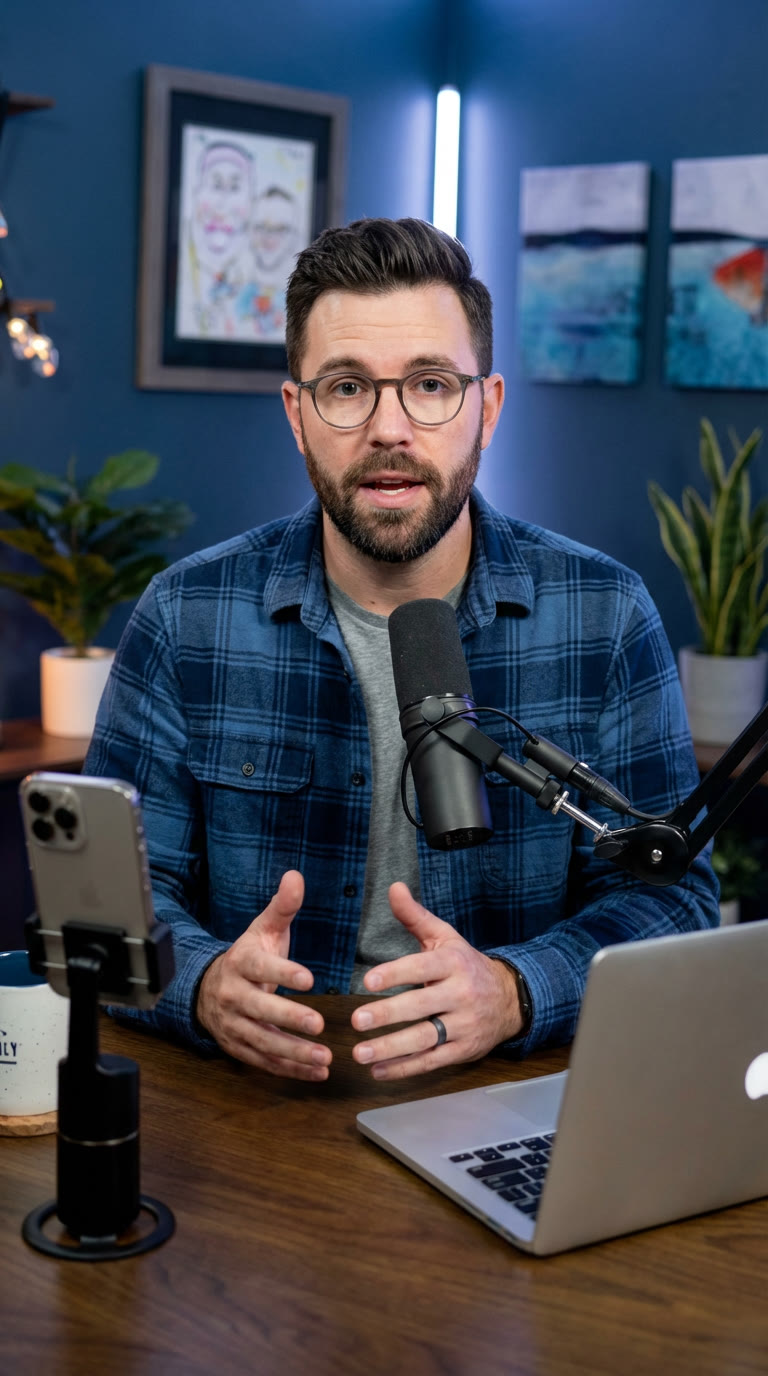
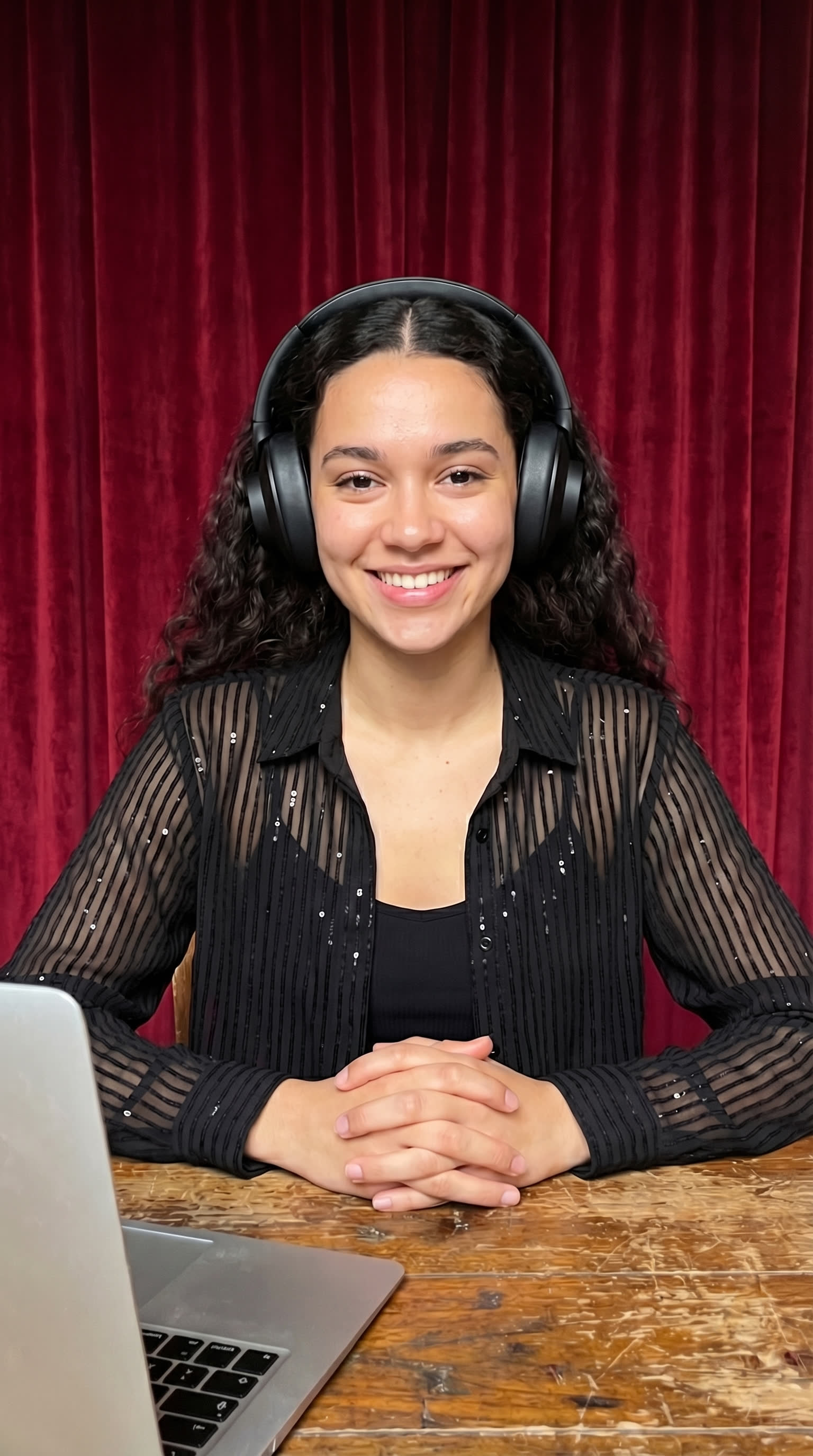
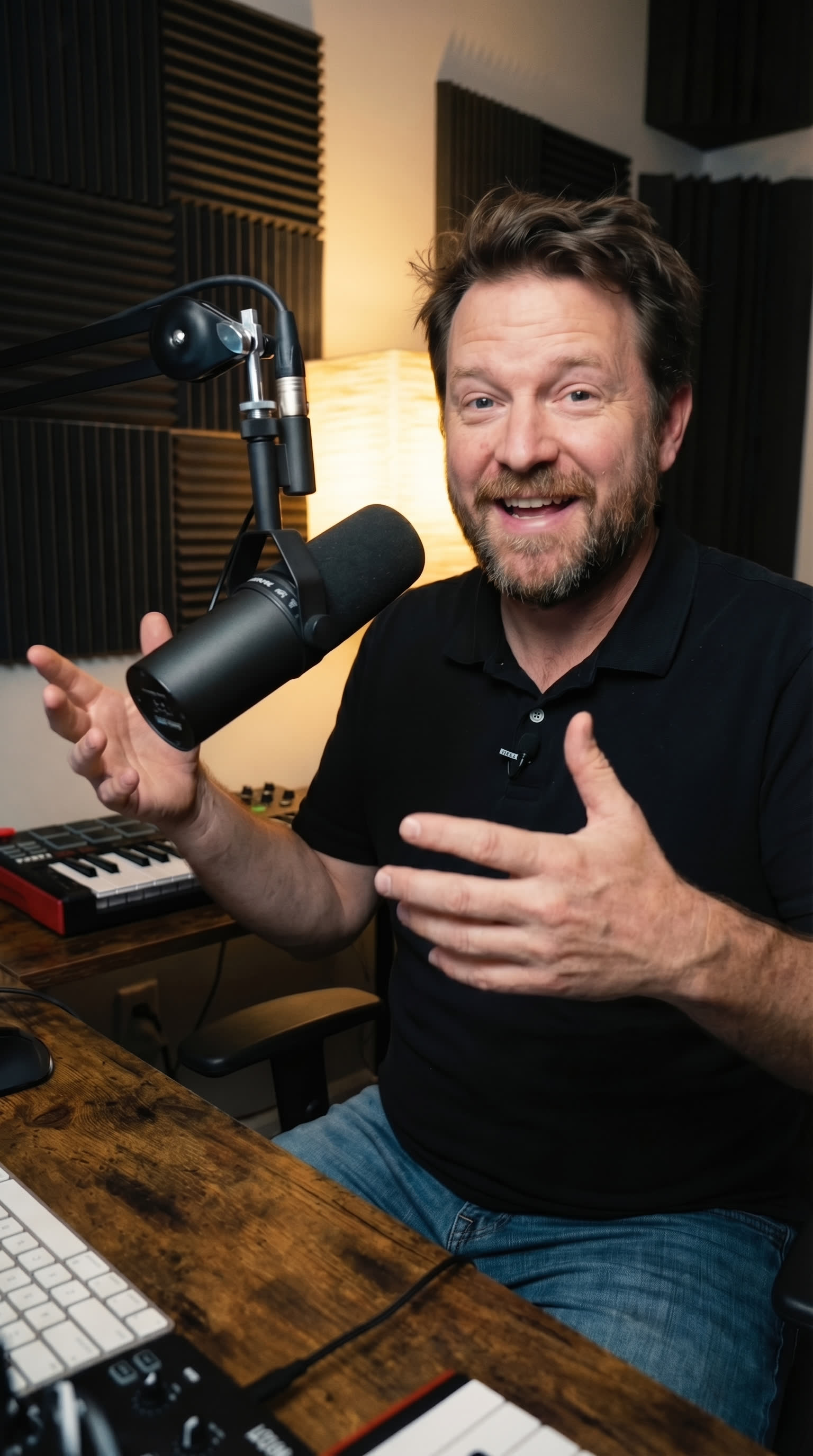
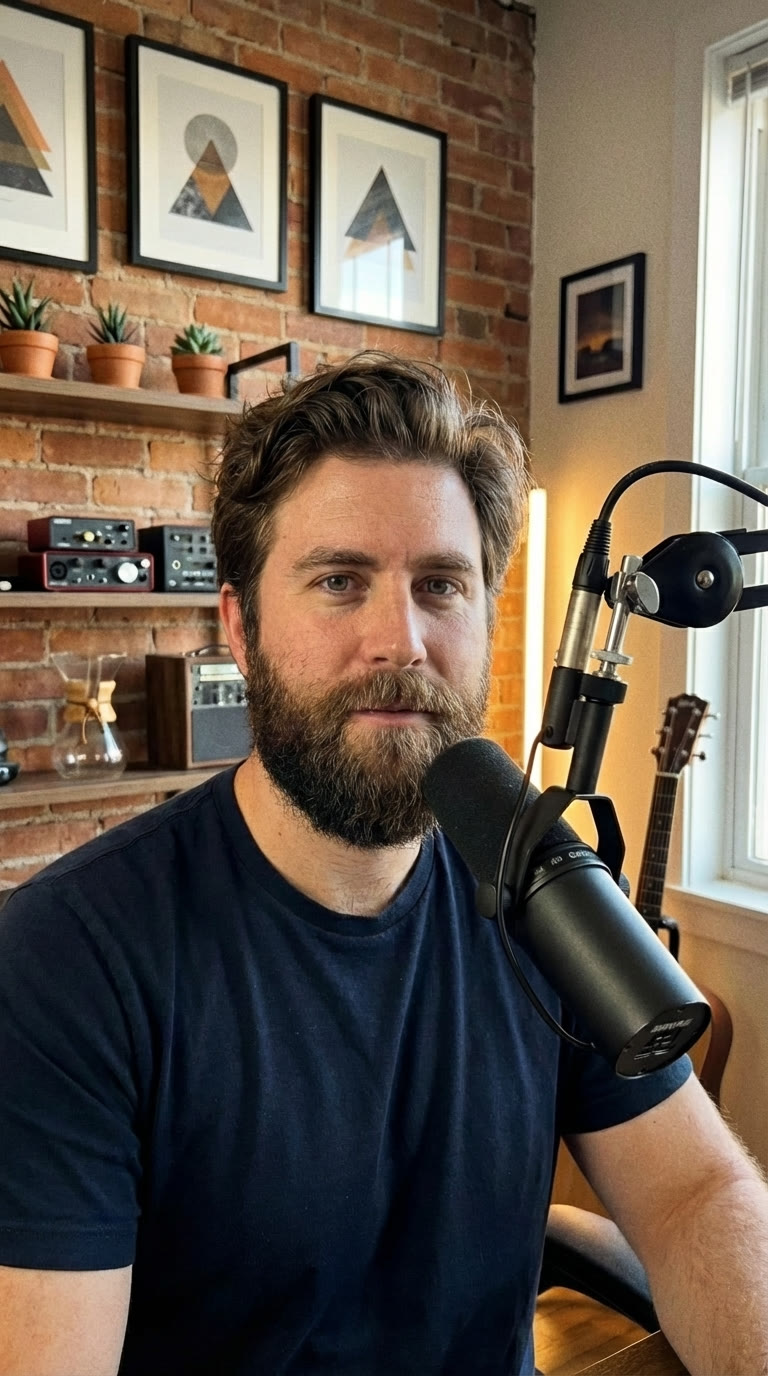
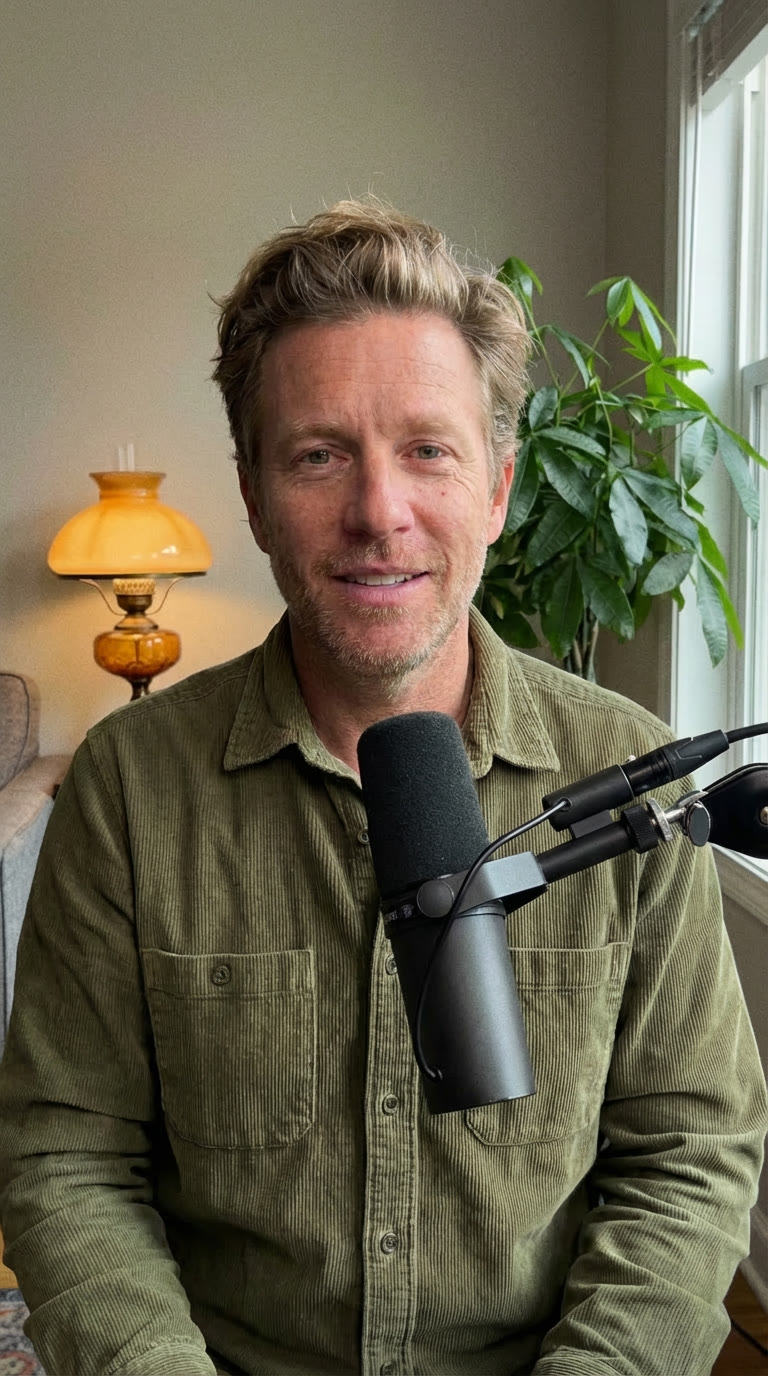
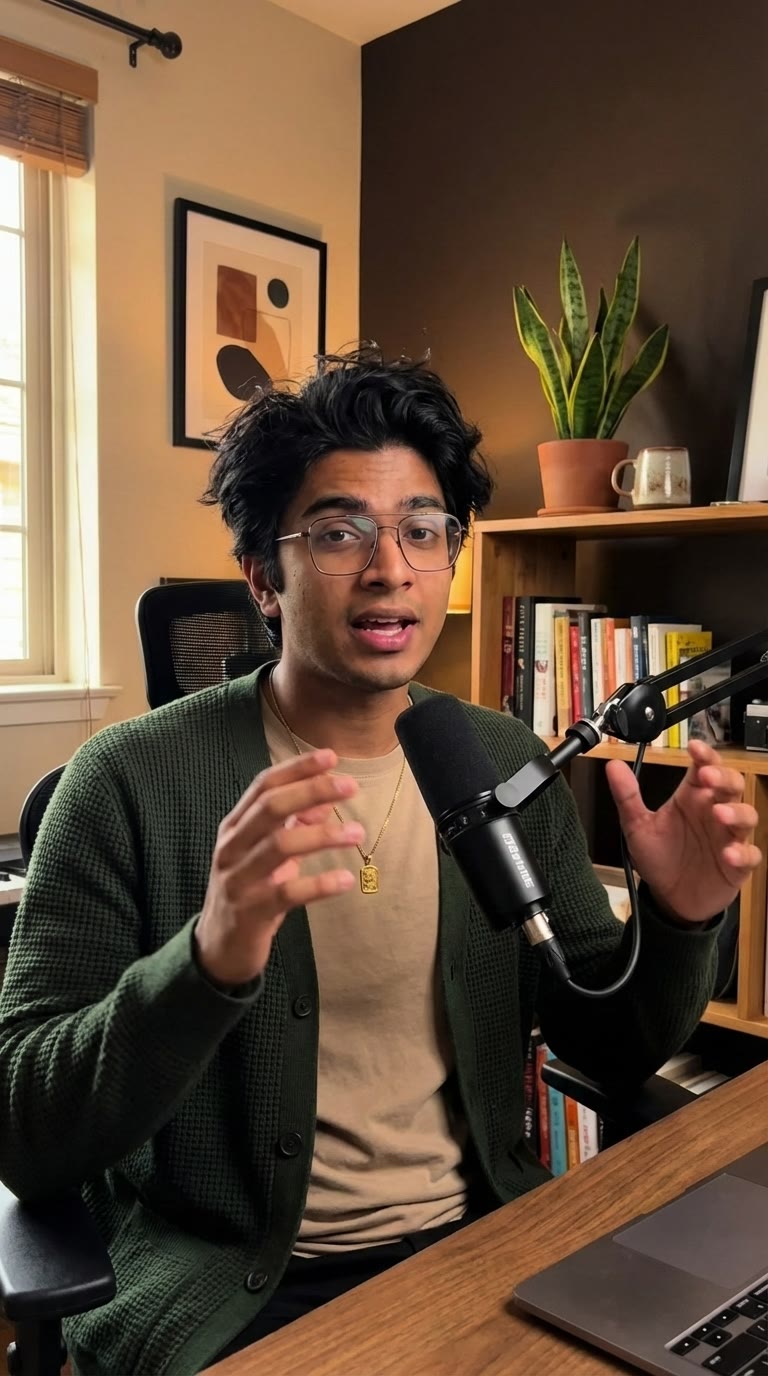
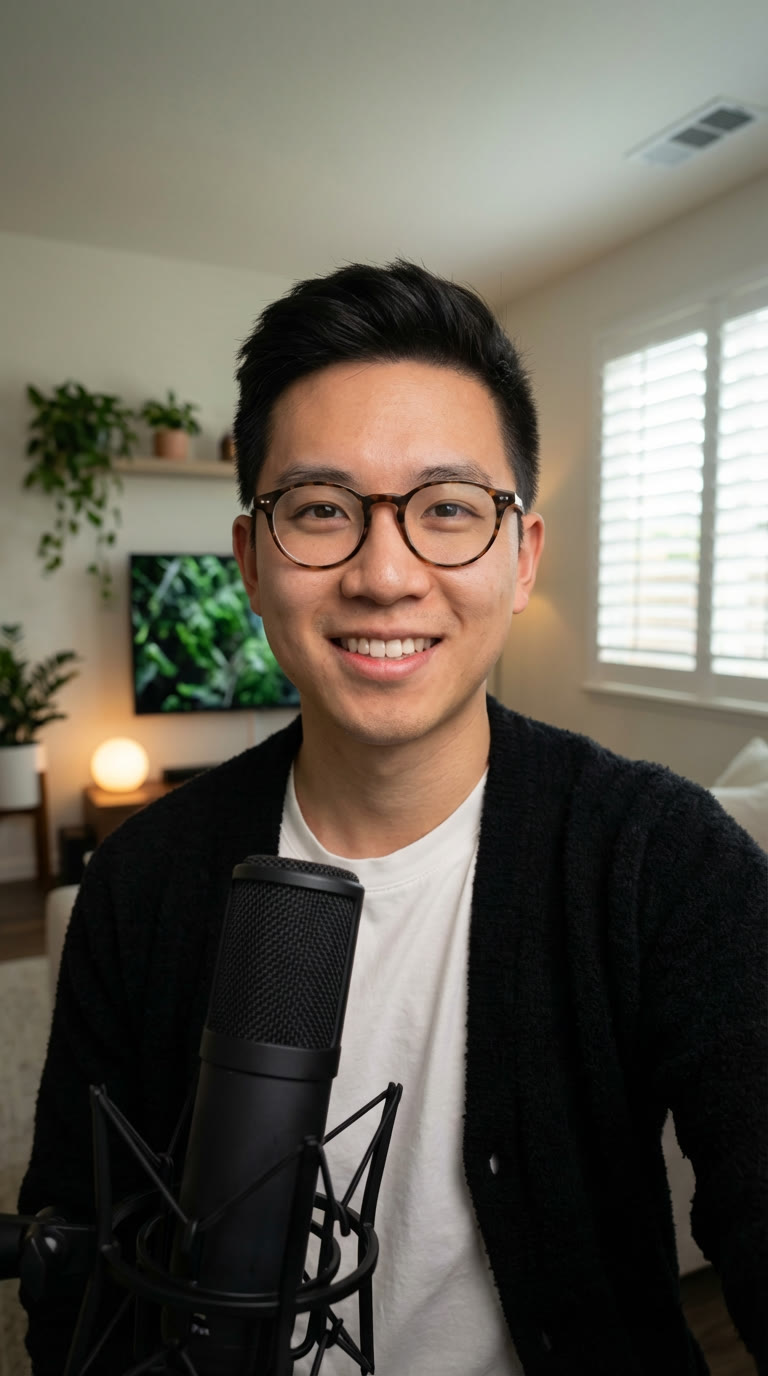
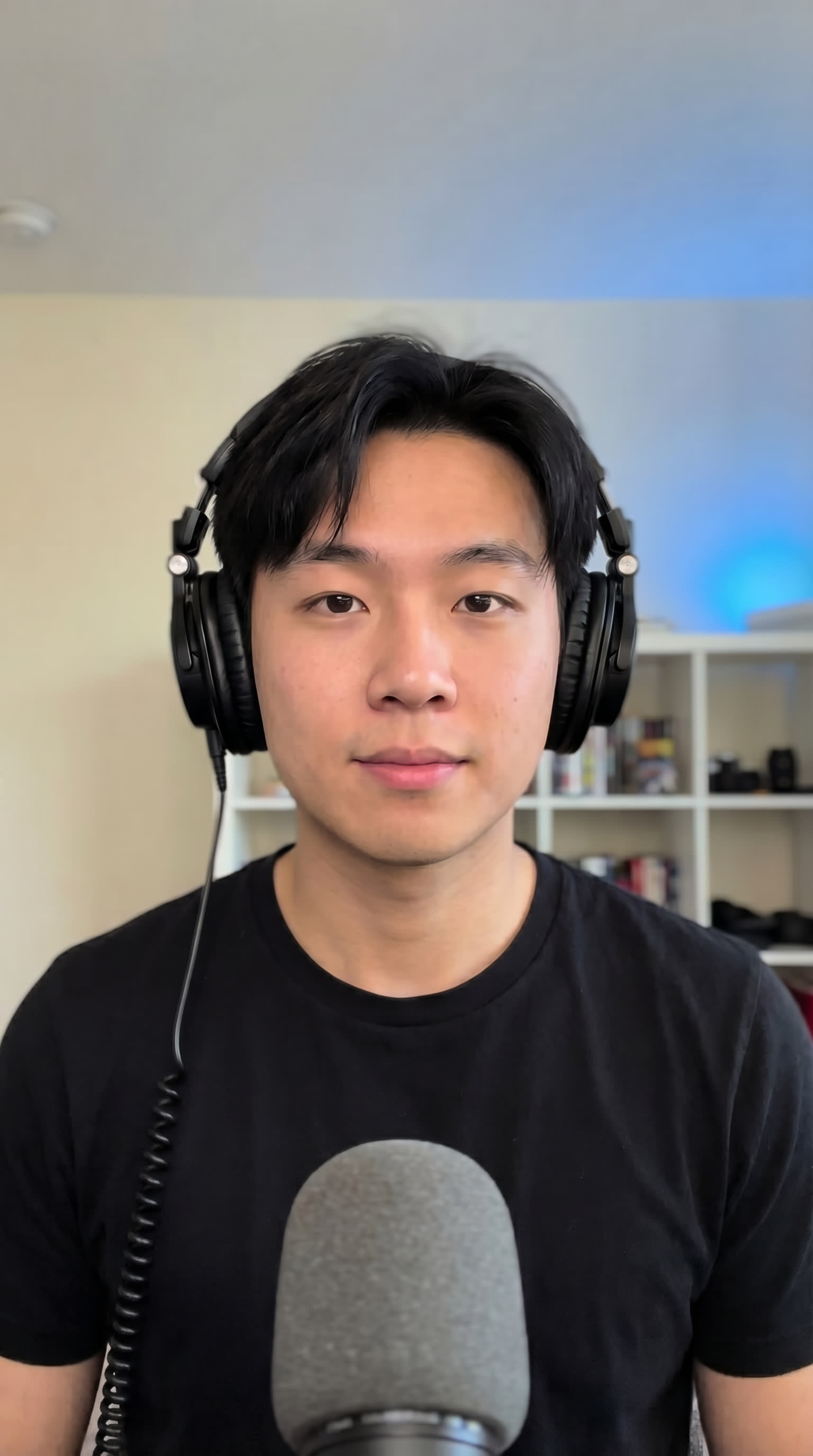
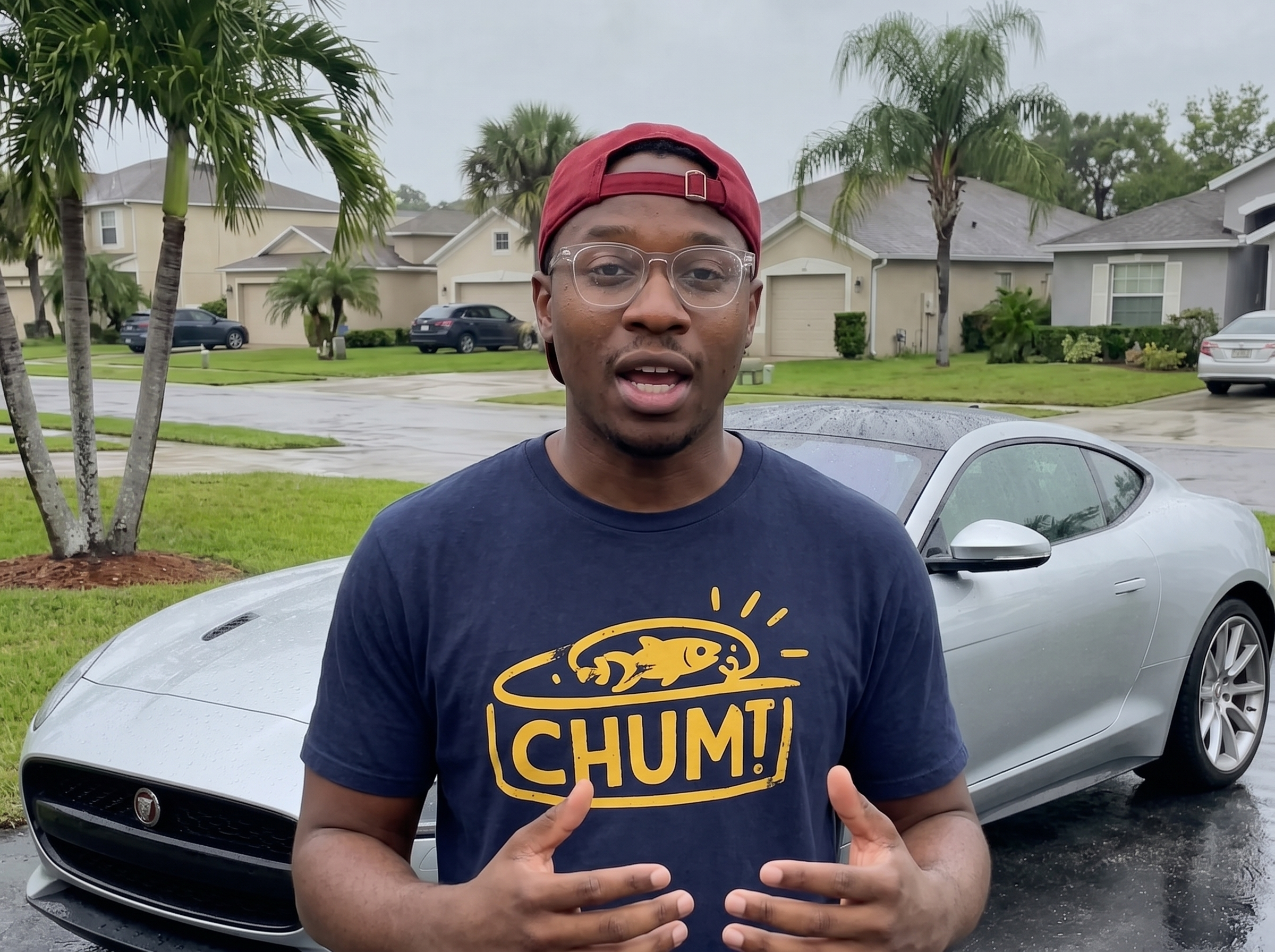
Muse is a realistic AI actor designed to bring the authentic energy of a modern podcaster and content creator to your video campaigns. As a young adult Black male character, he excels at delivering engaging, direct-to-camera dialogue that feels natural and relatable for digital audiences.
With his expressive gesturing and medium-shot framing, Muse is built for dynamic storytelling. Whether he is reviewing the latest gadgets or breaking down complex topics, his on-camera presence captures attention instantly.
- Tech & Gadget Reviews: Ideal for showcasing software features or unboxing new devices.
- Educational Content: Perfect for explaining concepts clearly in e-learning or tutorial videos.
- Media & Entertainment: Great for podcast-style clips, channel promos, and creator-led storytelling.
Best use cases
- Outdoor tech and SaaS product demonstrations.
- On-the-street educational interviews and tutorials.
- Urban street-style entertainment and media promotions.
Looks
Creative planning examples
1 production direction organised by Muse's real industry tags.
TikTok · Tech & SaaS
Tech gadget UGC demo
An outdoor UGC-style demonstration featuring Muse in a casual navy blue printed T-shirt. This setup uses a natural street environment to showcase mobile apps or everyday tech gadgets.
Sample scripts
Editorial sample structures (Hook / Demo / CTA), collapsed by default.
01
TikTok
Tech gadget UGC demo
HOOK
I just found the ultimate app for organizing my podcast notes while I'm on the go.
DEMO
Instead of juggling three different tools, this platform syncs everything right to my phone. You just snap a picture of your ideas, and it automatically categorizes them for your next episode.
CTA
Tap the link below to try it out for your own creative projects today.
Frequently asked questions
01Is Muse a real person or an AI actor?
Muse is a 100% AI-generated actor, not a real person. Using a realistic AI character allows you to produce high-quality video ads at scale without the logistical challenges of booking human talent, scheduling shoots, or renting studio space.
02How do I make a video with this AI actor?
Simply open the AdsTurbo workspace, select Muse from the actor library, and input your script. You can then pair him with your product images, backgrounds, and voiceovers to generate a complete video ad in minutes.
03What are Looks?
Looks are pre-designed combinations of outfits, scenes, and aspect ratios available for an AI actor. They provide a quick starting point so you can match the character's visual style to your specific campaign needs.
04What do the creative planning examples on this page represent?
The cards and scripts shown here are editorial production directions meant to inspire your campaigns. They are creative examples of how to use the actor for different platforms and industries, not fixed attributes of the AI model itself.