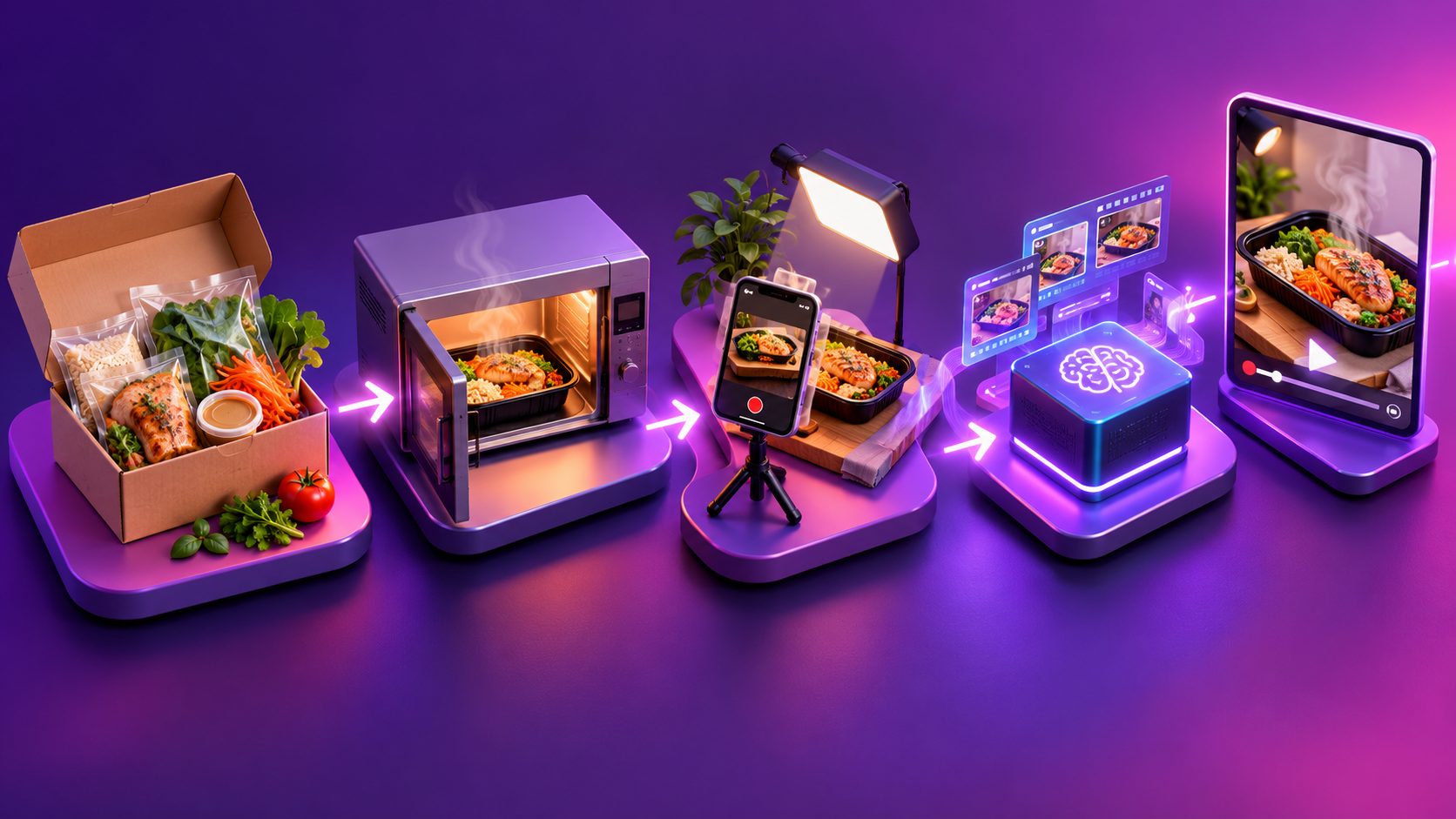
Mandoline Slicer Macro Video Ad: A 15-Second Script

Summarize with
Summary
Build a mandoline slicer macro video ad with a 15-second script, real slicing proof, and an AI editing workflow. Plan your first creative.
By adsturbo.ai | Published 2026-10-26 | Updated 2026-10-26
A mandoline slicer macro video ad should show a clear cutting action, reveal the resulting slices, and finish with one reason to explore the product. Use real footage for performance evidence and AI for supporting creative work. The 15-second storyboard below turns that distinction into a practical production plan—not a promise of conversion results.
What should the ad prove?
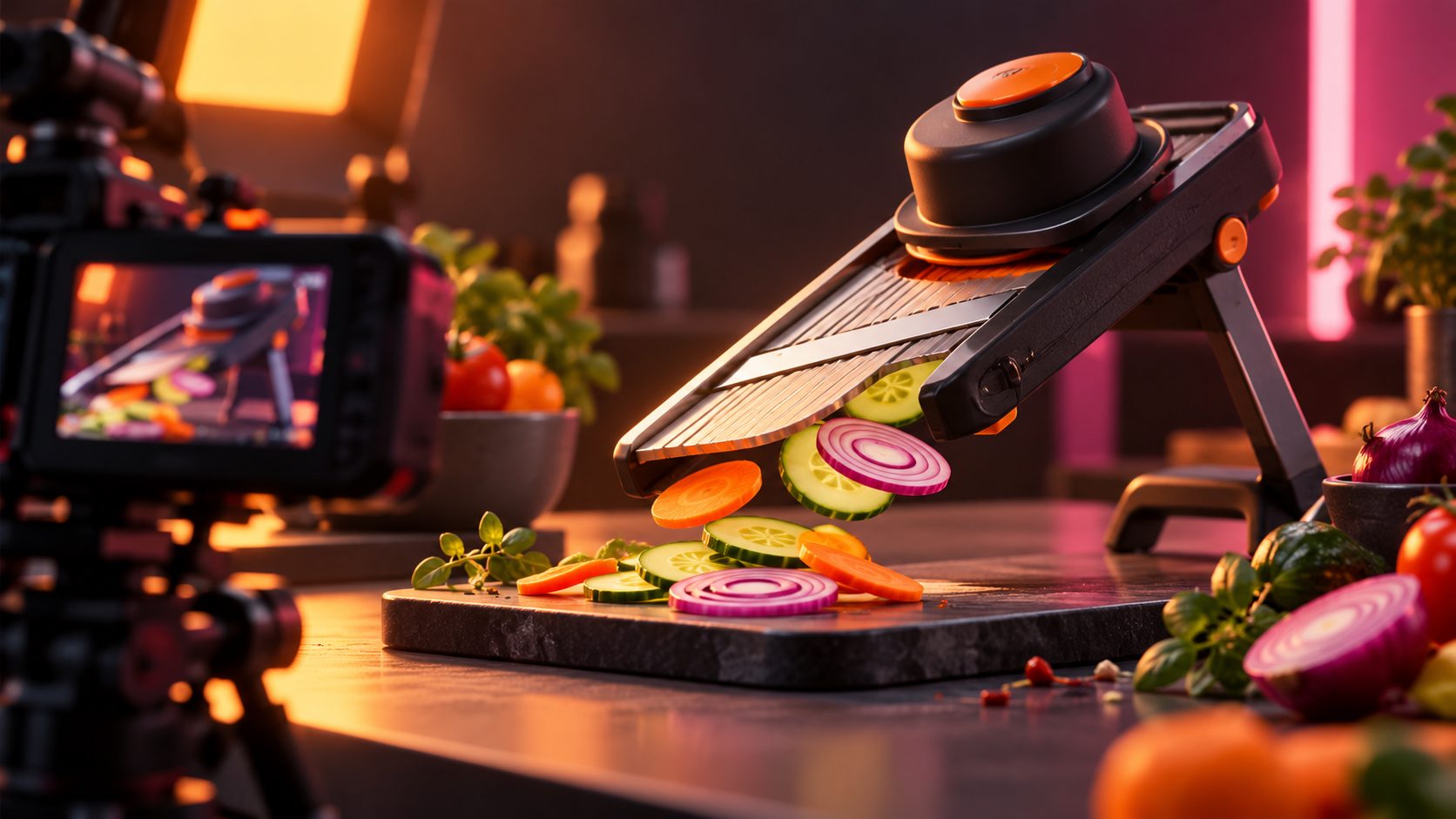
The ad should connect the cutting action to the finished result. A blade close-up establishes the mechanism; a continuous slicing shot demonstrates operation; a side view of the resulting slices lets shoppers inspect their appearance. Treat these as three separate jobs rather than assuming satisfying footage proves everything.
Existing mandoline demonstrations emphasize operation and slicing results. Food Network, for example, presents a demonstration focused on using a mandoline to produce slices while avoiding finger injuries. (foodnetwork.com)
For this creative, use an original Action–Evidence–Offer framework:
- Action: Show the actual product cutting the selected ingredient.
- Evidence: Show the slices produced during that take.
- Offer: Explain the next step without introducing another unproven claim.
This is a proposed production framework, not a tested performance finding. Its central rule is simple: the result shot must belong to the demonstration, not to a different slicer or an AI-generated substitute.
What is a usable 15-second script?
Use one ingredient, one demonstrated setting, and one CTA. The proposed script allocates eight seconds to the cutting action and resulting slices, giving the product demonstration more space than the introduction. Adapt the wording to the actual model and footage.
| Time | Picture and camera direction | On-screen text | Audio |
|---|---|---|---|
| 0–2 seconds | Tight side angle: first guarded cucumber pass | “Watch the slice.” | Recorded slicing sound |
| 2–5 seconds | Continuous close-up of several passes; holder remains visible | “One setting. Same cucumber.” | Natural sound continues |
| 5–8 seconds | Show slices from that take edge-on, then fan them out | “See the results.” | Optional: “A closer look at everyday prep.” |
| 8–11 seconds | Wider view of the actual slicer and its setting control | Verified feature, such as “Adjustable thickness” | Read the verified feature |
| 11–13 seconds | Transfer those slices into a salad bowl | “Ready for your next salad.” | Quiet music bed |
| 13–15 seconds | Product, brand, and a single CTA | “Explore the slicer” | Optional spoken CTA |
For a mandoline slicer macro video ad, avoid opening with a logo animation. In this storyboard, the product’s action is the introduction.
How do you capture convincing macro footage?
For this shoot, prioritize a readable cutting plane over extreme magnification. Frame the ingredient, blade area, holder, and falling slice clearly enough that a viewer can follow what happened. Reserve the closest beauty shot for the finished slices rather than obscuring the operating method.
Use this capture sequence:
- Prepare the actual SKU. Match the product shown to the listing.
- Set one thickness. Record the control position before filming.
- Position the camera outside the operating path. Move the camera—not the operator’s hands—to improve visibility.
- Try soft side lighting. Adjust it until the slice edges remain distinguishable.
- Record a continuous demonstration. Then capture its output separately.
- Record clean sound. Keep a take without music for the edit.
Follow the instructions supplied with the exact model. OXO’s mandoline instructions, for example, explicitly require its food holder; its V-blade guide also specifies model-specific blade handling and cleaning procedures. Do not remove a guard for a more dramatic shot. (oxo.com)
How can you show even slices without overstating precision?
Show the actual output and limit the claim to what the footage establishes. A fan of overlapping slices is a presentation shot, not a thickness measurement. If you want to advertise a numerical result, collect measurements separately and describe the method rather than inferring precision from appearance.
A suggested internal check—not a completed test—is to:
- Retain ten consecutive slices from one recorded take.
- Note the ingredient, model, and setting.
- Photograph the slices edge-on beside a scale.
- If measuring, document the instrument and measurement location.
- Keep irregular pieces in the evaluation rather than selecting only attractive examples.
Avoid “perfect every time” and “identical slices” unless you have adequate supporting evidence. Even a measured batch should not become a universal promise.
For a related approach to separating attractive detail from demonstrable evidence, use the product authentication macro-video framework.
Where should AI fit in the production workflow?
Use AI to develop and adapt the creative, while reserving real footage for the performance demonstration. A generated image of a blade cutting vegetables should not serve as evidence that the advertised product produces that result. Keep the evidence layer and presentation layer distinct.
A practical workflow with AdsTurbo is:
- Prepare product assets. Product Video accepts JPG or PNG product images up to 10 MB, with optional selling points and promotional information.
- Build supporting scenes. Use product-video generation for introductions or presentation shots, reviewing product fidelity before use.
- Work from authorized references. Ad Clone can reconstruct script structure, pacing, shot logic, and CTA structure.
- Keep real cutting footage in the edit. Use Clip by Clip editing to work through individual segments.
- Add captions and localization. Video Subtitle generates time-synchronized captions; AdsTurbo also provides video translation.
These capabilities are supplied brand specifications, not results from an independent product test. Start with the AdsTurbo creative tools and choose only the functions your storyboard needs.
What prompt and review checklist should you use?
Write prompts around observable appearance, not invented performance. Describe the real product’s color, shape, controls, and setting, then specify the supporting scene. Keep the real cutting sequence outside the generative brief so that an attractive simulation does not accidentally replace your evidence.
Suggested supporting-scene prompt:
Create a vertical kitchen product presentation using the supplied mandoline slicer image. Preserve its silhouette, color, blade layout, controls, and branding. Show the stationary product beside cucumber slices on a neutral counter. Use soft side lighting and a slow camera push. No cutting action, added accessories, invented labels, or performance claims. Leave space for captions.
Before publishing, check:
- Does the slicer match the actual SKU?
- Are all demonstrated features present on that model?
- Are hands and the holder depicted appropriately?
- Do the result shots come from the recorded demonstration?
- Does the CTA match the destination page?
For broader fidelity checks, consult the ecommerce video-quality review guide.
Frequently asked questions
Can the whole ad be AI-generated?
A presentation concept can be generated, but do not treat simulated cutting as verified product performance. This workflow recommends a hybrid: real slicing evidence with generated supporting scenes.
Which ingredient should appear first?
Choose one your actual model handles according to its instructions. Cucumber is the storyboard example, not a claim that every mandoline works equally well with it.
Should the slicing footage be sped up?
Keep the evidence segment at its recorded speed. If you use slow motion or time compression elsewhere, label it clearly and avoid implying a measured prep-time advantage.
What should you test first?
Test one opening variable: blade-level action versus finished slices. Keep the remaining footage, offer, audience, and landing page consistent. Treat results as campaign-specific rather than proof of a universal winning hook.