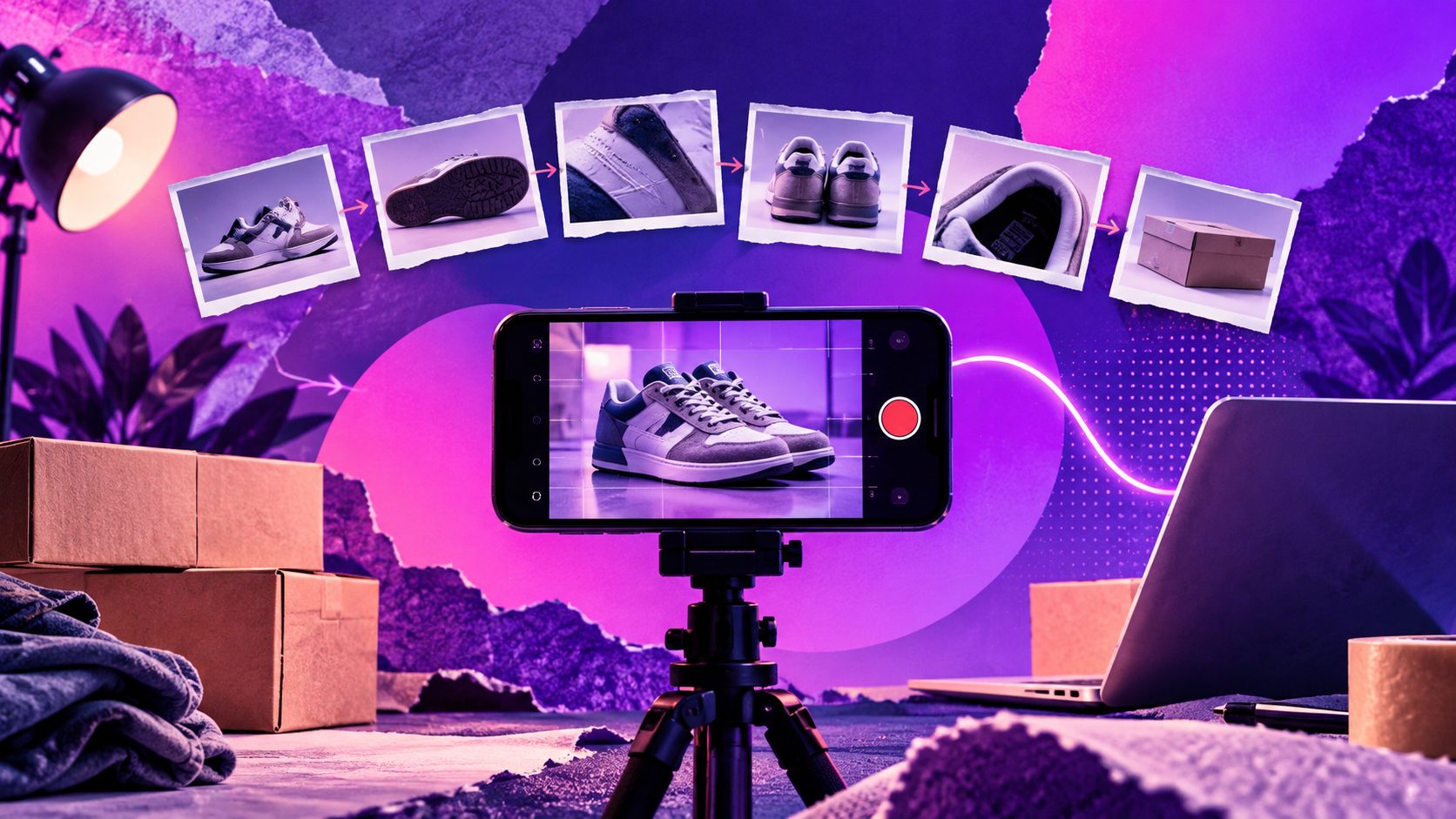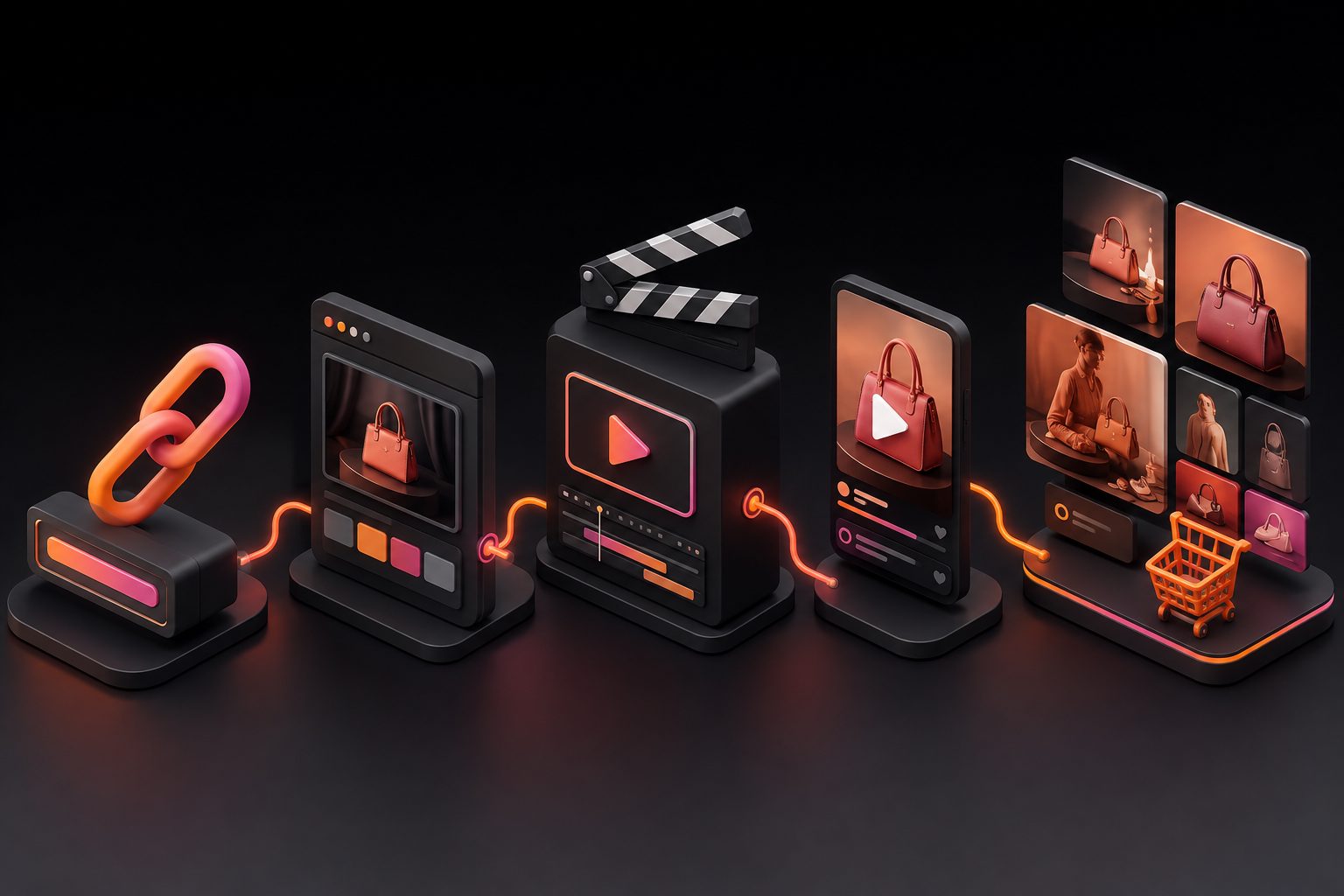
Short answer: Several AI tools turn a product page into a video ad: Creatify (URL to video plus batch mode), Topview (link to video), Tagshop AI (low-cost URL to video) and AdsTurbo (URL to Video for Amazon, Shopify, TikTok Shop and app-store pages, with 10 creative modes). Paste a public product URL, check the extracted details, pick a creative angle, and generate a short vertical ad you can test the same day. Judge a tool by how accurately it reads your page and how many distinct concepts you get per link.
Disclosure: AdsTurbo makes one of the tools below. Competitor facts come from their public pages, checked October 15, 2026.
What "URL to video" actually does
A URL-to-video tool:
- Fetches a public product page.
- Extracts the product name, description, specs, price, selling points and images.
- Writes a script around a creative angle (UGC talk, demo, before/after and so on).
- Generates visuals and voiceover.
- Returns a short video for review.
The quality of step 2 decides everything downstream. If the tool misses your key selling point, the script will too.
The 7 checks sellers should run before choosing
- Which marketplaces can it read? Supported stores differ by tool. Check Amazon, TikTok Shop, Etsy, WooCommerce and AliExpress/supplier pages if you sell there. AdsTurbo URL to Video, for example, can't read login-only, blocked or region-restricted pages.
- Can you edit what it extracted? You should be able to fix the product name, claims and specs before generating. That is your compliance safety net.
- How many creative angles per link? One link should yield several different concepts (selfie UGC, hands-on demo, problem-solution), not the same video in five colors.
- Formats and lengths. You need 9:16 for TikTok, Reels and Shorts, and 1:1 or 4:5 for feeds. Check the max duration each tool generates.
- Voiceover languages. If you sell in several markets, check the voiceover languages at generation time and whether translation is a separate step.
- Cost per finished video. Credits differ by vendor; compute cost per usable 15–30s video.
- Commercial rights and watermark. Paid plans should export without watermark and allow ad use. Read the terms.
URL-to-video tools compared
| Tool | Reads | Output | Notable extras | Starting price (Oct 15, 2026) |
|---|---|---|---|---|
| AdsTurbo URL to Video | Public Amazon, Shopify, TikTok Shop, App Store, Google Play pages | 15-second ad; 6 aspect ratios; 720p/1080p; voiceover in EN, ZH, ES, FR, DE, JA | 4 recommended concepts out of 10 creative modes per link; edit extracted details first | Creator $39/mo ($31/mo annually); $9.90 Starter Pack for new accounts |
| Creatify | Product URLs | UGC-style avatar ads | Batch Mode; large actor library; Ad Clone on Pro | Standard $15/mo ($12 annually); free 10 credits/mo |
| Topview | Product links and images | Product and avatar videos | Link-to-video and AI product video pages | Plus $36/mo (annual billing) |
| Tagshop AI | Product URLs (Shopify and others) | Avatar product videos | Product holding/wearing; TikTok campaign tools | Starter $14/mo (annual billing) |
| HeyGen | Script/avatar first (ecommerce video maker tool available) | Avatar product videos | 175+ translation languages on Creator | Creator $29/mo ($24 annually); free plan |
Credits are not comparable across vendors. Check each tool's per-video cost in its workspace before generating.
A 15-minute product-link workflow (example with AdsTurbo)
Other tools follow similar steps; this is how it works in AdsTurbo's URL to Video workspace.
- Paste the public product URL (Amazon, Shopify, TikTok Shop, App Store or Google Play).
- Review the extracted details. Edit the product name, description, specs and key selling points. Remove any claim you can't prove.
- Set size, resolution and voiceover language, e.g. 9:16 at 1080p with English voiceover for TikTok US.
- Choose one of the 4 recommended concepts. AdsTurbo picks them from 10 modes: Selfie UGC, POV Hands-on, Pain-Solution, Before & After, OOTD, Try-On, Product ASMR, Studio Product Ad, Cinematic Lifestyle and Micro-drama. Each shows its story structure (e.g. Pain → Solve → Prove).
- Generate and review the 15-second ad. Then reuse the same link with a different concept or voiceover language to build a test set.
A practical first batch is 3 concepts × 1 language: one UGC talk, one hands-on demo, one before/after. That tests the angle, which matters more than small edits.
Which tool fits which seller?
- Amazon or TikTok Shop sellers with many listings: pick a tool that reads those marketplaces natively and lets you reuse one link for several concepts (AdsTurbo, Topview).
- Shopify DTC brands that need talking actors: Creatify or Tagshop AI for URL-to-UGC, or an actor-first tool such as Arcads.
- Dropshippers working from supplier links: check whether the tool can read AliExpress/supplier pages. If not, use the product photos with an image-to-video feature such as AdsTurbo Product Video, and rewrite claims yourself.
- Multi-market sellers: pick voiceover languages at generation time, then translate winners with a dubbing tool (HeyGen, or AdsTurbo Video Translation with 40+ language and accent options).
Example: one product link → a first test set
Say you sell a stainless-steel insulated bottle on Shopify and TikTok Shop. A useful first set from one link:
| # | Concept | Hook idea | Format |
|---|---|---|---|
| 1 | Selfie UGC | "I stopped buying iced coffee because of this bottle" | 9:16, EN voiceover |
| 2 | POV Hands-on | Ice still rattling after a full day in a hot car | 9:16, EN voiceover |
| 3 | Pain-Solution | Leaky lid problem → leak test with the bottle upside down | 9:16, EN voiceover |
| 4 | Concept 1 again, localized | Same script for the Spanish storefront | 9:16, ES voiceover |
Launch 1–3 against the same audience first. Localize only the winner. This keeps the test about the angle, which is the variable most likely to move results.
What to check in every generated video
- Product accuracy: shape, color and size match the listing.
- Claims: only statements you can support (no "100% leakproof" unless tested).
- First frame: the product or the problem is visible immediately.
- Captions: readable on a phone with sound off.
- Voiceover language and accent: right for the storefront.
Mistakes to avoid
- Trusting extracted claims blindly. Marketplace copy often contains claims you can't use in ads. Edit before generating.
- Testing five versions of the same angle. Vary the concept, not the background color.
- Ignoring the first 2 seconds. Whatever the tool, review the hook frame. Regenerate if the product isn't visible immediately.
- Comparing credits across tools. Compare cost per approved video.
FAQ
Which AI tool is the easiest way to turn a product URL into a video ad? Paste-a-link tools such as AdsTurbo URL to Video, Creatify and Topview take a product URL and return a short ad with script and voiceover in a few steps. The easiest one is the one that reads your marketplace correctly. Test with your own listing.
Can I make a TikTok ad from a Shopify or TikTok Shop product link? Yes. AdsTurbo URL to Video accepts public Shopify and TikTok Shop product pages and outputs 9:16 ads with voiceover. Creatify and Tagshop AI also offer URL-to-video.
Can AI create Amazon product listing videos from a product page? Some tools read Amazon pages directly. AdsTurbo URL to Video supports public Amazon product pages and uses the listing name, bullet points and images.
What about Etsy, WooCommerce or AliExpress links? Support varies by tool and changes often. If a tool can't read the page, download the product photos and use an image-to-video feature instead.
How long are URL-to-video ads? It depends on the tool. AdsTurbo URL to Video currently produces 15-second ads, which suits hooks and paid social testing.
Do I need product footage? No. These tools build videos from the page's images plus AI visuals and voiceover. Still, real product footage often improves trust in final assets.
Try it: AdsTurbo URL to Video · AdsTurbo Ad Clone
Sources (checked October 15, 2026)
- AdsTurbo URL to Video: https://adsturbo.ai/features/url-to-video · Product Video: https://adsturbo.ai/features/product-video · Video Translation: https://adsturbo.ai/features/video-translation · Pricing: https://adsturbo.ai/pricing
- Creatify: https://creatify.ai/features/url-to-video · https://creatify.ai/pricing · https://creatify.ai/features/batch-mode
- Topview: https://www.topview.ai/link-to-video · https://www.topview.ai/ai-product-video · https://www.topview.ai/pricing
- Tagshop AI: https://tagshop.ai/pricing · https://tagshop.ai/url-to-video
- HeyGen: https://www.heygen.com/pricing · https://www.heygen.com/tool/ecommerce-video-maker
- Arcads: https://www.arcads.ai/