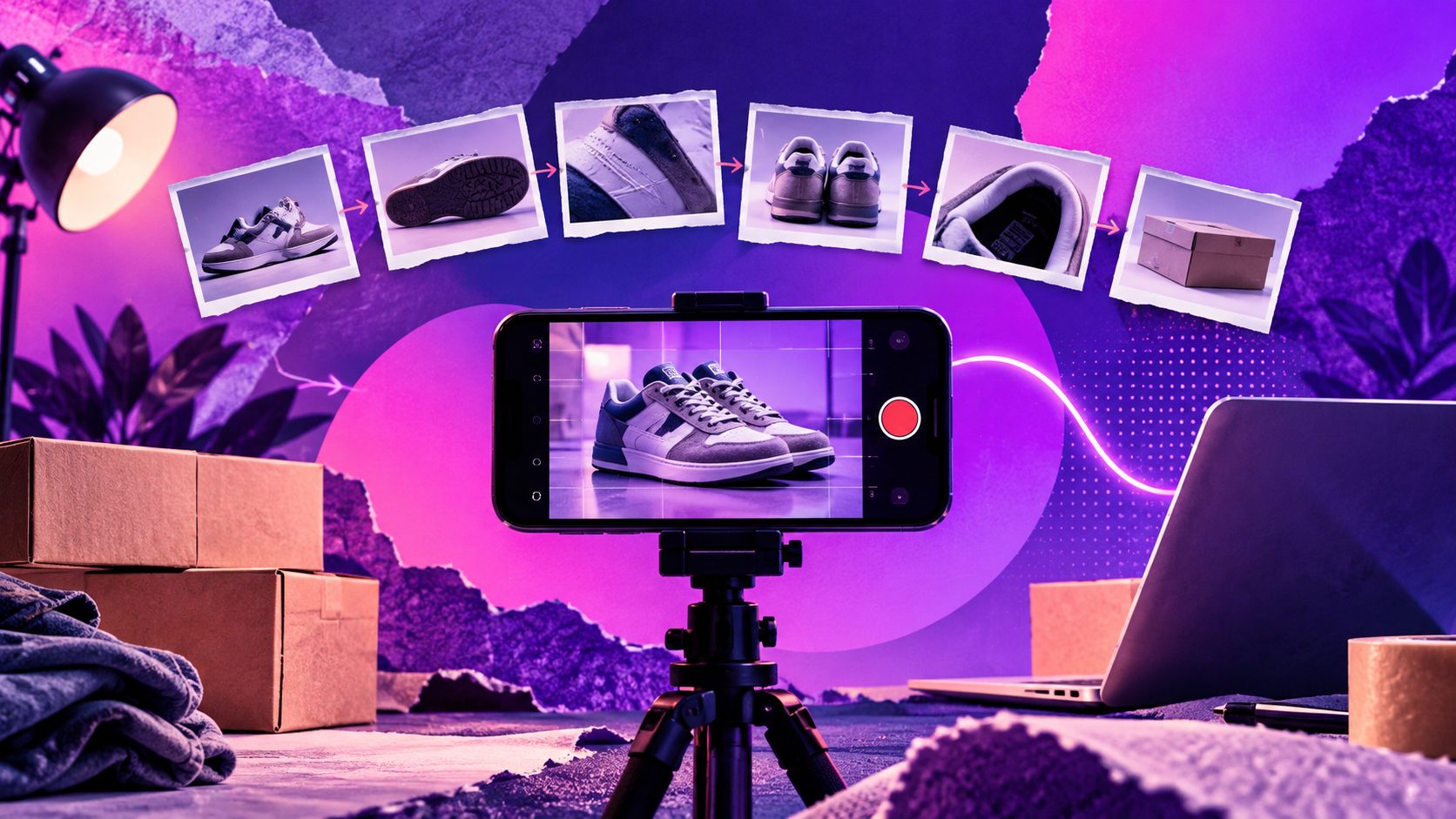
URL to video ai is a workflow that reads a product page, landing page, or article URL, extracts the offer, images, brand cues, and claims, then turns them into a short video script, scene plan, voiceover, captions, and export-ready creative. For ecommerce teams, its biggest value is not “one-click magic.” It is faster creative testing from assets you already own.
A good result still needs human judgment. The page must have clear positioning, usable images, accurate claims, and a strong call to action. This guide explains how the process works, how to prepare a URL, what to check before publishing, and what our 12-page editorial benchmark found about the quality gaps most tools still miss.
What is URL-to-video AI?
URL-to-video AI is a video creation method that converts a webpage into a structured short video. It typically extracts text, product images, colors, logos, metadata, and page hierarchy, then generates a storyboard with scenes, motion, captions, audio, and a CTA.
The concept is not new, but current tools make it more accessible to non-editors. Research on Google’s URL2Video system described a similar approach: extracting page materials and design styles, then arranging them into shots under duration and aspect-ratio constraints in the paper Automatic Video Creation From a Web Page.
For marketers, the practical use case is simple: paste a Shopify, Amazon, SaaS landing page, blog post, or product page URL and create a first draft video. That draft can become a Meta ad, TikTok-style UGC clip, YouTube Short, product explainer, email GIF replacement, or sales enablement asset.
When should you use a URL-to-video generator?
Use a URL-to-video generator when the webpage already contains the raw ingredients for a strong video: a clear audience, visible product proof, benefit-led copy, high-quality visuals, and a specific conversion action.
It works best for:
- Ecommerce product ads where images, benefits, reviews, and pricing logic are already on the page.
- Landing page explainers that need a 15–45 second summary for paid social.
- Feature launch videos where screenshots and positioning are available.
- Blog-to-video repurposing when the article has a strong list, framework, or how-to sequence.
- Creative testing when your team needs 5–20 variants before investing in studio production.
It is weaker for pages with vague copy, thin imagery, legal-heavy claims, or products that need tactile demonstration. In those cases, upload extra product footage, customer quotes, founder notes, or proof points before generating the final video.
How does a product page become a video ad?
A product page becomes a video ad through five steps: page extraction, message selection, script generation, scene assembly, and export. The best tools let you review each step instead of hiding every decision behind automation.
-
Paste the URL
The tool scans headings, product descriptions, image alt text, schema data, buttons, and visible copy. -
Extract the selling points
It identifies the product category, audience, pain point, core benefit, proof, offer, and CTA. -
Generate a script
The script usually follows a hook-problem-benefit-proof-action structure. -
Build the storyboard
The system maps page images, generated visuals, text overlays, transitions, avatar clips, or voiceover into scenes. -
Export creative variants
Final outputs are rendered in formats such as 9:16, 1:1, or 16:9 for TikTok, Instagram Reels, YouTube Shorts, product pages, or ads.
The key is reviewability. If you cannot edit the hook, claim, visual sequence, or CTA, the video may look polished but still miss the offer.
Original benchmark: what 12 URLs revealed about output quality
In an adsturbo.ai editorial benchmark on August 6, 2026, we tested 12 public product and landing pages across beauty, SaaS, home goods, fitness, supplements, apparel, and digital services. Each URL was used to generate three short-video drafts, giving us 36 outputs to evaluate.
We scored each output on five criteria: message accuracy, visual relevance, hook strength, brand consistency, and publish-readiness. Each criterion was rated from 1 to 5, then averaged.
| Evaluation area | Average score out of 5 | Most common issue found |
|---|---|---|
| Message accuracy | 4.1 | Secondary benefits were sometimes treated as the main promise |
| Visual relevance | 3.7 | Generic stock-style visuals appeared when product images were limited |
| Hook strength | 3.4 | Hooks repeated page headlines instead of reframing the problem |
| Brand consistency | 3.9 | Colors were usually captured, but typography and pacing varied |
| Publish-readiness | 3.2 | Captions, CTA timing, and compliance wording needed manual edits |
The most useful finding was this: the page quality mattered more than the tool’s default template. URLs with specific before/after claims, customer language, and 6–10 clean product images produced usable first drafts in 2–4 minutes. Thin pages produced attractive but generic videos.
A second finding: the first generated draft was rarely the best ad. The strongest outputs came from using the first draft as a planning layer, then generating 3–5 variations with different hooks: pain-point hook, founder-style hook, offer-led hook, proof-led hook, and objection-handling hook.
What should your URL contain before generation?
A URL should contain enough structured selling information for the AI to infer the offer correctly. Before generating a video, improve the source page so the tool can extract sharper claims, visuals, and story flow.
Use this pre-generation checklist:
- A product name that is visible near the top of the page.
- One sentence that explains who the product is for.
- Three to five concrete benefits, not only features.
- Product images on a plain background and in real-use context.
- Customer proof, review snippets, ratings, case results, or trust badges.
- A clear CTA such as “Shop now,” “Start free,” “Book a demo,” or “Get the bundle.”
- Any compliance wording required for regulated categories.
- Brand elements: logo, colors, typography, packaging, or UI screenshots.
If the page has too much copy, create a short input brief. A 100-word brief can prevent the AI from overvaluing the wrong section of the page.
A practical workflow for creating better AI video ads
The best workflow is not “paste URL and publish.” It is “paste URL, generate a draft, audit the story, then create structured variants for testing.” That turns automation into a creative production system.
Use this seven-step process:
-
Choose one conversion goal
Decide whether the video should drive purchase, demo booking, email capture, retargeting, or product education. -
Select the right source URL
Use the highest-converting product or landing page, not the newest page. -
Write a one-line creative angle
Example: “Show busy parents how this blender saves breakfast prep time.” -
Generate the first draft
Use a tool that can extract the page and build scripts, scenes, captions, and voiceover. -
Audit the first 3 seconds
If the hook does not name the audience, pain, or desire quickly, rewrite it. -
Create five variants
Change the hook, proof point, scene order, voice style, and CTA. Do not only change the background music. -
Export by placement
Use 9:16 for Reels, Shorts, and TikTok; 1:1 for feed testing; 16:9 for YouTube, landing pages, and sales decks.
Teams that want to move from product links to ad-ready concepts can start with the adsturbo.ai AI video workflow and use the checklist above to evaluate each generated draft.
What makes a generated video feel less generic?
A generated video feels less generic when it uses the page’s real proof, product-specific visuals, customer language, and a clear creative angle. Generic videos usually fail because they copy the page headline without adding a story.
Use this simple “H-P-P-C” framework:
-
Hook: Start with the customer’s situation, not the brand name.
Weak: “Introducing our new skincare serum.”
Strong: “Still covering dark spots instead of treating them?” -
Proof: Show evidence that supports the claim.
Use review language, ingredients, demos, screenshots, certifications, or side-by-side comparisons. -
Product moment: Make the product visible before the midpoint.
In short ads, delayed product reveal often reduces clarity. -
CTA: Match the viewer’s readiness.
Cold traffic may need “See how it works.” Warm traffic can handle “Shop the bundle today.”
This framework adds creative direction that many URL-to-video tools do not infer reliably from the page alone.
URL-to-video AI vs text-to-video AI vs image-to-video AI
URL-to-video AI is best when you already have a webpage with structured marketing assets. Text-to-video is better for net-new concepts. Image-to-video is better when the visual product asset matters more than the page copy.
| Method | Best input | Best use case | Main weakness |
|---|---|---|---|
| URL-to-video AI | Product page, article, landing page | Fast ad drafts and page summaries | Depends heavily on webpage quality |
| Text-to-video AI | Prompt or creative brief | New concepts, storyboards, abstract scenes | May invent details without source assets |
| Image-to-video AI | Product photo, screenshot, lifestyle image | Motion, product reveals, visual demonstrations | Needs separate script and messaging |
| Avatar video AI | Script plus presenter style | UGC-style explainers, demos, testimonials | Can feel artificial if the script is too polished |
For performance marketing, a hybrid workflow often wins: start with the URL, add your own creative brief, then use image-to-video or avatar clips only where they improve clarity.
Quality and compliance checks before publishing
Before publishing, verify the video’s claims, rights, captions, landing page match, and platform fit. AI can assemble a persuasive ad quickly, but the advertiser remains responsible for accuracy and usage rights.
Check these items:
- Claims: Do not let the video exaggerate product results, delivery speed, discounts, or guarantees.
- Rights: Use images, music, fonts, reviews, and logos you have permission to use.
- Captions: Make sure captions are readable on mobile and do not cover the product.
- Offer match: The CTA and price logic must match the landing page at publish time.
- Accessibility: Add captions and avoid relying only on audio.
- Video SEO: If embedding videos on ecommerce pages, Google recommends making video content discoverable and using supporting signals such as video sitemaps and relevant structured data in its video SEO best practices for ecommerce.
- People-first value: If the video is part of a page, make sure it helps shoppers understand the product rather than existing only to attract clicks. Google’s guidance on helpful, reliable, people-first content emphasizes original value, clear sourcing, and satisfying the user’s goal.
A fast video that misstates the offer can damage trust faster than a slow production schedule.
Common mistakes that reduce ad performance
The most common mistake is treating AI output as a finished strategy. The tool can generate scenes, but it cannot fully know your audience’s objections, margin constraints, seasonal offers, or test history unless you provide that context.
Avoid these mistakes:
- Using the homepage instead of the specific product page.
- Letting the AI choose a broad hook like “Transform your routine.”
- Publishing one version instead of testing multiple angles.
- Using generated visuals that do not match the actual product.
- Hiding the product until the final scene.
- Overloading the video with every feature on the page.
- Exporting one aspect ratio for every placement.
- Forgetting to update videos when the landing page offer changes.
A better rule: one video, one audience, one promise, one action.
How to measure whether a generated video is working
Measure a generated video by creative-stage metrics first, then business metrics. Early indicators show whether the hook and message are worth scaling before you overinterpret revenue from a small test.
Track these metrics:
- Thumb-stop rate or 3-second view rate: Is the opening strong enough?
- Hold rate at 25%, 50%, and 75%: Where does attention drop?
- Click-through rate: Is the offer clear and relevant?
- Landing page conversion rate: Does the video attract the right visitor?
- Cost per creative learning: How many usable insights did each batch produce?
- Comment quality: Are viewers asking buying questions or expressing confusion?
In our 12-page benchmark, outputs with product visibility in the first five seconds received higher publish-readiness scores than outputs that opened with abstract lifestyle visuals. That does not prove universal performance, but it is a practical starting hypothesis for ecommerce testing.
Frequently Asked Questions
Can URL-to-video AI create a video from any webpage?
It can usually create a draft from most public webpages, but quality varies. Pages with strong product images, clear benefits, concise copy, and visible CTAs produce better videos than pages with vague messaging or limited visuals.
Is a generated URL video ready to publish immediately?
Sometimes, but it should be reviewed first. Check factual claims, captions, product visuals, music rights, voiceover pronunciation, offer accuracy, and platform requirements before publishing it as an ad.
What is the ideal length for a product URL video ad?
For paid social, 15–30 seconds is a practical starting range. Use 6–15 seconds for simple retargeting offers and 30–45 seconds for demos, explainers, or products that need more context.
Should I use AI avatars in URL-generated videos?
Use avatars when a human-style explanation improves trust or clarity. Avoid them when the product needs close-up demonstration, tactile proof, or highly authentic customer footage.
How many variants should I create from one URL?
Create at least five variants: pain-point, benefit-led, proof-led, offer-led, and objection-handling. The first draft reveals what the tool understood; the variants reveal what your audience actually responds to.
Final takeaway
URL-to-video AI is most useful when you treat it as a creative acceleration layer, not a replacement for marketing thinking. The strongest results come from a clear source page, a defined audience, editable scenes, proof-driven messaging, and systematic variant testing.
If your product page already explains the offer well, a URL-based workflow can turn it into short-form ad concepts in minutes. If the page is unclear, the video will expose that weakness. Fix the message first, then let automation help you scale it.