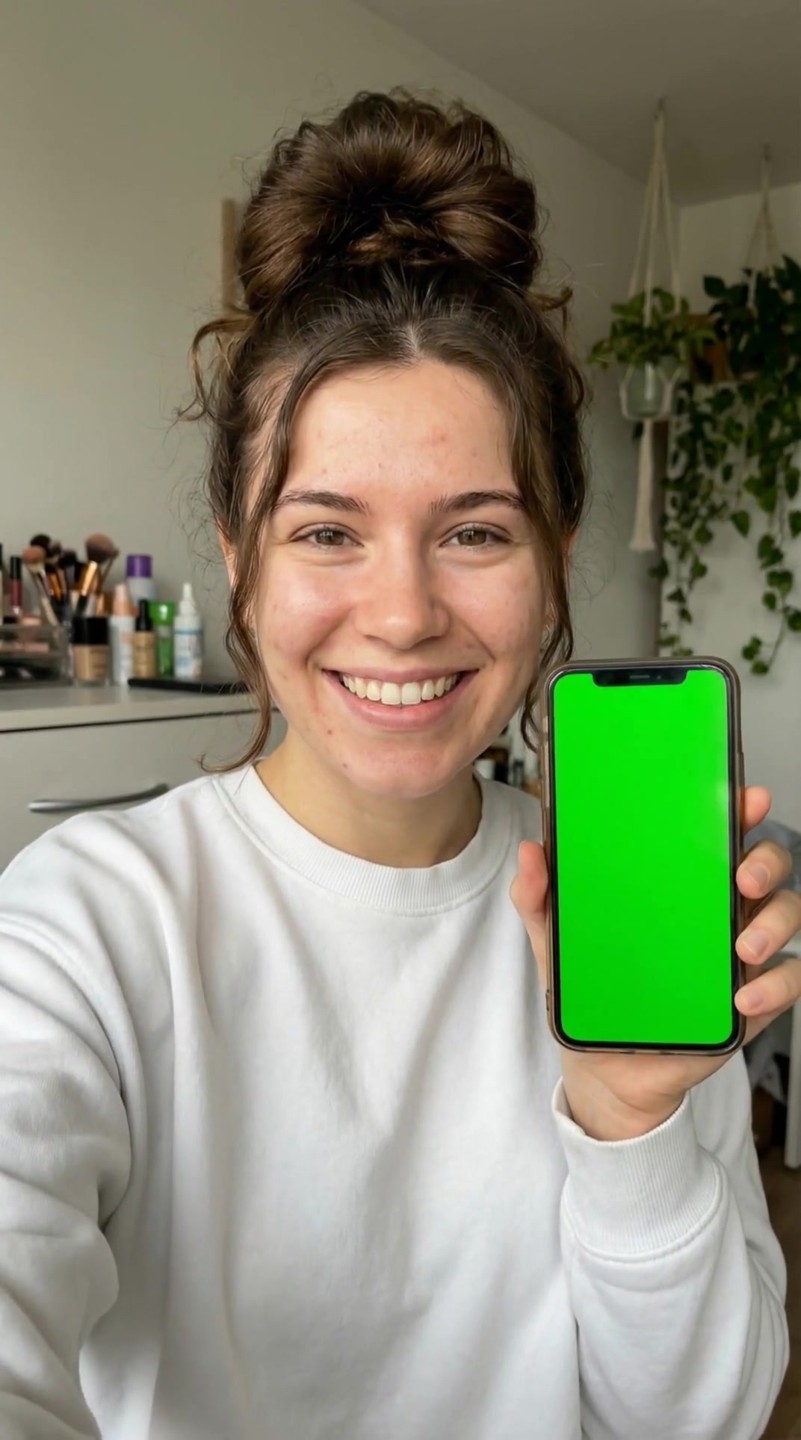
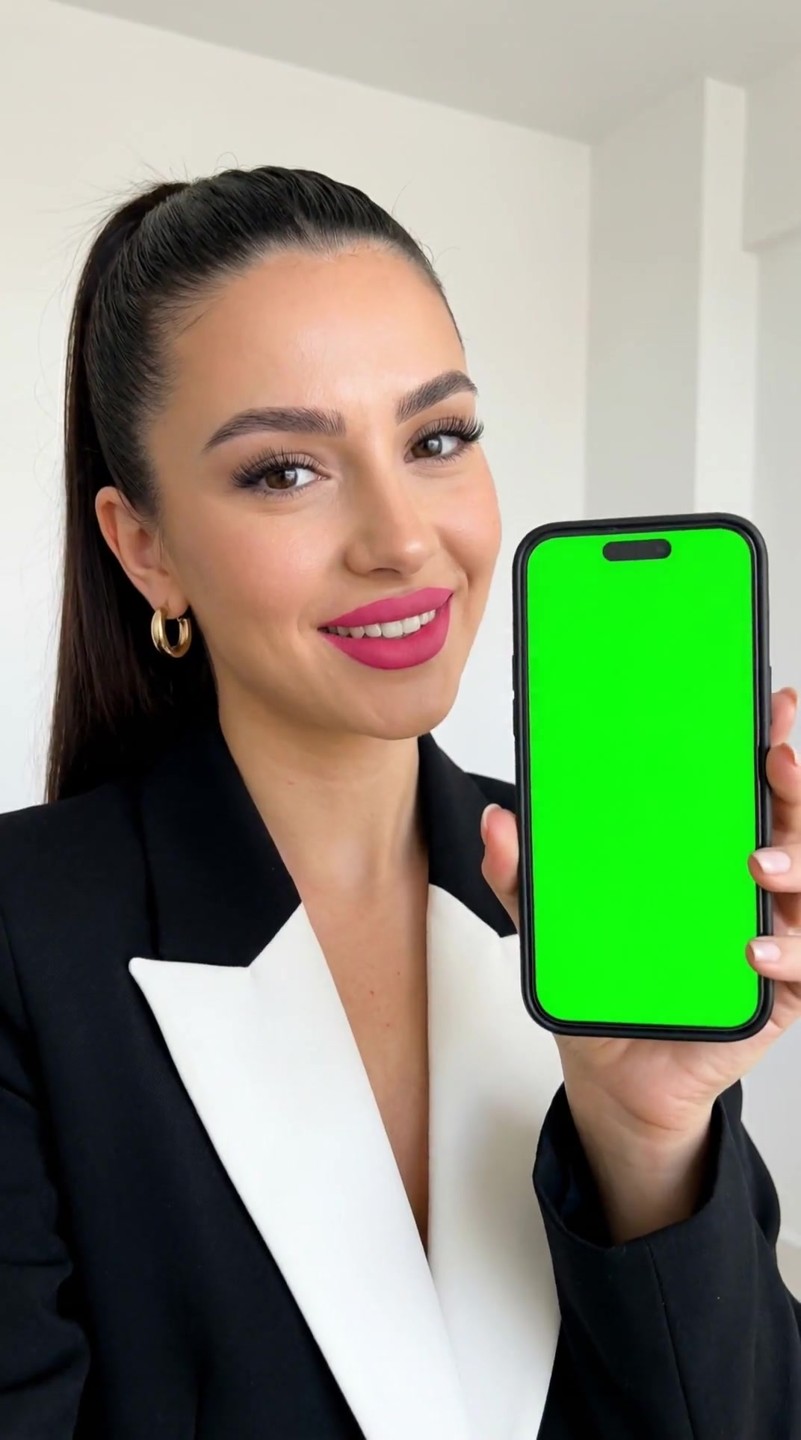
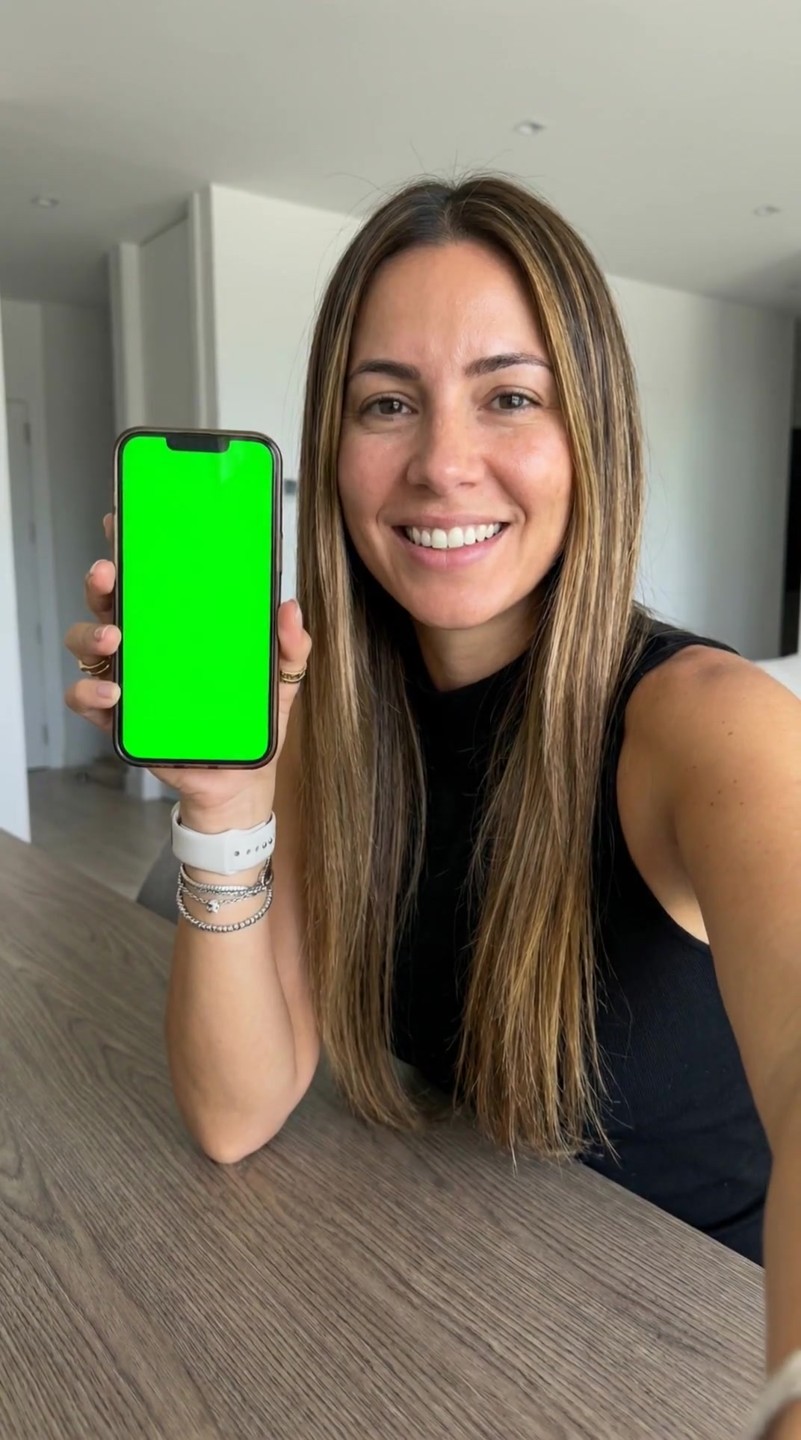
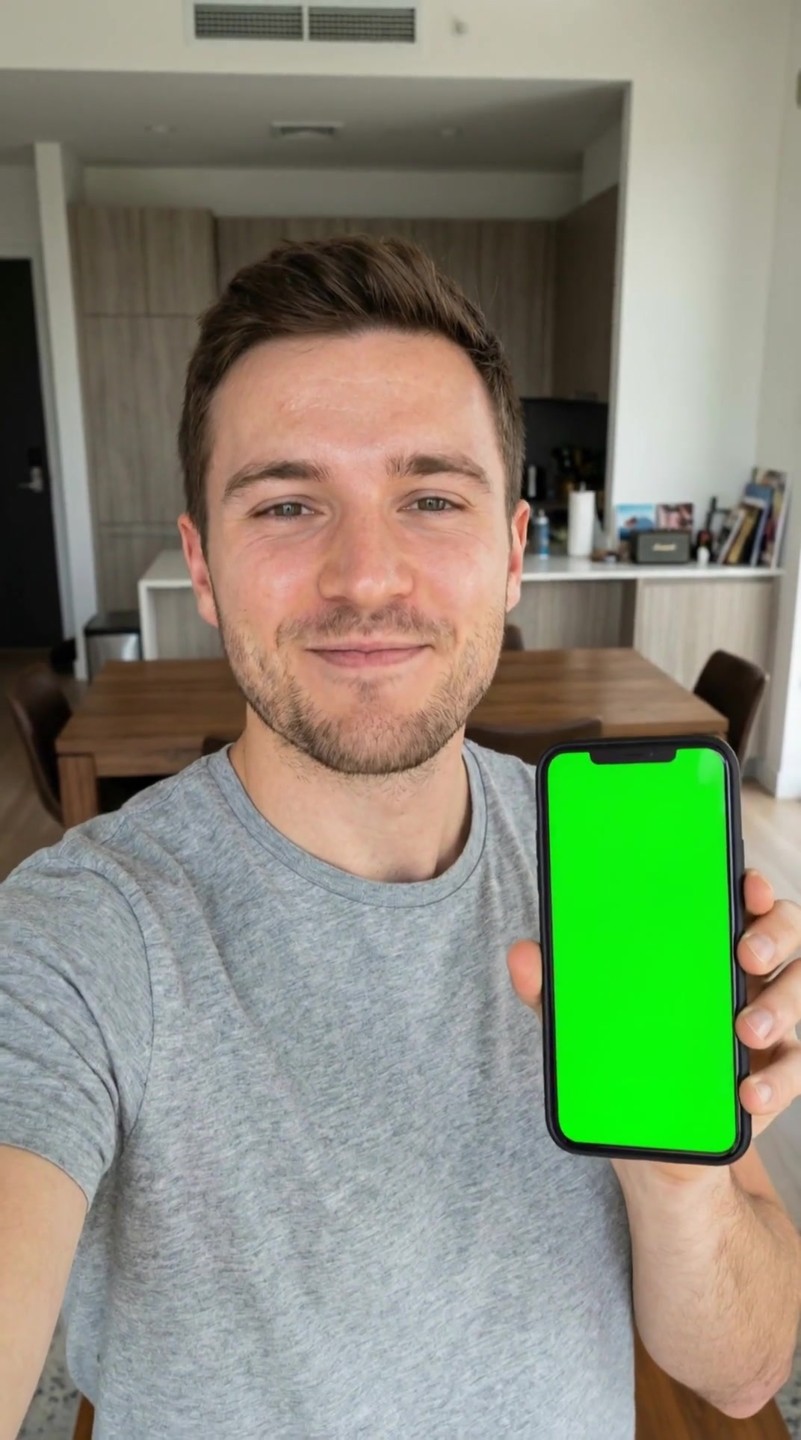
App showcase
What you provide
- App screenshotScreenshot of the app screenRequired
- Face reference imageReference for the on-camera faceOptional
- Scene imageScene or backdrop referenceOptional
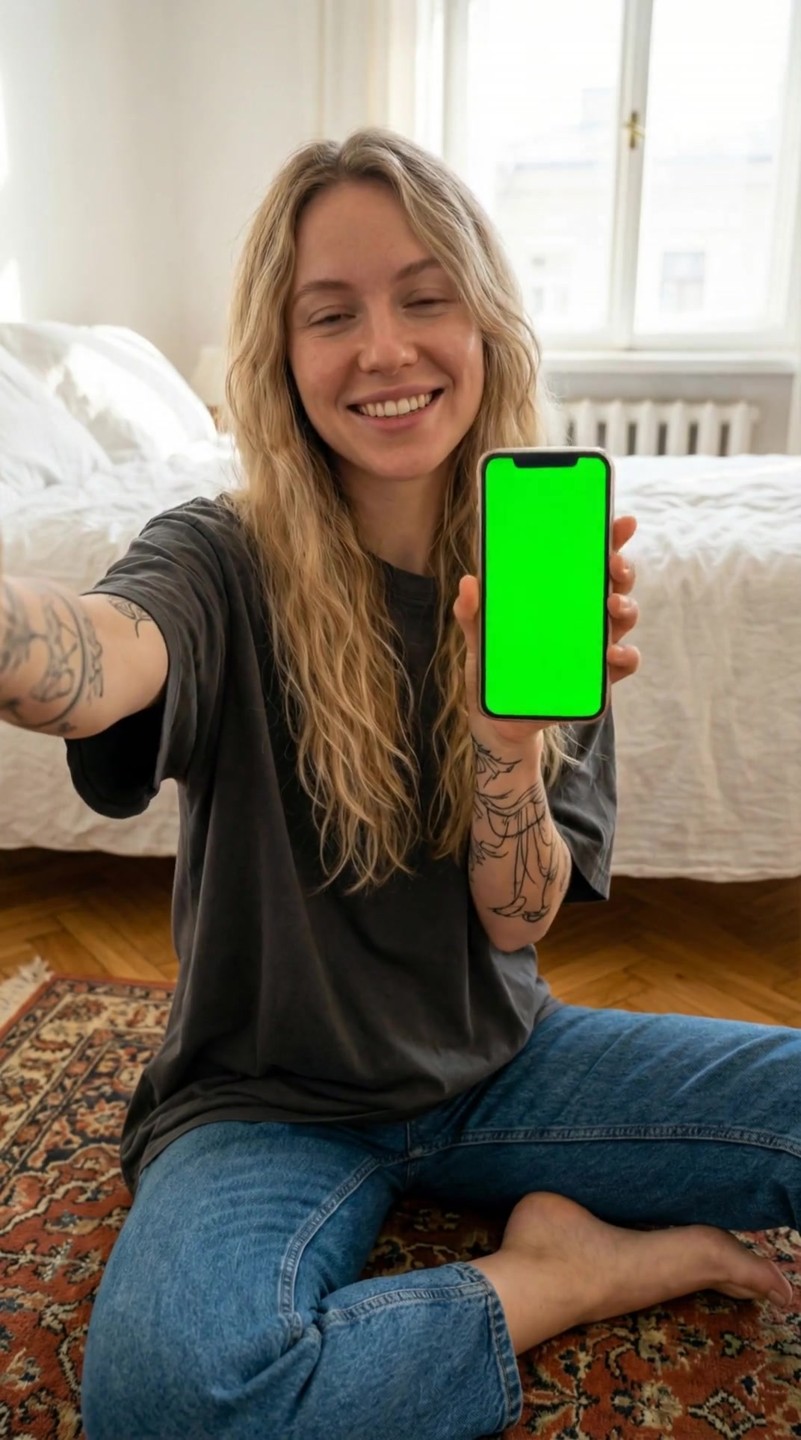
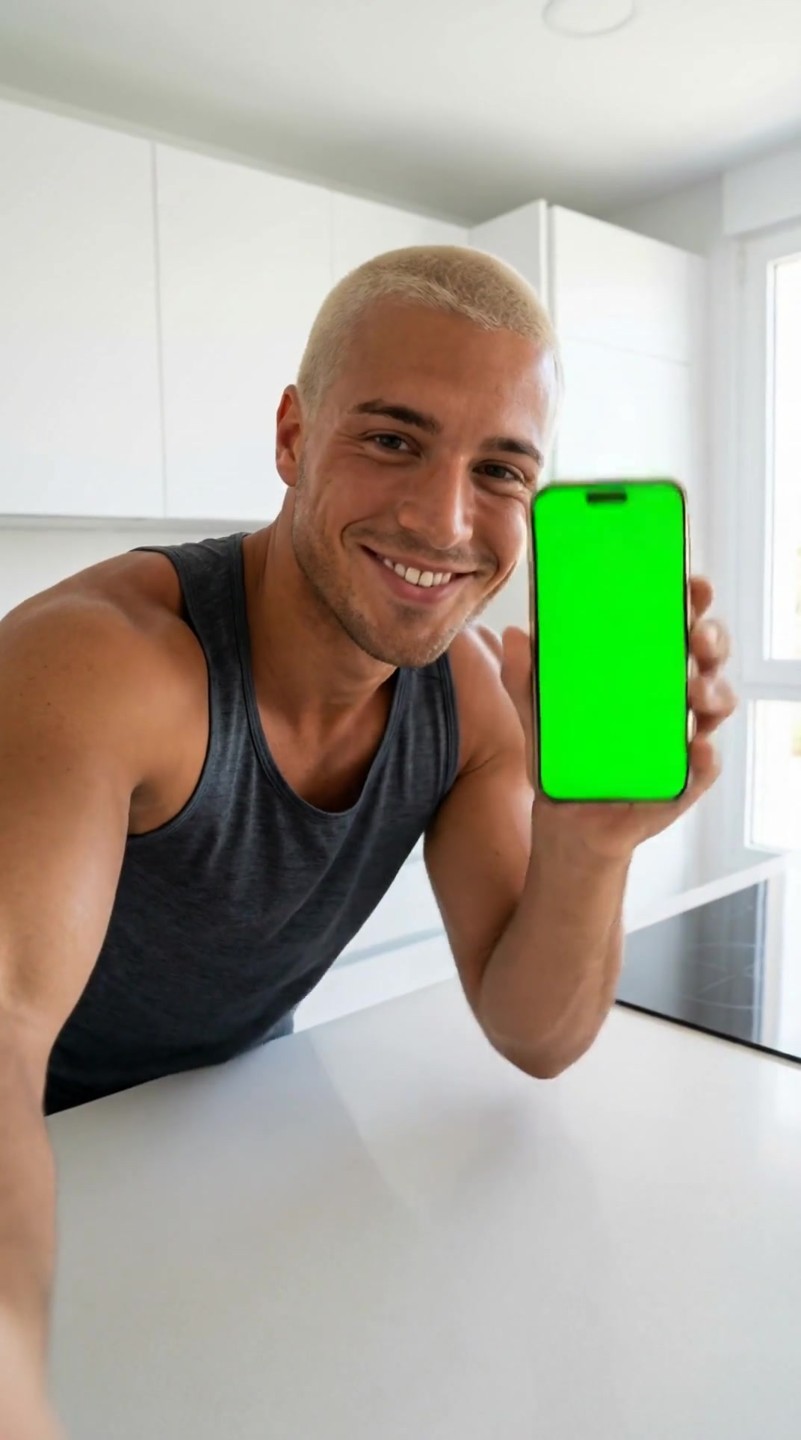
This template provides a consistent user-generated content style where a presenter introduces a mobile application in a casual indoor setting. The core action remains fixed as the subject holds a smartphone beside them before pushing the screen directly into the camera lens.
Viewers experience a seamless transition from a personal, face-to-face introduction to an extreme close-up of the digital interface. This creates an engaging hook that naturally leads the audience into a detailed screen recording or app demonstration.
| Item | Fixed in template | You can replace |
|---|---|---|
| Video format | App Showcase | — |
| Duration | 4s | — |
| Aspect ratio | 9:16 | — |
| On-camera mode | With a person on camera | — |
| Subject role | presenter holding smartphone screen | — |
| Scene | casual indoor living space | — |
| Shot structure | medium shot to extreme close-up | — |
| Camera movement | static camera with forward subject movement | — |
| Shot order | single continuous shot | — |
| Transition | phone screen pushed into lens | — |
| Pacing | smooth moderate pacing | — |
| Visual style | casual user generated content | — |
| Composition | subject beside prominently displayed smartphone | — |
| Face image | — | Optional |
| App screenshot | — | Required |
| Background image | — | Optional |
| Prompt wording | — | Editable |
| Aspect ratio | — | Default 9:16 |
| Duration | — | Default 4s |
| Resolution | — | Default 1080p |
| Preview sample content | — | Replaced by your own upload |
This template is specifically designed for digital products and mobile-first services that benefit from a personal, creator-led introduction. The casual setting and direct transition make it an excellent hook for campaigns that need to quickly bridge the gap between a human endorsement and actual software usage.
The template is designed so the presenter physically moves the phone toward the lens at the end of the four seconds, creating a natural wipe effect that is perfect for cutting to your own screen recordings.
You can replace the entire screen area of the smartphone with your own app interface, website screenshot, or digital service recording to match your specific promotional needs.
Other published templates in the same video format.
 AdsTurbo