

Food & Snacks
Crave trigger
Browse creative approaches and adapt selected ideas for your product.
Explore the available creative tools, from product videos and reference-based versions to localized video.
Browse examples organized by marketplace and social-channel context. Platform logos describe creative context, not direct publishing integrations.


Examples highlight scenes, product details, and presentation formats for each category.


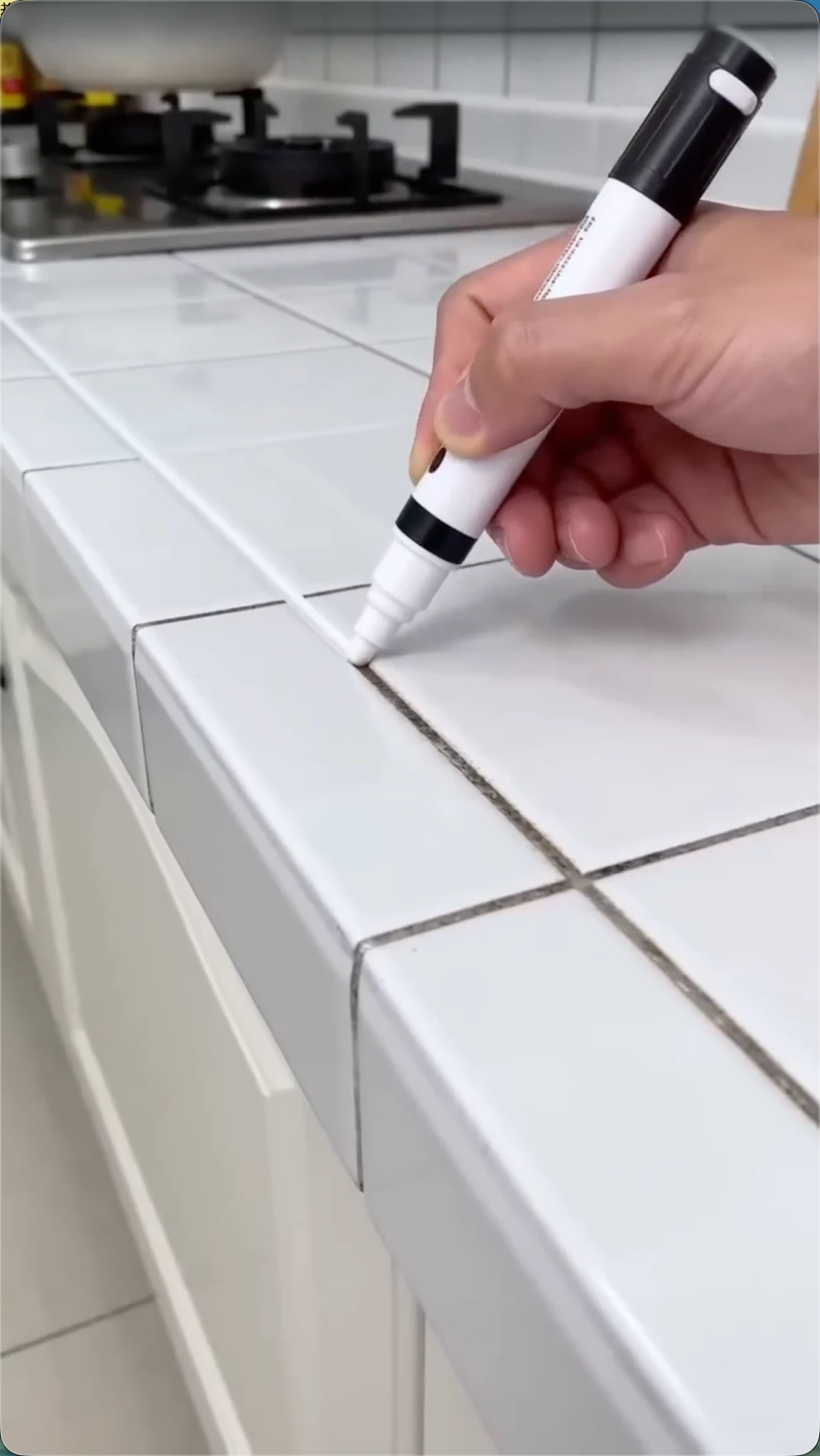








Creative tools for product videos, ad breakdowns, product images, and localized versions.
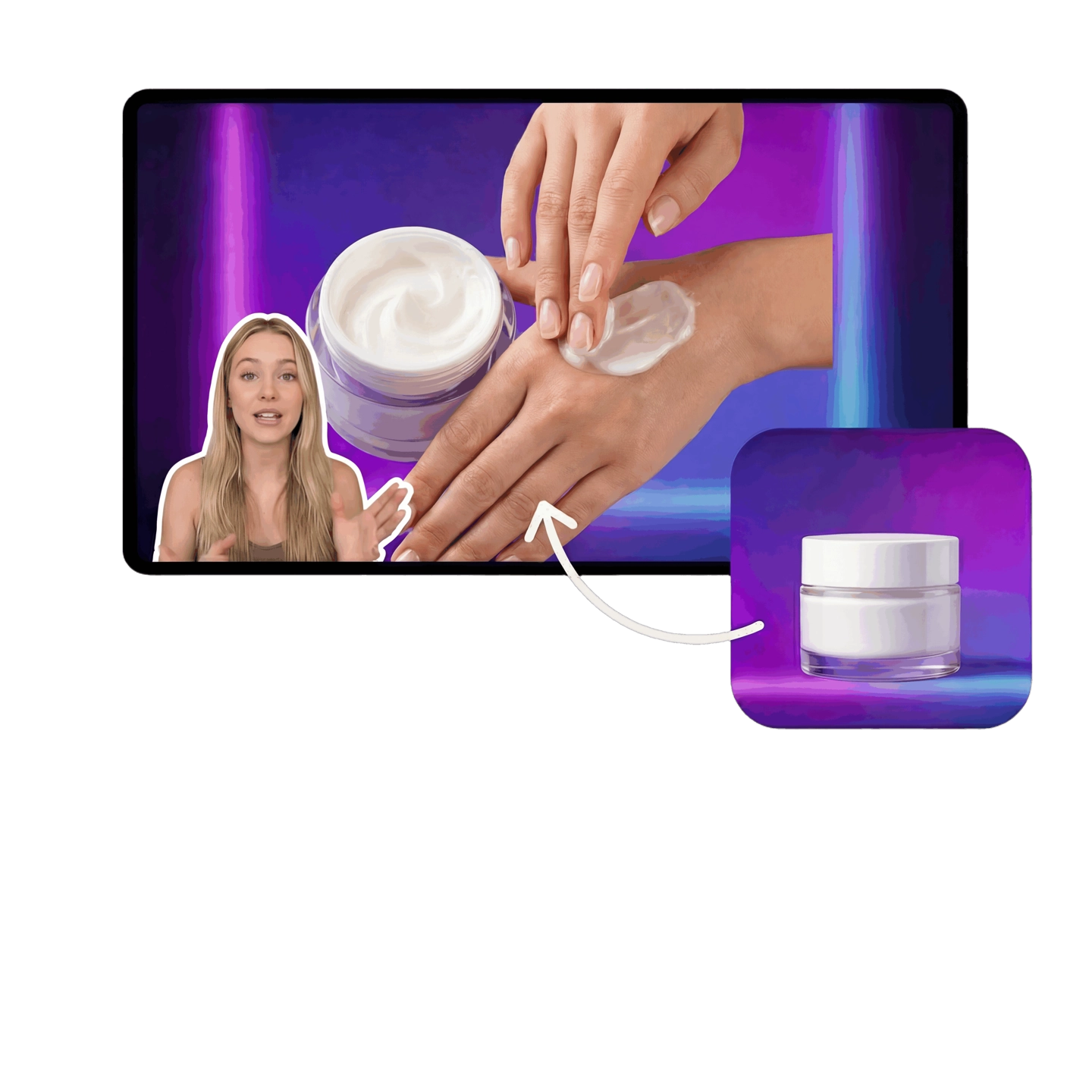
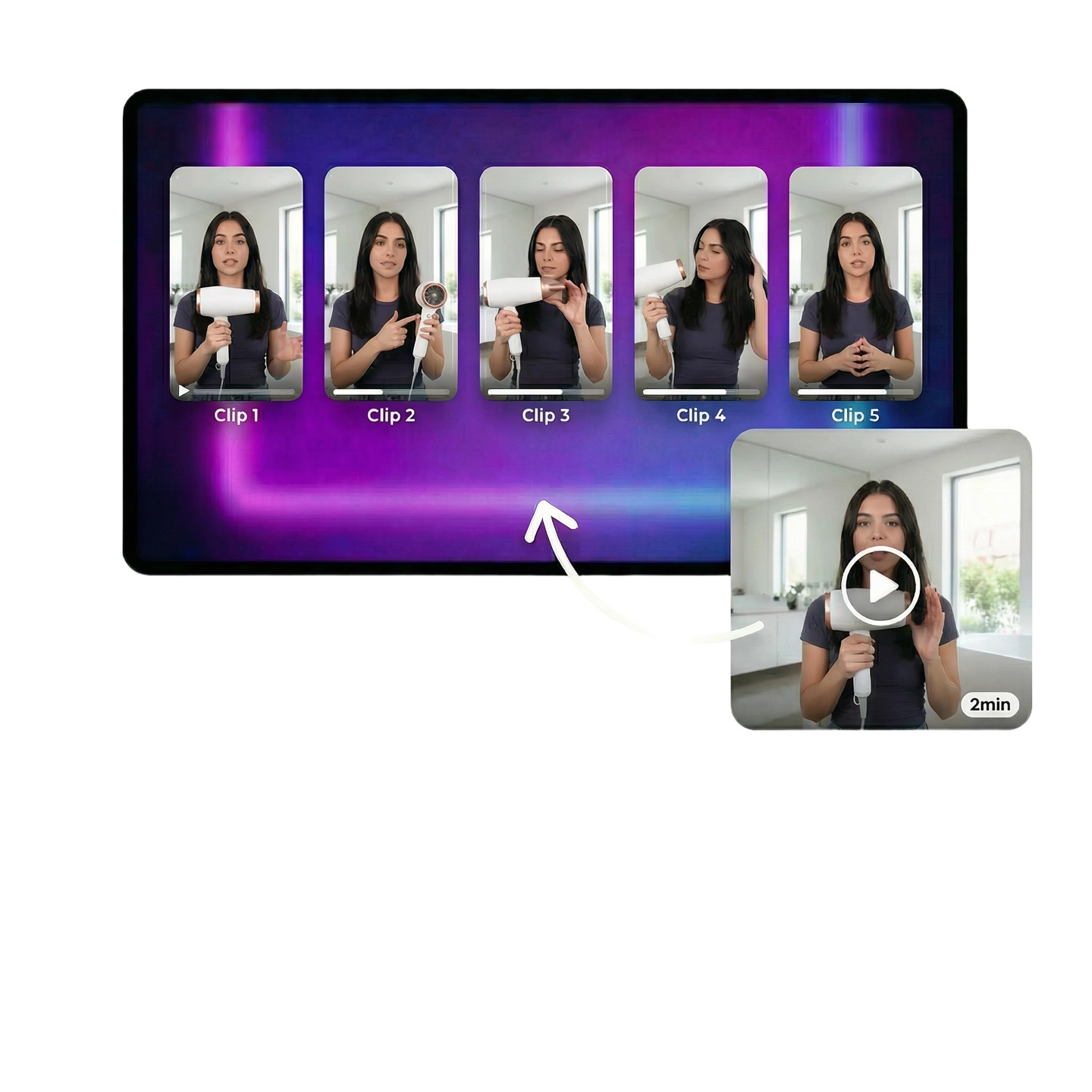

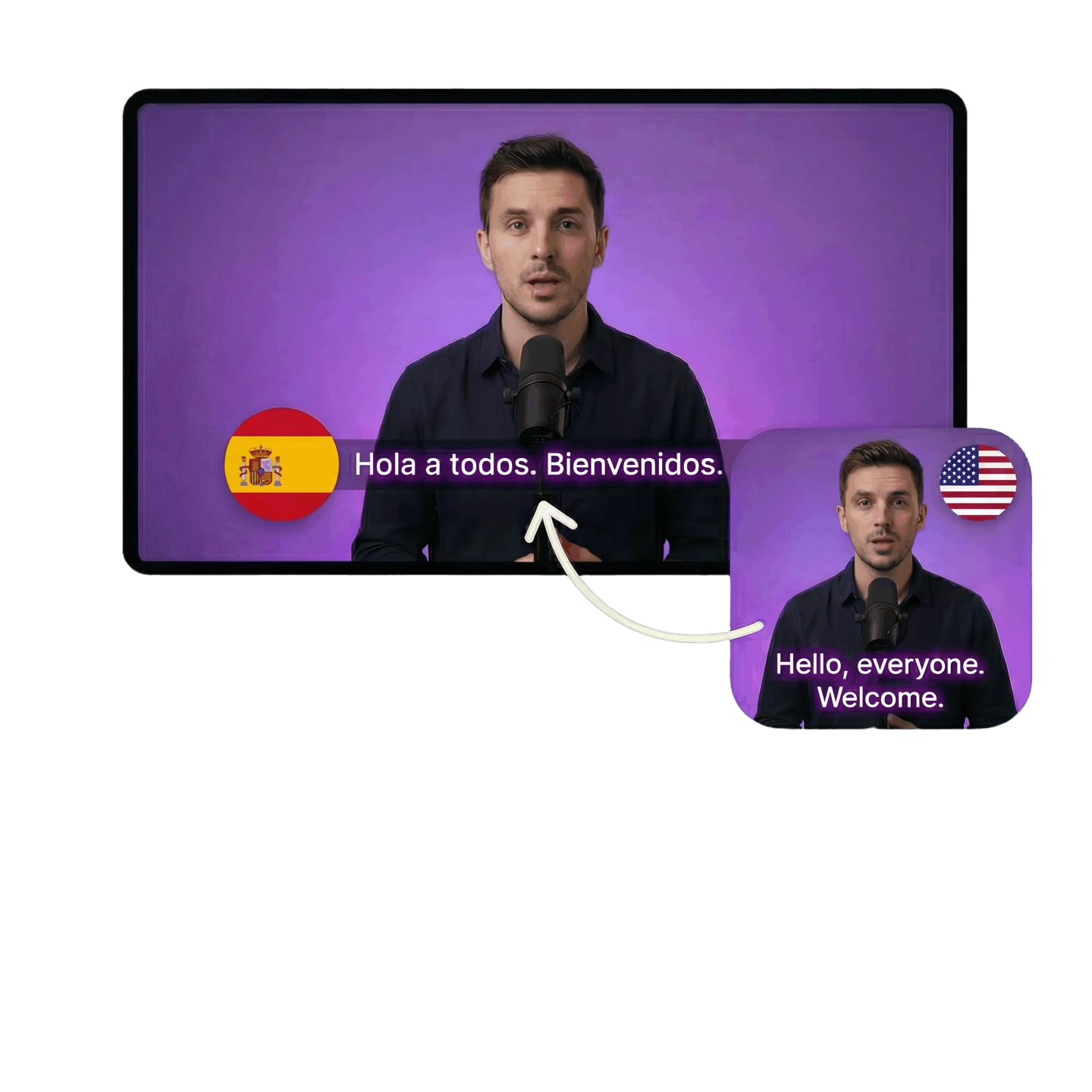

AI video ad tools
for creative production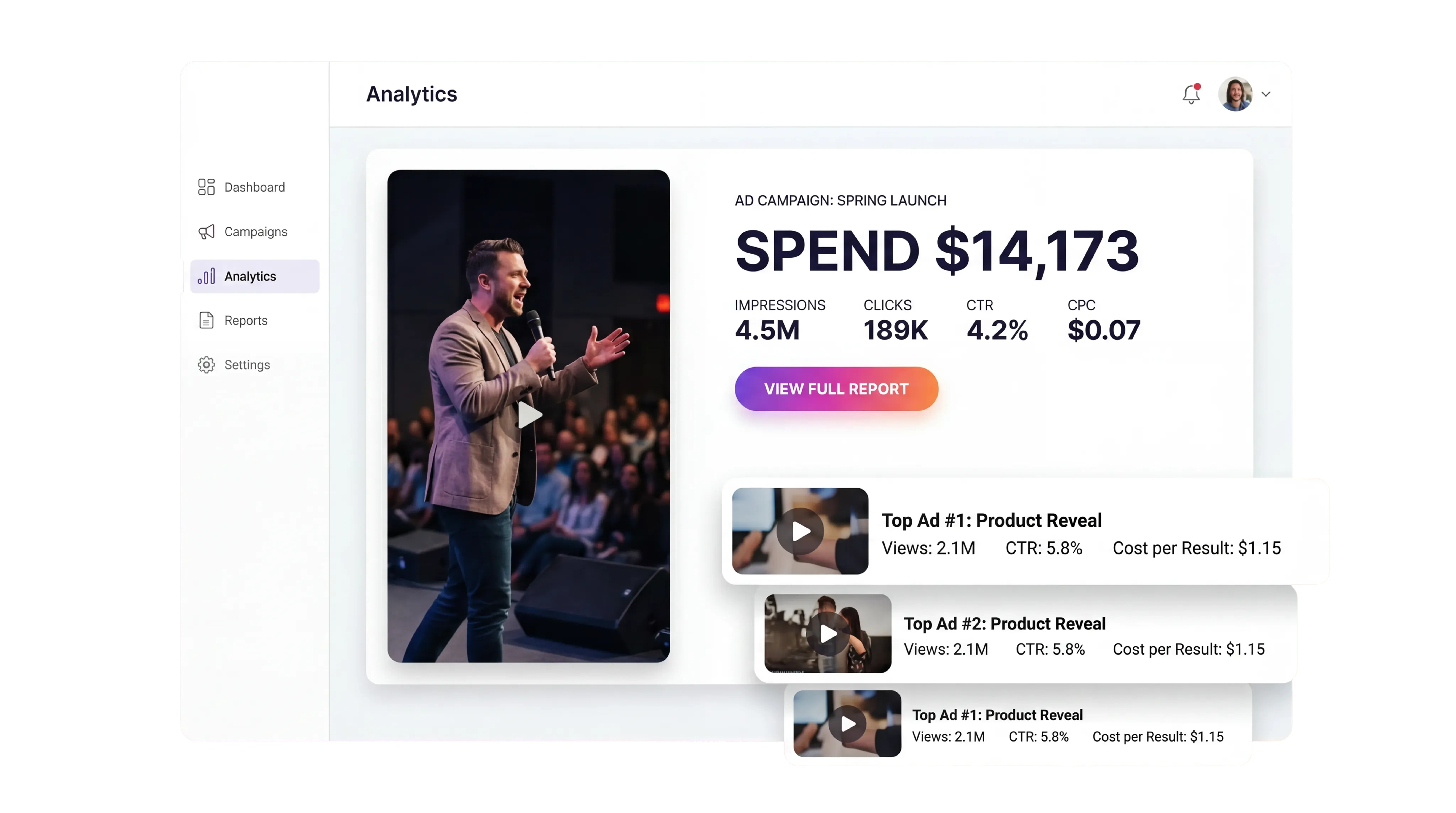
View selected community and directory listings.
AdsTurbo launched on Product Hunt on March 20, 2026 and ranked #2 Product of the Day.
PRODUCT HUNT#2 Product of the DayView on Product HuntFollow AdsTurbo for product updates and creative ideas.


View AdsTurbo on selected AI tool directories and review platforms.
Quickly understand the core features of AdsTurbo
AdsTurbo supports creative workflows such as Product Video, reference-based versions, Character Swap, Lip Sync, and Video Translation. Available inputs and outputs vary by tool.
Choose the tool that matches your source media and intended output, provide a supported input, adjust the available settings, and review the result. Current input requirements are shown in the relevant tool or workspace.
No. Logos and examples show marketplace and social-channel creative context. They do not promise direct publishing, campaign creation, creative sync, media buying, or performance tracking.
Timing varies by tool, media length, settings, queue or service load, and processing conditions. Generated creative does not guarantee advertising results.
See the Pricing page for current plans, billing, and included credits.
Editing and regeneration controls vary by tool. Review each result against your brand, legal, and platform requirements before publishing.
The current Privacy Policy explains how personal data and uploaded media are handled, and describes encryption in transit and at rest for uploaded media. For enterprise questions, contact support.
Start with your product media or a reference.
 AdsTurbo