Amazon virtual bundle video ads: Sponsored Brands Scripts and Discount Framing


Summarize with
Summary
Learn how to storyboard Amazon virtual bundle video ads for complementary products, show bundle value clearly, and build Sponsored Brands creatives. Create your next variation with AdsTurbo.
By AdsTurbo.ai | Published 2026-10-27 | Updated 2026-10-27
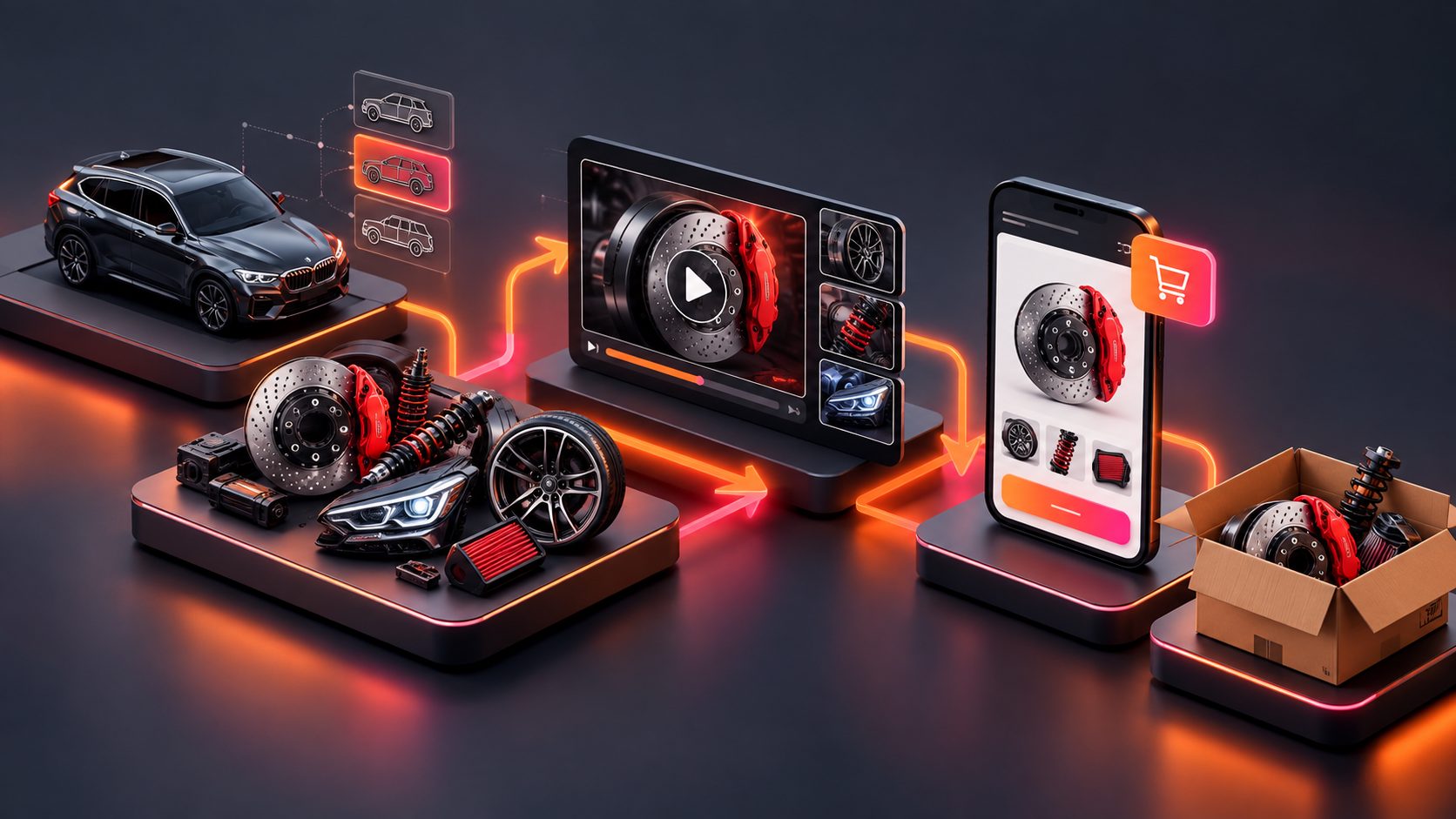
Amazon virtual bundle video ads work best when they show why two or more products belong together, not merely that a discount exists. A strong Sponsored Brands video should make the shopping problem visible, introduce the complementary products in sequence, and explain the bundle value without forcing shoppers to calculate it themselves.
Amazon virtual bundles combine two to five complementary ASINs into one customer-facing offer, while the products are still fulfilled and shipped individually. Amazon says virtual bundles can be created and managed in Seller Central, making them different from physically repackaged multipacks. (sellercentral.amazon.com)
What are Amazon virtual bundle video ads?
Amazon virtual bundle video ads are short Sponsored Brands or other Amazon video creatives that promote a virtual bundle by demonstrating the combined use case, product relationship, and purchase value.
The key distinction is simple:
- A single-product ad proves that one item works.
- A bundle ad proves that the items work better together.
- A discount ad explains the financial reason to buy now.
For example, a coffee brand might pair a grinder with reusable filters. A home-office brand might pair a laptop stand with a wireless keyboard. A skincare brand might combine a cleanser with a moisturizer, provided the products comply with Amazon’s selling policies.
Sponsored Brands video can appear in search results and on relevant product detail pages. Amazon supports both vertical 9:16 and horizontal 16:9 video formats, with destinations such as a Brand Store or eligible product detail page. (advertising.amazon.com)
How should a bundle video differ from a regular product video?
A bundle video should communicate sequence and complementarity within the first few seconds. Showing two isolated products side by side is rarely enough; the viewer needs to understand the job each product performs.
Use this structure:
| Video section | Shopper question | Creative purpose |
|---|---|---|
| Problem hook | “Why do I need this?” | Show an incomplete or inefficient routine |
| Product one | “What is the main solution?” | Demonstrate the primary product |
| Product two | “What does it add?” | Show the complementary benefit |
| Combined use | “Why buy both?” | Demonstrate the complete workflow |
| Offer frame | “What is the value?” | State the bundle benefit clearly |
| CTA | “What should I do next?” | Direct shoppers to learn more or shop |
Amazon recommends showing the product within the first two seconds and its function within the first five seconds for Sponsored Brands video. It also recommends keeping the video concise, often around 15–30 seconds, and using captions because videos may autoplay without sound. (advertising.amazon.com)
A practical 20-second storyboard
0–2 seconds: Show the use case
Display the primary product and the complementary item in the same scene. Add a short caption such as “A complete setup in one bundle.”
2–7 seconds: Demonstrate the anchor product
Show the main product solving the customer’s primary problem. Avoid beginning with a logo animation or a long lifestyle shot.
7–12 seconds: Introduce the complementary product
Explain what the second item prevents, improves, or simplifies. The relationship should be functional, not decorative.
12–16 seconds: Show the combined result
Use a before-and-after or step-by-step transition. This is the information-gain moment: the viewer sees what is difficult without the bundle and what becomes easier with it.
16–20 seconds: Present the offer and CTA
Use plain language such as “Shop the virtual bundle” or “See the complete setup.” If a discount or coupon applies, display only the approved offer wording and avoid implying savings that the detail page does not support.
How should you express a bundle discount in the video?
The safest approach is to connect the discount to the bundle action, not to a vague price claim. Show the offer only when shoppers can verify it on the destination page.
Effective expressions include:
- “Bundle and save”
- “Complete the routine”
- “Two essentials, one convenient purchase”
- “Add both to your setup”
- “Save when purchased together”
If the offer is a percentage discount, use the exact eligible percentage and conditions supplied by the promotion. If the discount is not guaranteed for every shopper, avoid phrases such as “Everyone saves” or “Lowest price.”
A useful three-layer offer frame is:
- What is included: Name or visually identify both products.
- What the shopper gains: Explain convenience, compatibility, or a complete workflow.
- What action to take: Direct the viewer to the bundle detail page or Brand Store.
This prevents the common mistake of putting “20% off” on screen without explaining what the shopper receives.
Which landing page should a Sponsored Brands bundle video use?
Choose the destination according to the campaign’s job. A product detail page is more direct when the virtual bundle is already the offer being promoted. A Brand Store is more useful when shoppers need to compare related products, explore a collection, or understand the broader product system.
Amazon describes Sponsored Brands as supporting product detail pages, Brand Stores, and custom landing experiences depending on the campaign format and objective. (advertising.amazon.com)
Before launching, check that:
- The bundle title matches the language used in the video.
- The product images show the same items featured in the creative.
- The discount or coupon is visible and correctly qualified.
- The bundle components are clearly identified.
- The first screen on mobile explains the offer without requiring audio.
- The CTA does not promise a benefit unavailable on the destination page.
For a broader creative production workflow, AdsTurbo’s Ad Clone workflow for restructuring reference ads can help teams study pacing, scene order, and CTA structure before producing original bundle variations. The goal should be to learn from the reference structure while using original product visuals and claims.
What should you test in Amazon virtual bundle video ads?
Do not test five variables in one edit. A cleaner method is to create a Bundle Clarity Scorecard and change one element at a time.
Score each concept from 0 to 2:
- Pairing clarity: Can a viewer identify both products?
- Functional relationship: Is it obvious why they belong together?
- Proof of combined use: Does the video show the complete workflow?
- Offer clarity: Can the shopper understand the value without doing math?
- Mobile readability: Can captions and product details be read quickly?
- Destination match: Does the landing page deliver the same promise?
A concept scoring below 8 out of 12 needs revision before media spend. This is an editorial testing framework, not an Amazon performance benchmark; its value is that it catches message failures before they become expensive traffic problems.
Test these creative variables separately:
- Product-first hook versus problem-first hook.
- “Bundle and save” versus convenience-led messaging.
- Demonstration of both products versus a fast product montage.
- Vertical 9:16 versus horizontal 16:9.
- Direct bundle CTA versus Brand Store exploration CTA.
AdsTurbo can support this variation process with product image generation, product video creation, subtitles, background replacement, video translation, and clip-by-clip editing. Its Video Subtitle tool can generate synchronized captions and export either a captioned video or a separate subtitle file. For product visuals, creating a clean white product image can make bundle components easier to recognize in fast cuts.
Common mistakes to avoid
Treating the bundle as a discount sticker
A price reduction cannot explain product compatibility. Show the customer task first, then introduce the savings.
Showing both products but never using them together
A side-by-side pack shot communicates inventory, not value. Include at least one scene where the products work in the same routine.
Making the offer too small
Sponsored Brands video often plays on mobile and may begin muted. Use high-contrast captions, readable type, and a short offer statement.
Sending traffic to a mismatched page
If the video promotes a two-product bundle but the click leads to a single-product page, the creative creates friction and weakens trust.
Copying a competitor’s ad too closely
Amazon’s own creative guidance emphasizes clear product benefits, concise storytelling, captions, and a strong CTA. Use those principles, but build original scenes, claims, and product demonstrations. (advertising.amazon.com)
Frequently asked questions
Can a virtual bundle contain more than two products?
Yes. Amazon describes virtual bundles as combinations of two to five complementary ASINs. The products remain individually fulfilled rather than being physically packaged together. (sellercentral.amazon.com)
Should the video show the exact discount amount?
Show the exact amount only when it matches the live offer and its conditions. Otherwise, use qualified language such as “bundle and save” rather than inventing a savings claim.
Is a Brand Store or product detail page better?
A product detail page is usually more direct for a single defined bundle. A Brand Store is more suitable when the campaign introduces a product system or several complementary collections.
How long should the video be?
A concise 15–30-second structure is a practical starting point. The first two seconds should establish the product or use case, and the first five seconds should communicate what it does. (advertising.amazon.com)
Can one bundle video be reused across marketplaces?
The core storyboard can be adapted, but captions, claims, aspect ratios, language, pricing, and destination pages should be reviewed for each marketplace and campaign.