Back in Stock Video Ads for Ecommerce Waitlist

Summarize with
Summary
Turn an out-of-stock product image into a waitlist-ready video ad with a clear capture flow, script, CTA, and testing framework. Build yours with AdsTurbo.
By adsturbo.ai | Published 2026-10-30 | Updated 2026-10-30
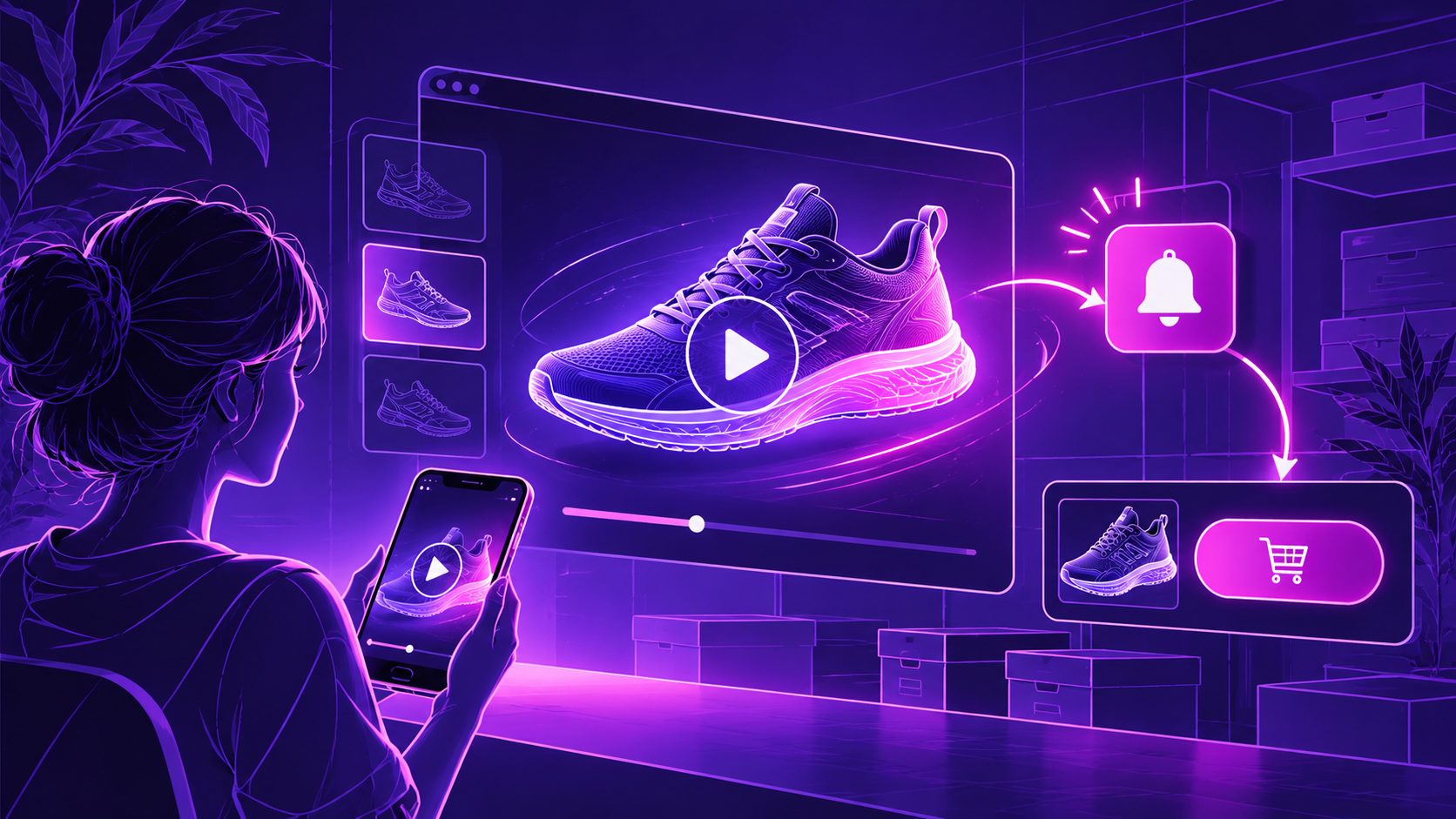
When a popular product sells out, the goal should not be to keep sending shoppers to a dead-end product page. Back in stock video ads for ecommerce waitlist campaigns turn demand for an unavailable item into a permission-based lead list, then give those subscribers a clear reason to return when inventory is ready.
This workflow is especially useful for Shopify, Amazon, TikTok Shop, and DTC sellers working with limited inventory, seasonal products, or fast-moving launches.
What are back in stock video ads for ecommerce waitlists?
Back in stock video ads are short-form videos that promote an unavailable or soon-to-return product while directing shoppers to a signup action such as “Notify me,” “Join the list,” or “Get first access.”
The video should not pretend the item can be purchased immediately. Its job is to:
- Confirm what the product is.
- Remind viewers why they wanted it.
- Explain what they receive by signing up.
- Send them to the correct waitlist or lead form.
- Preserve trust until the product can actually be purchased.
This is different from a normal product ad. A product ad optimizes for an immediate sale; a waitlist video optimizes for qualified demand capture.
Back-in-stock marketing guidance commonly recommends tying signups to the exact product variant, not merely the overall product. A shopper waiting for a specific size, color, or configuration should not receive an irrelevant alert. (hayesmedia.co)
Why use video instead of a static “sold out” message?
A static product image can communicate availability, but a short video can restore the product’s value before the shopper leaves. It gives you room to show the product in use, demonstrate a benefit, or explain why customers were waiting for it.
For ecommerce sellers, the most effective structure is usually:
- 0–2 seconds: Product and problem statement.
- 2–6 seconds: One visible benefit or proof point.
- 6–10 seconds: Social proof, use case, or product detail.
- 10–15 seconds: Signup instruction and expected next step.
The key is not cinematic complexity. It is reducing uncertainty. A viewer should understand the product, the reason to care, and the action required without sound.
A useful original planning rule is the three-signal test:
| Signal | Question the video must answer |
|---|---|
| Product signal | What exact item is returning? |
| Value signal | Why should I wait for it? |
| Access signal | What happens after I sign up? |
If one signal is missing, the video may generate views but weak lead quality.
How to turn a product image into a waitlist video ad
A single clean product image is enough to create a first version. AdsTurbo Product Video supports JPG or PNG product images and can generate product-focused videos such as product introductions, reviews, and demonstrations.
Step 1: Prepare the source image
Use a sharp product photo with a simple background. A pure-color background generally produces the clearest result when the system needs to analyze the product’s shape, color, and category.
Avoid images with:
- Heavy compression
- Multiple competing products
- Tiny text
- Strong reflections over key details
- Cropping that removes the product edges
If the original image is soft, use an upscaling workflow before creating the ad. AdsTurbo Video Upscaling supports before-and-after preview and 4K video export for suitable source footage.
Step 2: Choose one waitlist promise
Do not combine “join the list,” “get a discount,” “follow us,” “shop alternatives,” and “watch the demo” in one short video. Choose one primary conversion goal.
Examples include:
- “Get notified when your size returns.”
- “Join the first-access list.”
- “Be the first to know when the next batch lands.”
- “Sign up for restock updates.”
Only promise an incentive if the store has actually configured it. A waitlist video should never imply guaranteed access, guaranteed stock, or a delivery date that has not been confirmed.
Step 3: Add product-specific context
A weak script says: “Our best seller is coming back.”
A stronger script says: “The compact travel organizer customers use for cables, chargers, and passports is returning. Join the list for a restock alert.”
The second version gives the viewer a use case. It also helps qualify the lead because people who do not need that use case are less likely to subscribe.
Step 4: Build vertical and square variants
Create at least two layouts:
- 9:16 for TikTok, Instagram Reels, and YouTube Shorts.
- 1:1 for feeds, retargeting placements, and product-page embeds.
AdsTurbo supports multiple output ratios across its product-image and advertising workflows. Keep the product centered, leave space for captions, and avoid placing the CTA under platform interface elements.
What should the script say?
A practical 15-second script looks like this:
“Missed the [Product Name]? You are not the only one. It is returning with the feature that makes [use case] easier. Join the list to get a notification when your selected [size/color/version] is available again.”
On-screen text can be shorter:
- “Sold out for a reason”
- “[Product Name] is returning”
- “Get notified first”
- “Join the list”
The CTA should match the destination. If the ad leads to an email form, use “Join the list.” If it leads to a product page with a notification widget, use “Notify me when available.” Do not send traffic to a generic homepage unless the product cannot be linked directly.
For additional guidance on converting product photography into short-form creative, see this product photo to video ads workflow.
How to connect the video to the waitlist
The signup experience should carry the same product identity as the video. Use the exact product name, variant, and image wherever possible.
Capture:
- Email address
- Product ID or SKU
- Variant preference
- Signup timestamp
- Traffic source
- Consent status for any marketing channel
Email is usually the simplest first channel. SMS should use a separate, clear consent process. In the United States, commercial text messaging can involve specific consent requirements, so do not treat a phone number collected during checkout or a general form as automatic marketing permission. (hayesmedia.co)
When inventory returns, notify only people whose requested variant can actually be purchased. If the available quantity is smaller than the list, send in controlled batches or define a transparent access policy. This avoids inviting hundreds of people to a product page that sells out before most subscribers can act. (sequenzy.com)
How to test a restock video campaign
Test the parts that affect lead quality, not only view volume.
Test A: Product proof versus urgency
- Version A: Demonstrates the product benefit.
- Version B: Emphasizes limited availability or returning demand.
Test B: CTA wording
- “Join the list”
- “Notify me”
- “Get first access”
Test C: Destination
- Product page notification form
- Dedicated waitlist landing page
- Email capture page with product details
Track:
- Landing-page view rate
- Signup conversion rate
- Cost per qualified signup
- Variant-match rate
- Purchase rate after restock
- Time from notification to purchase
- Unsubscribe or complaint rate
A useful decision rule is to judge the video by revenue per notified subscriber, not by views alone. A high-view creative that attracts shoppers for the wrong product variant can look successful while producing weak inventory demand.
AdsTurbo can support the production side of this testing loop with product video generation, subtitles, background replacement, AI upscaling, and multi-language localization. Its asynchronous generation model also supports completion-event handling through status polling or Webhook callbacks, which is useful when creating multiple creative variants programmatically.
For a broader production workflow, see this bulk catalog video ad guide.
How to improve the video when the product returns
The waitlist ad should not remain unchanged after inventory is purchasable. Replace the capture CTA with a purchase CTA and update the opening frame.
Before restock:
- “Join the list”
- “Get notified”
- “Returning soon”
After restock:
- “Back in stock”
- “Your wait is over”
- “Shop the available variant”
Use the same product footage when possible, but revise the final three seconds. This creates a clear creative handoff rather than forcing one video to serve two different conversion goals.
If the product sells out again, restore the waitlist version promptly. A live ad that sends people to an unavailable product without a signup option wastes high-intent traffic and weakens trust.
Frequently asked questions
Should a waitlist video show a discount?
Not necessarily. A restock request already signals strong intent. Test the message without a discount first, then add an incentive only if the margin and campaign economics support it.
How long should a back-in-stock video be?
Start with 10–15 seconds for short-form placements. Keep one product, one benefit, and one signup action. Longer versions can work when the product requires demonstration.
Can one video work for every product variant?
It can work for visually identical variants, but the signup flow should still record the exact size, color, or configuration requested.
What if the product image is low quality?
Improve the source first. A clearer product image, simple background, and readable captions usually produce a stronger starting point than adding more visual effects.
Can the same campaign support multiple languages?
Yes. Create localized versions with translated voiceover, captions, and on-screen text. AdsTurbo provides video translation and subtitle tools for adapting creative across markets.
A back-in-stock video campaign works best when it treats the waitlist as a demand signal rather than a generic email list. Show the exact product, explain the value, capture the requested variant, and change the CTA as inventory changes. With that structure, one product image can become a practical lead-generation asset before the next shipment arrives.