Turn Product Photos into Video Ads: A Low-Budget Ecommerce SOP

Summarize with
Summary
Turn product photos into video ads with a practical ecommerce workflow for low-budget testing, product hooks, captions, and multi-version creative production. Start creating with AdsTurbo.
By adsturbo.ai | Published 2026-10-28 | Updated 2026-10-28
If you want to turn product photos into video ads, you do not need to begin with a studio shoot. A clean product image can become a short product demonstration, lifestyle scene, UGC-style creative, or offer-led video for TikTok, Reels, Shorts, and ecommerce listings. The most reliable approach is not to animate one image once, but to build a repeatable system for producing and testing several creative angles.
What does product photo to video mean?
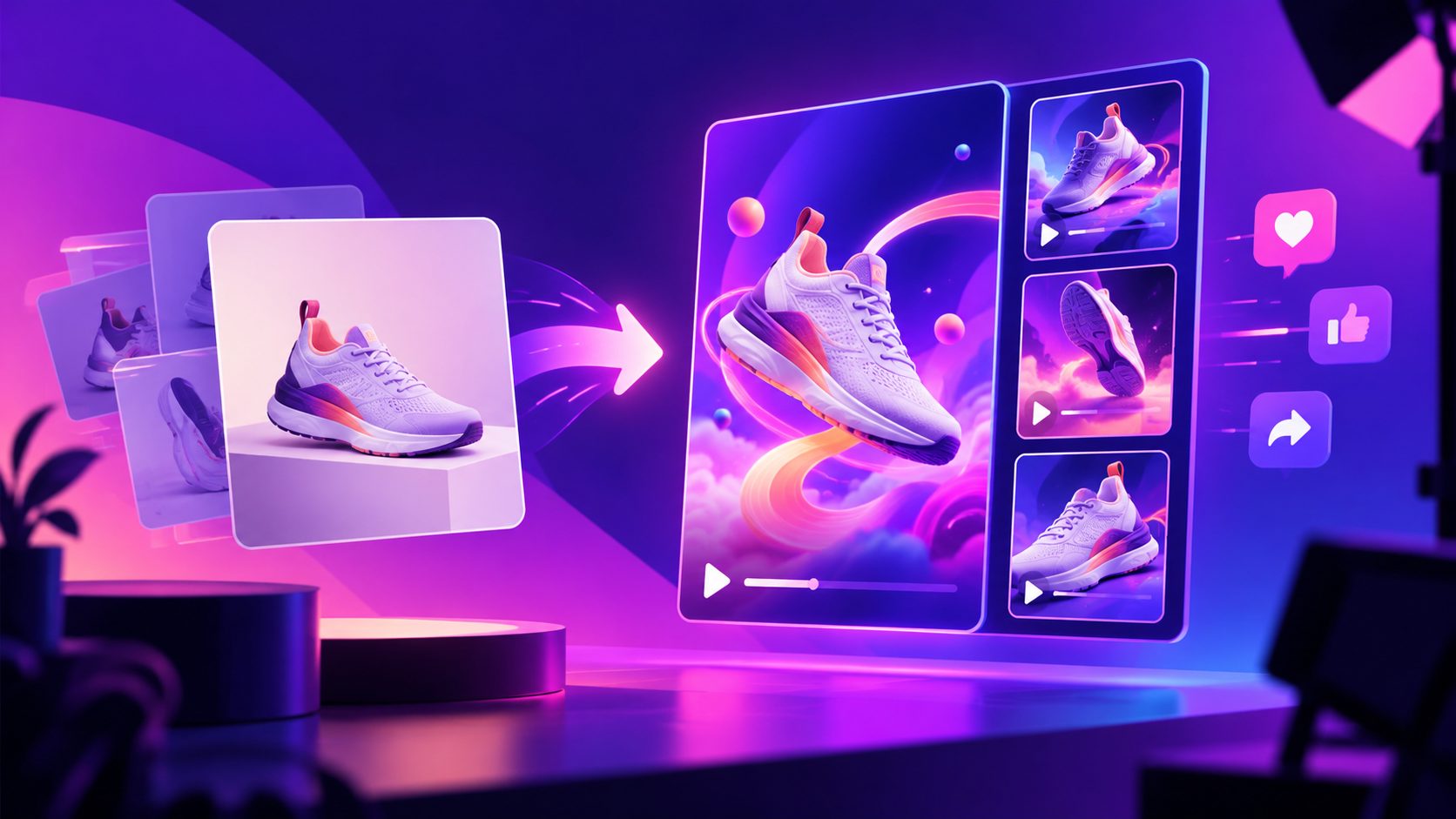
Product photo to video is the process of using a still product image as the visual source for a short marketing video. AI adds controlled movement, scene context, camera motion, captions, voiceover, or a promotional structure while keeping the product recognizable.
Top-ranking tools in this category commonly focus on a few use cases: camera push-ins, product rotations, lifestyle scenes, UGC-style clips, vertical social formats, and multiple ad hooks from one image. (casttake.com)
For ecommerce sellers, the practical benefit is creative multiplication. One approved product image can support several distinct tests:
- A problem-and-solution demonstration
- A product detail or close-up video
- A lifestyle use case
- A discount or seasonal promotion
- A review-style UGC concept
- A comparison, unboxing, or tutorial angle
The image is the source asset. The marketing angle determines whether the resulting video is useful.
Why this workflow works during a slow sales period
When budgets tighten, the expensive part is often not media spend. It is the repeated cost of planning, filming, editing, translating, resizing, and revising creative.
A photo-first workflow reduces the number of production dependencies. You can reuse the same product image while changing only the hook, benefit, setting, audience, language, or call to action. This makes it better suited to controlled testing than producing one highly polished commercial.
A useful rule is:
Keep the product constant and change one creative variable at a time.
For example, create four versions with the same product image:
| Version | Variable tested | Example angle |
|---|---|---|
| A | Hook | “Still struggling with countertop clutter?” |
| B | Benefit | “Keep everyday essentials within reach.” |
| C | Audience | “For small-apartment kitchens.” |
| D | Offer | “Save 15% this weekend.” |
This structure gives you a clearer read on performance than changing the product, script, setting, and offer simultaneously.
What product photo makes the best starting point?
The best input is a sharp JPG or PNG image with a clearly visible product, simple lighting, and enough empty space for motion and text. AdsTurbo Product Image supports JPG and PNG uploads, and clear product photos on a solid-color background generally produce the most dependable starting material.
Before generating video, check five things:
- Product identity: The shape, label, color, and key features are visible.
- Image quality: Avoid heavy compression, blur, glare, or cropped edges.
- Background control: A plain background makes separation and scene replacement easier.
- Text accuracy: Do not rely on generated visuals to recreate small packaging text perfectly.
- Commercial rights: Use product and creator assets that your business is authorized to advertise.
If the source photo is weak, improve the image before adding motion. AdsTurbo supports product-image generation, white-background image creation, background replacement, and AI upscaling. For a practical preparation step, see this guide to making a product background white.
How to turn a product photo into a testable video ad
1. Select one conversion goal
Start with one purpose: introduce the product, prove a feature, explain usage, announce an offer, or recover abandoned-cart interest. A 15-second video cannot explain everything well.
A simple structure is:
- 0–3 seconds: Show the problem, product, or strongest visual hook.
- 3–10 seconds: Demonstrate the relevant benefit.
- 10–15 seconds: Add the offer and call to action.
The first three seconds should communicate what the viewer is seeing without requiring sound.
2. Turn product facts into visual actions
Do not write a generic prompt such as “make this product look exciting.” Convert a product fact into something the viewer can see.
Instead of:
- “Show that this organizer is useful”
Try:
- “Show the organizer holding three everyday items, followed by a clean countertop reveal.”
Instead of:
- “Make a stylish ad for this lamp”
Try:
- “Begin with a close-up of the lamp texture, transition to a warm desk scene, then show the light illuminating a small workspace.”
This distinction matters because motion should support the claim. A rotating product can show design. A use-case scene can show context. A close-up can show texture or construction.
3. Generate three creative families
For a lean campaign, create three families rather than ten unrelated videos:
Product proof: close-ups, rotation, feature callouts, before-and-after visuals.
Lifestyle context: the product in a kitchen, office, bedroom, travel setting, or other relevant environment.
Social-native concept: a fast hook, creator-style narration, captions, and a direct CTA.
AdsTurbo Product Video can use a JPG or PNG product image to create UGC-style product review, introduction, and demonstration videos. This is useful when you need a presenter-led variation without arranging a new shoot.
4. Adapt the same concept for each channel
Do not simply crop one finished video into every placement. The safe production approach is to create the intended aspect ratio as part of the brief.
Typical variants include:
- 9:16: TikTok, Instagram Reels, YouTube Shorts
- 1:1: Feed placements and product-focused social posts
- 16:9: YouTube, landing pages, and wider placements
AdsTurbo tools support product-image outputs in nine aspect ratios, while Ad Clone can export reference-based ad variations for formats such as 9:16, 1:1, and 16:9. The key is to protect the product and CTA from being covered by platform interface elements.
For longer source material, a long-video-to-short-video workflow can help create captioned short clips for additional testing.
5. Add captions before judging the creative
Many viewers encounter social video without sound. Captions should not repeat every spoken word mechanically; they should reinforce the visual argument.
Use short lines such as:
- “Fits small spaces”
- “Set up in seconds”
- “Designed for daily use”
- “Limited-time bundle”
AdsTurbo Video Subtitle can automatically transcribe speech, create synchronized captions, translate subtitles, and export either a captioned video or a separate subtitle file. Caption layouts can be adapted for TikTok, Instagram Reels, and YouTube Shorts.
A practical low-budget testing matrix
A useful first batch contains 12 videos:
- 3 hooks
- 2 visual treatments
- 2 CTAs
For example:
| Hook | Visual treatment | CTA |
|---|---|---|
| Problem-led | Product demonstration | Shop now |
| Benefit-led | Lifestyle scene | See how it works |
| Offer-led | Product close-up | Save today |
Keep the product image, landing page, audience, and offer consistent during the first test. Measure thumb-stop rate, three-second view rate, average watch time, click-through rate, and conversion rate where the platform provides them.
The goal is not to find the prettiest video. It is to identify which combination of hook, proof, and CTA earns the next testing budget.
Common mistakes to avoid
Using motion without a message
A slow zoom may look polished but fail to explain why the product matters. Tie every movement to a feature, use case, or emotional outcome.
Overloading the first frame
Do not place the product name, five benefits, a discount, and a long headline in the opening second. Use one clear message first.
Changing too many variables
If every version uses a different product shot, script, offer, and scene, performance data becomes difficult to interpret.
Treating AI output as final without review
Check logos, packaging text, hands, product proportions, captions, pronunciation, and claims before publishing. AI-generated motion can make visual details inconsistent, especially when the source image is low quality.
Ignoring localization
For international campaigns, localize the spoken audio, captions, offer wording, and cultural context together. AdsTurbo supports video translation, multilingual subtitles, and multiple-language creative workflows.
Frequently asked questions
Can I turn one product photo into several video ads?
Yes. One product image can support multiple hooks, scenes, aspect ratios, captions, and calls to action. The strongest workflow changes one major variable at a time so each version remains testable.
Is a white-background product photo required?
No, but it is often the easiest starting point. A clear image on a solid-color background gives the system less visual noise and makes product separation, background replacement, and motion more predictable.
What length should a product photo video be?
For short-form paid social testing, start with a compact structure that communicates the hook, benefit, and CTA quickly. The right length depends on product complexity, but a short version is usually easier to compare and iterate.
Can I create multilingual versions?
Yes. A photo-based creative can be adapted with translated audio, captions, and on-screen copy. Review product names, measurements, currency, and promotional terms in every language before publishing.
How can I automate production at scale?
AdsTurbo supports asynchronous generation with status polling or webhook completion events. Higher-level plans support team workflows, API access, and custom workflows, allowing product-image, video-generation, subtitle, and processing steps to be connected into a repeatable pipeline. You can explore AdsTurbo’s ecommerce video tools.
The most efficient system is not “make one AI video and hope.” It is a controlled loop: prepare a trustworthy product image, choose one message, generate several focused variations, add readable captions, adapt formats, and use performance data to decide what to produce next.