By adsturbo.ai | Published 2026-09-29 | Updated 2026-09-29
An unboxing video script template ai workflow helps ecommerce sellers turn a product image, offer, and buyer concern into a timed short-form ad. The strongest 30-second version does more than show a package opening: it proves what arrives, what is included, how the product looks in use, and why the viewer should care.
For DTC and cross-border sellers, the practical advantage is repeatability. One product brief can become multiple hooks, languages, characters, aspect ratios, and calls to action without sending a physical sample to every creator.
What should a 30-second unboxing video script include?
A useful unboxing script includes six beats: a buyer-focused hook, package proof, the reveal, an inventory of contents, one first-use action, and a clear CTA. Each spoken claim should be supported by something visible on screen.
That structure matches the core elements found in leading unboxing script guides: the viewer should understand how the parcel arrived, what is inside, and what happens during first use. A 30-second runtime is usually long enough to show these details without turning the ad into a full product tutorial. (nereo.io)
Copy-ready 30-second unboxing script template
| Time | Visual direction | Voiceover or on-screen text |
|---|---|---|
| 0–3 seconds | Show the product result, a surprising detail, or the package before opening | “I wanted to see if this [product] actually solves [specific problem].” |
| 3–6 seconds | Show the sealed box, label area, and packaging condition | “Here is exactly how it arrived.” |
| 6–11 seconds | Open the package and reveal the product | “Inside is the [product], packed with [relevant detail].” |
| 11–16 seconds | Arrange the product and included accessories in a clean layout | “You get the [main product], [accessory], and [accessory].” |
| 16–24 seconds | Demonstrate one complete first-use action | “Setup takes [verified step], and this is what happens.” |
| 24–27 seconds | Show a close-up, result, or honest limitation | “My first impression: it is best for [specific buyer].” |
| 27–30 seconds | Show the product, offer, and destination action | “See the available [bundle, color, or size] before it sells out.” |
The wording should be adapted to the product. Do not claim that an accessory, feature, warranty, or result exists unless the product page confirms it. In an AI-generated version, factual product details should come from the seller’s approved brief rather than from visual guesswork.
How do you make the script more persuasive?
The central improvement is to replace generic praise with a proof ladder. This is a practical framework for deciding what the viewer needs to see next:
- Arrival proof: Show the package and its condition.
- Ownership proof: Show the complete contents.
- Function proof: Demonstrate one real action.
- Fit proof: Explain who the product is for.
- Decision proof: Give the viewer a specific next step.
Most weak unboxing ads stop at the reveal. They show a box opening but never answer the buyer’s practical questions: Is the item the right size? What comes with it? Does setup look difficult? Is the product suitable for this use case?
A strong script also separates sensory detail from sales claims. “The case feels rigid” is an observable impression. “This will last for years” is a durability claim that needs evidence. This distinction makes the video feel more credible and reduces unsupported copy.
For a broader product-ad structure, see how to make your first video ad for a new ecommerce store.
How can AI generate an unboxing video without a physical sample?
AI can create a product-led unboxing concept from a product image, approved product facts, and a defined shot list. The safest workflow treats the product image as the visual source of truth and uses AI to build the surrounding scenes, narration, captions, and variations.
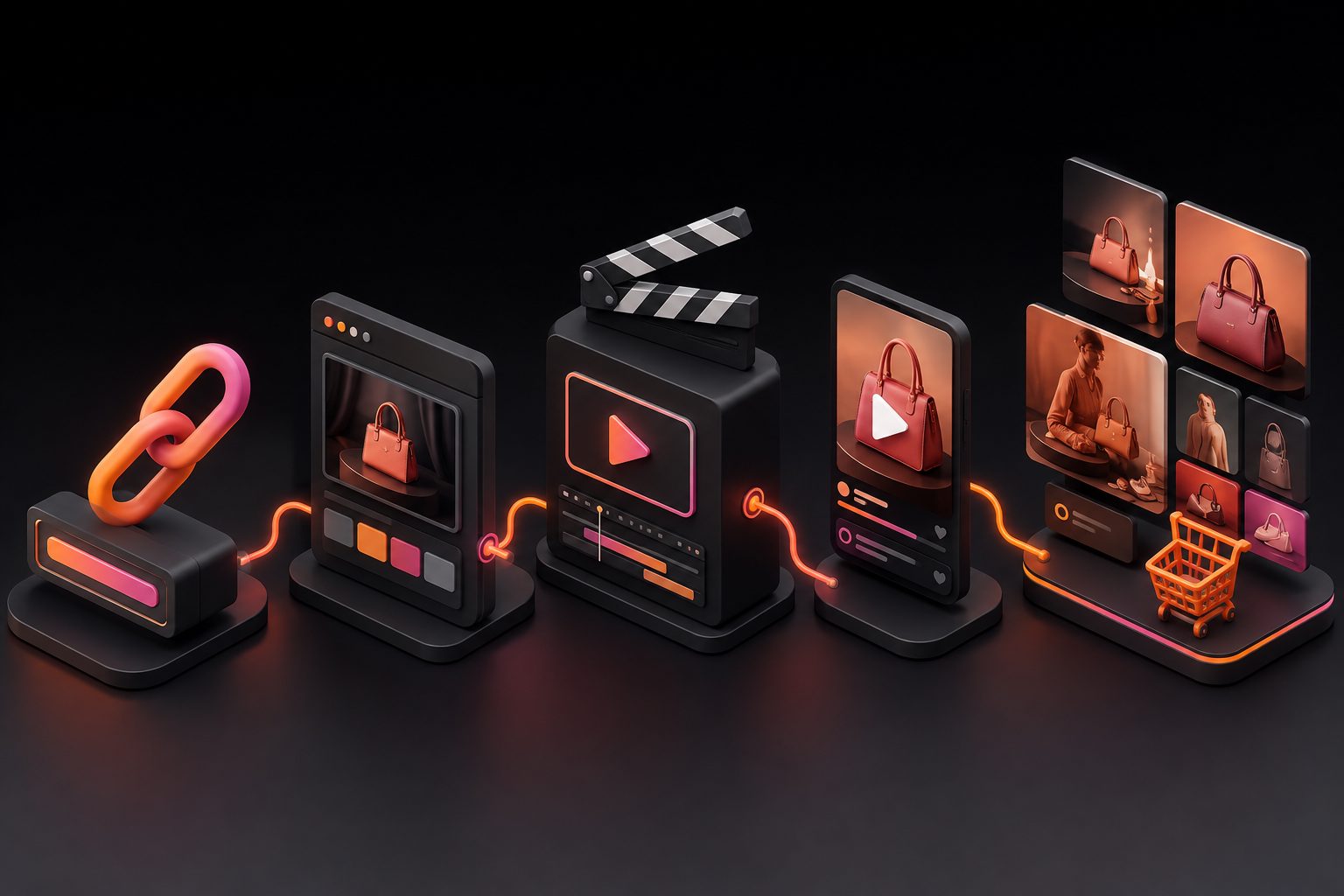
A practical image-to-video workflow
-
Prepare the product asset.
Upload a clear JPG or PNG product image. For AdsTurbo Product Video, product images can be up to 10 MB, and clean images with a simple background generally produce the best starting point. -
Add the buyer context.
Specify the target customer, primary objection, selling point, offer, and required CTA. For example: “Show how quickly this portable blender can be unpacked and used by a commuter.” -
Choose the unboxing angle.
Select a hands-only POV, creator-style review, product close-up, or AI actor presentation. AdsTurbo provides more than 300 AI actors and over 100 product advertising templates for different creative directions. -
Generate the first master cut.
Build a 30-second version that includes the full proof ladder. Keep one central promise rather than trying to explain every product feature. -
Create controlled variants.
Change one variable at a time: opening hook, actor, language, CTA, offer, or product angle. This creates a usable test matrix instead of a collection of unrelated videos. -
Localize and caption the output.
AdsTurbo Video Subtitle can automatically transcribe speech, generate time-synced subtitles, and export either a captioned video or a separate subtitle file. Subtitle layouts can be adapted for TikTok, Instagram Reels, and YouTube Shorts.
This workflow is particularly useful for new-product testing because the seller can produce creative directions before arranging a full creator shoot. However, generated scenes should still be checked against the real product, packaging, dimensions, and included accessories.
How should ecommerce sellers create multiple ad variants?
A useful variant matrix changes the reason to watch, not just the background. Start with four creative angles:
| Angle | Hook example | Best proof shot |
|---|---|---|
| Packaging confidence | “Here is what actually arrived.” | Sealed package and contents |
| Problem solving | “I bought this for one annoying daily problem.” | Product in use |
| Value clarity | “This is everything included in the box.” | Flat-lay inventory |
| First impression | “The detail I noticed immediately was…” | Macro product close-up |
For cross-border campaigns, keep the product, offer, and proof shot consistent while changing the language, actor, voice, and on-screen text. AdsTurbo supports video translation, character replacement, lip sync, motion control, and resolution enhancement, which can help turn one approved concept into localized creative variations.
For a more systematic testing process, TikTok Shop bulk video generation and SKU testing provides a useful model: organize variants by SKU, audience, hook, and platform rather than naming files only by date.
If you already have a reference ad, AdsTurbo Ad Clone can analyze a reference video of up to 12 seconds and generate brand variations. The workflow can preserve the opening rhythm, shot logic, and CTA structure while replacing the product, text, or audience angle. See how to rebuild ecommerce creatives with an AI video ad remixer.
What should you check before publishing?
Use this five-point QA checklist before launching an unboxing ad:
- Product accuracy: Does the product look like the real item?
- Package accuracy: Are all shown accessories actually included?
- Claim accuracy: Can every benefit be supported by the product page or demonstration?
- Caption accuracy: Are subtitles, translations, prices, discount codes, and measurements correct?
- Platform fit: Is the final crop readable in 9:16, 1:1, or 16:9 format?
AdsTurbo Event Poster can also generate promotional visuals in nine aspect ratios and support multiple languages for sale campaigns. This is useful when the unboxing ad needs matching launch graphics for social posts, display ads, email, or print.
The strongest operational setup is to keep the approved product facts in one source brief. Every script, translation, caption file, and visual variant should be generated from that brief so a small product update does not create inconsistent claims across channels.
Frequently asked questions
How many words should a 30-second unboxing script contain?
A 30-second video usually needs concise narration rather than a dense paragraph. Aim for short sentences with room for product sounds, pauses, and captions. The exact word count depends on speaking speed, language, and how much information is communicated visually.
Can an AI unboxing video use only one product image?
Yes. A single clear JPG or PNG product image can serve as the main product reference for an AI-generated product video workflow. More angles, packaging images, and verified product details can improve accuracy, but they are not always required to create a first creative concept.
Should the package opening come first?
Not always. A stronger opening may show the product result or the buyer’s problem before showing the package. The reveal can then function as proof rather than spending the first seconds on a slow box-opening sequence.
What is the best CTA for an unboxing ad?
Use a CTA connected to the buying decision, such as choosing a size, viewing the bundle, checking the product details, or claiming a verified offer. Avoid vague endings such as “learn more” when the video can tell viewers exactly what to do next.
How can sellers make multiple versions quickly?
Create one 30-second master, then vary the hook, actor, language, product angle, and CTA independently. AdsTurbo supports asynchronous generation, status polling, and Webhook completion events, while higher-level plans support team workflows, API access, and custom workflows for larger production systems.