By adsturbo.ai | Published 2026-10-15 | Updated 2026-10-15
An unboxing video is a customer-facing product demonstration that captures the exact sensory sequence of receiving a parcel: breaking the exterior seal, revealing the internal packaging, inspecting the accessories, and completing the first-time setup. For cross-border and direct-to-consumer (DTC) brands, this visual format bridges the physical trust gap by verifying package integrity and item authenticity before the shopper completes a purchase.
If you are just launching a storefront, you do not need expensive studio lighting, cinema cameras, or seasoned video editing teams to produce compelling assets. This comprehensive unboxing video tutorial for ecommerce beginners reveals a repeatable 4-phase framework to transform simple product assets into high-converting unboxing commercials without ballooning your production overhead.
Why Unboxing Videos Drive High Conversions for New Stores
Unboxing videos generate exceptional conversion rates for new stores because they systematically dismantle buyer skepticism regarding packaging quality, physical dimensions, and parcel contents. Showing the package opening process in realistic consumer environments sets clear delivery expectations and significantly reduces post-purchase buyer friction.
According to retail analytics from Google Consumer Insights, a significant portion of digital shoppers watch unboxing or product review content before finalizing purchases in categories such as personal electronics, cosmetics, and lifestyle goods. When new stores run paid traffic on TikTok Shop or Meta, user-generated content (UGC) styles consistently outperform glossy studio commercials in click-through rates. Showing real items held in human hands provides the visual proof shoppers need to click checkout.
| Video Creative Type | Average Production Cycle | Script Complexity | Core Conversion Driver |
|---|---|---|---|
| Studio Showcase Ad | 5–10 Business Days | High (Complex Storyboard) | Brand Aesthetics & Aspiration |
| Direct Problem-Agitation Ad | 3–7 Business Days | High (Dialogue-Heavy Script) | Emotional Urgency |
| Product Unboxing Video | 1–2 Business Days | Low (Chronological Reveal) | Packaging Authenticity & Proof |
Phase 1: Pre-Production and Asset Preparation
Executing an unboxing video without planning results in muddy footage, missing accessory angles, and unengaging presentation. Effective pre-production requires four foundational inputs:
- Source Packaging & Hero Product Assets: Ensure you have clear, crisp images of your external box, the secondary blister packaging, and the product itself. In AdsTurbo Product Image workflows, clean photos shot against a plain solid background achieve the best performance.
- Accessory Manifest: List every individual item included inside the box (cables, manuals, protective sleeves, warranty cards). Each item serves as an individual visual checkpoint.
- Lighting & Audio Standards: When capturing your own footage, use two 5500K softbox lights positioned at 45-degree angles to prevent reflective package glare. Record ambient unboxing sounds (tape slicing, cardboard popping, protective film peeling) using a directional cardioid microphone.
- Platform Formats: Plan aspect ratios early. Exporting 9:16 vertical video works best for TikTok Shop and Instagram Reels, while 1:1 square feeds Meta grids and 16:9 widescreen satisfies Amazon storefront modules.
To plan your narrative flow, examine our crowdfunding early-bird video ad playbook for modular script blueprints that structure early hooks.
Phase 2: The 4-Beat Chronological Unboxing Storyboard
Every high-performing unboxing video adheres to a predictable visual rhythm. Beginners should not deviate from the 4-beat chronological sequence: Package Arrival, The Reveal, Accessory Breakdown, and First-Use Proof.
+--------------------------------------------------------------------------+
|                     THE 4-BEAT UNBOXING STORYBOARD                       |
+--------------------+--------------------+-------------------------------+
|  BEAT 1 (0-3s)     |  BEAT 2 (3-8s)     |  BEAT 3 (8-18s)               |
|  The Sealed Arrival|  The Internal Reveal|  Accessory Laydown & Features |
|  - Parcel in hands |  - Box opened      |  - Split-screen / Flat-lay    |
|  - Tape cut snap   |  - Hero item lifted|  - Key parts highlighted      |
+--------------------+--------------------+-------------------------------+
                     |  BEAT 4 (18-30s)                                   |
                     |  First-Use Experience & Clear CTA                  |
                     |  - Power turned on / Immediate result shown        |
                     |  - Final price/discount incentive overlay          |
                     +----------------------------------------------------+
Beat 1: The Sealed Arrival (0–3 Seconds)
The video must establish immediate tactile contact. Show the parcel held in human hands, sliding out of a shipping satchel, or sitting neatly on a clean desk. Deliver a sharp audio hook—the clean cut of package tape or the removal of an adhesive label—to instantly capture audience attention within fast-scrolling feeds.
Beat 2: The Internal Reveal (3–8 Seconds)
Open the lid smoothly. Show the nested hero product protected inside custom foam or wrapped in branded paper. The creator should lift the main item out of the carton with deliberate pacing, turning it 45 degrees toward the lens to capture how the materials reflect natural light.
Beat 3: Accessory Inspection & Feature Callouts (8–18 Seconds)
Lay out every complementary cable, power block, or adapter alongside the main product. High-intent shoppers examine accessories closely to verify compatibility. Pair this moment with on-screen text overlays highlighting technical specifications. If you plan to expand your technical demonstrations, review how to adapt a digital user manual video for ecommerce to resolve customer setup questions directly inside creative sequences.
Beat 4: First-Use Proof & Call to Action (18–30 Seconds)
Never finish an unboxing ad inside the empty carton. Transition immediately to turning on the gadget, spraying the fragrance, or fitting the apparel piece. Conclude with a clear discount code, bundle promotion, or direct call to action (CTA).
Phase 3: Producing Lightweight Unboxing Assets with AI
Physical video shoots require studio space, specialized lighting, and hand talent. When physical samples are stranded in transit or you need rapid testing variants for paid traffic, generative workflows can assemble realistic unboxing assets directly from still photography.
Converting Single Photos into Dynamic UGC Clips
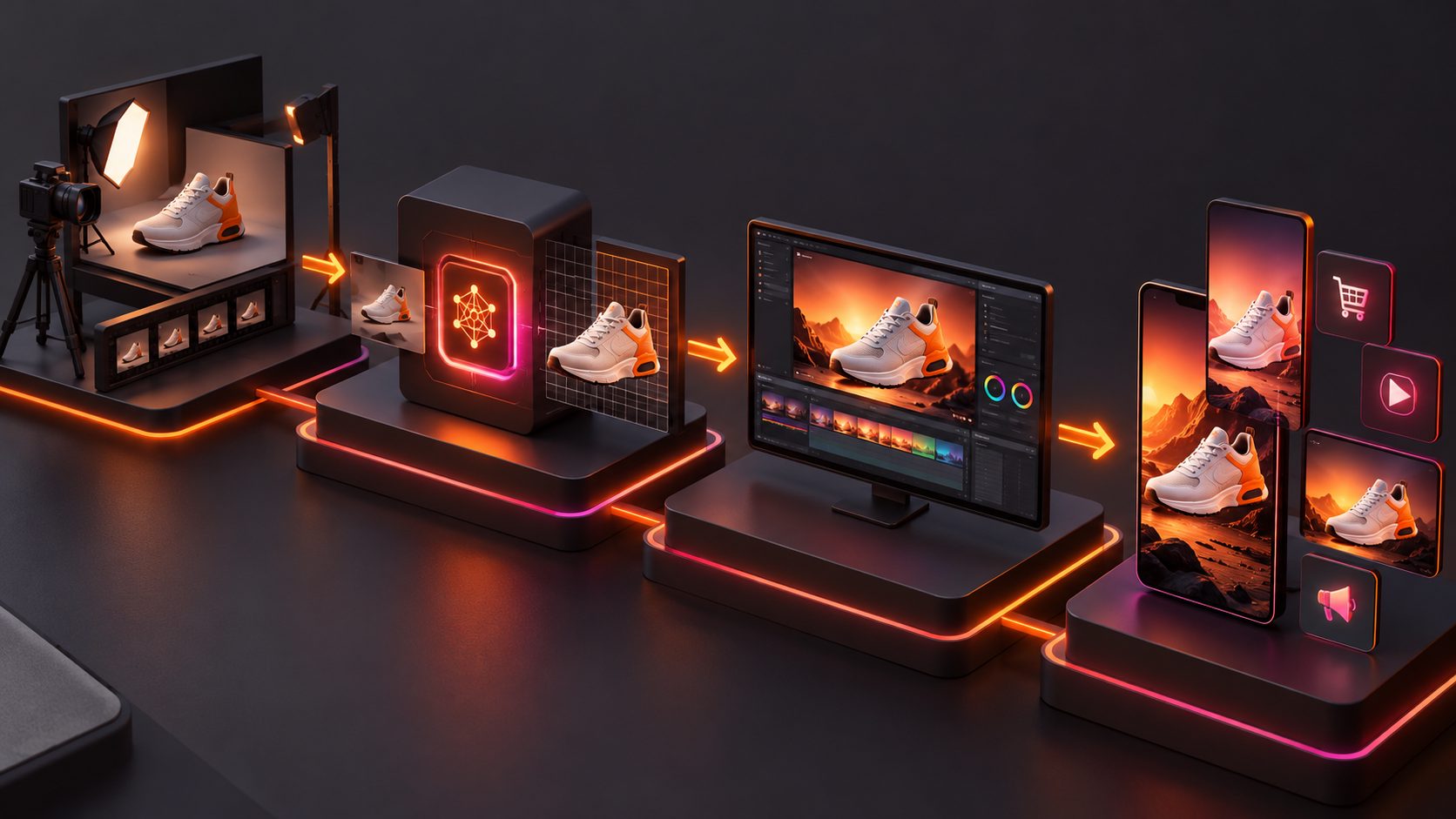
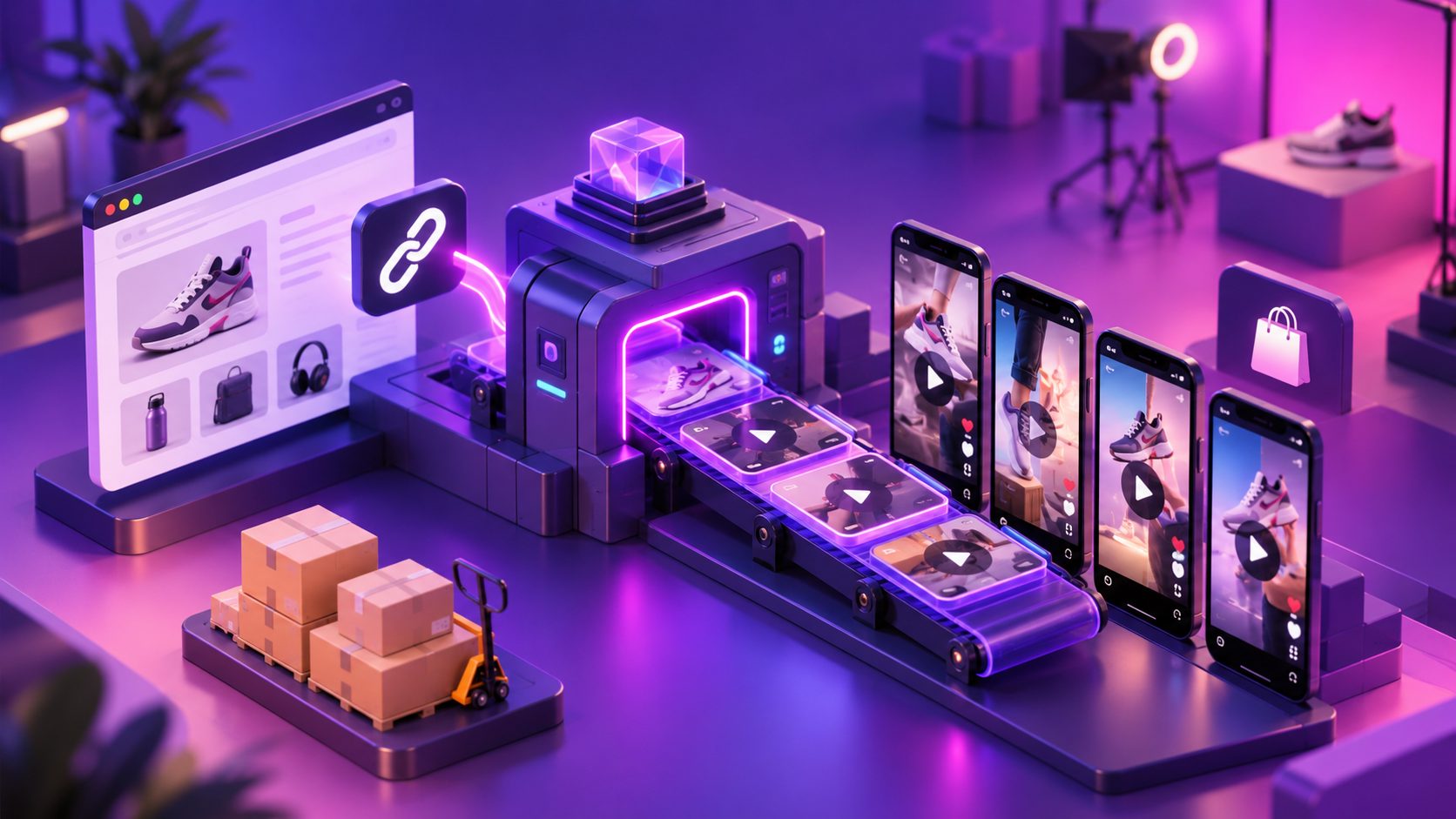
Using AdsTurbo Product Video, sellers can upload product photos in JPG or PNG format (up to 10MB) alongside key selling points to automatically generate short-form UGC ads. The system analyzes product contours, colors, and category tags to build product reviews, introductory breakdowns, and first-look unboxing demonstrations.
If you already possess a strong competitor ad or an organic influencer video, AdsTurbo Ad Clone deconstructs the reference video's pacing, camera logic, and CTA architecture. It rewrites screen text and reconstructs the script around your product while preserving the underlying hook timing.
[Raw Product Photo / JPG]
           │
           ▼
[AdsTurbo Product Video Engine] ─── Analyzes product shape, color, & category
           │
           ├─► Generates UGC Unboxing Clip (10 credits/sec)
           ├─► Injects Actor / Voiceover (300+ AI Actors)
           └─► AdsTurbo Video Subtitle (Auto-transcribes & syncs captions)
           │
           ▼
[Multi-Platform Ready Assets: 9:16 / 1:1 / 16:9]
Localizing Packaging and Presenters for Regional Audiences
Expanding into cross-border markets requires matching the presenter and spoken language to the target locale. Using AdsTurbo Character Swap, brands can upload source footage alongside target actor portraits to swap on-screen presenters while preserving the natural lighting, object physics, and hand movements of the unboxing clip.
For voice translation, AdsTurbo provides multi-language video translation (billed at 5 credits per second of output) and AI Lip Sync (20 credits per second) using clear portrait images and MP3 or WAV audio tracks. If your store runs affiliate campaigns across distinct territories, leverage our TikTok Shop affiliate video clips generator workflow to scale customized creator hooks across local demographics.
Phase 4: Post-Production, Subtitling, and Compliance Optimization
Raw video footage requires focused post-production refinement before deployment across paid acquisition channels:
- Generate High-Impact Subtitles: More than 70% of social media users consume feed videos with muted audio. AdsTurbo Video Subtitle automatically transcribes spoken audio into synchronized subtitles styled for TikTok, Instagram Reels, and YouTube Shorts. You can download final videos with burned-in captions or export separate subtitle files.
- Refine Visual Clarity: For macro close-up shots of small product badges or connection ports, AdsTurbo Video Upscaling provides split-screen before-and-after previews and outputs crisp 4K renders.
- Remove Interface Clutter: If source footage contains stubborn third-party timestamps, badges, or sticker marks, AdsTurbo AI Eraser removes corner badges and residual graphics with full pre-export preview support.
- Assemble Multi-Format Variants: Export individual master unboxing assets into 9:16 vertical, 1:1 feed square, and 16:9 landscape dimensions to test across Meta Ads Manager, Amazon Brand Stores, and Google Performance Max campaigns.
Frequently Asked Questions
What equipment do I need to shoot an unboxing video as a beginner?
Beginners only need a modern smartphone capable of recording 1080p footage at 60 frames per second, a stable tabletop tripod, two 5500K LED softbox lights, and a desk mat in a neutral, non-reflective tone.
How long should an ecommerce unboxing video ad be?
For paid social media advertising on platforms like TikTok and Meta, unboxing ads perform best between 15 and 30 seconds. Organic YouTube review videos can run 2 to 5 minutes to accommodate comprehensive technical feature evaluations.
Can I create an unboxing video using only product photos?
Yes. Using automated tools like AdsTurbo Product Video, you can upload clear JPG or PNG product photos under 10MB on solid backdrops. The platform analyzes your product's silhouette, textures, and selling points to produce realistic unboxing presentations.
How does credit billing work for AdsTurbo unboxing workflows?
AdsTurbo bills video features based on output duration: Ad Clone and Product Video consume 10 credits per second, Video Translation and Video Upscaling consume 5 credits per second, and AI Lip Sync and Character Swap consume 20 credits per second. Static image generation costs 5 credits per image.