By AdsTurbo Team | Published 2026-10-14 | Updated 2026-10-14
A digital user manual video for ecommerce turns printed instructions into short, visual guidance for setup, first use, cleaning, troubleshooting, or safe operation. For cross-border and DTC sellers, the goal is not to make a polished brand film. It is to remove the exact misunderstanding that causes misuse, support tickets, negative reviews, or an avoidable return.
What Is a Digital User Manual Video for Ecommerce?
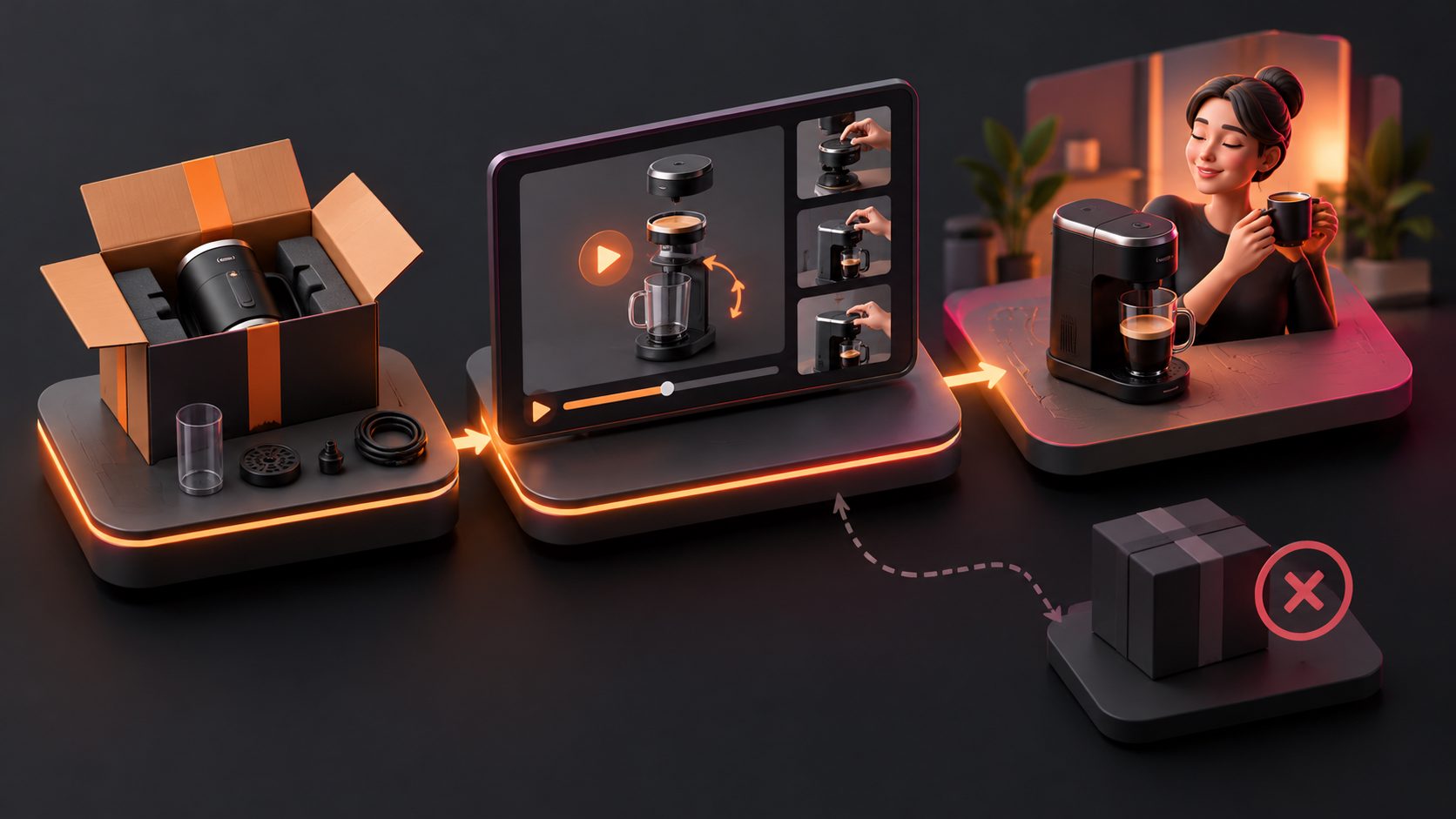
A digital user manual video is a product-specific tutorial that shows one customer task from start to finish, using visual steps, captions, and clear limitations. Unlike a promotional product video, it prioritizes correct operation over persuasion.
The most useful videos answer questions such as:
- Which parts are included?
- What should the buyer do first?
- Which direction does a component face?
- What does a normal result look like?
- What common mistake prevents the product from working?
- When should the customer stop and contact support?
Product videos are most valuable when they clarify scale, function, assembly, compatibility, and real-world use. Amazon’s own product-video guidance similarly emphasizes descriptive, demonstrative, and product-focused content that helps customers make informed decisions. (sellercentral.amazon.com)
A manual video can be used in several locations:
- Before purchase: product pages, marketplace listings, comparison pages, and ads.
- Immediately after purchase: order-confirmation emails, QR codes, and onboarding flows.
- During support: help centers, chatbot responses, and troubleshooting articles.
- After delivery: packaging inserts and customer education campaigns.
The same source video can serve different purposes, but its opening and call to action should match the viewer’s stage.
Why Turn a Paper Manual Into Video?
Written manuals are useful for reference, but they often make physical actions difficult to understand. A buyer may understand “insert the filter firmly” yet still be unsure about the correct angle, stopping point, or expected click.
Video adds three kinds of evidence:
- Sequence: what happens first, second, and third.
- Physical context: how much force, space, movement, or alignment is required.
- Visual confirmation: what the correct setup or result should look like.
Instructional video research has explored converting manual steps into visual action sequences because video can reduce ambiguity in text-only directions. (arxiv.org)
For ecommerce sellers, the important distinction is between preventable confusion and real product failure. Video can clarify compatibility, installation, and use. It cannot repair a damaged item, replace a missing part, or solve a manufacturing defect. Treating every return as a content problem can hide operational issues that require better packaging, quality control, or fulfillment.
A practical rule is:
If a customer could have made the correct decision or completed the correct action by seeing one missing detail, that detail is a strong candidate for a tutorial video.
How to Convert a User Manual Into a Short Tutorial
Start with the manual, but do not copy it line by line. A paper manual is usually organized around completeness. A short video should be organized around one customer outcome.
1. Select one failure point
Review return reasons, product reviews, support tickets, and customer questions. Group issues into four categories:
| Issue type | Example | Video response |
|---|---|---|
| Setup confusion | “The device will not turn on” | Show the complete activation sequence |
| Compatibility doubt | “Will this fit my model?” | Show measurements, connectors, or supported versions |
| Misuse | “The product broke after installation” | Show correct handling and clear warnings |
| Expectation gap | “It looks smaller than expected” | Show real scale and usage context |
Prioritize issues that are frequent, preventable, and easy to demonstrate. A video about a rare problem may be accurate but have little operational value.
2. Write a one-sentence job statement
Use this format:
“After watching this video, the customer can [complete one action] and recognize [one correct result].”
For example:
“After watching this video, the customer can install the replacement cartridge and recognize the correct locked position.”
This sentence prevents the tutorial from becoming a compressed version of the entire manual.
3. Build a five-part shot list
A reliable structure for most ecommerce products is:
- Identify: show the exact product, model, and required parts.
- Prepare: show tools, surfaces, batteries, apps, or accessories.
- Perform: demonstrate the action slowly and from a useful angle.
- Verify: show the visual, sound, light, or movement that confirms success.
- Escalate: explain what to check next or when to contact support.
This is more effective than opening with a logo animation or lifestyle scene. The viewer has already reached the tutorial because they need an answer.
For a longer manual, create a library of micro-videos instead of one ten-minute file. One clip can cover assembly, another can cover cleaning, and another can cover troubleshooting. This also makes support distribution easier.
How to Make the Video Clear Across Markets
A manual video for global ecommerce must work even when the viewer has limited English proficiency or watches without sound.
Use these production rules:
- Place the product in the first few seconds.
- Use short captions with one action per screen.
- Replace vague language such as “attach properly” with visible actions.
- Show measurements, connector shapes, button icons, or orientation markers.
- Keep hands and product details inside mobile-safe margins.
- Use subtitles for narration and export a separate subtitle file when needed.
- Avoid claims that the visual demonstration cannot prove.
- Show limitations instead of implying universal compatibility.
AdsTurbo’s Video Subtitle workflow can automatically transcribe speech, create time-synchronized captions, and format subtitles for platforms such as TikTok, Instagram Reels, and YouTube Shorts. It also supports downloading a captioned video or exporting a separate subtitle file.
For cross-border sellers, subtitles should be localized rather than mechanically translated. A translated warning must preserve the original meaning, especially for electrical products, cosmetics, tools, and products involving heat, pressure, or skin contact.
A Practical “Manual-to-Microvideo” Prioritization Framework
The most useful original improvement is to rank tutorial ideas before production. Score each candidate from 1 to 5 on four factors:
- Frequency: how often customers mention the issue.
- Return impact: how strongly it contributes to refunds or replacements.
- Visual clarity: how much better video explains it than text.
- Production simplicity: how quickly the team can create and update it.
Then calculate:
Priority score = Frequency × Return impact × Visual clarity ÷ Production effort
This is not a prediction of conversion or return reduction. It is a production decision tool. A simple battery-installation video may outrank a visually impressive feature overview because it addresses a frequent failure point with little effort.
The framework also reveals when video is the wrong solution:
- High frequency, low visual clarity: improve the product page copy or specification table.
- Low frequency, high production effort: keep the issue in written support documentation.
- High return impact caused by defects: involve product and fulfillment teams instead of masking the problem with content.
This prevents sellers from measuring success only by views. The real question is whether the video answers a known customer problem.
How to Produce the Video With AI Tools
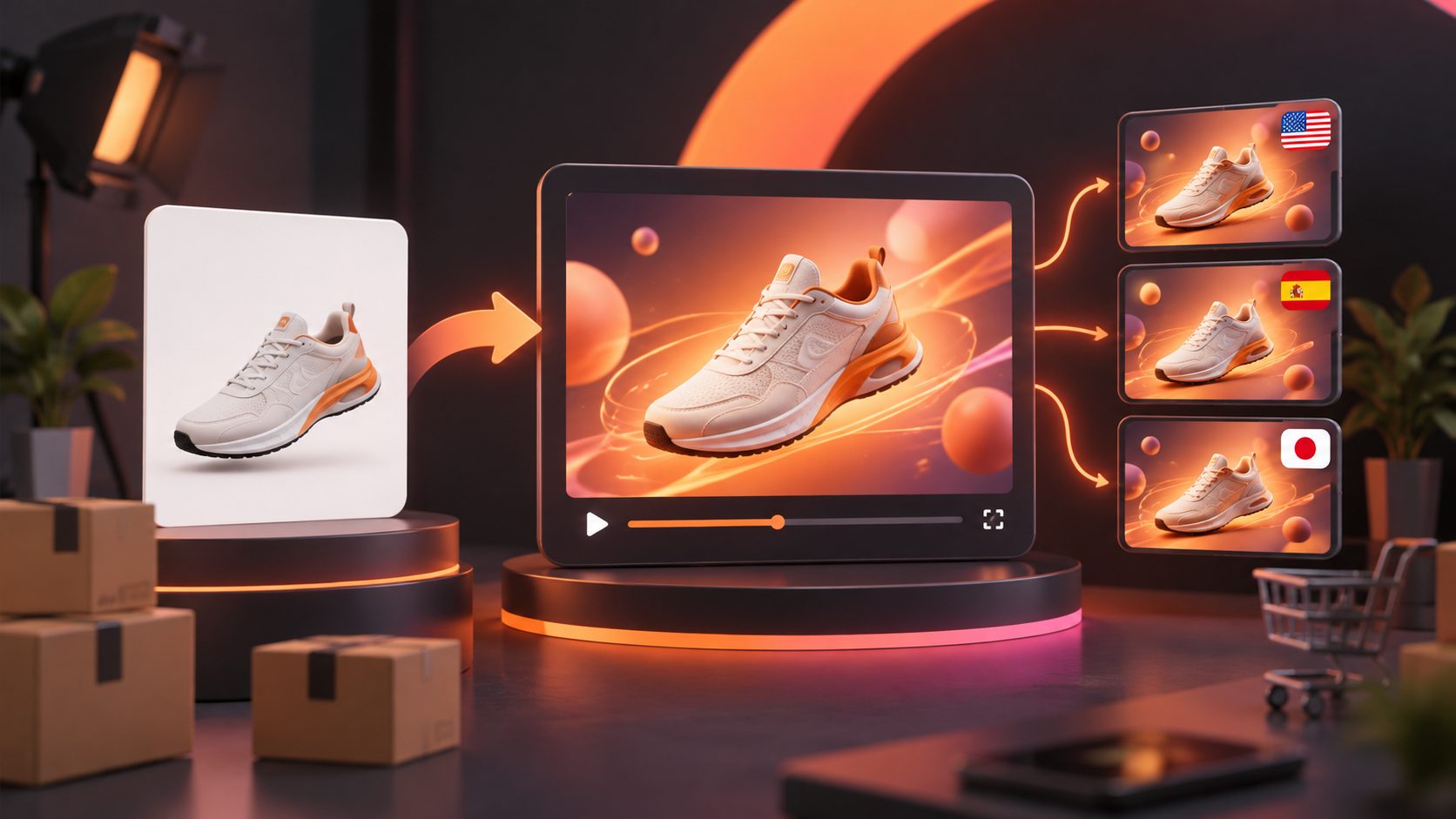
AI can help ecommerce teams create variations from existing product images, reference videos, selling points, and scripts. The source information still needs to be accurate.
AdsTurbo Product Video accepts JPG or PNG product images and can generate product review, product introduction, and product demonstration videos. For a stronger instructional result, provide:
- A clean product image.
- The exact task the customer must complete.
- The key selling or safety point.
- The expected result.
- Any compatibility limits or warnings.
- The target language and aspect ratio.
For existing footage, AdsTurbo supports clip-by-clip editing, script extraction, video translation, AI upscaling, and subtitle generation. Its Ad Clone workflow can analyze a reference video’s structure, pacing, shot logic, and CTA while creating a new version for the seller’s product. Use this for format adaptation, not for copying unsupported demonstrations.
If a source video is low resolution, AI upscaling can improve legibility before captions and close-up instructional frames are added. Always verify product shape, labels, controls, hands, sequence continuity, and physical behavior before publishing.
Where to Publish the Video
Match placement to the customer’s question:
- Product page: compatibility, setup, dimensions, and expected results.
- Order email: first-use instructions and unboxing checks.
- QR code: quick access to assembly or troubleshooting.
- Support article: detailed steps with written fallback instructions.
- Short-form social video: one mistake, one correction, and one clear result.
- Marketplace listing: product-focused demonstrations that support purchase decisions.
For marketplace questions, an Amazon listing Q&A video workflow can help convert repeated buyer questions into short product explanations. For post-purchase issues, use a 15-second ecommerce how-to video framework to turn recurring setup problems into searchable support assets.
How to Measure Whether the Tutorial Works
Track usefulness, not vanity metrics alone. Compare the following before and after publishing:
- Returns tied to setup, compatibility, or misuse.
- Support tickets for the same task.
- Product-page engagement and video completion.
- Replays at specific timestamps.
- Refund and replacement costs.
- Conversion rate and order mix.
- Negative reviews mentioning unclear instructions.
Use a stable comparison period or phased rollout when possible. Keep product defects, shipping damage, and missing components separate from instruction-related returns. Product video is one part of a return-reduction system, not a replacement for accurate specifications or quality control. (nereo.io)
Common Questions
Should every ecommerce product have a user manual video?
No. Create one when customers must assemble, configure, clean, operate, or compare the product. Simple products may need only a short usage clip or clear image sequence.
How long should a product instruction video be?
Use the shortest length that completes one task without skipping a critical step. A simple correction may take 15 seconds; assembly or troubleshooting may require several short clips.
Can one video replace the written manual?
Usually not. Video is best for movement and visual confirmation, while written instructions remain useful for specifications, warnings, compatibility lists, and searchable reference.
Should instruction videos be used in ads?
Only when the task or proof supports the advertising goal. A setup clip can work for products with confusing installation, but avoid turning safety warnings or technical limitations into exaggerated promotional claims.
How can sellers localize the same tutorial?
Keep the visual sequence consistent, then adapt narration, captions, on-screen text, and examples for each market. AdsTurbo supports video translation and multilingual subtitle workflows for localized ecommerce content.
A well-designed tutorial does more than explain a product after purchase. It makes the buying decision more accurate, reduces preventable confusion, and gives support teams a reusable answer. Start with the highest-impact question in your return and ticket data, then produce one short video that visibly resolves it.