By adsturbo.ai | Published 2026-10-14 | Updated 2026-10-14
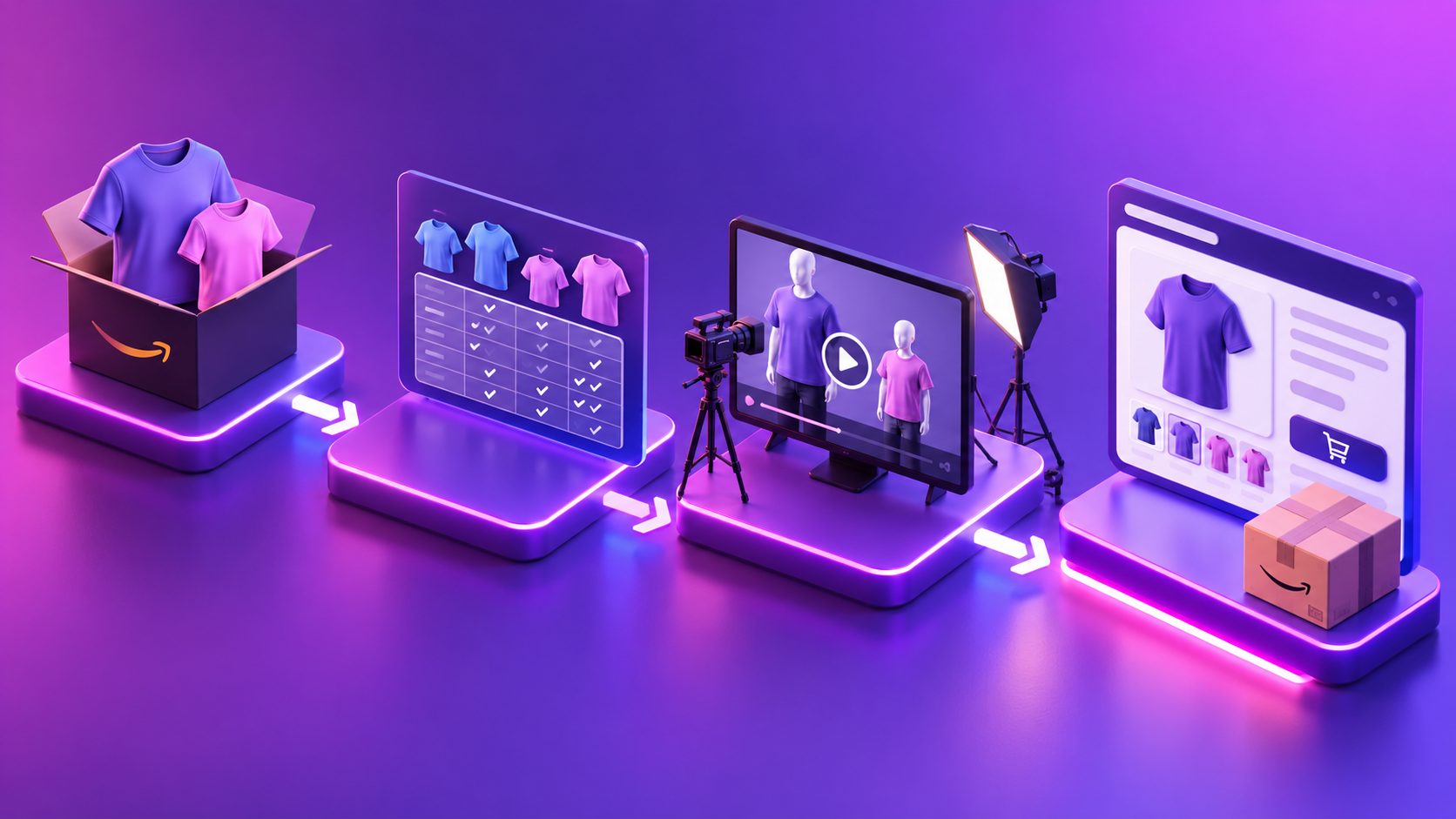
An Amazon listing Q&A into video ads tool converts recurring buyer questions into short product demonstrations. Instead of making a generic commercial, sellers create one focused video for questions such as “Will it fit?”, “What comes in the box?” or “How does it work?”
This approach is useful for Amazon listing videos, Sponsored Products video creatives, Sponsored Brands, and off-Amazon social ads. Amazon’s own guidance emphasizes showing products in use and explaining specific features rather than relying on abstract brand messaging. (advertising.amazon.com)
What is an Amazon listing Q&A into video ads tool?
An Amazon listing Q&A into video ads tool is a workflow that transforms a buyer concern into a script, storyboard, product demonstration, captions, and exportable video variation.
The most effective workflow follows one rule: one video should answer one primary question. A question about compatibility should show compatibility evidence. A question about setup should show the setup sequence. Combining unrelated answers usually produces a vague video that does not resolve the buyer’s hesitation.
A useful answer structure is:
- State the question: “Does this fit a standard cup holder?”
- Show the product: Use a real product image or demonstration.
- Prove the answer: Show dimensions, placement, included parts, or operating steps.
- Close with a practical reminder: “Check the size guide before ordering.”
Amazon’s Sponsored Products video format is designed around feature-led product content. Advertisers can upload multiple product feature videos for one ASIN, allowing different creatives to address different shopper intents. (advertising.amazon.com)
Which Amazon questions should become videos first?
The best questions are both common and visually answerable. Start with questions that block purchase decisions rather than questions that merely request additional background.
Prioritize these categories:
| Buyer question type | What the video should show |
|---|---|
| Fit and compatibility | Size comparison, connection, placement, or supported use |
| Setup and operation | The first three practical steps |
| What is included | Unboxing and included accessories |
| Material and appearance | Texture, finish, scale, and close-up detail |
| Cleaning and maintenance | The correct care sequence |
| Performance clarification | A controlled demonstration of a specific function |
| Variant differences | Color, size, accessory, or package comparison |
A question should not become a video if the answer depends on an unsupported claim. For example, “Does this cure my condition?” is not a suitable creative prompt unless the claim is legally and scientifically substantiated. For most ecommerce products, safer questions concern fit, use, contents, care, and visible design details.
How to select the highest-value questions
A practical way to rank questions is the Q-V-P-R score:
Q-V-P-R = Question frequency + Value at checkout + Proof strength − Claim risk
Score each factor from 1 to 5:
- Question frequency: How often does the issue appear in Q&A, reviews, support tickets, or returns?
- Value at checkout: Would answering it remove a meaningful purchase objection?
- Proof strength: Can the answer be shown clearly with product assets?
- Claim risk: Could the wording create a compliance, safety, or expectation problem?
For example, a “What is included?” question may score highly because it is common, easy to demonstrate, and low risk. A vague question such as “Is it worth it?” usually scores lower because it lacks a single visual proof point.
This framework is an original prioritization method for turning unstructured customer language into a manageable production queue. It prevents sellers from producing videos simply because a question sounds interesting.
How to turn one question into a 30-second script
A 30-second buyer-answer video should be narrow, visual, and easy to understand without audio. Use this timing model:
- 0–3 seconds — Hook: Display the exact buyer question.
- 3–8 seconds — Product context: Show the product and the use case.
- 8–20 seconds — Proof: Demonstrate the feature or answer.
- 20–26 seconds — Clarification: Add one measurement, limitation, or usage note.
- 26–30 seconds — Action: Direct the viewer to the relevant listing detail or variant information.
Example script framework
Question: “What comes in the package?”
- Hook: “Wondering what you receive?”
- Visual: Open the package and arrange every included item.
- Proof: Add short labels for each item.
- Clarification: Mention whether batteries, adapters, or accessories are included only if verified.
- Ending: “Check the selected variation for the exact package contents.”
The important distinction is between answering and selling. The video can support conversion, but the first job is to remove uncertainty. Avoid adding unrelated brand history, exaggerated adjectives, or several secondary benefits.
What assets should sellers prepare?
A strong production input includes four items:
- The exact customer question.
- A verified answer from the product specification, packaging, manual, or approved listing copy.
- Clear JPG or PNG product images.
- Any required dimensions, exclusions, promotion details, or variant information.
AdsTurbo Product Video supports JPG and PNG product images. Clear product photos on a plain background provide the strongest starting point for product-focused generation. The workflow can also incorporate selling points to create product introductions, reviews, and demonstrations.
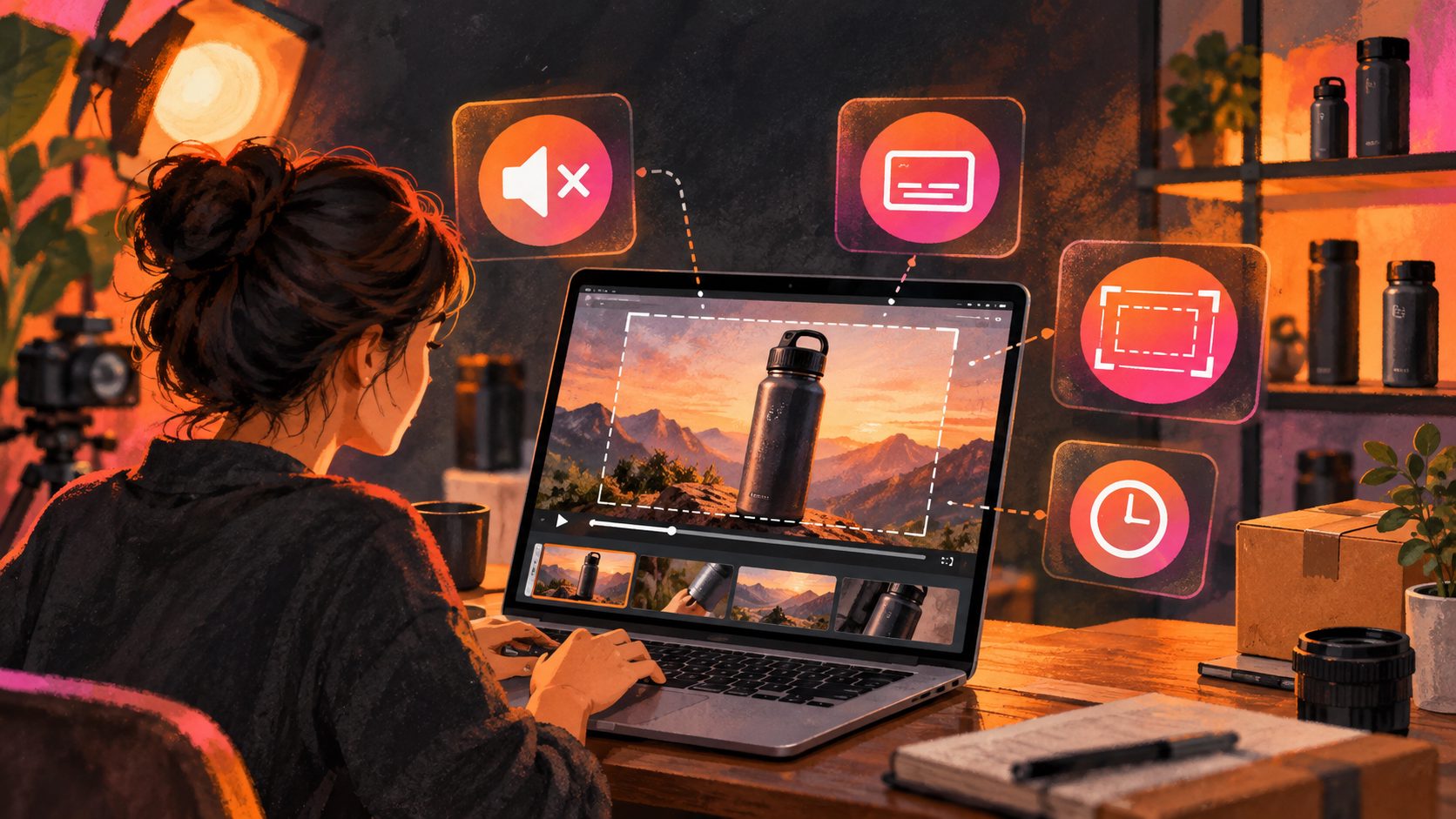
For a more controlled edit, AdsTurbo supports clip-by-clip editing, subtitles, background replacement, product image generation, and video translation. Its Video Subtitle tool can transcribe speech, synchronize captions, and export either a captioned video or a separate subtitle file.
For videos that need a clean ecommerce presentation, sellers can also use the Amazon product video white-background workflow to keep the product visually consistent with listing expectations.
How can one answer become multiple ad variations?
The answer should remain constant while the presentation changes. This produces more meaningful creative testing than changing every claim at once.
Create variations by changing:
- The opening question wording.
- Product angle or demonstration order.
- AI actor or voiceover style.
- Caption layout.
- Aspect ratio.
- Language or localized phrasing.
- Final call-to-action frame.
AdsTurbo provides more than 300 AI actors and over 100 product advertising templates for controlled creative variations. Its Ad Clone workflow can analyze a reference video of up to 12 seconds and reconstruct variations around the reference structure, pacing, shot logic, and CTA pattern.
A single verified FAQ can therefore become:
- An Amazon product feature video.
- A vertical TikTok, Reels, or Shorts creative.
- A customer-support answer.
- A localized video for another market.
- A retargeting ad focused on one objection.
For multilingual distribution, the video ad multilingual subtitle sync workflow can help sellers adapt captions and translated versions while preserving the original answer structure.
What should sellers check before publishing?
Human review remains essential because an AI-generated visual may imply a feature that the product does not have. Check every video against the approved listing and product evidence.
Use this pre-publish checklist:
- Does the product match the correct ASIN and variation?
- Is the answer factually correct?
- Are dimensions shown with a clear measurement method?
- Are included accessories visible and accurately labeled?
- Does the video demonstrate the product instead of hiding it behind an actor?
- Are captions readable on mobile screens?
- Does the voiceover match the translated text?
- Are claims, comparisons, and performance statements supportable?
- Does the selected Amazon placement have different formatting or policy requirements?
Amazon states that video submissions are moderated and that product videos should focus on features, benefits, or usage. Its guidance also recommends avoiding blurry frames, excessive motion graphics, and videos that depend on a talking head to explain the product. (advertising.amazon.com)
How should performance be measured?
Measure the video by the question it answers, not only by campaign totals.
Create a simple tracking table with:
| Field | Example |
|---|---|
| Question theme | Compatibility |
| Video angle | Size comparison |
| Placement | Sponsored Products or social |
| Hook | “Will it fit?” |
| View rate | Platform-reported |
| Click-through rate | Platform-reported |
| Conversion rate | Platform-reported |
| Return or support signal | Internal seller data |
Amazon’s Sponsored Products video reporting includes metrics such as impressions, clicks, CTR, orders, sales, ROAS, five-second views, and five-second view rate. (advertising.amazon.com)
The most useful comparison is usually between two questions. If a fit video receives strong views but weak conversions, the issue may be the product, price, or listing—not necessarily the video. If a setup video improves engagement and reduces repetitive support questions, it may be valuable even when direct attribution is incomplete.
Frequently asked questions
Can AI automatically answer Amazon customer questions?
AI can help group questions, draft scripts, create storyboards, generate variations, and add subtitles. Sellers should still verify specifications, compatibility, safety language, and visual accuracy before publishing.
Should every Amazon Q&A become a video?
No. Prioritize questions that are frequent, important to purchase decisions, easy to demonstrate, and supported by reliable product evidence.
Is a 30-second video long enough?
Thirty seconds is usually enough for one focused answer. It is not enough to explain an entire product catalog, multiple unrelated features, and a full brand story.
Can one FAQ video be reused outside Amazon?
Yes. A verified answer can be adapted for social ads, product pages, customer support, and localized campaigns. Export the correct aspect ratio and caption format for each destination.
What is the best starting input?
Use the exact buyer question, a verified answer, and a clear JPG or PNG product image. A reference video, selling points, and promotion details can improve the resulting storyboard.
Final takeaway
An Amazon listing Q&A into video ads tool is most useful when it turns customer uncertainty into visible proof. Start with one high-value question, build a 30-second answer around one demonstration, verify every claim, and then test presentation variations without changing the underlying product truth.