By adsturbo.ai | Published 2026-10-19 | Updated 2026-10-19
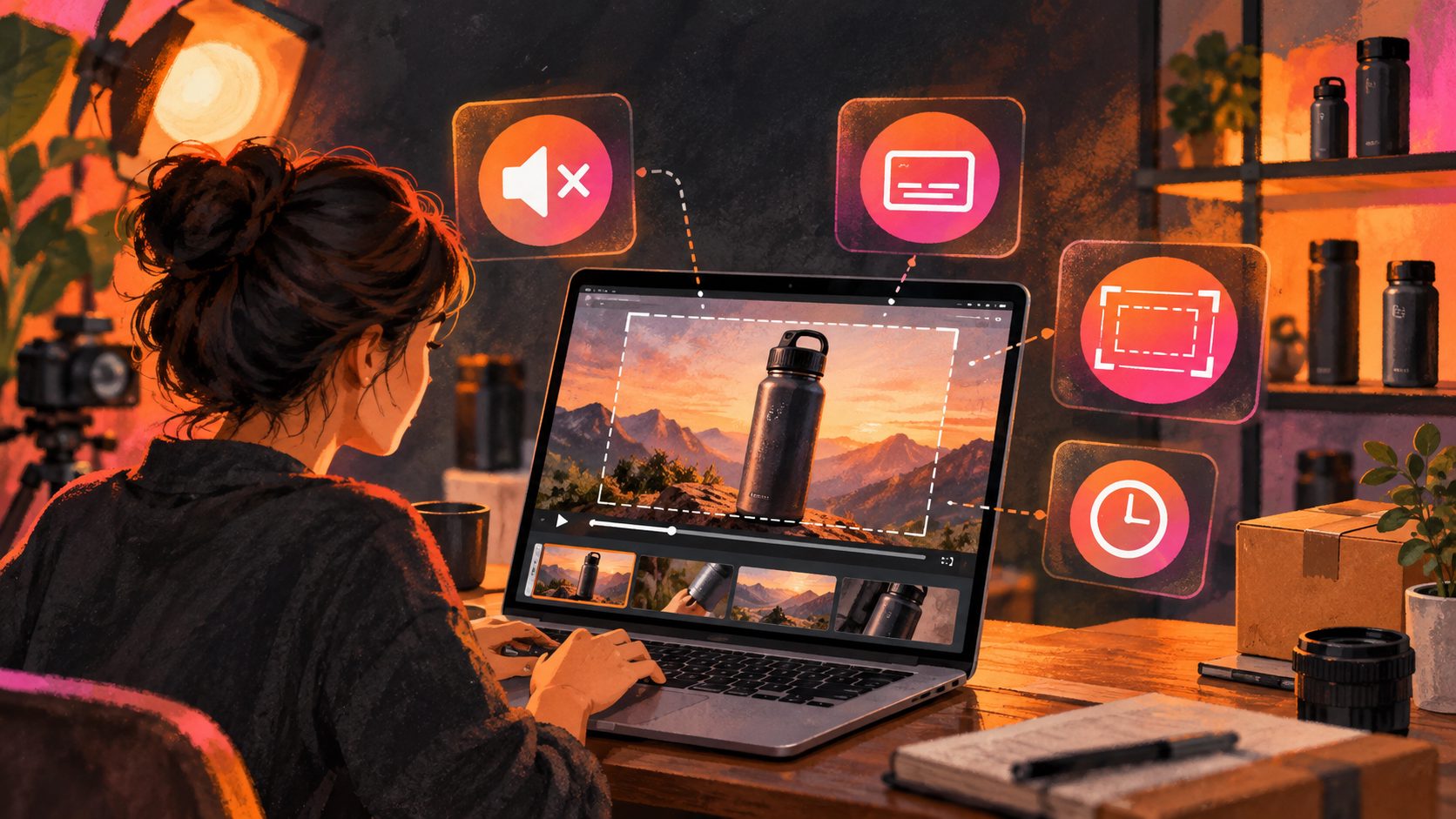
An amazon main image video mute subtitle safe zone duration strategy should assume that shoppers may see the product before they hear anything. The strongest listing videos show the product in use immediately, communicate the main benefit with readable on-screen text, and keep critical details away from interface overlays.
Amazon distinguishes between a product video uploaded to a listing and a paid video ad. Product listing videos can be 1–12 minutes, while Amazon recommends keeping them concise and product-focused. Paid Amazon video placements may autoplay when visible and are muted by default, so muted-first design is essential for advertising creative. (sellercentral.amazon.com)
What is the correct duration for an Amazon listing video?
For most ecommerce products, a practical listing-video target is 15–30 seconds, even though Amazon’s upload specification allows 1–12 minutes. The shorter range gives shoppers enough time to see the product work without forcing them through a long brand introduction.
Amazon’s official guidance emphasizes that product videos should be descriptive, demonstrative, authentic, and focused on helping customers make a purchase decision. It also recommends avoiding long introductions and unnecessary content. (sellercentral.amazon.com)
Use this duration framework:
| Product situation | Recommended working length | Primary goal |
|---|---|---|
| Simple product with one key benefit | 15–20 seconds | Show the benefit quickly |
| Product requiring setup or demonstration | 20–35 seconds | Explain the use sequence |
| Beauty, apparel, or lifestyle product | 15–30 seconds | Show use, fit, texture, or result |
| Technical or multi-function product | 30–60 seconds | Answer several buying questions |
| Full tutorial or installation video | 60 seconds or longer | Reduce uncertainty after interest |
The important distinction is between technical duration and conversion duration. Amazon may accept a long file, but shoppers do not owe the video their full attention. Treat the first 5 seconds as the minimum decision window.
How should the first five seconds be structured?
The first five seconds should identify the product, demonstrate the strongest benefit, and give the viewer a reason to continue. Do not spend this opening on a logo animation, slow fade-in, or generic lifestyle shot.
A useful five-second sequence is:
-
0.0–1.5 seconds: Product recognition
Show the product clearly and make its category obvious. -
1.5–3.5 seconds: Benefit demonstration
Show the product solving the problem, not merely sitting on a table. -
3.5–5.0 seconds: Proof or differentiator
Add a measurable feature, use case, material detail, comparison, or result.
Amazon’s paid video guidance specifically recommends delivering the core message in the first five seconds and making the creative understandable without sound. (advertising.amazon.com)
An original “message density” test
A practical way to review the opening is to ask:
Can a shopper identify the product, understand the main benefit, and recognize the next reason to watch within five seconds?
Score each item from 0 to 1:
- Product instantly recognizable: 1 point
- Main benefit visually demonstrated: 1 point
- Key text readable without audio: 1 point
- No logo-only or empty opening: 1 point
- Product remains visually dominant: 1 point
A score below 4 suggests that the opening is wasting valuable autoplay or preview exposure.
For products with multiple selling points, place only one primary claim in the first five seconds. Move secondary benefits into the remaining timeline rather than creating a crowded opening.
How long should Amazon subtitles stay on screen?
Subtitle duration should be based on reading load, not on an arbitrary number of seconds. For short product videos, keep each subtitle card visible for approximately 1.5–3 seconds, depending on word count and visual complexity.
Use this working formula:
Subtitle duration = maximum of 1.5 seconds or word count ÷ reading speed
For ecommerce overlays, a conservative reading speed is approximately 2.5–3 words per second. For example:
- 6 words ÷ 3 words per second = 2 seconds
- 9 words ÷ 3 words per second = 3 seconds
- 15 words ÷ 3 words per second = 5 seconds
A safer production formula is:
Subtitle duration = (word count ÷ 2.5) + 0.25 seconds
That produces slightly more time for mobile viewing and unfamiliar product terms.
| Subtitle text | Calculated minimum | Practical display time |
|---|---|---|
| “Removes crumbs in seconds” | 2.65 seconds | 2.5–3 seconds |
| “Foldable design saves cabinet space” | 3.05 seconds | 3–3.5 seconds |
| “Three adjustable modes for daily cleaning” | 3.45 seconds | 3.5–4 seconds |
Avoid placing a new subtitle on every camera cut. A visual transition and a text transition at the same moment can overload the viewer. Keep the product action continuous when the subtitle changes, or allow a short visual pause before introducing the next claim.
Amazon’s professional timed-text guidance uses minimum and maximum display durations to avoid flashing text and rereading. Those rules are not identical to listing-video overlay rules, but the underlying readability principle applies: text should remain long enough to read and should not stay longer than necessary. (videocentral.amazon.com)
For a muted-first product video, subtitles should not attempt to transcribe every spoken word. Convert the voiceover into short benefit statements:
- “Fits under low furniture”
- “Charges with USB-C”
- “Designed for sensitive skin”
- “Includes two replacement heads”
This produces clearer captions than copying a full narration script onto the screen.
Where is the Amazon video safe zone?
Amazon does not publish one universal numeric safe-zone template for every product-listing video surface. Placement can vary across desktop, mobile, search, and product-detail-page experiences.
The safest layout is a center-weighted composition:
- Keep the product and primary claim inside the central visual area.
- Leave generous margins along all four edges.
- Avoid placing essential text in the lower-right corner.
- Keep subtitles away from visible controls, progress bars, and cropped edges.
- Do not use letterboxing or pillarboxing as a substitute for safe composition.
Amazon’s Sponsored Brands video guidance specifically warns advertisers to avoid placing text and important information in the lower-right corner and points sellers toward a video safe-area template. (advertising.amazon.com)
A useful production rule is to divide the frame into three zones:
| Zone | Recommended content |
|---|---|
| Center | Product, demonstration, primary claim |
| Upper third | Short headline or category cue |
| Lower third | Subtitle or supporting proof, with generous padding |
Do not design to the edge of the export canvas. Amazon may resize or crop a video for different placements, and an overlay that looks safe in an editor can become partially hidden on a smaller screen.
For paid video placements, Amazon also requires that important information remains legible on supported devices and recommends using safe-zone templates. (advertising.amazon.com)
How should sellers build a muted-first Amazon video?
Start with the visual sequence, then add audio. This reverses the common workflow of writing a voiceover first and hoping the video still works silently.
A reliable production sequence is:
- Select the single buying objection the video should answer.
- Show the product solving that problem within the first 3–5 seconds.
- Write short subtitle cards using one idea per card.
- Check each card against the duration formula.
- Place all essential text inside the center-safe layout.
- Add voiceover and music only after the silent version works.
- Review the video on a small mobile screen before upload.
AdsTurbo can support this workflow through product-video creation, video subtitles, AI upscaling, background replacement, and clip-by-clip editing. Its Video Subtitle tool can generate synchronized captions and export either a subtitled video or a separate subtitle file. For a broader production workflow, see this guide to Amazon and ecommerce video ads.
If the source footage is compressed or soft, use AI video upscaling for clearer ad creatives before adding small subtitles. Blurry product edges and thin text often become more noticeable after platform compression.
Common questions about Amazon main image videos
Does an Amazon listing video autoplay with sound?
Do not depend on sound. Amazon paid video ads autoplay muted when the video is sufficiently visible, while product-listing video behavior can vary by surface and viewer interaction. Design the first message so it works without audio. (advertising.amazon.com)
How long can an Amazon product listing video be?
Amazon’s Seller Central specification allows product videos from 1 to 12 minutes, with MOV or MP4 files and up to 1080p resolution. That is an upload range, not a recommendation to use the full duration. (sellercentral.amazon.com)
Should subtitles repeat the voiceover word for word?
Usually, no. Use concise benefit-led text that preserves the meaning of the narration while reducing reading effort. A shopper should understand the product even if the audio is muted.
Where should subtitles be placed?
Use the lower third only when it remains clear of controls and product details. Keep important claims away from the lower-right corner and test the final video on mobile. (advertising.amazon.com)
What should appear in the opening frame?
Show the product or its use immediately. The opening frame should not be a blank transition, logo animation, or long title card.
A strong Amazon product video is not simply a longer product image. It is a silent-first demonstration with a clear first-five-second promise, readable subtitle timing, and a layout that survives different viewing surfaces. Use the framework above to reduce wasted opening seconds and make every text overlay easier to process.
For scalable creative production, AdsTurbo also supports batch testing of product-variant video ads and product-image-to-video workflows for ecommerce sellers.