Author: adsturbo.ai|发布日期:September 5, 2026|更新日期:September 5, 2026
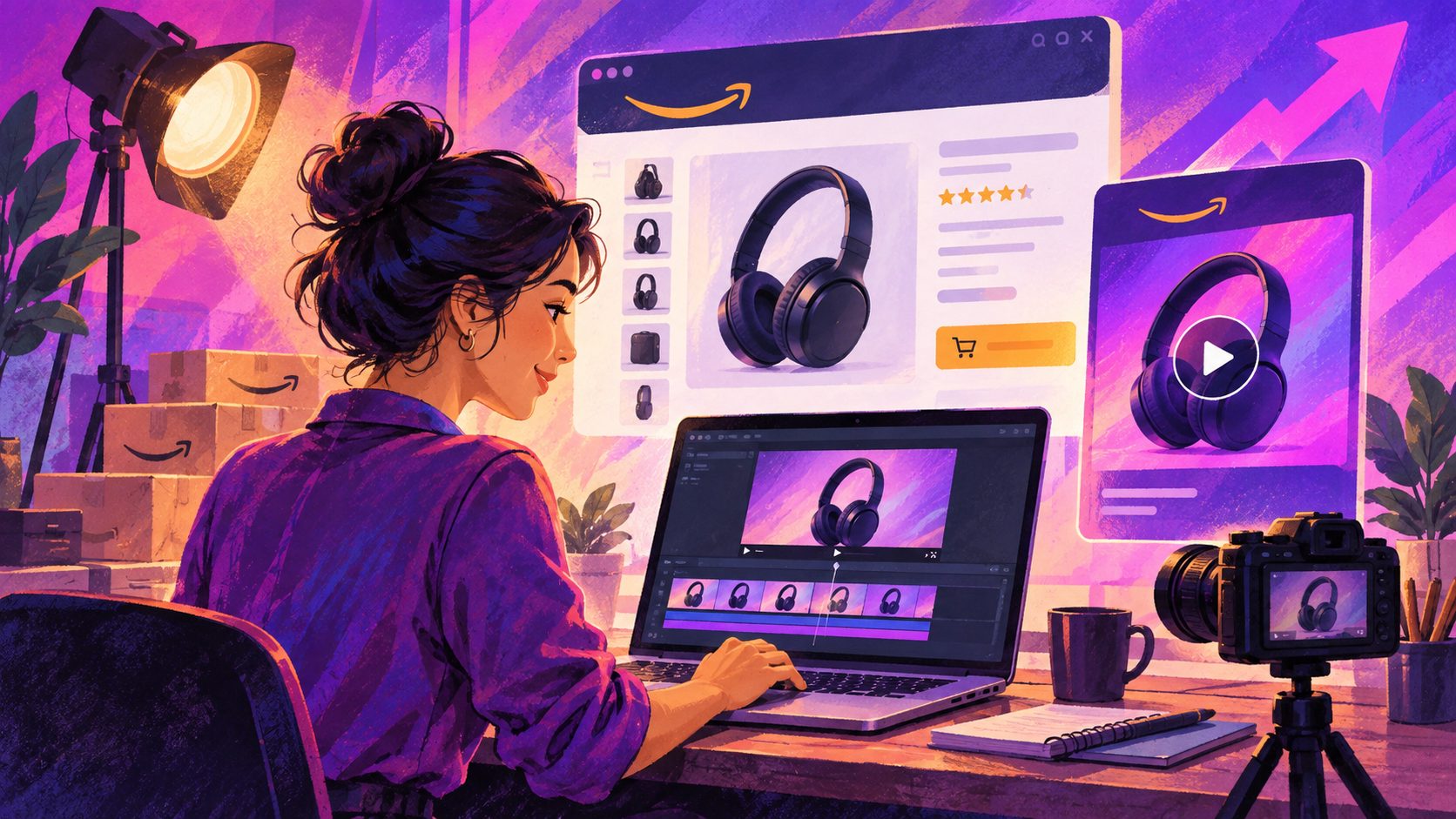
An Amazon product video generator turns product photos, listing copy, and brand assets into short videos that can support product detail pages and Amazon ad placements. For sellers, the real value is speed plus reuse: one clean source folder can become a listing-proof clip, a Sponsored Brands hook, and a testable ad variant.
Amazon’s own Video Generator now creates more realistic motion from still images for U.S. advertisers, which makes the category more useful than a simple slideshow tool. Amazon Ads’ Video Generator update shows where the native workflow is heading, but sellers still need a placement-aware process to avoid making one video do every job.
What an Amazon product video generator actually does
At its core, the tool answers a simple need: turn static product assets into motion that sells. That usually means taking one or more product images, then layering movement, text, captions, and scene changes so shoppers understand the product faster than they would from photos alone.
For Amazon sellers, the best output is rarely a generic promo clip. It is a placement-specific asset. A product detail page video should teach, while a Sponsored Brands video should hook attention fast. Amazon’s guidance for Sponsored Brands video emphasizes short, clear creative, with 16:9 video and muted playback by default. Amazon Ads Sponsored Brands video ad specs make that clear.
The practical takeaway: a good generator should not just “make a video.” It should help you make the right video for the right Amazon surface.
Why one video rarely fits every Amazon placement
Many guides stop at creation. The bigger issue is export strategy. A listing video, a Sponsored Brands cut, and an A/B test variant need different opening frames, pacing, and text density.
| Amazon use case | What it needs first | What to prioritize |
|---|---|---|
| Product detail page | Clear proof of product function | Show the product in use fast |
| Sponsored Brands video | Fast hook and strong first seconds | Lead with the benefit, not the logo |
| Variation testing | Multiple opening angles | Swap hooks, captions, and end cards |
Amazon Ads’ specs page says Sponsored Brands video runs between 6 and 45 seconds, with 20 seconds or less recommended, and that video starts muted. That means text must carry the story even when audio is off. If you also plan Sponsored Products video, note that Amazon’s current guidelines are US-only and have their own approval rules. Amazon Ads Sponsored Products video guidelines are worth checking before you publish.
The gap most sellers miss is this: a listing video and an ad video should be cousins, not clones.
The 3-cut workflow that saves Amazon sellers time
A practical workflow is to build one source set and export three cuts. This keeps production lean while still matching Amazon intent.
1) Build the proof cut
Use this for the product detail page. Open with the product doing its job. Keep the message simple: what it is, why it matters, and what problem it solves.
For this cut, clean source photos matter more than fancy effects. If you are generating from product images, crisp JPG or PNG assets usually perform best when the product sits on a plain background.
2) Build the hook cut
Use this for Sponsored Brands video. The first few seconds should answer, “Why should I care?” Keep the brand signal visible, but not dominant too early. Amazon’s own specs recommend making the opening instantly understandable and keeping the creative brief.
3) Build the scale cut
Use this for testing. Create variations of the same base video with different hooks, captions, and calls to action. That is where a generator becomes a scale tool instead of a one-off editor.
A useful rule: if one source video cannot produce a listing cut, an ad cut, and a test cut, you are still doing manual rework.
Amazon product video production workflow for listings and Sponsored Brands goes deeper on how to map those cuts to Amazon surfaces without re-shooting.
What to prepare before you generate
The fastest Amazon workflow starts before the tool opens. Prepare the following:
- Product photos: use clear JPG or PNG assets.
- Logo and brand assets: keep versions clean and readable.
- Benefit bullets: write 3–5 short claims you can support.
- Placement target: decide whether the first export is for a listing, Sponsored Brands, or testing.
- Caption plan: assume muted playback on Amazon video placements.
- Localization need: if you sell across markets, plan language versions early.
AdsTurbo’s Product Video workflow is built around JPG or PNG product images, and its product-image guidance says clean photos on a pure-color background perform best. That matters because product clarity affects how well motion and captions feel later. AdsTurbo also supports AI subtitles, image generation, background replacement, and AI upscaling, which helps when your source assets are uneven.
For sellers who want more than one export, UGC ad video production for ecommerce sellers is a useful companion workflow, especially when your Amazon creative also needs social proof style clips.
How AdsTurbo fits a catalog workflow
AdsTurbo is useful when the real problem is not “make one video,” but make many usable versions from the same product assets. The platform supports product video generation, Ad Clone, Video Subtitle, video translation, AI upscaling, background replace, face swap, lip sync, character swap, and watermark removal.
For Amazon sellers, three details matter most:
- Product Video accepts JPG and PNG uploads.
- All generation tasks run asynchronously, with completion handled by polling or webhook callbacks.
- Higher tiers add team workflows and custom workflow support (API access itself is available on every plan).
That combination makes batch work easier. A catalog team can queue multiple SKUs, wait for completion events, and then route the outputs into a listing cut, ad cut, or localized cut. AdsTurbo’s Video Subtitle tool also supports auto transcription, synchronized subtitles, and export of either burned-in or separate subtitle files.
If the first version performs well, Ad Clone for turning one winning video into testable variations is the next step. It is especially useful when you want to preserve the structure, pacing, and CTA logic of a winning Amazon creative while changing the product, language, or presentation.
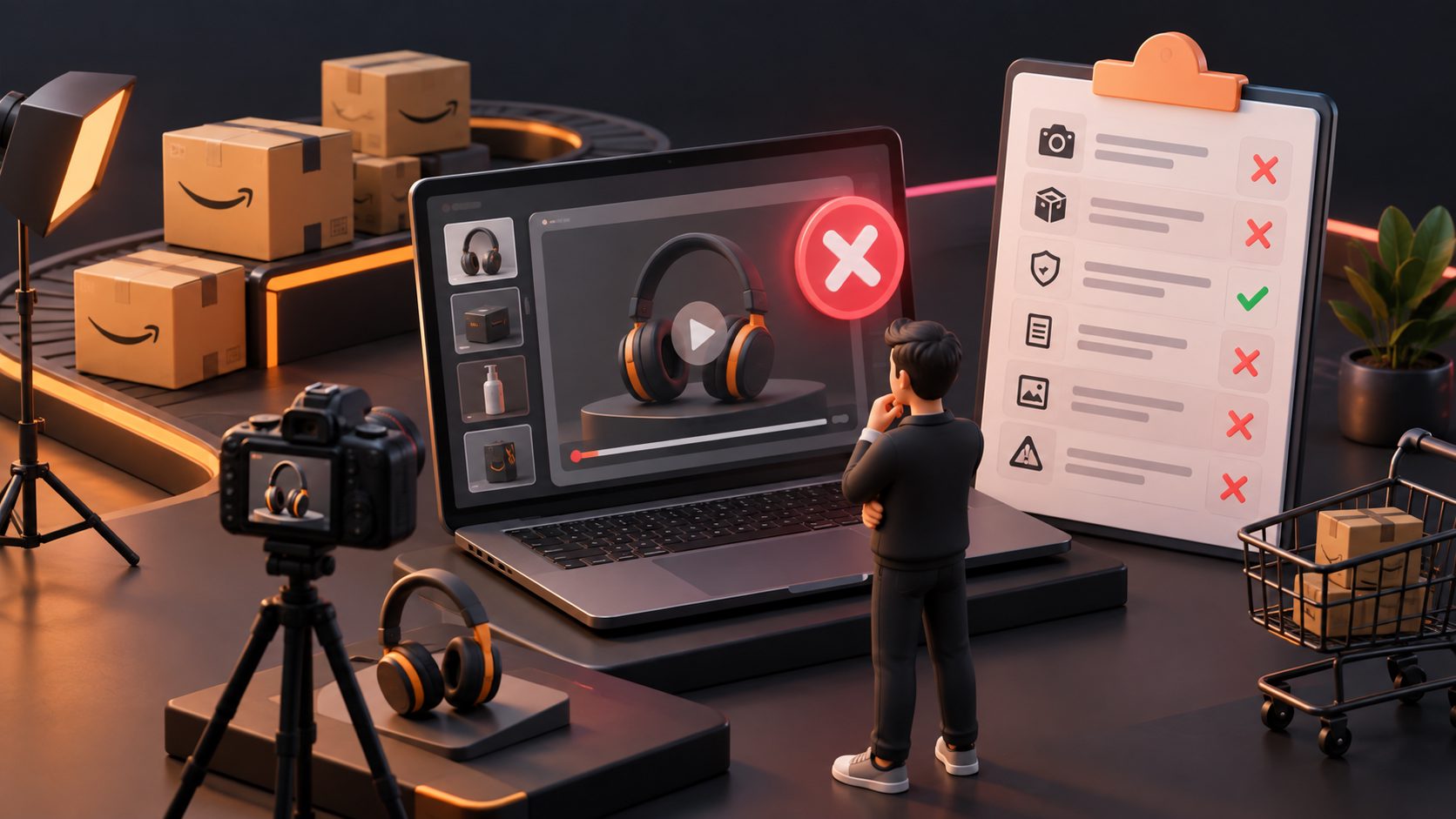
Common mistakes that reduce clicks or approvals
The most expensive mistakes are usually simple:
- Slow openings: if the product does not appear quickly, viewers scroll.
- Too much text: muted playback means text matters, but too much text kills clarity.
- One-size-fits-all exports: a listing clip and an ad clip need different pacing.
- Weak source photos: blurry or cluttered assets make every output worse.
- Unsupported claims: Amazon review and ad approval can punish vague or exaggerated copy.
- Ignoring format rules: Sponsored Brands video specs and approval guidelines are strict enough that the wrong aspect ratio or unreadable text can waste a launch.
If you are repurposing low-resolution creative, AI video upscaling for ecommerce ad reuse can help clean up footage before you export it into Amazon-ready variants.
FAQ
What is an Amazon product video generator?
It is a tool that turns product photos and brand assets into short videos for Amazon listings and ads. The best versions help you make different cuts for product detail pages, Sponsored Brands, and testing.
What assets do I need first?
Start with clean product photos, a readable logo, and a short set of product benefits. JPG and PNG are the safest starting points for image-based workflows.
How long should Amazon videos be?
That depends on the placement. Amazon’s Sponsored Brands video specs allow 6 to 45 seconds, with 20 seconds or less recommended. Product detail page videos and Sponsored Products video have their own rules, so check the current Amazon Ads guidance before publishing.
Can one video work for both listings and ads?
Usually not well. A listing video should teach. An ad video should hook. One source folder can support both, but the exports should not be identical.
How do I scale video creation across many ASINs?
Use a batch workflow, keep source assets consistent, and generate variants from the same base story. Asynchronous processing and API support are especially useful when you need to manage many SKUs at once.
The best Amazon workflow is not “make a video.” It is “make the right cut, in the right format, from the right source assets.”