作者:adsturbo.ai|发布日期:2026-09-05|更新日期:2026-09-05
Amazon product video production is not just about making a nice-looking clip. It is about building one product story that can work across the detail page, A+ Content, and Sponsored Brands placements without being remade from scratch each time. Amazon’s own guidance says videos can strengthen product pages, improve brand identity, and appear in shopping results, while Sponsored Brands video is designed to drive visibility and brand discovery. For ecommerce sellers, the real challenge is repeatability: one shoot, many outputs, minimal rework.
What Amazon product video production should do
The job of Amazon product video production is simple: remove doubt fast. A good video should show the product in use, explain the key benefit early, and help shoppers understand why this item fits their need better than the one next to it. Amazon says product videos can include overviews, how-to demos, and brand stories; it also notes that listing videos may appear in the main image block, below the fold, and sometimes in search results. See Amazon’s product video guide and 7-step product video article for the official upload and planning basics.
For sellers, the practical rule is this:
Listing video = prove function.
A+ Content video = explain choice.
Sponsored Brands video = win the click.
That split matters because each surface has a different attention span. A single “brand film” usually fails on all three.
What the top-ranking pages cover — and what they miss
Most current Google result pages cover the same essentials: where videos can appear, how to upload them, a few shot ideas, and broad advice like “keep it authentic” or “show the product in action.” Amazon’s pages, Jungle Scout, and similar guides do a solid job with beginner-friendly steps. They also remind sellers that polished production is less important than clarity in some contexts.
What they usually miss is the production system behind the clip. They do not tell sellers how to turn one core shoot into three compliant cuts, how to keep the hook different for ads versus PDPs, or how to localize and batch variants for multiple markets. That gap is where most teams lose time.
| What ranking pages usually cover | What they often omit |
|---|---|
| Upload steps and basic specs | A reusable cross-surface workflow |
| Simple demo ideas | Variant planning for testing |
| General best practices | Approval-safe edit checklist |
| DIY vs. freelancer advice | Multi-SKU scaling and localization |
That missing layer is the real info gain: not “make a video,” but “design a system.”
The best structure for one shoot and three outputs
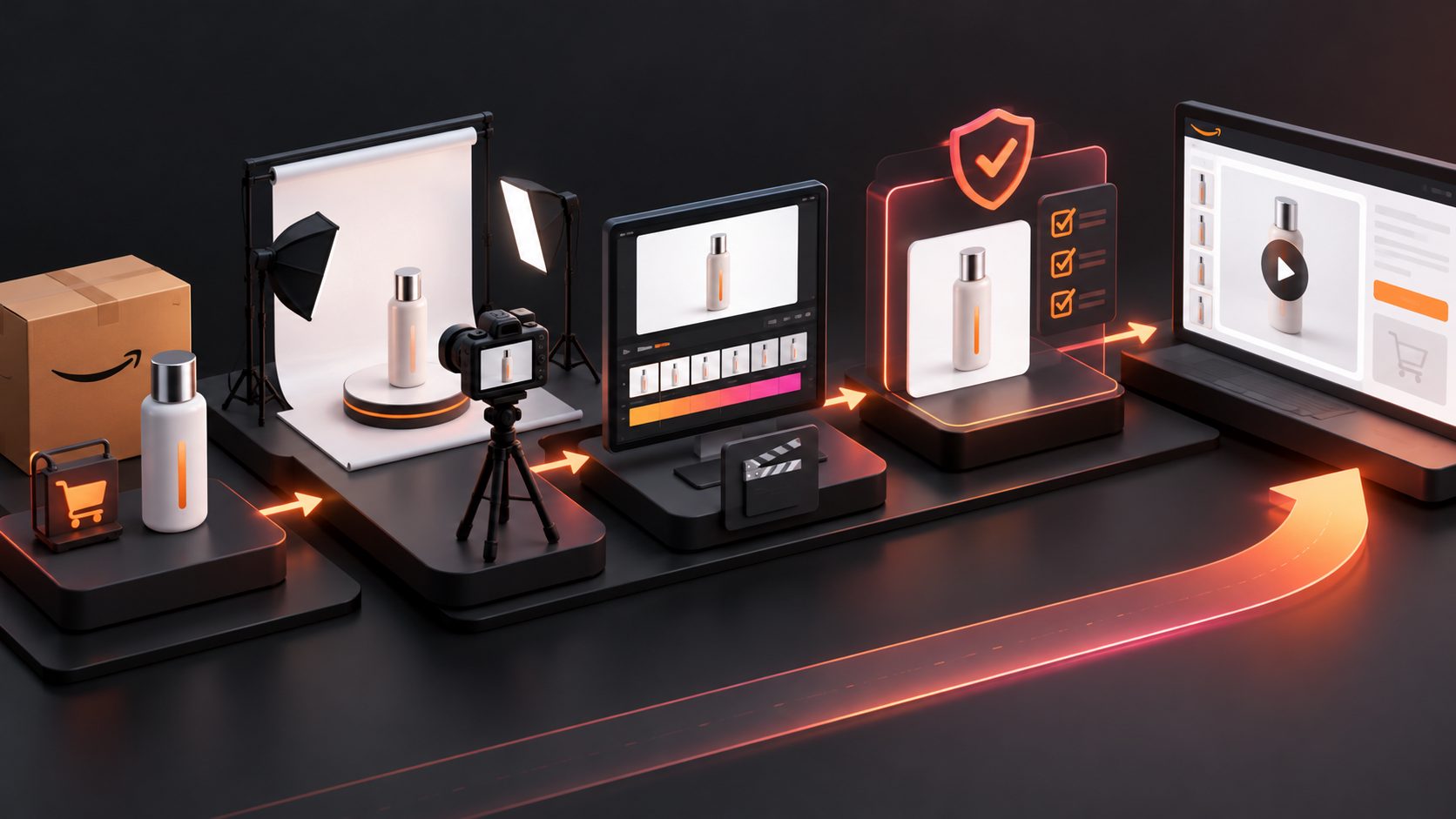
A strong Amazon video workflow should start with the asset, not the format. Record or build the core footage once, then edit it into three versions.
1) Listing video: answer the purchase objection
A listing video should show the product clearly, ideally in real use. Amazon recommends simple, focused content with the most important feature shown early. Keep the frame clean, use a plain background when possible, and make the use case obvious without sound.
2) A+ Content video: deepen understanding
A+ Content gives more room for context, comparison, and education. This is where a seller can expand on materials, sizing, setup, or category-specific differences. The goal is not to repeat the listing video. It is to reduce comparison anxiety.
3) Sponsored Brands video: create a fast hook
Sponsored Brands video is a click-generation asset. Amazon’s Sponsored Brands video specs stress a strong first impression, a brief format, and clear visuals. The product should appear early, and the message should stay focused on one compelling reason to keep watching.
A reusable edit matrix for ecommerce teams
A simple production matrix keeps the work consistent across SKUs.
| Surface | Primary goal | Opening beat | Best proof | Best CTA style |
|---|---|---|---|---|
| Listing video | Remove doubt | Product in use | Feature demo | Buy-now clarity |
| A+ Content | Explain choice | Benefit statement | Comparison or detail | Brand trust |
| Sponsored Brands video | Earn the click | Problem or payoff | Fast visual proof | Store or PDP visit |
This is the part most sellers can use immediately. The same product shoot can become a detail-page clip, an A+ module, and a paid ad variation if the edit plan is built before filming. That is much faster than trying to repurpose a finished brand video after the fact.
For teams already using Ad Clone, this same logic helps one winning structure become multiple testable cuts. For multilingual launches, AI Lip Sync for Ads can localize the presenter without rebuilding the scene. When older footage is useful but the quality is not, AI Video Upscaling for Ecommerce Ad Reuse helps prepare cleaner exports.
What to check before upload
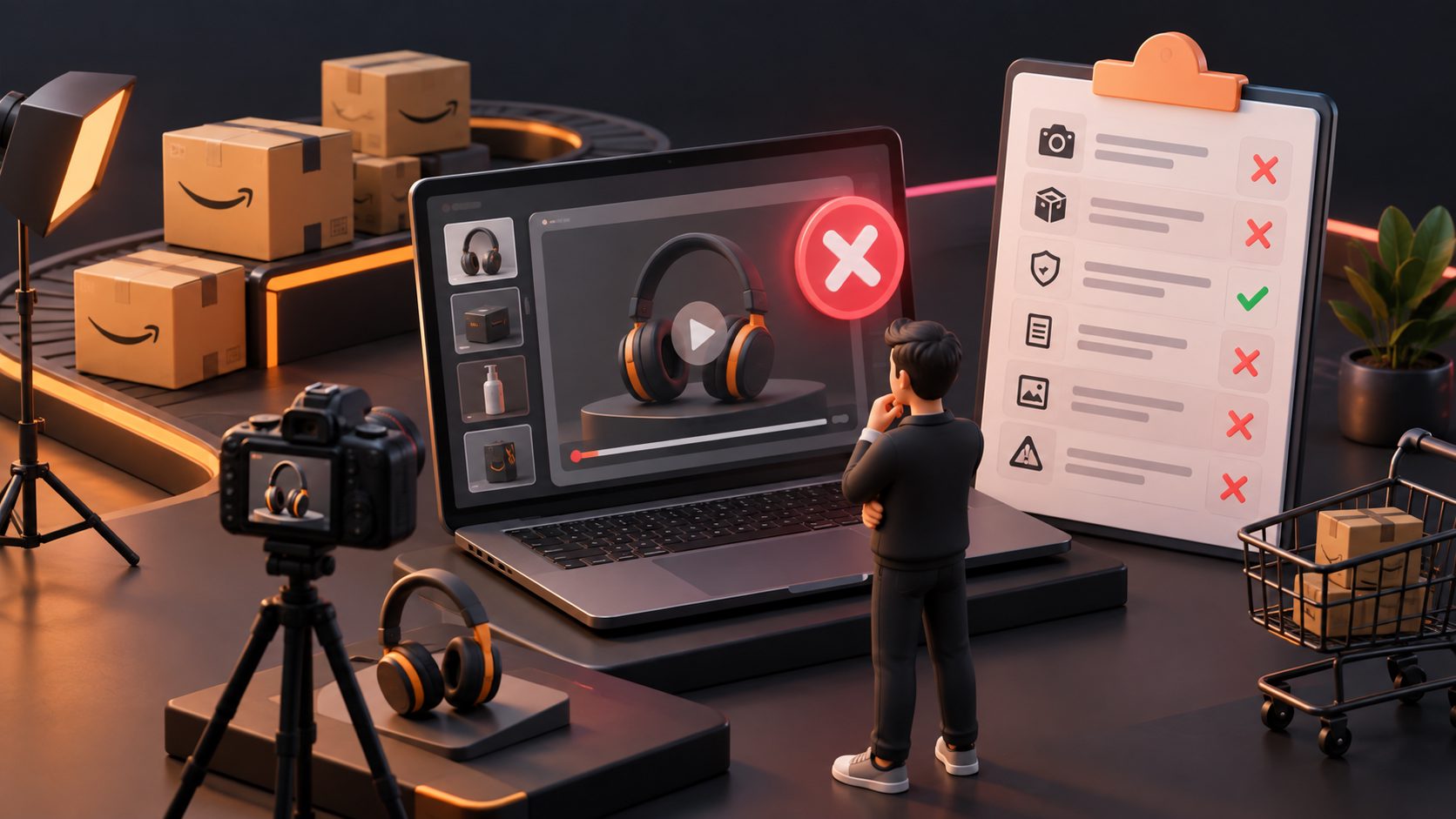
Amazon moderation usually rewards clarity and consistency. Before upload, check these points:
- Show the product early, not after a long intro.
- Keep on-screen text readable on mobile.
- Avoid blurry frames, slideshows, and awkward black bars.
- Match the visuals to the promise in the title or thumbnail.
- Use the correct file formats and dimensions for the placement.
- Keep local language and market context aligned with the campaign.
For Sponsored Products video, Amazon’s official guide adds more specific constraints, including feature naming and content rules. For Sponsored Brands, the platform emphasizes a clear product focus and brand-safe design. The practical lesson is the same: if the edit looks like a polished social reel but does not explain the product, it is probably not strong enough for Amazon.
How AI fits into Amazon product video production
AI is most useful when the core idea is already clear and the team needs volume, localization, or faster iteration. That is where AdsTurbo can fit into an ecommerce workflow.
AdsTurbo provides AI Face Swap, Lip Sync, video upscaling, background replace, subtitles, and ad clone workflows. Its AI Video Ad Generator workflow is useful when a seller wants to turn product assets into multiple ad-ready variants instead of making a single static cut. AdsTurbo Product Video supports JPG or PNG uploads, and clear product photos on a plain background perform best. AdsTurbo also supports asynchronous processing with polling or webhook callbacks, which is helpful for batch production across many SKUs.
For localization, AdsTurbo’s video translation and subtitle tools are especially relevant when one product needs US, UK, and cross-border versions. That is also where Amazon’s own native tooling is moving: Amazon Ads now offers a Video Generator for Sponsored Brands that scans product pages, listings, and A+ Content to create brand-tailored videos.
The takeaway is not “replace production.” It is “reduce remake work.”
A practical workflow for ecommerce sellers
A clean production system can follow five steps:
- Gather the PDP images, product benefits, and one primary use case.
- Write one hook for the listing, one for A+, and one for ads.
- Build the core footage once and cut three versions from it.
- Localize the text, voice, or subtitles only after the structure is approved.
- Export, review on mobile, and then reuse the winning structure across the catalog.
That workflow scales better than making a separate video for every channel. It also keeps Amazon product video production aligned with the way shoppers actually browse: quickly, visually, and with low patience for confusion.
Common questions about Amazon product video production
What is Amazon product video production?
It is the process of creating videos for Amazon listings, A+ Content, and ad placements so shoppers can understand the product faster and feel more confident about buying.
Can one video be reused across listing, A+ Content, and Sponsored Brands?
Yes, but it should usually be edited into different versions. The product page needs proof, A+ Content needs explanation, and Sponsored Brands needs a fast hook.
How long should an Amazon product video be?
Amazon’s own guidance favors short, focused videos. Listing videos often work well when they stay concise and show the main benefit early.
Do Amazon videos need to look highly polished?
Not always. Amazon says authentic demonstration can matter more than polished production in some placements, especially when the product is easy to understand on camera.
What is the fastest way to scale videos across many SKUs?
Use one production framework, then batch variants for different surfaces, markets, and hooks. That reduces reshoots and keeps the message consistent.
Amazon product video production works best when the creative system is designed before the first frame is shot. Sellers who plan for reuse, compliance, and localization end up with stronger assets and far less production waste.