By adsturbo.ai | Published 2026-09-24 | Updated 2026-09-24
The most common amazon product video rejected reasons are not limited to file format errors. Amazon may reject a listing video because it contains unsubstantiated claims, third-party intellectual property, off-Amazon contact details, weak product relevance, poor visibility, or restricted content. The fastest way to fix a rejection is to audit the video in three layers: technical eligibility, shopper value, and policy risk.
Amazon currently accepts product videos in .mov or .mp4, recommends quality up to 1080p, and limits uploads to 5 GB. Shoppable videos must be between 1 and 12 minutes long, and rejected videos can be inspected through the “Manage” option in Seller Central. (sell.amazon.com)
What are the main Amazon product video rejected reasons?
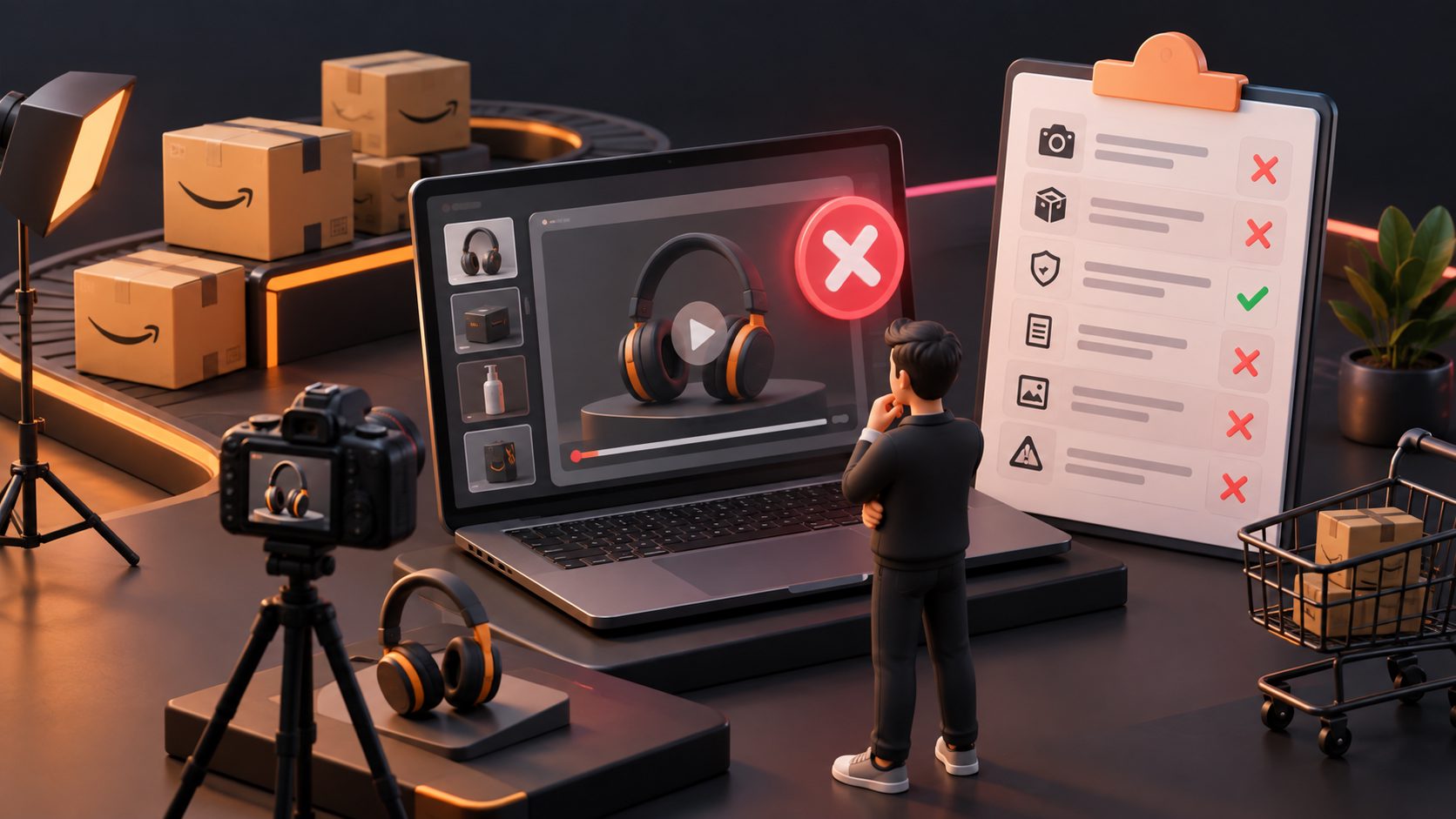
Amazon product video rejection usually means the video fails one or more of these tests: Does it clearly show the listed product? Does it help shoppers evaluate the product? Does every claim and visual comply with Amazon policies?
| Rejection category | What Amazon may detect | Safer correction |
|---|---|---|
| Unrelated or weak product focus | Long intro, packaging-only footage, or a product that appears too late | Show the actual product in the opening shot |
| Copyright or trademark risk | Unlicensed music, stock footage, artwork, logos, or branded clothing | Use owned or licensed assets only |
| Misleading claims | Unsupported performance, health, safety, or comparison claims | Match every statement to verifiable product facts |
| Off-Amazon promotion | Website URLs, QR codes, social handles, or instructions to contact the seller elsewhere | Remove external destinations and keep the CTA product-focused |
| Poor technical quality | Blurry footage, weak lighting, unclear audio, or unsupported files | Re-export, improve visibility, and check the upload specification |
| Restricted or sensitive content | Weapons, unsafe use, personal information, or prohibited imagery | Re-stage the demonstration around safe, relevant product use |
Amazon’s own guidance emphasizes that listing videos should be descriptive, demonstrative, product-focused, truthful, and helpful rather than commercial-style brand advertisements. (sellercentral.amazon.com)
Why does Amazon reject a video that clearly shows the product?
A video can show the product and still fail because the product is not the main subject. Amazon moderators have specifically noted that extended packaging or unboxing footage may create a problem when the product is not visible early enough or is unclear in the preview thumbnail. (sellercentral.amazon.com)
Use this opening structure:
- 0–2 seconds: Show the product clearly and at a useful scale.
- 2–6 seconds: Demonstrate the primary use or key feature.
- 6–15 seconds: Answer one likely buyer question.
- Final seconds: Show the product again without an aggressive sales message.
Avoid opening with a logo animation, warehouse footage, shipping carton, talking-head introduction, or lifestyle scene where the product is barely visible. Amazon’s guidance says shoppers use video to understand features, materials, size, setup, and real-world use—not simply to watch a brand commercial. (sellercentral.amazon.com)
Can copyright or third-party branding cause a listing video rejection?
Yes. Copyright and intellectual property issues are among the most important Amazon product video rejected reasons because a video can contain risk outside the product itself.
Potential triggers include:
- Music added from a commercial library without the correct license.
- Clips taken from another seller, influencer, manufacturer, or social account.
- Visible artwork, movie scenes, sports footage, or branded packaging you do not control.
- Models wearing prominently branded clothes, jewelry, or accessories.
- Logos belonging to unrelated companies in the background.
- Before-and-after material copied from another advertisement.
Amazon states that sellers should publish only content they own or have permission to use. Its guidance specifically includes music, images, artwork, audiovisual works, and prominently visible third-party branding. (sellercentral.amazon.com)
A safer workflow is to maintain an asset record for each video: product footage owner, model permission, music license, voiceover source, font license, and any supplied customer content. If one asset cannot be documented, replace it before uploading.
Why do external links, QR codes, and contact details create risk?
Amazon wants product videos to support shopping on Amazon. A URL, QR code, phone number, email address, social handle, or instruction to purchase elsewhere can make the video appear designed to redirect traffic away from the listing.
Remove:
- “Visit our website” language.
- QR codes linking to a brand site.
- “Follow us on TikTok” or “Subscribe on YouTube.”
- Customer-service email addresses displayed on screen.
- URLs printed on inserts or packaging if they dominate the frame.
- Directions to search for another product or listing.
This does not mean every branded product package is automatically prohibited. The practical question is whether the detail is incidental and relevant to the product, or whether the video is using Amazon’s listing placement to promote an outside destination.
How can unsupported claims lead to rejection?
Claims become risky when they are absolute, unverifiable, or inconsistent with the product detail page. Examples include “guaranteed results,” “number one,” “completely safe,” “cures,” “works for everyone,” or performance comparisons that are not supported by evidence.
A simple claim-control method is the three-column proof check:
| Spoken or on-screen claim | Evidence available? | Action |
|---|---|---|
| “Fits most standard cabinets” | Product measurements and compatibility list | Keep, but qualify accurately |
| “Lasts twice as long as competitors” | Independent comparative test | Remove unless substantiated |
| “Eliminates pain” | Medical evidence and compliant category language | Avoid or obtain specialist review |
| “Includes two replacement filters” | Packaging and listing details | Keep if the bundle is current |
Amazon’s product video guidance calls for truthful, accurate, and substantiated claims. It also warns that content may be removed if it negatively affects the customer experience, even when the issue is not listed as a single obvious violation. (sellercentral.amazon.com)
What technical problems cause Amazon product video rejection?
Technical problems can trigger rejection before policy issues are even considered. Check the following before submission:
- Export as
.movor.mp4. - Keep the file at or below 5 GB.
- Use a resolution up to 1080p.
- Confirm the duration is between 1 and 12 minutes.
- Make the product visible in the thumbnail.
- Check that spoken audio is intelligible.
- Remove black frames, frozen frames, accidental blank sections, and corrupted exports.
- Watch the final file on a mobile screen before uploading.
Amazon allows system-generated or custom thumbnails and recommends reviewing the thumbnail because it is the shopper’s preview image. (sell.amazon.com)
For sellers producing multiple variants, AI video upscaling for blurry ecommerce ads can help improve low-resolution source footage. However, increasing resolution does not repair misleading claims, missing product details, copyrighted music, or prohibited content.
How to fix a rejected Amazon product video with an AI workflow
AI should be used for controlled reconstruction, not for inventing product capabilities. A practical workflow is:
- Extract the rejection reason from Seller Central by opening the rejected video and selecting “Manage.”
- Separate the source into clips: product proof, presenter footage, packaging, text overlays, background scenes, and audio.
- Remove high-risk elements such as external links, unsupported claims, unrelated logos, and unnecessary brand animations.
- Rebuild the first five seconds so the product appears immediately.
- Use accurate captions that repeat only verified product facts.
- Review the thumbnail for clear product visibility.
- Export a clean version and upload it as a new revision.
AdsTurbo can support this reconstruction through clip-by-clip editing, video subtitles, video translation, AI upscaling, background replacement, and product video generation. Its Product Video workflow accepts JPG or PNG product images and can generate review, introduction, and demonstration-style videos. For a broader localization process, see this guide to ecommerce video translation with subtitles and dubbing.
The key safeguard is to provide the system with the exact product image, approved selling points, and permitted scenes. Do not ask an AI workflow to “make the product look more powerful” unless the resulting claim can be verified.
Amazon product video pre-submission checklist
Before uploading, confirm:
- The actual product appears immediately.
- The video matches the exact ASIN and variation.
- The product remains visible during the main demonstration.
- Every claim is accurate and supportable.
- No unauthorized music, footage, artwork, or logos appear.
- No website, QR code, social handle, or off-Amazon CTA appears.
- The thumbnail clearly represents the product.
- The file is
.movor.mp4. - The file is no larger than 5 GB and no more than 1080p.
- The duration is between 1 and 12 minutes.
- The final export has clear lighting, audio, and captions.
- Any sensitive, regulated, or restricted use is removed or carefully staged.
Amazon says approved videos typically appear on product detail pages within three days, although review times can extend to seven business days during holiday periods. (sell.amazon.com)
Frequently asked questions
Can I reuse a TikTok or Instagram product video on Amazon?
You can reuse footage only when you own or have permission to use all visual, audio, music, and talent elements. Remove platform-specific CTAs, social handles, watermarks, and off-Amazon links before uploading.
Does Amazon reject videos with AI-generated presenters?
AI-generated content still needs to satisfy Amazon’s community and video guidelines. The presenter must not make false claims, misrepresent the product, or introduce rights and disclosure problems. Amazon has advised that AI-generated UGC-style videos should follow the same applicable content standards as other videos. (sellercentral.amazon.com)
Why was my video rejected for “illegal content” when the product is legal?
The label may refer to a visual, claim, accessory, background object, or use case rather than the product category itself. Check the detailed rejection reason in Seller Central, then review the entire frame—including packaging, clothing, screens, and background footage.
Should I appeal or upload a new version?
If the video is accurate and the rejection appears mistaken, document the video ID and submit an appeal or support case. If the issue is clear, a clean reconstruction is usually more efficient than repeatedly uploading the same file.
Can improving video quality alone fix a rejection?
No. Upscaling can improve clarity, but it cannot resolve copyright, redirect links, unsupported claims, unrelated content, or restricted visuals. Treat quality as one part of a broader compliance audit.