By adsturbo.ai | Published 2026-09-24 | Updated 2026-09-24
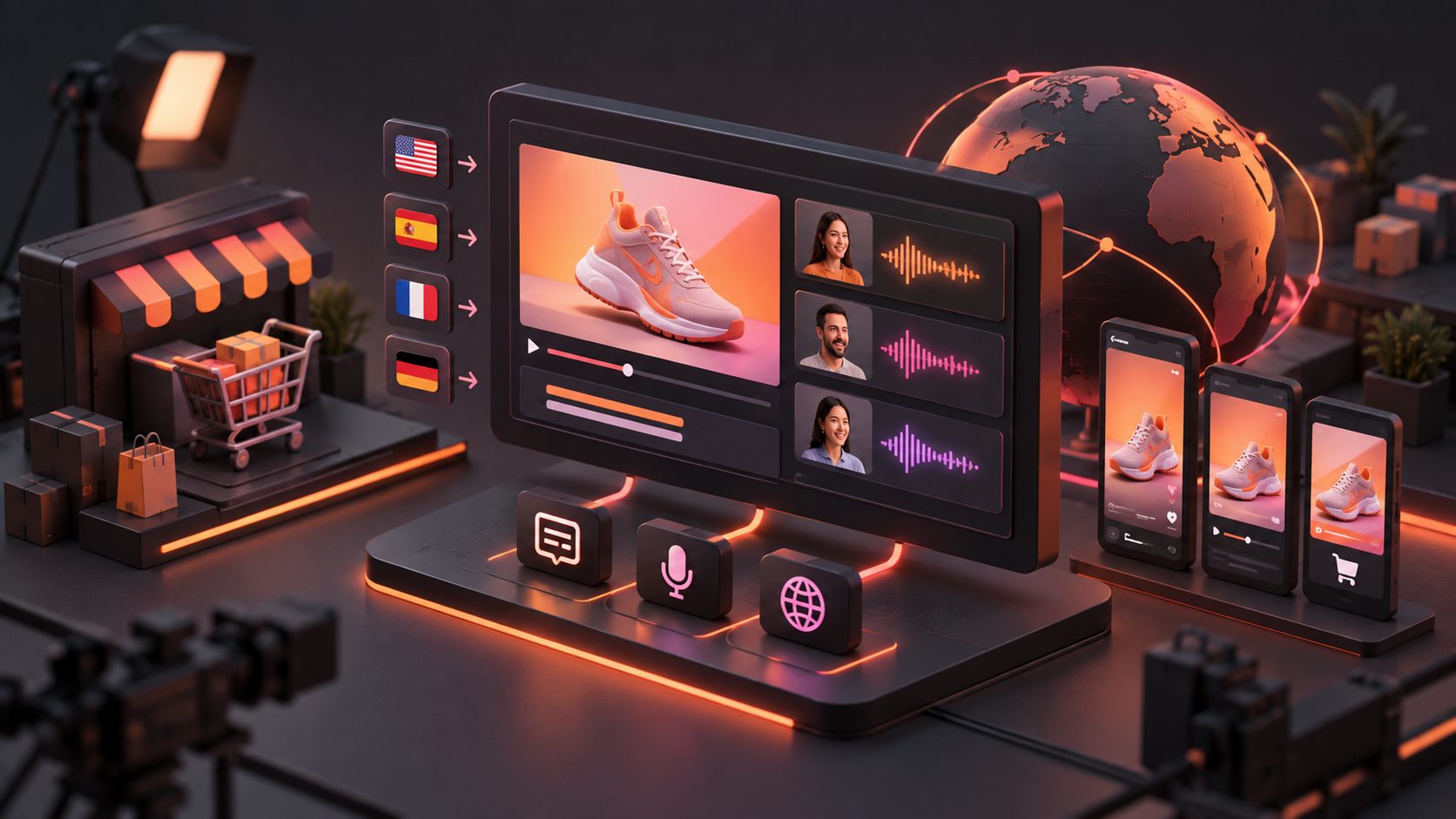
Ecommerce video translation AI helps sellers adapt one product video into localized versions with translated subtitles, voiceovers, on-screen text, and, when needed, lip-synced speech. The practical goal is not merely to translate words. It is to preserve the original hook, product proof, offer, and call to action while making each version feel natural to its target market.
For cross-border sellers, this can reduce the need to reshoot every ad for every country. Modern localization workflows commonly combine subtitle translation, AI dubbing, lip sync, visual text replacement, and exports for marketplaces or short-form platforms. (vidau.ai)
What is ecommerce video translation AI?
Ecommerce video translation AI is software that converts a product video into one or more market-specific versions. It can transcribe spoken content, translate the script, generate a localized voice track, synchronize speech with the presenter, and create translated captions or text overlays.
A complete translation should account for four language layers:
- Spoken audio: narration, dialogue, testimonials, and product explanations.
- Subtitles: readable captions for sound-off viewing.
- On-screen text: prices, benefits, labels, discount codes, and calls to action.
- Visual context: gestures, cultural references, product claims, and market-specific offers.
This distinction matters because a video can have accurate translated audio but still show an English discount code or an untranslated product label. That version is technically translated but commercially incomplete.
Which parts of an ecommerce video should be localized?
The correct localization level depends on the video format, audience, and campaign objective. A short TikTok Shop ad may need translated captions and a new voiceover, while a founder-led product demonstration may also benefit from lip sync.
| Video element | Basic localization | Advanced localization |
|---|---|---|
| Voiceover | Translated narration | Localized voice with timing and tone control |
| Captions | Translated subtitles | Platform-ready styles for TikTok, Reels, and Shorts |
| Presenter speech | New audio track | Lip-synced mouth movement |
| Product text | Manual replacement | Translated visual overlays and labels |
| Offer details | Localized copy | Market-specific discount, currency, and CTA |
| Video format | Original aspect ratio | 9:16, 1:1, and 16:9 campaign variants |
For ecommerce sellers, the most important rule is simple: localize the conversion message before polishing the language. A translated opening hook that does not explain the customer benefit quickly may still underperform, even if the grammar is perfect.
Subtitles, dubbing, or lip sync: which should sellers use?
Use subtitles when speed, cost, and testing volume matter most. Use dubbing when the voice carries the product explanation. Use lip sync when the presenter’s face is central to credibility or persuasion.
Subtitles
Subtitles are useful for:
- UGC ads viewed without sound
- Product demonstrations with limited dialogue
- Marketplace videos with short feature explanations
- Early tests across several countries
AdsTurbo Video Subtitle can automatically transcribe speech, generate time-synchronized captions, and export either a video with embedded subtitles or a separate subtitle file. Its subtitle styling is designed for short-form channels such as TikTok, Instagram Reels, and YouTube Shorts.
AI dubbing
Dubbing replaces the original speech with a translated voice track. It works well for product explainers, tutorials, and voice-led ads where the spoken message contains important selling points.
A practical dubbing review should check:
- Whether product names and model numbers were preserved
- Whether the translated sentence fits the original scene length
- Whether the voice sounds appropriate for the market
- Whether the call to action remains direct
- Whether background music masks important words
Lip sync
Lip sync is most valuable when viewers focus on a speaker’s face. It can improve perceived continuity in founder videos, spokesperson ads, and creator-style product demonstrations. It is less important for videos built around close-up product shots, screen recordings, or hands-on demonstrations.
AdsTurbo supports video translation and AI lip sync, allowing sellers to create localized speech versions while maintaining a closer visual match between the audio and the speaker’s mouth movement.
A practical five-step localization workflow
A repeatable process helps sellers avoid translating videos that are not worth scaling.
1. Choose a proven source video
Start with an ad that already has a clear hook, product demonstration, and CTA. Avoid localizing a video simply because it is available. A weak original creative usually becomes several weak translated creatives.
For a broader creative production workflow, an in-house ecommerce video ad production process can help teams organize product assets, scripts, approvals, and testing.
2. Extract the message before translating
Separate the source into:
- Hook
- Problem or desire
- Product demonstration
- Proof or benefit
- Offer
- CTA
This prevents literal translation from weakening the sales structure. For example, a phrase that works as an English curiosity hook may need to become a direct benefit statement in another language.
3. Create the audio and subtitle layers
Generate translated speech and subtitles as separate layers when possible. This makes it easier to create multiple versions:
- Dubbing only
- Subtitles only
- Dubbing plus subtitles
- Original audio with localized on-screen text
AdsTurbo supports multilingual video translation and subtitle generation. Its asynchronous generation model allows completed tasks to be received through status polling or Webhook callbacks, which is useful when processing multiple language versions or integrating localization into a larger workflow.
4. Translate visual text and offers
Do not overlook text embedded in the footage. Review:
- Product packaging
- Price labels
- Discount percentages
- Promo codes
- Feature callouts
- End-card CTAs
- Shipping or availability statements
If the offer differs by market, create separate campaign inputs rather than using one universal overlay. The same creative may require different currencies, discount terms, or landing-page instructions.
5. Review and test by market
Before publishing, run a three-part check:
- Meaning: Is the product benefit accurate?
- Timing: Do the audio and subtitles fit the scene?
- Conversion: Does the viewer know what to do next?
Then test the localized versions using the same audience and campaign conditions where possible. Compare the first few seconds, hold rate, click-through rate, and purchase behavior rather than judging only the voice quality.
The Localization Completeness Scorecard
A useful way to prioritize review is to score each output from 0 to 2 across five dimensions:
| Dimension | 0 points | 1 point | 2 points |
|---|---|---|---|
| Audio meaning | Incorrect | Understandable but awkward | Accurate and natural |
| Subtitle timing | Misaligned | Minor timing issues | Well synchronized |
| Visual text | Untranslated | Partly adapted | Fully localized |
| Offer clarity | Confusing | Understandable | Clear and market-ready |
| CTA continuity | Missing or weak | Present but unnatural | Direct and persuasive |
A version scoring below 8 out of 10 should not be treated as finished. This scorecard is intentionally simple: it helps ecommerce teams decide whether to regenerate, edit, or send a version for human review without relying only on subjective preferences.
Where AdsTurbo fits into the workflow
AdsTurbo is designed for ecommerce teams that need to create, adapt, and test video advertising assets. Alongside video translation, it provides Ad Clone, Product Video, Motion Control, Character Swap, AI Upscaling, Background Replace, AI Eraser, and Video Subtitle tools.
For example, a seller can:
- Translate an existing product ad into several languages
- Add synchronized subtitles for sound-off viewing
- Replace a presenter or character for audience testing
- Upscale a compressed source video before export
- Reuse the translated creative in different aspect ratios
- Connect generation tasks to an internal workflow through API access
The free AI video upscaling workflow is especially relevant when a source ad has been compressed by a marketplace or messaging app before localization. Improving the source before translation can reduce distracting artifacts in product close-ups.
AdsTurbo’s video generation API includes eight processing endpoints: shot analysis, lip sync, watermark removal, translation, upscaling, character swap, motion control, and subtitles. Higher-tier plans also support team workflows, API access, and custom workflows.
Common mistakes to avoid
Translating only the voice
A translated voiceover cannot fix an English discount banner, product label, or end card. Audit every visible text element.
Using one translation for every market
Spanish for Mexico, Spain, and other markets may require different vocabulary, offers, and shipping language. Localization should reflect the market rather than only the language.
Rebuilding the entire ad too early
Keep the original winning structure when it already works. Translate and test the hook, proof, and CTA before changing the whole concept.
Ignoring source quality
Low-resolution footage, clipped audio, or hardcoded captions can reduce the quality of every localized version. Clean the source first when necessary.
Frequently asked questions
Is AI video translation accurate enough for ecommerce ads?
It can produce a strong first version, but sellers should review product names, technical claims, prices, and promotional terms. Human review is especially important for regulated categories or high-value products.
Should ecommerce sellers use subtitles and dubbing together?
Often, yes. Dubbing improves comprehension, while subtitles support sound-off viewing and reinforce key claims. The combination is useful for short-form social ads.
Can one product video be adapted for different platforms?
Yes. The creative may need different aspect ratios, subtitle placement, safe zones, and CTA timing. AdsTurbo Ad Clone supports exports for formats such as 9:16, 1:1, and 16:9, while its subtitle workflow supports short-form social layouts.
When should a seller use lip sync?
Use lip sync when a visible presenter is speaking and facial realism affects trust. For product-only footage, translated audio and subtitles may provide enough value without lip synchronization.
Can localization be automated at scale?
Yes. AdsTurbo generation tasks run asynchronously and can be tracked through polling or Webhook callbacks. Its API also supports composable modules for image generation, Persona, AI actors, Ad Clone, video generation, and task processing.