By adsturbo.ai | Published 2026-09-24 | Updated 2026-09-24
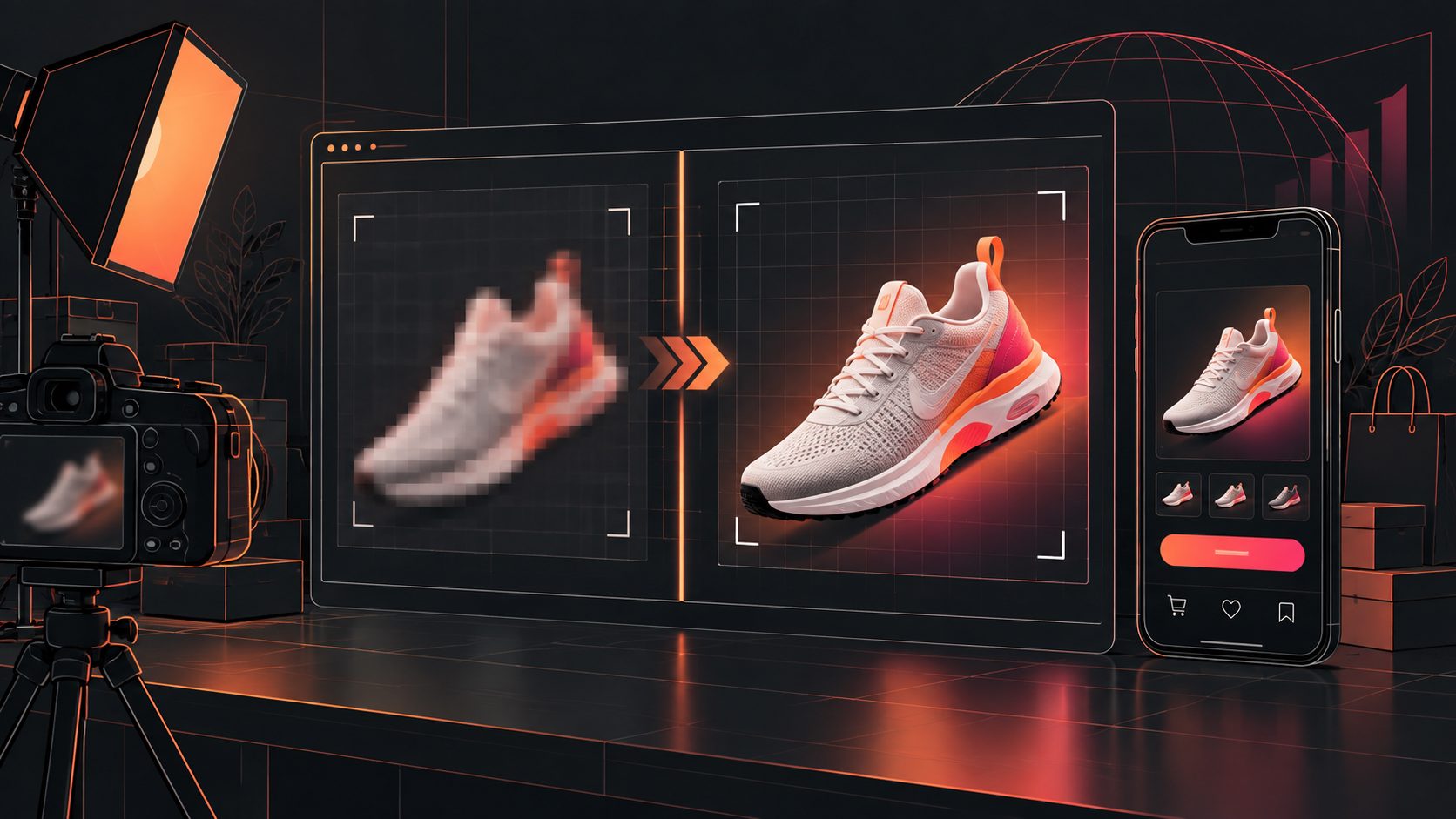
Free AI video upscaling can make weak supplier footage more usable, but it cannot restore every missing detail. The best results come from treating enhancement as the first step in a creative workflow: improve the source, protect product accuracy, then rebuild the clip for the platform where it will run.
What is free AI video upscaling?
Free AI video upscaling is the process of using a machine-learning model to enlarge and enhance video frames, often from 480p or 720p toward 1080p or 4K. Unlike ordinary resizing, AI enhancement attempts to reconstruct edges, reduce compression noise, and make textures appear clearer.
The important limitation is simple: upscaling creates a more presentable version of available information; it does not recover details that were never captured. A soft product label, distorted face, or heavily compressed texture may remain unreliable after enhancement.
Current free browser tools commonly compete on three promises: no signup, no watermark, and local processing. Some process short clips entirely in the browser, while others impose limits on duration, file size, output resolution, or device performance. (upsampler.com)
For ecommerce sellers, the practical question is not “Can this video become 4K?” It is:
Will the enhanced clip communicate the product more clearly without introducing visual errors that reduce buyer trust?
When does AI enhancement help a blurry product video?
AI enhancement works best when the original video has recognizable shapes, stable movement, and moderate compression. It is especially useful for supplier demos, old UGC footage, screen recordings, and product clips downloaded from messaging apps or marketplaces.
Use an upscaler when the video has:
- Soft edges caused by low resolution.
- Mild compression blocks or mosquito noise.
- Slightly dark product details.
- A product that remains visible throughout the shot.
- Enough frame quality for text, color, and shape to be checked manually.
Avoid relying on enhancement alone when the source contains:
- Severe motion blur.
- Out-of-focus product shots.
- Tiny unreadable labels.
- Strongly distorted hands or faces.
- Repeated re-encoding from social platforms.
- Watermarks or overlays that cover the product.
A useful ecommerce rule is to inspect the proof frame rather than the most attractive frame. The proof frame is the moment when the buyer needs to verify a feature: a zipper, connector, texture, ingredient panel, size marker, or usage step. If that frame becomes inaccurate after enhancement, the video should be edited around it instead of being published as-is.
Free AI upscaling versus standard video resizing
Standard resizing changes the dimensions of a video. AI upscaling tries to infer more plausible detail. That distinction matters when preparing paid social creative.
| Method | What it does well | Main limitation | Best use |
|---|---|---|---|
| Standard resize | Fast, predictable pixel enlargement | Does not restore lost detail | Clean source footage with correct resolution |
| Sharpening filter | Adds edge contrast | Can create halos and artificial lines | Mild softness |
| AI upscaling | Reconstructs edges and reduces some artifacts | May hallucinate texture or alter fine details | Low-resolution product footage |
| Re-editing with new assets | Replaces weak shots with stronger visuals | Requires additional product images or footage | Unusable source clips |
The top-ranking free tools currently emphasize browser convenience and privacy, including local processing without uploading the full video. That is valuable for quick one-off work, but local processing can also depend heavily on the viewer’s hardware and browser support. (bettervideo.ai)
A practical three-pass workflow for ecommerce sellers
The following framework adds a quality-control layer that many simple “upload and download” guides omit.
Pass 1: Diagnose the source
Before enhancing, identify the clip’s primary failure:
- Resolution failure: The whole frame looks blocky or soft.
- Motion failure: Moving objects smear between frames.
- Communication failure: The product is visible, but the benefit or offer is unclear.
AI upscaling primarily addresses the first problem. It may improve the appearance of the second, but it cannot replace a missing shot. It does not solve the third problem at all.
Select a five-to-eight-second section that contains the clearest product proof. This short test is more useful than processing a full campaign video before checking whether the model preserves the product accurately.
Pass 2: Enhance conservatively
Start with the smallest useful output increase. A 720p supplier clip does not automatically need a 4K export. Enlarging too aggressively can make skin, fabric, packaging, and small text appear unnaturally smooth or oversharpened.
Check the enhanced result at three viewing sizes:
- Full-screen: Does the overall image look cleaner?
- Mobile size: Does the product remain obvious in a vertical feed?
- Close crop: Are labels, edges, and hands still believable?
If the close crop looks worse while the full-screen view looks sharper, use the enhancement only for the wider shot. This preserves trust instead of maximizing resolution for its own sake.
AdsTurbo’s AI Upscaling tool supports video enhancement up to 4K, while its broader workflow also includes clip-level editing, subtitles, background replacement, character replacement, and product video creation. (adsturbo.ai)
Pass 3: Convert quality into an ad
A clearer video is not automatically a stronger advertisement. After enhancement, rebuild the creative around one product promise.
A practical structure is:
- First two seconds: Show the problem or visual hook.
- Next four to six seconds: Demonstrate the product in use.
- Final seconds: Add the benefit, offer, and call to action.
Use subtitles when the product depends on spoken explanation. AdsTurbo’s Video Subtitle workflow can automatically transcribe speech, create time-synced captions, and export either a captioned video or a separate subtitle file. Its subtitle styling is designed for short-form platforms such as TikTok, Instagram Reels, and YouTube Shorts.
For a broader production process, the guide on scaling in-house ecommerce video ad production explains how teams can move from isolated edits toward repeatable creative production.
How to turn one improved clip into multiple ad variations
The highest-value use of an upscaled clip is not a single polished export. It is a controlled variation set.
Create versions that change one variable at a time:
- Opening hook.
- Product benefit.
- Presenter or character.
- Voiceover language.
- Subtitle emphasis.
- Offer or call to action.
- Aspect ratio for TikTok, Meta, or Shorts.
AdsTurbo’s Ad Clone workflow can analyze a reference video and help reconstruct its structure, pacing, shot logic, and CTA pattern for new product creatives. Its Product Video workflow can also use a JPG or PNG product image to generate UGC-style product videos, which is useful when the original supplier footage is beyond repair. (adsturbo.ai)
For a practical example of moving from product imagery to a short-form concept, see the product photo to unboxing video workflow.
Common mistakes that reduce the value of upscaling
Upscaling before removing the weakest shot
Processing a bad frame at a larger size can make its defects more visible. Cut unusable sections first, then enhance the shots worth keeping.
Trusting generated detail without checking the product
AI may create convincing-looking texture, but convincing is not the same as accurate. Verify colors, logos, buttons, seams, packaging, and product proportions.
Treating 4K as a conversion strategy
Resolution can improve perceived quality, but buyers respond to clarity, relevance, proof, and speed. A sharp video with a weak first three seconds can still underperform.
Publishing one version everywhere
A square product demo, a vertical UGC ad, and a landscape marketplace video have different framing requirements. Exporting one master file without adapting the composition often wastes the benefit of enhancement.
Frequently asked questions
Is free AI video upscaling really free?
Some browser-based tools offer free processing with no signup or watermark, while others limit duration, resolution, file size, or daily usage. Always check the export conditions before processing a full-length asset. (upsampler.com)
Can AI upscale a blurry video to true 4K?
It can produce a larger, cleaner-looking 4K export, but the result is not equivalent to footage originally captured in 4K. Fine details may remain missing or become visually inaccurate.
What is the best source format?
Use the highest-quality original file available, rather than a video downloaded from a social platform. Preserve the original aspect ratio and avoid repeated export cycles before enhancement.
Should ecommerce sellers enhance video before adding captions?
Usually, yes. Enhance and crop the visual first, then add subtitles and on-screen offers. This reduces the risk of captions becoming soft, misplaced, or unreadable after later resizing.
Can one enhanced clip support multiple markets?
Yes. A clean source can be adapted with translated voiceovers, subtitles, characters, and aspect ratios. AdsTurbo supports video translation, lip sync, character replacement, and subtitle generation for this type of localization workflow.
Final takeaway
Free AI video upscaling is most valuable when it rescues usable footage—not when it attempts to disguise unusable footage. Diagnose the source, test a short proof section, enhance conservatively, and then turn the improved clip into several platform-specific ad variations.
For ecommerce sellers, the winning workflow is quality control first, resolution second, creative iteration third. That sequence protects product accuracy while making limited supplier assets more useful across paid and organic channels.