By adsturbo.ai | Published 2026-10-16 | Updated 2026-10-16
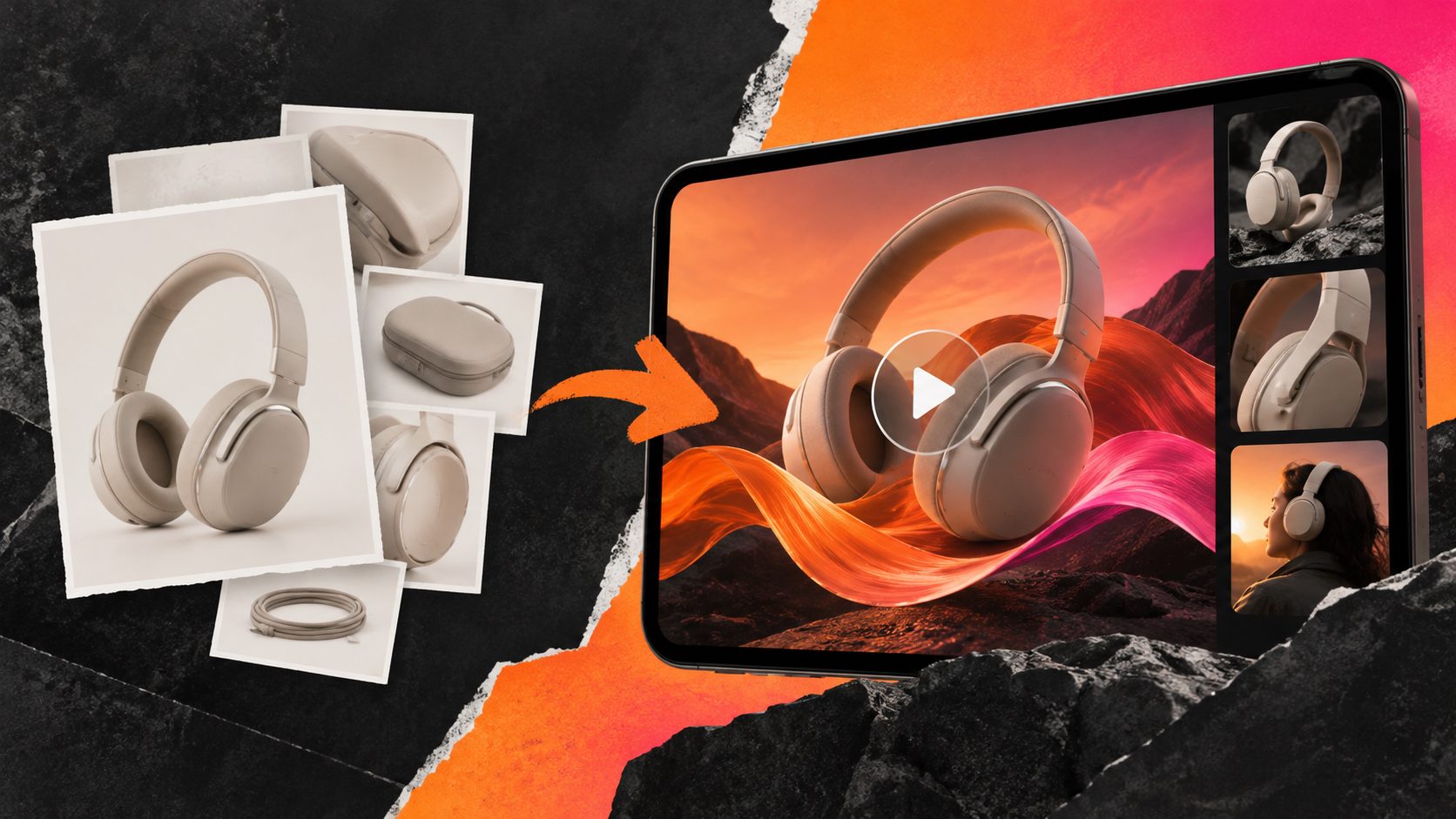
Amazon Posts are no longer a traffic source for sellers, but the creative assets behind them still have value. The most practical amazon posts alternative video ads workflow is to turn existing product images into short videos for Sponsored Brands Video, product detail pages, Brand Stores, and off-Amazon testing.
Amazon Ads says new Post creation was disabled in June 2025 and Posts were discontinued in July 2025. Its recommended direction is toward sponsored advertising creative and Brand Stores rather than the former social-style feed. (advertising.amazon.com)
What should replace Amazon Posts?
The best replacement depends on the job Posts used to perform. For discovery, use Sponsored Brands Video and Brand Store content. For product education, use listing videos and A+ Content. For broader reach, adapt the same creative for TikTok, Instagram Reels, YouTube Shorts, or external traffic campaigns.
| Former Posts objective | Practical replacement | Best creative format |
|---|---|---|
| Show products in a visual feed | Sponsored Brands Video | 15–30 second product video |
| Build brand discovery | Brand Store campaign | Brand-led video or product collection |
| Explain product benefits | Product detail page video | Feature demonstration |
| Reuse lifestyle assets | A+ Content | Image tiles, comparison modules, video |
| Test multiple hooks | Paid social or Amazon campaigns | Short creative variations |
Sponsored Brands Video ads can target keywords, categories, and products, and can send shoppers to a Brand Store or product detail page. Amazon also notes that the primary product image and product information may appear alongside the video creative. (advertising.amazon.com)
The key change is strategic: Posts were primarily an organic discovery surface, while video ads are a paid intent-capture format. Reusing the same image without changing the message usually produces a weak ad.
How do you turn existing product images into video ads?
A product image becomes a useful video ad when it is reorganized into a sequence: problem, product, proof, and action. The image itself is only the raw material; the conversion value comes from motion, pacing, text hierarchy, and the order of claims.
Use this five-step workflow:
-
Select one primary product image.
Choose a clear JPG or PNG with the product fully visible. A clean image on a plain or solid-color background is usually easier to animate and crop. -
Choose one buyer problem.
Do not place every selling point in one video. Select a single angle such as easier storage, faster setup, mess reduction, portability, or a specific use case. -
Build a four-beat storyboard.
A reliable structure is:- 0–2 seconds: visual hook or buyer problem
- 2–7 seconds: product reveal
- 7–13 seconds: feature or use-case proof
- Final seconds: benefit and CTA
-
Create two or three creative variants.
Keep the product and offer consistent while changing the opening line, motion style, or benefit order. This gives you a cleaner test than changing every element at once. -
Export for the destination.
Prepare versions for Sponsored Brands Video, product detail pages, and vertical social placements. A single master file should not be forced into every placement without checking crop, text size, and safe areas.
AdsTurbo Product Video supports JPG or PNG product uploads and can generate UGC-style product review, introduction, and demonstration videos. Its Product Image workflow can also analyze a product’s shape, color, and category, then create multiple image types such as hero banners, lifestyle scenes, close-ups, and instruction visuals.
What makes a Sponsored Brands Video creative different from a Post?
A Sponsored Brands Video creative must communicate without relying on a social feed context. Many shoppers see the video while searching, and Amazon says the video may autoplay without sound when at least 50% of its pixels are on screen. (advertising.amazon.com)
That creates three production rules:
- Make the first frame understandable without audio. Show the product or the problem immediately.
- Use readable on-screen text. Keep each text frame focused on one idea.
- Treat the final frame as a decision point. Show the product benefit, brand cue, or next step rather than ending on a decorative shot.
A useful distinction is between a feed video and a search video. A feed video can spend several seconds building curiosity. A search video has less context and must confirm relevance quickly. For Amazon search placements, product visibility and benefit clarity usually matter more than cinematic transitions.
For a white-background product video workflow, see Amazon product video white background production. For questions that shoppers already ask on a listing, turn Amazon listing Q&A into a product video and use those questions as the opening hooks.
Which product images should sellers prioritize?
Start with images that answer a purchase objection, not simply images that look attractive. The strongest source assets usually fall into four groups:
- Hero image: establishes what the product is.
- Feature image: shows a construction detail, function, or included component.
- Context image: places the product in a relevant room, routine, or use case.
- Proof image: communicates size, compatibility, material, results, or setup.
A simple prioritization model is:
Ad priority = buyer objection × visual clarity × claim strength
For example, if a buyer worries that a storage product is too small, a dimension graphic or in-use scene is more valuable than another polished hero image. If a beauty product’s texture is the main purchase barrier, a close-up or application sequence should lead the video.
This framework adds an important filter that many “image-to-video” workflows miss: the best source image is not always the highest-quality image; it is the image that resolves the most expensive objection.
How can sellers create more variations without losing control?
The goal is not to generate random videos. It is to produce controlled variations where only one major variable changes.
Use a variation matrix:
| Variable | Example options |
|---|---|
| Hook | Problem, question, result |
| Presenter style | Product-only, AI actor, UGC-style |
| Benefit | Convenience, durability, savings |
| Proof | Close-up, demonstration, comparison |
| CTA | Shop the product, explore the brand, learn more |
AdsTurbo provides more than 300 AI actors and over 100 product advertising templates. Its tools include product video generation, ad cloning, motion control, lip sync, character replacement, video translation, subtitles, background replacement, and AI upscaling.
For high-volume catalogs, the practical sequence is to lock the product facts first, then vary the hook and presentation. A video that changes the product claim, audience, and visual style simultaneously is difficult to diagnose when performance changes.
Sellers working across many SKUs can also review bulk SKU video ad generation workflows. For low-resolution supplier assets, upscaling video to 4K for ecommerce ads explains where enhancement fits before export.
What should you measure after launching?
Do not judge an Amazon Posts replacement by impressions alone. Track the creative funnel in order:
- Thumb-stop or early-view behavior: does the opening communicate relevance?
- Video engagement: do shoppers continue past the product reveal?
- Click-through rate: does the message earn a visit?
- Detail-page behavior: do shoppers view, scroll, or add to cart?
- Conversion efficiency: does the creative attract buyers at an acceptable cost?
Keep the test design narrow. For example, compare two hooks using the same product image, offer, duration, and landing destination. After identifying the stronger hook, test the next variable.
If your team generates creatives programmatically, AdsTurbo supports asynchronous task execution through status polling or webhook callbacks. Its API uses Bearer API key authentication and includes modules for image generation, personas, AI actors, ad cloning, video generation, and task processing.
Frequently asked questions
Are Amazon Posts still available?
Amazon Ads states that Posts were discontinued in July 2025, with new Post creation disabled in June 2025. Sponsored advertising creative, Brand Stores, listing content, and external distribution are more practical directions for replacing the former discovery function. (advertising.amazon.com)
What is the closest paid replacement for Amazon Posts?
Sponsored Brands Video is the closest paid replacement for visual product discovery inside Amazon search and product-shopping environments. It can use video creative, target shopping intent, and direct shoppers to a Brand Store or product detail page. (advertising.amazon.com)
Can a seller make Amazon video ads from one product photo?
Yes. One clear product image can provide the base for a short product introduction, demonstration, or UGC-style video. Stronger results usually come from adding a specific buyer problem, benefit, proof point, and CTA rather than animating the image without a message.
Should the same video be used for Amazon and social media?
Use the same core idea, but adapt the format and pacing. Amazon search creatives should establish product relevance quickly, while social placements may benefit from a stronger curiosity hook, vertical framing, subtitles, or a presenter-led opening.
How can sellers make variations at catalog scale?
Create a controlled matrix using fixed product facts and variable hooks, benefits, presenters, and proof scenes. AdsTurbo supports product video generation, ad cloning, subtitles, translation, character replacement, and API-based workflows for teams managing multiple creative versions.
The end of Amazon Posts does not mean existing product imagery has to become obsolete. A structured image-to-video workflow can convert listing assets into Sponsored Brands Video creatives, product-page education, and reusable multi-channel variations—while giving sellers a clearer testing system than simply publishing more static posts.