By adsturbo.ai | Published 2026-09-28 | Updated 2026-09-28
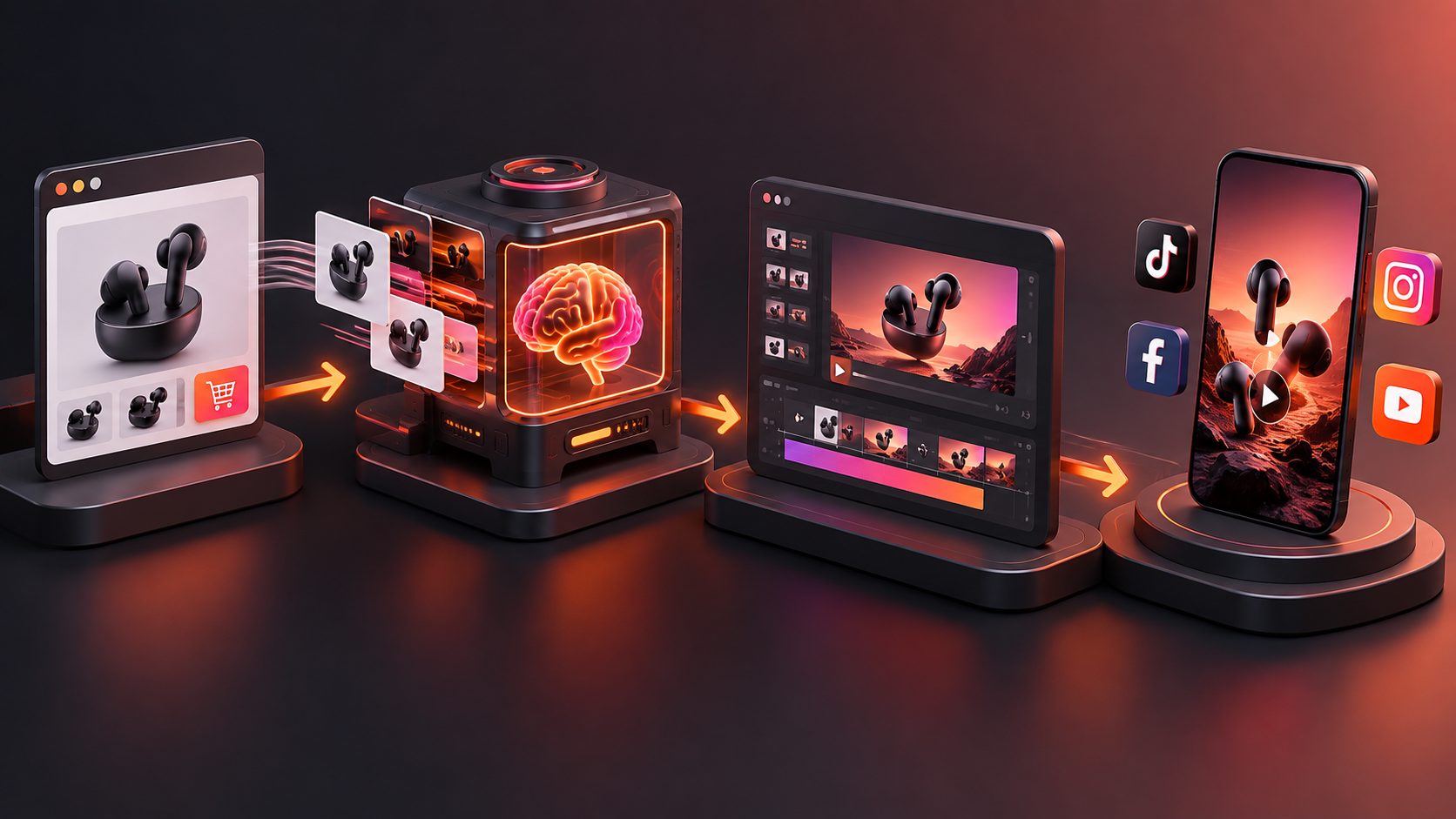
For dropshippers, dropshipping product link to video ad ai workflows can turn a supplier URL, product images, and a few selling points into short-form ad concepts without waiting for samples or a full production team. The important part is not simply generating a video. It is controlling the facts, angle, hook, and testing structure so the creative helps validate the product rather than only making it look attractive.
What is a product-link-to-video ad workflow?
A product-link-to-video workflow converts information from a product page into an ad brief, script, visual sequence, and export-ready video. For dropshipping, the input may be an AliExpress, CJ Dropshipping, Shopify, Amazon, or supplier product page, plus a cleaner product image and the claims you are actually prepared to support.
The workflow is useful because a supplier page usually contains scattered information: a product name, feature bullets, images, variants, dimensions, and promotional copy. A strong ad process turns that material into four controlled outputs:
- A buyer problem or desire
- A clear product demonstration
- A believable benefit
- A direct next step
AdsTurbo supports product video generation, ad cloning, subtitles, video translation, background replacement, AI upscaling, and other creative operations for ecommerce sellers. Its product image workflow can analyze a product’s shape, color, and category, while generating different image types for product presentation.
What should you prepare before pasting a supplier URL?
The best input is not always the longest product page. Prepare a compact product brief before generating the first ad so the AI does not overuse vague supplier claims.
Product input checklist
| Input | What to provide | Why it matters |
|---|---|---|
| Product URL | The supplier or product-page link | Provides product context and available visual references |
| Product image | A clear JPG or PNG | Gives the system a reliable visual source |
| Primary use case | One specific situation or customer problem | Creates a focused hook |
| Verified selling points | Two or three factual benefits | Reduces unsupported claims |
| Offer details | Discount, bundle, shipping, or coupon if confirmed | Makes the CTA concrete |
| Target market | Country, language, and audience segment | Guides wording and localization |
For product images, a clear photo on a plain background is the safest starting point. AdsTurbo Product Image supports JPG and PNG uploads, and its nine output ratios can help adapt creatives for platforms such as Amazon, Shopify, TikTok Shop, and Instagram.
Do not treat every supplier sentence as approved advertising copy. Claims about health, results, delivery times, durability, or certifications should be checked against your own listing, supplier documentation, and advertising rules before they appear in a video.
How do you turn the product link into a testable video ad?
A product-link workflow should create several distinct hypotheses, not five versions of the same generic slideshow. Use this seven-step process.
1. Extract the product facts
Start with the product title, visible features, dimensions, materials, available colors, and intended use. Remove decorative language that does not help a buyer understand the product.
For example, “innovative premium solution” is not a usable fact. “Folds flat for storage” is a usable product behavior that can be shown on screen.
2. Choose one audience problem
A low-cost product may have several possible angles, but each short video should focus on one. Common angles include:
- Saving time during a repeated task
- Making a small space easier to use
- Solving a portability problem
- Improving organization
- Demonstrating a surprising product mechanism
- Offering a gift or seasonal use case
The angle determines the opening scene, not just the caption.
3. Write a short hook
A useful short-form structure is:
- 0–2 seconds: problem, curiosity, or visual interruption
- 2–7 seconds: product demonstration
- 7–12 seconds: benefit and proof
- 12–15 seconds: offer and CTA
The first two seconds should show the product in context whenever possible. A product floating against a generic background may look polished but often gives the viewer no reason to continue watching.
4. Generate three creative directions
Instead of requesting “a viral ad,” create three controlled concepts:
- Problem-first: show the frustrating situation before introducing the product.
- Demonstration-first: show the product performing its main action immediately.
- Comparison-first: contrast the old method with the product-based method without making unsupported superiority claims.
This is an original testing rule for dropshipping: change the reason to care before changing colors, music, or fonts. If every version uses the same angle, the test cannot reveal which message attracts buyers.
5. Add product-grounded visuals
Use the supplier image as the visual anchor. Product Image can generate supporting ecommerce visuals such as banners, lifestyle scenes, close-ups, material details, instruction images, and brand-oriented images from a product photo.
Use generated scenes to explain context, but keep the product’s shape, color, and visible features consistent. A beautiful scene that changes the product form can increase clicks while damaging trust after purchase.
6. Add captions and localization
Short-form ads should remain understandable without relying entirely on audio. AdsTurbo Video Subtitle can automatically transcribe speech, create synchronized captions, and export either a video with embedded subtitles or a separate subtitle file.
For cross-border testing, translate the voiceover and captions only after the core message is approved. AdsTurbo supports video translation and multilingual creative workflows, including localized product images and promotional visuals.
7. Export a small testing matrix
A practical first batch is:
| Variable | Test options |
|---|---|
| Hook | Problem, demonstration, curiosity |
| Presenter | Product-only, AI actor, character variation |
| CTA | Shop now, see how it works, claim the offer |
| Format | 9:16 vertical, 1:1 square, 16:9 landscape |
That creates a manageable set of combinations without producing hundreds of nearly identical videos. For larger catalogs, the TikTok Shop bulk video generator workflow explains how to organize product-level creative testing.
How can you improve a weak first draft?
A weak AI product ad usually fails for one of three reasons: the hook is generic, the product is not demonstrated, or the claims are disconnected from visible evidence.
Use this revision sequence:
- Cut the introduction. Begin with the product action or customer problem.
- Replace feature lists with proof. Show folding, opening, attaching, fitting, dispensing, or comparing.
- Remove unsupported superlatives. Delete words such as “best,” “guaranteed,” or “life-changing” unless you can substantiate them.
- Make the CTA specific. Connect the action to the offer, product page, or current promotion.
- Improve image quality. Use AI upscaling when the source image is compressed or too small for the intended format.
- Review every frame. Check logos, hands, text, product proportions, subtitles, and translated wording before launch.
AdsTurbo’s ecommerce product validation video workflow is relevant when the main goal is testing a new product from limited source material. If you already have a strong competitor or reference ad, the AI video ad remixer workflow can help rebuild the structure into new creative variations.
What makes this workflow different from automatic video generation?
Automatic generation emphasizes speed. A product-testing workflow emphasizes learning.
The original value is the separation of three layers:
- Product truth: what the item is and what it visibly does
- Creative hypothesis: why a specific audience should care
- Distribution variation: how the same message changes across formats, languages, actors, or hooks
If an ad underperforms, this structure helps identify the likely problem. A low click-through rate may indicate a weak hook. Strong clicks but poor conversions may indicate a mismatch between the video promise and the product page. Good engagement with low add-to-cart activity may point to offer, trust, price, or shipping friction.
For teams, AdsTurbo’s higher-level plans support team workflows, API access, and custom workflow support. Its API uses standard REST architecture with Bearer API Key authentication, and video generation tasks run asynchronously through status polling or Webhook completion events. That makes the workflow suitable for sellers or agencies that need to generate and review creatives at scale.
Frequently asked questions
Can I create a video ad from only a supplier product link?
A product link can provide useful product context, images, and copy, but the result is stronger when you add a clear product image, verified selling points, target audience, and offer details. A URL should be treated as a starting brief, not automatic proof of every claim on the page.
Do I need a physical product sample?
Not always. A supplier URL and product images can support early creative testing, especially during product validation. However, samples are still valuable for checking product quality, delivery experience, packaging, and whether the advertised demonstration matches reality.
Which video format should I create first?
For short-form ecommerce testing, start with a 9:16 vertical version, then adapt winning concepts to square and landscape formats. AdsTurbo can generate and adapt creative assets across multiple ratios.
How many ad variations should I make?
Begin with three different hooks and two or three clear creative angles. This gives you meaningful variation without making the test difficult to interpret. Change one major message variable at a time when performance data is limited.
Can the videos be translated for international dropshipping?
Yes. AdsTurbo supports video translation, multilingual subtitles, localized product images, and multi-language promotional visuals. Review translated claims, currency, shipping information, and cultural context before publishing.