By adsturbo.ai | Published 2026-09-25 | Updated 2026-09-25
Ecommerce product validation video ads can help sellers test whether a product idea, selling angle, and offer deserve more investment before ordering inventory or paying for a full production. With one clear product image, you can create several short-form concepts, compare audience signals, and identify whether the problem is the product—or simply the creative.
The key is to treat the first campaign as a diagnostic experiment, not a launch campaign. A single video cannot tell you whether demand is weak. It may only show that the hook, audience, format, or landing page failed.
What is product validation through video advertising?
Product validation through video advertising is the process of using small, controlled creative tests to measure whether shoppers respond to a product promise before scaling production or media spend.
A useful validation test separates four questions:
- Attention: Does the opening stop the scroll?
- Relevance: Does the viewer recognize a problem or desired outcome?
- Intent: Does the product promise earn a click?
- Commercial fit: Does the offer and product page support further action?
This distinction matters because a weak click-through rate may indicate poor creative rather than poor product demand. A strong video view rate with weak clicks may mean the concept is entertaining but commercially unclear. A strong click rate with weak add-to-cart activity may point to pricing, trust, shipping, or landing-page friction.
Google Ads also treats video and product information as connected shopping experiences. Its product-feed guidance recommends accurate product data and matching the advertised product to the landing page, which reinforces an important validation principle: the video promise and the product page must describe the same product clearly. (support.google.com)
Why start with a product image instead of a finished UGC shoot?
A product image gives you a low-commitment way to test the commercial idea before investing in actors, samples, studio work, or creator fees.
This approach is most useful when:
- The supplier has not delivered physical inventory yet.
- You have only a clean product photo or catalog image.
- Several customer segments could plausibly buy the product.
- You want to compare different hooks before filming.
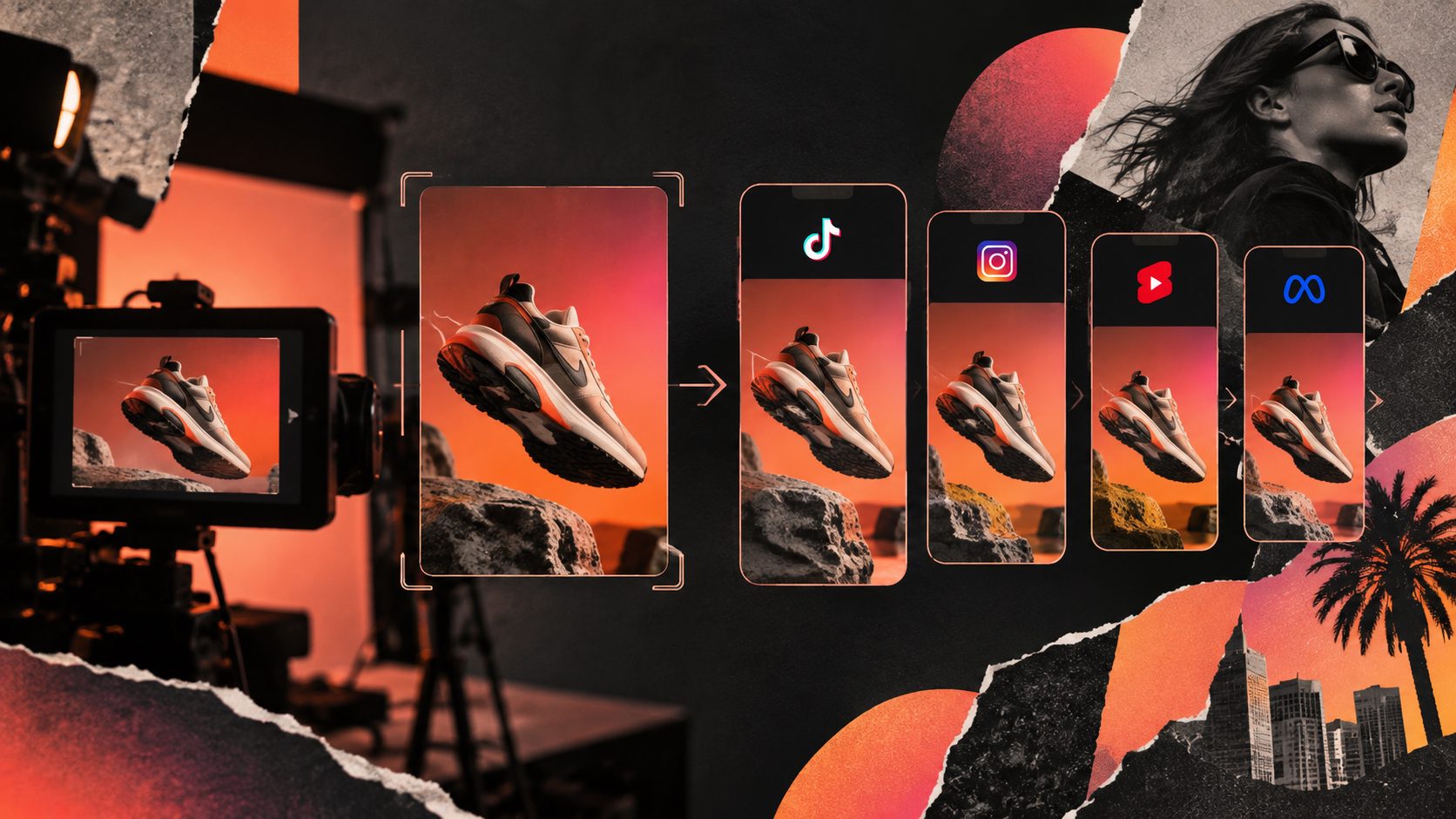
- You need creative variations for TikTok, Meta, or Shorts.
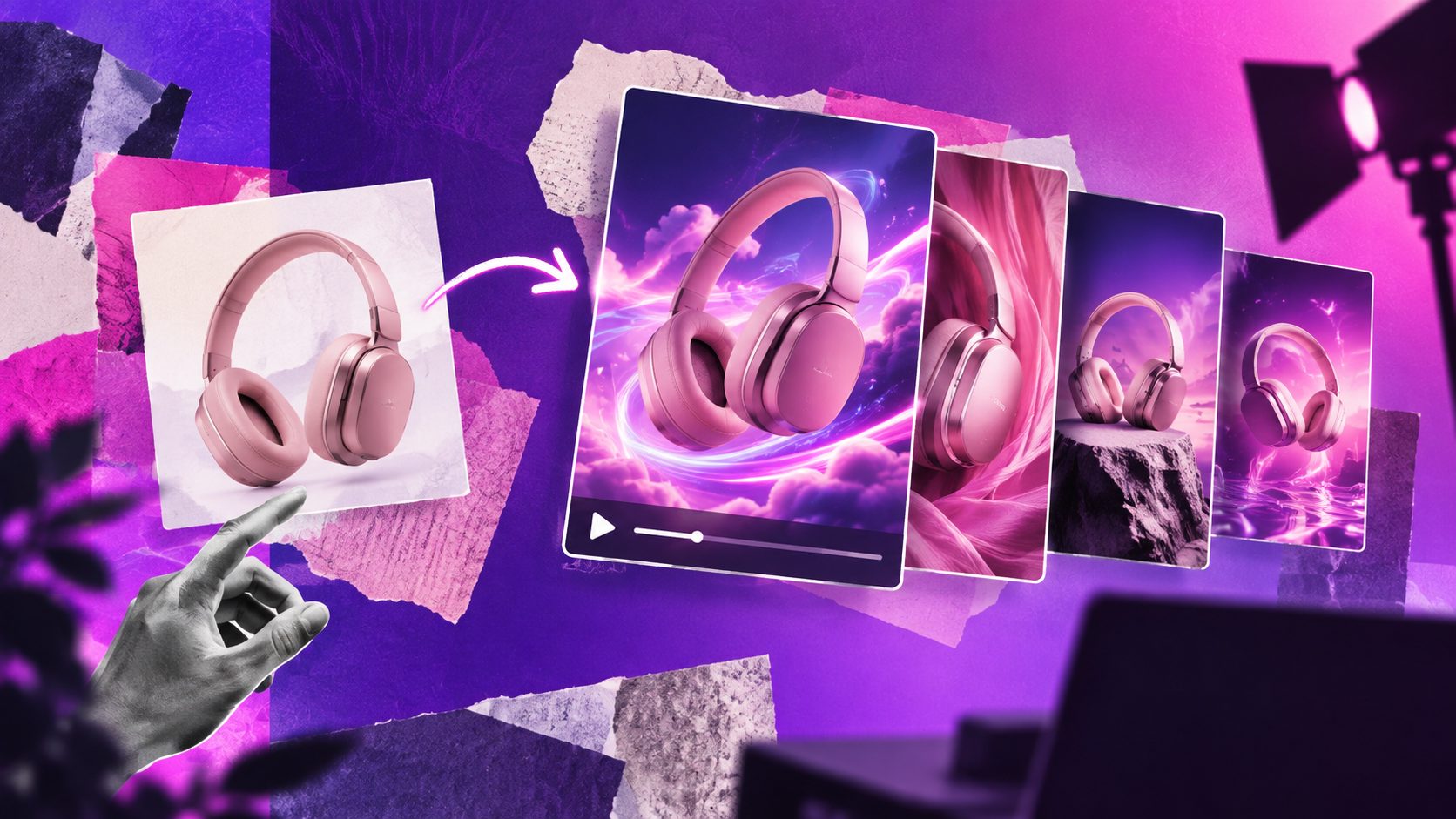
For best results, use a clear JPG or PNG image with the product on a plain background. AdsTurbo Product Video can use a product image to generate short product-focused videos, including product review, introduction, and demonstration concepts. The workflow can also incorporate selling points and promotional details.
For a broader production framework, see this guide to creating ecommerce ads video with a repeatable hook, proof, offer, and localization system.
The goal is not to make the AI video look like definitive proof of real-world use. The goal is to create a believable test of the message: Would this product and promise make the right shopper curious enough to learn more?
How to build a five-variant validation test
The most reliable early test changes one major variable at a time. A practical structure is five videos for one product, with the same core product image and landing page but different reasons to buy.
| Variant | Primary angle | Example opening |
|---|---|---|
| A | Problem-first | “Still dealing with this every day?” |
| B | Demonstration | “Here is what changes when you use it this way.” |
| C | Convenience | “A simpler way to handle this task.” |
| D | Comparison | “Why this takes less effort than the usual option.” |
| E | Offer-led | “A practical solution now available for early buyers.” |
Keep the product representation consistent across all five versions. Change the hook, proof style, voice, pacing, or offer framing, but avoid changing everything simultaneously.
A useful production sequence is:
- Upload the clearest product image available.
- Write down three to five verified product benefits.
- Choose one customer problem for each variant.
- Generate short videos in a vertical format for social testing.
- Add captions that summarize the spoken or visual claim.
- Export the variants and label each file by angle.
- Run the videos under comparable campaign conditions.
- Record results in a simple creative test sheet.
AdsTurbo Video Subtitle can automatically transcribe speech and create time-synced captions, with layouts suited to TikTok, Instagram Reels, and YouTube Shorts. Captions are especially useful when the opening idea must be understood without sound.
The validation scorecard: find where the funnel breaks
Do not judge a product from purchases alone. Record the result at each stage of the creative funnel.
Stage 1: Attention
Review the first seconds of playback and identify which videos earn the strongest initial retention. If one variant consistently loses viewers immediately, the problem is probably the opening visual, first sentence, or pacing.
Stage 2: Intent
Compare outbound clicks, landing-page views, or product-page visits. A video with good watch behavior but weak clicks may need a clearer benefit, product reveal, or call to action.
Stage 3: Commercial response
Review add-to-cart activity, checkout starts, purchases, or qualified leads according to the campaign objective. If multiple creative angles attract clicks but fail after the landing page, investigate price, shipping, product information, reviews, and trust signals before rejecting the product.
This creates a simple diagnostic matrix:
- Low attention + low clicks: revise the hook or visual opening.
- Good attention + low clicks: clarify the product promise.
- Good clicks + low cart activity: inspect the product page and offer.
- Good carts + low purchases: inspect checkout, shipping, payment, and trust friction.
- One angle clearly stronger: produce more variations around that angle.
This is the main advantage of a structured test: it tells you what to fix next instead of forcing a premature “winner” or “loser” decision.
How to create stronger videos without physical footage
When you only have a product photo, focus on controlled motion and clear information rather than complicated scenes.
Effective image-led concepts include:
- A slow product reveal with a problem-focused headline.
- A close-up of the product’s shape, texture, or key feature.
- A three-step “problem, product, outcome” sequence.
- A comparison between a conventional method and the product-led method.
- A promotional version with a discount, bundle, or limited-time message.
Avoid visual claims that the source image cannot support. Do not make the product appear to have features, colors, dimensions, certifications, or use cases that are not verified.
If the generated output contains blurred details or inconsistent packaging, use an image enhancement workflow before producing the final batch. AdsTurbo AI Upscaling supports before-and-after previews and 4K video export, while its product image tools can analyze product shape, color, and category for additional image outputs.
For sellers starting from a listing photo, this AI unboxing video generator workflow offers another way to turn product imagery into a short-form product story.
When to use real footage after validation
AI-generated test videos are most valuable at the idea-selection stage. Once one or two angles show stronger commercial signals, replace assumptions with real evidence where possible:
- Film the actual product in use.
- Confirm size, materials, colors, and packaging.
- Add authentic demonstrations or customer footage.
- Rebuild the winning hook around real product proof.
- Test the original AI concept against the real-footage version.
This creates a two-step creative system:
- Low-cost concept validation: test the message and audience angle.
- Proof-led production: invest in real footage only after the message earns further testing.
The transition is important because creative performance can be affected by product accuracy, trust, and the match between the ad and the landing page. Amazon’s Sponsored Products video guidance similarly emphasizes product features, demonstrations, and clear product-specific information rather than generic brand storytelling. (advertising.amazon.com)
Common mistakes that distort product tests
Testing only one video
One creative is not a product test. It is a test of one combination of hook, audience, format, and offer.
Changing the product and the angle together
If every version uses a different promise and visual treatment, you cannot identify which change caused the result.
Copying a competitor’s ad directly
Use competitor ads for structural inspiration, not as production assets. Rebuild the concept around your own product, claims, visuals, and customer context.
Ignoring landing-page alignment
A video can earn attention and clicks while the product page creates confusion. Match the product name, price, variant, benefit, and call to action across the entire path.
Treating AI visuals as evidence
An AI-generated demonstration can test curiosity, but it does not replace real product proof. Label and review claims carefully before using a video in a live campaign.
Frequently asked questions
Can I validate a product with only one product photo?
Yes. A clear JPG or PNG image can support early tests of hooks, benefits, offers, and customer angles. It is best used to validate the message before investing in full production.
How many video variations should I create first?
Five variations are a practical starting point because they allow you to compare several angles without making the test too difficult to manage. Keep the product and destination consistent while changing one primary creative variable.
Should I test video against static images?
Yes. A static control can show whether motion adds value or whether the product image and offer are already strong enough. Compare formats under similar audience and campaign conditions.
When should I stop testing the product?
Stop when several distinct creative angles fail to generate meaningful intent after you have checked the audience, offer, landing page, and tracking setup. Do not reject a product solely because one hook underperformed.
Can AdsTurbo support larger creative workflows?
AdsTurbo provides product video generation, ad cloning, subtitles, video translation, AI upscaling, background replacement, and other video editing functions. Higher-level plans support team workflows, API access, and custom workflows. Its API also supports asynchronous task processing through status polling or webhook callbacks.