By adsturbo.ai | Published 2026-10-09 | Updated 2026-10-09
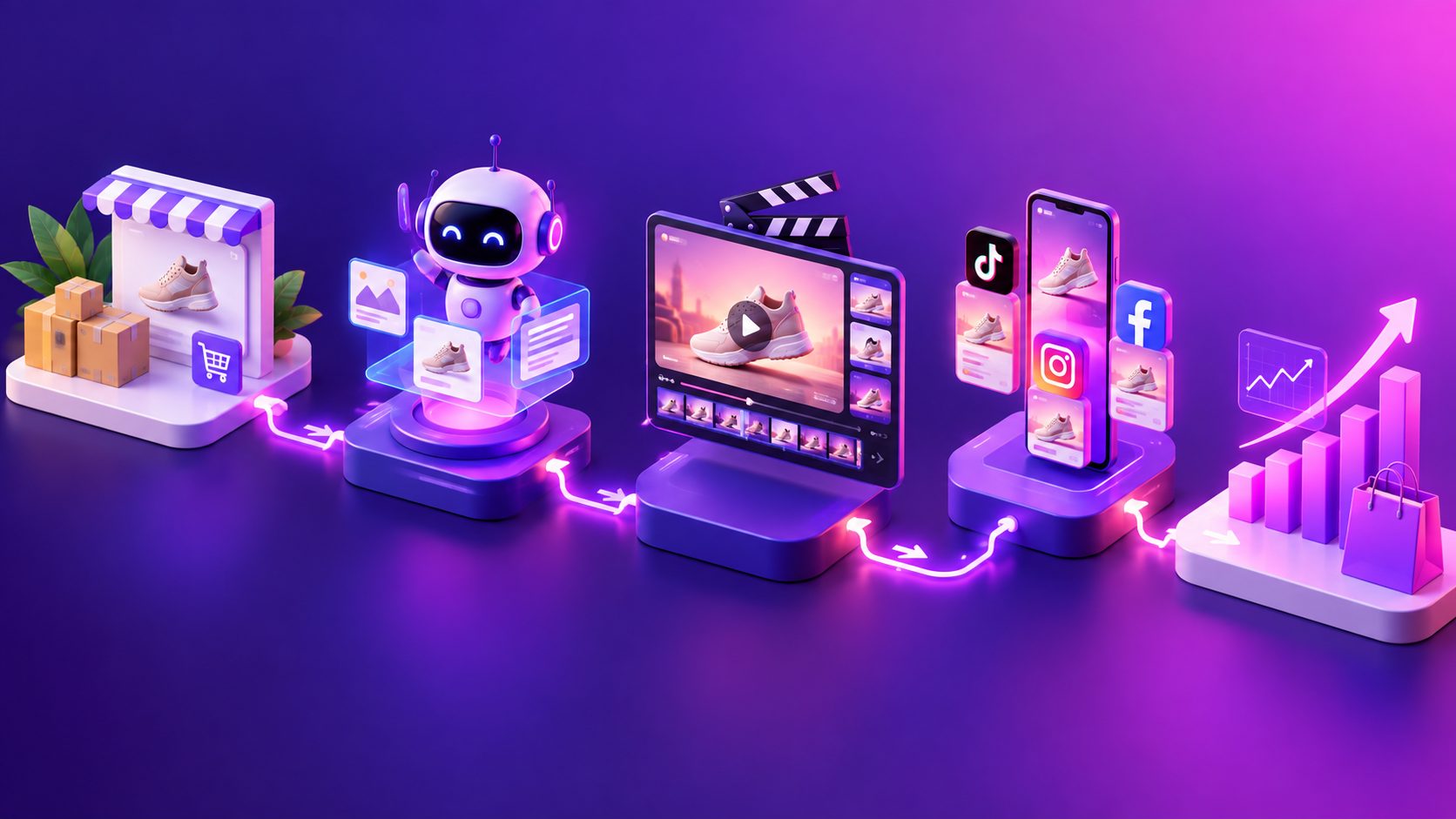
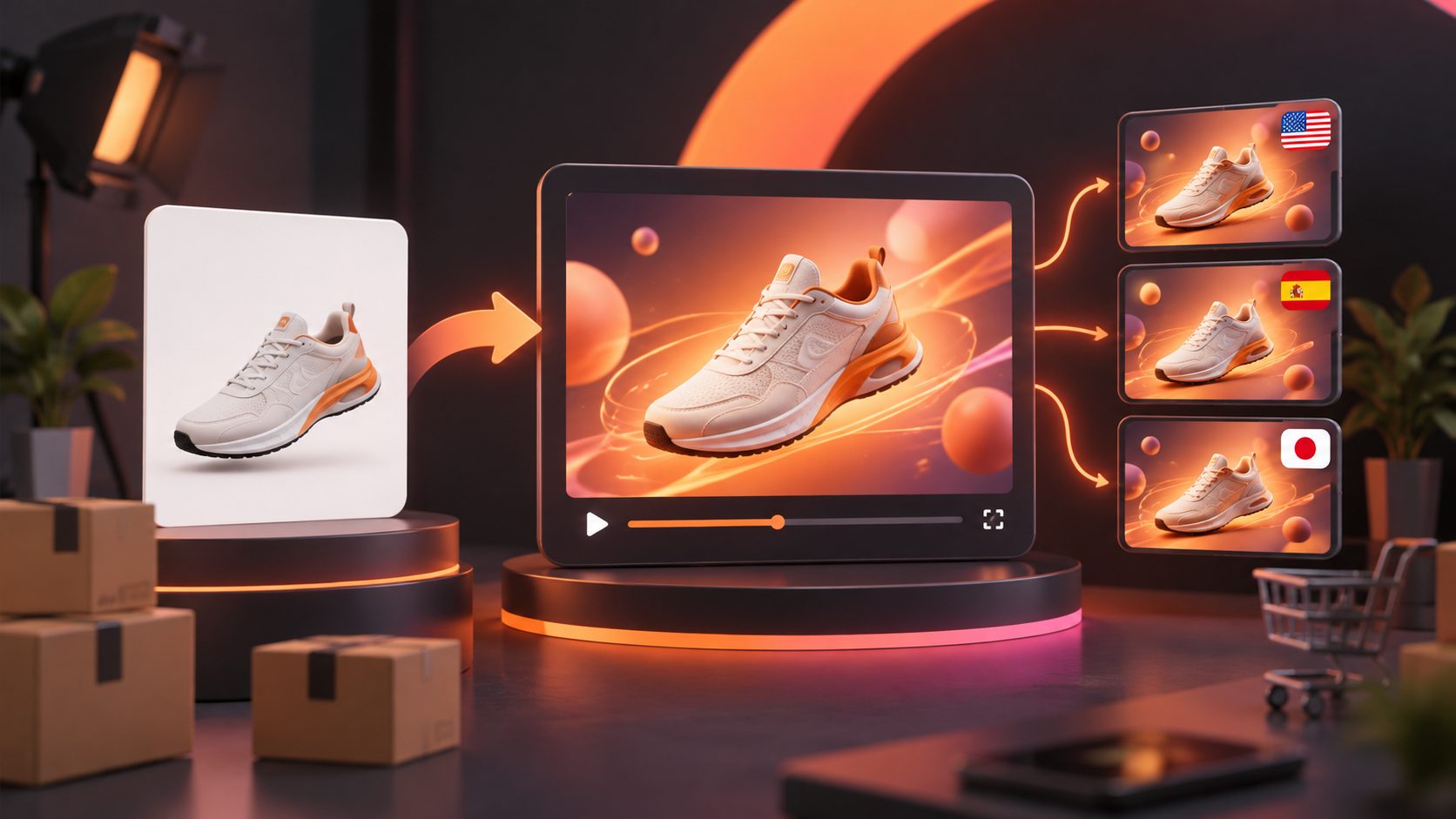
A dropshipping product video ad maker converts supplier photos into short-form advertising assets without requiring inventory, a physical sample, or a conventional video shoot. The safest workflow begins with a clean white-background product image, locks the product’s visual identity, and generates controlled variations of hooks, scenes, voiceovers, captions, and calls to action.
This guide explains how to build those variations without inventing product capabilities that the source material cannot prove.
What Is a No-Sample Product Video Workflow?
A no-sample workflow creates an initial video ad from authorized supplier images and verified listing information. It is best used for testing creative angles before investing in samples, creators, or studio production, not for fabricating demonstrations, testimonials, or physical results.
A strong workflow separates three inputs:
- Visual facts: color, shape, included parts, controls, packaging, and visible materials.
- Verified product facts: dimensions, compatibility, operating instructions, and documented features.
- Marketing hypotheses: the hook, audience, use occasion, objection, and offer presentation.
This separation matters because AI can animate a believable scene without confirming that the depicted action is physically accurate. Sellers should therefore treat generated footage as a creative representation and reserve proof-heavy claims for verified supplier footage or later sample-based production.
For a broader production sequence, see this no-filming video ad SOP for solo ecommerce sellers.
Which Product Images Produce the Most Reliable Results?
The best input is a sharp, front-facing JPG or PNG that shows the complete product against a plain background. Consistent edges and unobstructed details make it easier to preserve logos, proportions, colors, and component placement across scenes.
| Input quality | Recommended use | Main risk |
|---|---|---|
| Clean white-background image | Hero shots, rotations, zooms, simple scenes | Limited proof of real-world use |
| Multiple product angles | Detail sequences and feature callouts | Angles may show inconsistent variants |
| Supplier lifestyle image | Context and audience positioning | Usage rights or inaccurate staging |
| Screenshot with badges and text | Reference only | Compression, clutter, and copied claims |
| Tiny or heavily compressed image | Avoid when possible | Distorted labels, edges, and materials |
AdsTurbo Product Image accepts JPG or PNG product photos and performs best with clear products on solid-color backgrounds. It can analyze product shape, color, and category, then create hero banners, lifestyle scenes, close-ups, material details, instruction graphics, and brand visuals.
How Do You Turn One White-Background Image Into an Ad?
The practical method is to build a short sequence around one verified benefit rather than asking the generator to invent an entire commercial in one pass.
- Clean the source asset. Remove unrelated text, supplier badges, duplicate accessories, and background clutter.
- Create a product identity sheet. Record the exact color, logo position, dimensions, parts, and features that must remain unchanged.
- Choose one audience problem. Examples include storage inconvenience, difficult cleaning, slow setup, or gifting uncertainty.
- Write a 15-second shot plan. Use a hook, product reveal, benefit explanation, detail shot, and CTA.
- Generate scenes separately. Short clips make it easier to reject a distorted logo or impossible product movement.
- Add narration and subtitles last. This prevents the visual generation stage from introducing unreadable on-screen text.
AdsTurbo Product Video can use a JPG or PNG product image of up to 10MB to generate product reviews, introductions, or demonstrations. Its Clip by Clip workflow also supports scene-level editing when one shot needs replacement rather than regenerating the full advertisement.
How Can You Prevent Misleading AI Product Ads?
Use an Evidence Ladder: every claim must be supported by the strongest source available, while unsupported claims are excluded from the script. This original framework helps teams review AI ads consistently instead of relying on whether a scene merely “looks realistic.”
Level 1: Visually observable
Safe examples include visible color, shape, controls, compartments, or included accessories. These can be confirmed directly from the authorized source images.
Level 2: Supplier-documented
Specifications such as dimensions, materials, battery capacity, compatibility, or package contents require a current supplier document or product page.
Level 3: Demonstration-dependent
Water resistance, load capacity, adhesion, cleaning performance, durability, and before-and-after results require reliable demonstration evidence.
Level 4: Customer-experience claims
Testimonials, health outcomes, guaranteed savings, and “best” or “number one” statements need appropriate substantiation. An AI actor should not pretend to be a verified purchaser.
Create a rejection log for inaccurate colors, altered logos, invented accessories, impossible motion, and unsupported text. These recurring errors become negative instructions for the next batch.
How Should You Batch Creative Variations?
A useful starting batch contains 12 ads: three hooks × two benefit angles × two languages. This structure changes one strategic variable at a time while keeping the product, offer, duration, and CTA stable.
For example, a portable lint remover could use:
- Hooks: problem reveal, visual curiosity, or quick product introduction.
- Angles: travel convenience or clothing maintenance.
- Languages: English plus the primary language of the target region.
This is a planning framework, not a promised performance result. Its value is diagnostic: if every version shares a different hook, benefit, duration, and actor, weak results reveal little about what should change next.
AdsTurbo supports more than 300 AI actors and over 100 product advertising templates. Character Swap can also create audience variants while retaining the source scene’s movement and lighting. Sellers managing multiple related products can adapt the multi-SKU creative testing SOP for ecommerce video ads.
How Do You Localize the Videos Without Losing Accuracy?
Localization means adapting the promise, speaker, captions, offer details, and CTA—not simply translating every word literally. A localized ad should preserve the verified product facts while allowing the delivery to match regional language and buying expectations.
Use this quality-control sequence:
- Translate the factual product brief.
- Rewrite the hook for natural local phrasing.
- Check prices, units, dates, and promotional terms.
- Generate the localized voiceover.
- Apply lip sync when an on-screen speaker is visible.
- Export time-synchronized subtitles.
- Review the final video with a fluent speaker.
AdsTurbo provides video translation, Lip Sync, and multilingual Video Subtitle tools. Subtitles can be downloaded as a captioned video or exported separately, with layouts suited to TikTok, Instagram Reels, and YouTube Shorts. The ecommerce dubbing and lip-sync QA guide provides a more detailed review process.
Which Formats Should You Export?
Export a master version for each placement rather than automatically cropping one landscape video. Important text and product details should remain inside the platform’s interface-safe area.
| Placement | Practical master | Creative priority |
|---|---|---|
| TikTok and Reels | 9:16 | Full-screen hook, captions, sound |
| Feed placements | 1:1 | Centered product and concise text |
| YouTube or display video | 16:9 | Wider composition and readable CTA |
| YouTube Shorts | 9:16 | Immediate product visibility |
TikTok recommends vertical 9:16 creative, while Meta emphasizes vertical video, audio, and keeping key messages inside the Reels safe zone. Google lists 1080 × 1920 as the 9:16 specification for Shorts and supports 1:1 and 16:9 assets for other video inventory. (ads.tiktok.com)
AdsTurbo Ad Clone can export 9:16, 1:1, and 16:9 variants from a reference-driven workflow. For campaign-wide adaptation, use a three-format ecommerce video resizing workflow.
What Should You Check Before Launching?
The final check should confirm product fidelity, claim support, localization quality, and placement readiness. A visually impressive video should not launch if it misrepresents the item customers will receive.
Review each asset for:
- The correct product variant, color, logo, and accessories.
- No melted edges, shifting labels, or disappearing components.
- No invented functionality or unverified performance results.
- Narration that matches captions and visible actions.
- Correct language, currency, units, discount, and landing page.
- Legible text within interface-safe areas.
- Authorized product imagery, music, voices, and reference footage.
- A CTA consistent with the destination page and actual offer.
Use early generated ads to identify promising hooks. Once a product shows commercial potential, order a sample and replace demonstration-dependent scenes with verified original footage.
Frequently Asked Questions
Can I make a dropshipping ad from one product photo?
Yes. One clean image can support hero shots, close-ups, simple camera movement, benefit overlays, and contextual scenes. Multiple angles are preferable when the product has important controls, attachments, or rear details.
Should AI-generated actors claim they purchased the product?
No. Present the actor as a host, presenter, or demonstrator unless the statement comes from an authenticated customer. Avoid fabricated personal experiences and results.
How long should the first video be?
A concise 10–20 second structure is practical for initial creative testing. The product and primary benefit should appear early because short-form placements are immediately swipeable.
Can the same video be used in several countries?
The visual sequence can often be reused, but narration, subtitles, units, offer details, and cultural phrasing should be reviewed separately for every market. Lip synchronization should also be regenerated for each spoken language.