By adsturbo.ai | Published 2026-09-29 | Updated 2026-09-29
If you are learning how to make your first video ad for a new ecommerce store, do not begin with a polished brand film. Start with one short, testable sales argument: a specific customer problem, a visible product demonstration, one believable reason to buy, and one clear next step.
Current ecommerce video guides commonly recommend a fast hook, product proof, platform-native editing, and systematic creative testing. (adlibrary.com) The practical difference for a new store is that your first ad should be treated as a minimum viable test unit, not a final creative masterpiece.
What should your first ecommerce video ad achieve?
Your first ad should answer one question: Why should this person care about this product right now?
A useful first ad does not try to explain your entire brand. It gives a cold viewer enough information to recognize the problem, understand the product’s role, and decide whether to visit your store.
For a new ecommerce store, the first video should usually contain:
- One audience and one use case
- One primary product benefit
- One visible demonstration
- One trust or offer element
- One call to action
Avoid combining several audiences, five product benefits, and multiple discounts in a 15–25 second video. That creates creative noise and makes performance data difficult to interpret.
How do you choose the angle before writing the script?
Choose the angle by completing this sentence:
“This product is useful for [specific buyer] who wants to [desired result] but struggles with [specific problem].”
For example:
“This storage organizer is useful for small-apartment renters who want a tidier kitchen but lack cabinet space.”
That sentence gives you the structure for the whole ad. The opening should show the problem, the middle should show the product solving it, and the ending should explain what the viewer should do next.
For a first test, select one of these four angles:
| Angle | Best opening | Product proof |
|---|---|---|
| Problem-first | Show the frustrating situation | Demonstrate the fix |
| Result-first | Show the desired outcome | Explain how the product creates it |
| Comparison | Show before and after conditions | Highlight the practical difference |
| Demonstration | Start with the product in use | Show the key action step by step |
The most important choice is not the editing style. It is the buyer problem your video is willing to own.
What is a simple first video ad script?
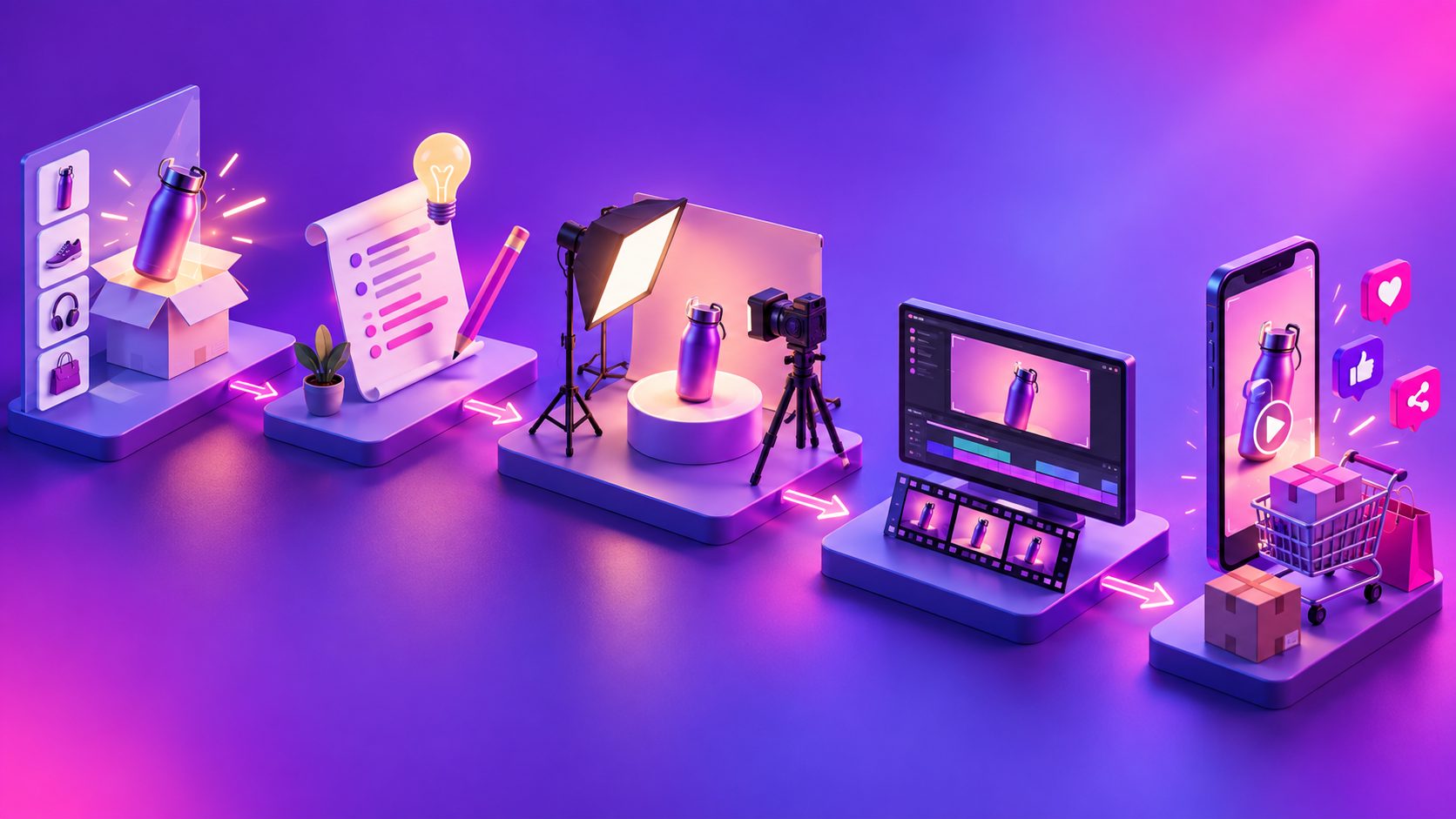
A reliable first script uses five parts: hook, problem, demonstration, reason to believe, and CTA.
Use this 20-second framework:
- 0–2 seconds — Hook: Show the product or problem immediately.
- 2–5 seconds — Problem: State what the customer is struggling with.
- 5–12 seconds — Demonstration: Show the product being used in a realistic context.
- 12–17 seconds — Benefit: Explain one concrete improvement.
- 17–20 seconds — CTA: Tell the viewer exactly what to do.
Fill-in-the-blank script
“Still dealing with [specific problem]?
This [product] helps you [specific outcome] without [common frustration].
Just [simple usage action], and you can [visible result].
See how it works at [store or product page].”
Keep the spoken message and on-screen text aligned. If the voiceover says “fits in small spaces,” the visual should show the product being placed in a small space—not a generic lifestyle shot.
What should you film or generate for the first ad?
You do not need a large production setup. You need enough visual evidence to make the product understandable.
Capture or create these five shots:
- Opening shot: The problem, surprising result, or product close-up
- Context shot: The product in the customer’s environment
- Action shot: A hand or person using the product
- Detail shot: Texture, size, mechanism, packaging, or key feature
- Closing shot: Product, offer, and CTA together
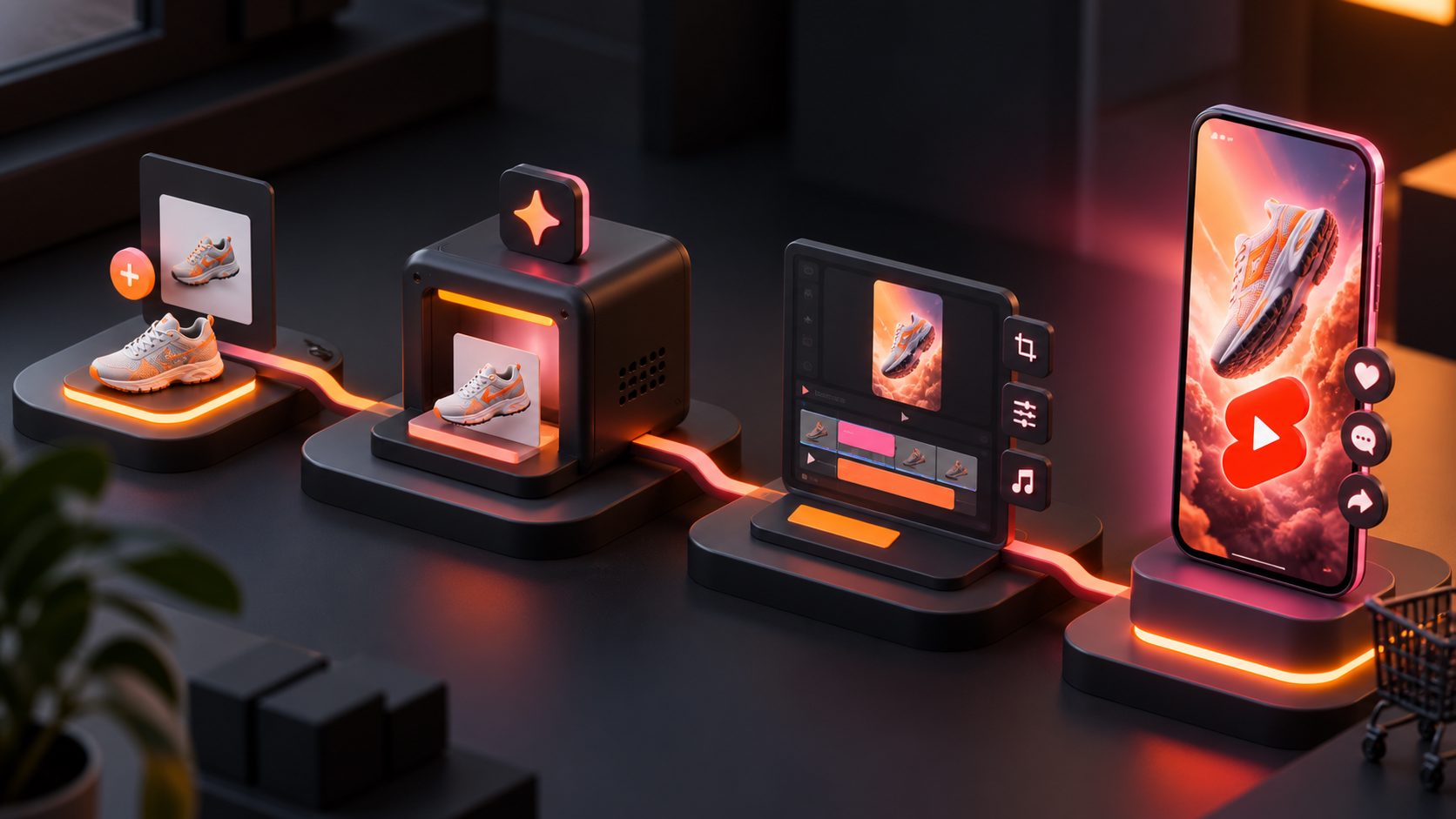
For a new store, product clarity is more valuable than cinematic complexity. A clean product image can also become the starting point for a short product video. AdsTurbo Product Video accepts JPG or PNG product images and can generate UGC-style product videos, including product review, introduction, and demonstration formats.
For stronger visual control, use a product image with a plain background. AdsTurbo Product Image supports JPG and PNG uploads, analyzes product shape, color, and category, and can create multiple ecommerce image types and aspect ratios.
How can you make the ad with a small budget?
Use the production path that matches your available assets.
Option 1: Film with a phone
Film the real product near a window, keep the background simple, and record several short clips instead of one long take. This works well when the product’s physical use is the main proof.
Option 2: Build from product images
Use clear JPG or PNG product photos to create a product demonstration, motion sequence, or visual explainer. This is useful when inventory is limited or you cannot arrange a creator shoot.
Option 3: Use an AI actor or UGC workflow
Use a presenter when the product needs explanation, a testimonial-style introduction, or a human demonstration. AdsTurbo provides access to more than 300 AI actors and over 100 product advertising templates.
Do not use an AI presenter to make unsupported claims. The actor can deliver the message, but the product visual should still provide the evidence.
If your store already has a competitor or reference creative worth studying, an ecommerce ad clone workflow can help you analyze and rebuild the structure, pacing, and CTA logic without simply copying the original brand.
How many versions should you test first?
A practical first test is three versions of the same core ad, not three unrelated concepts.
Keep the product demonstration and offer consistent. Change only the opening angle:
- Version A: Problem-first hook
- Version B: Result-first hook
- Version C: Demonstration-first hook
This creates a clean test. If the versions differ in script, actor, product, offer, and editing style at the same time, you will not know what caused the result.
A useful test matrix is:
| Variable | Version A | Version B | Version C |
|---|---|---|---|
| Hook | Problem | Result | Demonstration |
| Product proof | Same | Same | Same |
| CTA | Same | Same | Same |
| Format | Vertical | Vertical | Vertical |
After the first test, expand the winning angle into new audiences, voices, characters, languages, or offers. AdsTurbo supports video translation, lip sync, character replacement, motion control, subtitles, and AI upscaling for producing these follow-up variations.
What should you check before publishing?
Before uploading, review the ad with the sound turned off. The story should still be understandable from the visuals and captions.
Use this pre-launch checklist:
- The product appears within the opening moments.
- The first frame communicates a problem, result, or action.
- Captions are readable on a mobile screen.
- The product looks consistent from shot to shot.
- The offer is accurate and easy to understand.
- The CTA points to one destination.
- The video does not rely on unsupported performance claims.
- The final export matches the placement format.
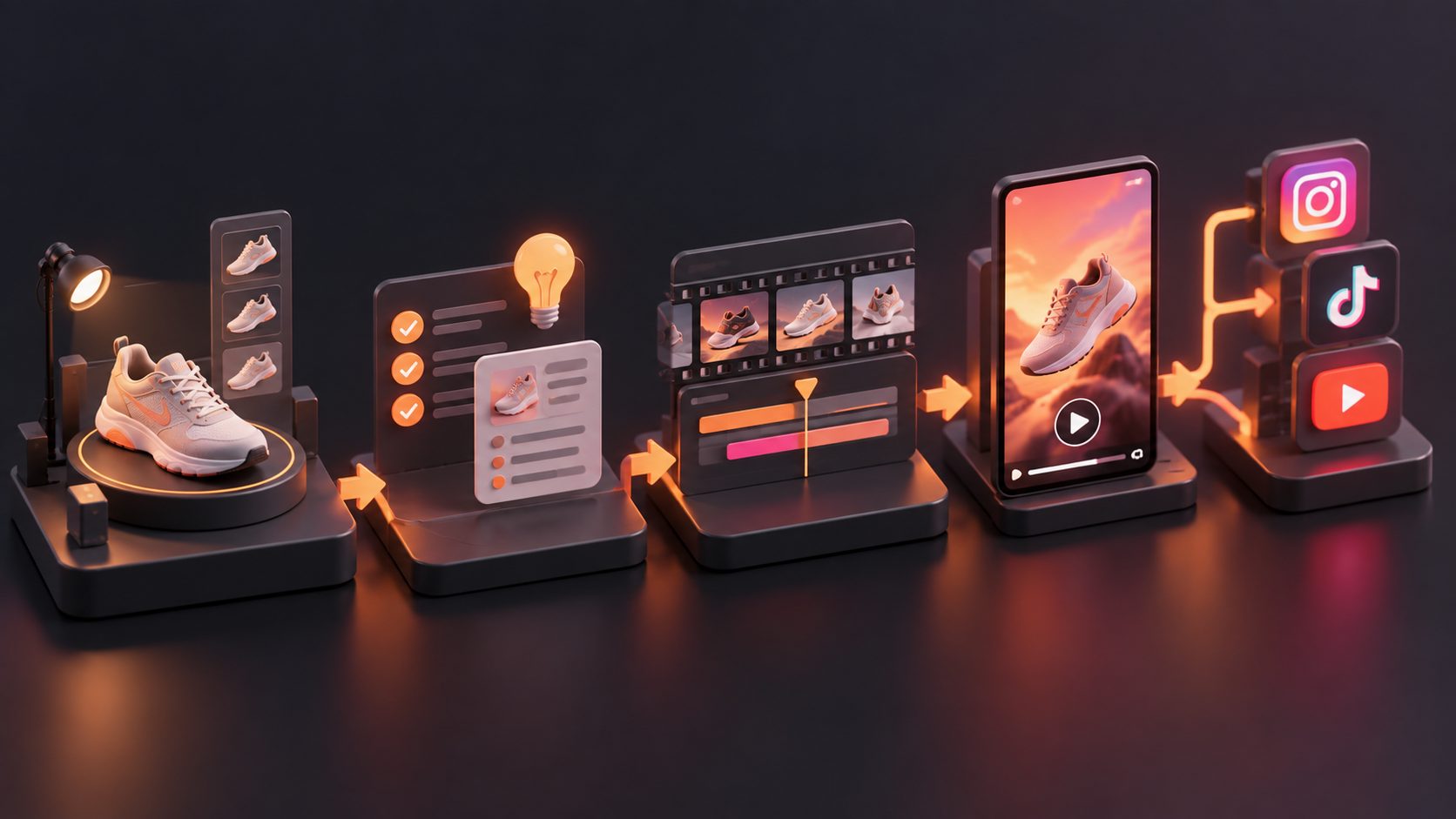
For multi-platform delivery, create a vertical master first and preserve important text inside safe areas. If you need captions, AdsTurbo Video Subtitle can automatically transcribe speech, create time-synced captions, and export either a burned-in video or a separate subtitle file.
What should you do after the first ad runs?
Do not immediately rebuild everything if the ad underperforms. Diagnose the failure in sequence:
- Weak attention: Test a stronger first frame or hook.
- Attention but few clicks: Improve product clarity, benefit, or CTA.
- Clicks but few add-to-carts: Check the offer, landing page, shipping, and trust signals.
- Add-to-carts but few purchases: Review price, checkout friction, delivery information, and payment options.
This separates a creative problem from a store problem. A video cannot fix unclear shipping terms or a weak product page.
Once one angle shows promise, use a product validation video workflow to generate structured creative variations before increasing production complexity. For stores with long-form content, turning product images into short video ads can also provide a faster way to test additional hooks.
Frequently asked questions
How long should a first ecommerce video ad be?
Start with approximately 15–25 seconds when the product can be explained quickly. Use a longer version only when the demonstration needs more context. Every second should add new information.
Can I make a video ad with only one product image?
Yes. One clear JPG or PNG product image can be used as the starting point for a product video, visual demonstration, or AI-generated UGC concept. The result will be stronger when the image clearly shows the product shape and important details.
Should my first ad use a discount?
Use a discount only if it is part of your real offer and you can fulfill it consistently. A discount may improve response, but it should not replace product proof or clear positioning.
Should I make one ad for TikTok, Meta, and YouTube?
Create one core concept, then adapt the opening, captions, pacing, and aspect ratio for each placement. Reusing the same idea is efficient; uploading an unedited version everywhere is usually not.
What is the biggest mistake new stores make?
The biggest mistake is producing one polished video and treating its result as a verdict on the product. Your first ad should generate a learning signal. Test different hooks around the same product argument, then build from the evidence.