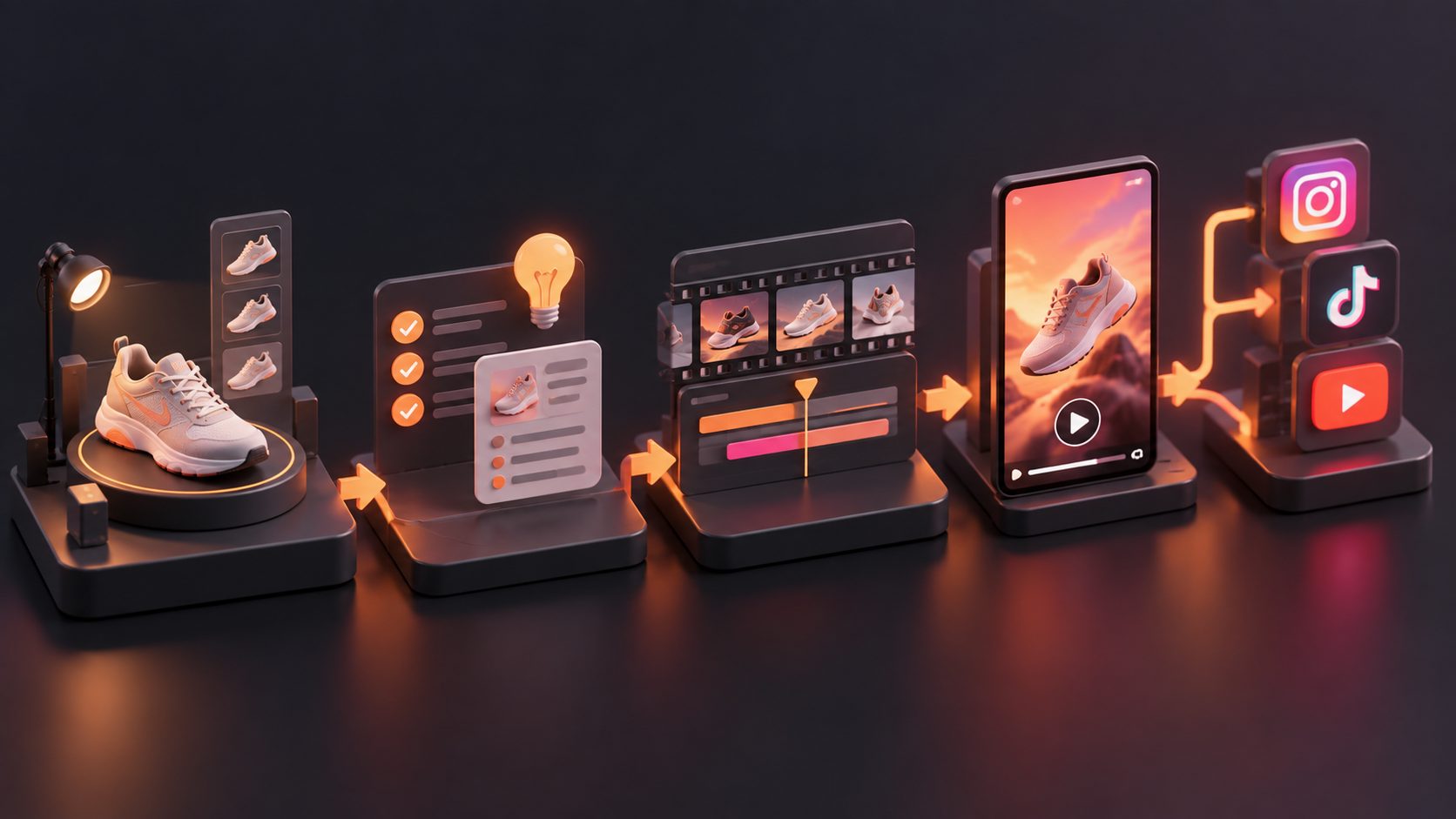
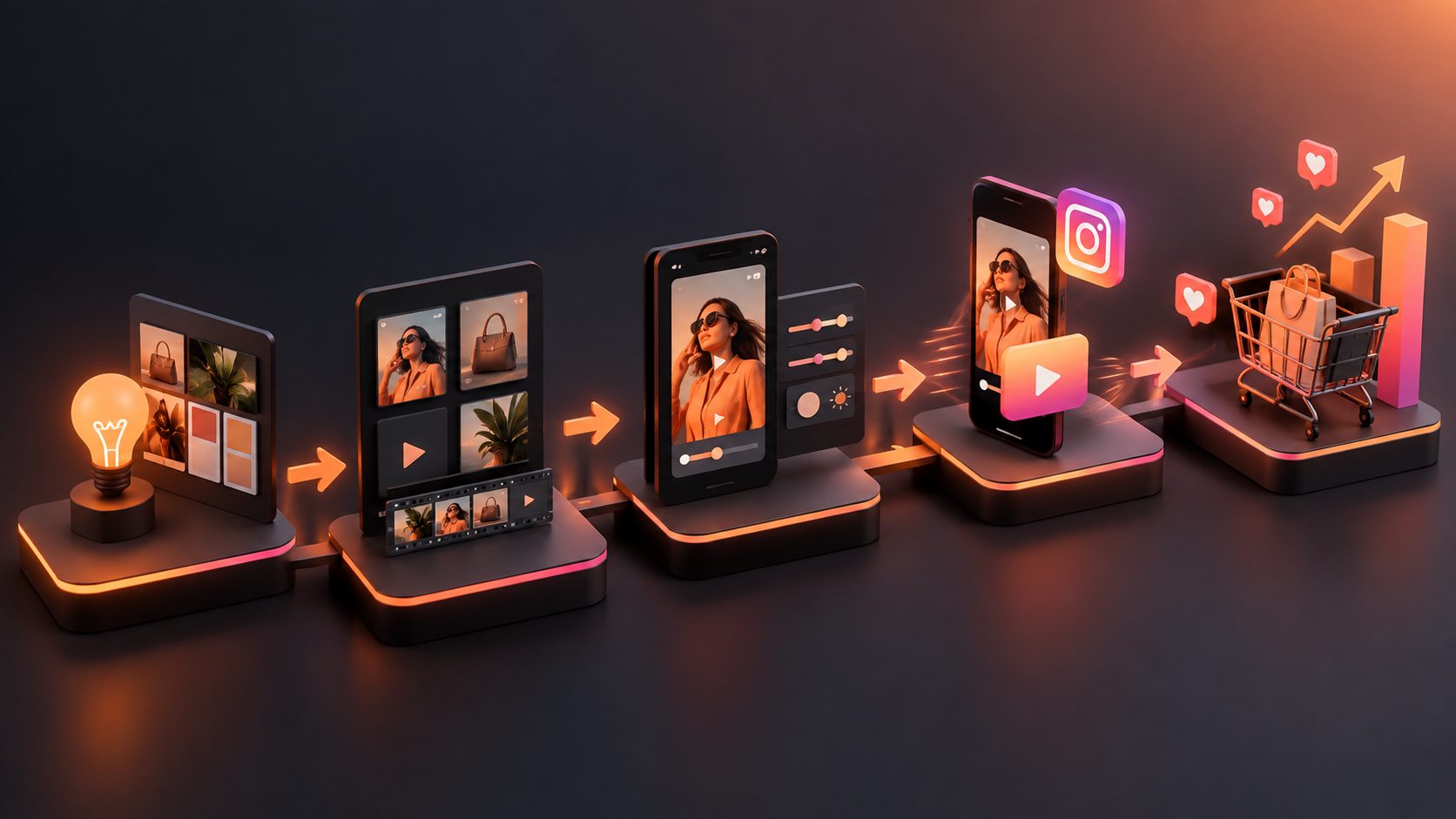
How to Turn Product Benefits Into Video Ad Script: A 15-Second Workflow

Summarize with
Summary
Turn a product benefit list into a three-second hook and a proof-led 15-second storyboard. Use the worked ecommerce example to draft your next ad.
By adsturbo.ai | Published 2026-11-16 | Updated 2026-11-16
To learn how to turn product benefits into video ad script, start with one customer problem—not a list of product features. Choose a benefit you can show, write a three-second hook around the problem, then give each remaining shot a job: demonstrate the product, substantiate the claim, or prompt an action.
This workflow turns a seller’s notes into a shootable 15-second ecommerce ad. A reusable worksheet and worked example show what to put on screen, what to say, and what to leave out.
What makes a product benefit usable in a video ad?
A video-ready benefit is a customer outcome that can be demonstrated or supported on screen. “Double-wall insulation” describes a feature; “your drink stays at a comfortable temperature during your commute” describes a potential benefit. Neither belongs in the finished ad until the seller checks that the wording matches the product and the available evidence.
Build a short benefit-to-shot sheet before writing dialogue:
| Seller’s note | Customer-facing angle | Possible visual | Claim check |
|---|---|---|---|
| Wide bottle opening | Easier to add ice | Ice cubes dropping into the opening | Show the actual bottle |
| Carry handle | Easier to pick up on the way out | Hand lifts bottle from a desk | Avoid unsupported comfort claims |
| Leak-resistant lid | Less worry in a bag | Lid closes, then bottle goes into a bag | Verify the exact claim and test conditions |
The final column is the safeguard. If you cannot film the action or substantiate the result, narrow the claim rather than inventing a more dramatic scene. For more on separating a specification from an ad angle, see the feature-to-benefit video ad workflow.
How do you choose the benefit that leads the ad?
Lead with the benefit that is relevant, visible, and defensible. Relevance means the intended buyer recognizes the situation. Visibility means the viewer can understand it quickly without a long explanation. Defensibility means the footage and product information support the words.
Here is a practical editorial filter, not a performance score: give each proposed benefit one point for each of those three conditions. A three-point benefit is a strong candidate for the opening; a one-point benefit may belong on the product page instead. If two benefits tie, choose the one with the clearest first-frame action.
For the example bottle, “easy to add ice” wins over a broad promise such as “better hydration.” The seller can show ice entering the opening immediately. The broader promise would require context the shot cannot establish. Keep other benefits as supporting details rather than trying to fit the entire listing into 15 seconds.
How do you write a three-second hook from that benefit?
A three-second hook pairs a recognizable friction point with a visual answer. Write it as situation → action → short line. The action should work even when sound is off; the line should clarify what the viewer sees, not repeat a slogan.
For the bottle example:
- Situation: Ice cubes miss the narrow opening of an old bottle.
- Action: Cut to ice dropping into the featured bottle.
- On-screen line: “Finally, room for ice.”
That line is a creative example, not a tested claim about ad performance. Avoid “The last bottle you’ll ever need”: it is harder to prove and gives the editor little to show. TikTok’s creative best-practices guidance advises advertisers to prioritize a hook early in the video; it does not mean every product needs the same opening shot. Match the hook to the particular friction your product can resolve.
How do you turn the hook into a 15-second storyboard?
A 15-second storyboard assigns a visual, a message, and a purpose to each time window. Give the chosen benefit the opening and demonstration. Use the closing seconds for a supported secondary detail and a clear next step, rather than introducing a new sales argument.
| Time | Shot and purpose | Spoken line or on-screen text |
|---|---|---|
| 0–3 sec | Ice misses a narrow opening; cut to the product’s wide opening. Hook | “Finally, room for ice.” |
| 3–7 sec | Show ice going in and the lid closing. Demonstration | “Add ice. Close the lid.” |
| 7–11 sec | Lift the bottle by its handle and place it in a bag. Context | “Ready to take along.” |
| 11–15 sec | Show the product clearly, then a store-facing end frame. Action | “See the bottle details.” |
This is a hypothetical script, not a report of a filmed or tested ad. Its voiceover is deliberately brief so the visuals have time to communicate. A seller using it should replace the bottle, shots, and wording with their own verified product details. If a leak-resistance claim matters, film an appropriate demonstration and approve its wording separately; merely placing a bottle in a bag does not prove it will not leak.
For production, write each row as a shot card with the asset needed, the exact text, and the claim it supports. That makes missing footage apparent before editing begins. A batch product video ad workflow can help organize multiple scripts around shared product assets.
How can you make variants without changing the whole ad?
A useful first comparison changes one creative decision at a time. Keep the demonstration and closing shot consistent, then make two opening versions: one starts with ice missing a narrow opening; the other starts with a hand reaching for the bottle before leaving home. Each opening tests a different customer situation without making the rest of the message incomparable.
Label the versions by what changed—for example, ice-opening and morning-exit—rather than calling them “good” and “better.” Save the script, footage, and claim notes beside each version. This is a planning method, not a prediction that either hook will win. If the opening changes and the voiceover, offer, and product shot also change, it becomes difficult to tell which decision affected the result.
When a usable product clip looks soft after cropping, an AI video enhancer can help prepare the visual asset. Check the exported result against the real product before using it in an ad; a sharper image cannot fix an unclear benefit or unsupported claim.
What should you check before the script goes into production?
A production-ready script passes three checks: the claim is supportable, the action is filmable, and the point is clear without audio. Read the lines aloud against a 15-second timer, then inspect the storyboard with the sound mentally removed. If the viewer cannot identify the product benefit from the shots and on-screen words, revise the visual sequence before polishing the voiceover.
Use this final checklist:
- Does the first shot show a buyer-relevant situation or the product in action?
- Can someone point to the footage supporting each benefit claim?
- Does each shot add information rather than restate the previous one?
- Are captions short enough to read during their assigned shot?
- Does the final frame make the next action obvious?
For a voice-led version, a natural UGC-style voiceover workflow offers a separate way to think through delivery. Keep the same claim checks regardless of who—or what—reads the script.
Frequently asked questions
How many benefits fit in a 15-second product ad?
Start with one lead benefit. Add a secondary detail only if it can be understood quickly and does not interrupt the demonstration. The storyboard should not become a spoken version of the product listing.
Should the hook mention the product name?
Not necessarily. The opening should make the situation and product action understandable. Put the product name where it helps recognition, but do not sacrifice a clear demonstration to force it into the first line.
What if a benefit is important but cannot be shown?
Use a precise, approved statement with suitable supporting evidence, or move the benefit to a format with room to explain it. Do not stage footage that implies a result the product has not established.
Can the same script work across video placements?
The core benefit can carry over, but check framing, readable text, shot duration, and the final action for each placement. A single storyboard is a starting point, not proof that every crop communicates equally well.