How to Make YouTube Shorts Product Ads in 15 Seconds


Summarize with
Summary
Learn how to make YouTube Shorts product ads with a 15-second hook, proof, captions, safe zones, CTA, and a practical multi-variant testing workflow.
作者:adsturbo.ai|发布日期:2026-09-14|更新日期:2026-09-14
YouTube Shorts product ads work best when they feel like useful, native short-form content rather than traditional commercials. The practical formula is simple: show the problem immediately, demonstrate the product, add readable captions, and finish with one clear action.
For ecommerce sellers, a 15-second format is a useful starting point for testing. It is short enough to produce several creative variations while still allowing time for a hook, product proof, and CTA.
What makes a good YouTube Shorts product ad?
A good Shorts product ad communicates one product benefit within the first few seconds, uses vertical video, and makes the next step obvious. Google recommends vertical, sound-on creative that blends naturally with organic Shorts content, while its ABCD framework emphasizes Attention, Branding, Connection, and Direction. See the current Google Ads Shorts asset specifications and best practices before publishing.
The most important distinction is between showing a product and demonstrating a reason to buy it. A product sitting on a table is visual content. A close-up showing how it solves a specific problem is an advertisement.
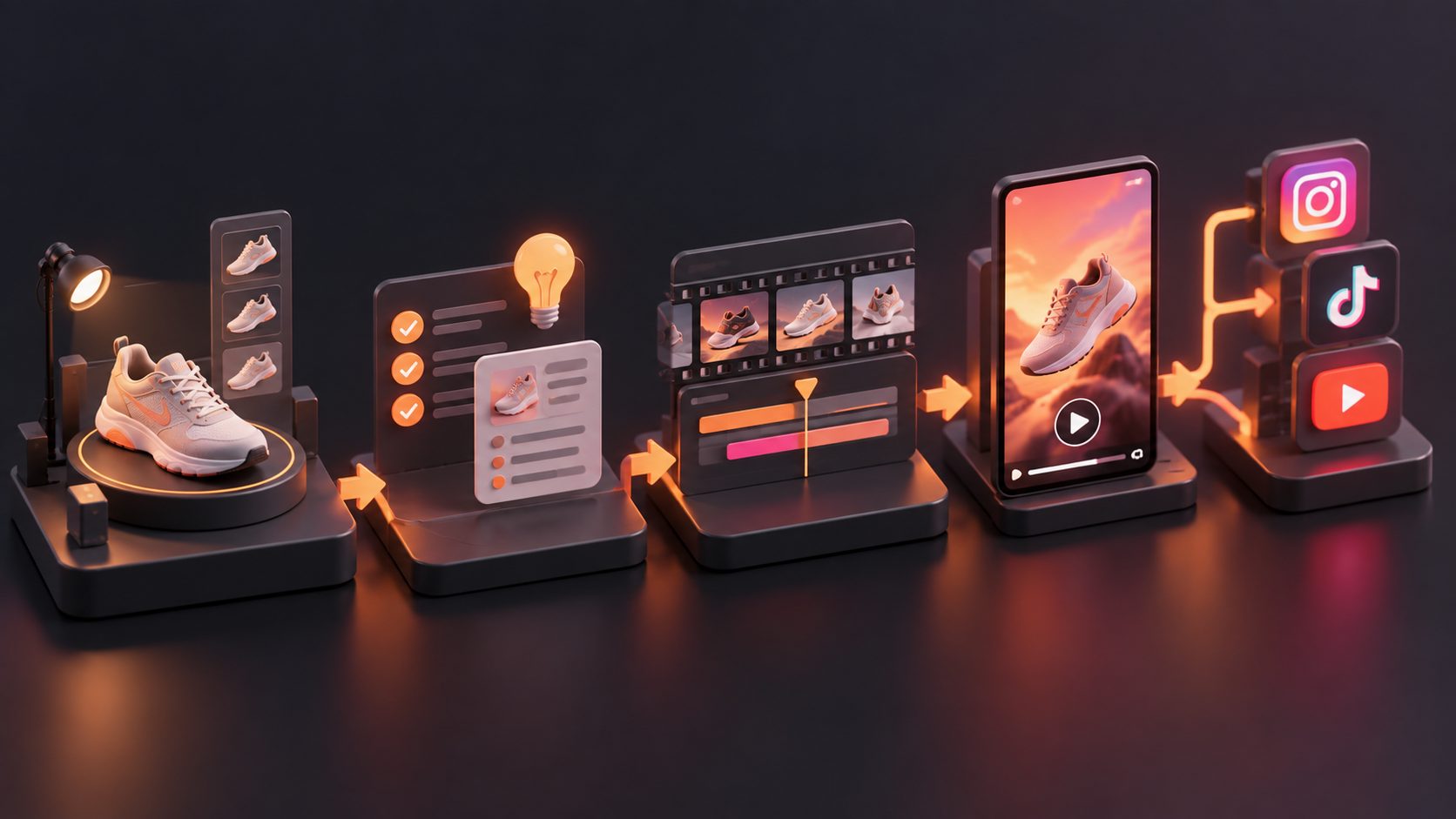
A practical 15-second structure is:
| Time | Purpose | Example |
|---|---|---|
| 0–2 seconds | Hook | “Still dealing with tangled cables?” |
| 2–6 seconds | Product reveal | Show the product solving the problem |
| 6–11 seconds | Proof | Demonstrate a feature, result, or use case |
| 11–13 seconds | Offer | Mention a discount, bundle, or key benefit |
| 13–15 seconds | CTA | “Tap to shop” or “See the full details” |
This timeline is an original production framework, not a Google requirement. It gives sellers a repeatable way to turn one product idea into multiple testable ads.
How should you format a Shorts product ad?
Use a 9:16 vertical canvas, ideally 1080 × 1920 pixels. Keep the product and primary text inside the central safe area because YouTube interface elements can cover parts of the frame.
Google’s current guidance recommends keeping important content away from the top 10%, bottom 25%, and right-hand 10% of the screen. The bottom area may contain descriptions or calls to action, while the right side can include engagement controls.
Shorts ads can technically run up to three minutes, but Google recommends videos under 60 seconds to match viewer behavior. For ecommerce testing, 15 seconds is often more efficient because it forces one message per asset.
Use these formatting rules:
- Put the product in view within the first two seconds.
- Use large, high-contrast captions.
- Avoid placing prices, discount codes, or claims near the bottom edge.
- Keep logos visible but brief; do not open with a long logo animation.
- Use voiceover, music, or both, while ensuring the message remains understandable with sound reduced.
- Export a clean master version before adding platform-specific overlays.
For additional guidance on captions, the automatic captions workflow for ecommerce video ads explains how synchronized text can improve clarity across short-form placements.
How do you write the hook, proof, and CTA?
The hook should identify a problem, result, or curiosity gap—not merely announce the brand. Product ads usually become stronger when the opening visual and opening line express the same idea.
Try one of these hook patterns:
- Problem hook: “Your morning routine is taking too long.”
- Result hook: “This is the fastest way to organize a small kitchen.”
- Comparison hook: “Bulky version versus the compact version.”
- Demonstration hook: Begin with the product already performing its main function.
- Objection hook: “Does a portable charger really last all day?”
The proof section should answer, “Why should the viewer believe this?” Show the product in use, reveal a relevant detail, or compare the before-and-after experience. Avoid stacking five features into one 15-second video. One clearly demonstrated benefit is easier to understand and test.
The CTA should match the landing-page experience. If the ad promises a product demonstration, the destination should make that demonstration easy to find. If it promotes a discount, show the offer consistently in the video and on the product page.
How can you produce several versions without making every ad from scratch?
The fastest testing system is to keep the product demonstration stable while changing one creative variable at a time. This makes performance differences easier to interpret.
For one product, create a small matrix:
- Three hooks: problem, result, and comparison.
- Two proof styles: close-up demonstration and creator-style explanation.
- Two CTAs: “Shop now” and “See how it works.”
- Two caption treatments: concise benefit text and conversational subtitles.
That produces 24 possible combinations. Do not publish all 24 immediately. Start with four or six versions that represent different angles, then expand the winning concept.
AdsTurbo Product Video can create UGC-style product review, introduction, and demonstration videos from a JPG or PNG product image, with optional selling points and promotional information. For sellers starting with product photography rather than filmed footage, this provides a way to build a first creative batch. The AI product video generator workflow covers a related image-to-video process.
A useful production rule is one promise, one proof, one CTA. If a variation changes the hook, product angle, voice, captions, and offer at the same time, you may get a winner—but you will not know which element caused the improvement.
How do you test Shorts product ads?
Measure the creative in stages rather than judging every ad only by purchases. Early signals help identify where viewers lose interest.
Track:
- Thumb-stop or early-view behavior: Does the opening earn attention?
- Average watch time: Does the demonstration maintain interest?
- View-through rate: Do viewers reach the product proof and CTA?
- Click-through rate: Does the message create shopping intent?
- Conversion rate and cost per purchase: Does the landing page fulfill the promise?
The most useful diagnosis is sequential:
- Low early viewing suggests a weak hook or slow opening.
- Strong viewing but low clicks suggests unclear product value or CTA.
- Strong clicks but weak purchases suggests a mismatch between the ad and landing page.
- Strong purchases from one angle suggest expanding that angle with new hooks and demonstrations.
Google also recommends experimenting with assets instead of waiting for a perfect bespoke campaign. Its official Shorts advertising guide explains compatible campaign types, vertical creative, safe zones, and reporting metrics.
For a structured creative pipeline, the automated ecommerce ad creative A/B testing workflow provides a useful approach to organizing hooks, formats, and iterations.
How do you create and upload the ad?
A basic paid Shorts workflow is:
- Produce a vertical video and check that captions, product details, and CTA text are inside the safe area.
- Upload the video to YouTube as public or unlisted.
- In Google Ads, choose a campaign type that supports Shorts, such as Video Reach, Video View, Demand Gen, App, or Performance Max.
- Upload the creative and select the relevant objective, audience, budget, and landing page.
- Review the ad on a mobile screen before launch.
- Compare creative variants using the same audience and offer where possible.
- Refresh the first two seconds or proof section when performance declines.
For brands distributing the same concept across multiple markets, AdsTurbo supports video translation, subtitles, lip sync, face swap, character replacement, motion control, and video upscaling. Its Video Subtitle tool can generate time-synchronized captions and export either a subtitled video or a separate subtitle file.
All AdsTurbo generation tasks run asynchronously, with completion available through status polling or webhook callbacks. Higher-tier plans include team workflows and custom workflow support (API access itself is available on every plan), which can be useful when a seller moves from occasional production to repeatable SKU-level testing.
Frequently Asked Questions
Can a YouTube Shorts product ad be 15 seconds long?
Yes. Fifteen seconds is a practical ecommerce testing length, although it is not a mandatory Google Ads duration. The key requirement is that the video communicates the product benefit quickly and ends with a clear action.
Should Shorts product ads use sound?
Yes, sound is recommended for Shorts creative. Use voiceover, music, or both, but add captions so the core message remains understandable when viewers have reduced or muted audio.
Can one product image become a Shorts ad?
Yes, an image-to-video workflow can turn a product photo into a short product presentation or UGC-style concept. A clear JPG or PNG product photo on a plain background generally provides the strongest starting material for product-image generation workflows.
How many ad variations should an ecommerce seller make?
Start with four to six versions that test distinct hooks or proof styles. Once one angle shows stronger engagement or conversion signals, create additional variations around that winning message rather than changing every element at once.