作者:adsturbo.ai|发布日期:2026-09-08|更新日期:2026-09-08
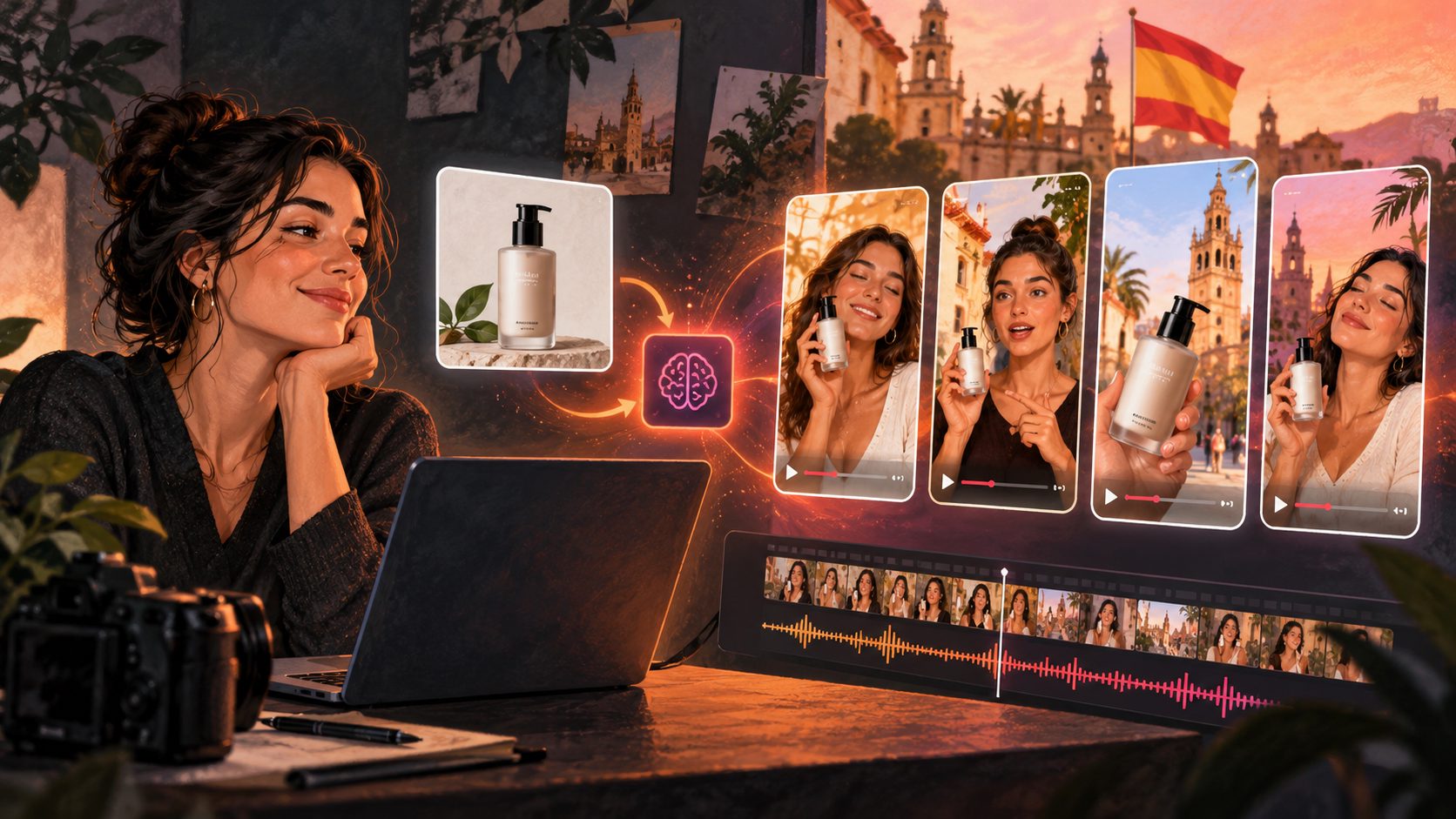
An AI product video generator turns product images, selling points, and promotional information into short-form ecommerce videos. The most useful workflow is not simply “make a video”; it is to create a product-accurate first draft, adapt it to the target channel, and produce several creative variations for testing.
Current product-video tools commonly start with a product image, product URL, or written brief. They may then generate a script, select scenes, add voiceover, captions, transitions, or camera movement. (predis.ai) The important difference for ecommerce sellers is whether the tool helps you move from one product asset to a repeatable testing system.
What is an AI product video generator?
An AI product video generator is software that converts product information into a finished or editable promotional video. Inputs can include a product photo, product description, selling points, discount details, a reference video, or a short creative brief.
For ecommerce, the output usually takes one of four forms:
- Product showcase video: focuses on appearance, features, materials, or packaging.
- UGC-style ad: presents the product through a creator or AI actor format.
- Product demonstration: explains how the item works or solves a problem.
- Promotional video: combines the product with a discount, launch message, or seasonal campaign.
Image-to-video tools often focus on adding camera motion, lighting, and short cinematic scenes to a still product image. URL-based tools typically extract product information and help build a script or ad structure. (lumiying.com)
The best choice depends on whether the goal is a product page asset, a social post, or a performance ad that needs multiple variations.
What inputs produce the best product videos?
A strong input reduces the amount of correction required after generation. For AdsTurbo Product Video, upload a JPG or PNG product image up to 10MB. A clear product photo on a plain-color background generally provides the most reliable starting point.
Prepare these four input layers:
| Input | What to provide | Why it matters |
|---|---|---|
| Product image | Clear JPG or PNG with visible shape and details | Helps preserve the product’s identity |
| Main benefit | One specific customer outcome | Gives the script a clear direction |
| Proof point | Material, size, use case, or product detail | Makes the video more concrete |
| Offer | Discount, bundle, launch date, or coupon | Creates a reason to act now |
Avoid giving the generator ten disconnected selling points. A short video usually works better when it has one audience, one problem, one benefit, and one CTA.
For example, instead of entering “lightweight, waterproof, durable, portable, stylish,” choose one angle:
“A lightweight waterproof daypack for commuters who need to carry essentials through unpredictable weather.”
That sentence can guide the hook, scene order, on-screen text, and call to action.
How to make a product video from one product image
A practical workflow has five steps.
-
Choose the conversion objective.
Decide whether the video should introduce the product, demonstrate usage, announce a promotion, or generate curiosity. Do not mix all four objectives in one 15-second clip. -
Upload the product image.
Use a high-resolution JPG or PNG. Keep the product centered, unobstructed, and visually separated from the background. -
Add the selling angle.
Include the target customer, primary benefit, supporting detail, and any valid promotion. These inputs are more useful than vague instructions such as “make it viral.” -
Select the video format.
AdsTurbo can support product-focused video creation for short-form advertising. Build separate versions for vertical social placements, square placements, or wider layouts when the platform requires different framing. -
Review product fidelity before publishing.
Check the logo, label, color, proportions, number of parts, product use, and text. If any of these change, treat the output as a draft rather than a finished ad.
AdsTurbo also supports product review, product introduction, and product demonstration video formats. For a detailed image-first workflow, see how to turn product images into videos for ecommerce ads.
A practical framework for evaluating generated product videos
Most comparisons focus on speed, templates, avatars, or visual quality. Those factors matter, but ecommerce sellers also need to know whether the video is safe to test. The following FIVE-Part Product Video Scorecard is a useful editorial framework for reviewing each output:
- F — Fidelity: Does the product still look like the real item?
- I — Immediate hook: Is the customer problem or benefit clear in the opening seconds?
- V — Visual proof: Does the video show a feature, use case, or transformation instead of only displaying the product?
- E — Exact offer: Are the discount, coupon, dates, and terms correct?
- S — Screen readiness: Are captions, framing, contrast, and CTA readable on a mobile screen?
Score each category from 0 to 2. A video that scores 8–10 is usually ready for structured testing. A score below 8 needs revision, even if the video looks polished.
This framework adds an important distinction: a visually attractive video is not automatically a usable ecommerce ad. Product accuracy and offer accuracy should be treated as release criteria, not optional finishing touches.
How to create variations for advertising tests
The purpose of AI generation is not to produce one “perfect” video. It is to create controlled variations where one major variable changes at a time.
A simple test matrix can include:
| Variable | Version A | Version B | Version C |
|---|---|---|---|
| Hook | “Still dealing with…” | “Meet the simpler way to…” | Product-first visual opening |
| Presenter | Product-only | AI actor | Alternate character |
| Benefit | Convenience | Performance | Appearance or lifestyle |
| CTA | Shop now | See how it works | Claim the offer |
Keep the product, landing page, and core offer consistent while changing the hook or presentation. This makes the results easier to interpret than changing every element simultaneously.
AdsTurbo provides more than 260 AI actors and over 100 product advertising templates. Its tools also include Ad Clone, Motion Control, Lip Sync, Character Swap, Video Translation, AI Upscaling, Background Replace, and Video Subtitle. These capabilities can support variations based on presenter, movement, language, scene, and post-production treatment.
For a deeper testing structure, see how to create video ads at scale for ecommerce SKU and market testing.
How to localize product videos for multiple markets
Localization should change more than the subtitles. A localized version may require a different voice, presenter, character, pacing, offer explanation, and cultural context.
AdsTurbo supports video translation and multilingual subtitles. Its Video Subtitle tool can automatically transcribe speech, create time-synced captions, download a video with embedded subtitles, or export a separate subtitle file. Caption formatting is designed for short-form environments such as TikTok, Instagram Reels, and YouTube Shorts.
For videos with a speaking character, Lip Sync can help align mouth movement with a new audio track. Use a clear JPG or PNG portrait and an MP3 or WAV audio file when creating a lip-synced result. Always review names, product terms, prices, units, and promotional conditions after translation.
The practical sequence is:
- Finalize the source script.
- Translate the spoken message and on-screen text.
- Review the offer and product terminology.
- Apply the localized voice or audio.
- Check lip movement and subtitle timing.
- Export the correct aspect ratio for the target channel.
See a multilingual dubbing and localization workflow for ecommerce videos for additional planning guidance.
When should sellers use an API workflow?
An API becomes useful when product videos must be generated repeatedly across SKUs, markets, or campaigns. Instead of manually uploading every asset, a team can connect product data, submit generation tasks, monitor status, and route completed outputs into the next production step.
AdsTurbo API uses standard REST architecture with Bearer API key authentication. Its six composable modules cover image generation, Persona, AI actors, Ad Clone, video generation, and task processing. The video generation API includes eight processing endpoints: shot analysis, lip sync, watermark removal, translation, upscaling, face swap, motion control, and subtitles.
All AdsTurbo generation tasks run asynchronously. Completion can be received through status polling or a Webhook callback, which is important for batch workflows and production systems.
Higher-tier plans support team workflows and custom workflow support (API access itself is available on every plan). This makes the platform more suitable for sellers who are moving from occasional creative production to repeatable catalog and campaign operations.
Common questions
Can one product photo create a complete ad?
Yes. A single JPG or PNG product image can be used as the starting point for a product video. The result becomes more useful when the seller also supplies a specific audience, benefit, proof point, and CTA.
Is an AI-generated product video ready to publish immediately?
Not always. Review the product’s proportions, label, color, text, offer details, captions, and scene logic before publishing. AI generation should accelerate production, not remove quality control.
What is the difference between a product video and a UGC-style ad?
A product video can focus on the item, its features, or its use. A UGC-style ad adds a creator or presenter perspective, often using an AI actor, character replacement, lip sync, or a testimonial-like structure.
How can ecommerce sellers make several ad versions?
Keep the product and offer consistent, then vary one element such as the hook, presenter, benefit angle, language, or CTA. This creates a cleaner testing matrix and makes winning creative patterns easier to identify.
Can long videos be repurposed into short product ads?
Yes. AdsTurbo supports automatically slicing long videos into subtitled short-form clips, along with editing and translation tools. This can help sellers convert existing demonstrations, livestreams, or educational videos into additional advertising assets.