TikTok Shop Sample Not Posted Backup Video Ads: A Seller Workflow

Summarize with
Summary
Build TikTok Shop sample not posted backup video ads from product photos, selling points, and a clear UGC structure when creator content is delayed. Start creating.
By adsturbo.ai | Published 2026-10-27 | Updated 2026-10-27
When a creator accepts a TikTok Shop sample but does not publish content, your launch can lose its planned traffic window. TikTok Shop sample not posted backup video ads give sellers a practical fallback: turn product images, selling points, and a simple UGC angle into short-form creatives while creator follow-up continues.
TikTok Shop’s US guidance states that creators generally need to post shoppable content within 14 days of receiving a seller-requested sample. A qualifying video must include the product link and remain public for at least three days. (seller-us.tiktok.com)
The goal is not to pretend a creator review exists. The goal is to keep testing product angles with transparent, product-led creative.
What should sellers do when a TikTok Shop sample is not posted?
Create a backup video within the same day using the product’s strongest proof point, rather than waiting indefinitely for the creator. A backup ad can use a product close-up, text-led demonstration, voiceover, captions, or an AI-generated product video based on your own assets.
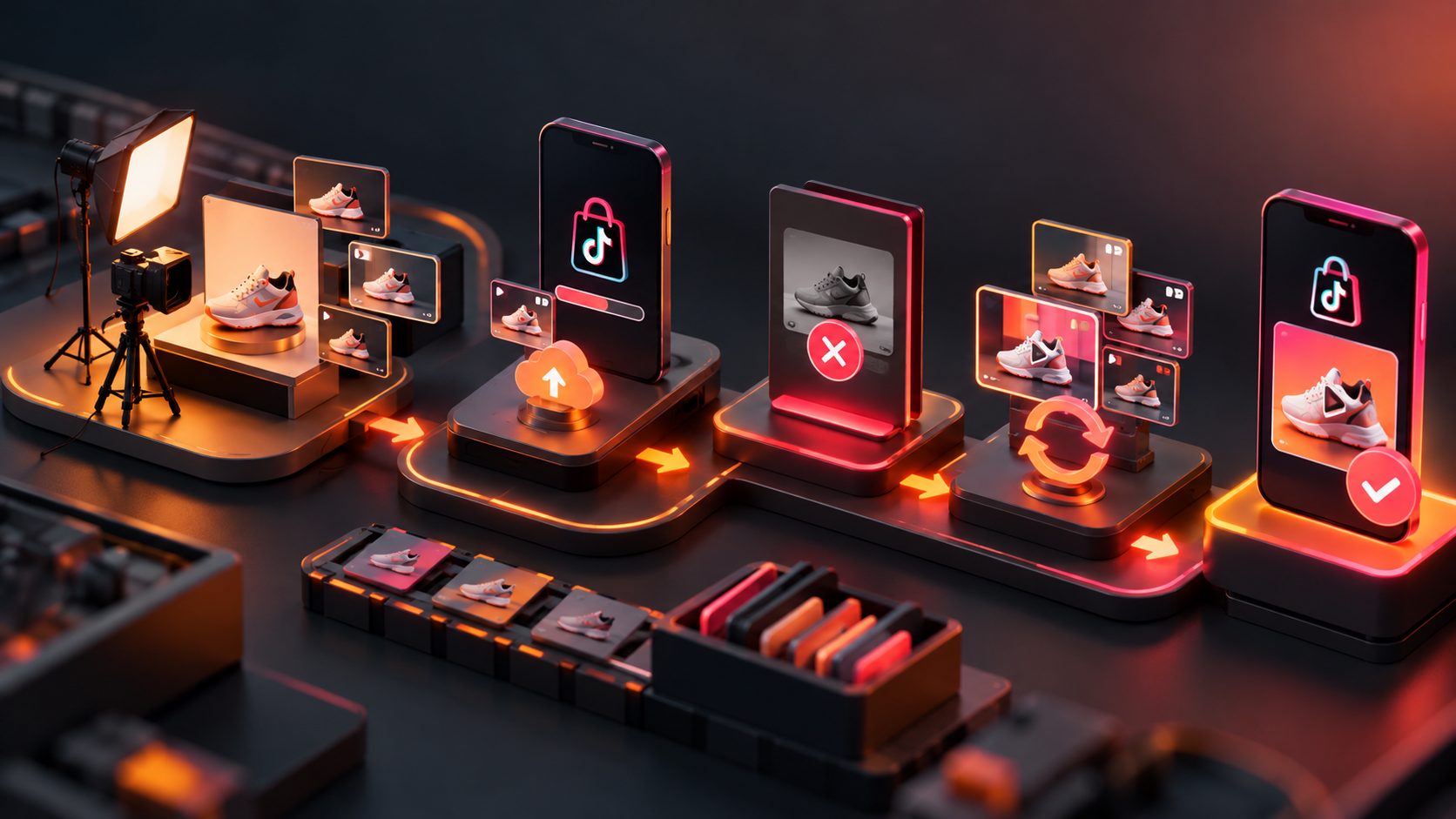
A simple response sequence is:
- Check the sample status and delivery date.
- Send one clear reminder through the seller workflow.
- Set a private cutoff for waiting, such as 24–48 hours after the missed internal milestone.
- Produce a seller-controlled video from product images and approved claims.
- Test the backup creative separately from creator content.
- Keep the creator relationship and the paid media decision separate.
TikTok provides sample tracking and reminder workflows, but a reminder cannot guarantee that a creator will publish or that the resulting post will convert. (seller-jp.tiktok.com)
Why a static-image backup can still work
A static-image ad is not automatically a weak ad. For many ecommerce products, the important information is visual: shape, size, texture, compatibility, use case, included parts, or a limited-time offer.
The strongest backup videos usually combine four elements:
- Product proof: Show the item clearly in the first second.
- Problem framing: Name the inconvenience or decision the shopper faces.
- Demonstration: Show how the product works or what changes after use.
- Action cue: End with a concise reason to view the product page now.
This structure is different from copying a creator’s identity. It uses the product and offer as the creative source. That makes it useful when a sample is delayed, a creator’s footage is unavailable, or several product angles need to be tested quickly.
AdsTurbo Product Video accepts JPG or PNG product images and can generate product review, introduction, and demonstration-style short videos. A clean product photo on a plain background is recommended for clearer image analysis.
A 15-second backup ad structure for TikTok Shop
A short backup video should answer one buying question at a time. Do not try to explain every feature in one asset.
| Time | Creative job | Example direction |
|---|---|---|
| 0–2 seconds | Stop the scroll | Show the product large with a direct hook |
| 2–5 seconds | Identify the problem | “Still dealing with [specific frustration]?” |
| 5–10 seconds | Demonstrate the benefit | Show the product, feature, or use case |
| 10–13 seconds | Add a reason to act | Mention a supported offer or product advantage |
| 13–15 seconds | Close clearly | “See the details on TikTok Shop” |
A practical script template is:
“If you need [outcome] without [common frustration], take a closer look at [product]. Here’s how [key feature] helps with [specific use case]. Check the product details before the offer ends.”
Only include discounts, guarantees, performance claims, or comparisons that your listing and evidence support. A backup ad should reduce production dependency, not increase compliance risk.
For product-page-led creative, URL to TikTok video ad generation can help sellers think through the transition from listing information to a vertical 9:16 concept.
How to make a UGC-style video without the missing creator
UGC style is a communication format, not proof that a specific person used the product. A seller-controlled replacement can use:
- First-person captions
- A conversational voiceover
- Product-in-hand framing
- A before-and-after explanation where evidence supports it
- A problem-to-solution sequence
- A direct-response product demonstration
Avoid writing lines such as “I’ve been using this for weeks” unless a real speaker can substantiate that experience. Instead, use accurate phrasing such as “Here is how the product is designed to work” or “Three details to check before buying.”
AdsTurbo offers more than 300 AI actors and over 100 product advertising templates. Its Product Video workflow can be paired with captions, product selling points, and a selected audience angle. For teams that already have a winning reference, Ad Clone can analyze a reference video of up to 12 seconds and help reconstruct its structure, pacing, shot logic, and CTA into new variants.
That distinction matters: borrow the creative framework, not another seller’s exact footage, branding, or unsupported testimonial.
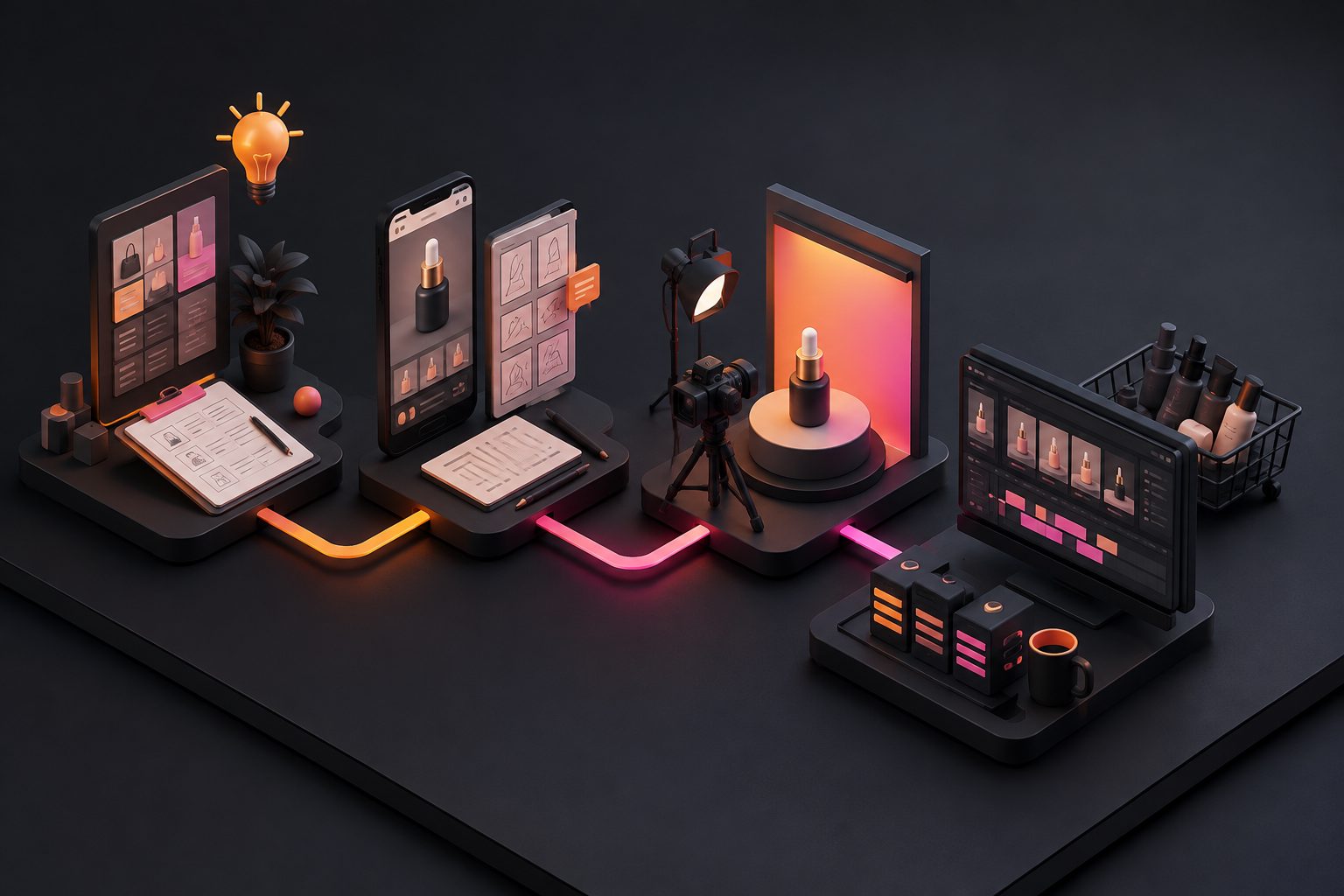
The seller-controlled production workflow
1. Prepare a compact asset brief
Before generating anything, write down:
- Product name and category
- One primary shopper problem
- Three verified selling points
- One visual demonstration
- Offer details, if applicable
- Target audience or use case
- Required format, usually 9:16 for TikTok
This brief prevents the video from becoming a generic slideshow.
2. Generate three different angles
Do not make three versions that only change the background. Test different reasons to buy:
- Problem-first: Start with the frustration.
- Feature-first: Start with the product mechanism or design.
- Use-case-first: Start with the setting in which the item is useful.
This is an important operational insight: when a creator misses a post, the replacement should create learning, not merely fill a blank media slot.
3. Add readable captions
AdsTurbo Video Subtitle can automatically transcribe speech, generate synchronized captions, translate them, and export either a video with embedded subtitles or a separate subtitle file. Caption layout can be adapted for TikTok, Instagram Reels, and YouTube Shorts.
Keep the first caption short. A viewer should understand the product category and problem before the second scene ends.
4. Improve weak source footage carefully
If the seller has an old or compressed demonstration clip, AdsTurbo provides video resolution enhancement and supports previewing the result before exporting. For image cleanup and variation, sellers can also use background replacement for ecommerce product ads or white-background product image workflows.
Do not use upscaling to hide a product flaw or create details that are not present. The purpose is clearer presentation, not altered evidence.
How to decide whether the backup ad is ready for paid testing
Use a simple readiness checklist:
- The product is visible in the opening frame.
- The first sentence identifies a real shopper problem.
- Every claim can be supported by the listing, packaging, or product documentation.
- The product link and destination match the advertised item.
- Captions do not cover the product or CTA.
- The video communicates one main angle.
- The final frame gives a clear next action.
- The creative does not imply a creator personally used the item when that did not happen.
For an original operating benchmark, use a three-angle, two-length test matrix: three hooks at 15 seconds and the same three hooks at approximately 25–30 seconds. This produces six controlled variations while changing only the opening angle and pacing. Pause weak angles based on cost and downstream shopping behavior, not views alone.
How to prevent future sample gaps
Backup ads should become part of the sample process before products ship. Prepare a product-image video as soon as a sample is approved, then replace or supplement it when creator content arrives.
A stronger sample system has three layers:
- Creator layer: outreach, sample tracking, reminders, and posting review.
- Seller layer: product-image and product-demo backup assets.
- Testing layer: controlled hooks, captions, offers, and audience angles.
This approach protects the campaign from a single creator dependency. It also gives the seller a baseline for comparing creator footage against product-led creative.
For larger catalogs, AdsTurbo supports asynchronous generation with status polling or webhook completion events. Advanced plans include team workflows, API access, and custom workflow support, which can help connect product assets, generation jobs, and review steps.
Frequently asked questions
Can I run an ad if the creator never posts?
Yes, but use seller-controlled creative that accurately represents the product. Do not imply that a creator reviewed or endorsed the item if no such content exists.
How long should I wait for a creator?
Use TikTok’s sample deadline and reminder tools, then apply your own internal cutoff based on the campaign launch date. Waiting until the full posting window expires can leave too little time for creative testing. (seller-us.tiktok.com)
Is a product-image video the same as a creator UGC video?
No. A product-image video is seller-controlled creative. It can use conversational structure and UGC-style pacing, but it should not fabricate a personal testimonial.
What should I generate first?
Start with one problem-first video, one demonstration video, and one use-case video. These variations usually provide more useful testing information than three cosmetic edits of the same concept.
Can I reuse one backup video across platforms?
You can adapt the concept, but check the crop, caption placement, product-link setup, and platform requirements for each destination. AdsTurbo Event Poster and Product Image tools also support multiple aspect ratios for broader ecommerce creative production.