Background Replacement Online for Ecommerce Product Ads

Summarize with
Summary
Learn how background replacement online turns one product photo into listing images, lifestyle creatives, and short video ads. Explore a practical ecommerce workflow with AdsTurbo.
By adsturbo.ai | Published 2026-10-27 | Updated 2026-10-27
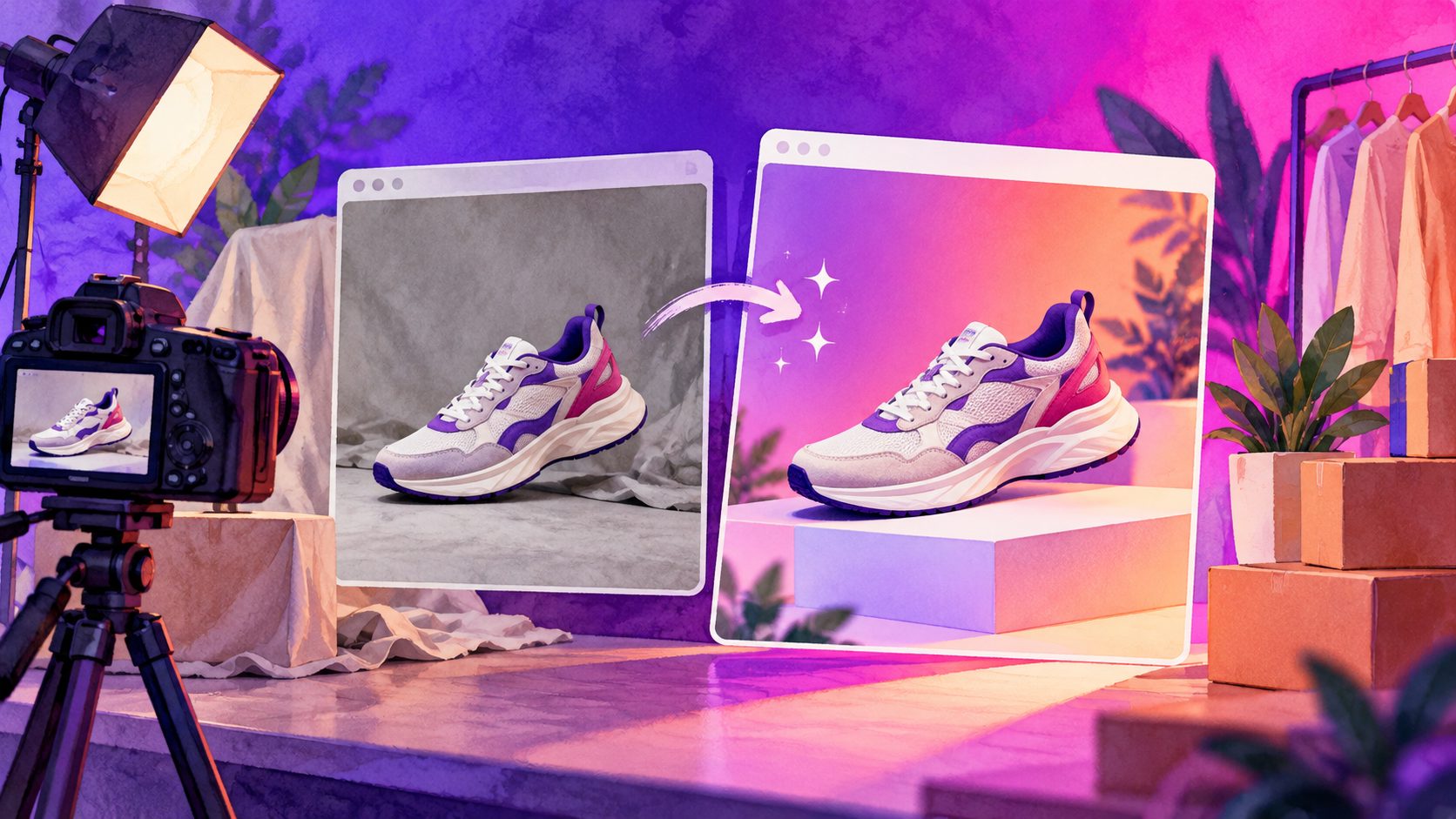
Background replacement online lets ecommerce sellers remove a distracting backdrop, place a product into a cleaner scene, and reuse the result across product pages, social ads, and short-form videos. The most effective workflow does not stop at generating a better-looking image. It preserves the product’s shape and branding, creates channel-specific visuals, and turns the same asset into a testable video ad.
For sellers, the key question is not simply “Can AI change my background?” It is: Can the new background improve product communication without making the product look inaccurate?
What is online background replacement?
Online background replacement is an image-editing process that separates the main subject from its original setting and places it on a new color, studio backdrop, or lifestyle scene. AI tools automate the masking, composition, and often the lighting or shadow adjustment.
A useful result should preserve four things:
- Product identity — shape, color, packaging, logo, and important details.
- Visual hierarchy — the product remains the first thing shoppers notice.
- Scene logic — the replacement background matches how the product is used.
- Export flexibility — the image can be adapted for listings, ads, email, and social platforms.
Current online background tools commonly focus on white backgrounds, brand colors, gradients, lifestyle scenes, shadows, or transparent PNG exports. (kive.ai)
The practical distinction is simple: background removal creates a cutout; background replacement creates a finished composition. Ecommerce teams often need both.
When should an ecommerce seller replace a product background?
Background replacement is most useful when the original photo is technically usable but commercially limited. Typical examples include a product photographed on a kitchen table, a cluttered bedroom floor, or a temporary supplier backdrop.
Use a clean white or neutral background when you need:
- Marketplace-friendly product imagery
- Catalog consistency across multiple SKUs
- A simple product-page gallery
- A transparent asset for banners or ad templates
Use a lifestyle background when you need:
- A stronger use-case demonstration
- Seasonal or promotional creative
- A social media image with more visual context
- A hero image for a landing page
- A starting frame for a product video
A white background communicates what the item is. A lifestyle scene communicates where and why someone might use it. The strongest ecommerce content usually combines both instead of forcing one image to serve every purpose.
How to replace a product background online: a reliable workflow
The fastest workflow is not “upload and accept the first result.” It is a five-step quality-control process.
1. Start with a clean source image
Use a JPG or PNG product image with good focus, visible edges, and enough contrast between the item and its original background. AdsTurbo Product Image supports JPG and PNG uploads, and clear product photos on a plain background generally produce the best results.
Avoid images where the product is heavily cropped, blurred, hidden by props, or affected by strong reflections. AI can improve composition, but it cannot reliably recover details that are absent from the source.
2. Decide the commercial purpose first
Choose the output before writing a background prompt:
| Goal | Recommended background |
|---|---|
| Marketplace main image | Pure white or neutral |
| Product detail page | Soft studio or branded color |
| Social ad | Lifestyle scene with clear product focus |
| Seasonal promotion | Contextual scene linked to the campaign |
| Video opening frame | Simple, high-contrast setting |
This decision prevents a common mistake: creating a visually attractive scene that does not fit the destination channel.
3. Describe the scene, not just the color
“Blue background” is usually too vague. A better instruction explains the setting, light, camera angle, and amount of visual clutter.
For example:
“Minimal warm beige studio surface, soft daylight from the left, subtle natural shadow, empty background, product centered with space above for headline text.”
For a lifestyle image:
“Modern kitchen counter in morning light, clean neutral styling, product in active use, realistic scale, no extra logos, no text.”
The most important instruction is often the negative one: keep the product unchanged. This reduces the chance of altered labels, distorted controls, or invented accessories.
4. Inspect edges, shadows, and reflections
A background can look convincing at thumbnail size and fail at full resolution. Check:
- Thin handles, straps, and corners
- Transparent or reflective surfaces
- Product contact with the floor or table
- Shadow direction compared with the new light source
- Labels, text, buttons, and packaging seams
- Whether the product appears to float
A useful internal standard is the three-second inspection: look at the image for three seconds as a shopper would, then zoom in for a technical review. If the product attracts attention for the wrong reason, regenerate or revise the scene.
5. Export variations for testing
Do not create one “perfect” background and stop. Generate a small, controlled set:
- One clean listing version
- One branded studio version
- One realistic lifestyle version
- One promotional version with empty space for copy
This creates a reusable creative system rather than a single decorative image.
How to move from a replaced image to a product video ad
The major advantage of background replacement is that the image can become a creative starting point for motion. A seller can use the same product asset to create a short ad with a hook, demonstration, benefit, and call to action.
A practical 15-second structure is:
-
0–3 seconds: Hook
Show the product in the most relevant environment. Use a visual problem or a direct benefit. -
3–8 seconds: Demonstration
Show how the product is used, assembled, opened, or compared. -
8–12 seconds: Proof
Highlight a feature, material, result, or customer-relevant detail. -
12–15 seconds: CTA
Return to the product and show the next action clearly.
AdsTurbo supports product video creation from JPG or PNG product images, with optional selling points and promotional information. It can also generate product review, product introduction, and product demonstration videos.
For more specific creative structures, see this guide to a product photo to 3D video workflow and this example of a TikTok Shop picture-in-picture product video.
A practical quality framework: the SCOPE check
A useful way to judge background replacement is the SCOPE framework:
- S — Shape: Is the product silhouette accurate?
- C — Color: Are the product color and brand elements preserved?
- O — Object relationship: Does the product sit naturally in the scene?
- P — Purpose: Does the background support the sales message?
- E — Export: Is the composition suitable for the target channel?
This framework adds an important step that many simple background tutorials miss: purpose validation. A realistic background is not automatically a useful background. If it hides the product, competes with the headline, or suggests the wrong use case, it may reduce clarity even if it looks polished.
For batch production, keep the background instructions consistent across a product family. AdsTurbo Product Image can analyze product shape, color, and category, and supports individual or batch downloads. It also provides nine output aspect ratios for channels such as Amazon, Shopify, TikTok Shop, and Instagram.
Common mistakes to avoid
Replacing the background without checking product accuracy
AI-generated scenes can introduce small changes to packaging, text, or shape. Always compare the result with the original source image.
Using too much visual detail
A background should support the product, not become the advertisement. Reduce props, patterns, and bright highlights when they compete with the item.
Using the same crop everywhere
A square product image may work for a catalog but feel cramped in a vertical video. Prepare separate compositions for 1:1, 4:5, and 9:16 placements.
Ignoring the transition to video
A background that works as a still image may be difficult to animate. Choose a scene with clear subject separation and enough negative space for captions.
Treating generated visuals as final without testing
The best use of AI imagery is often controlled variation. Test different scenes, hooks, and product positions while keeping the product presentation consistent.
Frequently asked questions
Is online background replacement the same as background removal?
No. Background removal creates a transparent or isolated product cutout. Background replacement places that cutout into a new visual environment, such as a color field, studio setup, or lifestyle scene.
Can one product photo create multiple ecommerce assets?
Yes. A single clear product image can be adapted into a white-background listing image, branded creative, lifestyle image, promotional visual, and short product video. The outputs should still be reviewed for accuracy and channel fit.
What file format should I upload?
AdsTurbo Product Image supports JPG and PNG product images. A clear photo with visible edges and a relatively simple original background is a strong starting point.
Can background replacement support video advertising?
Yes. The replaced image can serve as a visual reference or product asset for short-form ads. AdsTurbo also provides product video generation, subtitles, background replacement, video translation, and other video editing workflows.
How can a team scale this process?
Use a consistent naming system, shared scene prompts, predefined aspect ratios, and a review checklist. AdsTurbo advanced plans support team workflows, API access, and custom workflow support for structured production.
Final takeaway
Background replacement online is most valuable when it becomes part of a broader ecommerce production system. Start with an accurate product image, choose the scene according to the sales goal, inspect the result at full size, and reuse approved assets across listings, campaigns, and short-form video.
For sellers who need to move from product photography to scalable ad production, AdsTurbo’s AI ecommerce creative platform brings product images, product videos, subtitles, background replacement, and ad variations into one workflow.