Product Photo to 3D Video: Create Ecommerce Spin Ads from One Image

Summarize with
Summary
Learn how product photo to 3D video workflows turn a clean product image into rotating ecommerce creatives, with prompts, QA checks, and ad testing tips. Start creating.
By adsturbo.ai | Published 2026-10-23 | Updated 2026-10-23
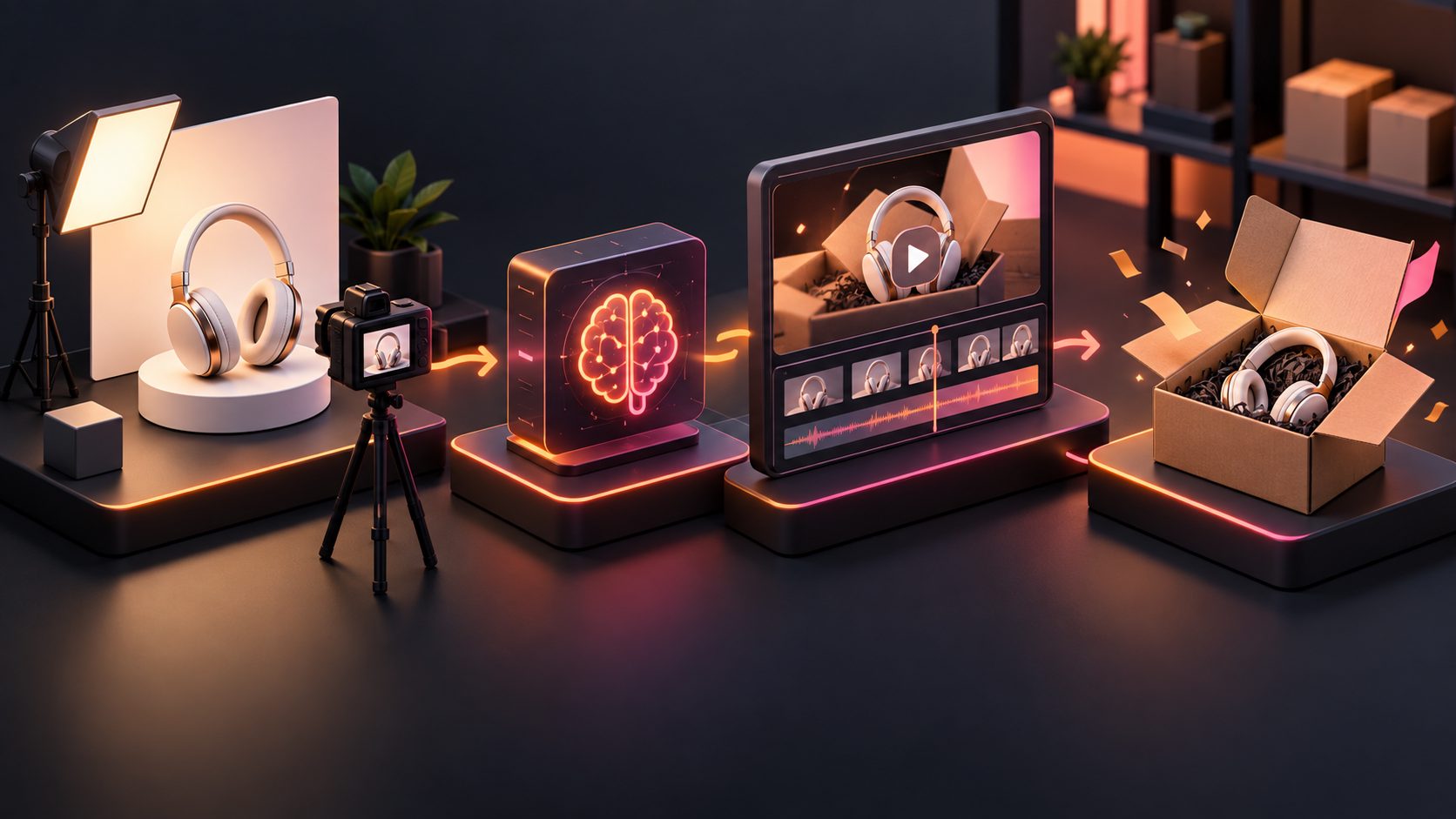
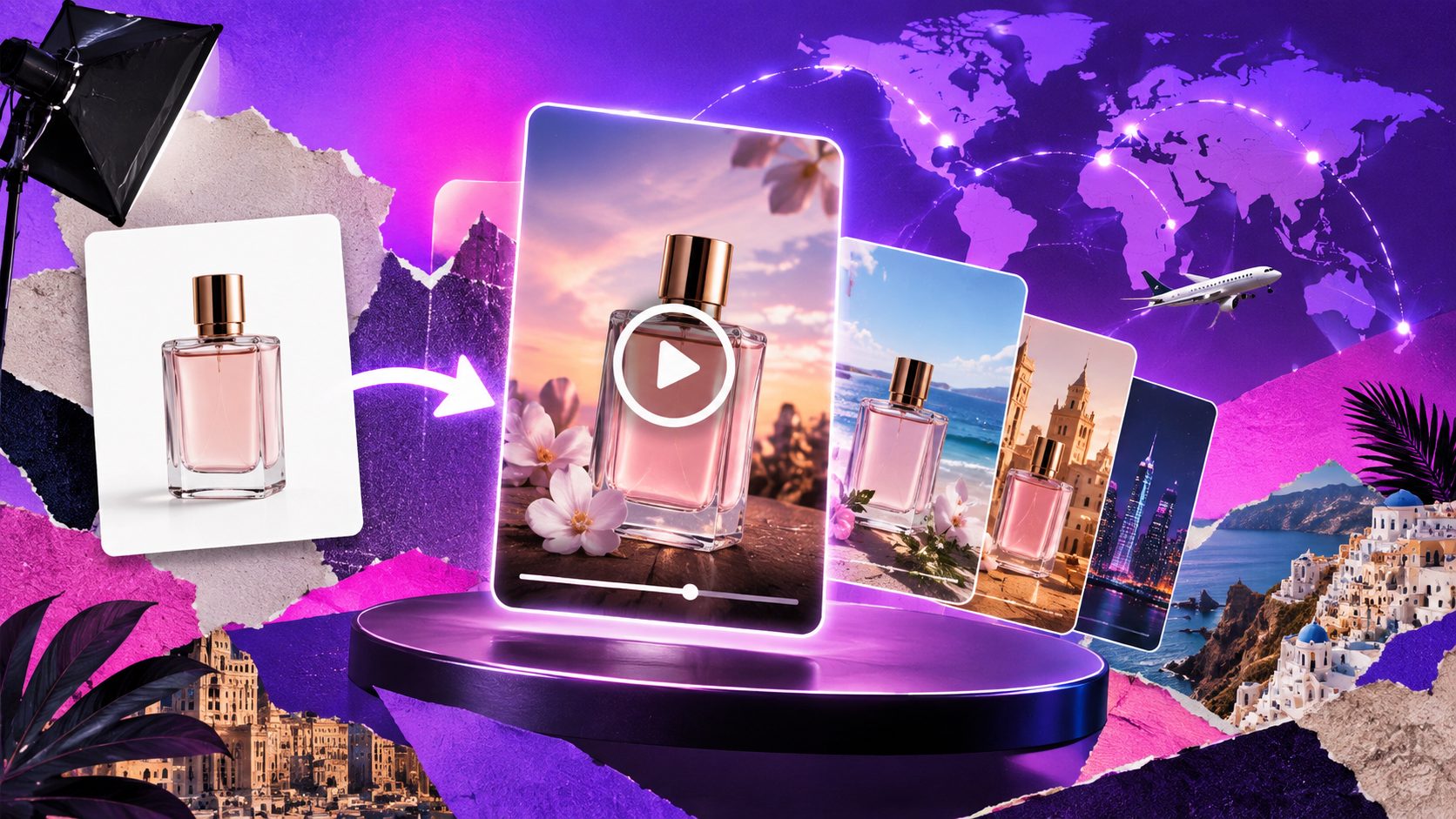
A product photo to 3D video workflow turns a static ecommerce image into a short clip with camera movement, simulated depth, rotation, or a product reveal. For sellers without studio footage, the most practical use is not a perfect digital twin. It is a controlled visual asset for product pages, TikTok ads, Reels, Shorts, and rapid creative testing.
What is product photo to 3D video?
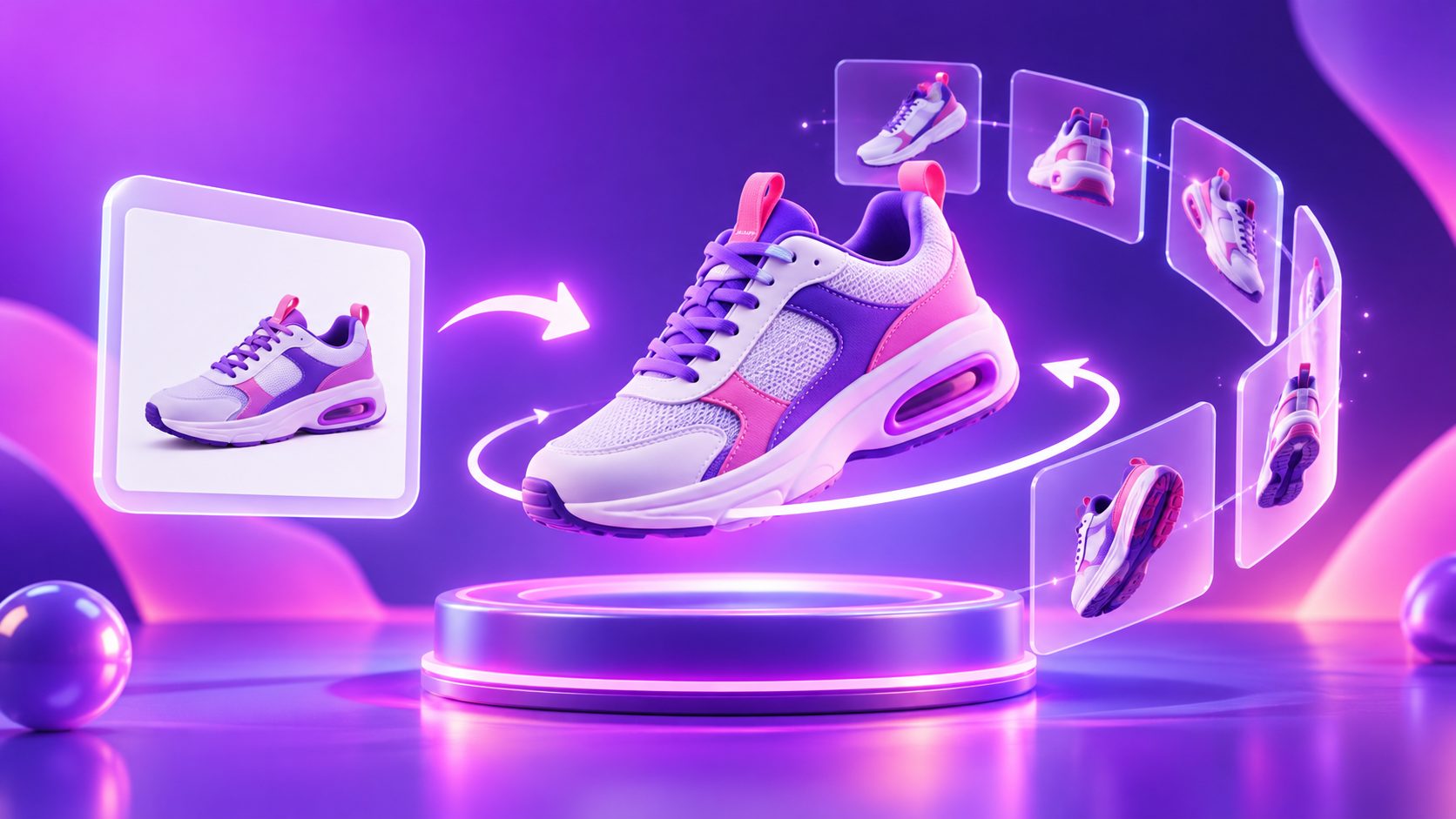
Product photo to 3D video is the process of animating a single product image to create the impression of depth and movement. Depending on the workflow, the result may use parallax layers, a virtual camera orbit, a simulated turntable, or AI-generated motion around the product.
The important distinction is that a 3D-style video is not always the same as a true 3D model. Some tools estimate depth from one image and reconstruct hidden areas, while others animate the original image with controlled camera movement. Search results commonly describe both approaches as “3D product video,” although their accuracy and editing controls differ. (havoclabs.org)
For advertising, the best output is often a short, visually clear clip that preserves the product’s shape, color, packaging, and key selling point.
When does a 3D product video help ecommerce sellers?
A 3D-style product video is useful when the product has a recognizable silhouette, a clean hero image, and a visual feature worth revealing. It can help create motion without arranging a camera shoot or building a full 3D production pipeline.
Common use cases include:
- New product launch testing: Turn one approved product image into several opening hooks.
- Cross-border ad creation: Add translated subtitles, new voiceovers, or different promotional text.
- Product detail emphasis: Use a slow orbit to reveal texture, shape, ports, packaging, or construction.
- Marketplace content: Create a short listing video from an existing image.
- Retargeting ads: Reuse the same product with a new background, offer, or CTA.
- Catalog-scale production: Build a repeatable creative process across many SKUs.
This is especially practical for products such as packaging, accessories, small electronics, cosmetics packaging, home goods, and boxed products. Products with flexible materials, reflective surfaces, transparent parts, or complex hidden sides require stricter review.
For a broader workflow, see this guide to an AI product video from a URL, which explains how product information can become a starting point for ecommerce video production.
How do you turn a product photo into a 3D-style video?
A reliable workflow has five stages. The first three protect product accuracy; the last two make the asset useful for advertising.
1. Start with a controlled product image
Use a sharp JPG or PNG image with the product centered and clearly separated from the background. AdsTurbo Product Image supports JPG and PNG uploads, and a clear product photo on a solid-color background is recommended for the best result.
Check these details before generation:
- The product is not cropped at the edges.
- Logos and printed text are legible.
- The main color is not affected by strong reflections.
- Small accessories are visible if they are part of the offer.
- The product is shown at a useful scale for vertical video.
A poor source image usually produces a poor motion asset. Upscaling can improve resolution, but it cannot reliably restore missing packaging details or unseen product sides.
2. Choose one movement objective
Do not ask the model to perform every effect at once. Select one visual goal:
- Slow turntable: Show the front, side, and package depth.
- Parallax push-in: Create depth while keeping the product mostly front-facing.
- Feature reveal: Move toward a button, texture, compartment, or label.
- Unboxing-style entrance: Begin with a closed package and transition to the product hero.
- Looping showcase: End near the starting frame for repeated social playback.
A controlled move is generally easier to inspect than a dramatic orbit. The output should make the product easier to understand, not compete with it.
3. Add a short advertising structure
A useful 10–15 second structure is:
- 0–2 seconds: Product appears with a clear visual hook.
- 2–7 seconds: Camera movement reveals form or feature.
- 7–11 seconds: Add one benefit, offer, or use case.
- 11–15 seconds: Show the product again with a direct CTA.
The motion itself is not the message. It is the attention device that creates room for the message.
AdsTurbo supports product video creation from JPG or PNG product images and can generate product review, introduction, and demonstration-style videos. For broader creative testing, its Ad Clone workflow can analyze a reference video and help reconstruct its pacing, shot logic, and CTA structure rather than simply copying the original asset.
4. Adapt the output to the placement
Create separate versions instead of forcing one crop everywhere:
| Placement | Recommended starting format | Creative priority |
|---|---|---|
| TikTok or Instagram Reels | 9:16 | Strong opening frame and readable captions |
| Feed ads | 1:1 or 4:5 | Product scale and text-safe layout |
| YouTube or product pages | 16:9 | Wider camera movement and explanatory copy |
AdsTurbo Product Image supports nine output ratios for ecommerce and social use. Its Video Subtitle tool can generate synchronized captions, download a video with embedded subtitles, or export a separate subtitle file. Captions should remain inside platform-safe areas, especially in vertical placements. This Instagram Reels ad safe zone guide provides a practical layout reference.
5. Run a product-integrity check
Before publishing, inspect the first frame, middle frame, and final frame. A fast QA process should score the clip on five dimensions:
| QA check | Pass condition |
|---|---|
| Shape preservation | No bending, stretching, or missing components |
| Brand accuracy | Logo, label, and package text remain recognizable |
| Color consistency | Main product color does not shift noticeably |
| Motion stability | No sudden jumps, flicker, or unwanted deformation |
| Commercial clarity | Viewer can identify the product and offer quickly |
This five-point check is a useful information-gain layer because many “3D product video” workflows focus on visual novelty but do not define when an output is safe for paid advertising. If the product fails shape or brand accuracy, regenerate with a slower camera move before adding more effects.
What prompt works for a product rotation video?
A strong prompt describes the camera, product behavior, background, and restrictions. For example:
Create a clean ecommerce product showcase with a slow 180-degree camera orbit around the product. Keep the product shape, logo, label, color, proportions, and packaging unchanged. Use soft studio lighting, a neutral background, smooth motion, and no extra objects. End on a centered hero frame with space for a short CTA.
For a more conservative result:
Animate the product with a subtle push-in and shallow parallax. Do not rotate the product or invent hidden details. Preserve all text, edges, materials, and colors. Keep the background simple and the movement stable for a 10-second vertical ad.
Avoid vague prompts such as “make it cinematic” when accuracy matters. They may encourage dramatic lighting, extra props, or camera movement that hides the product.
3D-style animation vs. true 3D modeling
A single image can create a convincing depth effect, but it cannot prove every hidden surface. Research on single-image 3D photography also identifies missing-region reconstruction and temporal consistency as important technical challenges. (arxiv.org)
Choose 3D-style animation when you need:
- Fast creative testing
- Short social ads
- Product teasers
- Simple camera movement
- Multiple visual variations from one asset
Choose a true 3D model or multi-angle capture when you need:
- An interactive 360-degree viewer
- Accurate inspection of every side
- Technical product demonstration
- Repeated lighting and camera control
- A reusable asset for AR, web configurators, or 3D rendering
The practical rule is simple: use image animation for advertising attention, and use real 3D reconstruction when spatial accuracy is part of the buying decision.
How can AdsTurbo support the workflow?
AdsTurbo combines product image generation, product video creation, background replacement, subtitles, AI upscaling, video translation, and ad variation workflows. Its Product Image tool can analyze product shape, color, and category, while its output options support ecommerce formats for marketplaces and social channels.
For teams producing many variants, higher-level plans support team workflows, API access, and custom workflows. All generation tasks run asynchronously, with completion events available through status polling or webhook callbacks. The API uses standard REST architecture with Bearer API key authentication, which can help connect asset production to an internal catalog or testing pipeline.
A practical production loop is:
- Upload one clean product image.
- Generate a conservative motion version.
- Create one benefit-led variation.
- Add subtitles and a platform-specific crop.
- Check the five QA points.
- Test the strongest opening and CTA combinations.
You can also review this AI UGC video ads workflow for ecommerce when the product needs a presenter-led format rather than a studio-style rotation.
Frequently asked questions
Can one product photo create a real 360-degree video?
It can create a 360-style visual effect, but a single photo does not contain reliable information about every hidden surface. For accurate all-around views, use multiple angles or a true 3D reconstruction workflow.
Is a white background good for product-to-video generation?
Yes. A clean, solid-color background makes the product easier to isolate and helps reduce unwanted background movement. It is particularly useful for packaging, accessories, and catalog-style product creatives.
What length should a product rotation ad be?
Start with 10–15 seconds for short-form testing. Keep the first two seconds visually clear, use one primary message, and finish with a recognizable product frame and CTA.
How do I prevent AI from changing the product?
Use a high-resolution source, avoid aggressive camera movement, explicitly preserve logos and proportions, and inspect the first, middle, and final frames before publishing.
Can the same video be localized for other markets?
Yes. AdsTurbo supports video translation and multilingual subtitle generation. You can create localized versions while keeping the product footage, offer structure, and CTA framework consistent.