作者:adsturbo.ai|发布日期:September 20, 2026|更新日期:September 20, 2026
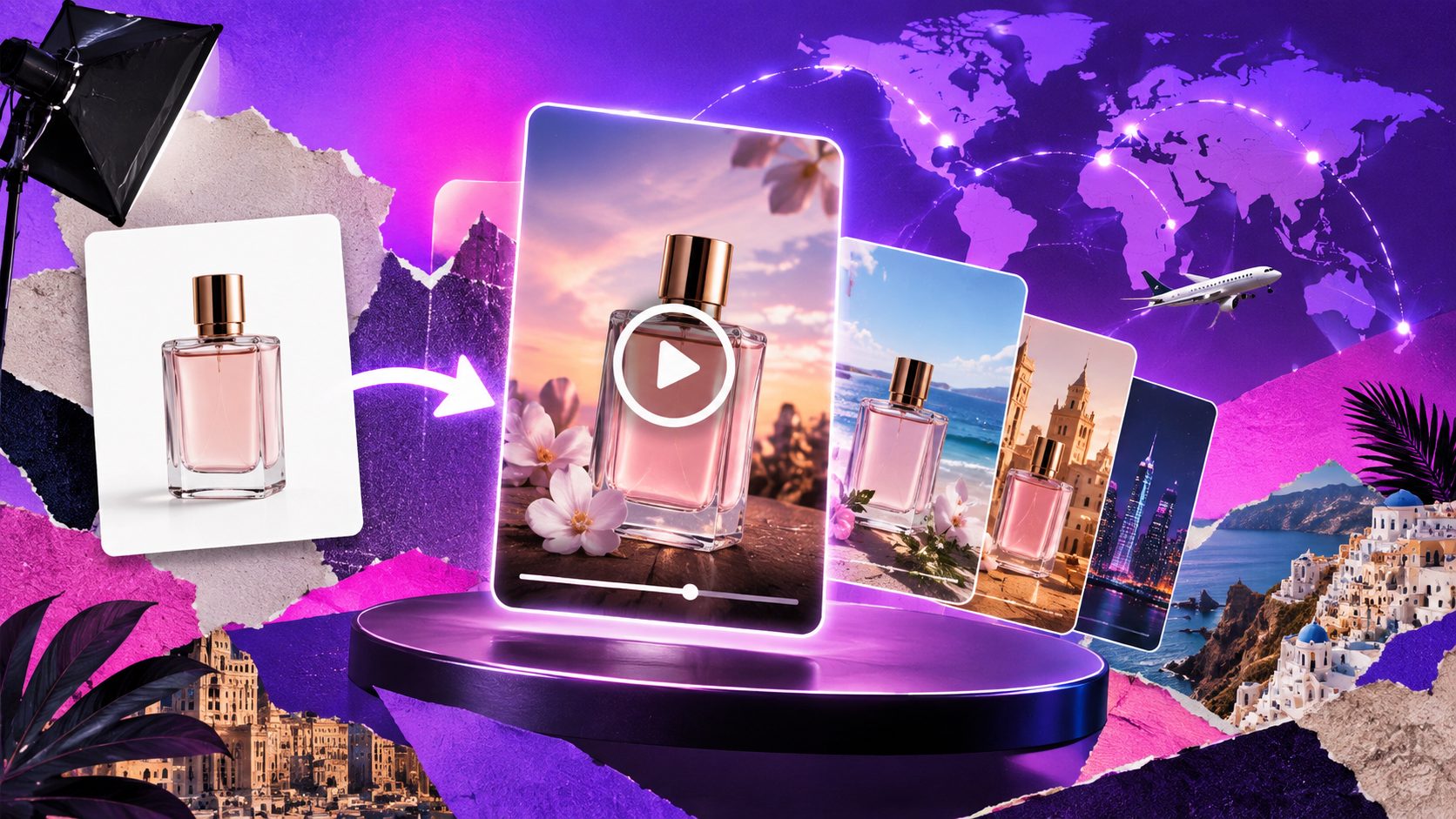
A product photo to video ads maker can help manufacturers, private-label sellers, and cross-border ecommerce teams create usable advertising videos without filming a studio shoot. The strongest workflow is not simply “animate one image.” It turns a clean product photo into a sequence of product proof, benefit messaging, localization, and platform-ready variations.
Current image-to-video tools generally follow three steps: upload a product image, define the visual treatment, then generate and export the video. (runway.com) The practical difference comes from what happens after generation: whether the product remains accurate, whether the video explains a selling point, and whether one asset can support multiple markets.
What is a product photo to video ads maker?
A product photo to video ads maker is an AI workflow that uses a still product image as the visual source for a short promotional video. It can add motion, scenes, text, transitions, subtitles, voice, or virtual presenters while keeping the product at the center of the ad.
For ecommerce sellers, the goal is not cinematic movement alone. The finished video should answer four buyer questions quickly:
- What is the product?
- What problem does it solve?
- Why should the shopper trust or prefer it?
- What should the shopper do next?
A single white-background image is often enough to create the starting asset, especially when the product is sharply photographed and its shape, color, and packaging are easy to identify.
What should you prepare before generating the first ad?
The best input is a clear JPG or PNG product image on a simple background, plus a short list of selling points. AdsTurbo Product Image supports JPG and PNG uploads, and clear product photos on a solid-color background are recommended for better results.
Prepare these five items before production:
- Primary product image: Use the clearest front or three-quarter view available.
- Product facts: Include size, material, compatibility, capacity, or other verifiable specifications.
- Customer benefit: State the practical outcome, such as faster installation, easier storage, or reduced mess.
- Promotion details: Add a discount, launch offer, coupon code, or campaign deadline only when the information is confirmed.
- Target market: Identify the language, platform, and audience before generating variations.
Avoid asking AI to invent technical claims, certifications, clinical results, or customer reviews. If the product photo does not show a feature clearly, use text or a supporting image rather than creating a misleading visual.
How do you turn one product image into a usable video ad?
The most reliable method is to build the ad around a six-part product proof sequence rather than asking for a vague “viral video.” This framework is an original production structure for sellers working from limited assets.
1. Open with a visual hook
Use the first scene to create immediate recognition. Show the product entering the frame, rotating slowly, opening, being placed in context, or appearing beside the problem it addresses.
The hook should make the viewer understand the category within seconds. For example, a portable organizer should look like an organizer immediately, not like an abstract lifestyle animation.
2. Show the product clearly
Move from the hook to a clean product close-up. This is where label accuracy, proportions, color, and surface details matter most.
For detailed products such as jewelry, cosmetics, accessories, or electronics, a macro-style shot can be more useful than a dramatic background. AdsTurbo supports product image generation and AI upscaling, which can help prepare sharper visual assets before video production.
3. Demonstrate one primary benefit
Do not place every feature in one short ad. Select the benefit most connected to the buyer’s purchase decision.
A factory selling a private-label kitchen tool might create separate variants for:
- Ease of use
- Space saving
- Cleaning convenience
- Gift suitability
- Before-and-after organization
Each variant can use the same source image but a different script, motion direction, and end card.
4. Add human context when needed
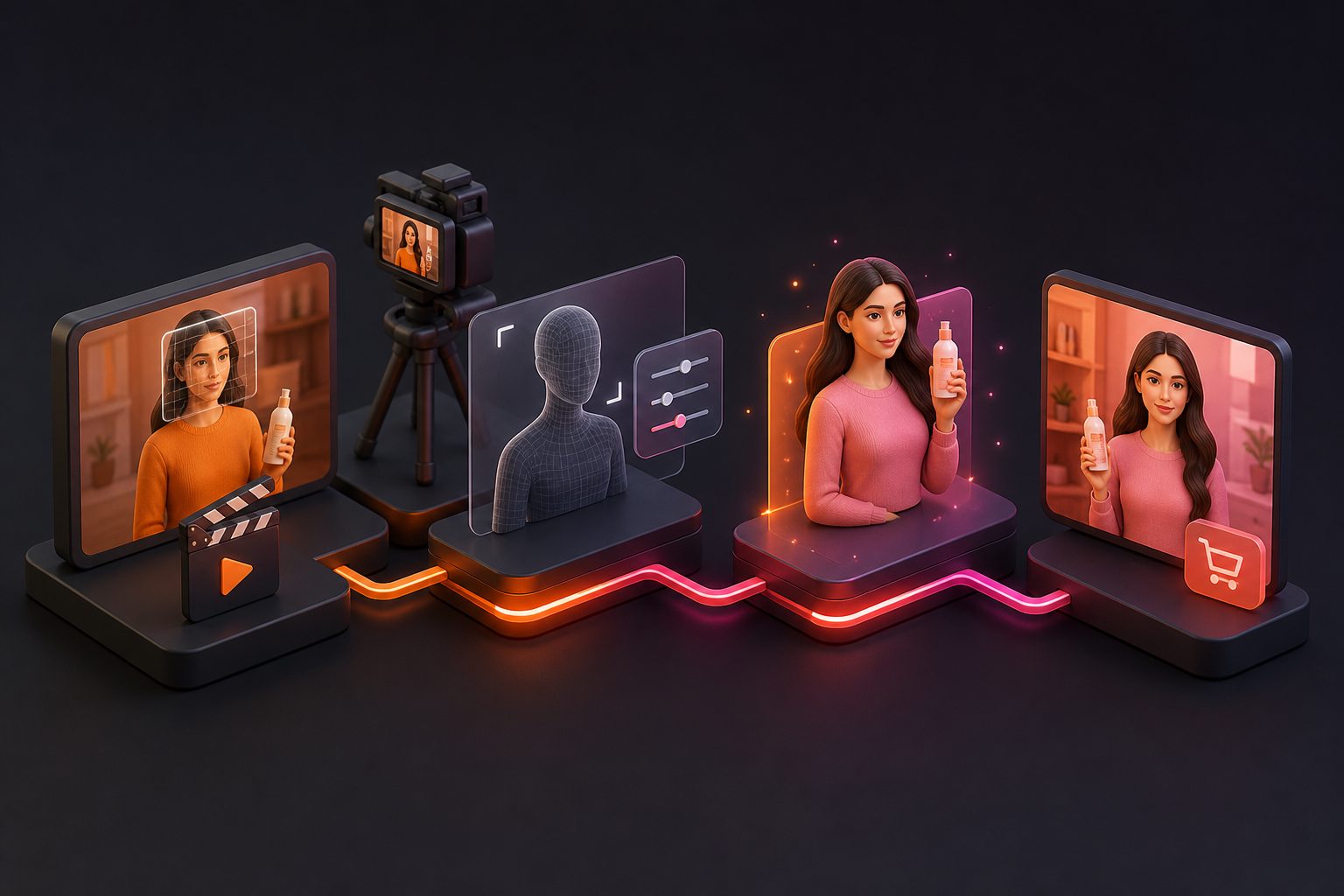
Some products need a person to explain or demonstrate them. AdsTurbo provides AI actors, digital-person workflows, Character Swap, Motion Control, and Lip Sync capabilities for creating different presenter or audience variations.
Use human-led versions when the product benefits from explanation, demonstration, or social proof framing. Use product-led versions when visual clarity matters more than narration.
5. Localize the message
A translated video is more than a translated sentence. The voice, subtitles, on-screen text, pacing, currency, offer, and cultural context should match the target market.
AdsTurbo supports video translation and multilingual subtitles. Its Video Subtitle tool can automatically transcribe speech, create time-synced captions, and export either a video with embedded subtitles or separate subtitle files.
6. Finish with a clear CTA
The final screen should contain one action: shop now, view the product, claim the offer, request a quote, or visit the store.
For campaigns with different discounts or landing pages, keep the product scenes consistent and generate separate end cards. This makes it easier to test offers without rebuilding the entire video.
How can sellers create multiple channel versions?
One source asset should produce a variation set, not one finished file. A useful starting matrix includes:
| Variable | Example versions |
|---|---|
| Hook | Problem-led, product-led, offer-led |
| Presenter | Product only, AI actor, replaced character |
| Language | English, Spanish, Japanese, Korean |
| Format | 9:16, 1:1, 16:9 |
| Benefit | Feature, use case, comparison |
| CTA | Shop now, learn more, claim discount |
AdsTurbo Ad Clone can analyze a reference video up to 12 seconds and help reconstruct its opening, pacing, shot logic, and CTA structure for new product variations. This is useful when a seller has a strong reference ad but lacks original footage. Read the practical workflow in TikTok ad creative variations.
For a full catalog, the same approach can be applied SKU by SKU. Generate a consistent product-led version first, then expand only the products and messages that deserve additional testing.
What makes a generated product ad trustworthy?
The most important quality check is not visual beauty. It is claim-to-visual consistency.
Review every export against this checklist:
- Does the product keep its real shape and color?
- Are labels, buttons, seams, and package text readable and accurate?
- Does the motion suggest a capability the product does not have?
- Are subtitles synchronized with the spoken audio?
- Is the promotion still valid?
- Does the CTA match the destination page?
- Is the ad understandable with sound off?
- Does the opening frame identify the product quickly?
If the original image is soft or compressed, improve the source before generating many variants. AdsTurbo Video Upscaling supports previewing the enhancement before exporting, including 4K video export for suitable content.
How can AdsTurbo fit this workflow?
AdsTurbo combines product image generation, product video creation, ad cloning, translation, subtitles, background replacement, AI upscaling, and editing controls in one workflow.
For ecommerce sellers, a practical process is:
- Upload a JPG or PNG product image.
- Add product benefits and promotion details.
- Generate a product video or product image variation.
- Add subtitles and localized voice or text.
- Create alternate hooks, presenters, or CTAs.
- Export platform-specific versions.
- Compare results by product, message, market, and format.
The platform also supports asynchronous generation. Tasks can be monitored through status polling or completed through Webhook callbacks, which is useful for batch production or API-based catalog workflows. Advanced plans support team workflows, API access, and custom workflow support.
For sellers managing many SKUs, the bulk SKU video ad generation workflow provides a useful way to think about production at catalog scale. For market expansion, see the guide to ecommerce video ad translation.
Frequently asked questions
Can one product photo really make a video ad?
Yes. One clear product image can support product reveals, controlled camera motion, lifestyle framing, text overlays, subtitles, and CTA scenes. However, one image does not prove every product feature. Add accurate product facts or supporting assets when demonstration is important.
Is a white-background photo suitable for social ads?
Yes, as a starting asset. A white-background image makes the product easy to isolate and analyze. It usually works best when the photo is sharp, well-lit, centered, and free from heavy reflections or blur.
Should I create one video for every platform?
Not necessarily. Create a master concept, then adapt the framing, duration, subtitles, and CTA for each destination. A vertical version may suit short-form feeds, while a square or horizontal version may work better in other placements.
How many variations should I make first?
Start with a controlled batch rather than dozens of random edits. Three hooks, two benefits, two CTAs, and two formats create 24 structured combinations before adding language or presenter changes. Keep the product scene stable so you can learn which message is working.
Can AdsTurbo support automated production?
Yes. AdsTurbo provides API modules for image generation, Persona, AI actors, ad cloning, video generation, and task processing. Its generation tasks run asynchronously and can be tracked through polling or Webhook callbacks.