By adsturbo.ai | Published 2026-10-14 | Updated 2026-10-14
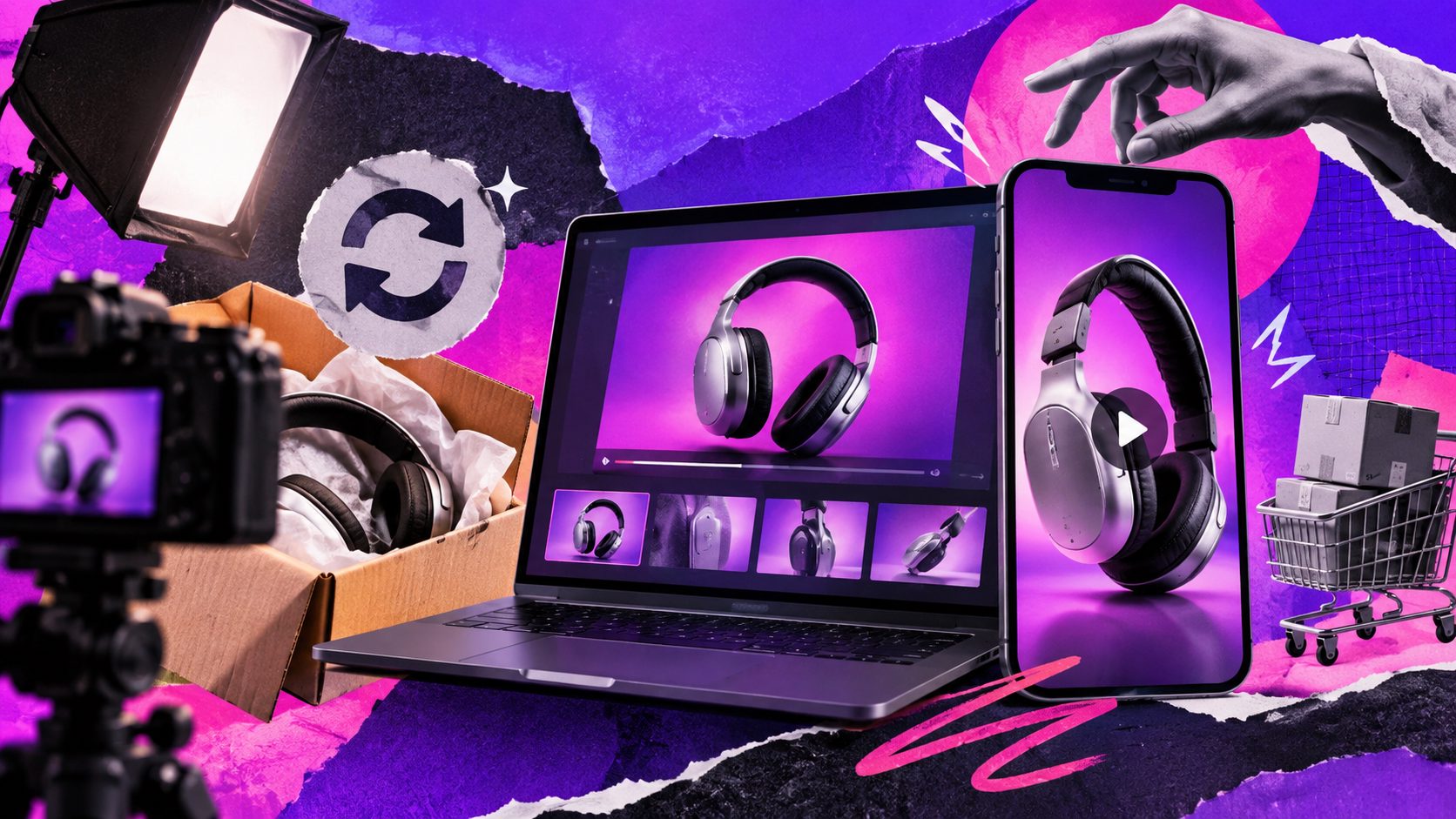
Adding a product video in wholesale quotation PDF documents works best when the quote contains a clickable product preview, a QR code, and a visible fallback address. Keep embedded playback optional. The buyer should still understand the product, price, and next step without watching anything.
For export wholesalers, the goal is not a more entertaining quotation. It is a clearer purchasing decision: which model is quoted, what the demonstration proves, and whether the buyer should request a sample.
What does “video in a quotation PDF” actually mean?
A video-enabled quotation can contain an embedded media file, a hyperlink to a hosted demonstration, or a link to a web page displaying both the video and quotation. These are different delivery methods. Choose the method around the buyer’s viewing environment, not simply around what your PDF editor can create.
Adobe Acrobat supports adding rich media to PDFs, including video encoded with H.264 and AAC audio. That capability does not establish compatibility with every PDF viewer. (helpx.adobe.com)
| Method | Where the video plays | Recommended use |
|---|---|---|
| Embedded video | Inside a compatible PDF application | Known desktop viewing environment |
| Linked thumbnail | On a hosted video page | Default for emailed export quotations |
| Thumbnail plus QR code | On a linked page after clicking or scanning | Documents that may be printed |
| Companion quotation page | Beside the PDF in a browser | Multi-product presentations |
A browser-based PDF viewer is a separate web implementation, not proof that the downloaded PDF contains playable video. Adobe’s PDF Embed API illustrates this distinction. (developer.adobe.com)
Should exporters embed the video or link to it?
Use a linked preview as the default, and embed only after confirming the buyer’s software. Adobe staff guidance states that multimedia playback within PDFs is supported in desktop Acrobat rather than its mobile applications. A link therefore avoids making embedded playback the only route to your demonstration. (community.adobe.com)
For a product video in wholesale quotation PDF workflow, provide three access routes:
- A clickable thumbnail labeled with the product and demonstration.
- A QR code pointing to the same destination.
- A readable web address for manual entry if needed.
Treat the QR code as an alternative, not the primary control. Someone reading the quotation on a phone should have a direct link.
For confidential OEM products, use an appropriately restricted destination and verify access with an authorized external account. Avoid publishing customer-specific prices on a general product page. Keep the quotation readable independently of the video, including specifications, quantity breaks, MOQ, currency, lead time, payment terms, and quote validity.
How do you add a clickable product demonstration?
Create the video destination first, then connect the quotation’s thumbnail to it. The destination should identify the exact SKU, show the demonstration, and provide a clear way back to the quotation or sales contact. Do not send buyers to a generic homepage where they must search again.
- Prepare a product-specific page. Include the model, revision, video, specifications, and sample-request instruction.
- Choose a useful still frame. Show the mechanism, finish, or operation being demonstrated.
- Insert the thumbnail beside the quoted item. Add a play symbol and descriptive label.
- Create the hyperlink. In Acrobat, select Edit → More → Link → Add or edit a link, draw the clickable area, and choose Open a web page. Adobe documents this procedure in its guide to adding PDF links. (helpx.adobe.com)
- Add the QR code and fallback address.
- Export, reopen, and check the delivered PDF, not merely the editable source document.
What should the wholesale product video prove?
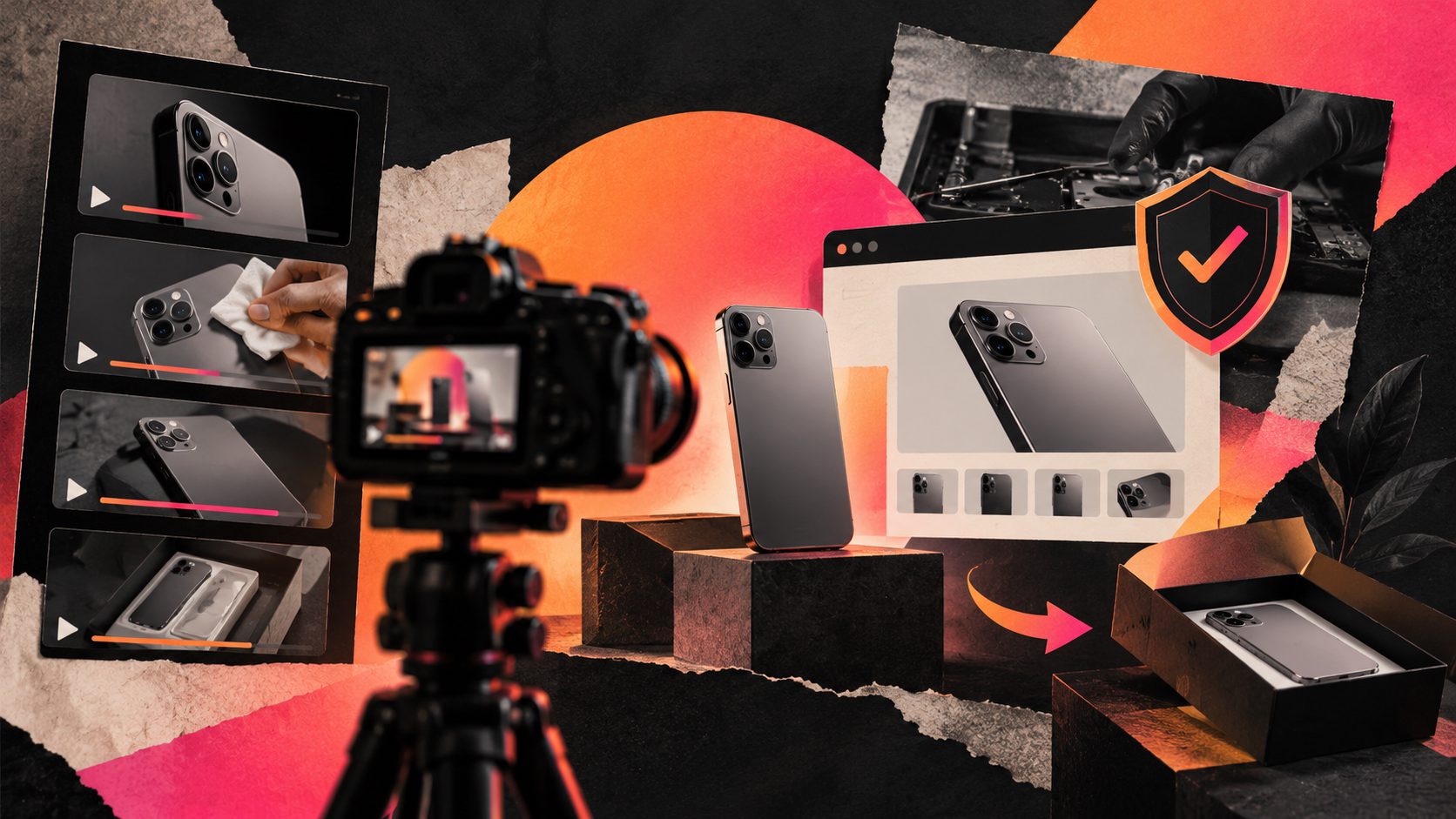
A wholesale demonstration should resolve one purchasing uncertainty, not imitate a consumer advertisement. Start with the quoted model, demonstrate a relevant operation, and finish with a procurement action. A proposed 30-second storyboard is enough to organize that evidence without turning the quotation into a brand film.
| Time | Suggested footage | Buyer question answered |
|---|---|---|
| 0–4 seconds | Model label and full product | Is this the quoted SKU? |
| 4–14 seconds | Real operation or assembly | How does it work? |
| 14–22 seconds | Close-up of material, connector, or finish | Does it match the specification? |
| 22–27 seconds | Accessories and packaging | What is included? |
| 27–30 seconds | Sample-request instruction | What should I do next? |
This is an editorial template, not a tested conversion benchmark.
Record actual products for factual demonstrations. Do not present generated motion as evidence of load capacity, durability, or manufacturing consistency. For supplier-owned footage, follow a rights-aware OEM video rebranding workflow before adapting logos, narration, or captions.
How can you keep the video and quotation consistent?
Use a Quote–SKU–Proof–Action framework: every demonstration belongs to a quotation revision, identifies a specific product, answers one buyer question, and ends with a purchasing step. This proposed control system addresses a problem that embedding instructions alone cannot solve: a working video link can still show the wrong commercial offer.
Maintain a simple evidence register:
| Field | Illustrative entry |
|---|---|
| Quote and revision | Q-1048, revision 02 |
| Quoted SKU | HX-220-B |
| Demonstrated configuration | Black finish, specified connector |
| Proof shown | Folding mechanism and accessory fit |
| Video version | HX-220-B-demo-v03 |
| Next action | Request evaluation sample |
These entries are examples, not customer results.
Keep the linked destination stable, but preserve a record of the video version used with each quotation. If the product configuration changes materially, issue a revised quote and corresponding demonstration rather than silently substituting footage.
Add a short note beside the preview: “Demonstration shows SKU HX-220-B in the quoted configuration.”
Where does AdsTurbo fit in the production workflow?
Use AdsTurbo for video preparation and localization, then add the finished video link in your PDF editor. AdsTurbo provides Clip by Clip editing, video translation, AI upscaling, and Video Subtitle tools. Its subtitle tool can generate time-synchronized captions and export either a captioned video or a separate subtitle file.
Keep narration and subtitles consistent with the quotation’s model numbers, units, quantities, and included accessories. Apply a multilingual subtitle synchronization QA workflow before creating localized versions.
For a product video in wholesale quotation PDF package, separate promotional presentation from purchasing evidence. Product imagery or introductory clips can explain the offer; real footage should substantiate claims about the quoted goods.
AdsTurbo’s generation tasks run asynchronously, with completion handled through status polling or Webhook callbacks. If using an API workflow, confirm task completion and review the output before placing its destination in a quotation.
Explore AdsTurbo’s video creation and editing tools.
How should you validate delivery and measure results?
Validate the entire purchasing path, not just whether a video opens on your computer. Use the following six checks as a proposed release checklist. Record the actual environment, pass/fail result, and corrective action; these are checks to perform, not claimed test results.
- Open the emailed PDF in a desktop browser.
- Open it in desktop Acrobat.
- Open it on an iPhone.
- Open it on an Android phone.
- Scan the QR code from a printed copy.
- Test access as an external buyer and confirm the SKU matches.
If using embedded media, retain the linked fallback. Acrobat provides rich-media insertion and poster-image controls, but the recipient’s playback environment still needs verification. (helpx.adobe.com)
Measure qualified progression, not views alone. Track demo visits, configuration questions, sample requests, and orders separately. For example, 12 sample requests from 80 delivered quotations equals 15%; that is illustrative arithmetic, not a performance claim. Compare similar buyers and offers before attributing any change to video.
Frequently asked questions
Can an MP4 play directly inside a PDF?
Yes, Acrobat supports compatible rich media. Do not assume the same playback behavior across mobile applications and browser previews; retain a web-link alternative. (helpx.adobe.com)
Is a QR code enough?
Use it alongside a clickable preview and readable address. This gives buyers a choice whether they are reading the quotation digitally or on paper.
Should every quoted item have its own video?
Create separate demonstrations when configurations or functions differ meaningfully. A shared video can work for closely related variants if its labels make those differences explicit.
Will adding video increase wholesale orders?
There is no guaranteed uplift. Use the demonstration to remove a specific purchasing uncertainty, then measure sample requests and order progression against comparable quotations.