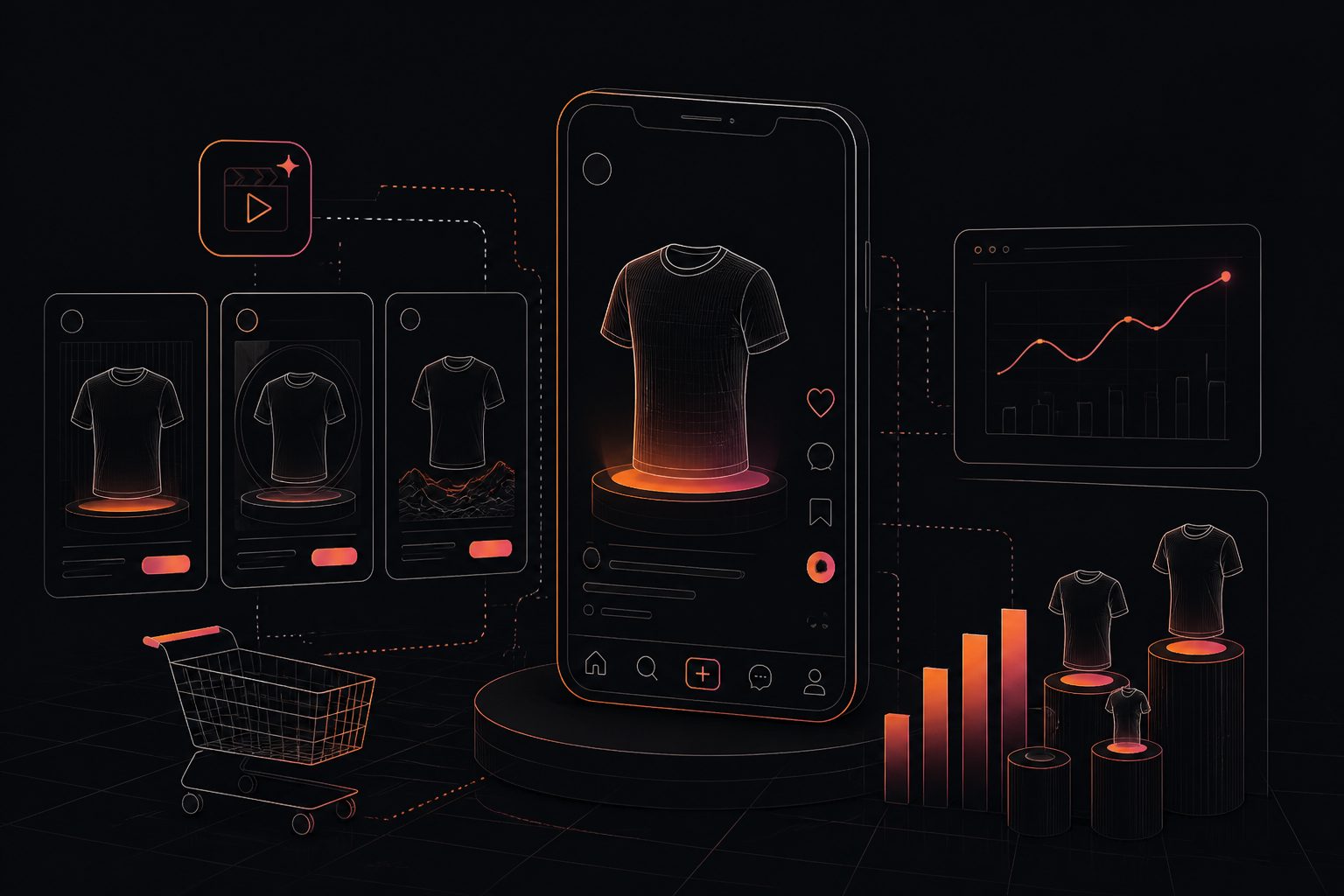
An AI product video from URL workflow converts a product page into a short marketing video by reading page text, images, price context, benefits, and visual cues, then generating a script, scenes, captions, voiceover, and export-ready creative. The best results come from clean product pages, not from automation alone.
For ecommerce teams, the real question is not whether a URL can become a video. It is whether the output is accurate enough for your product page, persuasive enough for paid social, and scalable enough for dozens or hundreds of SKUs without creating brand or compliance risk.
What is an AI product video from URL?
An AI product video from URL is a generated video created from a product-page link. The system extracts product facts, images, benefits, reviews, and brand signals, then turns them into a short product story for ads, product pages, or social posts.
Most tools follow a similar path: crawl the page, summarize the offer, write a script, select visual assets, add motion, apply captions, and export a video file. The output might be a UGC-style ad, a clean product showcase, a demo-style explainer, or a vertical short for TikTok, Reels, and Shorts.
This matters because ecommerce video production has a recurring bottleneck: every SKU needs a slightly different message. A manual editor can make one polished hero video, but a URL-based workflow can produce first drafts for many products in minutes. That makes it useful for testing hooks, refreshing seasonal creatives, and adding video media to product pages.
When does a URL to video workflow work best?
A url to video workflow works best when the product page already contains complete, accurate, and visually useful information. The tool can only amplify what the URL gives it; weak copy, missing specifications, or low-quality images usually create weak videos.
Use URL-based generation when the page includes:
- A clear product title and one primary use case.
- Multiple high-resolution images, preferably lifestyle and detail shots.
- Specific benefits, not only feature lists.
- Accurate pricing, shipping, warranty, or bundle information.
- A visible brand tone, such as premium, playful, technical, or minimalist.
- Customer objections answered in the copy or FAQ.
Avoid relying on URL-only input when the product requires regulated claims, complex demos, or nuanced comparison messaging. In those cases, the URL should be treated as a starting brief, while the final script needs human review.
A good rule: if a shopper can understand the product in 15 seconds from the page, an AI video system has enough context to build a usable first draft.
The URL Readiness Score: a quick quality framework
The URL Readiness Score is a practical 20-point framework for deciding whether a product page is ready for video generation. Score the page before creating videos; low scores predict editing rework, factual errors, and generic creative.
| Factor | Max points | What to check |
|---|---|---|
| Product clarity | 4 | The page explains what the product is and who it is for. |
| Visual depth | 4 | At least 4 useful images: hero, detail, scale, and lifestyle. |
| Benefit specificity | 4 | Claims are concrete, not vague phrases like “premium quality.” |
| Objection handling | 3 | The page answers size, compatibility, usage, care, or shipping doubts. |
| Brand direction | 3 | Tone, colors, and positioning are obvious from the page. |
| Channel readiness | 2 | The page supports a clear CTA for PDP, TikTok, Reels, or Shorts. |
Score interpretation:
16–20 means the URL is ready for automated video drafts.
11–15 means generation is possible, but add a short creative brief.
10 or below means fix the product page before generating video.
This framework is the missing step in many product-video workflows. Teams often judge the video tool, when the real problem is the input URL. A bulk workflow should reject low-scoring pages before spending credits or production time.
How to create a product video from a URL
The reliable workflow is simple: prepare the product page, generate a draft, verify every claim, adapt the format by channel, and save learnings by SKU. The order matters because errors compound when teams scale too early.
-
Choose the right product page
Start with a live product URL that has clear copy and strong images. If variants matter, choose the canonical page or provide notes about the variant to feature. -
Define the video job
Decide whether the asset is for a product detail page, paid social ad, retargeting creative, organic short, or marketplace listing. One URL can support multiple videos, but each format needs a different hook. -
Generate the first draft
Use a product URL video generator or an adsturbo.ai AI video workflow to convert product information into scenes, captions, and a short script. -
Audit facts before styling
Check product name, material, size, compatibility, price-sensitive statements, offer terms, and claims. Do this before changing music, avatars, or transitions. -
Adapt for the placement
TikTok recommends vertical 9:16 creative in its ad guidance, while YouTube notes that Shorts ads can appear in the Shorts feed and require creative that works quickly in a vertical environment. Check current requirements in TikTok’s ad format guidance and Google Ads Help for Shorts ad specs. -
Export, publish, and measure
Export MP4 versions for each destination. Track thumb-stop rate, hold rate, click-through rate, add-to-cart rate, and assisted revenue by SKU.
What should the video include?
A strong product video includes a hook, the product in context, three proof-backed benefits, one objection answer, and a clear next action. For most ecommerce products, 15–35 seconds is enough for an ad; product-page videos can be slightly slower.
Use this structure for a first draft:
- 0–3 seconds: Hook
Name the problem, desired outcome, or product transformation. - 3–8 seconds: Product reveal
Show the product clearly. Avoid hiding it behind excessive motion. - 8–18 seconds: Benefit sequence
Turn features into buyer outcomes. - 18–25 seconds: Objection answer
Address size, durability, setup, compatibility, or use case. - Final seconds: CTA
Match the destination: “Shop the set,” “See colors,” “Choose your size,” or “Add to cart.”
The key is to keep the message product-specific. “Upgrade your lifestyle” can apply to anything. “Keeps cables organized on a six-device desk” gives the AI and the buyer a real reason to care.
Shopify product video maker use cases
A Shopify product video maker is most valuable when it helps merchants turn existing product media into videos that can be reused across PDPs, ads, email, and social channels. Shopify supports product media such as images and videos on product pages, which makes generated video a natural extension of a product catalog.
For Shopify stores, prioritize these use cases:
| Use case | Best video type | Practical note |
|---|---|---|
| Product detail page | Clean demo or feature explainer | Add the video near the image gallery or key buying section. |
| New product launch | 15–30 second vertical teaser | Create multiple hooks from the same URL. |
| Retargeting | Objection-handling video | Focus on shipping, fit, setup, or comparison concerns. |
| Cross-sell bundle | Product combination video | Show how items work together. |
| Collection page testing | Short looping product clip | Keep it light and fast-loading. |
Shopify’s documentation explains that product media can include videos, 3D models, and external videos depending on implementation; see the Shopify product media documentation for current admin guidance.
For performance, do not add every generated video to every page. Place videos where they reduce uncertainty: expensive products, visual products, technical products, bundles, and items with frequent pre-purchase questions.
How to scale with a bulk product video creator
A bulk product video creator should be managed like a content pipeline, not a one-click export button. The goal is to produce many accurate, on-brand videos while avoiding repetitive scripts, wrong claims, and low-quality visual reuse.
A scalable pipeline has five stages:
-
SKU segmentation
Group products by category, price point, audience, and buying objection. Do not use one template for skincare, electronics, apparel, and home goods. -
Template mapping
Assign formats by product type: demo, comparison, before-after, unboxing, testimonial-style, or feature breakdown. -
URL Readiness filtering
Only run products above your readiness threshold. Send weak pages back for copy or image improvement. -
Human review queue
Review high-risk claims, regulated wording, discount language, and visual accuracy before publishing. -
Performance feedback loop
Feed winning hooks, captions, and CTAs back into the next batch.
For large catalogs, the biggest advantage is variation. Instead of one product video per SKU, produce three hook angles: problem-led, benefit-led, and proof-led. Then let performance data decide which angle deserves more spend.
Quality control: the 12 checks before publishing
The safest way to use AI product video from URL tools is to review each output against a fixed checklist. This prevents the most common failures: invented benefits, mismatched visuals, unreadable captions, and platform formatting issues.
Before publishing, check:
- Product name is correct.
- Variant, color, size, and bundle details match the destination page.
- Claims are supported by the page or approved brand materials.
- Captions are readable on mobile.
- CTA matches the landing page action.
- No unavailable discount or price is shown.
- Product visuals are not distorted.
- Voiceover pronunciation is acceptable.
- Music fits the brand and does not overpower speech.
- The first frame clearly shows either the problem or the product.
- Export ratio matches the placement.
- The video does not imply unavailable functionality.
This checklist is especially important for paid ads. Platforms review ad creative and landing-page consistency, and ecommerce ads should not make claims that the destination page fails to support. Accuracy is not just a compliance issue; it also affects buyer trust.
What most teams get wrong
Most teams treat URL-based video generation as a production shortcut. The better approach is to treat it as a creative testing system. The URL supplies facts; the marketer supplies judgment about audience, angle, offer, and placement.
Three mistakes cause most weak outputs:
First, generating from thin pages.
If the product page has only a title, price, and two white-background images, the video will feel generic.
Second, using one template for every SKU.
A premium kitchen appliance needs a different rhythm than an impulse-buy accessory.
Third, skipping post-generation learning.
The real gain comes when winning hooks become reusable creative rules for future batches.
Google’s guidance on helpful content emphasizes creating reliable, people-first pages rather than content made only for search visibility; the same principle applies to product videos. The video should help shoppers understand the product, not merely fill a content slot. See Google Search Central’s helpful content guidance for the underlying quality principle.
A practical creative matrix for product URL videos
A creative matrix turns one URL into multiple useful videos. Instead of asking for “a product video,” define the buyer question, the format, and the proof point before generation.
| Buyer question | Video angle | Best for |
|---|---|---|
| “What is this?” | Product reveal | New visitors and cold traffic |
| “Why should I care?” | Benefit-led short | Paid social prospecting |
| “Will it work for me?” | Use-case demo | Product pages and retargeting |
| “Is it worth the price?” | Comparison or value breakdown | Mid-funnel ads |
| “Can I trust it?” | Review-style or proof-led video | Retargeting and email |
| “What do I do next?” | Offer and CTA clip | Sale campaigns |
This matrix is the practical difference between automation and useful automation. The AI can assemble scenes, but the creative system decides which scenes deserve to exist.
Common questions
Can AI really create a product video from only a URL?
Yes, if the URL contains enough product information and media. The output is usually strongest as a first draft that still needs fact-checking, brand review, and placement-specific adjustments before publishing.
Is a URL to video tool better than uploading product photos manually?
It depends on the input quality. URL input is faster when the product page is complete. Manual uploads are better when you have new images, influencer footage, internal claims, or campaign details that are not visible on the page.
What makes a good Shopify product video maker?
A good Shopify product video maker should understand product-page content, preserve product accuracy, support vertical and square exports, create captions, and make it easy to generate variations across many SKUs without losing brand consistency.
When should a brand use a bulk product video creator?
Use a bulk product video creator when you have a catalog with repeatable product types, clean product pages, and a review process. Bulk generation is risky when pages are inconsistent or claims require careful legal approval.
Should product videos be used on every product page?
No. Start with products where video reduces uncertainty: high-consideration items, visual products, bundles, technical products, and best sellers. Then expand based on engagement, conversion, and page-speed impact.
Final takeaway
AI product video from URL workflows are most useful when they combine automation with disciplined input quality. The winning process is not “paste a link and publish.” It is: score the URL, choose the creative angle, generate the draft, verify the facts, adapt the format, and feed performance data back into the next batch.
For ecommerce teams, that turns product video from an expensive one-off asset into a repeatable catalog growth system.
Article details: Author: adsturbo.ai. Published: August 10, 2026. Modified: August 10, 2026. Publisher: adsturbo.ai.