Google Shopping video ad maker: From Product Feed to YouTube Ads

Summarize with
Summary
Learn how to use a Google Shopping video ad maker to turn product images, feed data, and selling points into testable YouTube and Google Ads creatives. Start building.
作者:adsturbo.ai|发布日期:September 14, 2026|更新日期:September 14, 2026
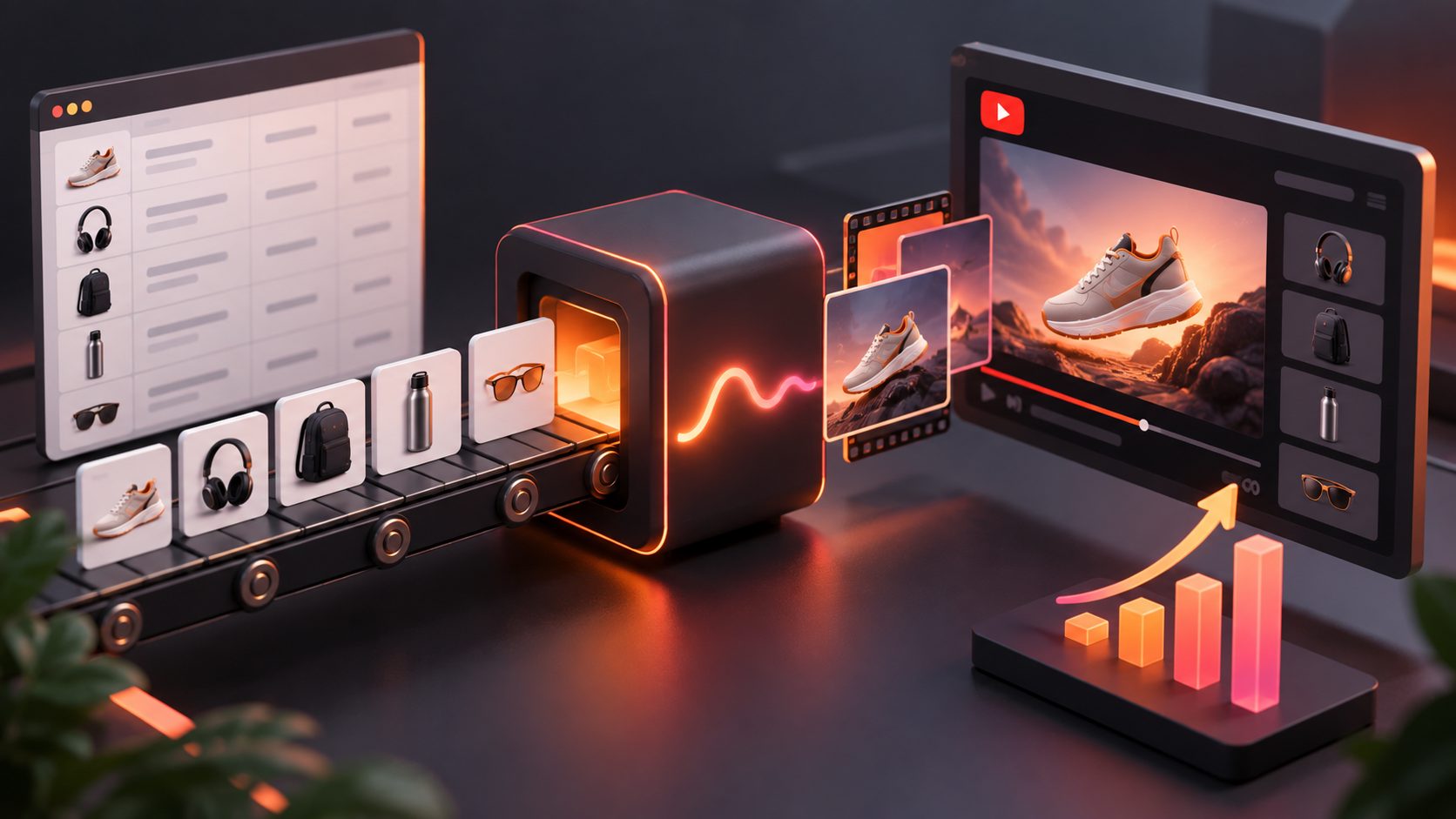
A Google Shopping video ad maker helps ecommerce sellers turn product images, feed information, and selling points into video creatives for Google Ads and YouTube. The most effective workflow connects product data with a repeatable creative testing system—not just a single attractive video.
What is a Google Shopping video ad maker?
A Google Shopping video ad maker is a creative production tool that converts catalog assets into product-focused video ads for Google’s visual advertising surfaces. It does not replace Google Merchant Center, product feeds, campaign setup, conversion tracking, or policy review. Instead, it helps produce the video assets that work alongside those systems.
This distinction matters because Google Shopping is primarily feed-driven. Your product title, price, availability, landing page, images, and identifiers come from Merchant Center. Video adds demonstration, context, product use, and brand storytelling.
In 2026, Google introduced the optional [video_link] attribute in Merchant Center. Google says submitted videos can show products from different angles or demonstrate them in use. Eligible videos must use a publicly accessible URL, supported formats, a length between 6 and 240 seconds, a maximum file size of 500 MB, and one of the recommended 9:16, 16:9, or 1:1 aspect ratios. See the official Merchant Center video link requirements.
How do Google Shopping video ads work?
Google Shopping video ads combine two separate inputs: product catalog data and video creative. The feed identifies what is being sold, while the video explains why a shopper should care.
For many ecommerce advertisers, the practical campaign path is Demand Gen with a connected Google Merchant Center product feed. Google describes Demand Gen as a visual campaign type spanning YouTube, Discover, Gmail, and other eligible surfaces. Its product feed option can pair product information with image and video ads.
Google recommends uploading video assets in landscape, square, and vertical formats for broader placement coverage. Vertical assets can support YouTube Shorts placements, while horizontal and square versions can serve other formats. Google also reports that established Demand Gen campaigns with large product selections experienced a 33% increase in conversions after adding product feeds; this is a Google-reported average, not a performance guarantee. Read the Google Ads guide to using product feeds in Demand Gen campaigns.
| Asset | Main job | Examples |
|---|---|---|
| Product feed | Identify the offer | Title, price, availability, product ID |
| Product image | Show the catalog item | Main image, lifestyle image, detail image |
| Video creative | Demonstrate value | Product use, comparison, unboxing, problem-solution |
| Ad text | Reinforce the offer | Discount, shipping, benefit, CTA |
| Landing page | Complete the conversion | Product details, checkout, trust elements |
The result is not simply “a video ad.” It is a connected shopping experience in which creative, product data, and the landing page must agree.
What should a product video include?
A strong product video should communicate the product, the buyer’s problem, the main benefit, and the next action quickly. For Google and YouTube placements, clarity usually matters more than visual complexity.
A practical structure for a 15–30 second ecommerce ad is:
- Hook: Show the problem, outcome, or surprising product feature in the opening seconds.
- Product proof: Display the product clearly and demonstrate how it works.
- Benefit: Connect the feature to a concrete customer outcome.
- Offer: Add a promotion, bundle, free-shipping message, or seasonal reason to buy when applicable.
- CTA: Tell the viewer what to do next, such as viewing the product or shopping the offer.
Use large, high-contrast captions because many viewers encounter video without relying on sound. Keep important text away from interface areas, especially on vertical placements. Google’s Demand Gen creative specifications provide current requirements for video, image, and text assets.
How to create Google Shopping video ads from product images
The fastest production process begins with a clean catalog asset and a structured brief. Product images alone can create a useful starting point, but the selling point determines whether the video has a persuasive angle.
Step 1: Prepare the product input
Use a clear JPG or PNG product image. For AdsTurbo Product Video, the uploaded product image can be up to 10 MB, and the system can generate UGC-style product videos such as product reviews, introductions, and demonstrations.
For product image production, AdsTurbo Product Image accepts JPG or PNG files and performs best when the product is clearly photographed against a plain background. The tool can analyze the product’s shape, color, and category, then produce multiple image types, including banners, lifestyle scenes, close-ups, material details, usage instructions, and brand images.
Step 2: Write a feed-to-video brief
A useful brief should contain more than the product name. Include:
- Product category and intended customer
- One primary problem or use case
- Two or three verifiable product benefits
- Price or promotion, if active
- Brand tone and prohibited claims
- Destination market and language
- Preferred format: 9:16, 1:1, or 16:9
This creates a direct connection between the product feed and the video script. It also reduces the risk of generating a generic video that looks attractive but fails to explain the offer.
Step 3: Generate controlled variations
Create variations by changing one major variable at a time:
- Hook
- Product angle
- Presenter or AI actor
- Voiceover
- Offer
- Background
- CTA
- Aspect ratio
AdsTurbo provides more than 260 AI actors and over 100 product advertising templates. Its tools also support product video generation, background replacement, motion control, character swap, lip sync, video translation, subtitles, and AI upscaling.
Step 4: Export and check the asset
Before uploading, verify that the product shown in the video matches the Merchant Center offer. Check price claims, discount dates, product colors, spelling, subtitles, audio, aspect ratio, and landing-page consistency.
AdsTurbo Video Subtitle can automatically transcribe speech, create time-synchronized captions, and export either a video with embedded subtitles or a separate subtitle file. This is useful when adapting one concept for YouTube Shorts, in-feed video, and other placements.
What is the best creative testing framework?
The most useful testing framework is not “make as many videos as possible.” It is a SKU × intent × format matrix that connects each video to a buying situation.
For each priority SKU, produce:
| Test dimension | Example variants |
|---|---|
| Buyer intent | Problem-aware, comparison, gift, repeat purchase |
| Hook | Demonstration, question, before-and-after, offer |
| Proof | Product detail, use case, testimonial-style explanation |
| Format | 9:16 Shorts, 1:1 feed, 16:9 in-stream |
| Localization | English, Spanish, or another market language |
| CTA | Shop now, see how it works, claim the offer |
A simple starting batch is three hooks × two proof styles × two formats = 12 assets per SKU. This is an original planning model, not a claim about guaranteed performance. Its value is diagnostic: when results differ, you can identify whether the issue is the opening, message, proof, or placement instead of treating every video as an unrelated creative.
AdsTurbo Ad Clone can analyze a reference video up to 12 seconds, preserve its opening structure, pacing, shot logic, and CTA pattern, then reconstruct variations for a brand. Use this for creative analysis and controlled concept development rather than copying another brand’s protected content. The Ad Clone workflow for ecommerce testing provides additional context on organizing creative variants.
How can sellers scale production across products and markets?
Scaling works best when production is asynchronous and organized around reusable inputs. AdsTurbo processes generation tasks asynchronously and supports status polling or Webhook callbacks for completion events. Its API access is available on every plan, and its advanced plans also add team workflows and custom workflows.
For larger catalogs, an API-based process can:
- Read product IDs and feed fields.
- Select a template by product category.
- Insert approved selling points and promotions.
- Generate multiple scripts or video variants.
- Add captions and localized versions.
- Export files using a consistent naming structure.
- Route completed jobs to review or campaign upload.
AdsTurbo’s REST API uses Bearer API key authentication. Its video generation API includes eight processing endpoints: shot analysis, lip sync, watermark removal, translation, upscaling, face swap, motion control, and subtitles. These capabilities support a production pipeline, but human review remains important for claims, permissions, product accuracy, and brand safety.
For seasonal campaigns, combine product videos with promotional visuals. AdsTurbo Event Poster accepts JPG and PNG logos, product images, and visual materials; it can create nine aspect ratios and generate copy in seven languages, including English, Chinese, Japanese, and Korean. See the ecommerce holiday sale video ad workflow for a campaign-oriented production structure.
Google Shopping video ad checklist
Use this checklist before publishing:
- Merchant Center product data is approved and current.
- Product name, price, availability, and destination match the video.
- The video is publicly accessible and uses a stable URL.
- The file meets Google’s length, size, format, and resolution requirements.
- The product is visible early and remains recognizable.
- The opening hook works without depending on audio.
- Captions are readable on mobile screens.
- Promotions include valid dates and terms.
- The video is available in the required aspect ratios.
- Music, footage, logos, faces, and creator assets have proper usage rights.
- Conversion tracking and campaign goals are configured before judging performance.
Frequently asked questions
Can I use a product image instead of filming a video?
Yes. Product images can be animated into product demonstrations, UGC-style concepts, lifestyle scenes, or offer-led ads. However, the generated result should be checked carefully to ensure the product’s shape, color, packaging, and key details remain accurate.
Is Google Shopping the same as YouTube Shopping?
No. Google Shopping generally refers to product discovery and advertising connected to Merchant Center data. YouTube Shopping uses YouTube placements and can combine video experiences with product information. The same feed may support both, but the creative and campaign setup are not identical.
What video sizes should ecommerce sellers create?
Start with 9:16, 1:1, and 16:9. Google identifies these as important aspect ratios for product-feed video use in Demand Gen, and each format serves different viewing contexts.
How many video variations should I make per product?
A practical first batch is 12 assets per priority SKU using three hooks, two proof styles, and two formats. Expand only after identifying which message or format deserves more budget.
Can AdsTurbo connect to an automated workflow?
Yes. AdsTurbo supports asynchronous task processing with polling or Webhook completion events. API access is available on every plan, and advanced plans provide team workflows and custom workflow support.
Final takeaway
A Google Shopping video ad maker is most valuable when it connects catalog data to a disciplined testing system. Start with accurate product inputs, produce platform-specific formats, test hooks and proof rather than random designs, and review every asset against Merchant Center requirements.
AdsTurbo can support that workflow with product image generation, product video creation, ad cloning, subtitles, translation, upscaling, background replacement, and API-based task processing. The strongest results still come from matching each creative to a clear customer problem, product benefit, and measurable campaign objective.