By adsturbo.ai | Published 2026-10-14 | Updated 2026-10-14
For multi-SKU hardware and building-material sellers, hardware load test video ad generation AI works best when it makes verified evidence easier to understand—not when it invents a more dramatic test. The strongest workflow combines real load-test footage, clearly labeled AI motion, structured product data, and platform-ready variations.
What is a proof-led load test video ad?
A proof-led load test video is a product advertisement that connects a visible test condition to a specific, supportable product claim. It shows the hardware, the setup, the measured load, the test duration, and the result without implying that an animation is a real laboratory result.
The distinction matters because hardware shoppers are often evaluating risk:
- Will the bracket hold the intended load?
- Does the anchor remain stable?
- Is the product compatible with a particular surface?
- What happens when the load increases?
- Is the result valid for this SKU, material, and installation method?
A short video should answer one primary question. A useful 15-second structure is:
- Hook: show the product and the load immediately.
- Setup: identify the SKU, fixture, and test condition.
- Proof: show the measured load and elapsed time.
- Interpretation: explain what the result does—and does not—prove.
- CTA: direct the buyer to installation details, specifications, or the product page.
This is different from a generic AI product video, which may focus on lifestyle scenes, presenters, or visual polish. For structural hardware, evidence hierarchy should come before cinematic treatment.
Which parts should be real, and which can AI simulate?
The practical rule is simple: real footage proves performance; AI-generated motion explains performance. Mixing the two without labels can make a buyer believe a simulated event actually happened.
| Video element | Recommended source | Why it matters |
|---|---|---|
| Product identity and dimensions | Real product image or footage | Prevents SKU confusion |
| Load display or measurement | Real test capture | Supports the performance statement |
| Failure, deformation, or movement | Real footage when claimed | Shows the observed outcome |
| Cutaway or exploded view | AI or motion graphic | Explains hidden structure |
| Camera movement and transitions | AI editing or animation | Improves attention and pacing |
| Localized subtitles | AI-generated, then checked | Makes the proof easier to follow |
| Lifestyle installation scene | AI-assisted or filmed | Adds context without replacing evidence |
Use labels such as “simulation,” “illustration,” or “not a test result” whenever generated motion represents a concept rather than an observed event. Avoid showing a synthetic gauge, crack, deformation pattern, or failure moment as if it came from the actual test.
This proof-versus-explanation split is the key information gain for hardware sellers: AI does not need to recreate the entire experiment. It needs to make the real experiment legible at scale.
How should sellers prepare test data before generating videos?
AI output quality depends less on a long prompt than on a clean evidence packet. Prepare one packet per SKU or test configuration.
Include:
- SKU, model, material, finish, and dimensions
- Test date and internal test ID
- Fixture and installation method
- Load value and unit
- Test duration
- Surface or substrate used
- Observed movement, deformation, or failure
- Product variation shown in the footage
- Claim language approved for advertising
- Any limitation or usage condition
A useful internal naming pattern is:
SKU-load-substrate-duration-result
For example, a file name can distinguish a 100-pound drywall test from a 100-pound concrete test. That prevents one of the most common catalog errors: applying a valid result from one installation condition to every version of the product.
AdsTurbo Product Image supports JPG and PNG product uploads, and clear product photos on a plain background are recommended for better results. For video workflows, keep the original test footage separate from generated scenes so the evidence source remains traceable.
What is the best storyboard for a 15-second hardware proof ad?
A concise storyboard can make one verified result understandable without overloading the viewer.
Shot 1: Identify the product
Show the complete hardware item in its installed position. Add the SKU or product family name if multiple variants look similar.
Shot 2: Establish the test
Show the fixture, substrate, load position, and measurement display. Keep the framing wide enough to provide context.
Shot 3: Show the proof moment
Use a close-up of the load indicator, stopwatch, or test setup. Do not replace the original reading with a generated number.
Shot 4: Explain the result
Use a simple overlay such as “Held 100 lb for 60 seconds in this test setup,” but only when that statement matches the underlying documentation.
Shot 5: Clarify the boundary
Add a short limitation when needed: “Result applies to the tested substrate and installation method.” This can increase trust because it prevents the viewer from assuming universal performance.
Shot 6: Close with the next action
Send shoppers to installation instructions, the product listing, or a specification page. Avoid vague CTAs that do not tell the buyer what to do next.
For larger catalogs, create one master storyboard and swap only approved fields: product image, test value, substrate, duration, language, and CTA. This is more reliable than asking AI to rewrite each video from scratch.
How can AI generate variations without creating unsupported claims?
Use a controlled variation matrix rather than unrestricted creative generation.
| Variable | Safe variation | Risky variation |
|---|---|---|
| Hook | “Will this bracket hold?” | “Unbreakable under any load” |
| Visual emphasis | Gauge close-up, fast setup, product detail | Synthetic failure presented as real |
| Audience | DIY homeowner, contractor, installer | Claiming suitability for every job |
| Format | 9:16, 1:1, 16:9 | Cropping out test context |
| Language | English, Spanish, French subtitles | Translating units or conditions incorrectly |
| CTA | “See installation details” | “Guaranteed to hold anything” |
AdsTurbo supports Ad Clone, product video generation, motion control, video translation, subtitles, background replacement, and resolution enhancement. These capabilities can help convert one approved creative into multiple placements and localized versions. Its Video Subtitle workflow can generate synchronized captions and export either a subtitled video or a separate subtitle file.
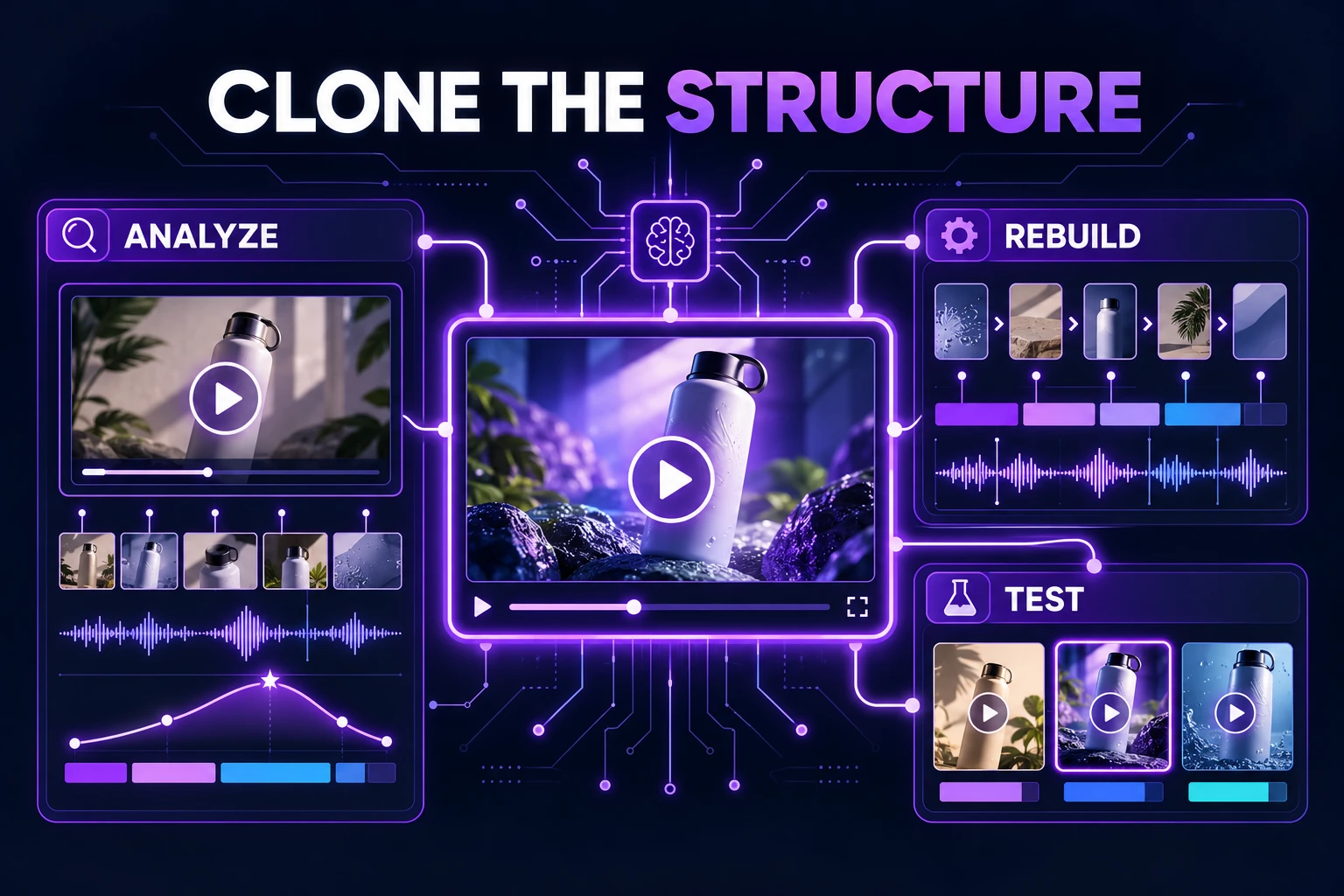
For an existing winning ad, Ad Clone can preserve the opening rhythm, shot logic, and CTA structure while replacing the product and approved message. The important safeguard is to clone the creative structure, not the unsupported claim.
How should load-test ads be checked for compliance?
Performance claims should be reviewed before publication, not after a platform rejection or customer complaint. The FTC states that advertising claims must be truthful, not misleading, and supported by evidence; objective product claims require a reasonable basis before the ad runs. (ftc.gov)
Amazon’s advertising guidance similarly emphasizes that product features shown in a video should match the title and description, and that unsupported claims can prevent approval. (advertising.amazon.com)
Use this preflight checklist:
- Does the video show the same SKU named in the copy?
- Is the tested substrate visible or disclosed?
- Are load units consistent throughout?
- Does the claim match the tested condition?
- Is an AI-generated scene clearly distinguishable from real evidence?
- Are subtitles accurate after translation?
- Has the video avoided words such as “unbreakable,” “guaranteed,” or “works anywhere” unless fully substantiated?
- Does the CTA lead to relevant specifications or installation information?
For sellers managing many products, a lightweight claim registry is valuable. Store each approved claim beside its source footage, test ID, allowed wording, and expiration or review date. This turns creative production into a repeatable governance process instead of a prompt-by-prompt guessing exercise.
Can AdsTurbo support a multi-SKU hardware workflow?
Yes. A practical workflow is:
- Upload the product image and source test footage.
- Extract or write the approved proof points.
- Build one short storyboard around the measured result.
- Generate product-focused video variations.
- Add synchronized subtitles and platform-specific framing.
- Use AI upscaling when the source footage needs better export quality.
- Review every generated version against the claim registry.
- Export separate formats for product pages, paid social, and short-form channels.
AdsTurbo supports asynchronous generation, with task completion available through status polling or Webhook callbacks. Advanced plans support team workflows, API access, and custom workflows, which can help connect a SKU catalog, approval queue, and asset-export process.
For teams building an automated pipeline, AdsTurbo’s API includes composable modules for image generation, Persona, AI actors, Ad Clone, video generation, and task processing. That makes it possible to separate creative generation from evidence approval rather than treating the entire process as one opaque step.
Common questions
Can AI create a real load-test result?
No. AI can visualize, edit, localize, or explain a result, but it should not be used to fabricate test data. Use real measurements and source footage for performance claims.
Should every hardware ad show the full laboratory setup?
Not necessarily. A short ad can use a focused proof moment, but it should preserve enough context—or add a disclosure—for viewers to understand the tested condition.
Is one load test enough for every SKU?
Usually not. Different materials, dimensions, fasteners, finishes, or installation methods may require separate evidence. Keep claims tied to the exact configuration tested.
What is the best video length?
Use the shortest length that communicates the product, condition, result, and limitation. A 15-second version is useful for paid social; longer versions can support product pages and buyer education.
How can sellers start?
Create one evidence packet and one 15-second storyboard for a high-volume SKU. Then use AdsTurbo Product Video for product-focused variations, Motion Control AI for Product Ads for controlled demonstrations, and multilingual subtitle synchronization for localized campaigns.