By adsturbo.ai | Published 2026-10-17 | Updated 2026-10-17
A TikTok Shop product image to video generator can turn a clean listing photo into a vertical product video, but the strongest workflow is not “upload one image and accept the first result.” Sellers need to add motion, explain a real benefit, preserve product accuracy, and create several creative angles for testing.
TikTok Shop’s US guidance emphasizes accurate product representation, original content, clear demonstrations, and compliance with AI-generated content rules. AI visuals must not change a product’s size, color, features, performance, or included accessories in a misleading way. TikTok Shop’s AI-generated content requirements explain the standard directly. (seller-us.tiktok.com)
What is a TikTok Shop product image to video generator?
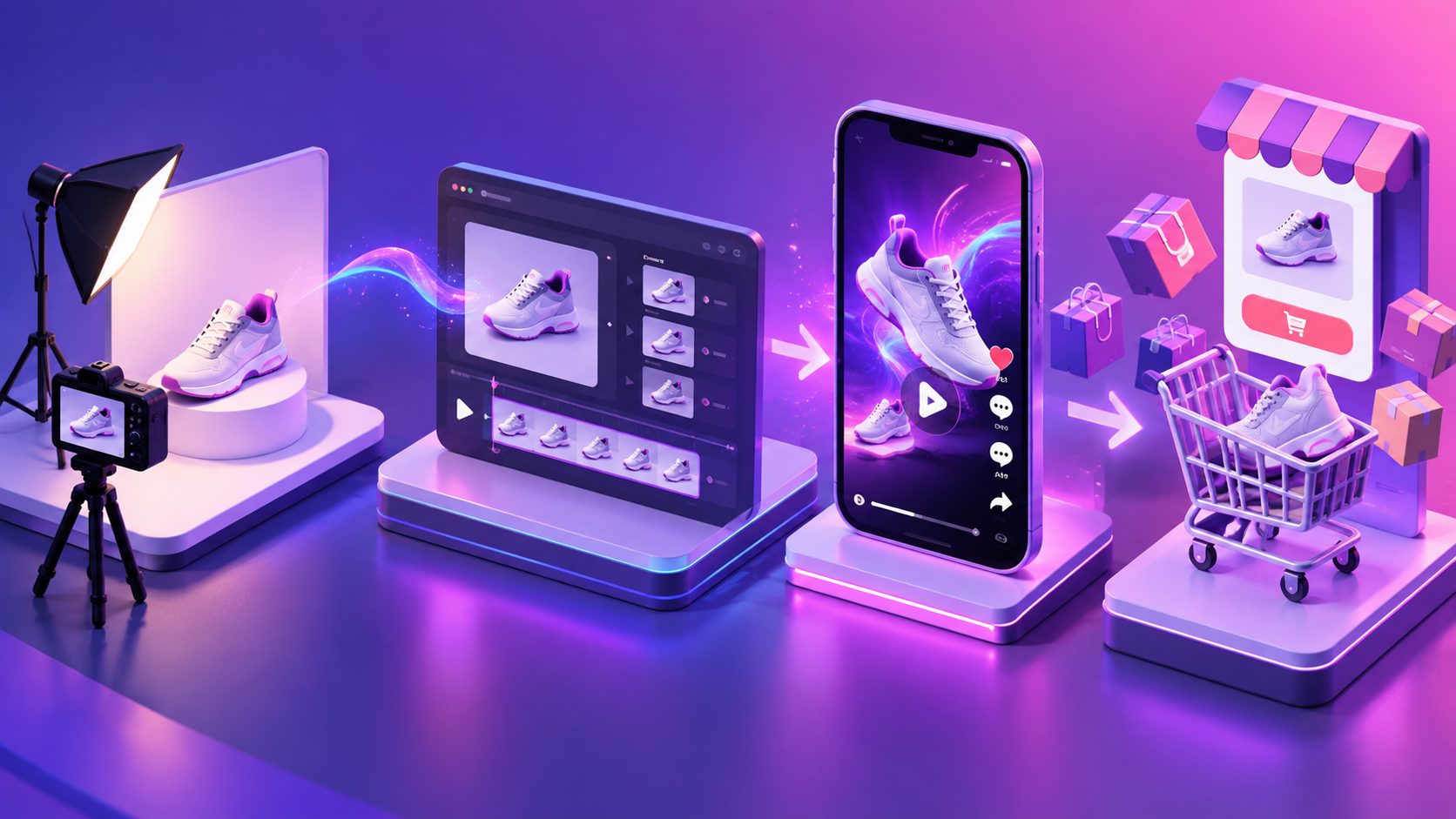
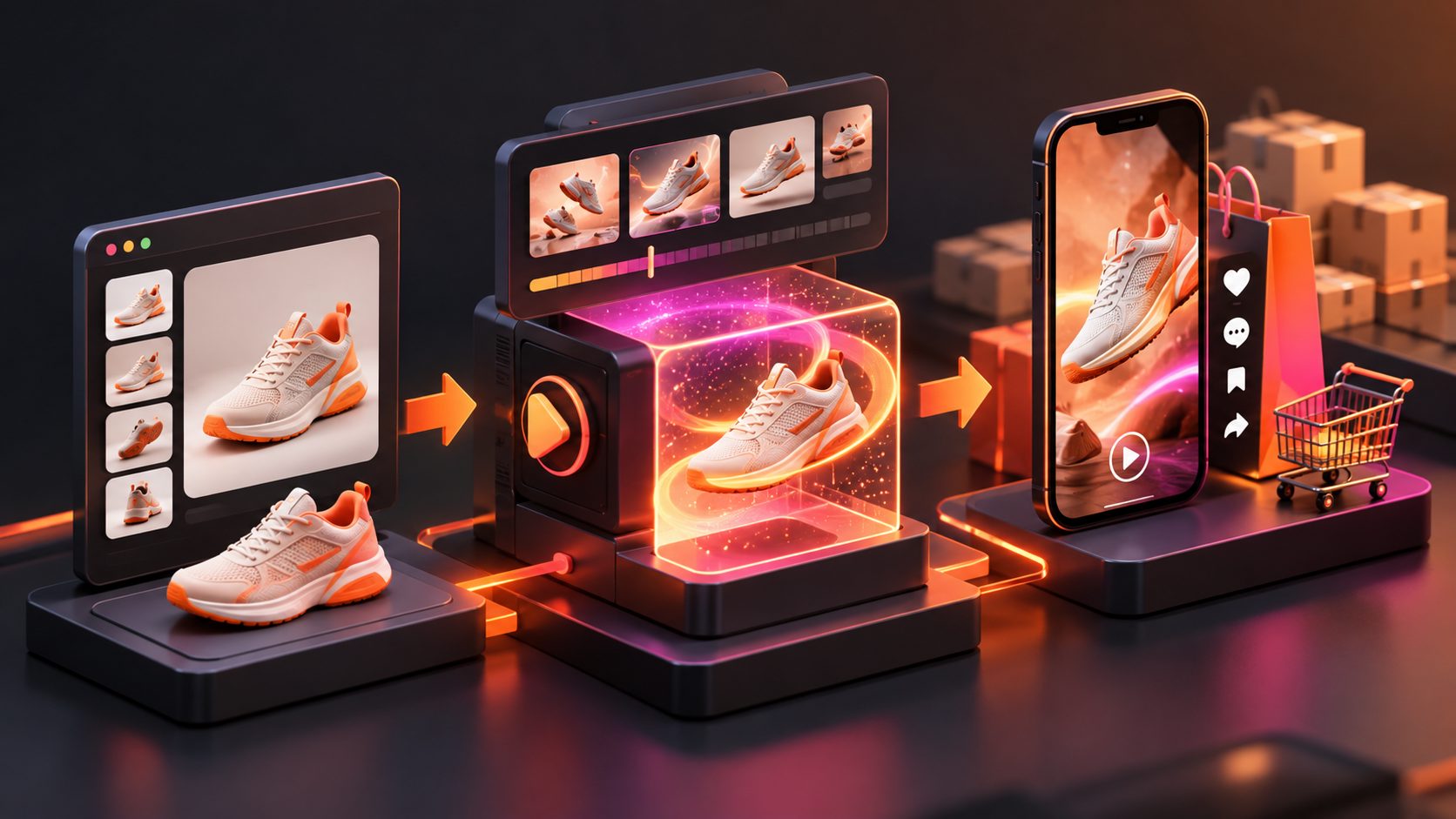
A TikTok Shop product image to video generator is an AI workflow that transforms one or more product photos into a short-form video with movement, text, voiceover, captions, music, or product-focused scenes.
The useful distinction is between image animation and commerce video creation:
- Image animation adds camera movement or visual effects.
- Commerce video creation adds a hook, product benefit, demonstration, proof, and call to action.
- A TikTok Shop-ready workflow must also preserve the product’s actual appearance and avoid unsupported claims.
The best input is usually a sharp JPG or PNG product image with a simple background. AdsTurbo Product Video accepts JPG or PNG product images, and clear product photos on a plain background generally give the system more reliable visual information to analyze.
TikTok recommends vertical creative, clear product visibility, readable messaging, and attention-grabbing openings. Its business checklist also highlights 9:16 framing, at least 720p resolution, safe zones, sound, and a clear CTA. (ads.tiktok.com)
Why static listing images need a video structure
A listing photo shows what the product looks like. A short video must answer why someone should care now.
A practical product-video structure is:
- Hook: Introduce a problem, curiosity point, or visual change.
- Product reveal: Show the actual item early and keep it recognizable.
- Benefit: Explain one specific use case instead of listing every feature.
- Proof or demonstration: Show how the product works, fits, opens, protects, stores, or changes a routine.
- CTA: Direct the viewer toward the TikTok Shop product card without making unsupported promises.
TikTok for Business recommends introducing the product early, capturing attention in the first seconds, and ending with a clear call to action. (ads.tiktok.com)
For example, a reusable bottle should not receive the same video logic as a phone accessory:
| Product type | Stronger video angle | Useful visual movement |
|---|---|---|
| Beauty product | Texture, application, routine | Close-up, rotate, hand placement |
| Kitchen gadget | Problem-to-solution demo | Open, pour, press, compare |
| Fashion accessory | Styling and scale | Wear, turn, detail crop |
| Home storage item | Capacity and organization | Open, fill, stack, slide |
| Electronics accessory | Compatibility and use | Attach, connect, protect, remove |
This framework is an original Asset-to-Angle Matrix: match the product’s strongest proof point to a specific type of movement. It prevents the common mistake of adding random zooms to a photo without showing why the product matters.
How to turn one product image into several TikTok Shop videos
A single photo should be treated as a source asset, not a finished concept. Create variations by changing the message angle, not only the background color.
1. Prepare the product asset
Use a clear JPG or PNG image where:
- The product is fully visible.
- The main color and shape are easy to identify.
- The background does not compete with the item.
- Important accessories are included or clearly excluded.
- Text and logos are not distorted.
If the listing image is too small or compressed, improve the source before generating a video. AdsTurbo provides AI Upscaling for improving video resolution and Product Image tools for generating product visuals in formats used across ecommerce channels.
2. Select one buyer problem
Avoid prompts such as “make this product viral.” Use a specific direction:
- “Show how this organizer creates more desk space.”
- “Demonstrate how this case protects the phone around the edges.”
- “Create a close-up product demo focused on material texture.”
- “Build a before-and-after routine without making performance claims.”
The more concrete the brief, the easier it is to judge whether the output is accurate.
3. Build three creative angles
For each SKU, generate at least three concepts:
- Feature angle: What the product has.
- Use-case angle: How the product fits into a routine.
- Objection angle: What concern the product helps address.
For example, a pet hair remover could use:
- Feature: reusable surface and compact design.
- Use case: removing hair from a sofa.
- Objection: whether it works on fabric without damaging it.
This creates a meaningful test set. Changing only music or color usually produces less useful learning than changing the opening message.
4. Add motion that supports the claim
Use camera movement to direct attention:
- Slow rotation for shape and finish.
- Push-in for texture or small details.
- Side movement for size and dimensions.
- Hand interaction for usability.
- Multi-angle cuts for accessories or product components.
Do not use generated motion to invent a feature. TikTok Shop requires product videos to match the product detail page and the physical item customers receive. (seller-us.tiktok.com)
5. Add captions and voiceover carefully
Captions should reinforce the spoken message rather than cover the product. AdsTurbo Video Subtitle can automatically transcribe speech, create time-synced captions, and export either a video with embedded subtitles or a separate subtitle file.
Keep the first caption short. Place important text away from interface areas and avoid covering the product. TikTok’s quality guidance warns against excessive overlays and static or minimally active content. (seller-us.tiktok.com)
What should sellers test after generation?
The main benefit of image-to-video production is not simply speed. It is the ability to produce a controlled set of creative variations.
Track each video using a simple matrix:
| Variable | Example options |
|---|---|
| Hook | Question, problem, visual reveal |
| Product proof | Close-up, use demo, comparison |
| Presenter style | Product-only, AI actor, voiceover |
| Offer message | New arrival, bundle, limited promotion |
| Caption style | Large headline, conversational subtitles |
| Audience angle | Beginner, gift buyer, practical user |
Keep the product, offer, and landing destination consistent while changing one major variable at a time. This makes performance differences easier to interpret.
For teams producing many SKUs, AdsTurbo supports product video generation, ad cloning, motion control, lip sync, character replacement, video translation, subtitles, and AI upscaling. Its higher-level plans also support team workflows, API access, and custom workflows. All generation tasks run asynchronously, with completion available through status polling or webhook callbacks, which is useful for batch production pipelines.
For a broader catalog workflow, see this guide to bulk SKU video ad generation with AI.
How to stay compliant with TikTok Shop AI video rules
AI-generated video should make the real product easier to understand, not make it appear better than it is.
Before publishing, check:
- Does the product match the listing in size, color, material, quantity, and accessories?
- Does the video show a real feature rather than an invented effect?
- Are claims supported by the product page or packaging?
- Is the content meaningfully dynamic rather than a slideshow?
- Are the voice, likeness, music, and source assets authorized?
- Does the CTA keep the shopper within TikTok Shop?
TikTok Shop’s promotional-content guidance requires accurate, original, non-infringing content and prohibits misleading product displays or unauthorized third-party rights. (seller-us.tiktok.com)
For ads based on an existing winning reference, AdsTurbo Ad Clone can analyze a reference video of up to 12 seconds and help reconstruct its structure, pacing, shot logic, screen text, and CTA into new variations. Use this for creative analysis and authorized brand assets—not for copying another creator’s identity or copyrighted material.
You can also review this TikTok Shop affiliate video clips workflow for repurposing longer footage into shorter promotional clips.
A practical publishing checklist
Before uploading a product video, confirm:
- The opening frame shows motion, a clear product, or a strong visual question.
- The product appears early and remains recognizable.
- The video uses a vertical 9:16 layout.
- Captions are readable and do not block important details.
- The spoken and written claims match the listing.
- The video demonstrates a real use case.
- The CTA matches the TikTok Shop destination.
- The final file has been reviewed frame by frame.
A product image is only the starting point. The conversion asset is the combination of accurate product evidence, purposeful movement, concise messaging, and repeatable testing.
To create product images, product videos, and scalable ad variations in one workflow, explore AdsTurbo’s ecommerce video ad platform.
Frequently asked questions
Can one product photo create a complete TikTok Shop video?
Yes, one clean product photo can serve as the starting asset for a product video. However, the final result should add meaningful motion, narration, captions, or demonstration rather than functioning as a static slideshow.
What image format works best?
JPG and PNG are suitable starting formats. A clear product photo with a plain background usually makes it easier to preserve the product’s shape, color, and details during generation.
Should every video use an AI presenter?
No. Product-only videos can work well for products that benefit from close-ups, demonstrations, or detail shots. AI actors and lip sync are more useful when the creative concept depends on a presenter or localized spokesperson.
How many versions should a seller make?
Start with three distinct angles: feature, use case, and objection. Once one angle produces stronger engagement or sales signals, create additional variations around its hook, pacing, presenter, and CTA.
Can image-to-video tools guarantee TikTok Shop reach or sales?
No. A generator can improve production speed and creative coverage, but it cannot guarantee recommendation placement, conversions, or revenue. Product-market fit, offer quality, compliance, audience response, and account-level factors still matter.