By adsturbo.ai | Published 2026-10-02 | Updated 2026-10-02
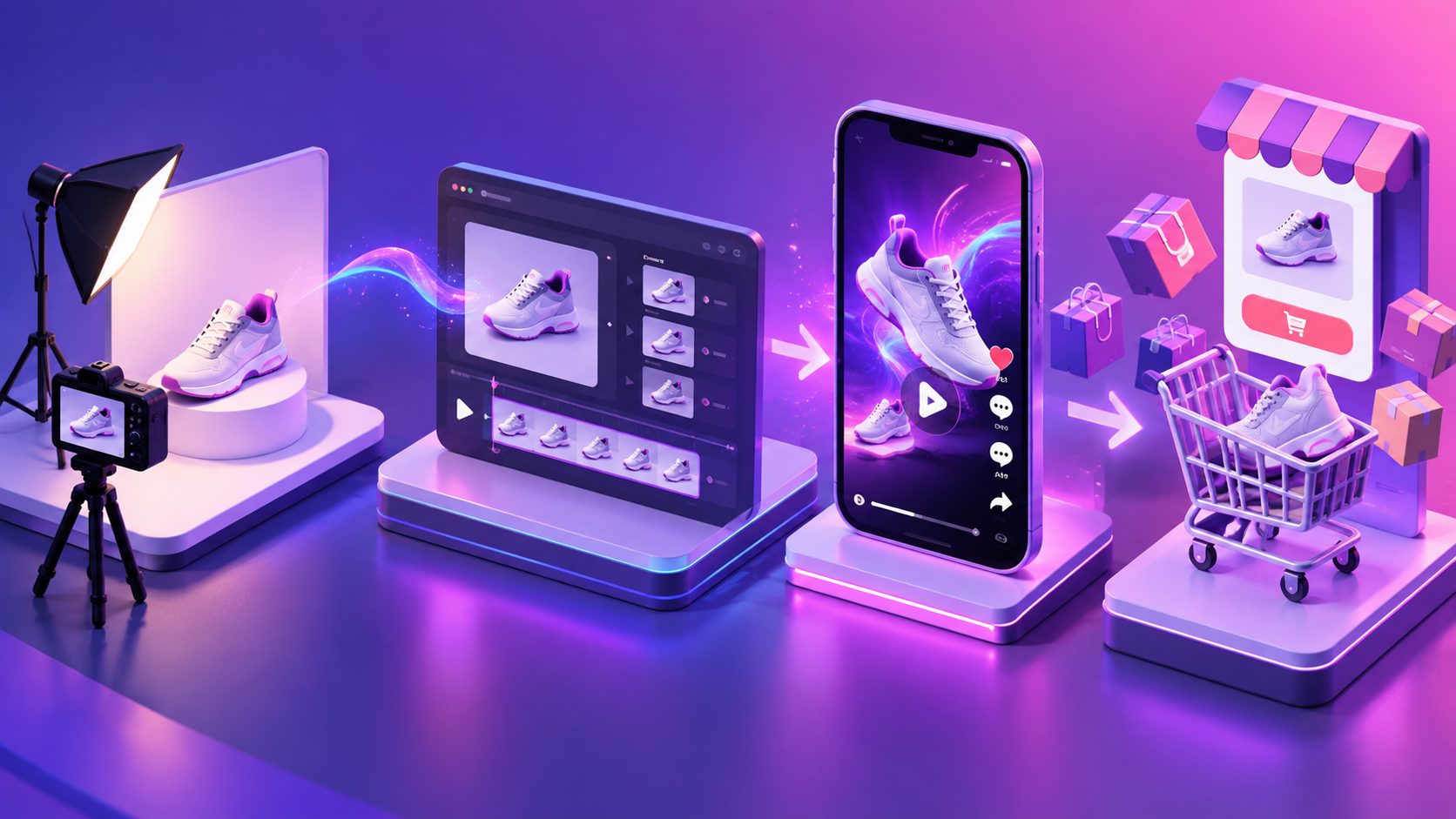
A TikTok Shop product photo to video workflow turns one clear catalog image into a short vertical creative with motion, captions, voiceover, and a product-focused call to action. The safest approach is not to invent product performance. Animate the presentation, preserve the real item, and use authentic footage whenever a benefit requires visible proof.
What Should a One-Photo TikTok Shop Video Accomplish?
A one-photo product video should make the item understandable within seconds: what it is, who it helps, why it is useful, and what the viewer should do next. Motion attracts attention, but recognizable product details and credible messaging create purchase confidence.
For US sellers, accuracy is non-negotiable. TikTok Shop requires promotional content to match the listed product and prohibits misleading differences in size, quantity, pattern, branding, or other material details. Its current AI-content guidance also says generated visuals must not change a product’s shape, color, material, features, or performance. (seller-us.tiktok.com)
This creates a practical boundary:
- Safe to generate: camera movement, background atmosphere, text animation, lighting transitions, and decorative motion.
- Needs verification: hands holding the item, packaging details, scale, fit, texture, and included accessories.
- Needs real evidence: waterproofing, stain removal, durability, before-and-after results, or mechanical performance.
The goal is a persuasive presentation of the real product—not a fictional demonstration.
Which Product Photo Produces the Best Starting Clip?
The best source is a sharp JPG or PNG photo showing the exact SKU against a simple, preferably solid-color background. The full product, its edges, important labels, and distinguishing features should remain visible with enough surrounding space for a 9:16 crop.
Use this source-image checklist before generating:
- Confirm that the color and model match the linked TikTok Shop listing.
- Remove unrelated props, price labels, and supplier watermarks.
- Avoid cropped handles, straps, lids, cords, or accessories.
- Check small text for legibility and factual accuracy.
- Leave open space above or beside the product for captions.
- Use the highest-quality original rather than a compressed screenshot.
TikTok Shop US requires listing images to be at least 600 × 600 pixels and accurately represent what the buyer receives. Its listing guidance also recommends multiple high-resolution views, even if one image becomes the starting point for the video. (seller-us.tiktok.com)
AdsTurbo Product Video accepts a JPG or PNG product image up to 10 MB. A clean photo on a solid background generally gives the system clearer product boundaries to analyze.
How Do You Write a 15-Second Script From One Photo?
A strong one-image script uses four beats: hook, product reveal, believable benefit, and CTA. Each beat should introduce a visual change, so the result feels like a video rather than a still image with background music.
| Time | Visual direction | Voiceover or on-screen text |
|---|---|---|
| 0–3 sec | Fast crop-in or detail reveal | “Still dealing with [specific problem]?” |
| 3–7 sec | Full product with gentle camera movement | “This [product type] is designed to [verified benefit].” |
| 7–11 sec | Close-up of one visible feature | “Notice the [material, shape, attachment, or design detail].” |
| 11–15 sec | Clean hero frame and product card area | “See the details on TikTok Shop.” |
TikTok’s US creative guide recommends a Hook–Key Message–CTA structure and emphasizes capturing attention in the opening seconds. TikTok’s broader creative checklist recommends full-screen 9:16 video, resolution of at least 720p, safe-zone awareness, clear audio, and concise messaging. (seller-us.tiktok.com)
For more script options, adapt this 30-second ecommerce unboxing framework rather than placing every feature into one overloaded clip.
How Can You Produce the Video in AdsTurbo?
Start by uploading the exact product image and entering only verified selling points. AdsTurbo can analyze the image and generate a UGC-style product video, while optional promotional details can guide the script.
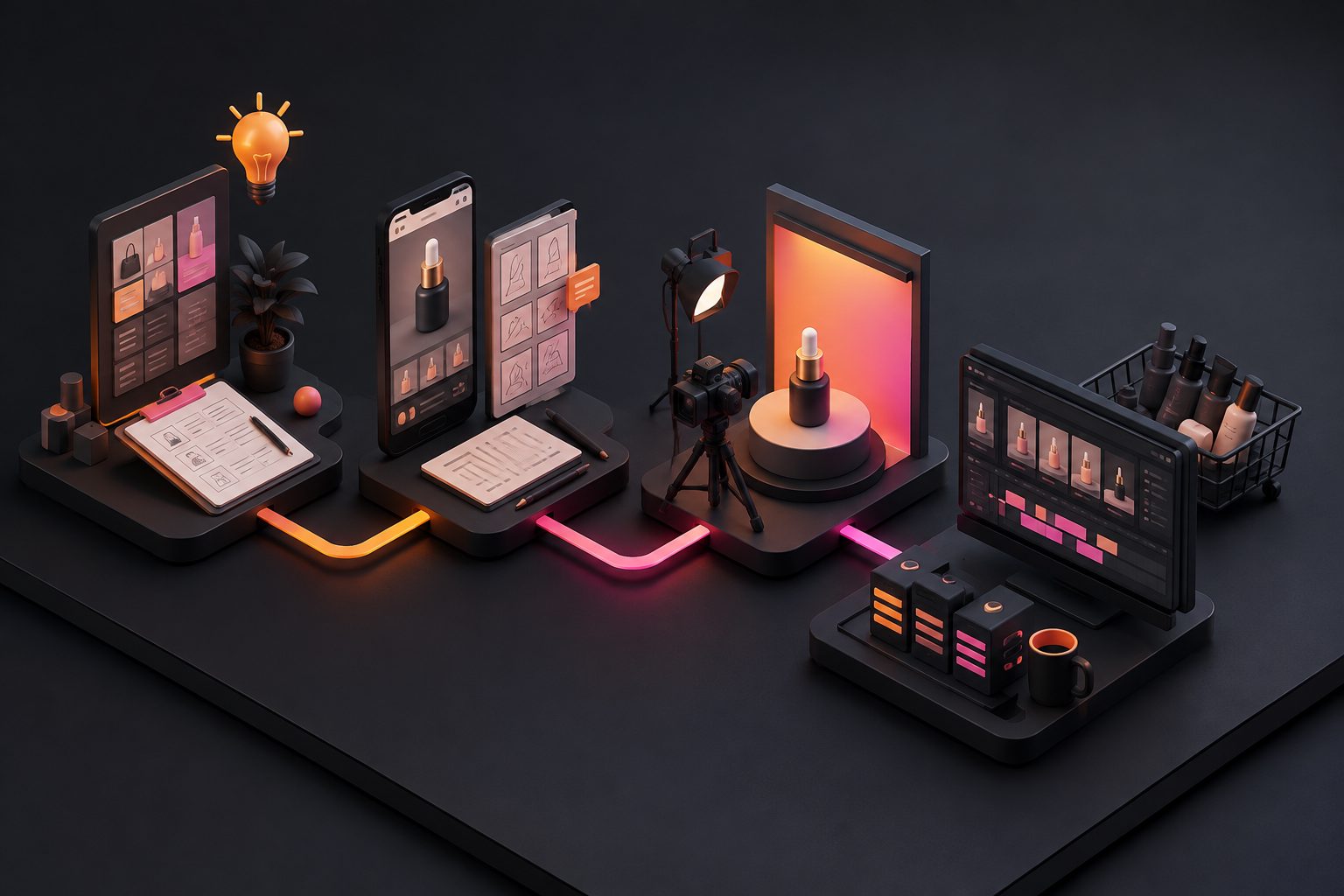
A practical production sequence is:
- Choose one message. Focus on one problem, feature, audience, or offer.
- Upload the source image. Use the exact JPG or PNG associated with the SKU.
- Add verified inputs. Include the product name, visible features, intended user, and current promotion.
- Generate the first vertical version. Treat it as an editable draft, not an automatically approved claim.
- Review clip by clip. Check shape, labels, quantity, proportions, packaging, hands, and shadows.
- Add synchronized subtitles. Keep important words away from interface elements and the product card.
- Improve low-quality output if needed. AdsTurbo provides video upscaling with a before-and-after preview and 4K export.
- Export and conduct a final listing match check.
The one-photo UGC ad workflow offers additional structures for reviews and problem-solution videos. If the original image is especially plain, use a controlled white-background product video workflow before adding more complex scenes.
Which One-Photo Storyboard Is Least Likely to Fail?
For this guide, 12 storyboard combinations were evaluated using a 10-point editorial rubric: product fidelity, proof strength, hook clarity, editability, and policy risk. The matrix combined three hook types, two motion styles, and two proof treatments. This was a production-risk audit, not a live campaign or ROAS test.
| Storyboard pattern | Average score |
|---|---|
| Camera-only motion plus product-detail insert | 8.7/10 |
| Camera-only motion plus unsupported claim text | 7.0/10 |
| Simulated product use plus detail insert | 6.2/10 |
| Simulated product use plus claim-only messaging | 4.8/10 |
The highest-scoring pattern kept the product itself stable while creating movement through zooms, background changes, captions, and genuine detail crops. Simulated use scored lower because a single image provides insufficient evidence for hand interaction, fit, physical response, or performance.
The practical conclusion is simple: animate the camera and composition before animating the product’s behavior. When demonstration matters, insert a short phone-recorded proof clip instead of asking generative video to guess.
What Must You Check Before Publishing?
A TikTok Shop product photo to video asset should pass three reviews: product accuracy, viewing quality, and commercial compliance.
Product accuracy
Pause on every major generated frame. Reject the clip if the AI changes a logo, number of items, cap, button, texture, connector, printed label, or package contents.
Viewing quality
Export vertically in 9:16 at 720p or higher. Keep the product visible behind captions, controls, and the shopping interface. TikTok’s published creative guidance consistently favors full-screen vertical presentation and clear product visibility. (ads.tiktok.com)
Commercial compliance
Use music you have permission to use, avoid unverified superlatives, and confirm that discounts and availability are current. The commercial music licensing guide for TikTok ads explains why platform availability does not automatically grant every commercial usage right.
TikTok also advises against shoppable videos with minimal activity, irrelevant promotion, thin product information, or no meaningful product display. (seller-us.tiktok.com)
How Should Sellers Test Creative Variations?
Do not make ten nearly identical exports. Build a small matrix in which each version changes one decision: the opening hook, visual proof, audience, or CTA.
Begin with four versions:
- Problem hook: identifies the frustration the product addresses.
- Detail hook: opens on the most distinctive visible feature.
- Audience hook: names a specific use case or buyer.
- Offer hook: leads with an accurate discount, bundle, or deadline.
Keep the product, offer, video length, and landing page consistent during the first comparison. Track qualified views, product-card clicks, add-to-cart activity, and completed orders rather than judging a version by total views alone.
Once a hook wins, test new middle scenes without changing the opening. This separates hook performance from product-explanation quality and creates a repeatable creative system instead of a collection of unrelated videos.
Frequently Asked Questions
Can one product image become a complete TikTok Shop video?
Yes. One clear image can support a short video using camera motion, backgrounds, captions, voiceover, and a CTA. However, add real footage when the script makes claims that viewers need to see demonstrated.
What is the best format for a TikTok Shop product video?
Use a 9:16 vertical canvas at 720p or higher, with important text and product details inside the interface safe zone. A concise 9–15 second cut is a useful first version for testing. (ads.tiktok.com)
Can AI change the product background?
Yes, provided the new setting does not misrepresent scale, compatibility, performance, or included contents. AdsTurbo includes background replacement for ecommerce image and video workflows.
Should the video look polished or creator-made?
It should be clear and credible rather than overly cinematic. A native-looking edit with readable subtitles, useful product detail, natural pacing, and an accurate CTA usually fits the TikTok viewing experience better than a conventional brand commercial.
What is the biggest one-photo video mistake?
The biggest mistake is allowing generated motion to alter the product or fabricate proof. A reliable TikTok Shop product photo to video process preserves the SKU and uses real demonstrations for measurable performance claims.