Black Friday & Year-End SaleBlack Friday deal: credit packs up to 55% offEnds Jan 1Grab the deal
✨AI CREATIVE STUDIO

AI Video Mashup —turn one winning ad into many ad variations

Upload a finished ad. AdsTurbo splits it by structure, keeps the original voiceover, swaps the visuals segment by segment, and generates a batch of new versions for creative testing.
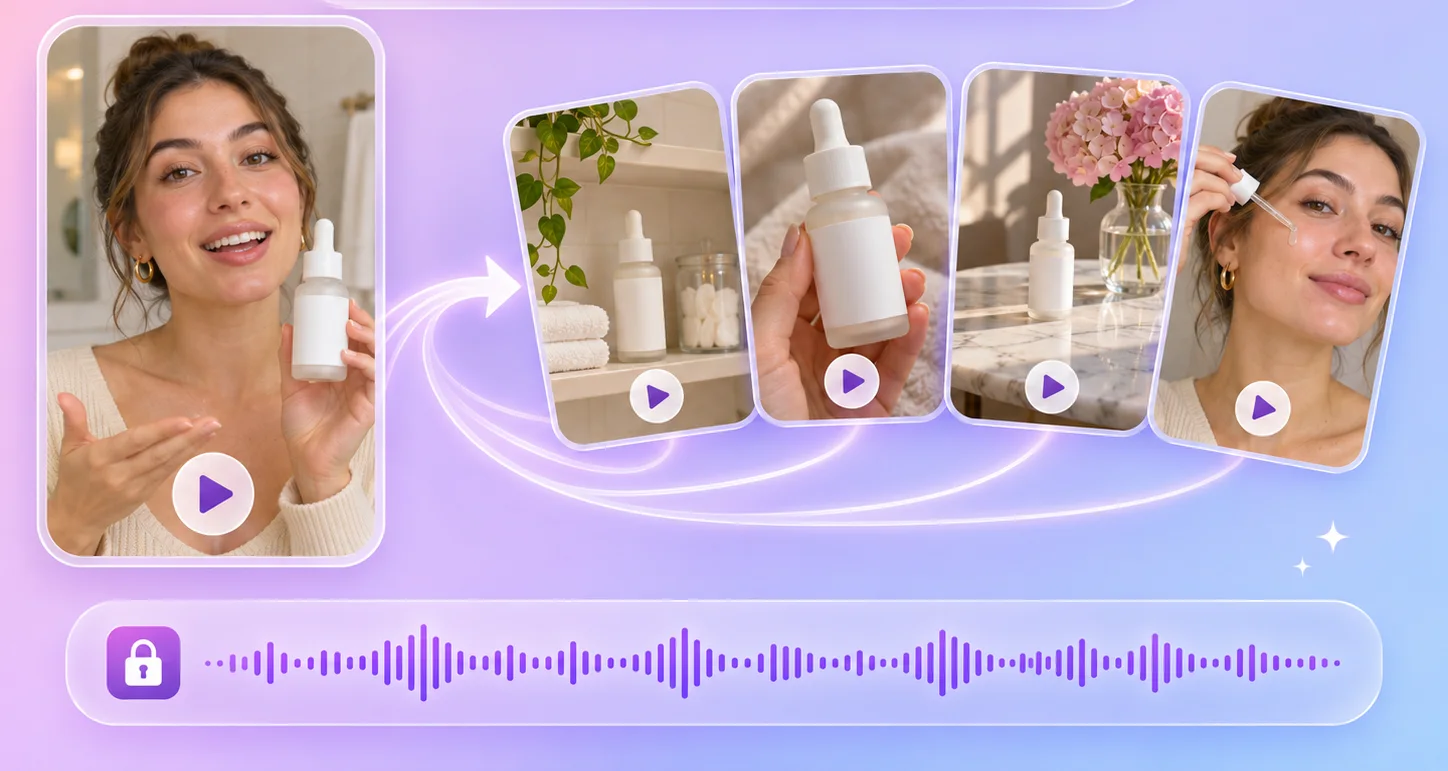
One source ad on the left fanning out into 3–4 versions on the right. Same voiceover waveform under all of them, different B-roll in each.

VIDEO MASHUP

Upload a finished video, swap some shots, and batch-generate new versions.

Source VideoMP4 / MOV · 15–90s · up to 500MB
Versions

How to Create Ad Variations with AdsTurbo Mashup

Three steps take you from one finished ad to a batch of new versions.

  1. Upload a finished ad

    Start a project with a talking-head or product ad that already performs. MP4 or MOV, 15 to 90 seconds recommended, up to 500MB.

  2. Let AI split it and find shots

    AdsTurbo transcribes the voiceover, splits the video into segments such as hook, pain point, selling point and CTA, and matches replacement shots from your asset library to each segment.

  3. Generate a batch of versions

    Choose how many versions you want and generate. Each version uses a different mix of shots. Preview and download them when they are ready.

What makes Video Mashup powerful

From one proven ad to many testable versions, without reshooting or re-editing by hand.
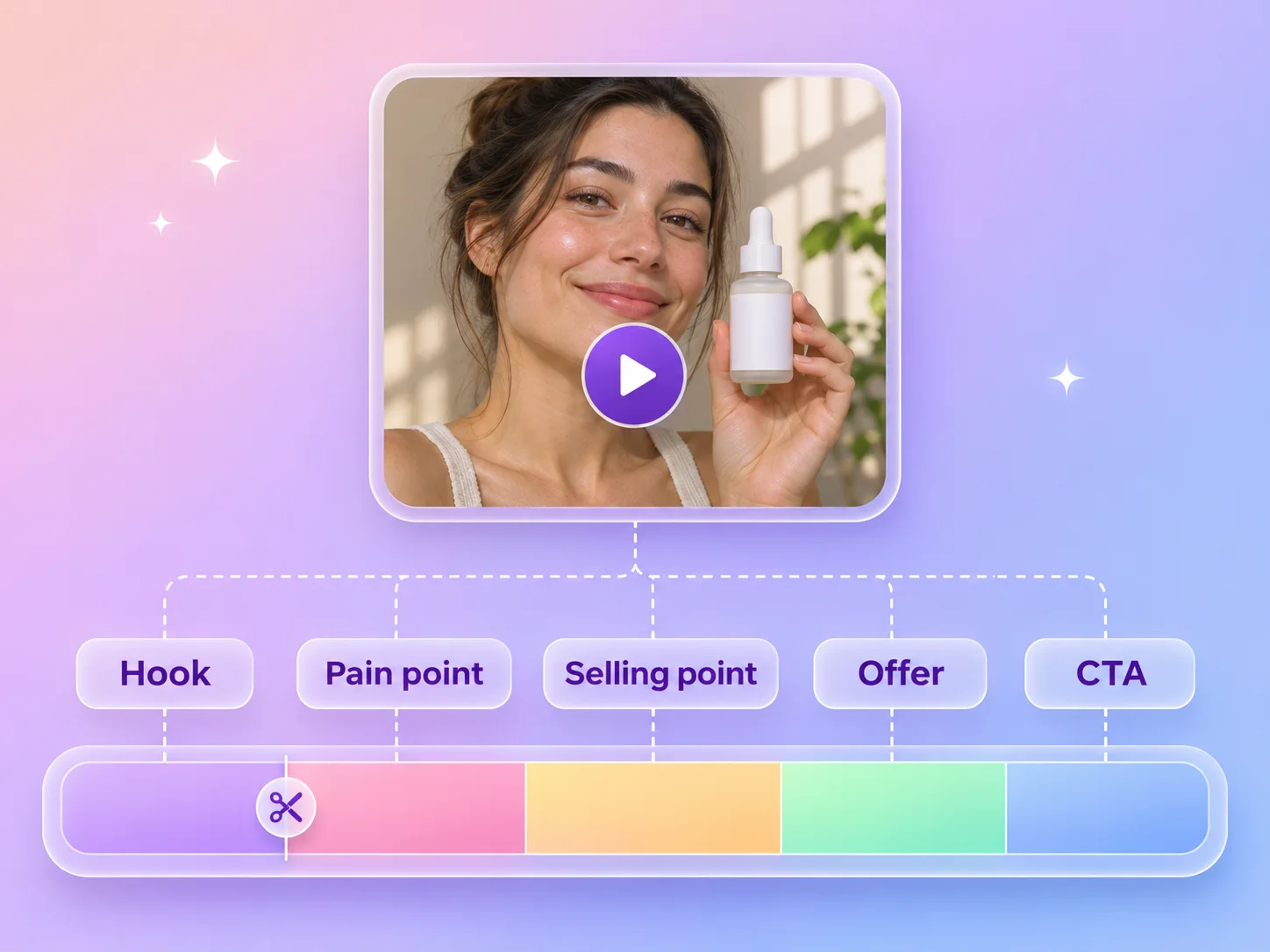
Timeline strip of one ad cut into 5 colored segments labeled Hook / Pain point / Selling point / Offer / CTA.

Structure-aware splitting

AI reads the voiceover and divides the ad into hook, pain point, selling point, offer and CTA segments, so swaps happen at natural cut points.
STRUCTUREAI
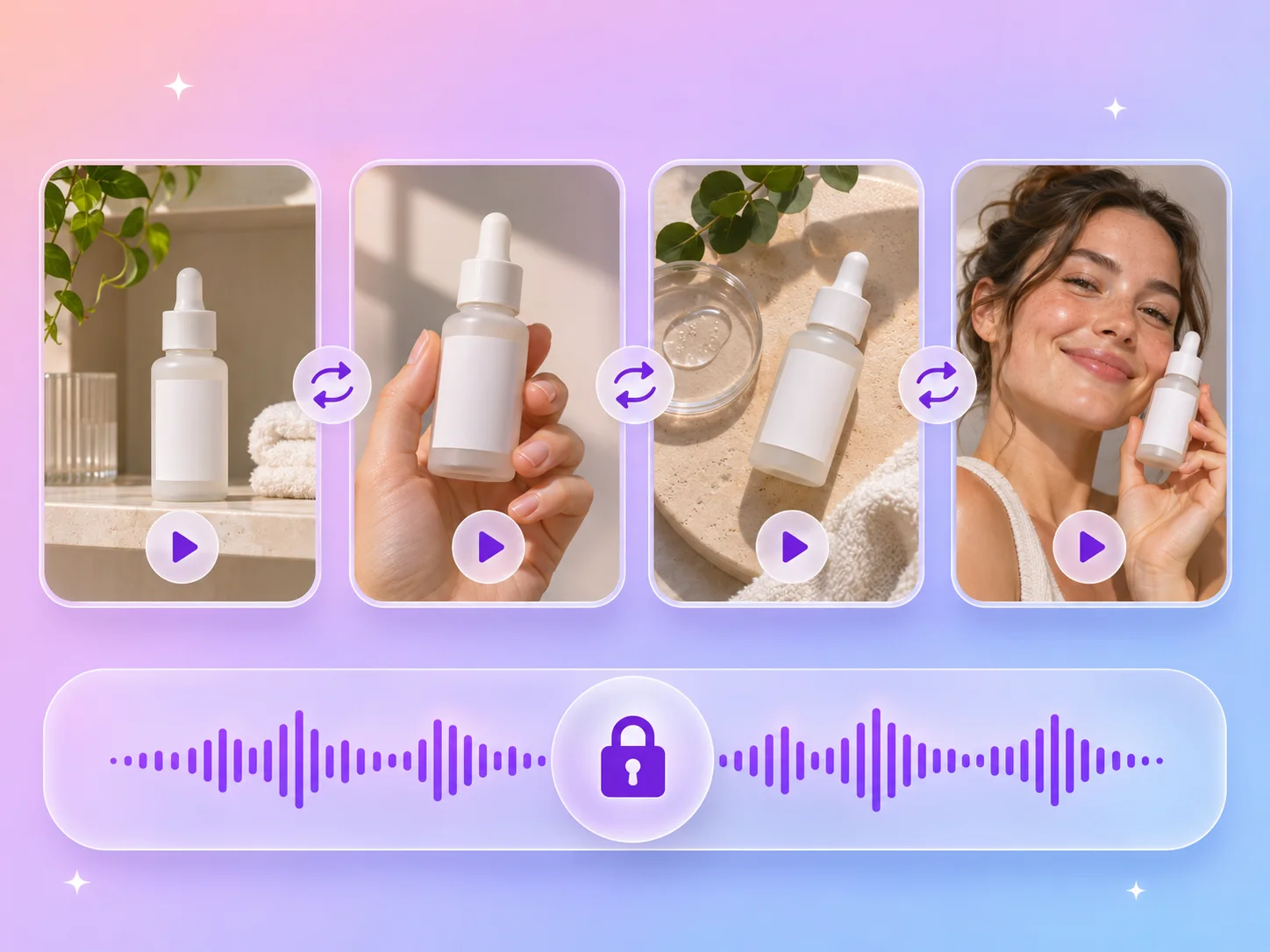
Waveform track with a lock icon running under a row of changing thumbnails.

Original voiceover stays intact

The original audio track is kept from start to finish. Only the visuals change, so the script that already works keeps working.
AUDIOLOCKED
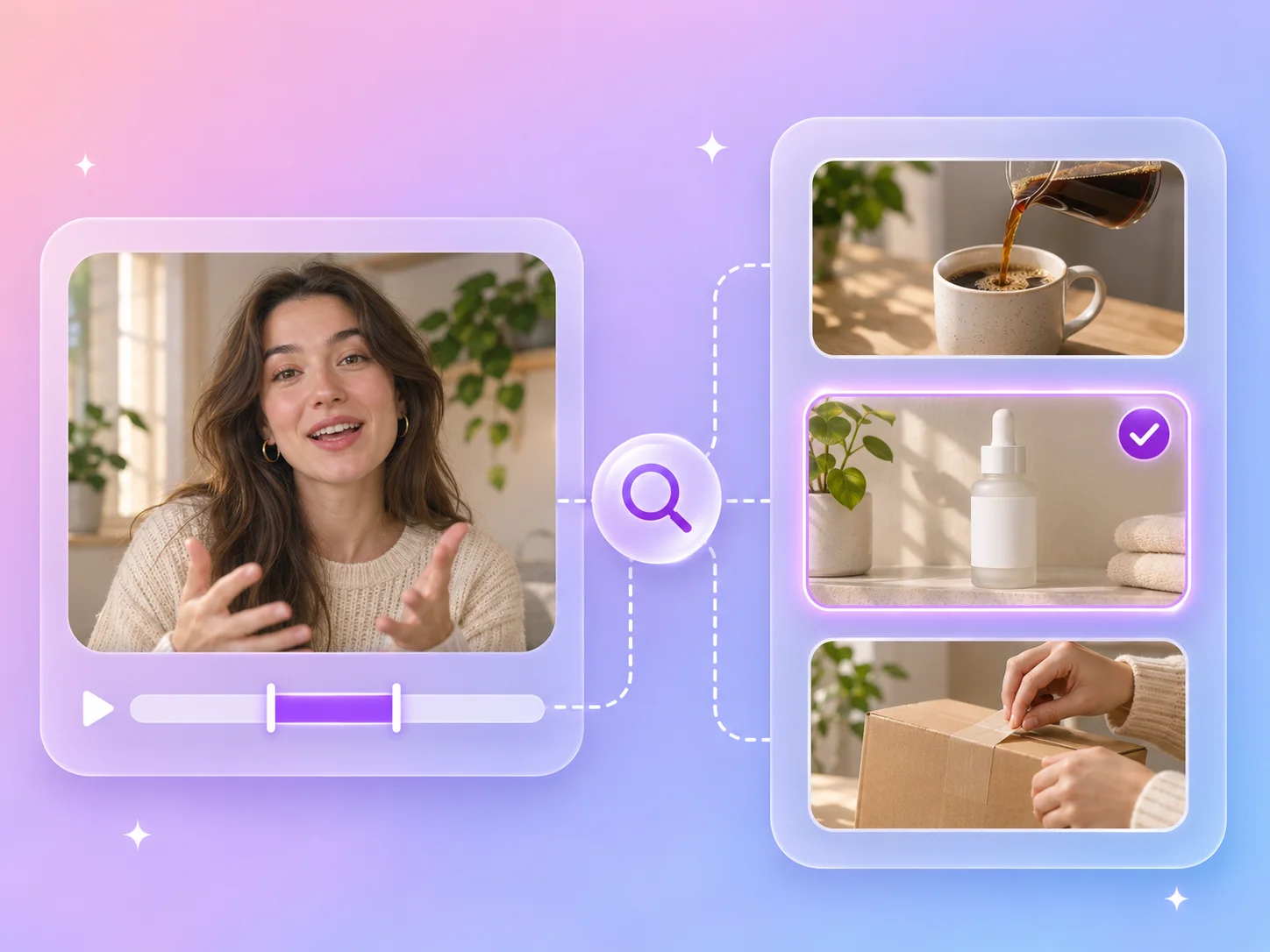
Left panel of candidate thumbnails with small reason chips such as 'Line mentions coffee' and 'Good length'.

Automatic shot matching

Each segment gets candidate shots from your library, matched by what is said and what is on screen. Shots that do not fit are flagged with the reason.

MATCHINGLIBRARY
Grid of 6 vertical video thumbnails labeled Version 1–6, each with visibly different middle shots.

Batch versions, no repeats

Generate several versions in one run. Each one gets a different mix of shots, and Mashup tells you how many non-repeating versions your footage can support.
BATCHVARIATIONS
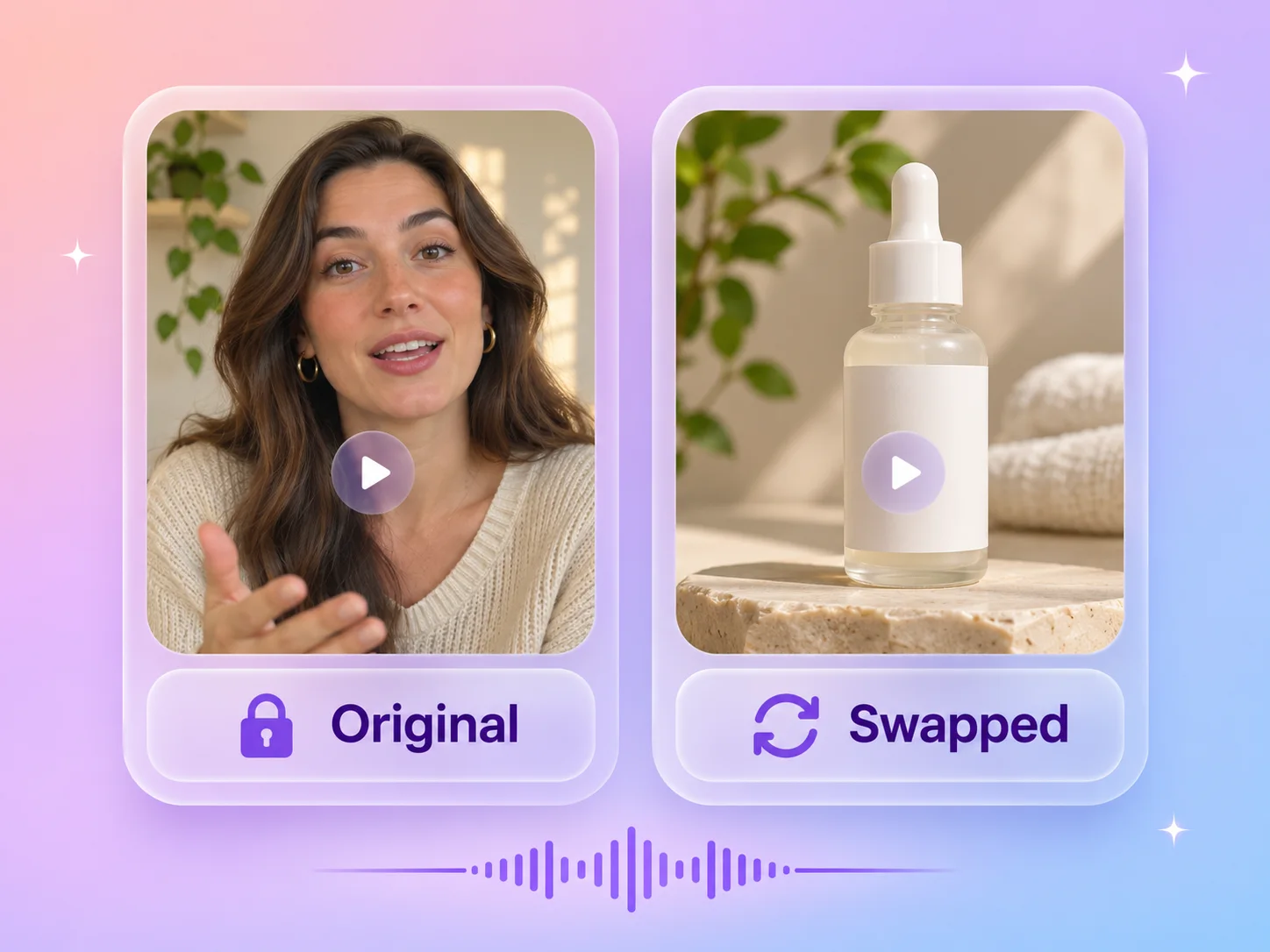
Split view: presenter-on-camera segment marked 'Original kept', B-roll segment marked 'Swapped'.

No lip-sync slips

Segments where the presenter speaks on camera keep the original shot, and footage of other people talking is kept out of the candidates.
LIP SYNCRULES
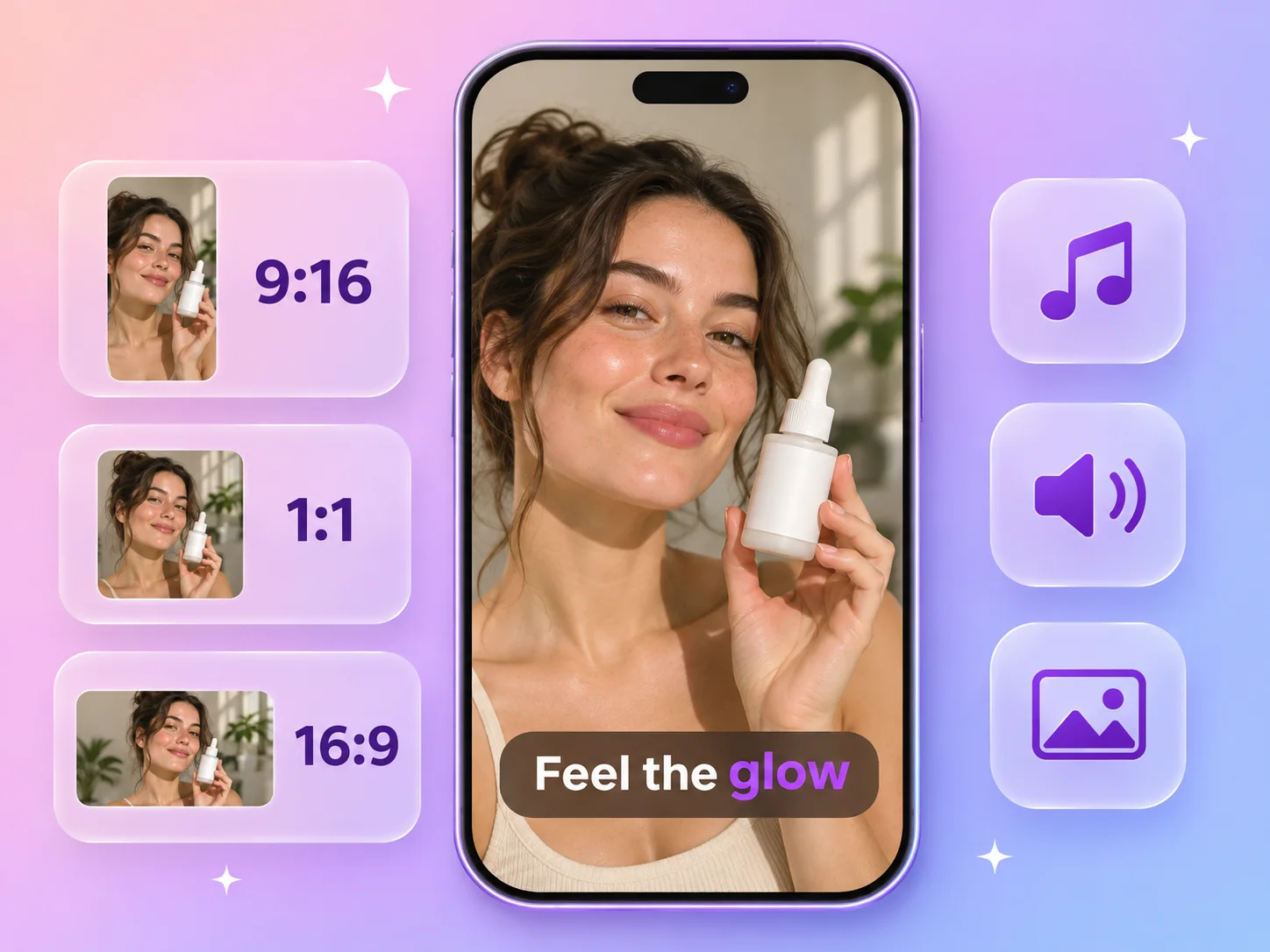
Phone-frame preview with captions and one highlighted keyword, next to aspect ratio chips 9:16 / 1:1 / 16:9.

Ready-to-post finishing

Add captions to swapped segments, highlight keywords, pick an aspect ratio, trim pauses, and add music, sound effects, intros, outros and a logo before you generate.
CAPTIONSFORMAT

Everything inside AdsTurbo Video Mashup

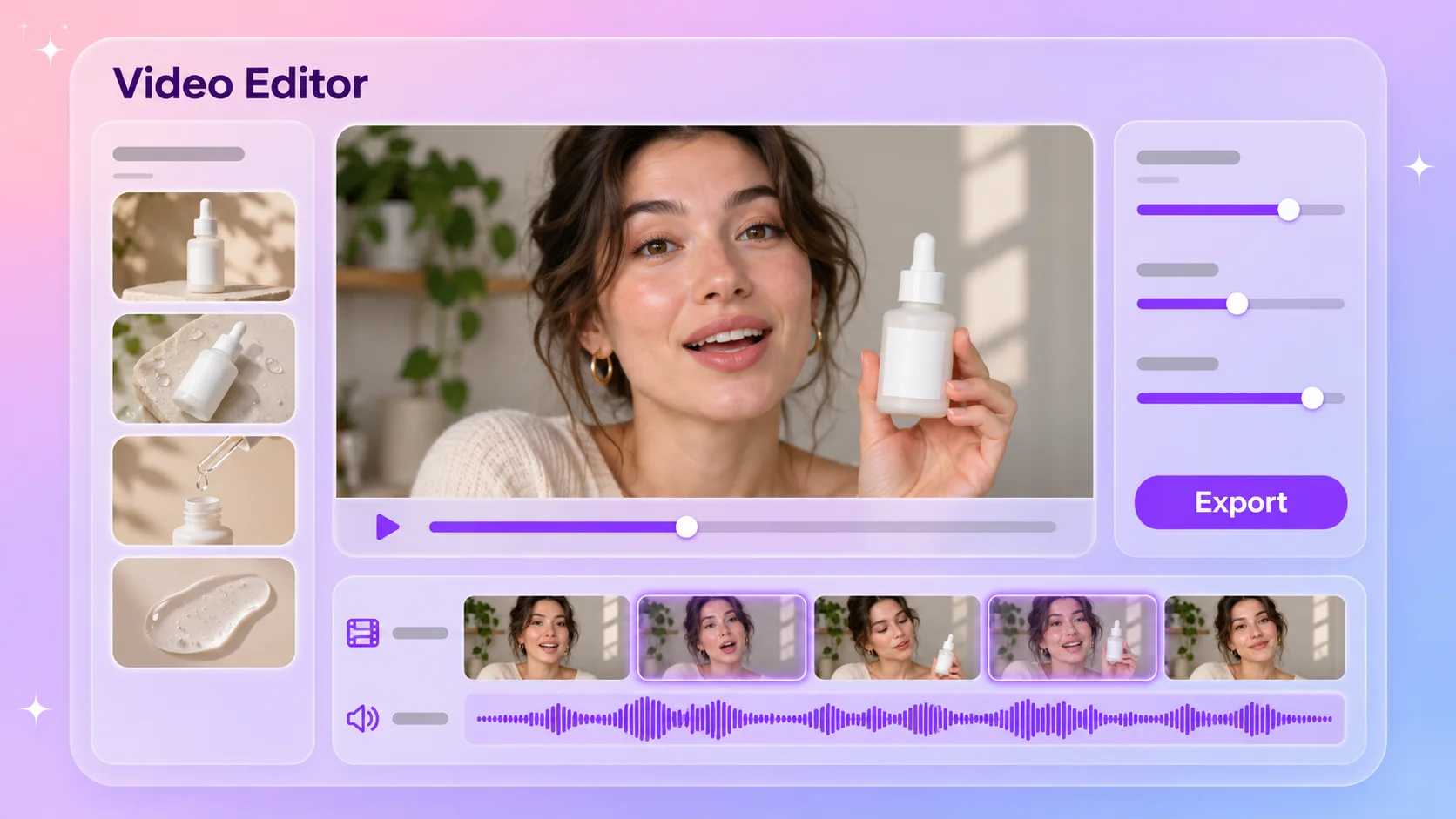
Workspace screenshot: source ad in the player, segmented timeline below, candidate shots on the left.

Winning ad in, variations out

Reuse the ad that already works instead of starting over

  • Start from a finished talking-head or product ad
  • Keep the script, voice and pacing that earned the results
  • Change only the visuals to produce new versions
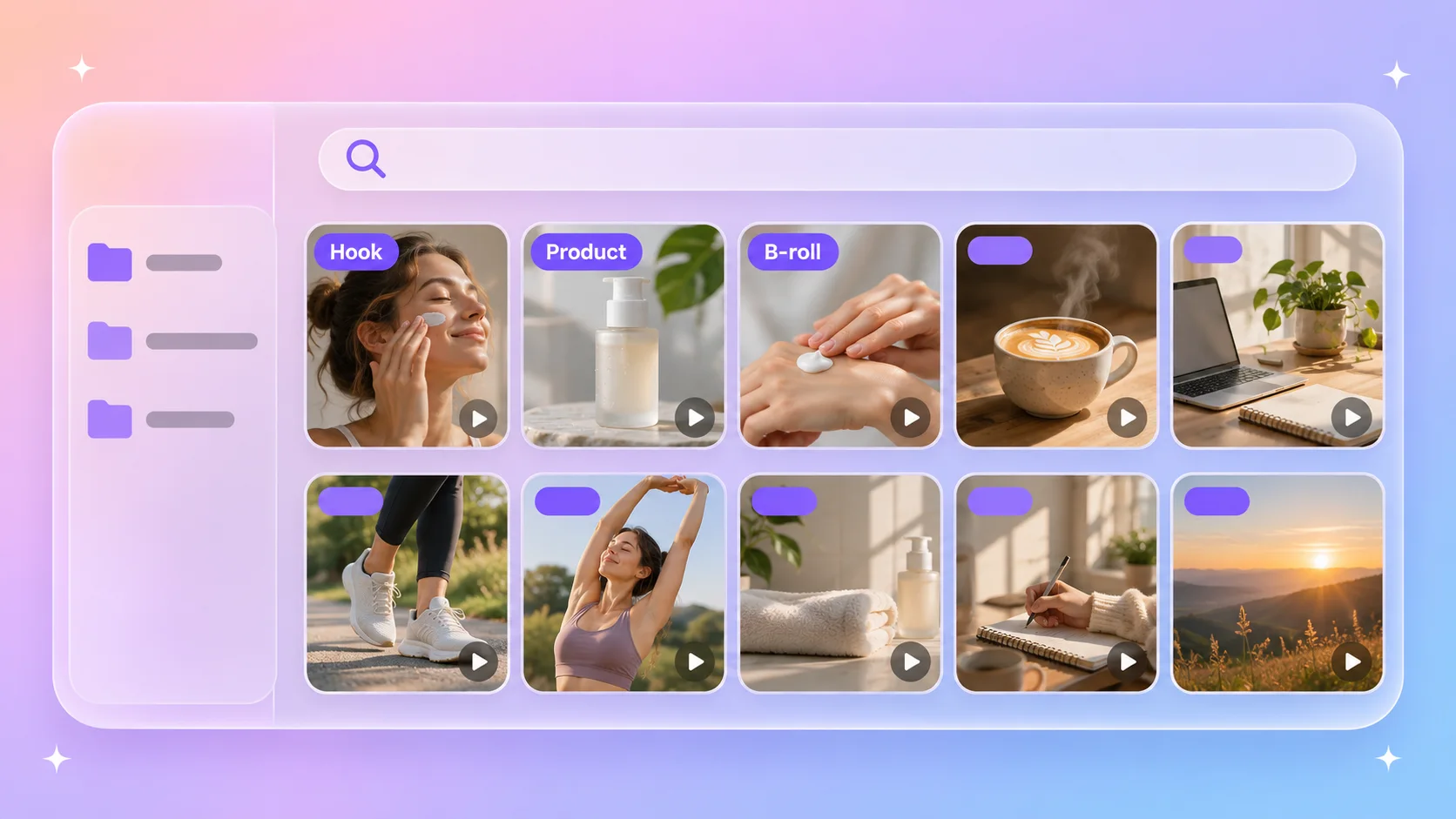
Asset library screenshot: folder list, grid of shot thumbnails, tag filters such as Purpose / Format / People.

Your footage, organized

Turn uploaded footage into a searchable shot library

  • Uploads are cut into individual shots automatically
  • Shots are transcribed and tagged by purpose, format, people and setting
  • System B-roll, music and sound effects are available alongside your own
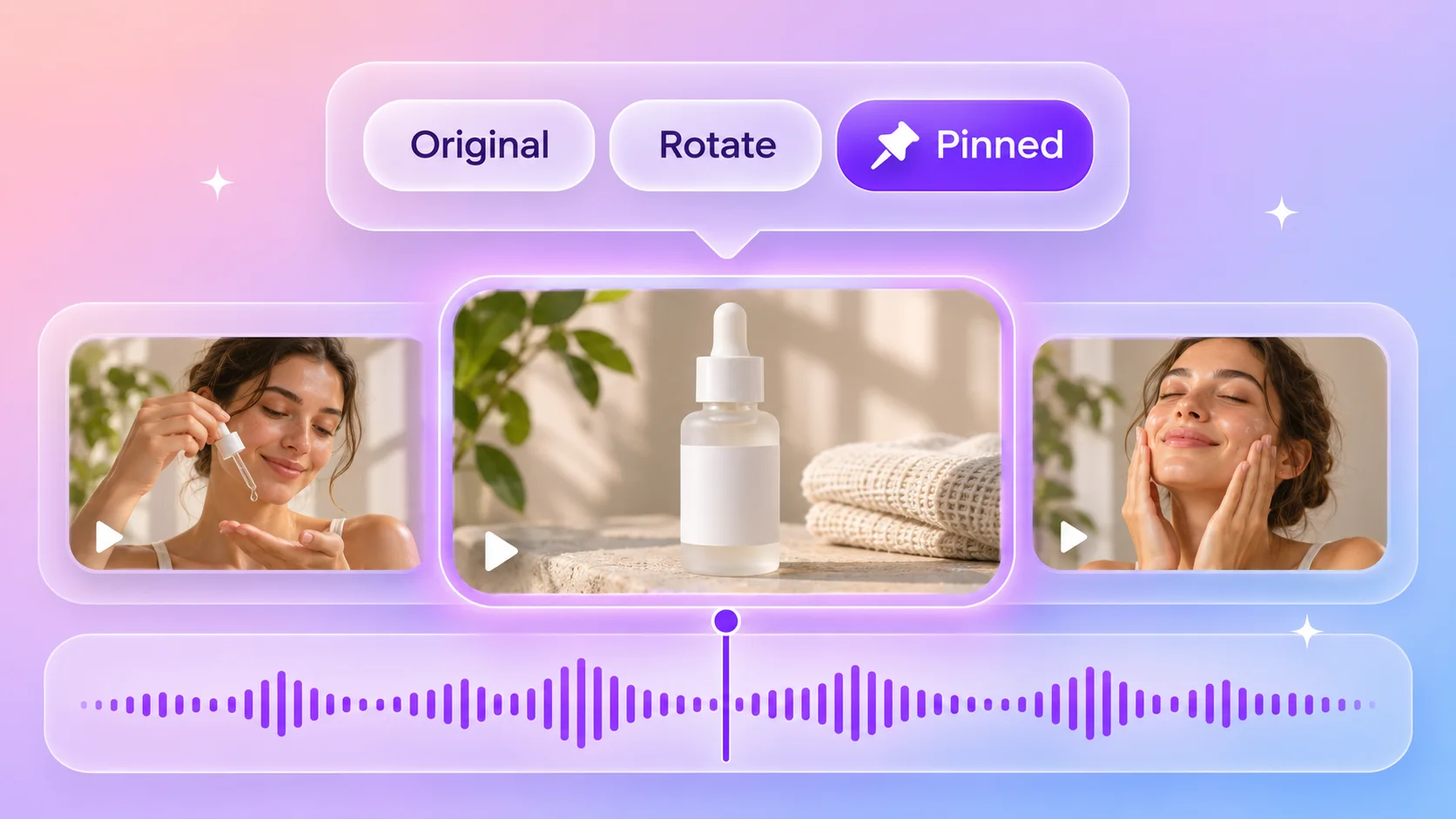
Close-up of one timeline segment with the three mode options: Original / Rotate per version / Pinned clip.

Control every segment

Decide what rotates, what stays and what is pinned

  • Keep the original shot, rotate shots across versions, or pin one clip for every version
  • Hold a key to compare any moment with the source video
  • Shuffle versions to get a new mix while your manual edits stay
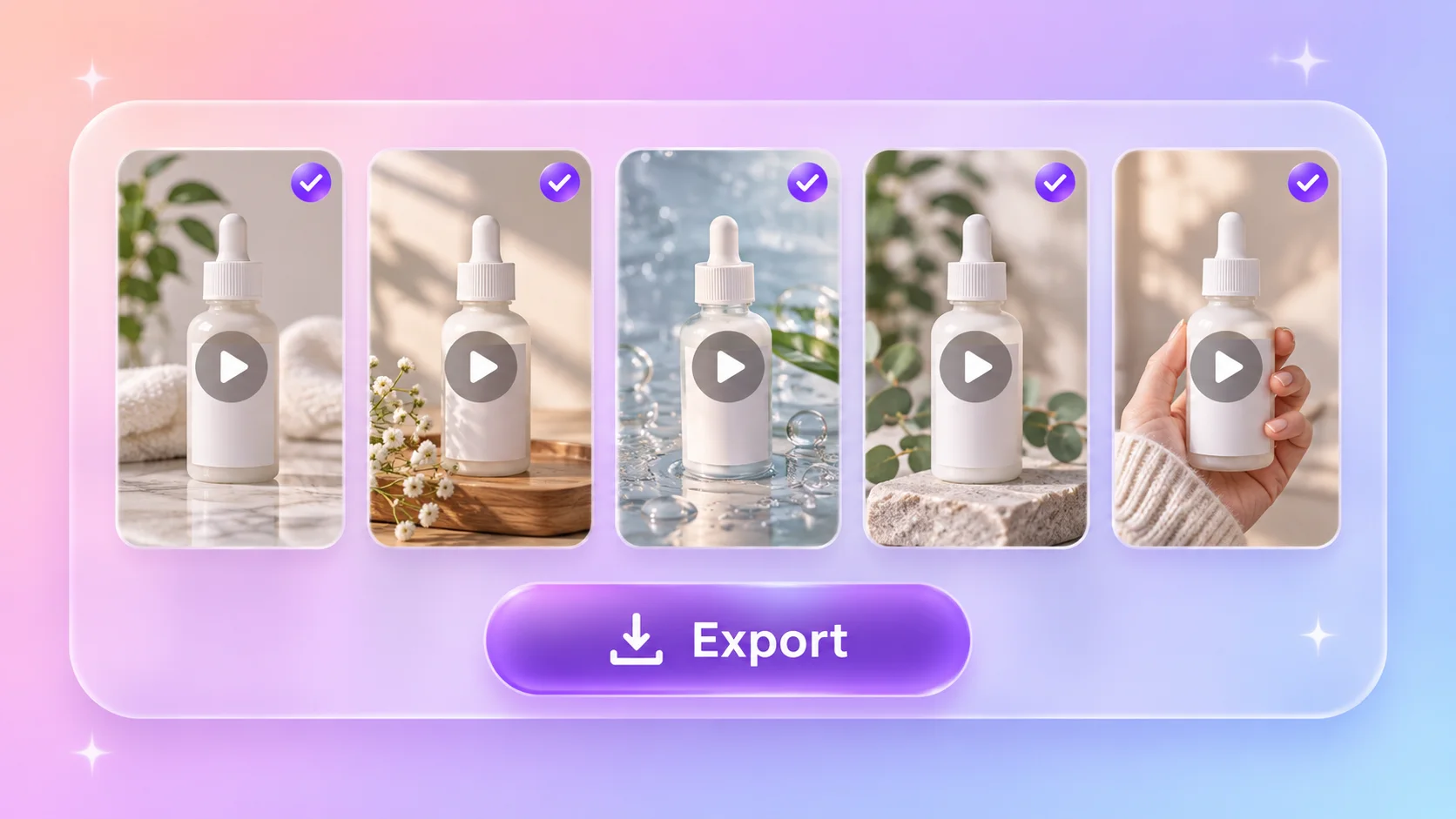
Results page screenshot: batch of finished versions with Download and Export all buttons.

Preview before you spend

See every version before generating

  • Switch between versions in the player to check each one
  • Warnings point to weak or repeated shots before you generate
  • Failed videos are refunded automatically

Video Mashup vs other ways to make ad variations

Compare how each workflow gets from one ad to many

AdsTurbo Video Mashup
Manual re-editing
Reshooting
Template editors
Starting point
One finished ad
Project file and raw footage
New shoot
Raw clips
Splitting by ad structure
Automatic
Manual
Not applicable
Manual
Finding replacement shots
Matched from your library
Manual search
Shot from scratch
Manual
Original voiceover kept
Yes, the full track
Depends on the editor
Recorded again
Tool-dependent
Multiple versions per run
Yes
One at a time
One at a time
Tool-dependent
Check against repeated shots
Built in
Manual
Not applicable
Tool-dependent

Exact features vary by editing tool and production setup.
What Video Mashup can generate

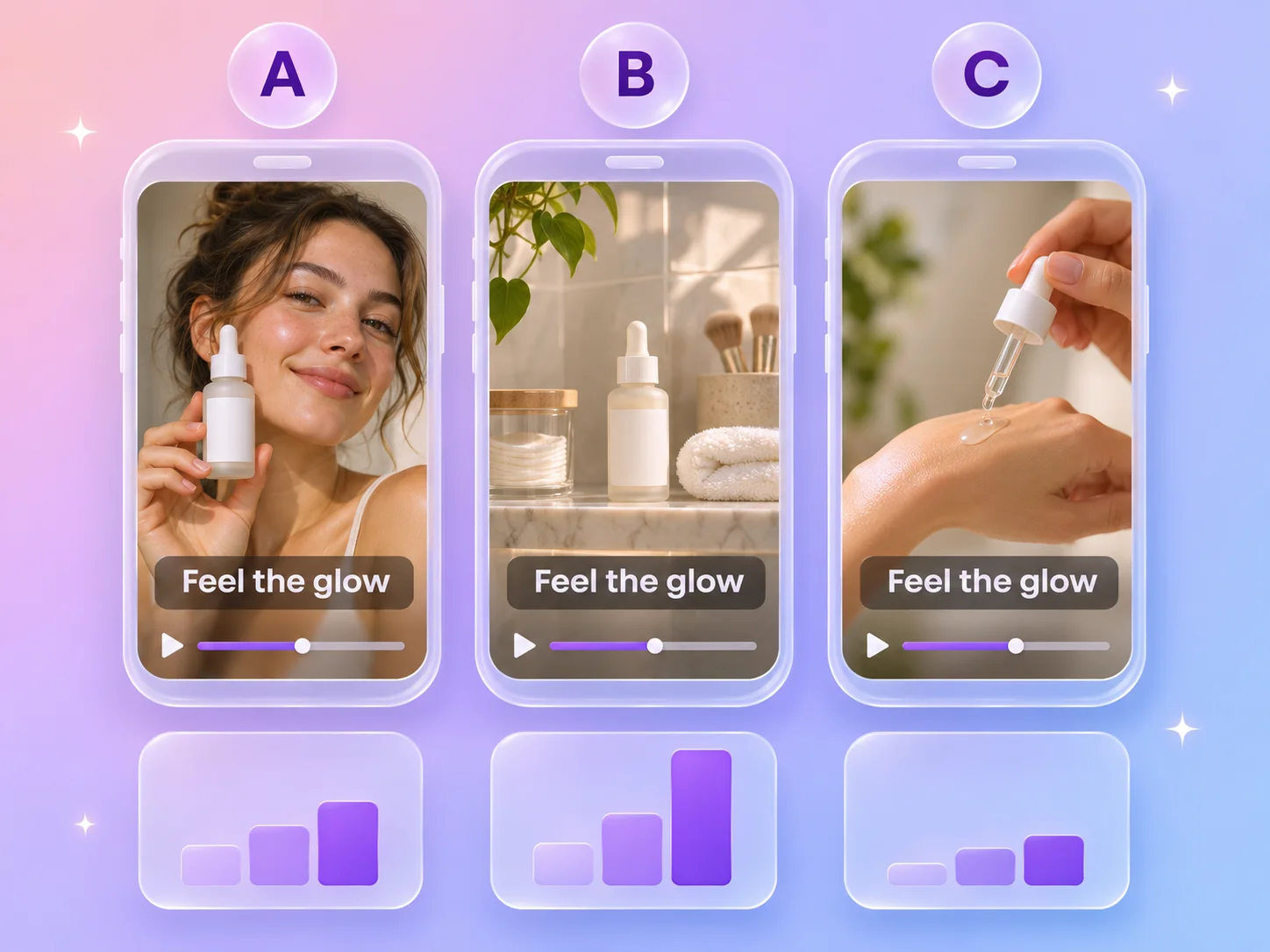
Three phone frames side by side: same caption line, three different product shots.

Ad variations for creative testing

Several versions of a proven ad with different visuals, ready to test against each other on TikTok, Meta or other ad platforms.
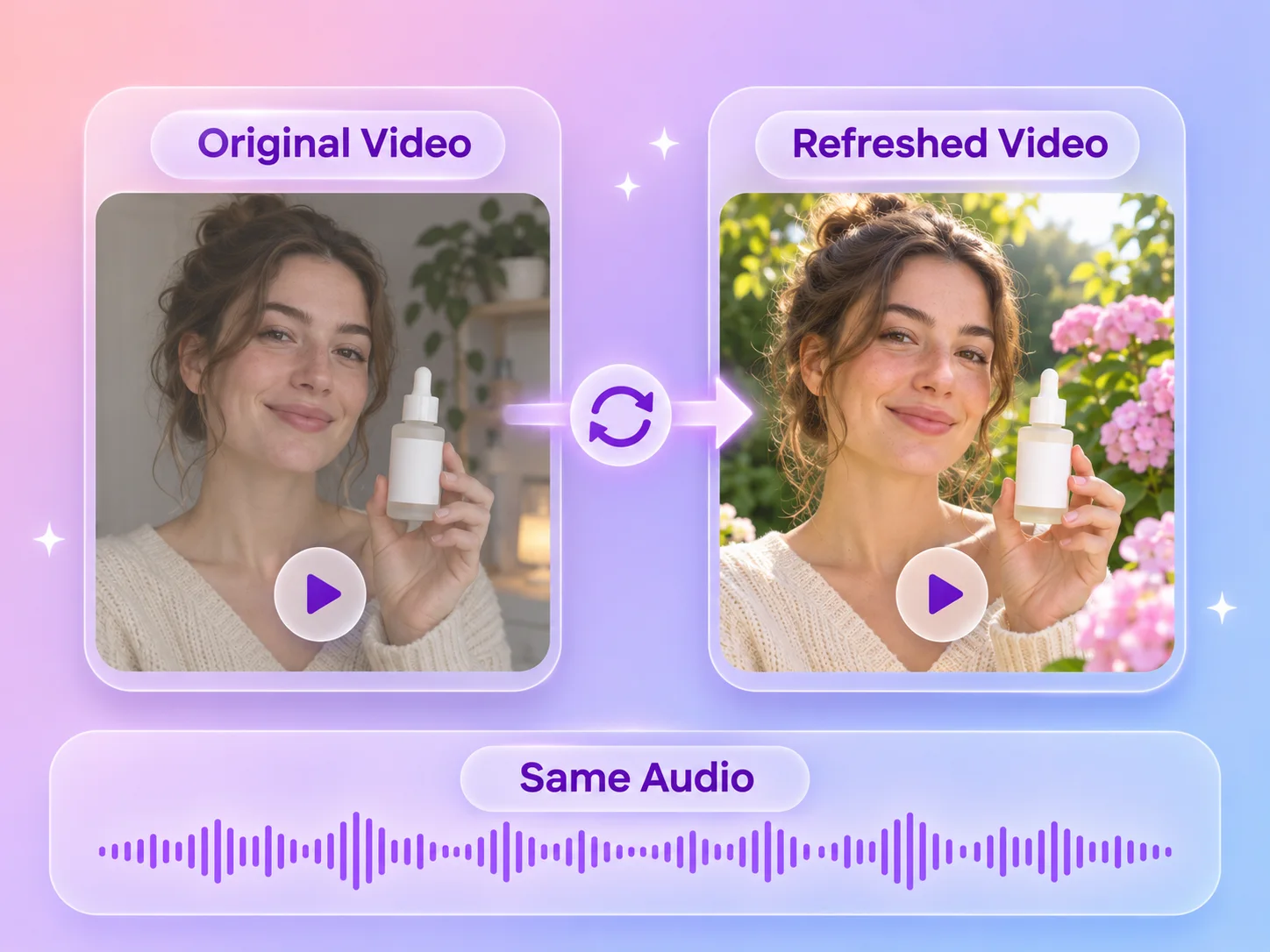
Before/after pair: original ad frame and a refreshed version with a new opening shot.

Refreshed versions of a fatigued ad

New visuals on the same script when an ad that performed well starts to slow down.
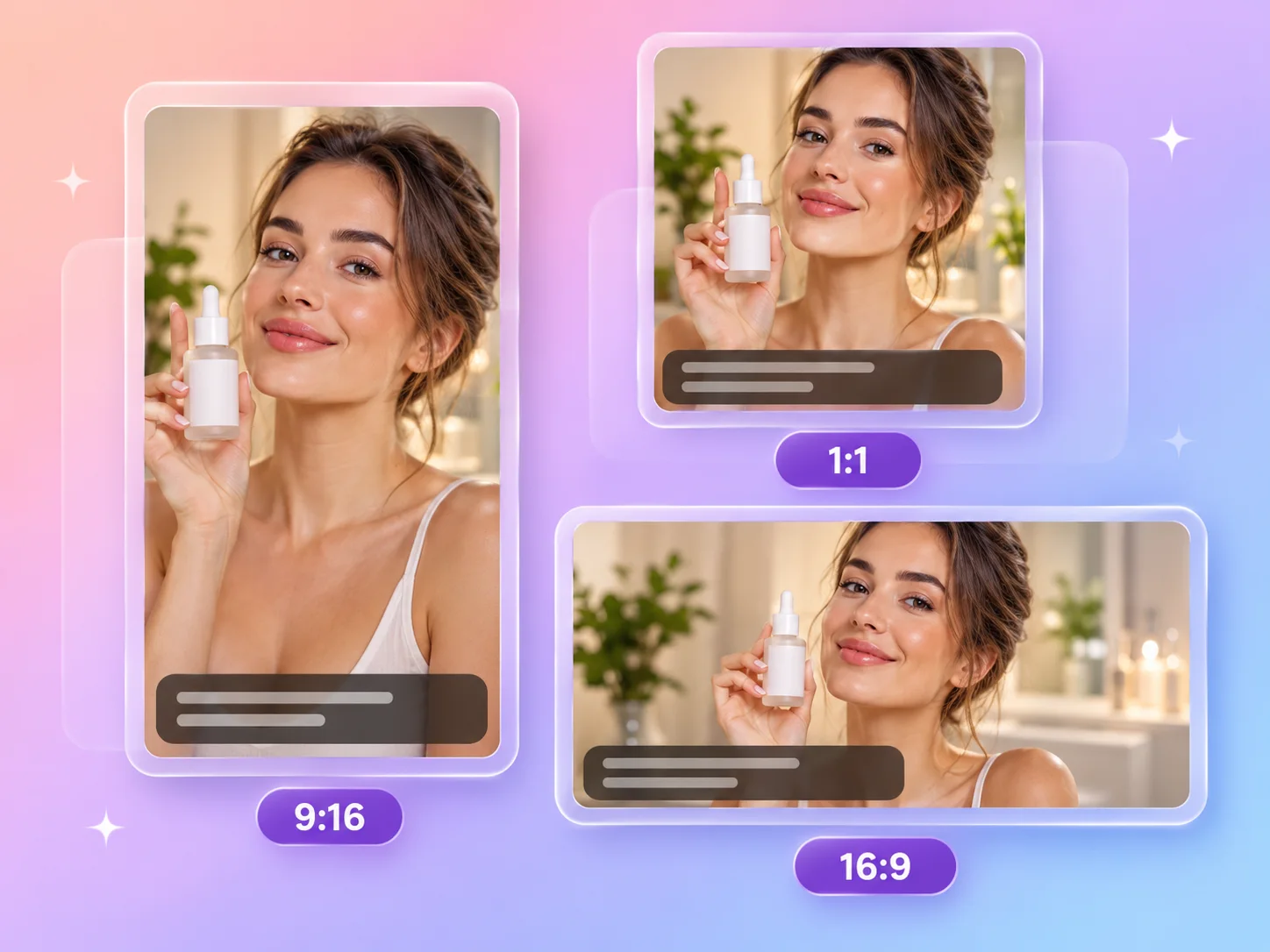
One ad shown in three aspect ratios: vertical, square and horizontal.

Versions for different placements

The same ad in 9:16, 1:1, 16:9 and other ratios, with captions added where shots were swapped.
Video Mashup Input and Output

What you provide, and what comes back.

Source video
A finished ad in MP4 or MOV, up to 500MB. Recommended length: 15 to 90 seconds.
Replacement footage
Your own uploaded footage, cut into shots automatically, plus system B-roll, music and sound effects.
Automatic analysis
Voiceover transcription, structure-based segments, and detection of where the presenter is on camera.
Finishing options
Captions, keyword highlights, six aspect ratios, speed and pause trimming, background music, sound effects, intro and outro clips, and a logo watermark.
Optional line fixes
Rewrite a line and have it re-voiced in the presenter's own voice, up to 60 seconds per project at no extra credits.
Batch output
Up to 100 finished versions per run at 10 credits each, to preview, download one by one or export together.

Who should use Video Mashup?

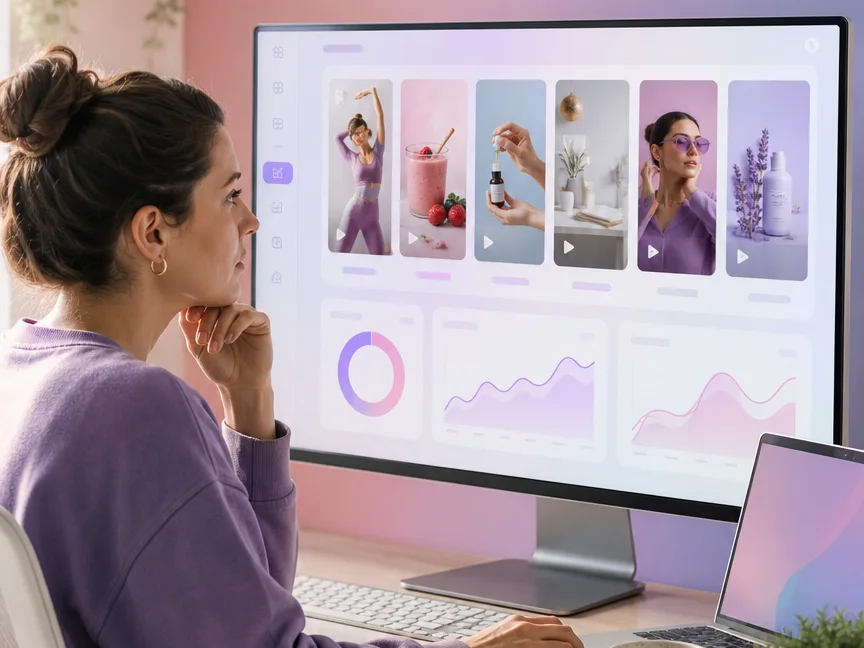
Media buyer at a desk with an ads dashboard and several ad thumbnails.

Media buyers & performance marketers

  • Turn a winning ad into several versions to test
  • Refresh creatives when performance drops
  • Keep the script and change only the visuals
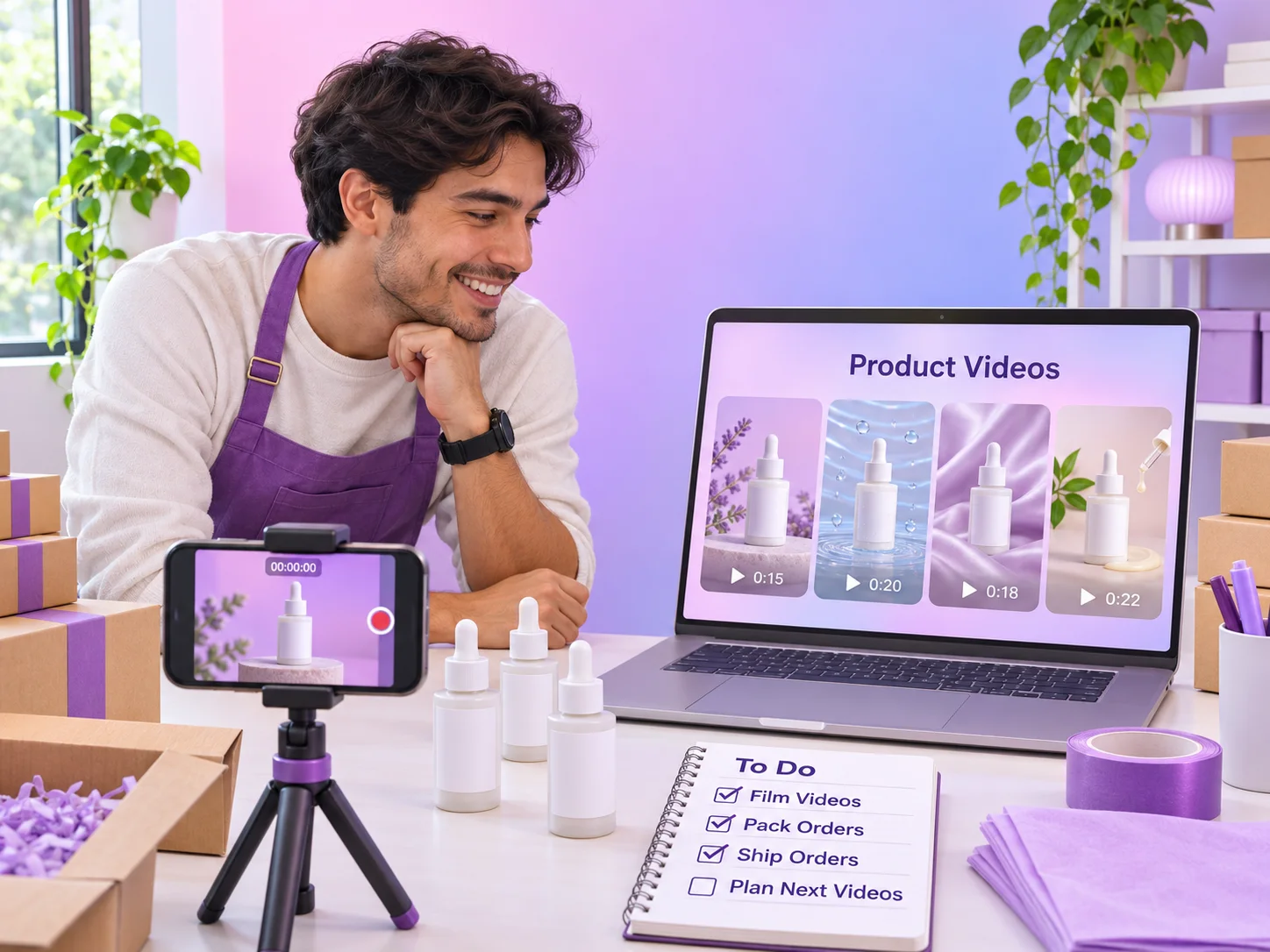
Seller workspace with product, phone on tripod and a laptop showing multiple ad versions.

E-commerce brands & sellers

  • Reuse product footage you already have
  • Get more ads out of every shoot
  • Produce versions for different placements
Small creative team reviewing a wall of vertical video thumbnails.

Agencies & creative teams

  • Deliver more versions per client brief
  • Share one asset library across the team
  • Review every version before it goes out

FAQ

VIDEO MASHUP

01What is AdsTurbo Video Mashup?

Video Mashup takes one finished ad, keeps its original voiceover, replaces some of the visuals with other shots, and generates several new versions in one batch.

02How do I turn one ad into multiple variations?

Create a project, upload a finished ad, and wait for AdsTurbo to split it into segments and match replacement shots. Choose how many versions you want and click Generate.

03Does Mashup change the voiceover or script?

Not unless you ask it to. By default the original audio track is kept from start to finish and only the visuals change. If a line needs fixing, you can rewrite it and Mashup re-voices it in the presenter's voice, up to 60 seconds per project.

04Where do the replacement shots come from?

From your Mashup asset library, which holds the footage you upload, plus system B-roll. Mashup does not generate new footage with AI in this workflow, so the more relevant footage you upload, the more versions you can make.

05What kind of video works best as a source?

A finished talking-head or product ad that has already performed well, with clear speech. Videos with a voiceover over B-roll give Mashup the most segments to swap.

06What video formats are supported?

The uploader accepts MP4 and MOV files up to 500MB each. Source videos of 15 to 90 seconds work best.

07Will the presenter's lips still match the audio?

Yes. Segments where the presenter speaks on camera keep the original shot, and footage showing someone else talking is excluded from candidates.

08How many versions can I generate at once?

You set the number of versions before generating, up to 100 per run. If your footage cannot support that many non-repeating versions, Mashup shows the maximum it can make.

09Can I choose which shots are used?

Yes. For each segment you can keep the original shot, let it rotate across versions, or pin a specific clip. You can also edit a single version without changing the others.

10Can I add captions and change the aspect ratio?

Yes. Mashup can add captions to swapped segments, highlight keywords, and export in 9:16, 16:9, 1:1, 4:5, 3:4 or 4:3. You can also add music, sound effects, intro and outro clips, and a logo.

11How are credits charged?

Each generated video costs 10 credits, whatever its length or aspect ratio. If a video fails to generate, its credits are refunded automatically. Previews and footage uploads are free.

12Where can I find the finished videos?

Open the project's results page or your Assets. You can download videos one by one or export the whole batch.

Turn one winning ad into many — in one batch

Upload a finished ad, let AI swap the visuals while the voiceover stays, and download a batch of new versions to test.