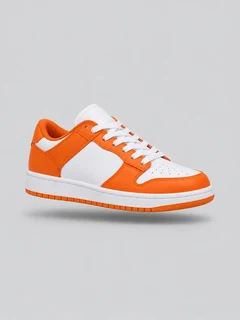
GPT Image 2 is OpenAI's image model, the family behind image generation in ChatGPT. AdsTurbo gives you GPT Image 2, GPT Image 2.5, GPT Image 2.6 and GPT Image 2.6 Sunburst in one workspace, with reference photos, up to 4K output and GIF or SVG export.
Demo preview. Open the workspace to pick a GPT Image model and generate your image.
GPT Image 2 and its newer versions turn a text prompt, with or without reference photos, into images that follow detailed instructions and render clear text.
A family of image models made by OpenAI. AdsTurbo is an independent platform that gives you access to them; it is not made by or affiliated with OpenAI.
GPT Image 2, GPT Image 2.5, GPT Image 2.6 and GPT Image 2.6 Sunburst, the fine tier of 2.6 with richer detail and texture.
Images at 1K or 2K, and 4K on 2.5 and 2.6. GPT Image 2.6 can also save as JPEG, WEBP, animated GIF or SVG vector.
It is not ChatGPT itself: there is no chat thread. Each prompt is a separate task, and you edit by attaching the image again as a reference.
GPT Image 2 in three steps in the AdsTurbo workspace.
On the workspace home page, switch to Image and open the model list. Choose GPT Image 2, GPT Image 2.5, GPT Image 2.6 or GPT Image 2.6 Sunburst.
Describe the image, and put any headline or price in quotes. Attach product or logo photos as references: up to 4 on GPT Image 2 and up to 16 on 2.5 and 2.6. Set the aspect ratio, resolution and, on 2.6, the output format.
Sign in and start the task. Image generation uses credits, which vary by model, resolution and number of images, and credits are returned when generation fails. Download the images you want.
To refine a result, attach it as a reference, describe the change and generate again.
Four OpenAI image models, one workspace, with the settings each one supports.
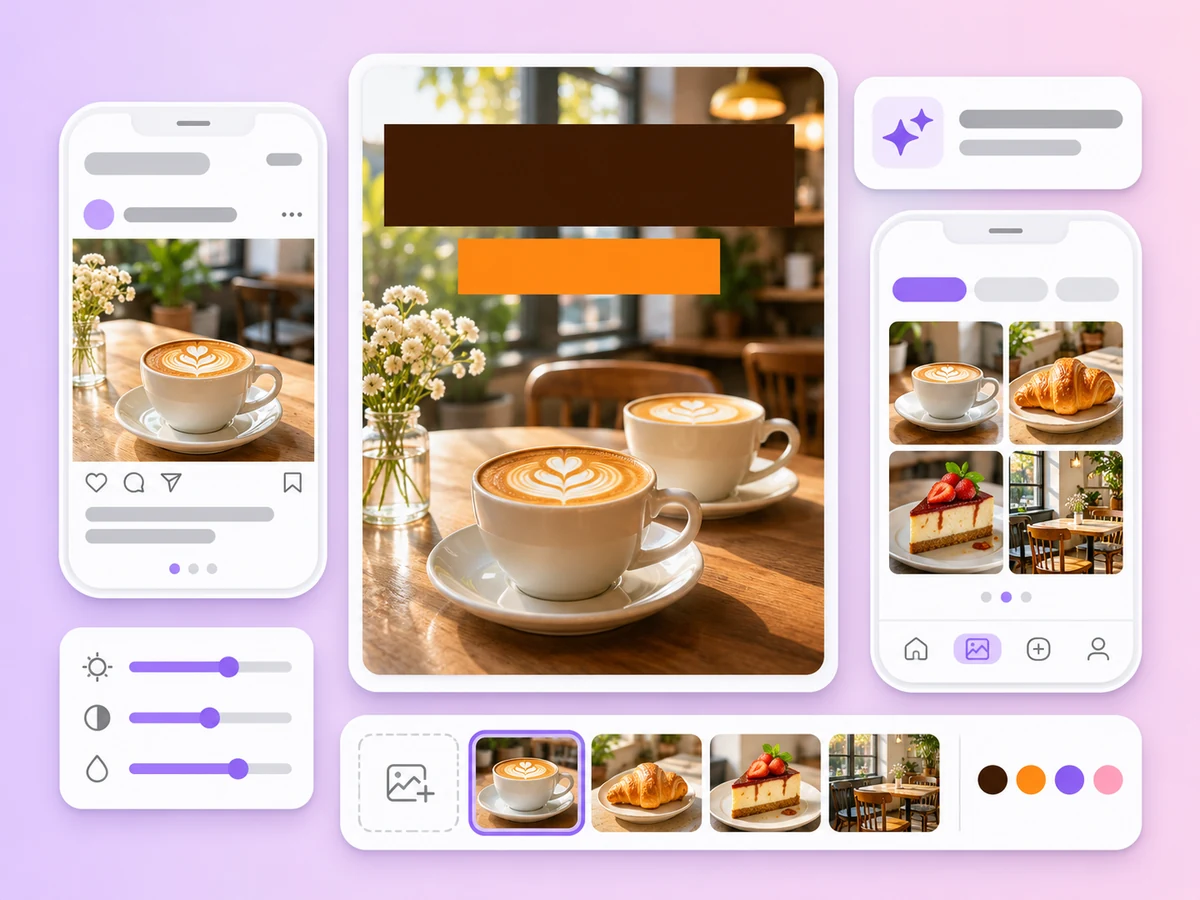
Headlines, prices and short labels come out readable, which makes GPT Image a strong choice for posters and ad creatives.
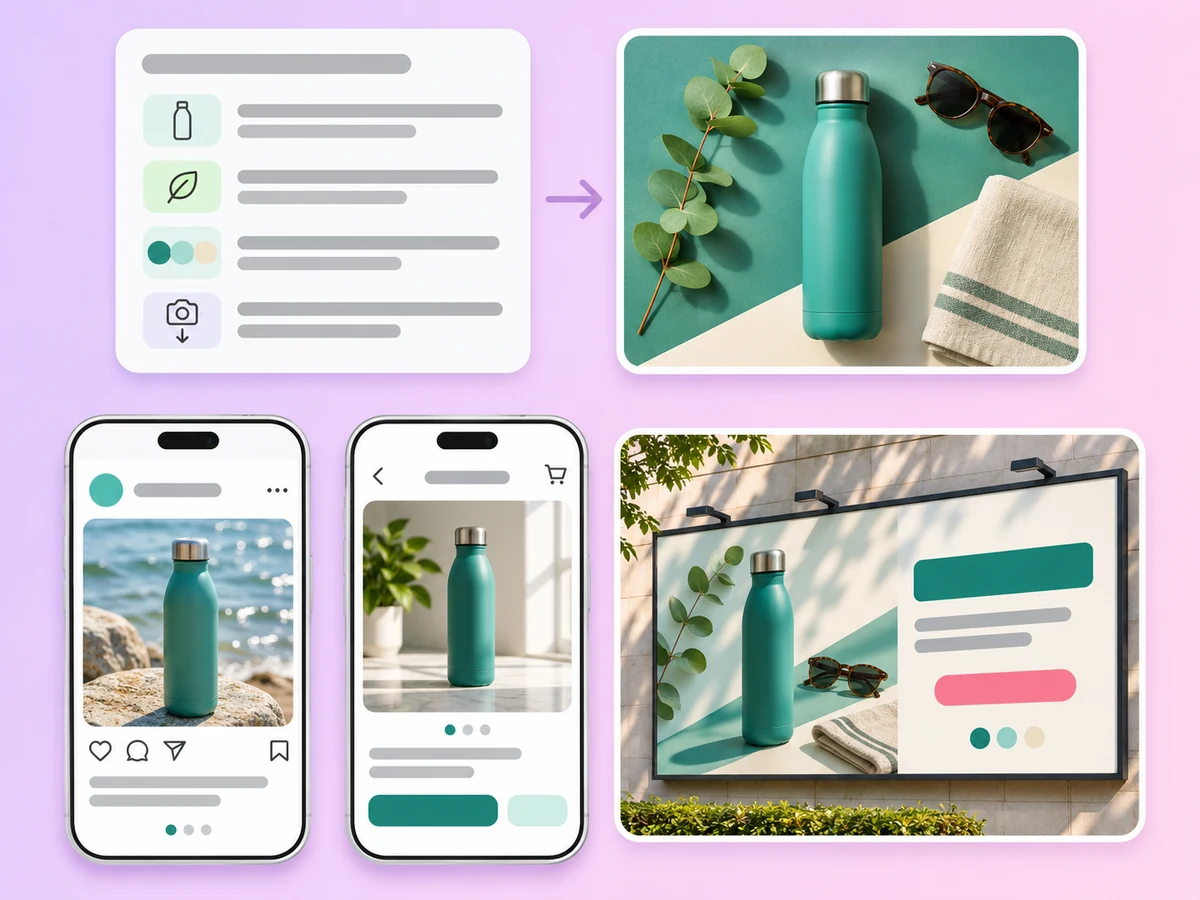
Long prompts with layout, colors, props and camera angle are followed closely, so the first result is often close to the brief.
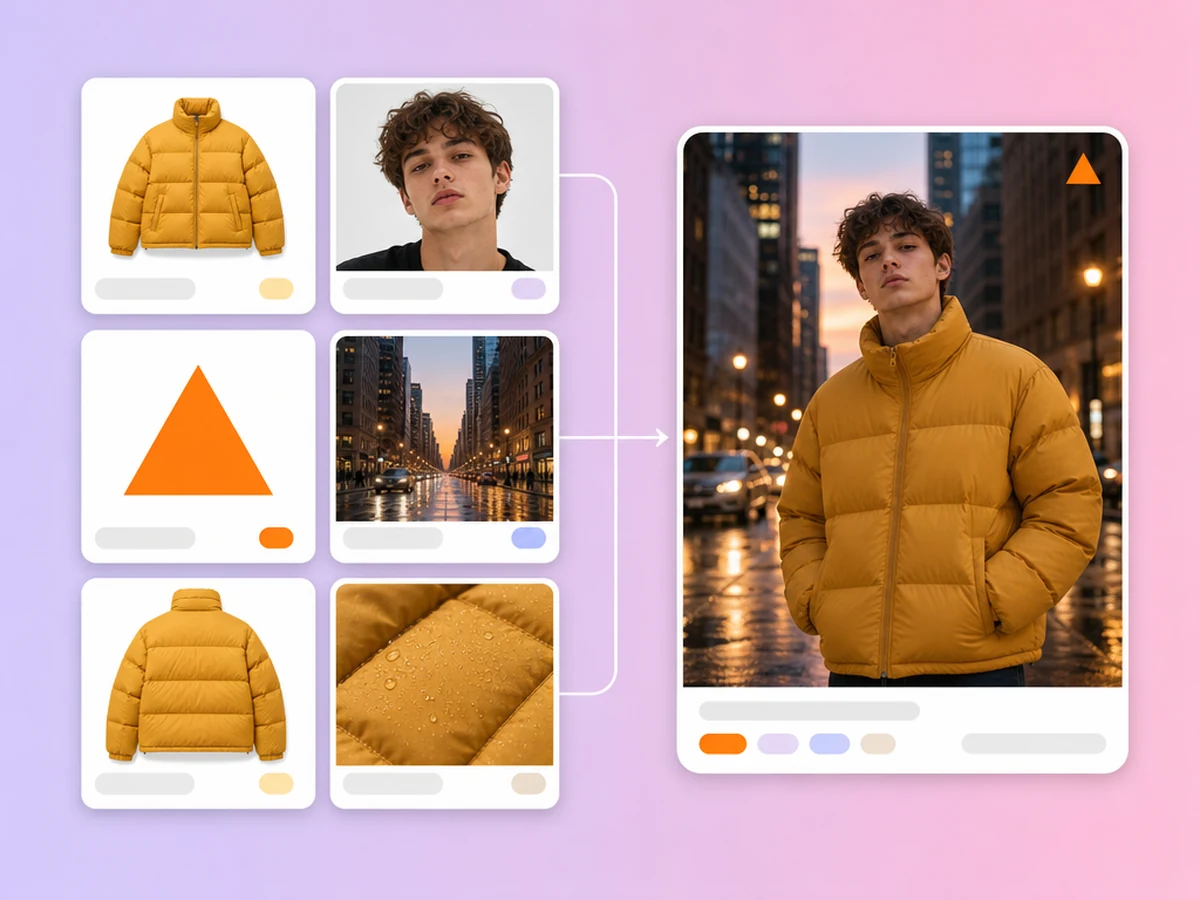
GPT Image 2.5 and 2.6 accept up to 16 reference photos, enough to combine a product, a logo, a model and a backdrop in one image. GPT Image 2 takes up to 4.
GPT Image 2.6 can save text-to-image results as PNG, JPEG, WEBP, animated GIF with 2 to 16 frames, or SVG vector. With reference images, PNG, JPEG and WEBP are available.
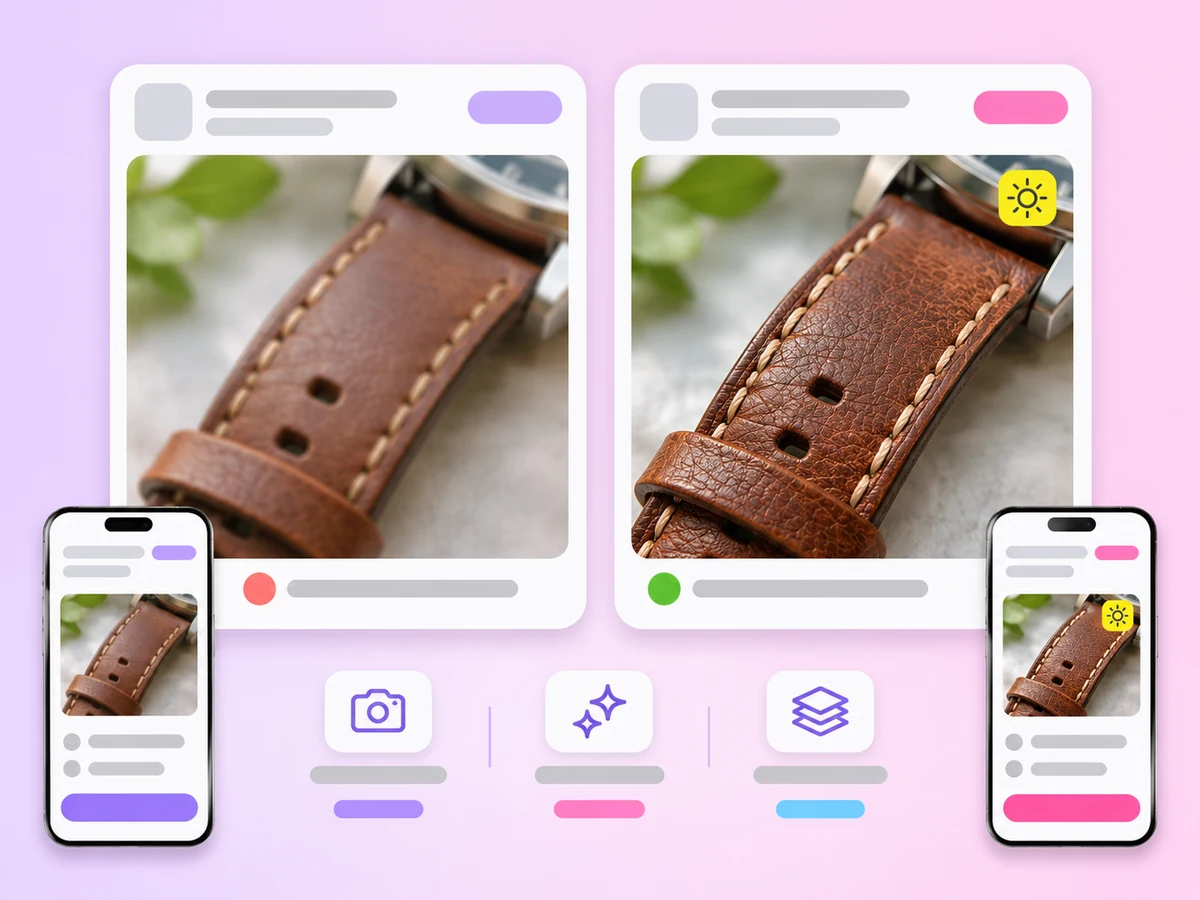
GPT Image 2.6 Sunburst is the fine tier of 2.6, with richer detail and texture for key visuals and premium posters. GPT Image 2.6 is the faster tier.
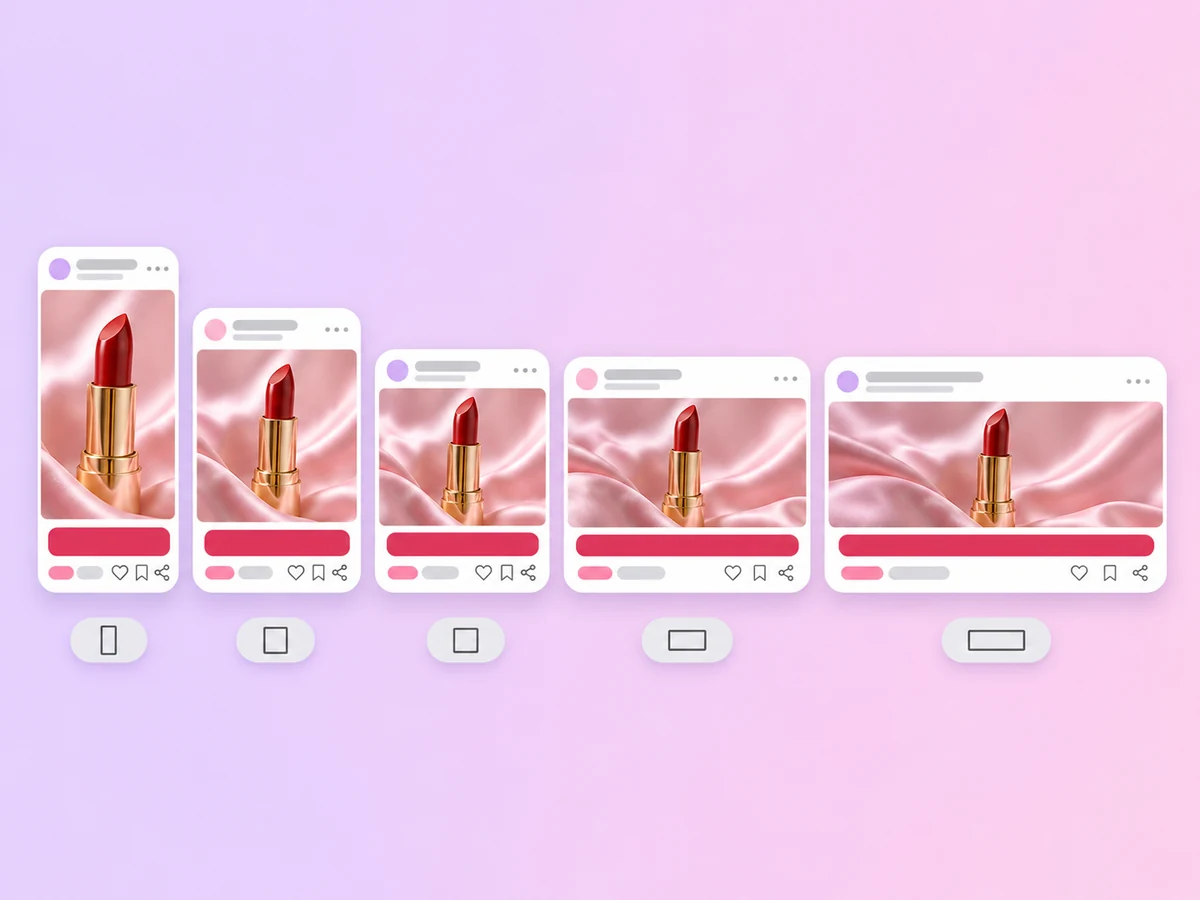
GPT Image 2.5 and 2.6 go up to 4K, GPT Image 2 up to 2K. All four offer ratios from 1:3 to 3:1, including 9:16, 4:5, 1:1, 16:9 and 21:9, or auto.
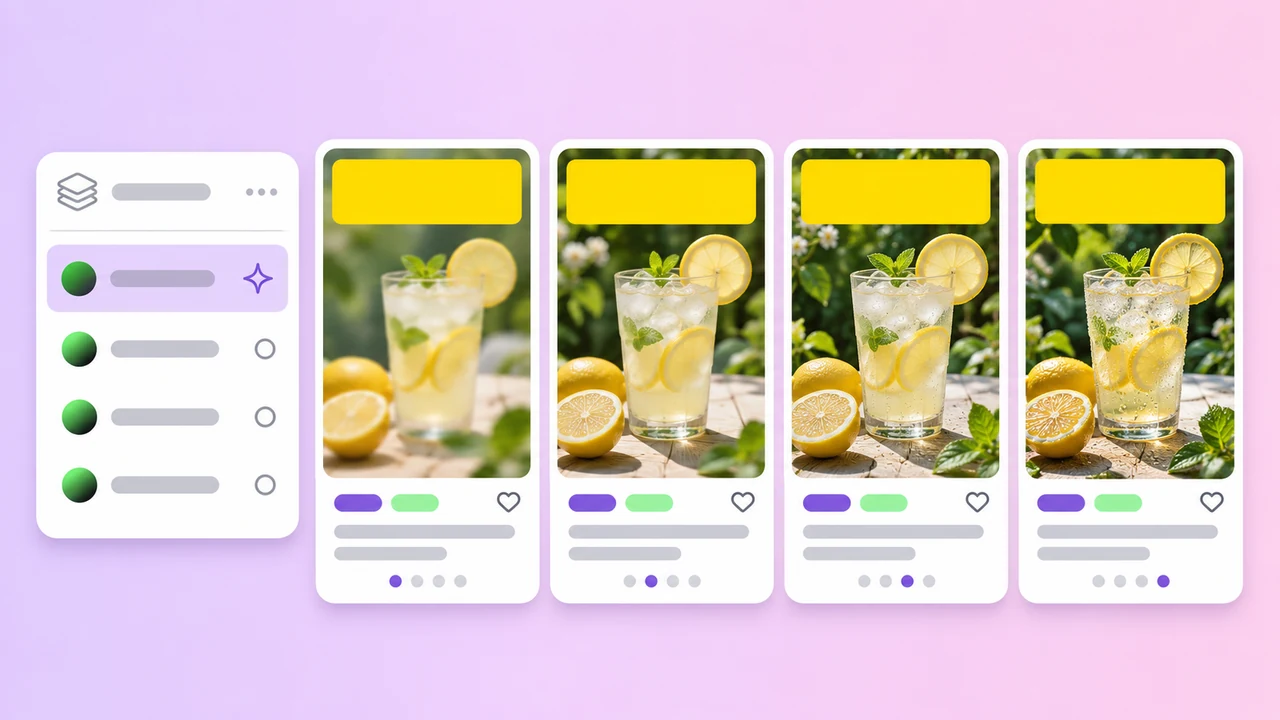
Versions
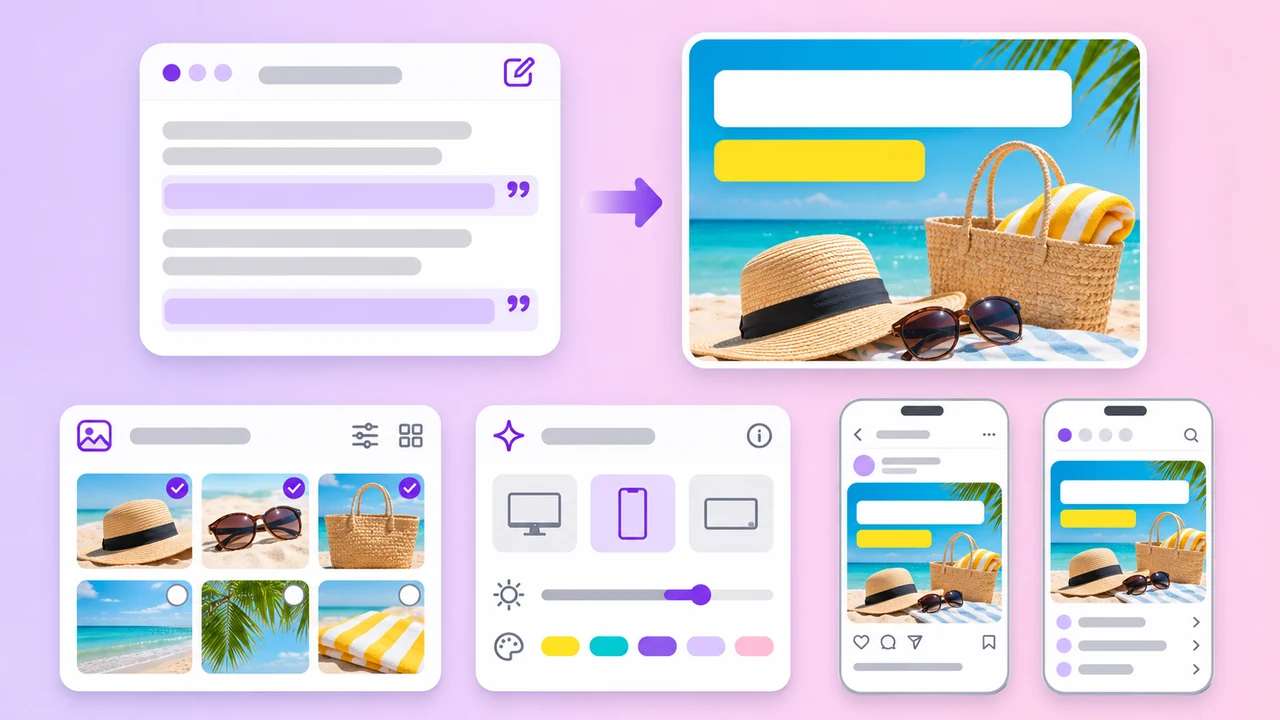
Text
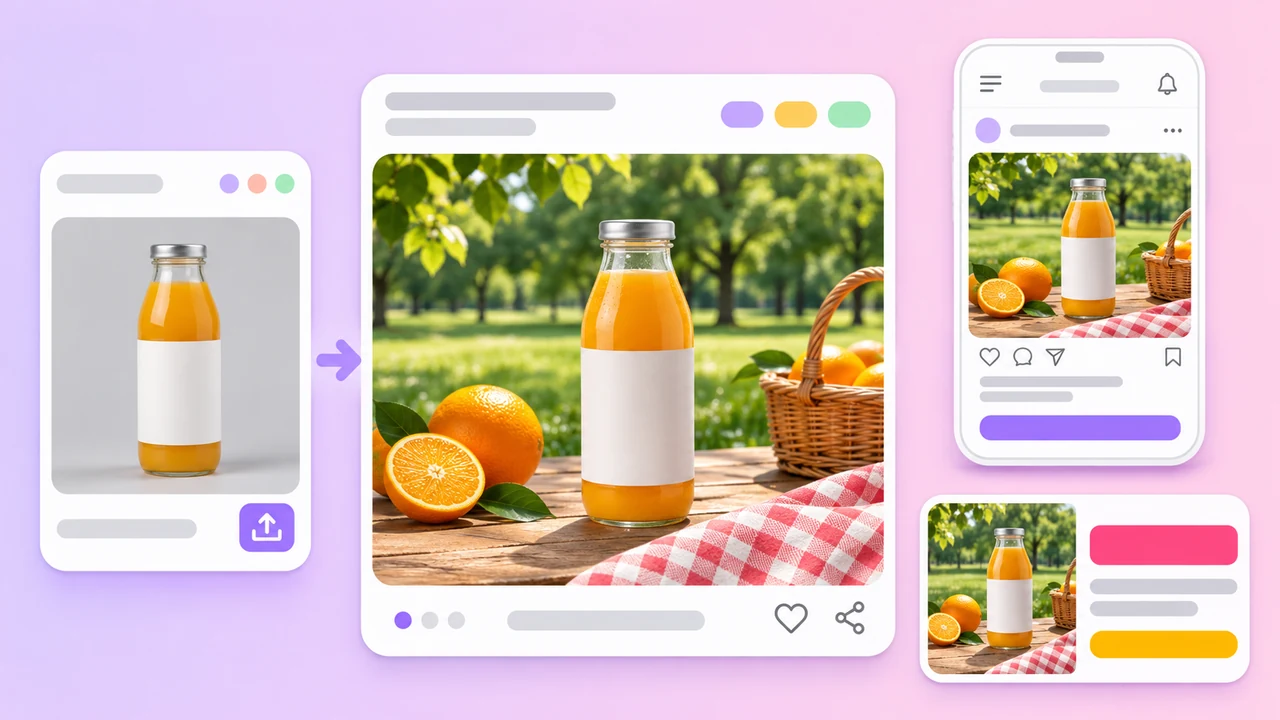
References
Need a transparent cutout of the result? Try Seedream 5.5, the only model with a transparent background option.
OpenAI image models in the AdsTurbo workspace
Based on the AdsTurbo workspace as of November 2026; models and limits may change. GPT Image models are made by OpenAI. GIF and SVG output are for text-to-image only; with reference images, GPT Image 2.6 saves as PNG, JPEG or WEBP.
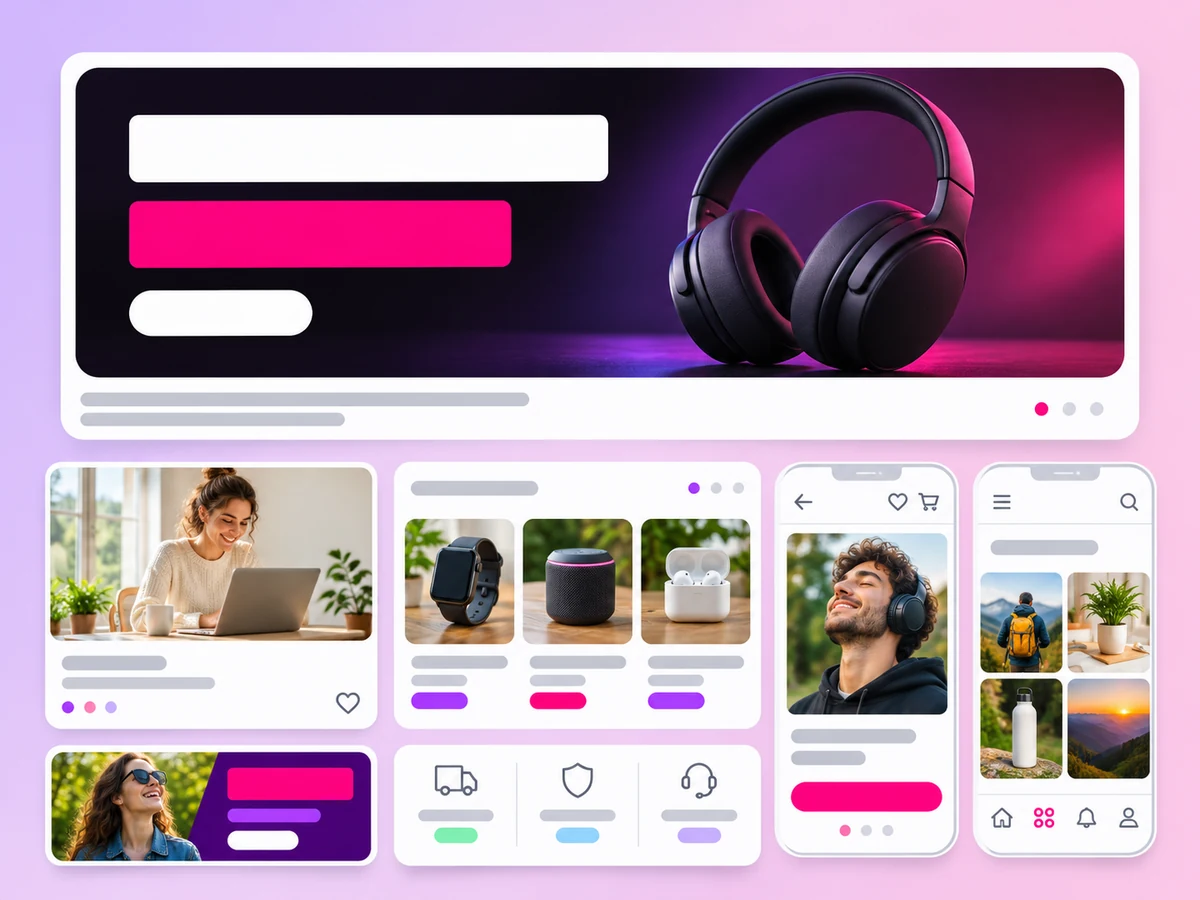
Launch posters, sale banners and promo graphics with readable headlines and prices.
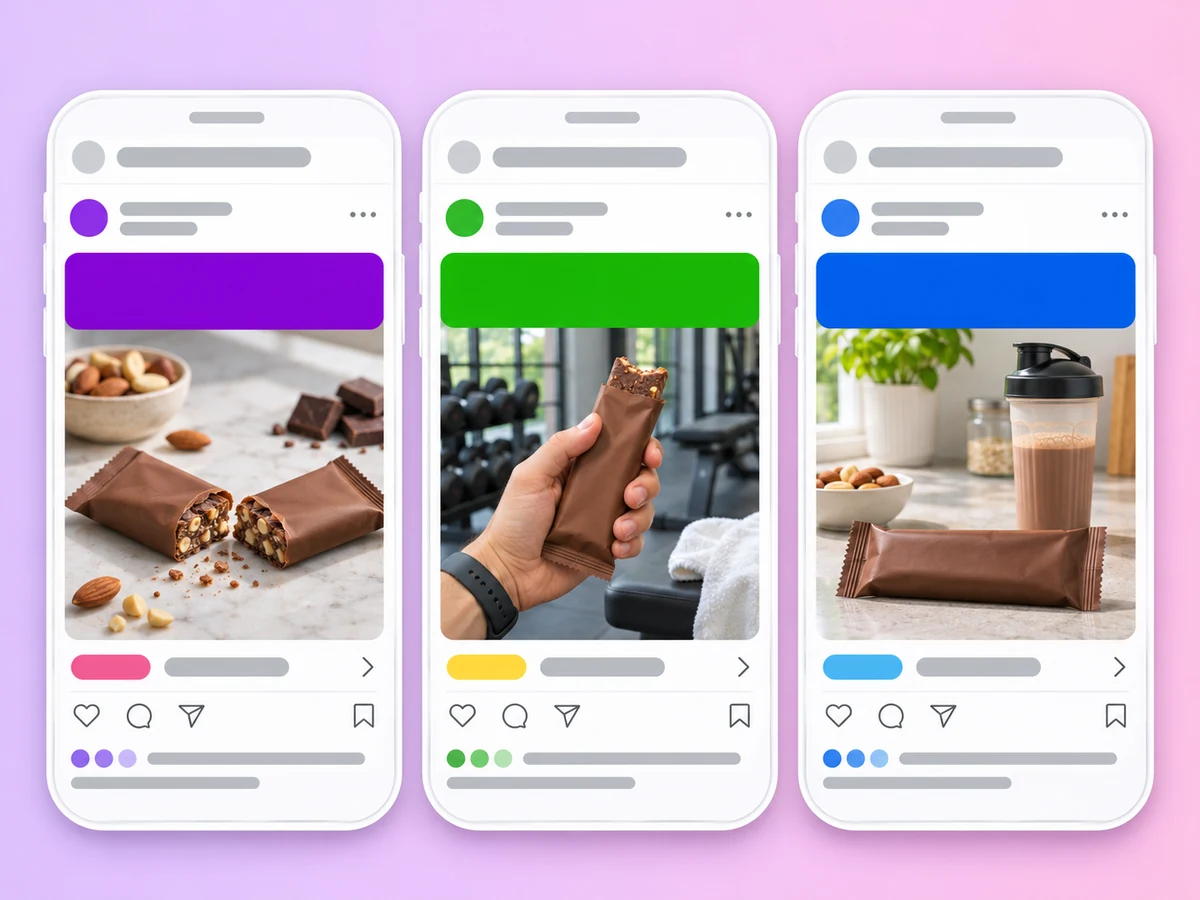
Vertical and square ad images built around your product photo for paid social.
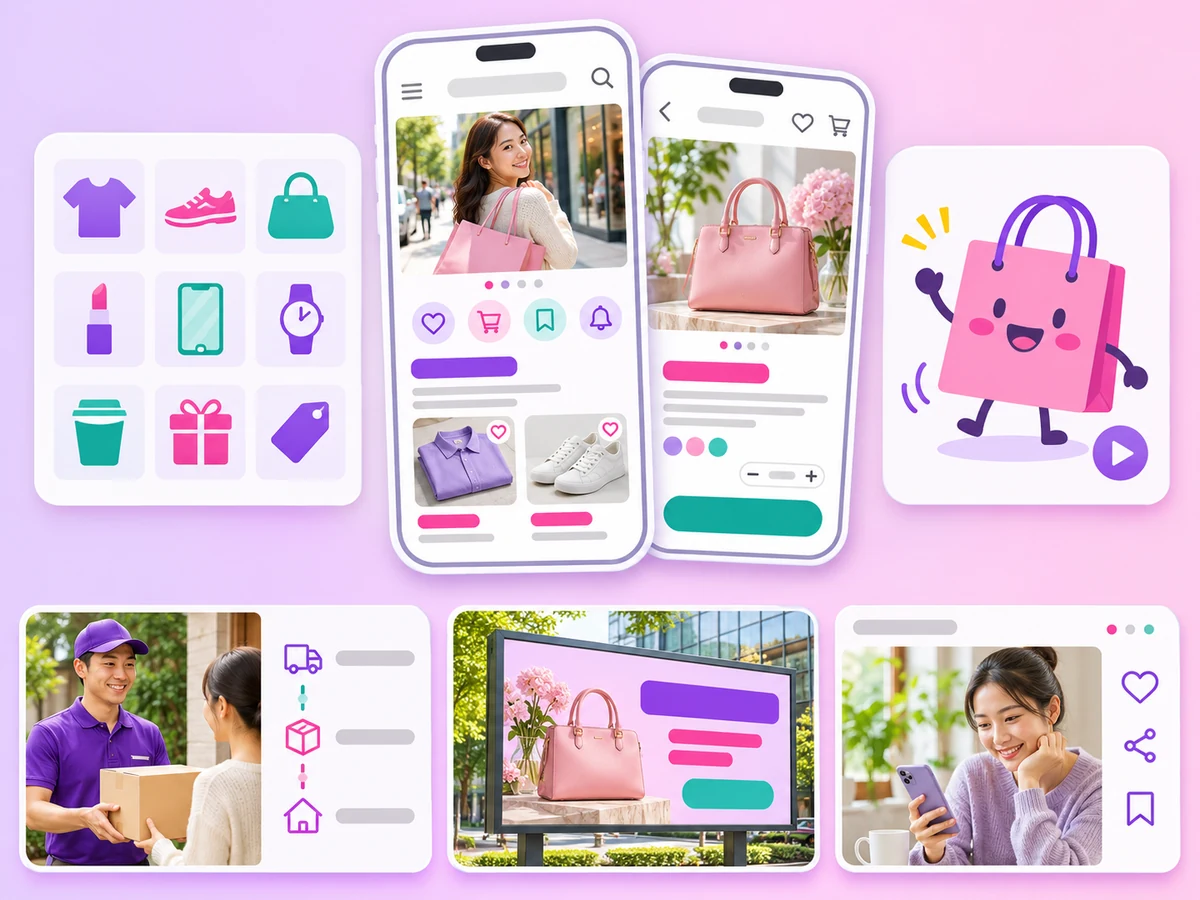
SVG icons and animated GIF stickers from GPT Image 2.6 for stores, emails and social posts.
GPT Image 2
GPT Image 2 is an image generation model made by OpenAI, from the same family that powers image generation in ChatGPT, which is why it is often called ChatGPT Image 2. It turns text prompts, with or without reference images, into images and is known for following instructions and rendering clear text. AdsTurbo gives you access to it and is not affiliated with OpenAI.
Open the workspace home page, switch to Image mode and choose GPT Image 2, 2.5, 2.6 or 2.6 Sunburst in the model list. Write your prompt, attach reference photos if needed, set the aspect ratio and resolution, then sign in and generate.
GPT Image 2 offers 1K and 2K with up to 4 reference images. GPT Image 2.5 adds 4K and up to 16 references. GPT Image 2.6 keeps 4K and 16 references and adds output formats: PNG, JPEG, WEBP, animated GIF and SVG. GPT Image 2.6 Sunburst is the fine tier of 2.6, with richer detail and texture.
Yes, for text-to-image. Choose GIF or SVG in the output format menu. For GIFs you can set 2 to 16 frames and a frame duration from 50 ms to 2 seconds. When you attach reference images, the formats are limited to PNG, JPEG and WEBP.
All four models offer auto plus 1:1, 1:2, 2:1, 1:3, 3:1, 2:3, 3:2, 3:4, 4:3, 4:5, 5:4, 9:16, 16:9, 9:21 and 21:9. GPT Image 2 goes up to 2K; 2.5, 2.6 and Sunburst go up to 4K, which needs a subscription plan.
Image generation uses credits, and the cost depends on the model version, the resolution and the number of images. You can generate up to 10 images per task. Credits are returned when a generation fails. See Pricing for plans and credits.
GPT Image is a strong pick for text-heavy posters and detailed briefs. For transparent backgrounds, use Seedream 5.5. For consistent characters across a series, try Nano-Banana 2 or 2.1, and for 8K, Nano-Banana Pro or Kling Image 4.0. Compare every model on the AI Image Generator page.
Pick GPT Image 2, 2.5 or 2.6, write your prompt and add your product photos. Your first image is a few clicks away.
 AdsTurbo