Run Kling 4.0 and Kling 3.0 from the AdsTurbo workspace. Animate a photo from a start frame, set the first and last frames, or add reference images and clips, and get a video of up to 30 seconds at up to 1080p.
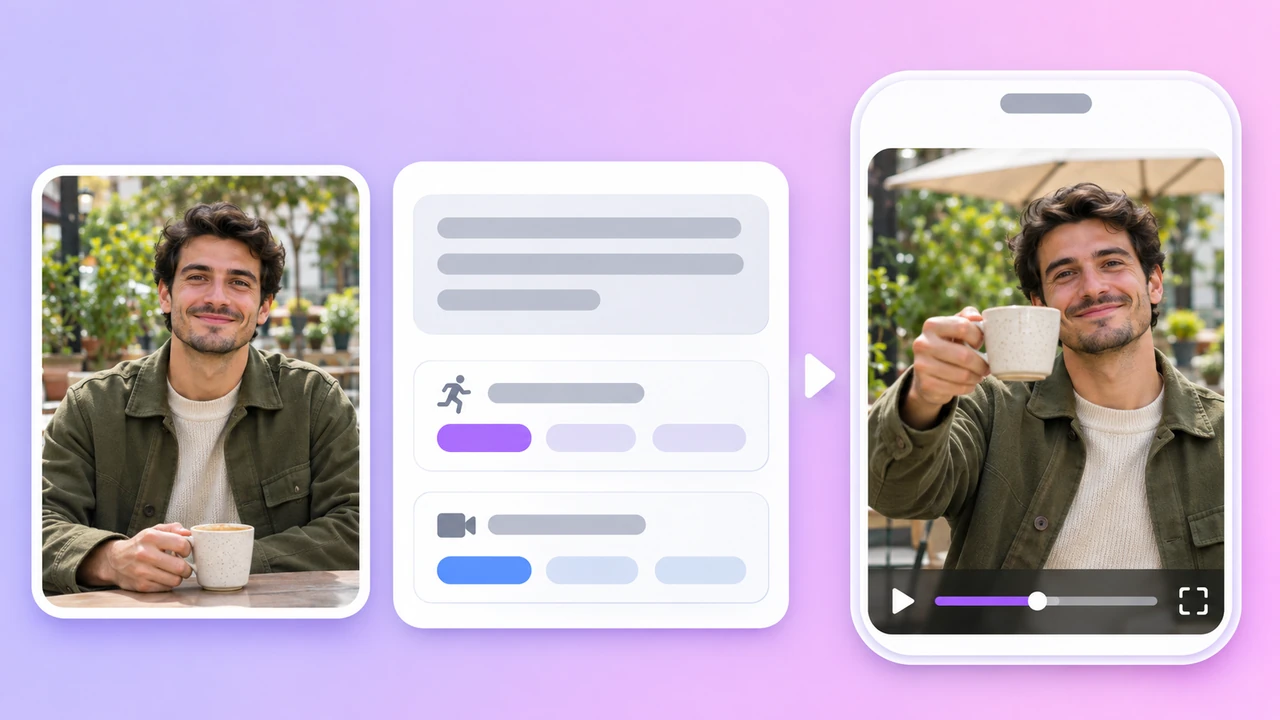
Demo preview. Open the workspace to pick a Kling model, upload your frames and generate.
Kling is a family of third-party video models from Kuaishou. AdsTurbo gives you access to Kling 4.0 and Kling 3.0 in the Studio video mode, next to the other video models.
Kling 4.0 for clips of 3 to 30 seconds at 720p or 1080p, and Kling 3.0 for clips of 3 to 15 seconds at up to 1080p with native audio.
Upload a photo as the start frame, or two photos as the start and end frames, and Kling animates it from your prompt. Text-only prompts work too.
Kling 4.0 also takes up to 10 reference images and 5 reference video clips, so a product or character can stay the same across a clip.
AdsTurbo is not affiliated with Kuaishou. It is a workspace that connects you to Kling and other models, with credits, task history and downloads in one place.
From photo to Kling video in three steps in the AdsTurbo workspace.
Open the workspace home, switch to Video and pick Kling 4.0 or Kling 3.0 from the model list. Set the aspect ratio, length and resolution.
Switch to Start/End Frames and upload a photo as the start frame, plus an end frame if you want to fix the last shot. Describe what should move and how the camera should travel. On Kling 4.0 you can upload reference images or clips instead.
Sign in and start the task. Generation uses credits, which vary by model, length and resolution, and credits are returned if a task fails. When the video is ready, review it and download it.
An end frame always needs a start frame. On Kling 4.0, one task uses either frames or reference files, not both.
What Kling 4.0 and Kling 3.0 can do in the workspace, with the limits that apply to each.
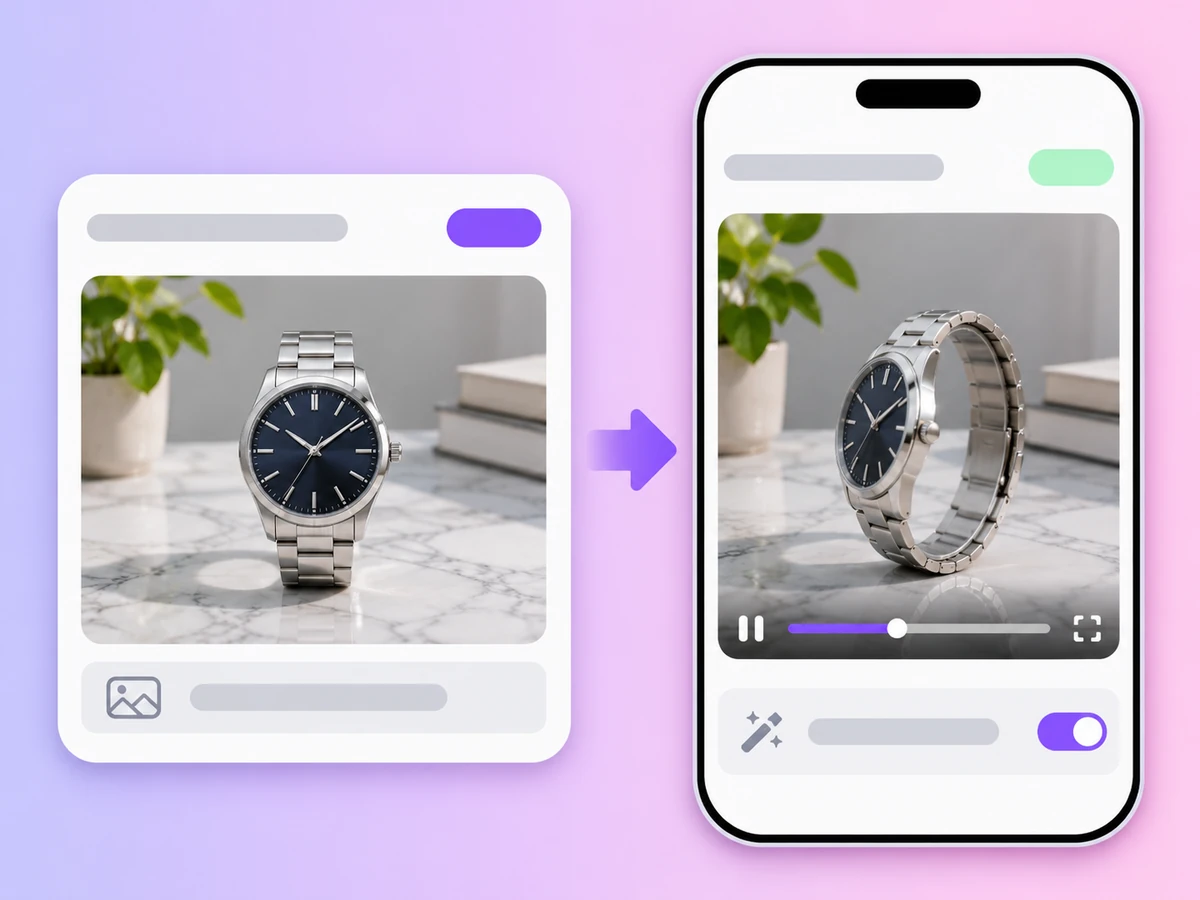
Upload one photo as the opening shot and describe the motion. Kling keeps your image as the first frame and brings it to life.
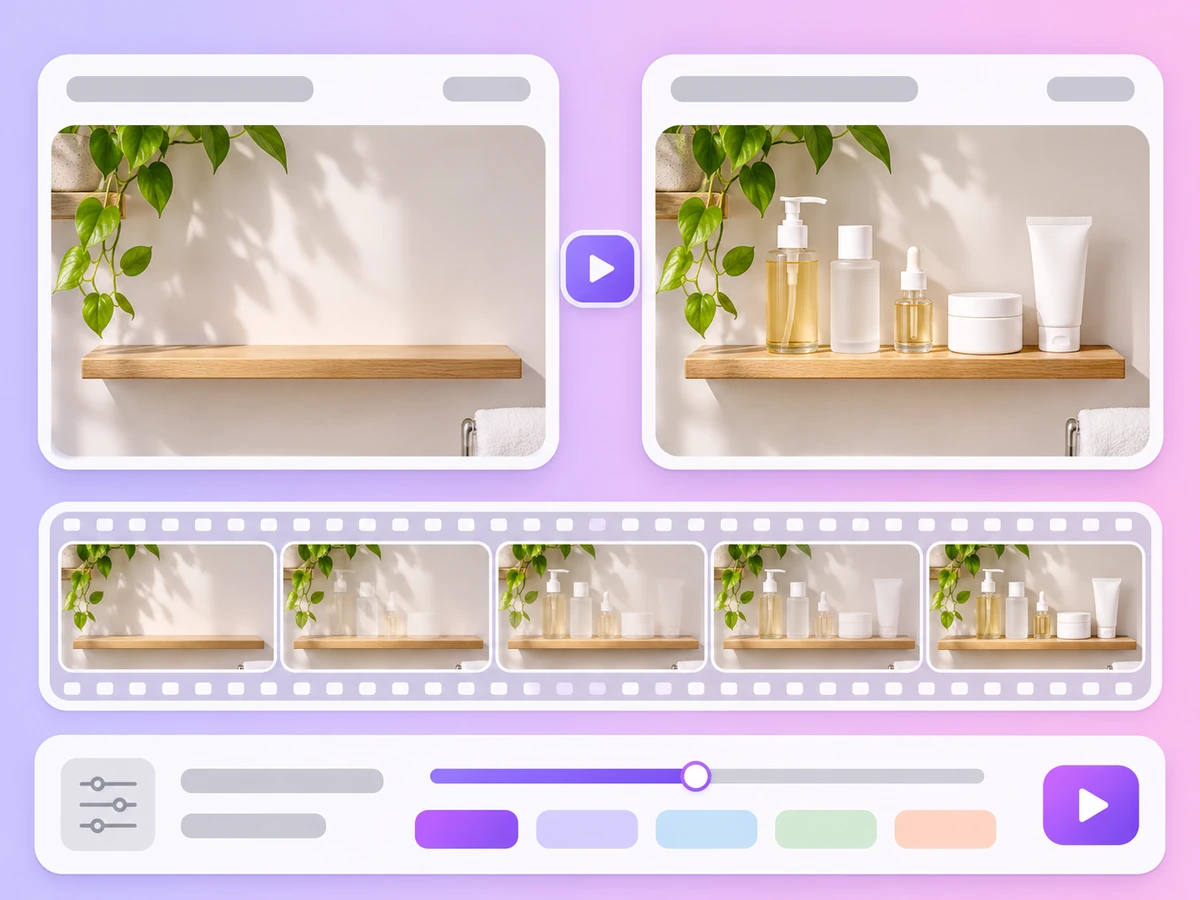
Add a second photo as the last frame and Kling generates the movement between the two, for reveals and before-and-after shots.
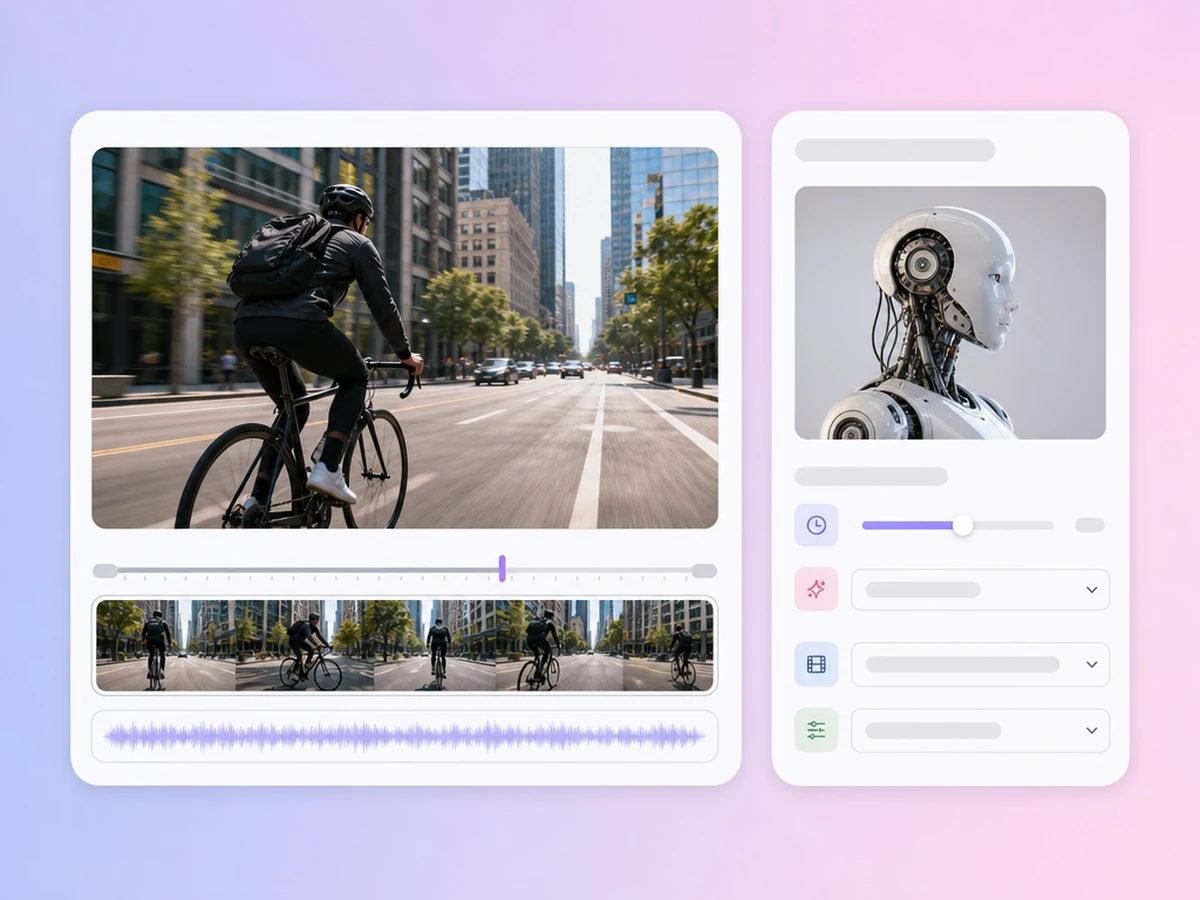
Kling 4.0 goes from 3 to 30 seconds per clip. Kling 3.0 goes from 3 to 15 seconds.
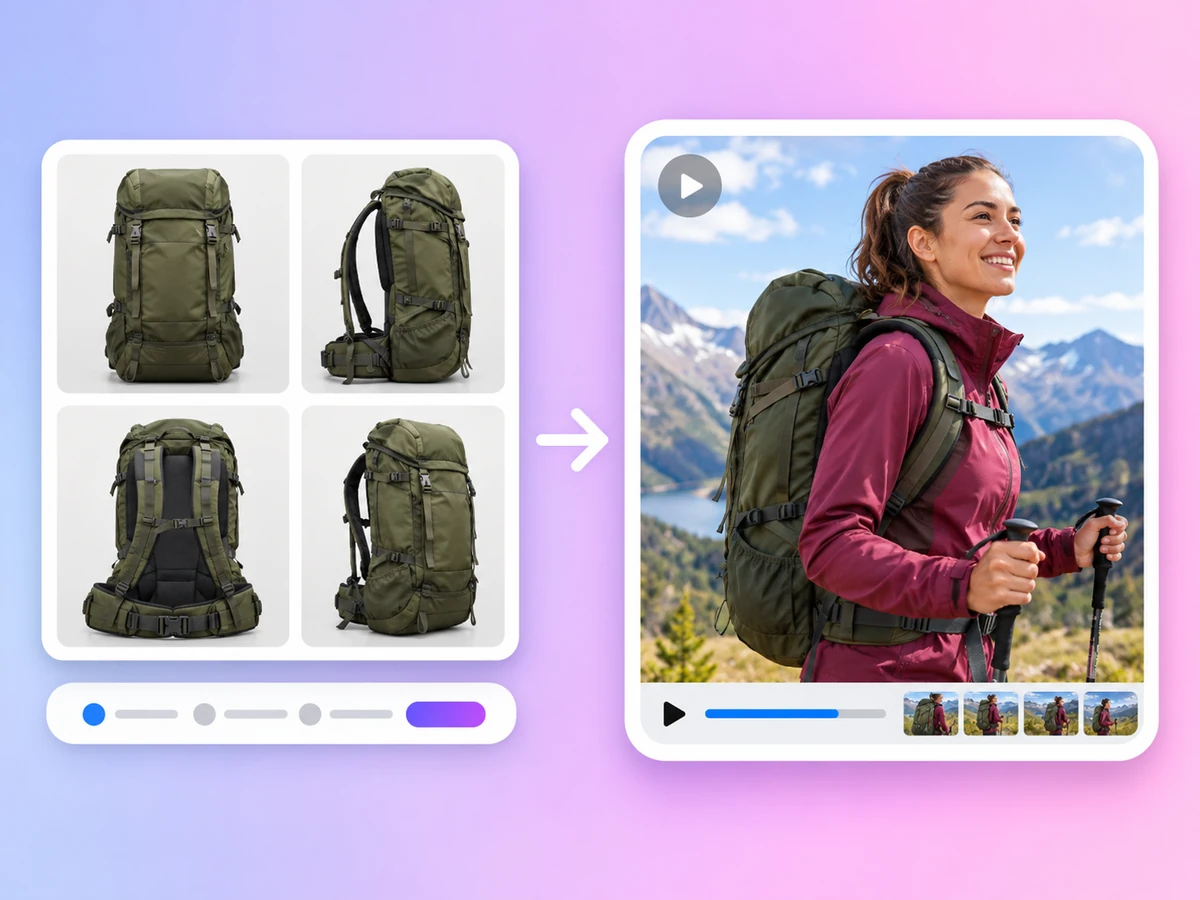
Kling 4.0 takes up to 10 reference images and 5 reference video clips, 15 files in all, to keep a product or person consistent. Kling 3.0 takes one reference image.
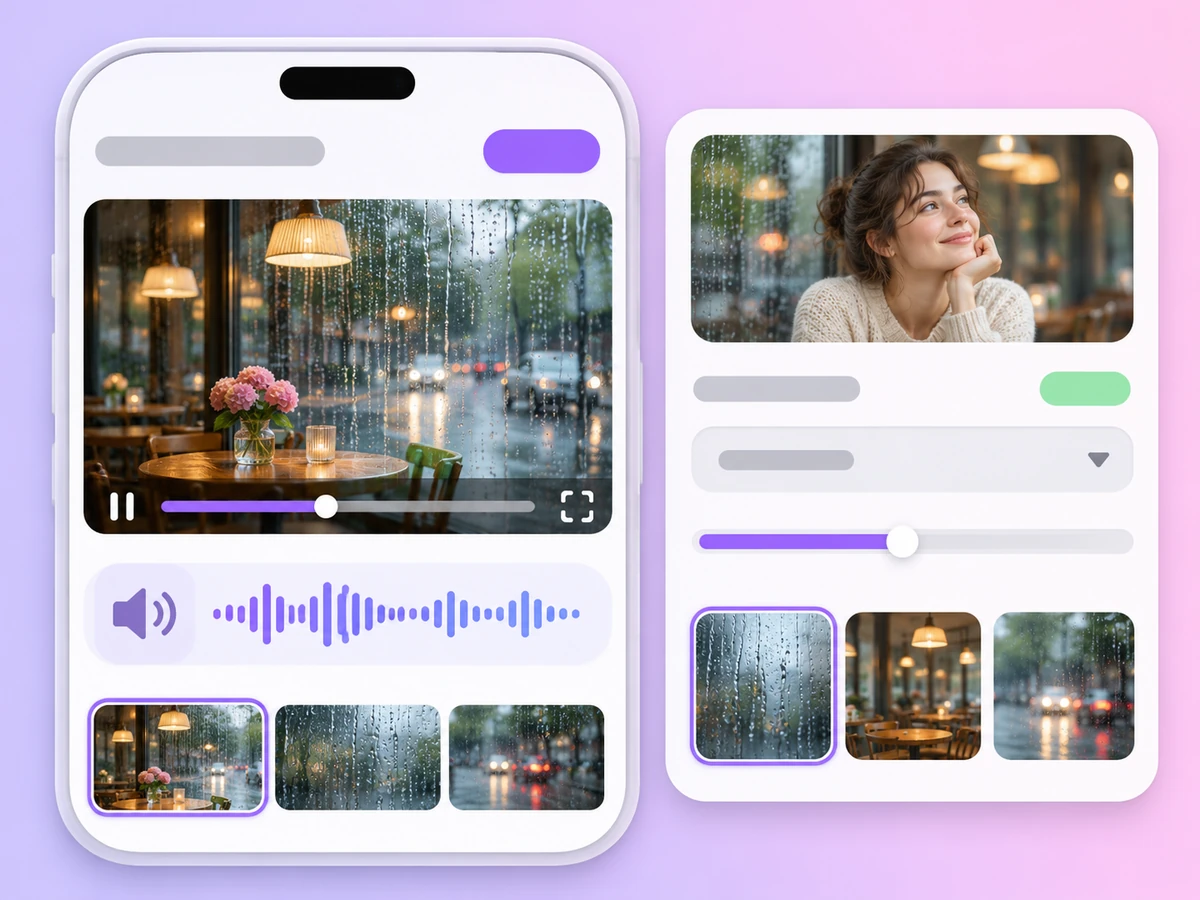
Kling 3.0 generates sound with the video. Kling 4.0 produces silent clips, so add music or voiceover afterwards if you need it.
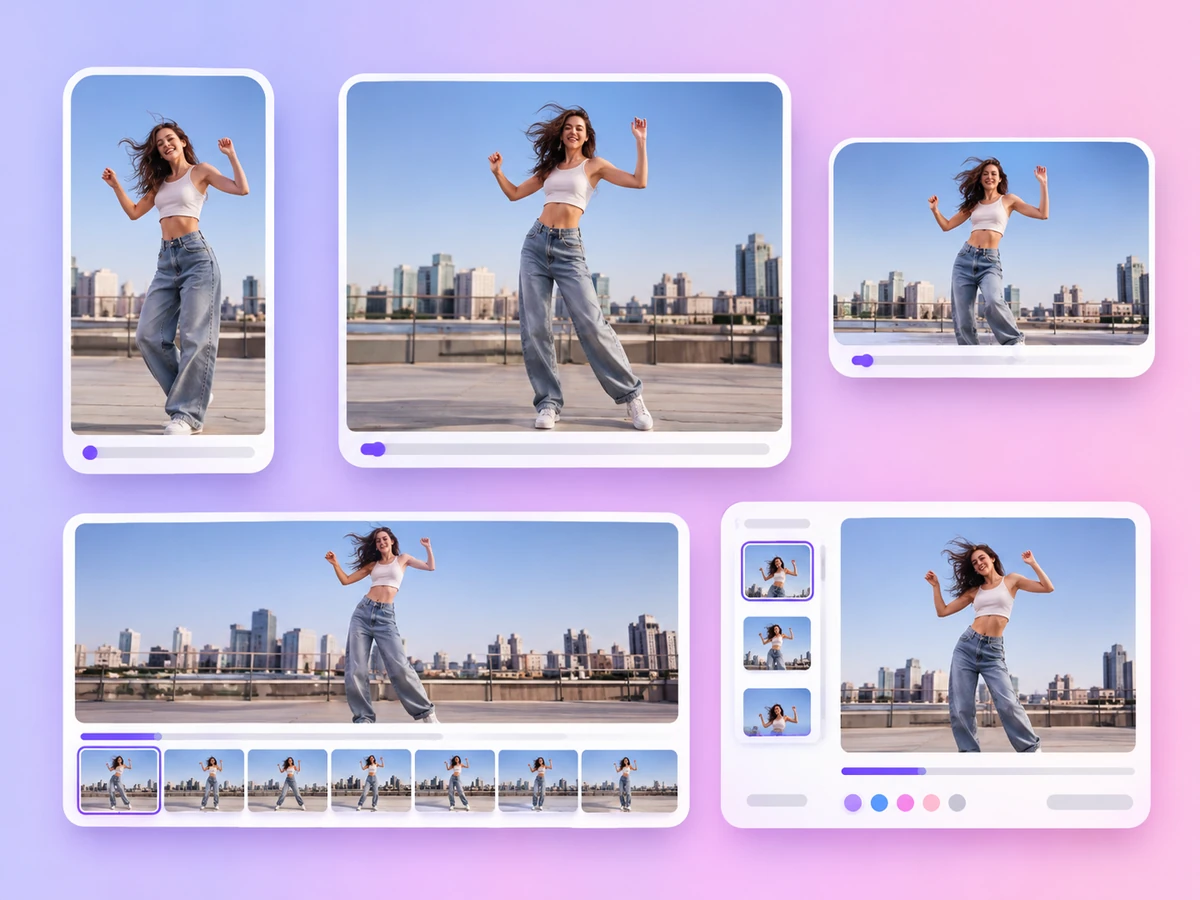
Kling 4.0 can follow the shape of your image or use 9:16, 1:1, 16:9 or 21:9. Kling 3.0 offers 9:16, 1:1 and 16:9.
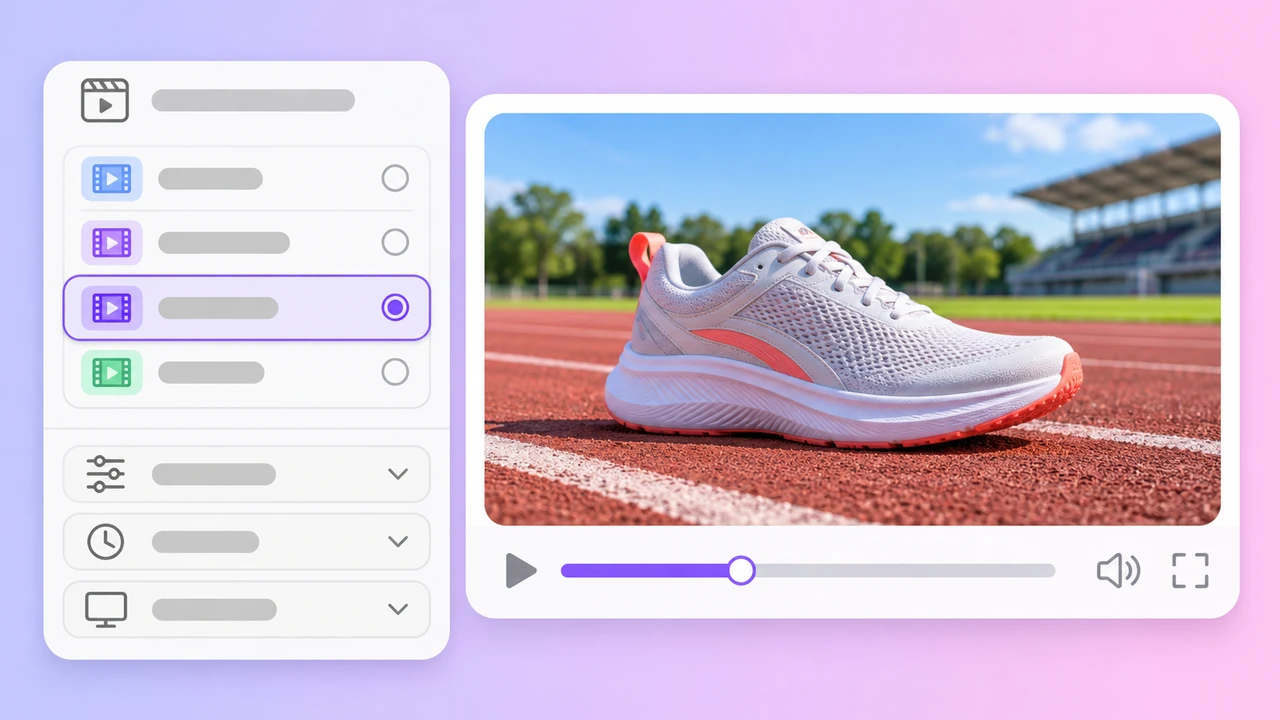
Kling 4.0
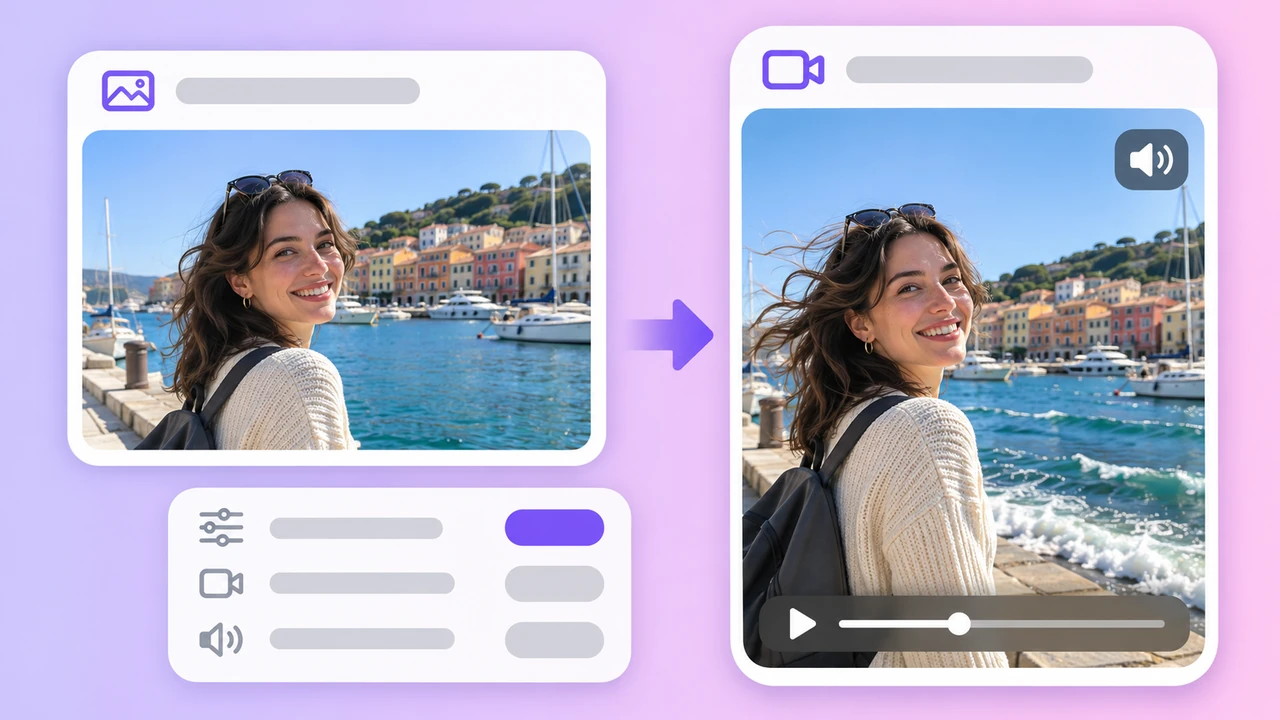
Kling 3.0
Motion prompt
Want to animate photos with every frame-capable model? See Image to Video.
The two Kling versions in the AdsTurbo workspace
Based on the AdsTurbo workspace as of November 2026; models and limits may change. Both versions support text to video, start frame, and start and end frames; an end frame cannot be used without a start frame.
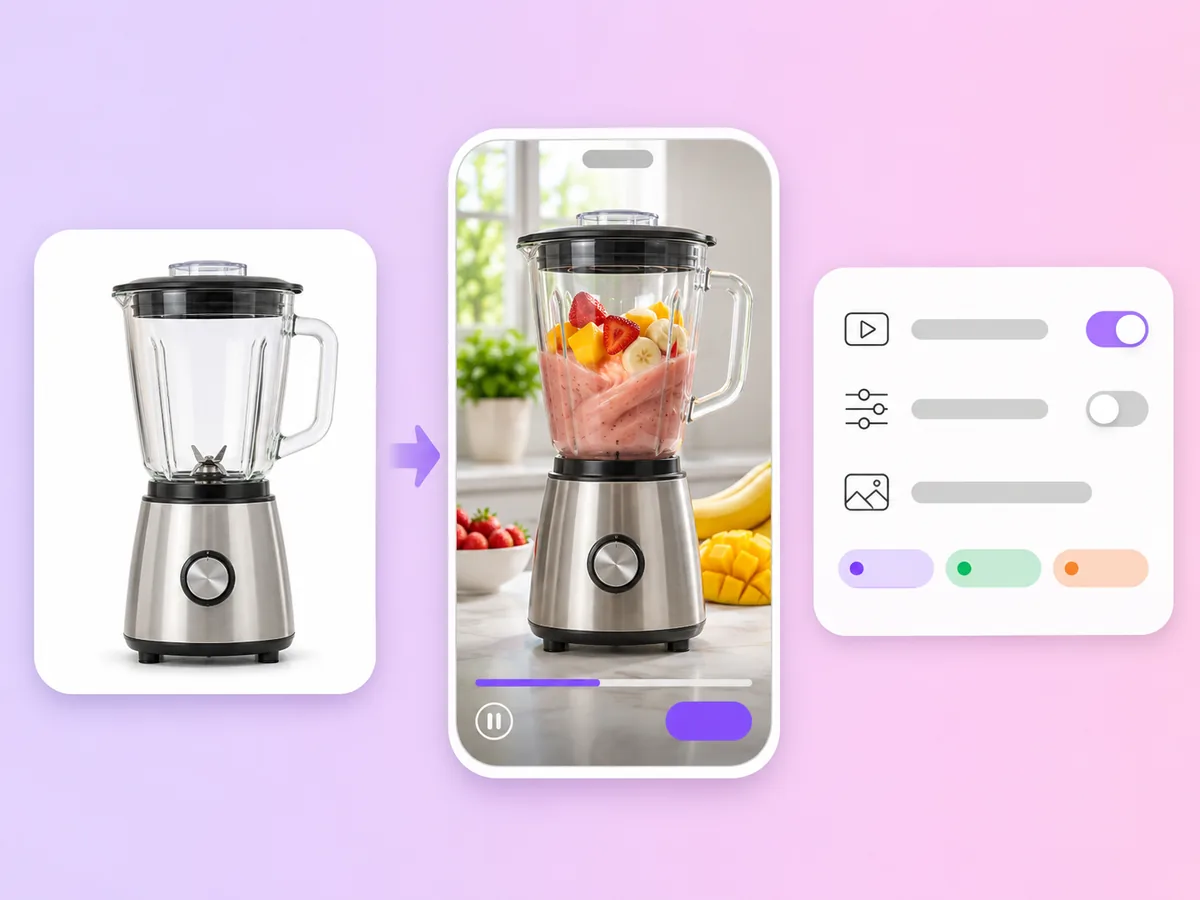
Turn a packshot or lifestyle photo into a clip with camera movement for paid social and product pages.
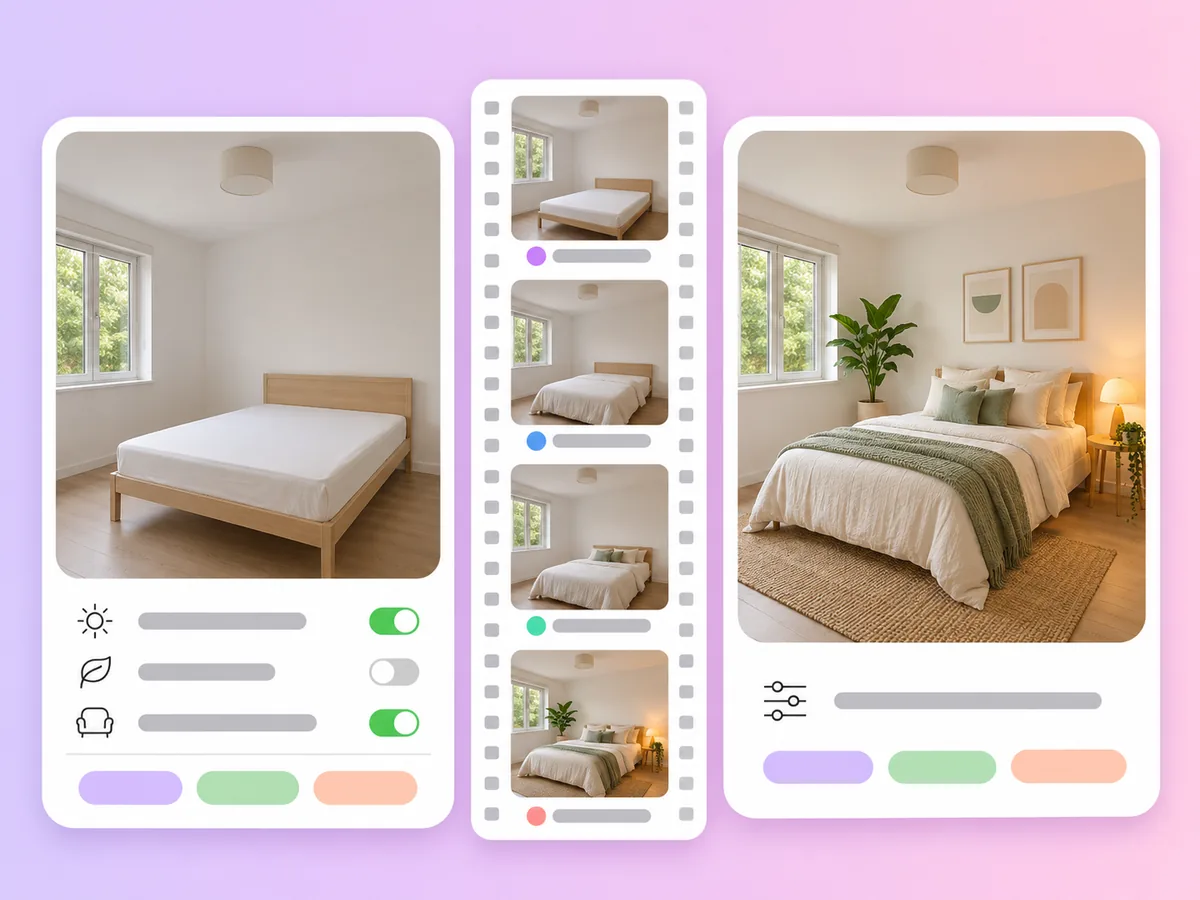
Use start and end frames for before-and-after shots, unboxings and room makeovers.
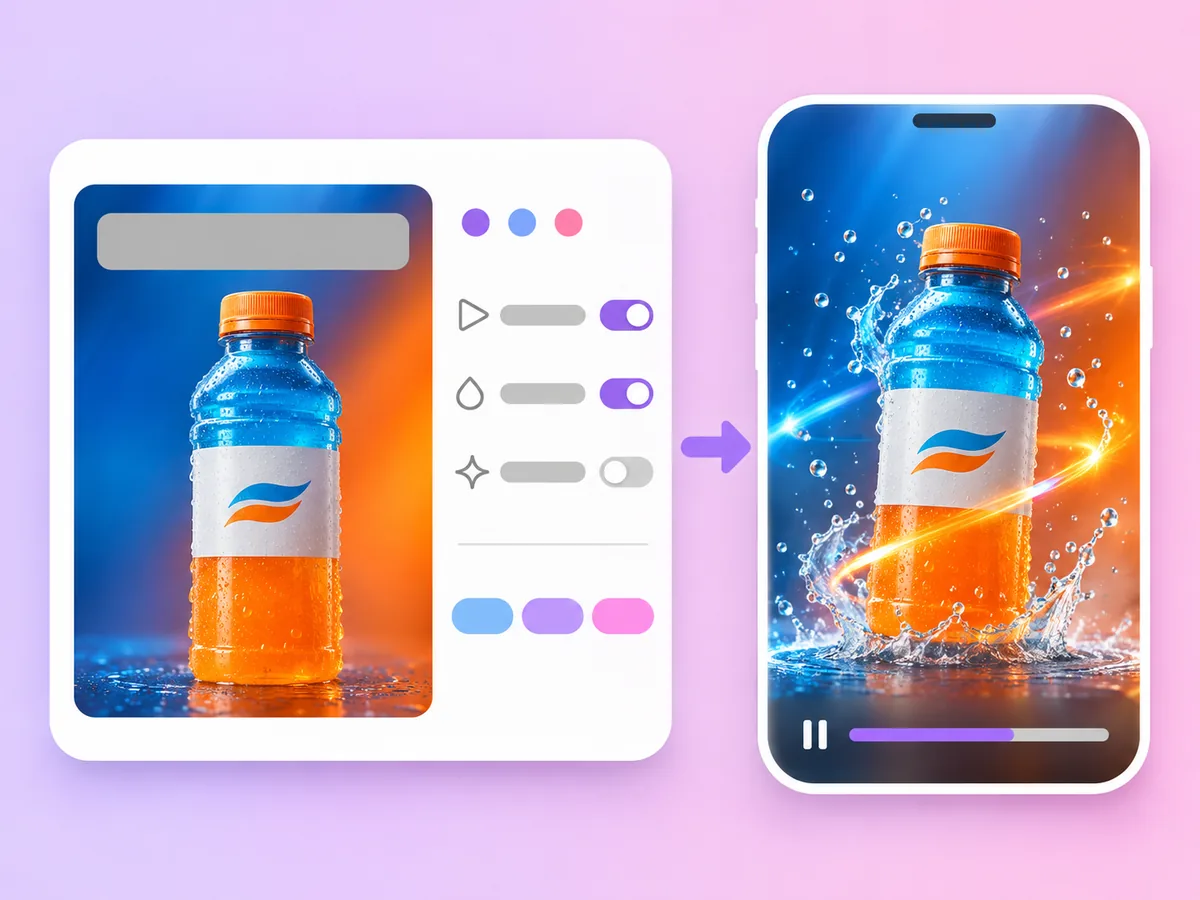
Bring a key visual to life as a moving cover or opener for a campaign.
Kling AI Video Generator
Kling is a family of third-party AI video models from Kuaishou. In AdsTurbo you can use Kling 4.0 and Kling 3.0 to turn a text prompt or a photo into a video. AdsTurbo is not affiliated with Kuaishou; it gives you access to the models in its workspace.
Open the workspace home, switch to Video and pick Kling 4.0 or Kling 3.0. Switch to Start/End Frames, upload a photo as the start frame and, if you want, another as the end frame. Describe the motion, set the length, resolution and aspect ratio, sign in and generate.
Kling 4.0 makes clips of 3 to 30 seconds at 720p or 1080p, takes up to 10 reference images and 5 reference video clips, and offers an adaptive aspect ratio plus 21:9, but it has no native audio. Kling 3.0 makes clips of 3 to 15 seconds at up to 1080p with native audio, in 9:16, 1:1 or 16:9, and takes one reference image.
Kling 3.0 does: it generates sound with the video. Kling 4.0 produces silent clips. If you need sound on a longer clip, add music or voiceover afterwards, or pick a model with native audio such as Seedance.
Up to 30 seconds with Kling 4.0 and up to 15 seconds with Kling 3.0, both starting from 3 seconds. Kling 4.0 offers 720p and 1080p; Kling 3.0 offers 480p, 720p and 1080p.
Generation uses credits from your plan. The credits per video depend on the version, length and resolution, and credits are returned if a task fails. Plans start with Creator and are billed monthly. See Pricing for plans and credits.
Both reach 30 seconds on their newest version. Choose Kling 4.0 for adaptive aspect ratios and reference clips, Kling 3.0 for short clips with sound, and Seedance when you want native audio on long clips or up to 30 reference images. See the Seedance AI Video Generator for Seedance 2.5 and 2.0 details.
The workspace also offers Seedance 2.5, Seedance 2.5 Flash, Seedance 2.0, Veo 3.1, MiniMax H3, Wan 3.0 and HappyHorse 1.0, or Auto to let AdsTurbo pick a model. Compare them on the AI Video Generator page.
Pick Kling 4.0 or Kling 3.0, upload a photo and describe the motion. Your first Kling video is a few clicks away.
 AdsTurbo