Nano Banana 2 is Google's fast image model with precise text rendering. AdsTurbo gives you Nano-Banana 2 for quick feed creatives from 0.5K to 4K, Nano-Banana 2.1 for consistent series with up to 14 references, and Nano-Banana Pro for detailed brand visuals up to 8K.
Demo preview. Open the workspace to generate images with Nano-Banana 2, 2.1 or Pro.
Nano-Banana 2, Nano-Banana 2.1 and Nano-Banana Pro turn a text prompt, with or without reference photos, into images for ads, product pages and social posts.
Nano Banana is a family of image models made by Google. AdsTurbo gives you access to Nano-Banana 2, Nano-Banana 2.1 and Nano-Banana Pro and is not affiliated with Google.
A prompt alone, or reference photos of your product, model or style. Nano-Banana 2.1 takes up to 14 references.
Nano-Banana 2 offers 0.5K, 1K, 2K and 4K, Nano-Banana 2.1 offers 1K to 4K, and Nano-Banana Pro goes up to 8K, with up to 14 images per task.
It is not the Gemini app. Each prompt runs as a separate task in the AdsTurbo workspace, and you refine a result by attaching it as a reference.
Nano-Banana 2, 2.1 or Pro in three steps in the AdsTurbo workspace.
On the workspace home page, switch to Image and choose Nano-Banana 2 for fast feed images, Nano-Banana 2.1 for consistent series, or Nano-Banana Pro for the most detail and up to 8K.
Describe the scene, and attach photos of the product or person you want to keep. Set the aspect ratio, the resolution and how many images to generate.
Sign in and start the task. Image generation uses credits, which vary by model, resolution and number of images, and credits are returned when generation fails. Download the images you want.
4K and 8K need a subscription plan. 1K and 2K are available on all three models, and Nano-Banana 2 adds a 0.5K draft size.
Three Google image models in one workspace, for fast feed images, consistent series and high-resolution visuals.
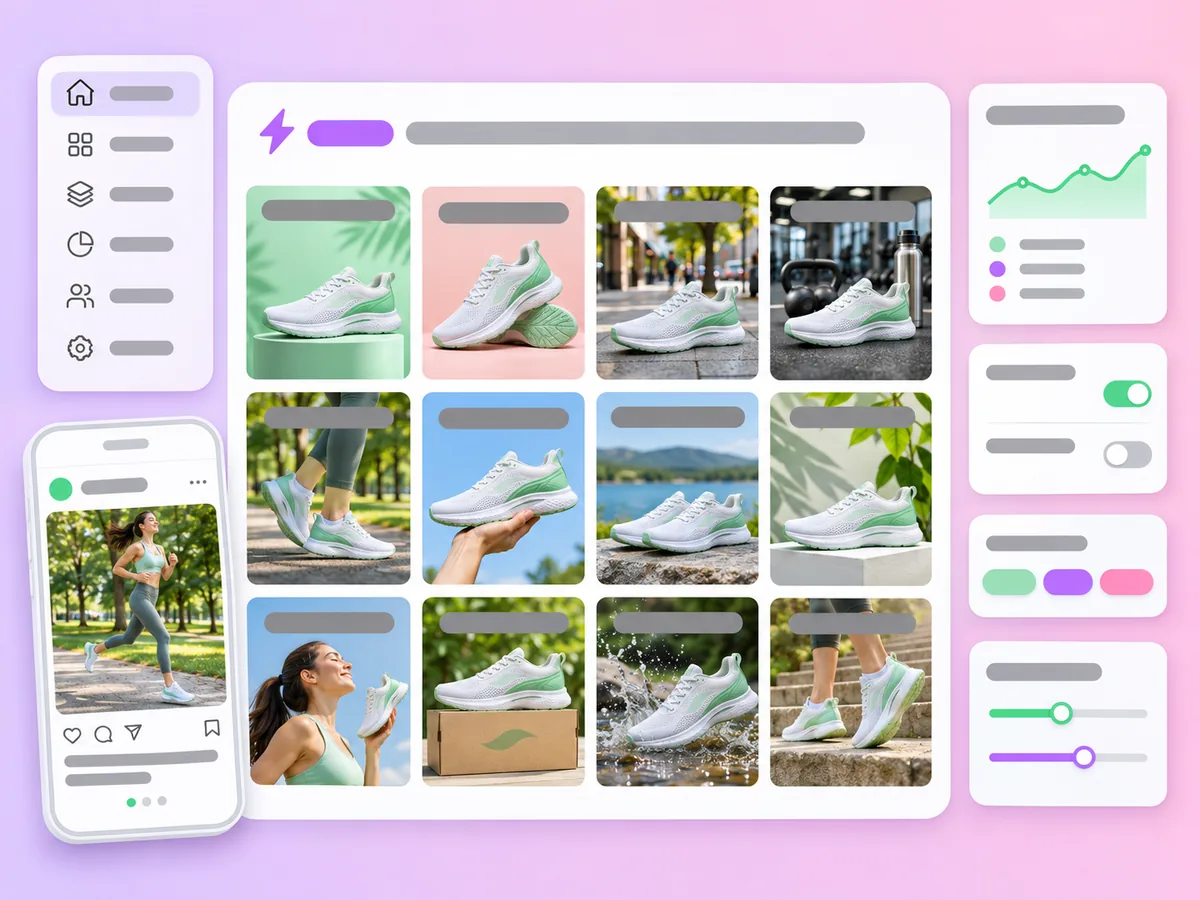
Nano-Banana 2 pairs quick generation with precise text rendering, a top pick for high-volume ad creatives and feed images.
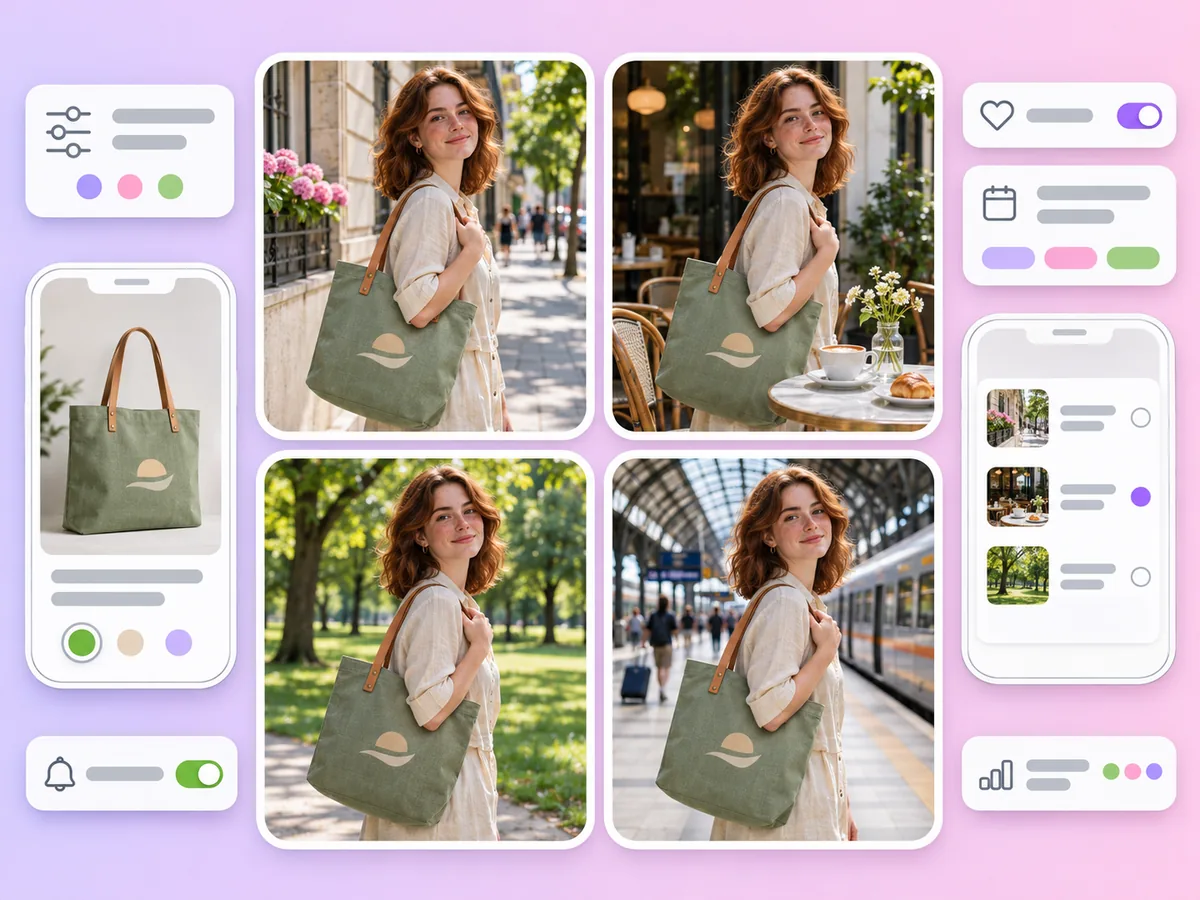
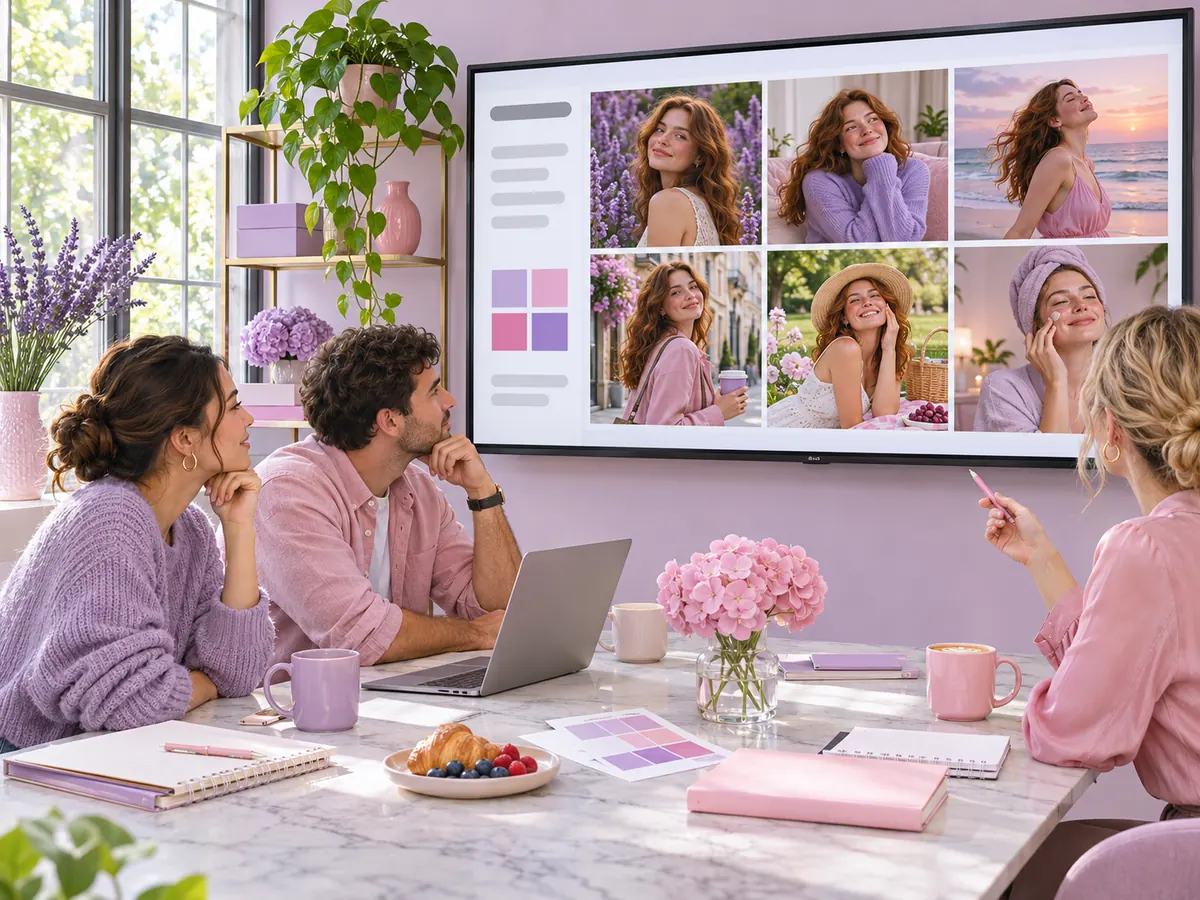
Nano-Banana 2.1 keeps the same person and the same product across a series of images, useful for campaigns and carousels.
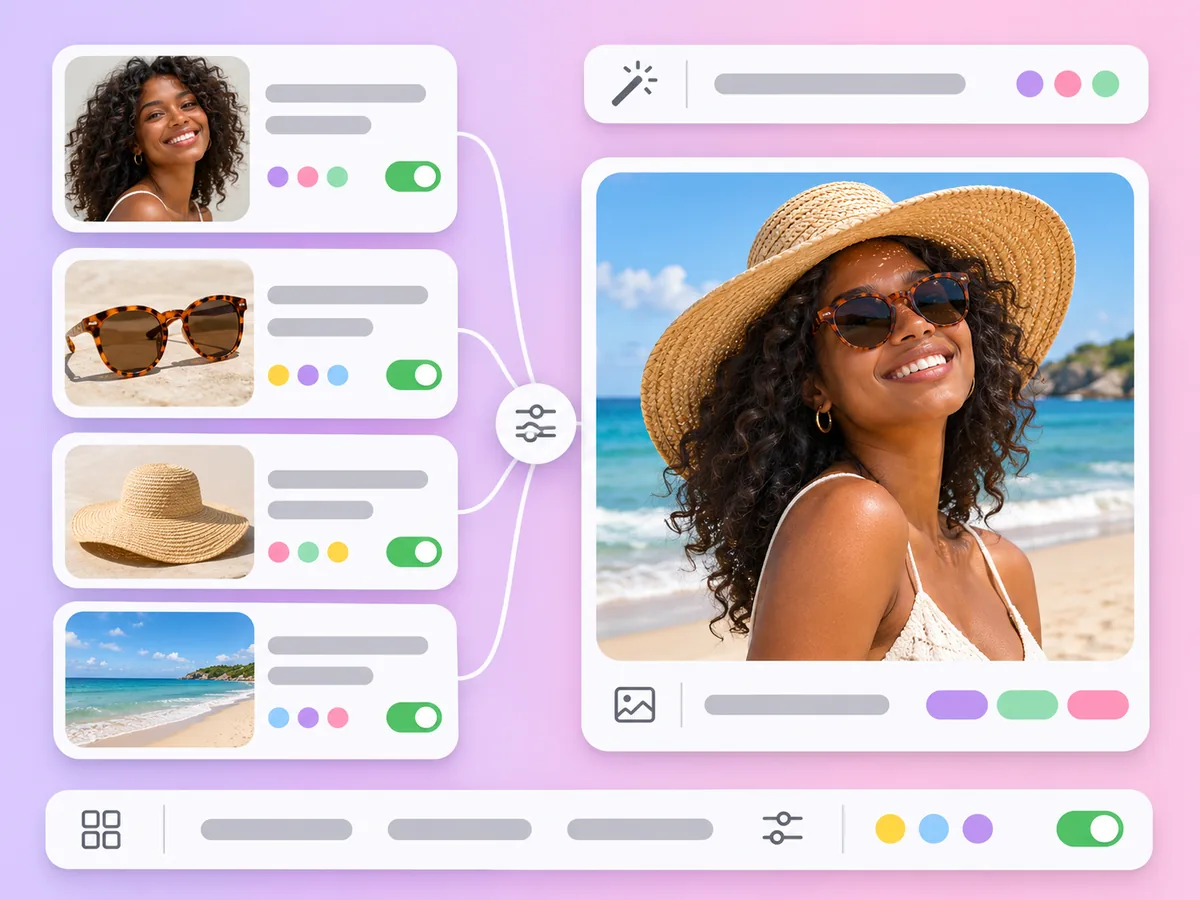
Attach up to 14 photos on Nano-Banana 2.1 to combine people, products and props in one image.
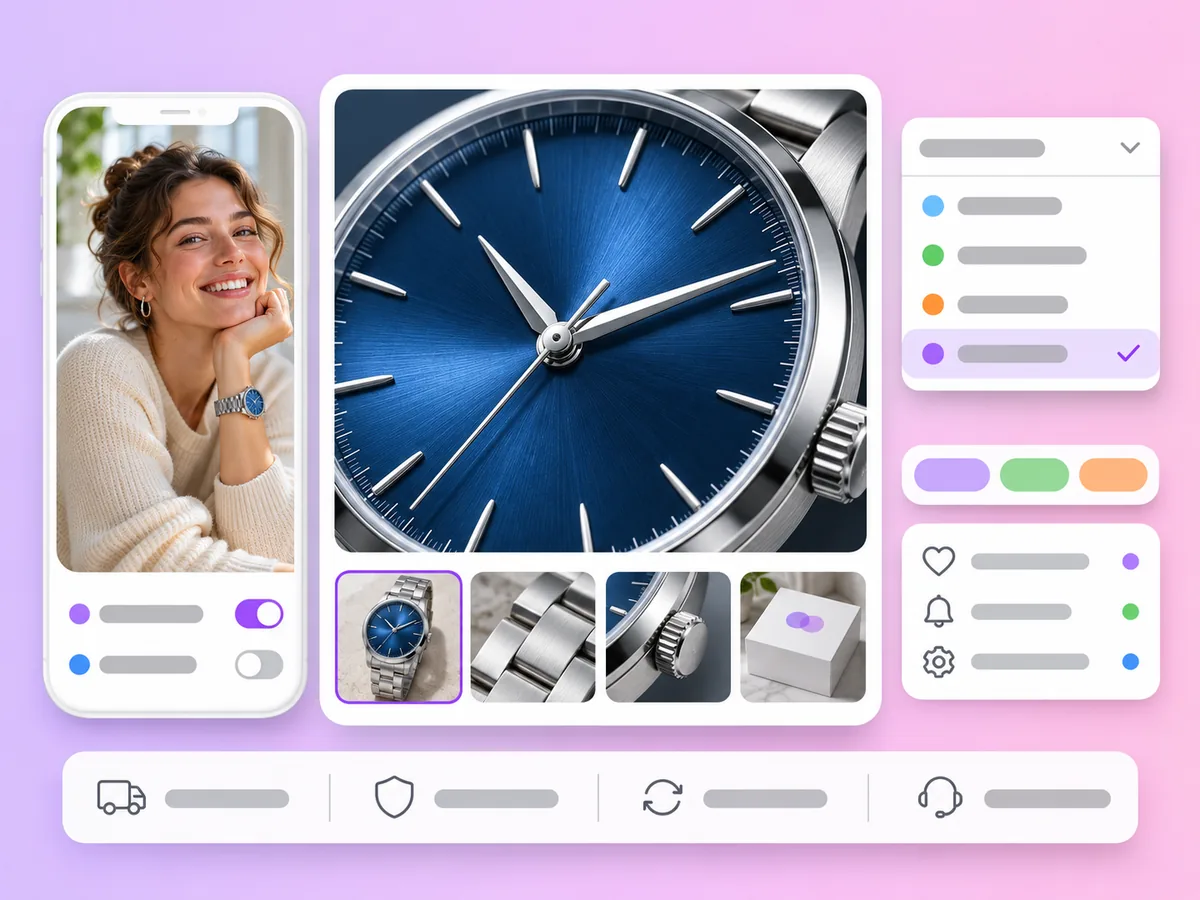
Nano-Banana Pro offers 1K, 2K, 4K and 8K, for print, large banners and detailed product close-ups.
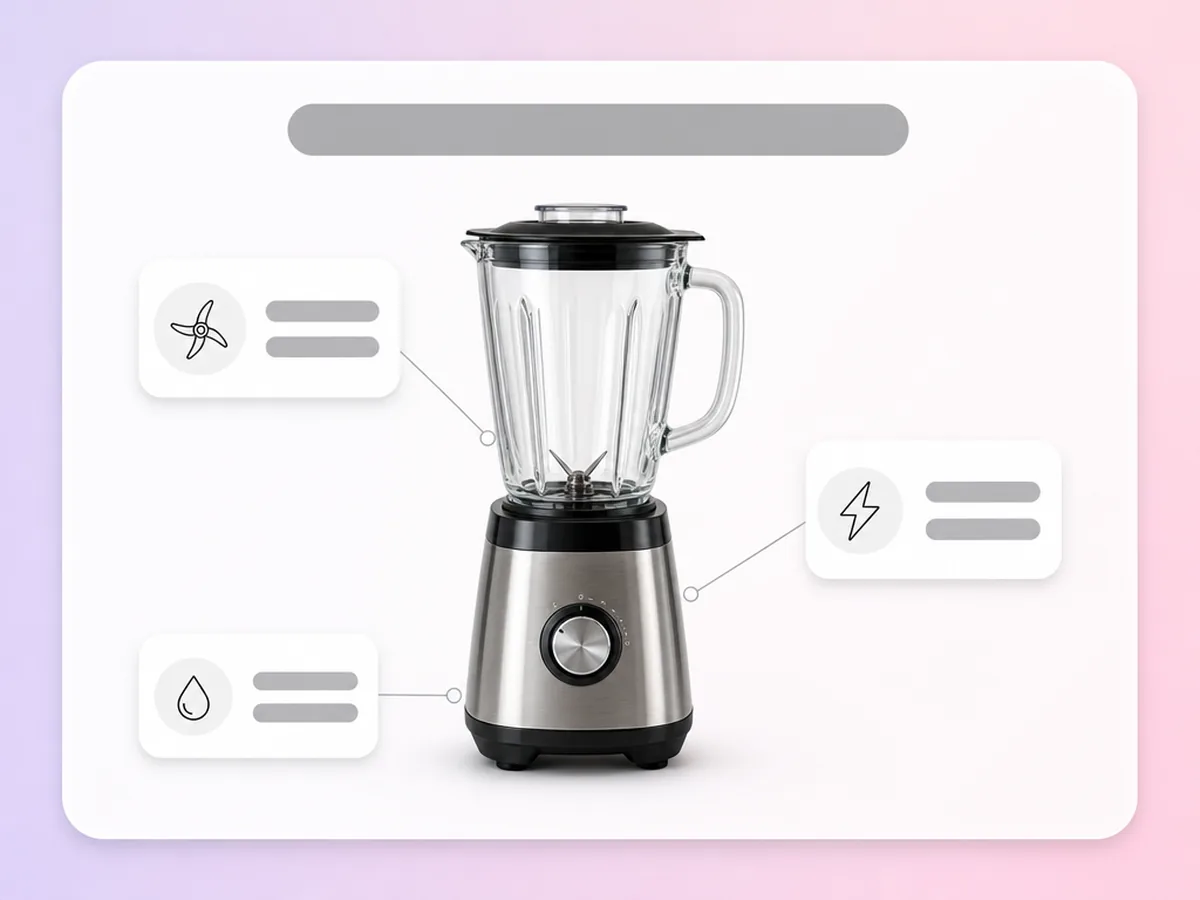
Nano-Banana 2 and Nano-Banana Pro render short headlines and labels clearly, and Nano-Banana 2.1 handles cleaner layouts and infographic-style images.
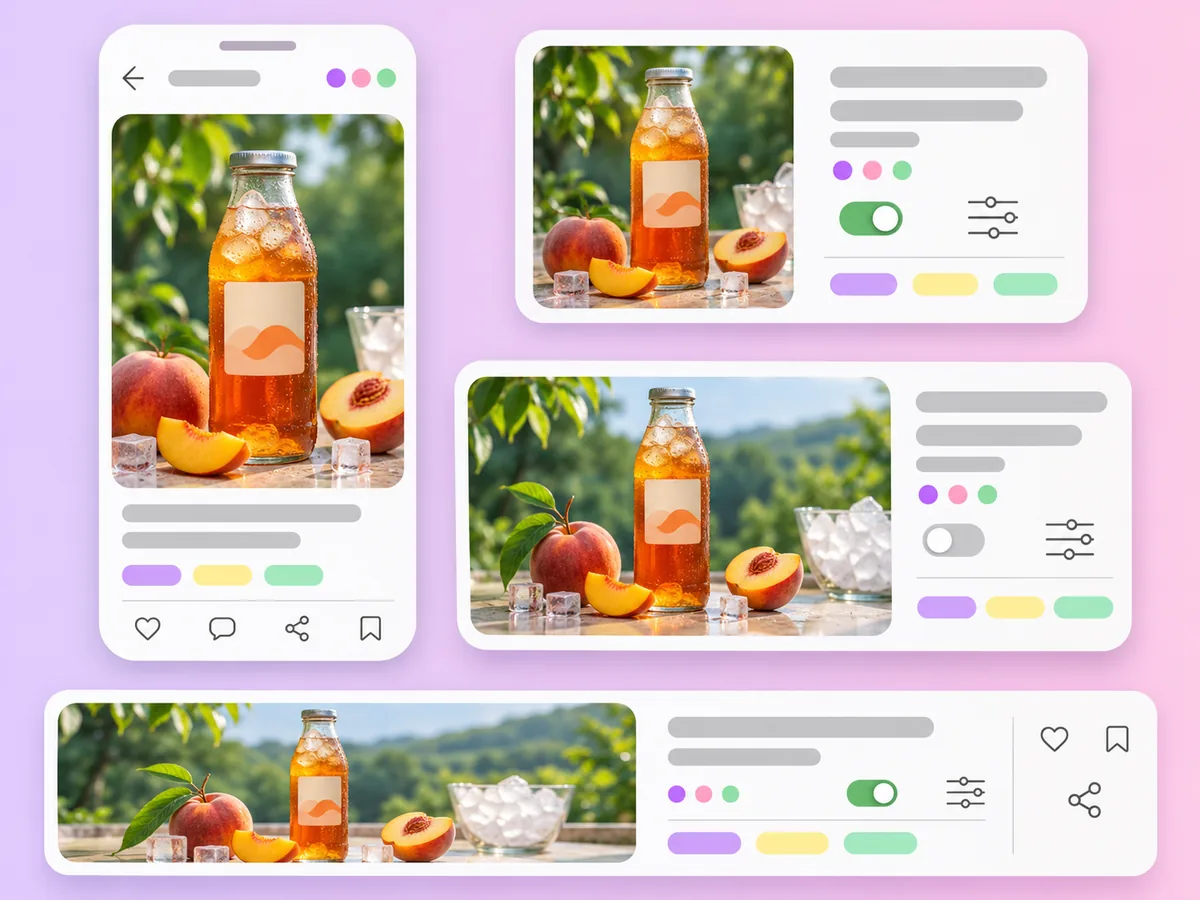
Pick from 1:1, 4:5, 9:16, 16:9, 21:9 and more. Nano-Banana 2 and 2.1 also offer 1:4, 4:1, 1:8 and 8:1 for banners and long strips.
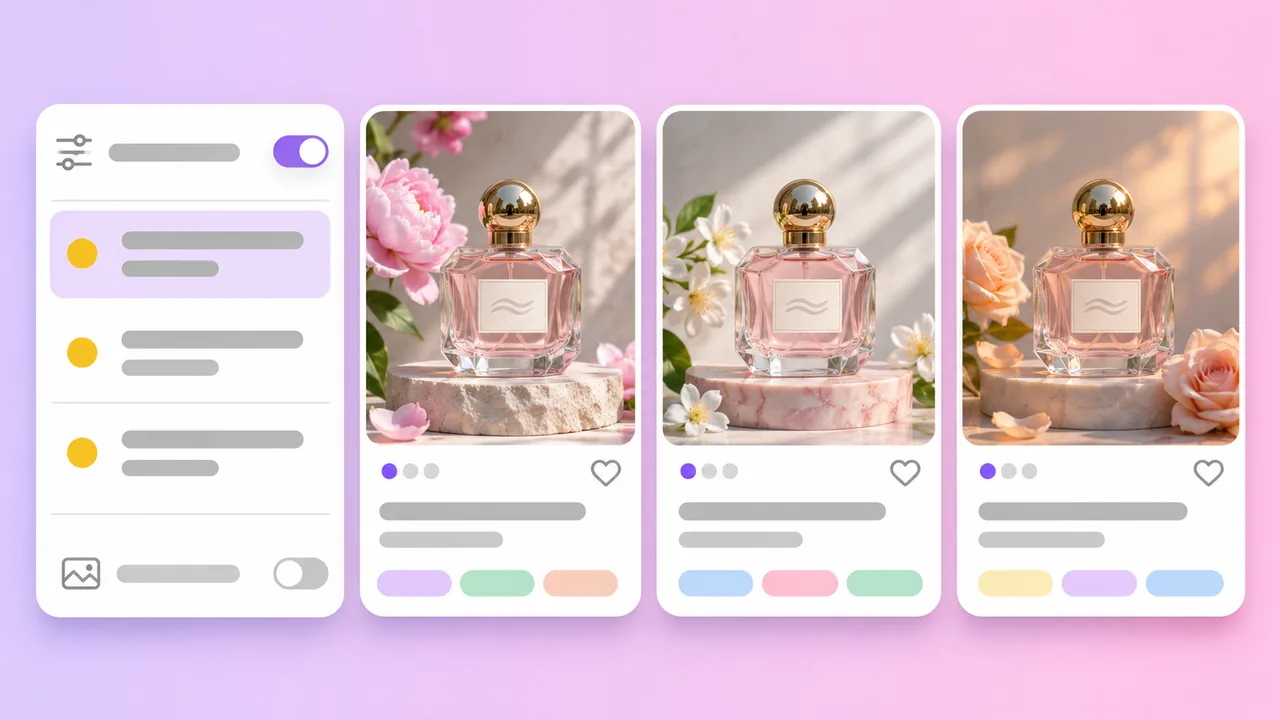
2, 2.1 or Pro
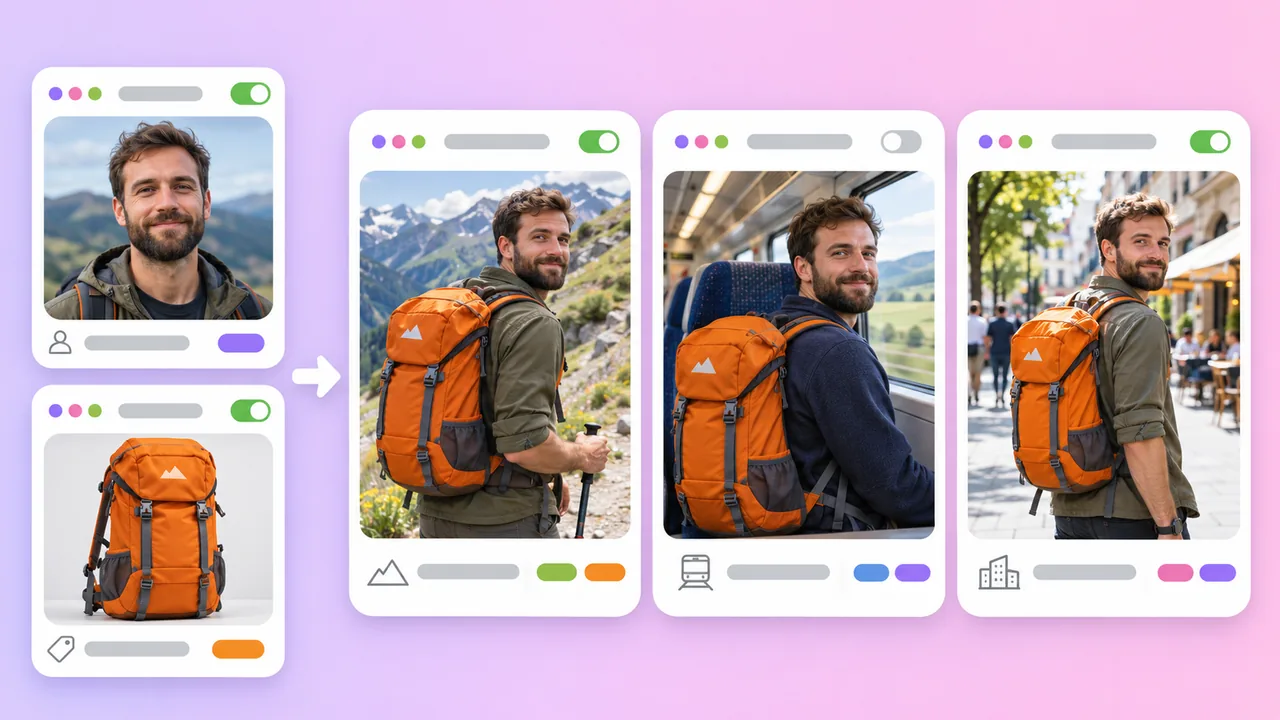
Consistency
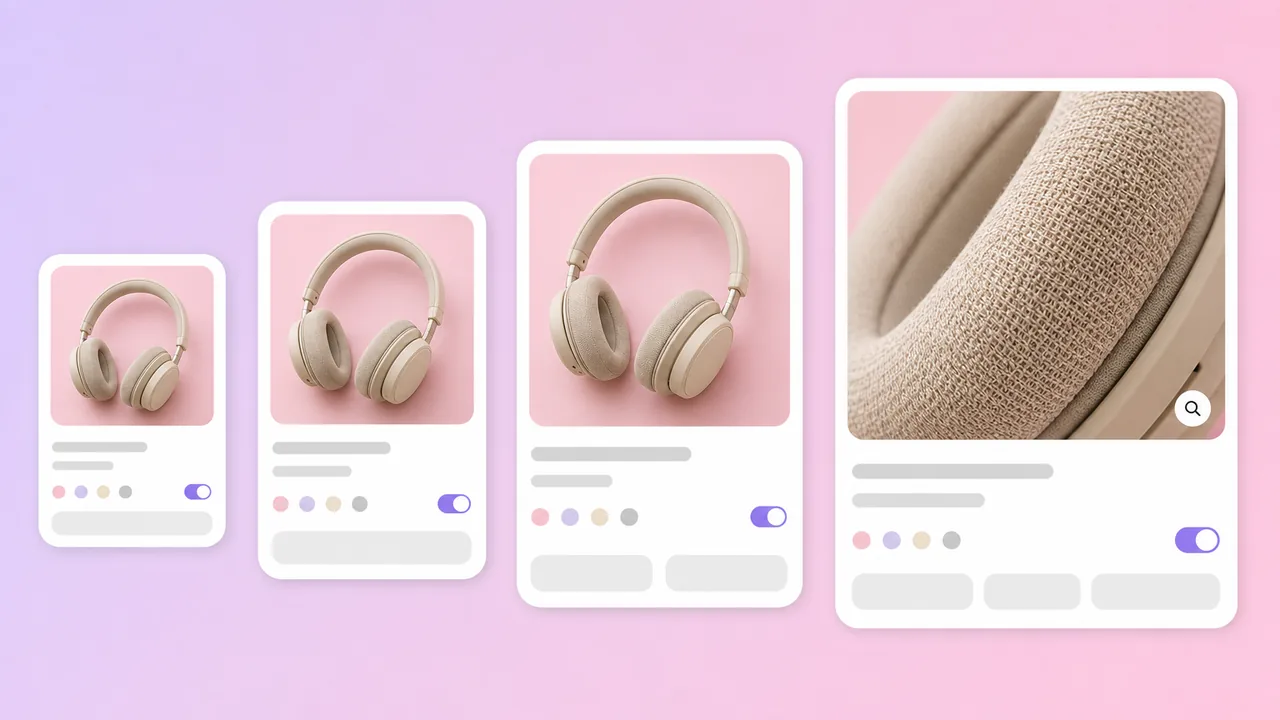
Resolution
Compare every model on the AI Image Generator page.
Google image models in the AdsTurbo workspace
Based on the AdsTurbo workspace as of November 2026; models and limits may change. Nano-Banana models are made by Google. 4K and 8K need a subscription plan.
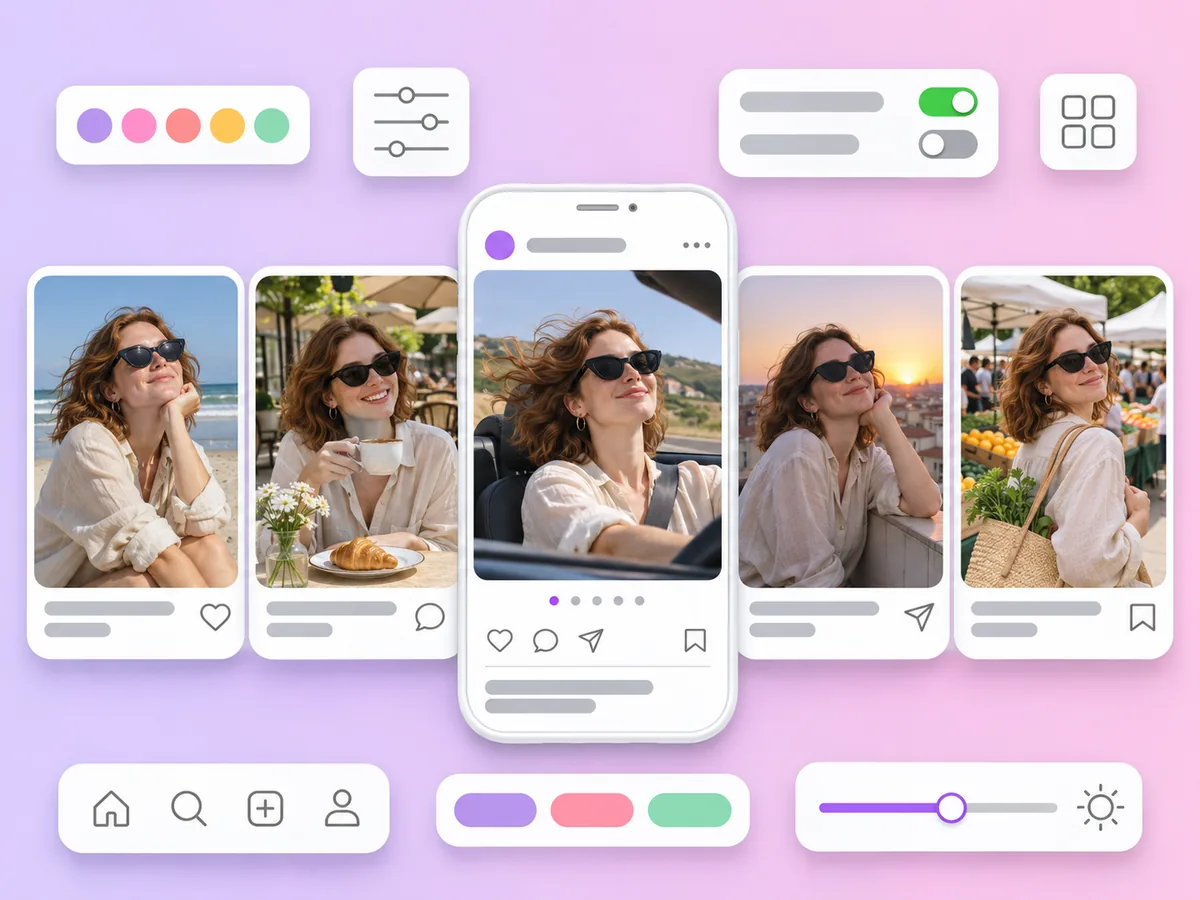
A set of images with the same model and product across scenes, for carousels and multi-ad campaigns.
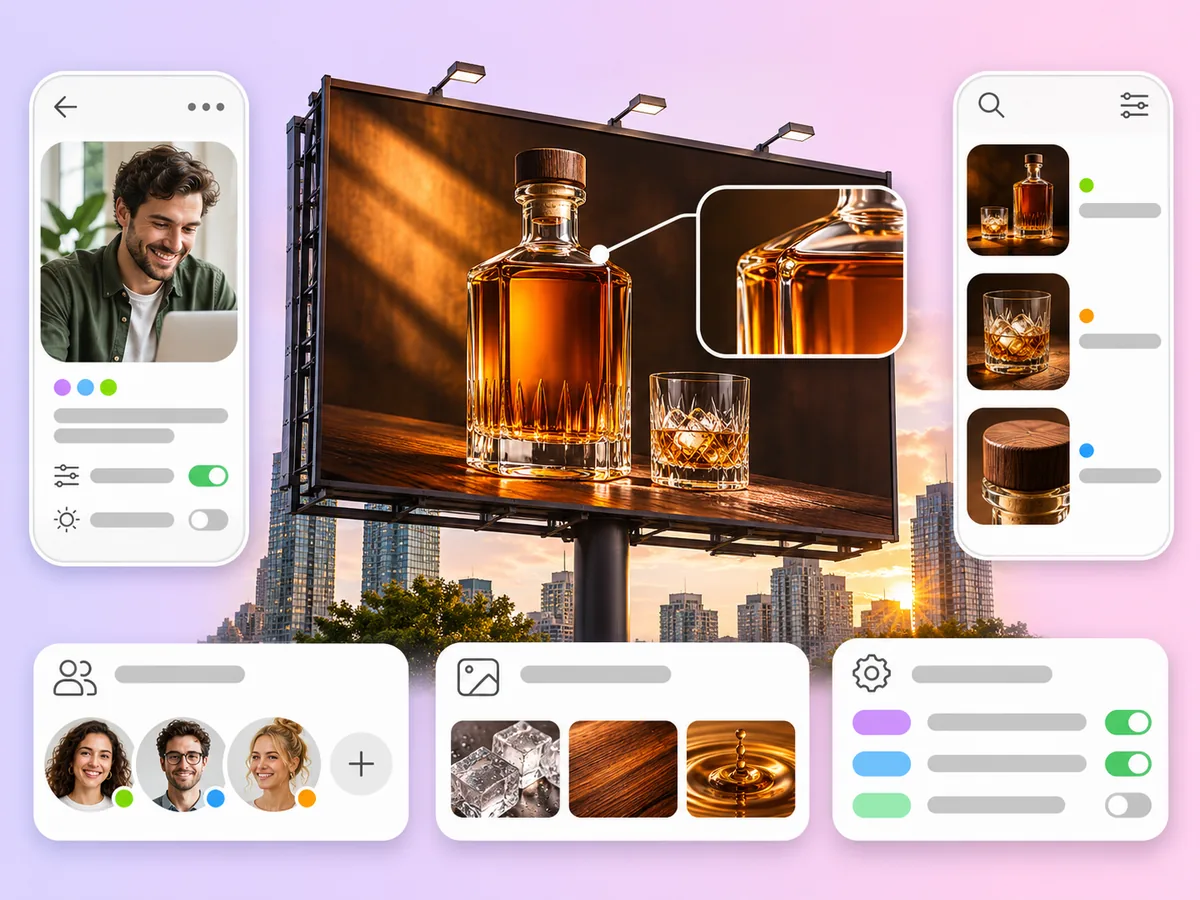
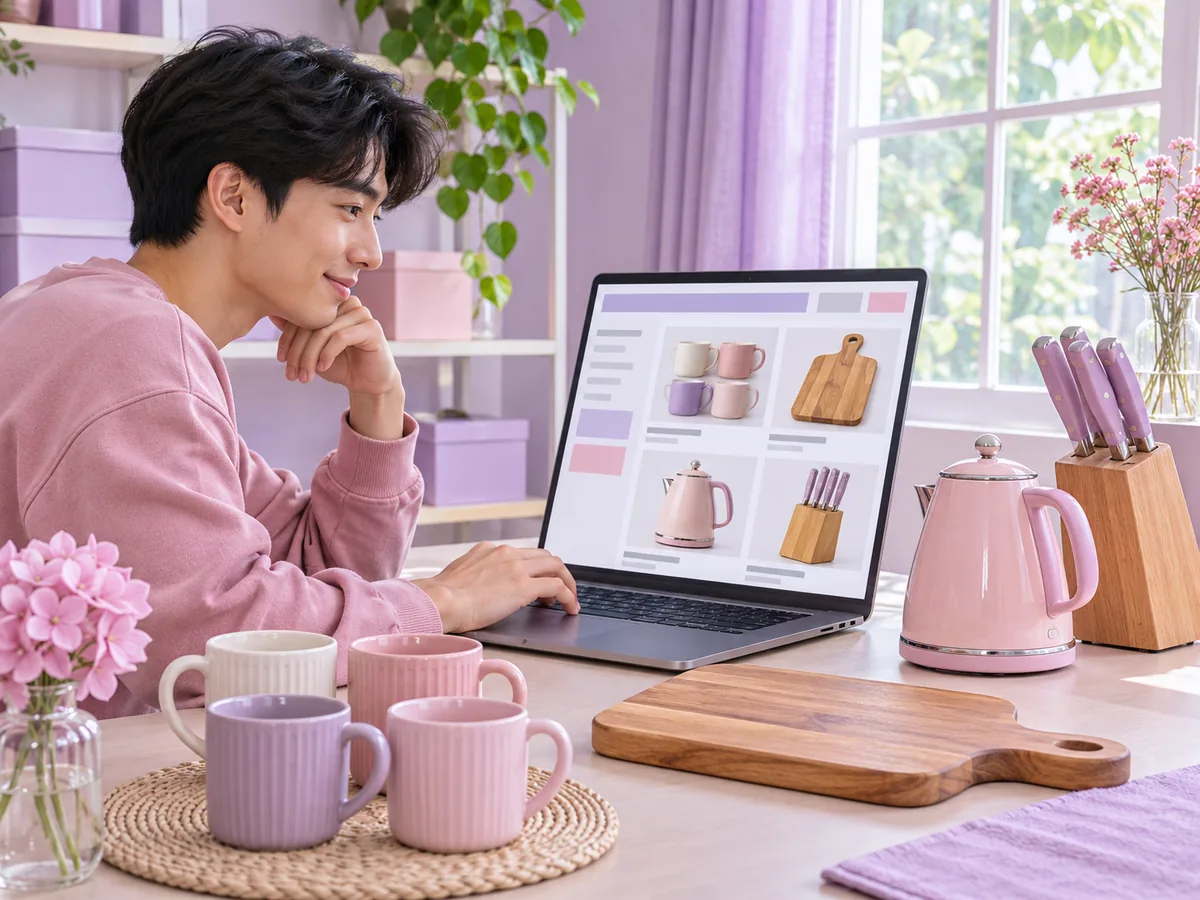
4K and 8K product shots for product pages, banners and print.
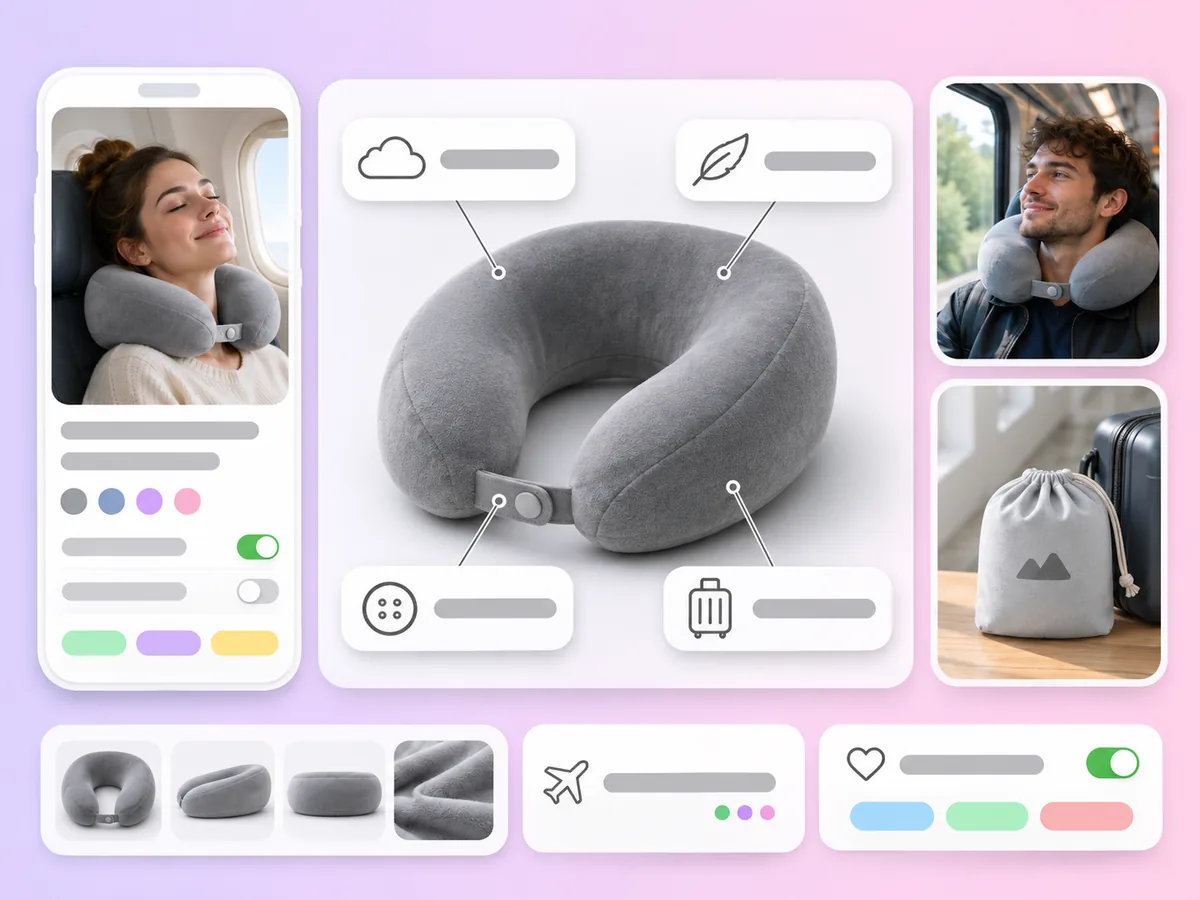
Product images with labelled features and short text for listings and ads.

Nano Banana 2
Nano Banana 2 is an image generation model made by Google, part of its Nano Banana family. It combines fast generation with precise text rendering. AdsTurbo offers Nano-Banana 2 in the Image mode of its workspace, along with Nano-Banana 2.1, its update, and Nano-Banana Pro. AdsTurbo gives you access to the models and is not affiliated with Google.
Nano-Banana 2 is the fast model, with 0.5K to 4K output and clear text, built for high-volume feed images. Nano-Banana 2.1 is its update: 1K to 4K, up to 14 reference images and stronger consistency of characters and products across a series. Nano-Banana Pro plans the layout and lighting before rendering, for detailed brand visuals, and goes up to 8K.
Open the workspace home page, switch to Image mode and pick Nano-Banana 2, Nano-Banana 2.1 or Nano-Banana Pro. Write your prompt, attach reference photos if needed, choose the aspect ratio, resolution and number of images, then sign in and generate.
Nano-Banana 2 offers 0.5K, 1K, 2K and 4K; Nano-Banana 2.1 offers 1K, 2K and 4K; Nano-Banana Pro offers 1K, 2K, 4K and 8K. 4K and 8K need a subscription plan. All three offer auto plus 1:1, 3:2, 2:3, 3:4, 4:3, 4:5, 5:4, 5:7, 7:5, 9:16, 16:9, 21:9, 1:4 and 4:1, and Nano-Banana 2 and 2.1 add 1:8 and 8:1.
Up to 14 images per task on all three Nano-Banana models. Each image uses credits, so the total depends on the model, the resolution and how many images you generate. Credits are returned when a generation fails. See Pricing for plans and credits.
No. In AdsTurbo, transparent backgrounds are only available on Seedream 5.5, and GIF and SVG output only on GPT Image 2.6. See Seedream 5.5 for transparent PNGs.
Use Nano-Banana 2 for fast, text-friendly feed images, Nano-Banana 2.1 when you need a consistent series, and Nano-Banana Pro for 8K. GPT Image models are a strong choice for text-heavy posters and offer GIF and SVG output on GPT Image 2.6. See GPT Image 2 for the OpenAI models.
Pick Nano-Banana 2, 2.1 or Pro, add your product photos and describe the scene. Your first image is a few clicks away.
 AdsTurbo