Seedream 5 is ByteDance's image model series, and AdsTurbo offers three versions: Seedream 5.5 with one-click transparent-background PNGs up to 3K, Seedream 5 Pro for detailed commercial scenes at 2K, and Seedream 5 Lite, which reasons through complex scenes before it renders.
Demo preview. Open the workspace to generate images with Seedream 5.5, 5 Pro or 5 Lite.
Seedream 5.5, Seedream 5 Pro and Seedream 5 Lite turn a text prompt, with or without reference photos, into images; Seedream 5.5 can also output them on a transparent background.
Seedream is an image model family made by ByteDance. AdsTurbo gives you access to Seedream 5.5, Seedream 5 Pro and Seedream 5 Lite and is not affiliated with ByteDance.
A prompt alone, or reference photos of your product, logo or style: up to 10 on Seedream 5.5 and Seedream 5 Pro.
Seedream 5.5 offers 1K, 1.5K, 2K or 3K and transparent PNGs, Seedream 5 Pro offers 1K or 2K, and Seedream 5 Lite sets the resolution itself, up to 3K.
It does not split an existing design into layers. For that, use Image Layer Split, which separates a poster into a base image and transparent layers.
Seedream 5.5, 5 Pro or 5 Lite in three steps in the AdsTurbo workspace.
On the workspace home page, switch to Image and pick Seedream 5.5, Seedream 5 Pro or Seedream 5 Lite in the model list. Choose Seedream 5.5 for transparent backgrounds; the Transparent background option appears in its settings.
Describe the subject, angle and lighting, and attach reference photos if you want to keep a real product. On Seedream 5.5, switch the background to Transparent if you need a cutout. Then pick the aspect ratio and, where available, the resolution.
Sign in and start the task. Image generation uses credits, which vary by model, resolution and number of images, and credits are returned when generation fails. Download the images or PNGs you want.
Transparent background is a Seedream 5.5 setting. If you switch to another model, the option is turned off.
Transparent product assets, detailed scenes and complex layouts from three Seedream 5 models.
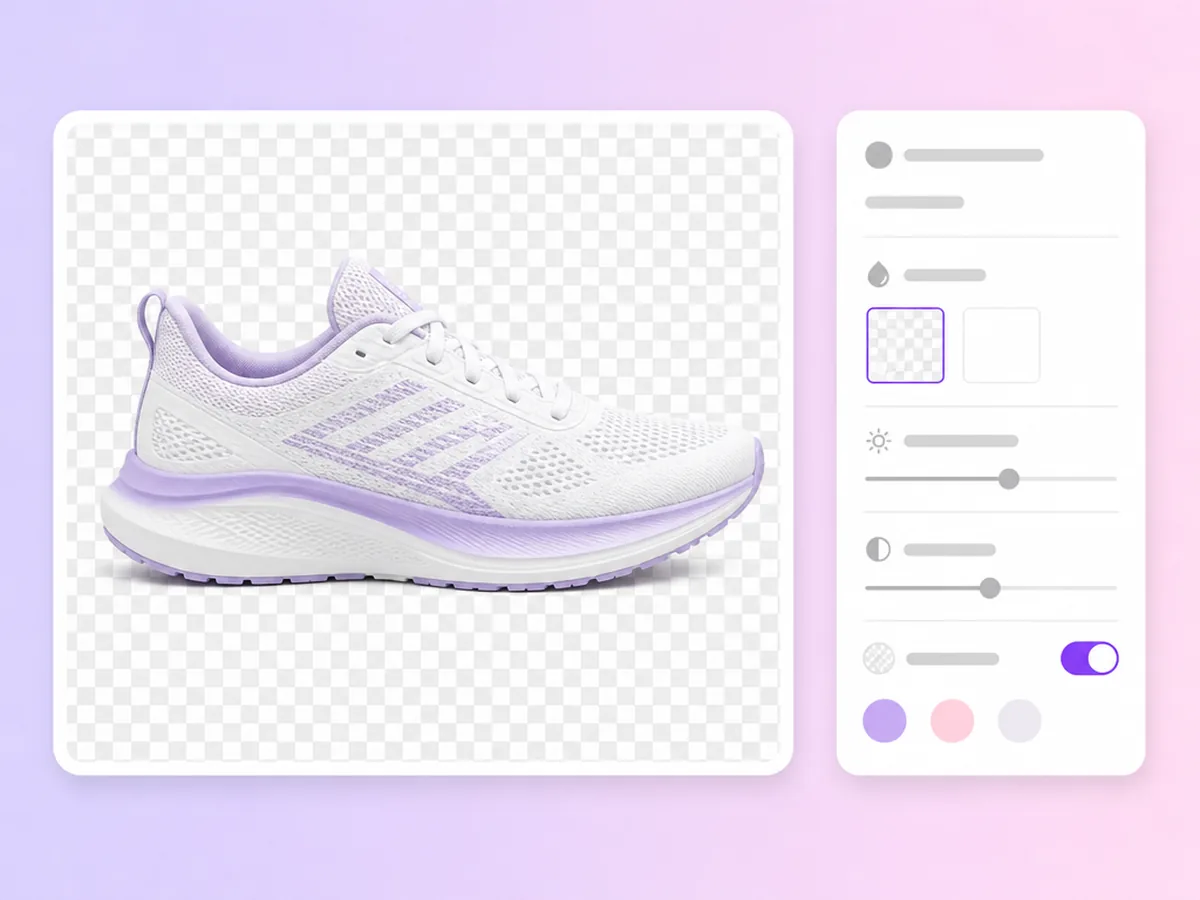
Generate an image with no background in one step, ready to place on any layout, banner or product page.
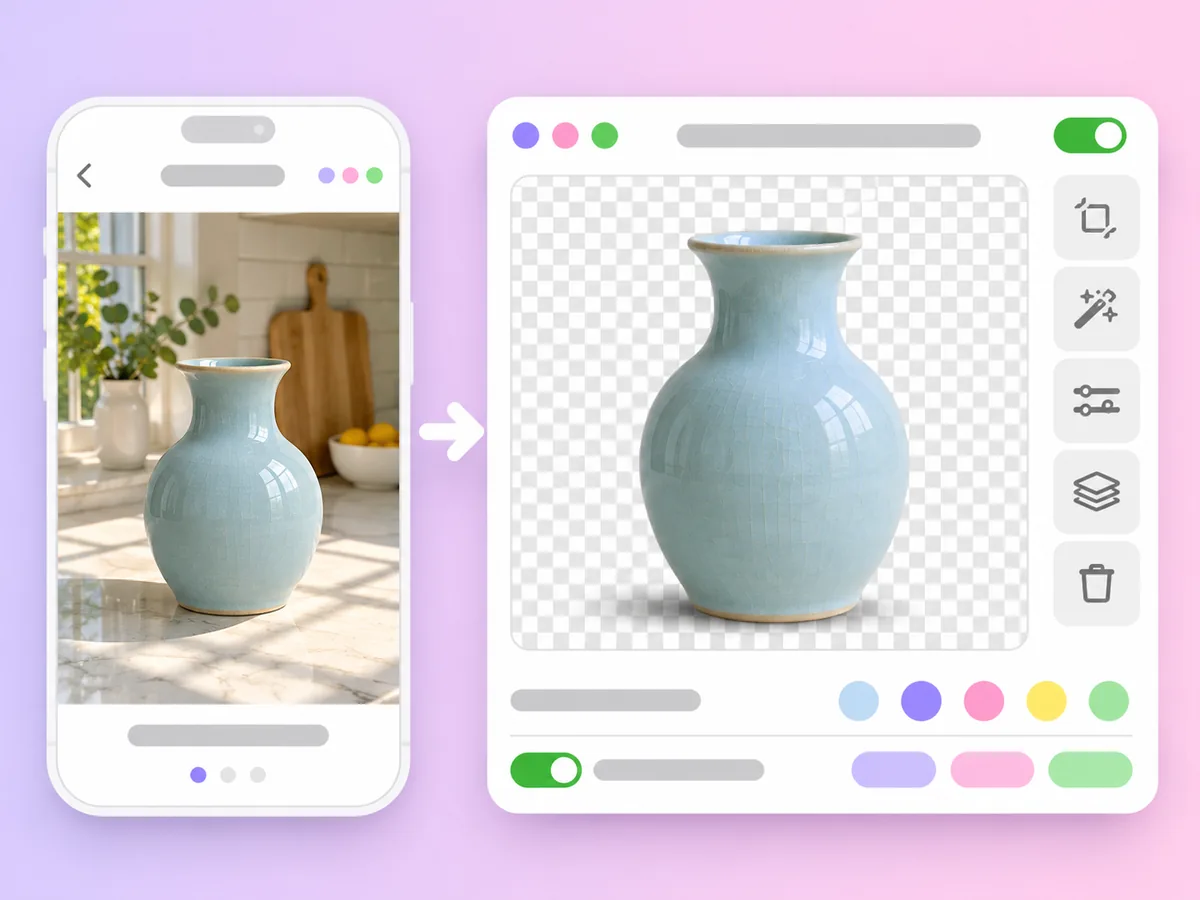
Attach a product photo and ask for a clean cutout at a new angle or with a soft shadow, keeping the real product.

Make stickers, badges and simple logo marks that sit cleanly on any background in your ads and posts.
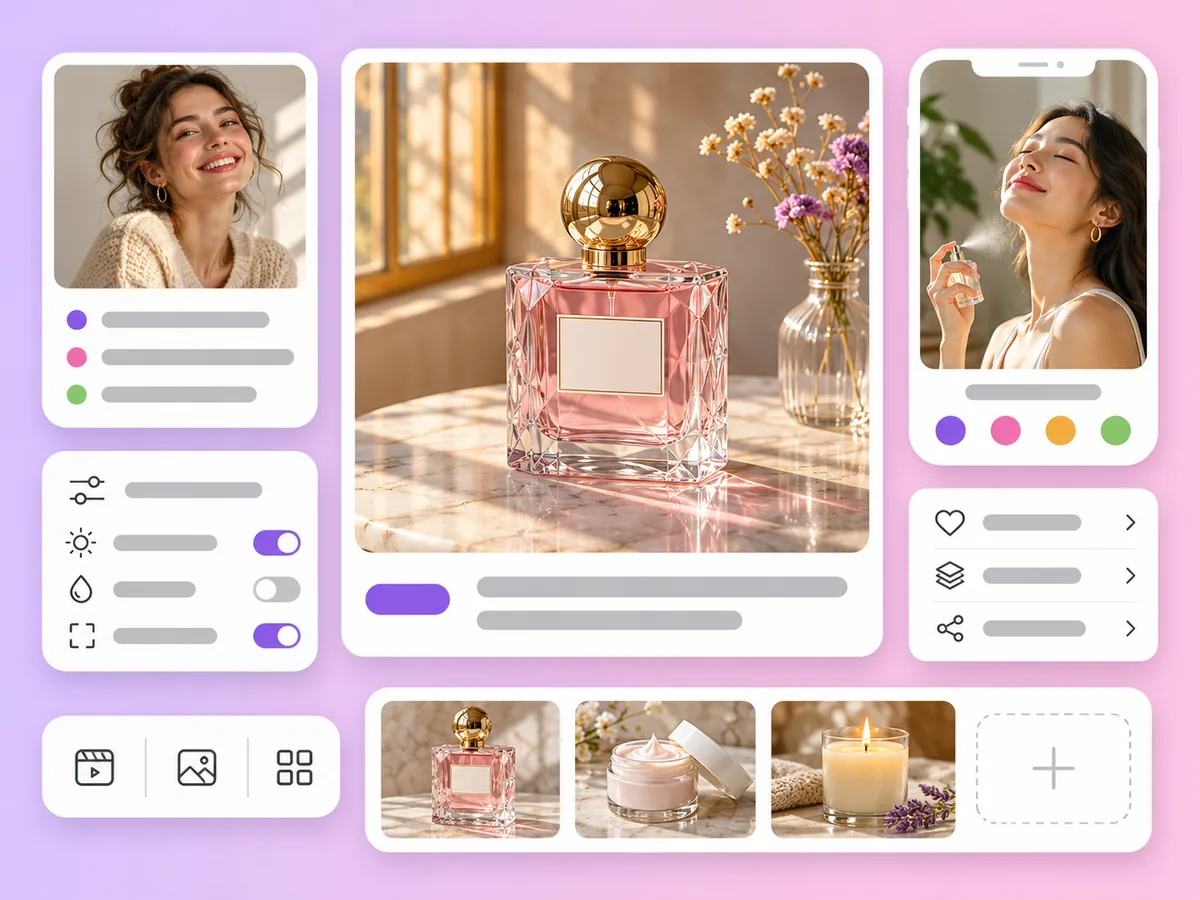
Seedream 5 Pro is the flagship of the Seedream 5 series, with deeper reasoning and precise detail at 1K or 2K, 15 aspect ratios and up to 10 references.
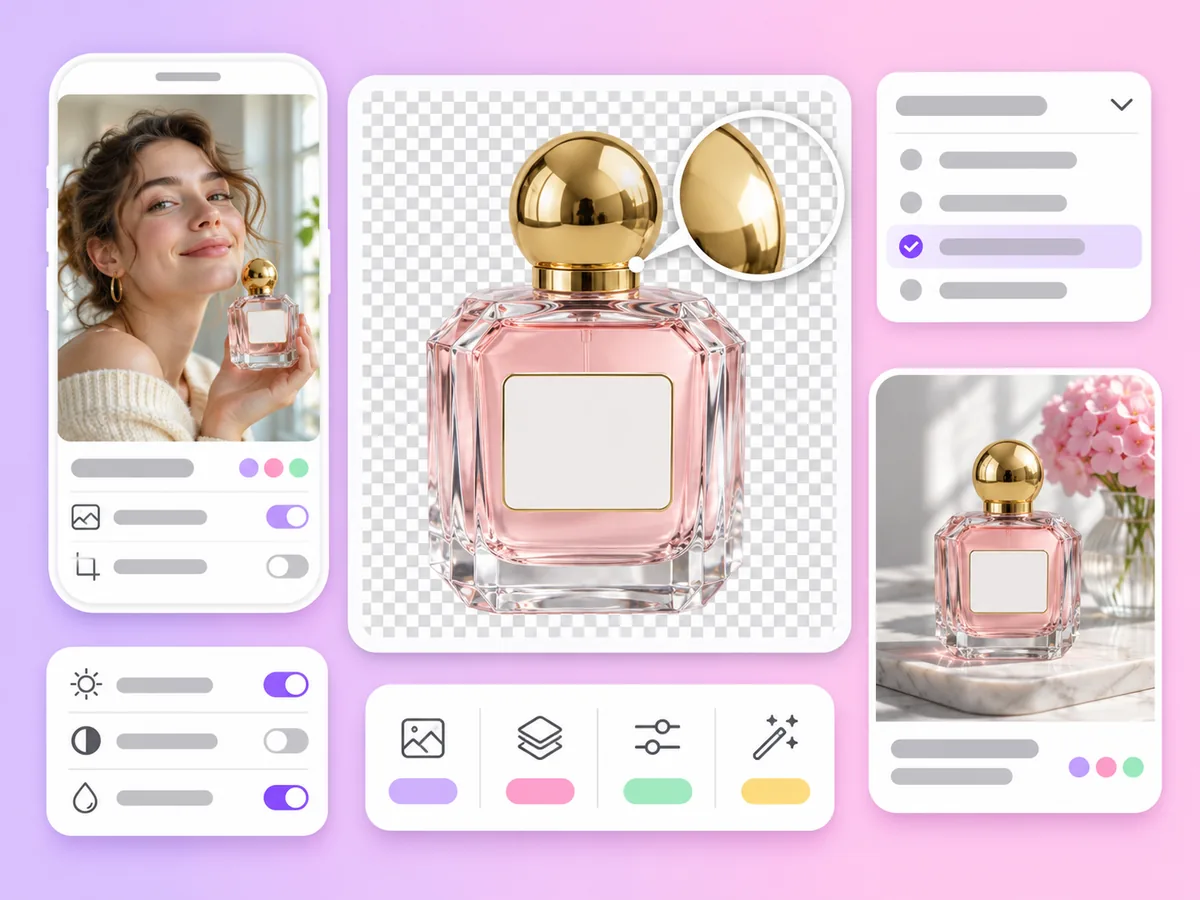
On Seedream 5.5, choose 1K, 1.5K, 2K or 3K. All four sizes are below the 4K tier, so they do not need a subscription for resolution.

Seedream 5 Lite reasons through a scene before it renders, for physically believable layouts, and offers the widest ratio range, from 1:8 to 8:1.
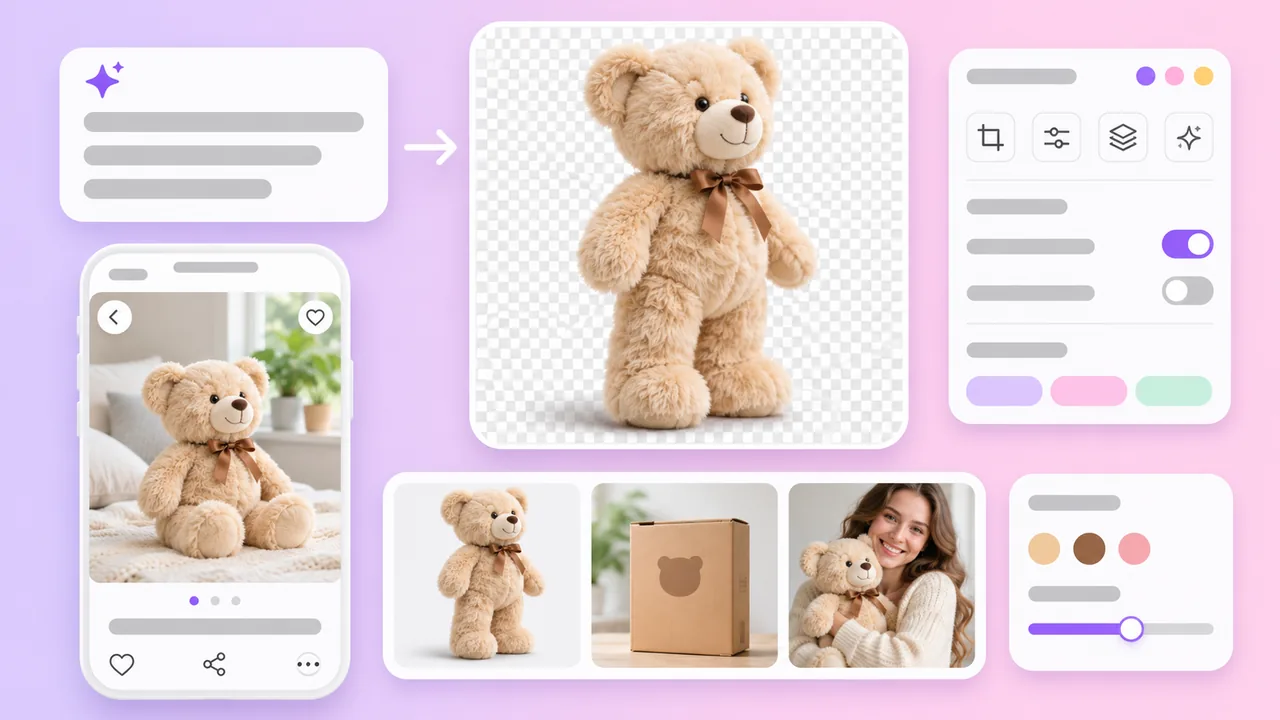
Transparent
Already have a product photo and only need the background removed? Try White Background Image.
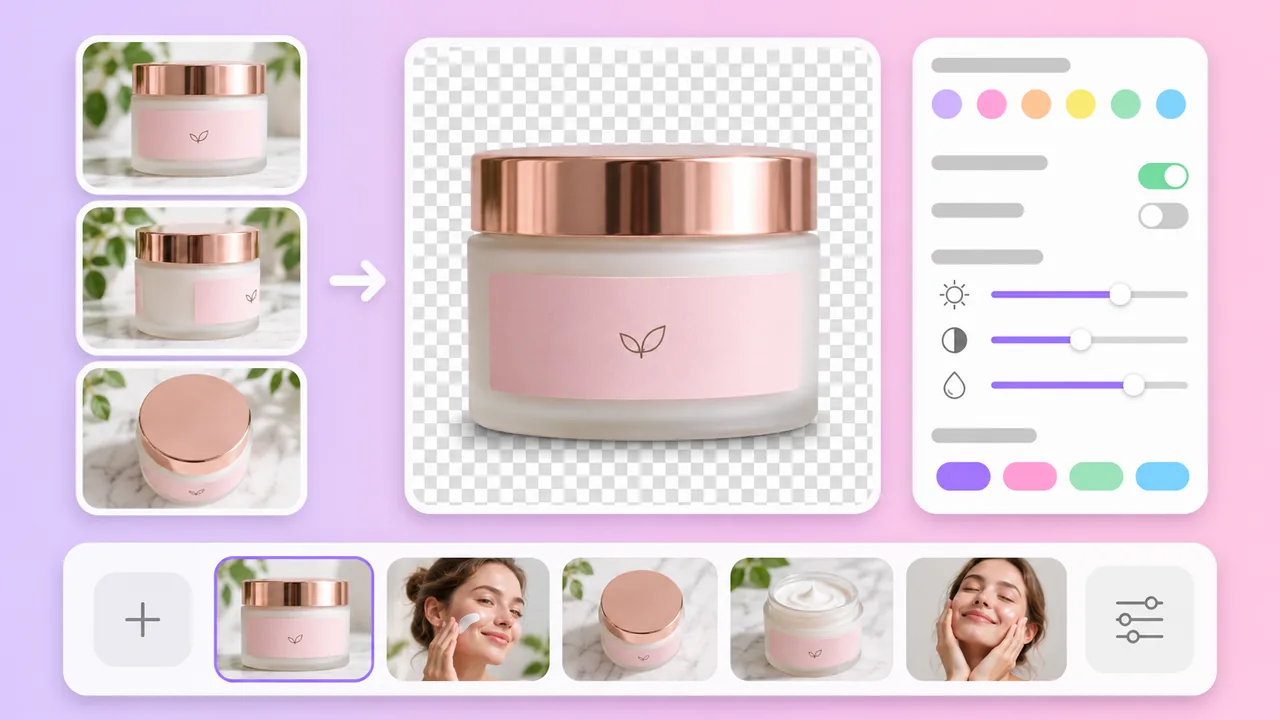
References
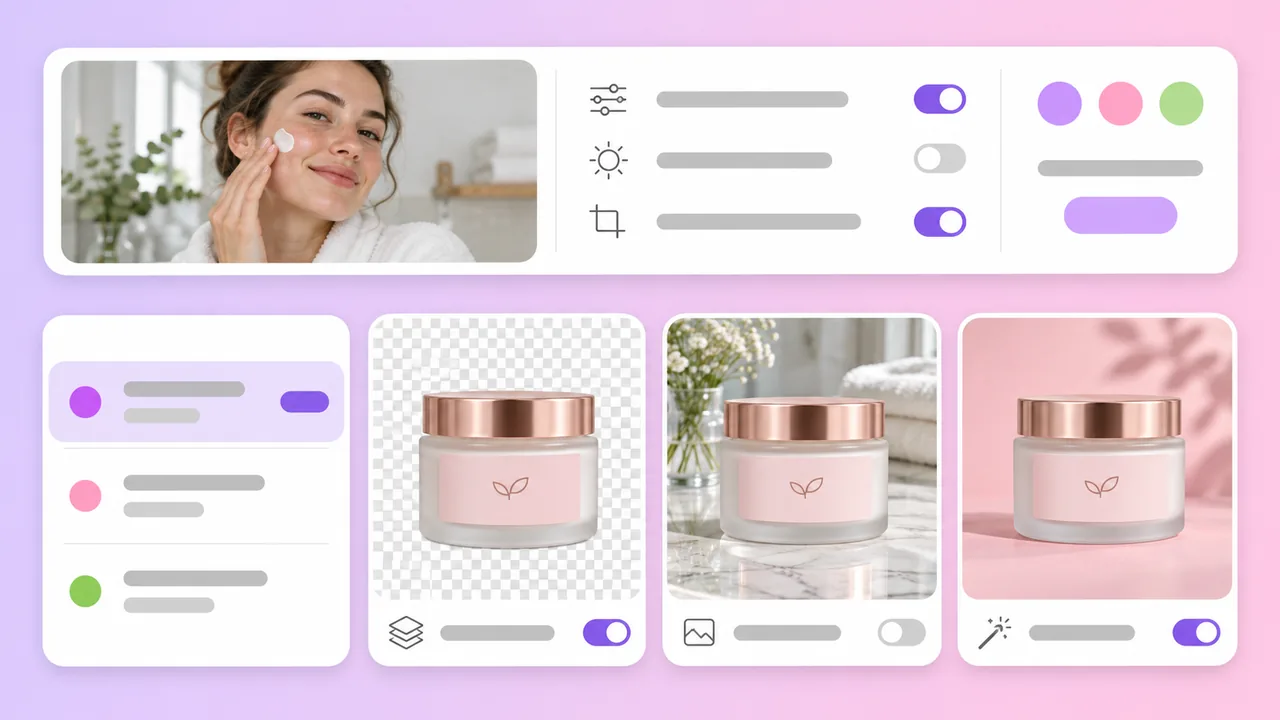
Compare
Compare every model on the AI Image Generator page.
Seedream models in the AdsTurbo workspace
Based on the AdsTurbo workspace as of November 2026; models and limits may change. Seedream models are made by ByteDance. Seedream 5.5 is the only image model in the workspace with a transparent background option.
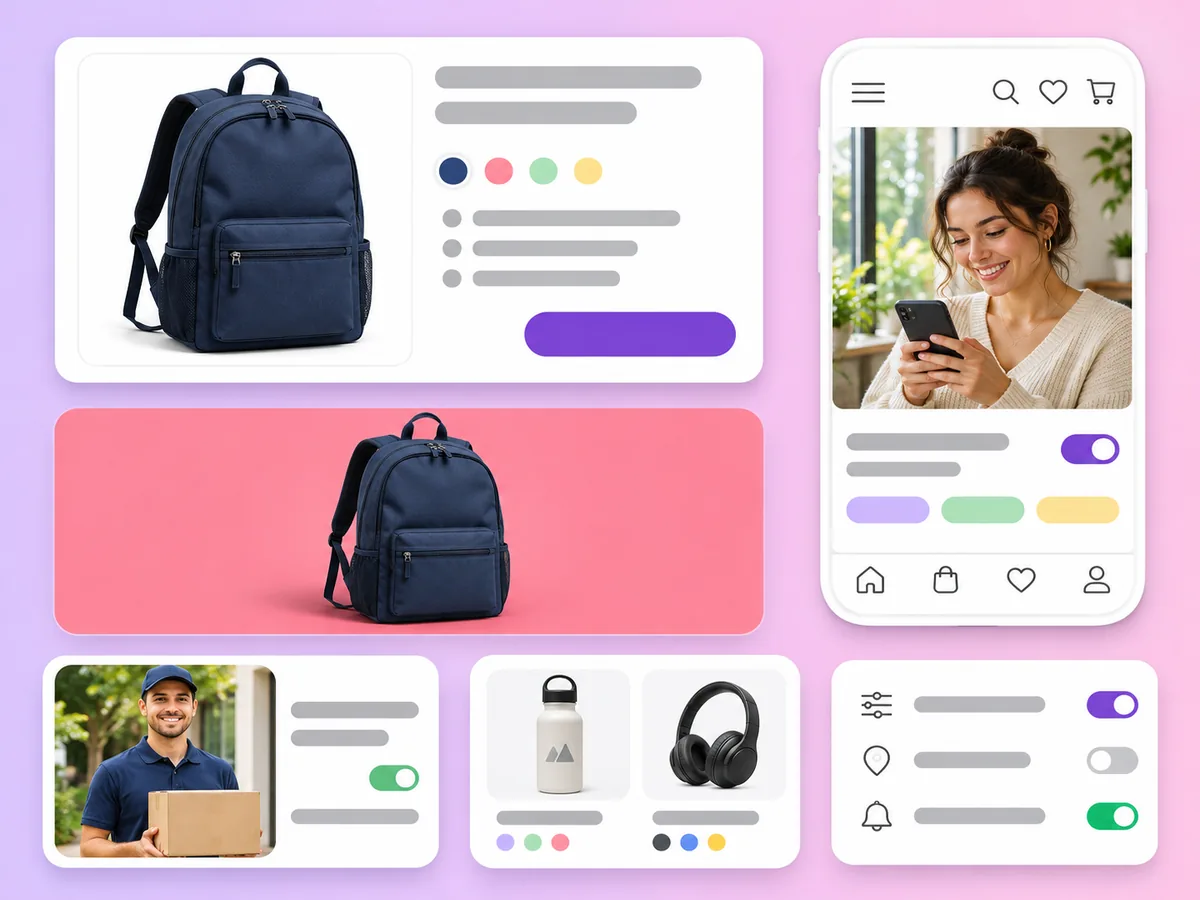
Transparent product PNGs to place on white backgrounds, banners and comparison charts.

Sale badges, emoji-style stickers and decorative elements for social posts and ads.
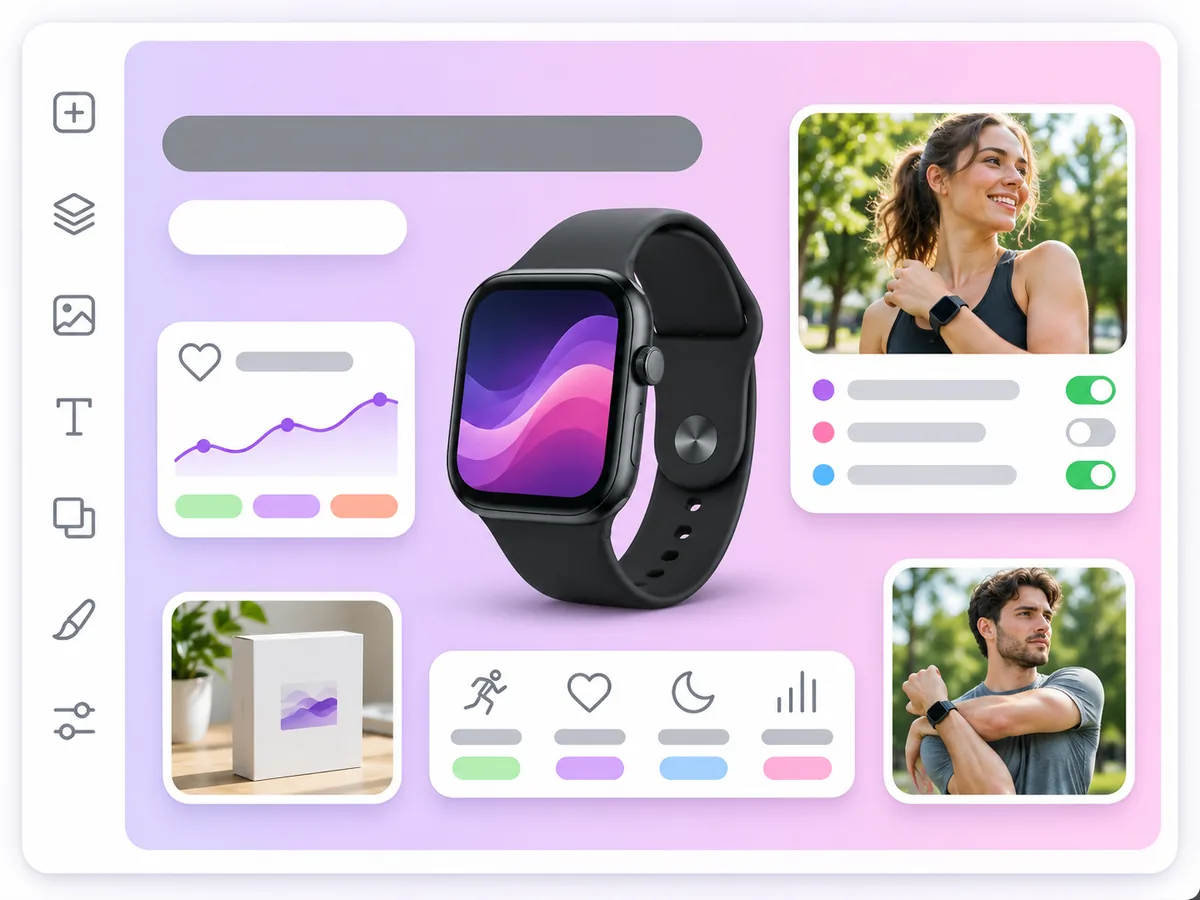
Cut-out products and props you can combine with text and backgrounds in your own design tool.
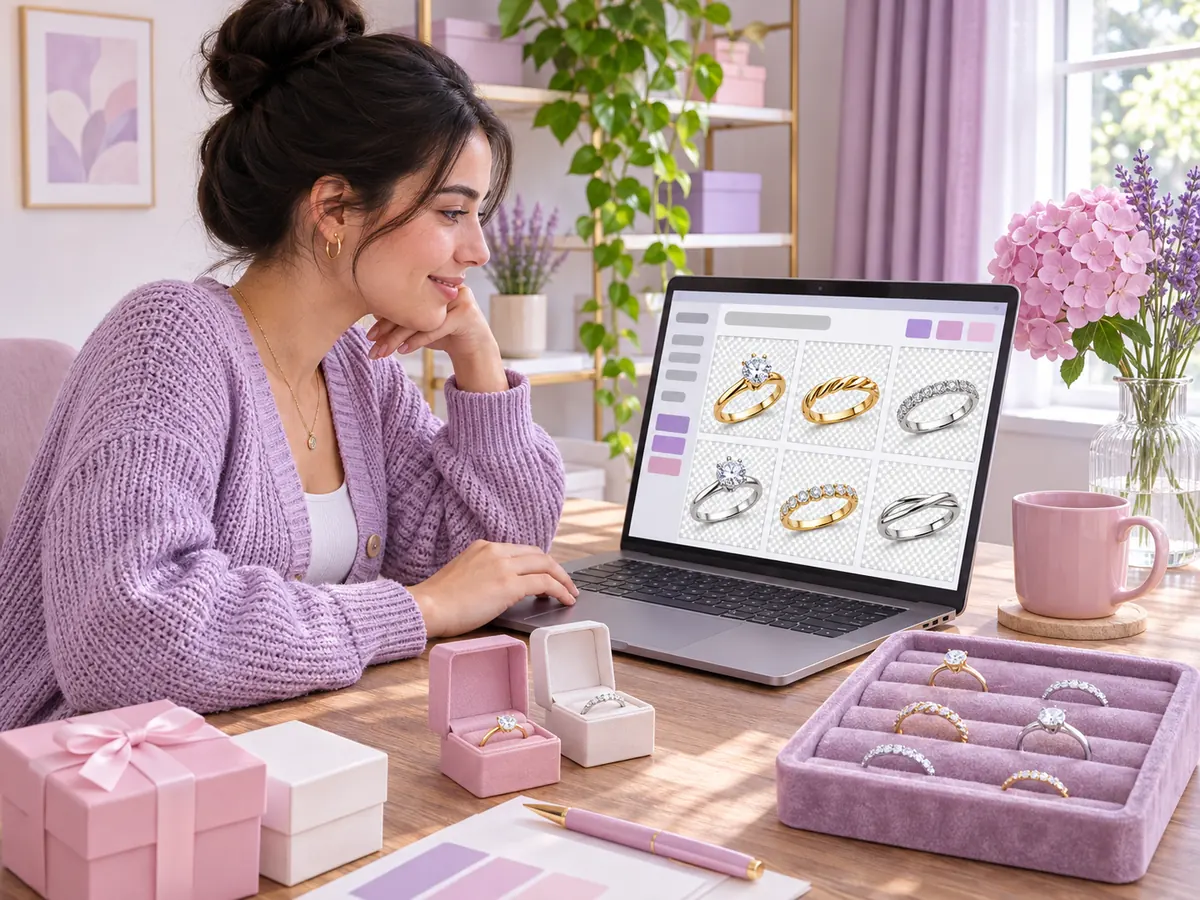

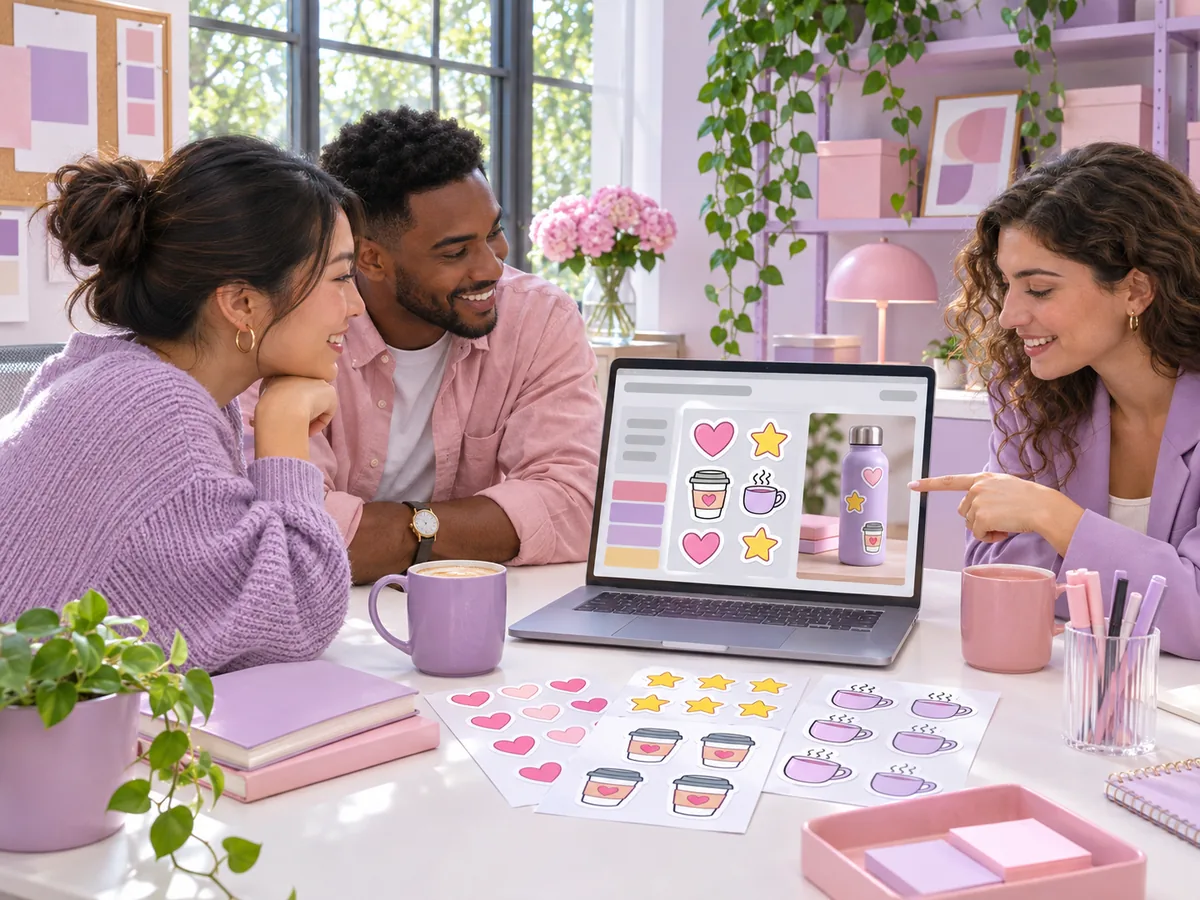
Seedream 5
Seedream is a family of image generation models made by ByteDance. AdsTurbo offers three Seedream 5 models in the Image mode of its workspace: Seedream 5.5, Seedream 5 Pro and Seedream 5 Lite. AdsTurbo gives you access to the models and is not affiliated with ByteDance.
Open Image mode, choose Seedream 5.5, and switch the background setting to Transparent. Describe one clear subject, attach a reference photo if you want to keep a real product, then generate. The result is a PNG with a transparent background.
Seedream 5.5 is the latest Seedream 5 model, with 1K to 3K output, up to 10 references and transparent-background PNGs. Seedream 5 Pro is the flagship for detailed commercial images, at 1K or 2K with 15 aspect ratios and up to 10 references. Seedream 5 Lite reasons through complex scenes before it renders, sets the resolution itself and offers ratios from 1:8 to 8:1.
No. In the AdsTurbo Image mode, Seedream 5.5 is the only model with a transparent background option; Seedream 5 Pro and Seedream 5 Lite do not have it. When you switch to another model, the option turns off. To remove the background from a photo you already have, use White Background Image.
Seedream 5.5 offers 1K, 1.5K, 2K and 3K. Aspect ratios are auto plus 1:1, 1:2, 2:1, 1:3, 3:1, 2:3, 3:2, 3:4, 4:3, 4:5, 5:4, 9:16, 16:9, 9:21 and 21:9. With auto and a reference photo, the output follows the first reference.
Up to 10 reference images per task on Seedream 5.5 and Seedream 5 Pro, and Seedream 5 Lite also accepts references. You can generate up to 10 images per task on each Seedream model.
Image generation uses credits, and the cost depends on the Seedream version, the resolution and the number of images. Seedream 5.5 is one of the better-value models in the workspace. Credits are returned when a generation fails. See Pricing for plans and credits.
It depends on the job. Seedream 5.5 is the choice for transparent PNGs. GPT Image models are strong at text in the image and offer GIF and SVG output on 2.6, and Nano-Banana 2 and 2.1 go up to 4K, with Nano-Banana Pro up to 8K. See GPT Image 2 and Nano Banana 2 for details.
Pick Seedream 5.5, 5 Pro or 5 Lite, describe your subject and add your product photos. Your first image is a few clicks away.
 AdsTurbo