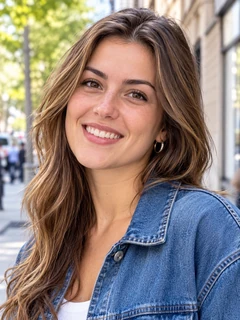
Run Seedance 2.0, Seedance 2.5 and Seedance 2.5 Flash from the AdsTurbo workspace. Write a prompt, set a start and end frame, or upload reference images, video and audio, and get a clip with native sound of up to 30 seconds.
Demo preview. Open the workspace to pick a Seedance model, add your references and generate.
Seedance is a family of third-party video models from ByteDance. AdsTurbo gives you access to three versions of it in the Studio video mode, next to the other video models.
Seedance 2.0 for short clips up to 15 seconds, Seedance 2.5 for clips up to 30 seconds at up to 1080p, and Seedance 2.5 Flash for 720p or 480p clips up to 30 seconds.
Start from a text prompt, from a start frame or start and end frames, or from reference files: images, video clips and audio that the model follows for look, motion and sound.
All three versions generate native audio with the video, in six aspect ratios from 21:9 to 9:16.
AdsTurbo is not affiliated with ByteDance. It is a workspace that connects you to Seedance and other models, with credits, task history and downloads in one place.
From prompt to Seedance video in three steps in the AdsTurbo workspace.
Open the workspace home, switch to Video and pick Seedance 2.5, Seedance 2.5 Flash or Seedance 2.0 from the model list. Then set the aspect ratio, length and resolution.
Describe the scene and the motion. To control the shot, switch to Start/End Frames and upload a first frame, or a first and last frame. To keep a product or a person consistent, upload reference images, video or audio instead.
Sign in and start the task. Generation uses credits, which vary by model, length and resolution, and credits are returned if a task fails. When the video is ready, review it and download it.
One task uses either start/end frames or reference files, not both. If the result is not right, adjust the prompt or switch versions and generate again.
What Seedance 2.5, 2.5 Flash and 2.0 can do in the workspace, with the limits that apply to each.
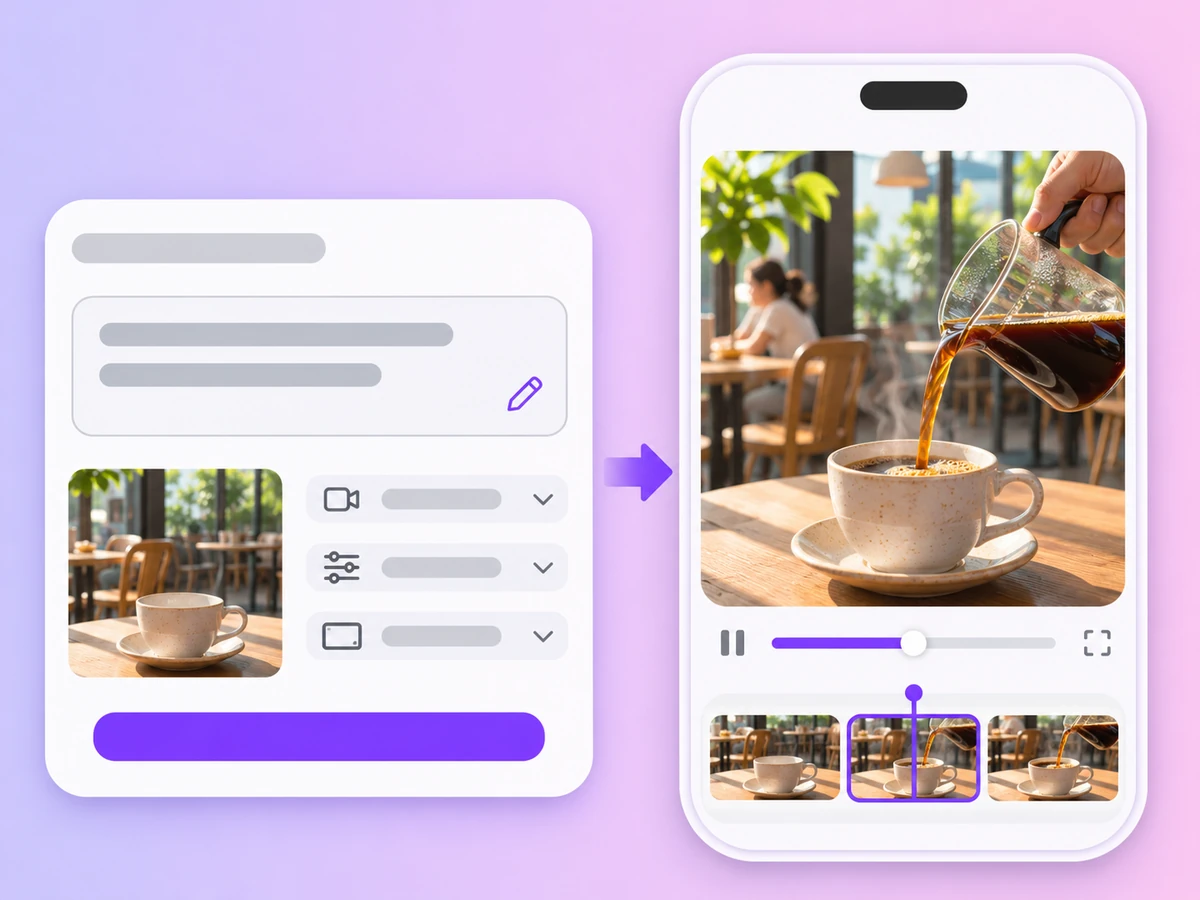
Describe a scene, a subject and a camera move, and Seedance generates the clip from your prompt alone, with sound.
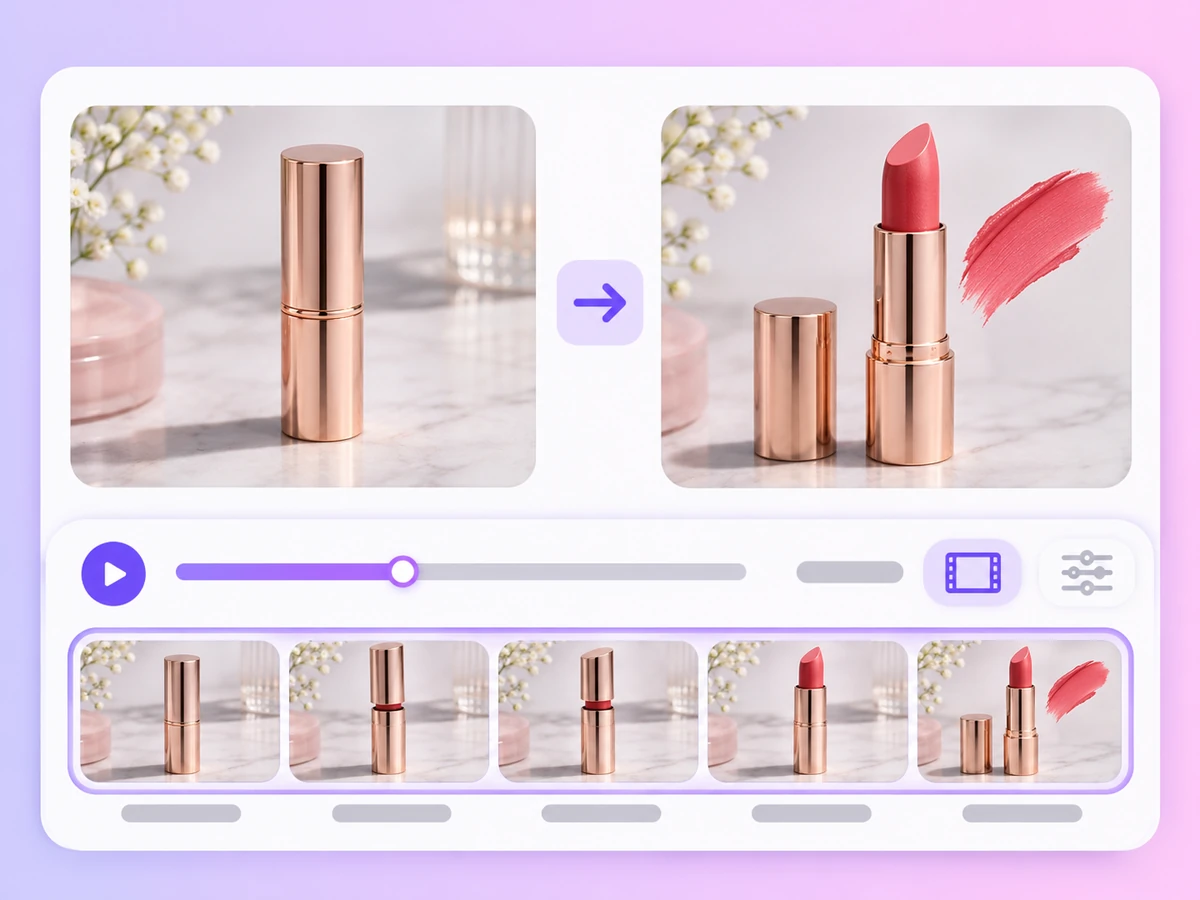
Upload one image as the opening shot, or two images as the first and last frames, and the model generates the motion between them.
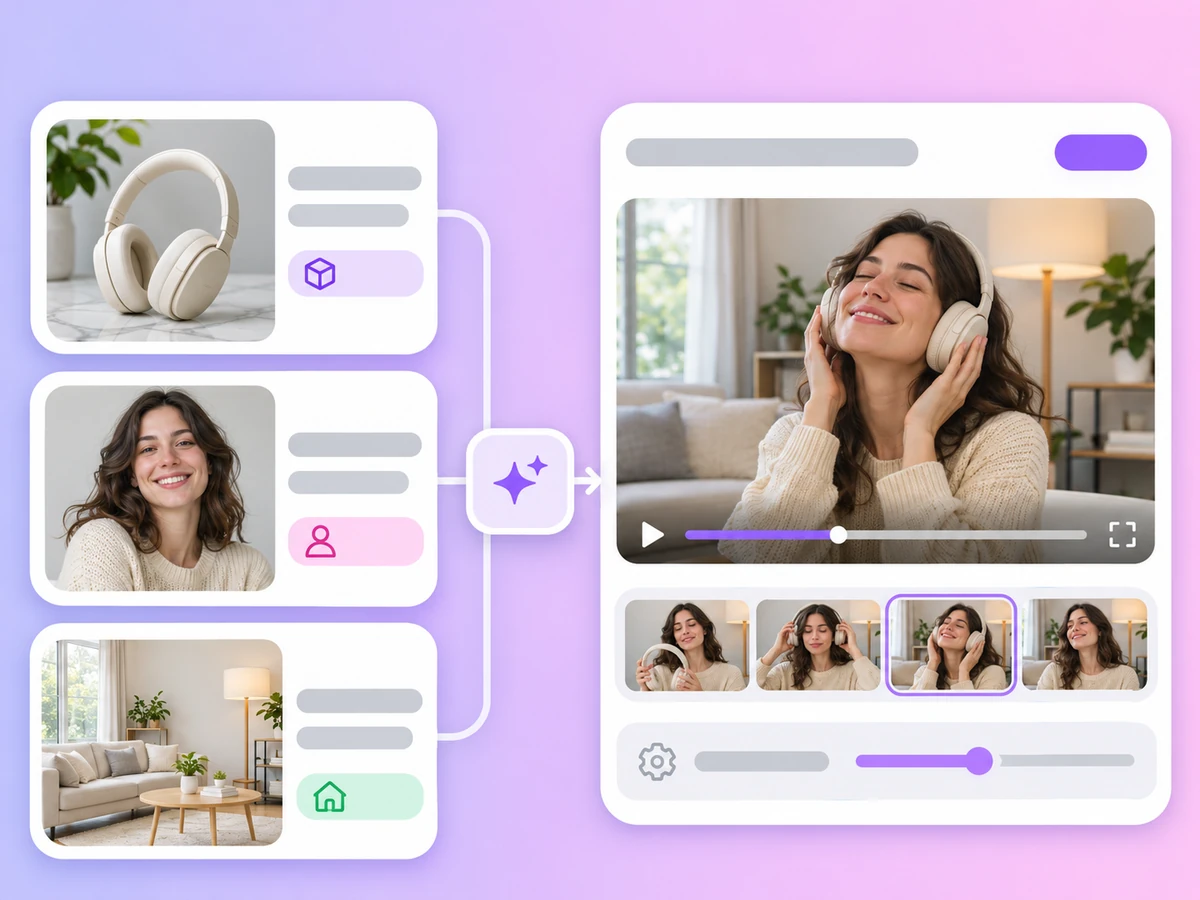
Seedance 2.5 and 2.5 Flash take up to 30 reference images, 10 video clips and 10 audio clips per task. Seedance 2.0 takes up to 9 images and 12 files in total.
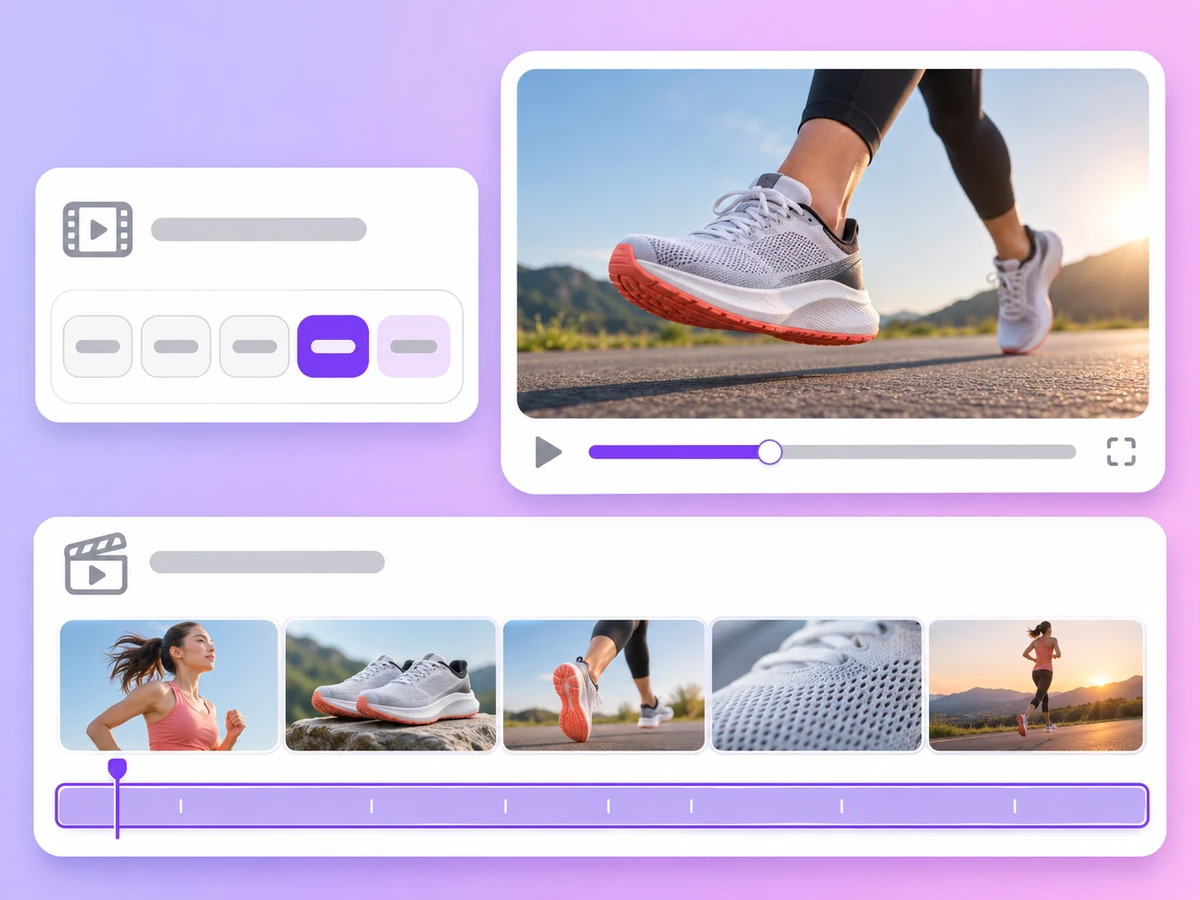
Seedance 2.5 and 2.5 Flash go from 4 to 30 seconds per clip. Seedance 2.0 goes from 4 to 15 seconds. 2.5 Flash can also pick the length for you.
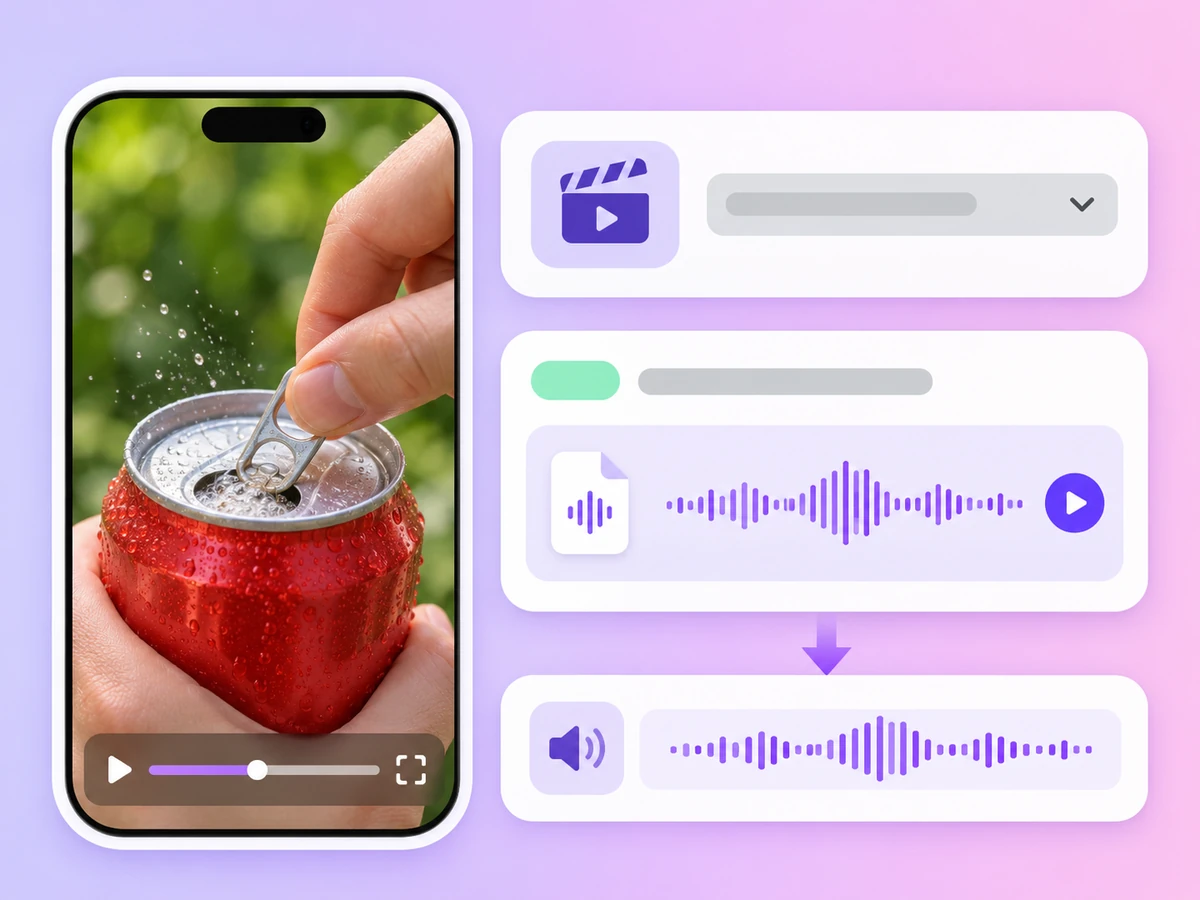
Every Seedance version generates sound with the video. You can also upload audio as a reference; Seedance 2.0 needs an image or video with it.
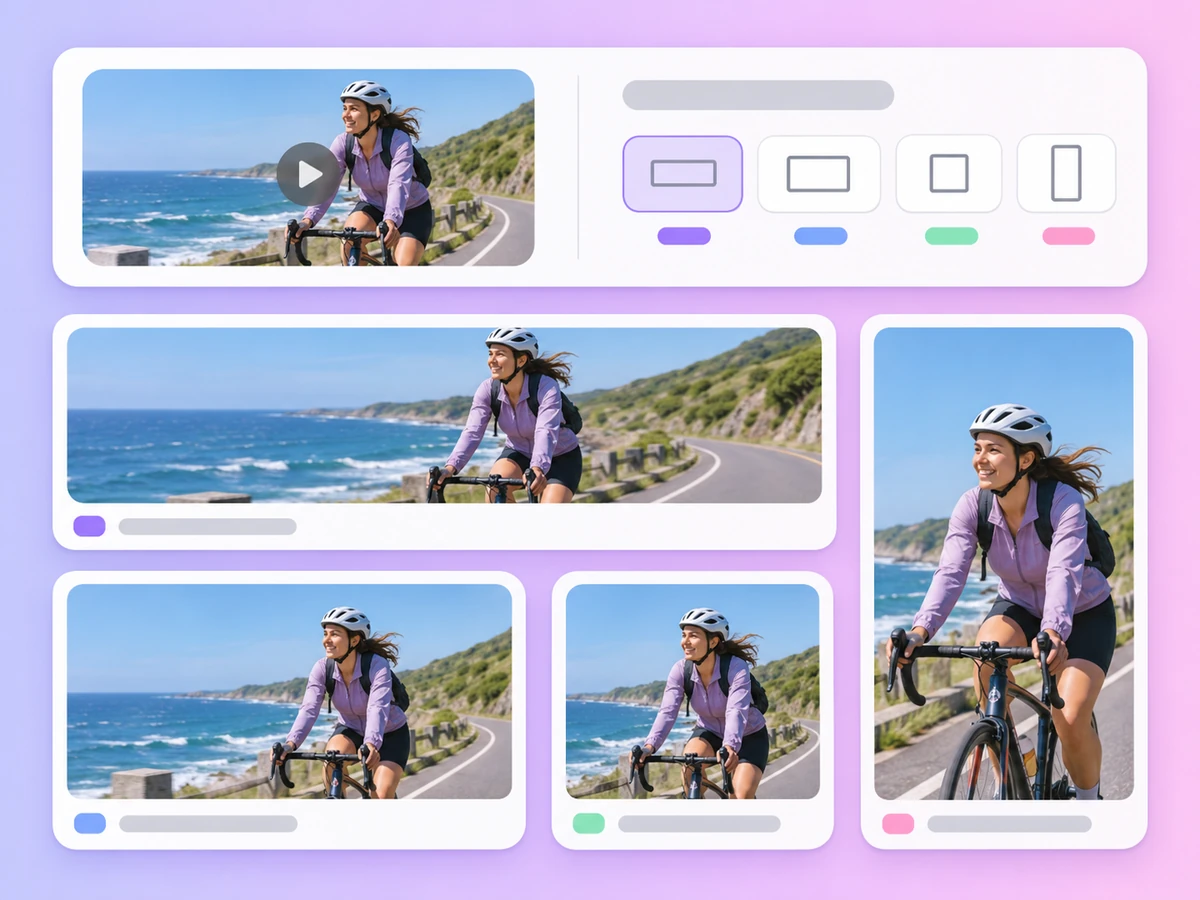
21:9, 16:9, 4:3, 1:1, 3:4 and 9:16 on every version, so one prompt can become a vertical ad, a square post or a wide banner.
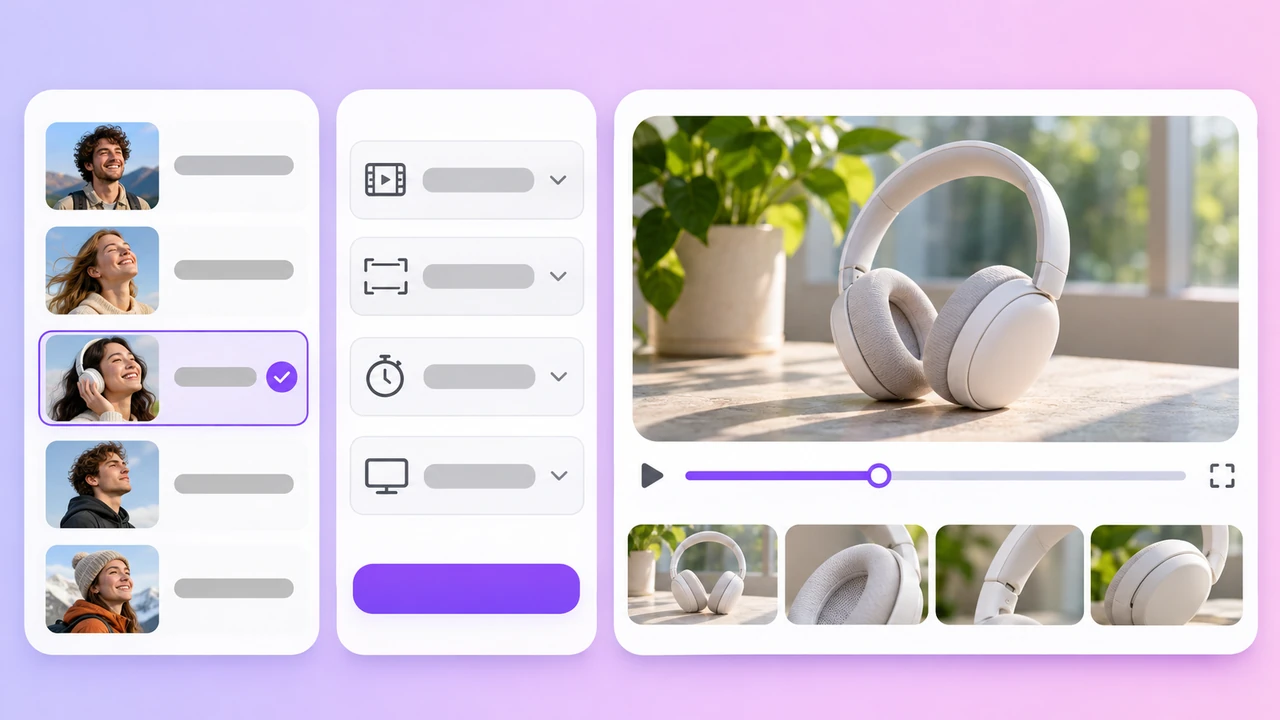
Seedance 2.5
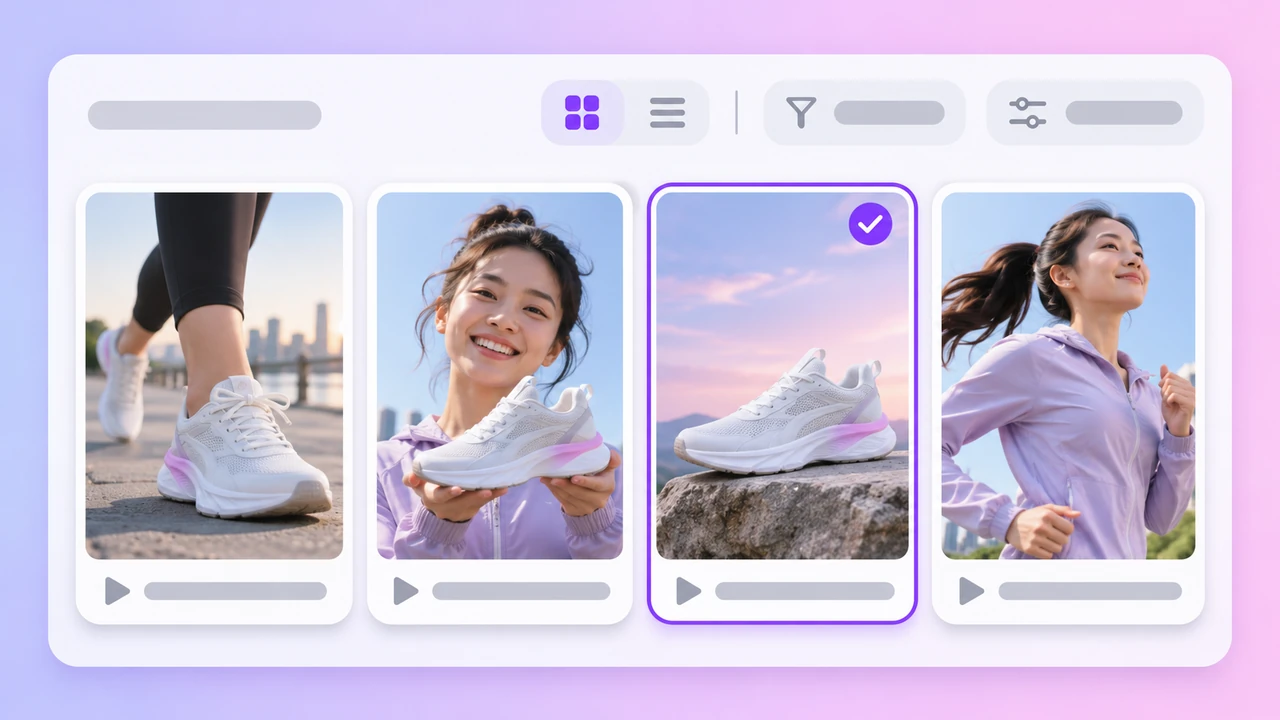
Seedance 2.5 Flash
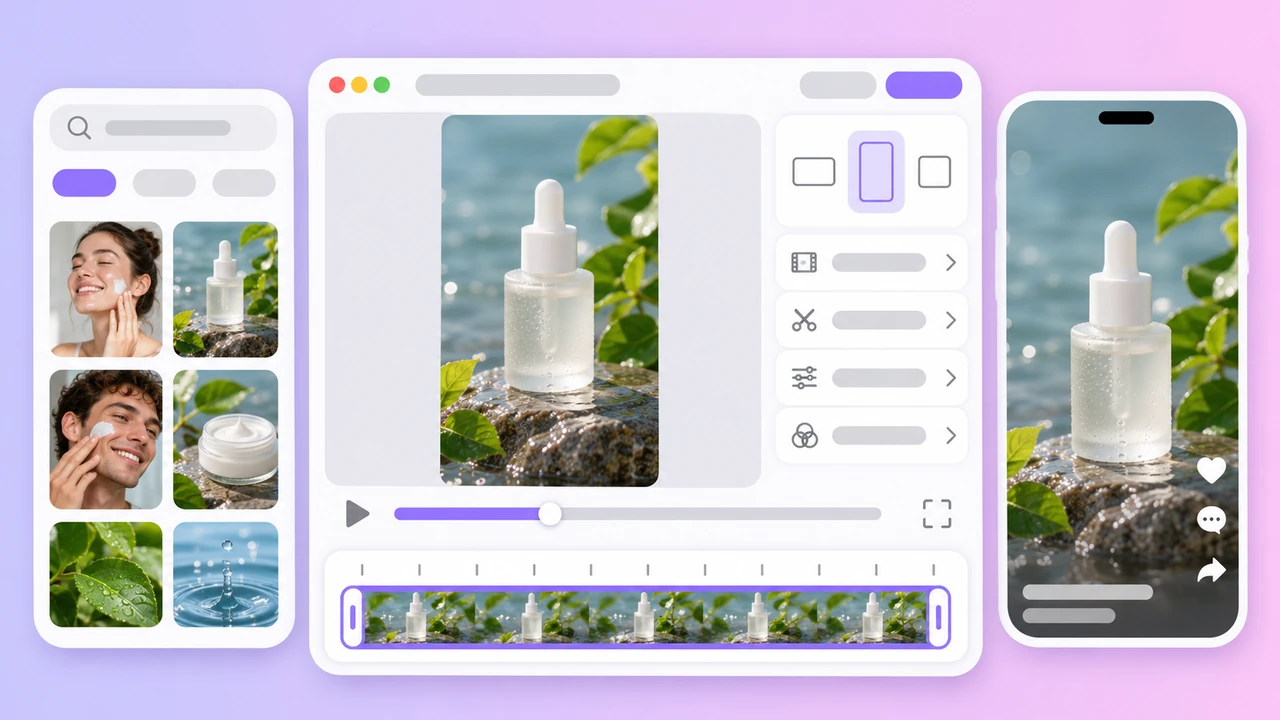
Seedance 2.0
Want to compare Seedance with the other video models? See the AI Video Generator.
The three Seedance versions in the AdsTurbo workspace
Based on the AdsTurbo workspace as of November 2026; models and limits may change. All three versions support text to video, start frame, start and end frames, and reference files; one task uses either frames or references.
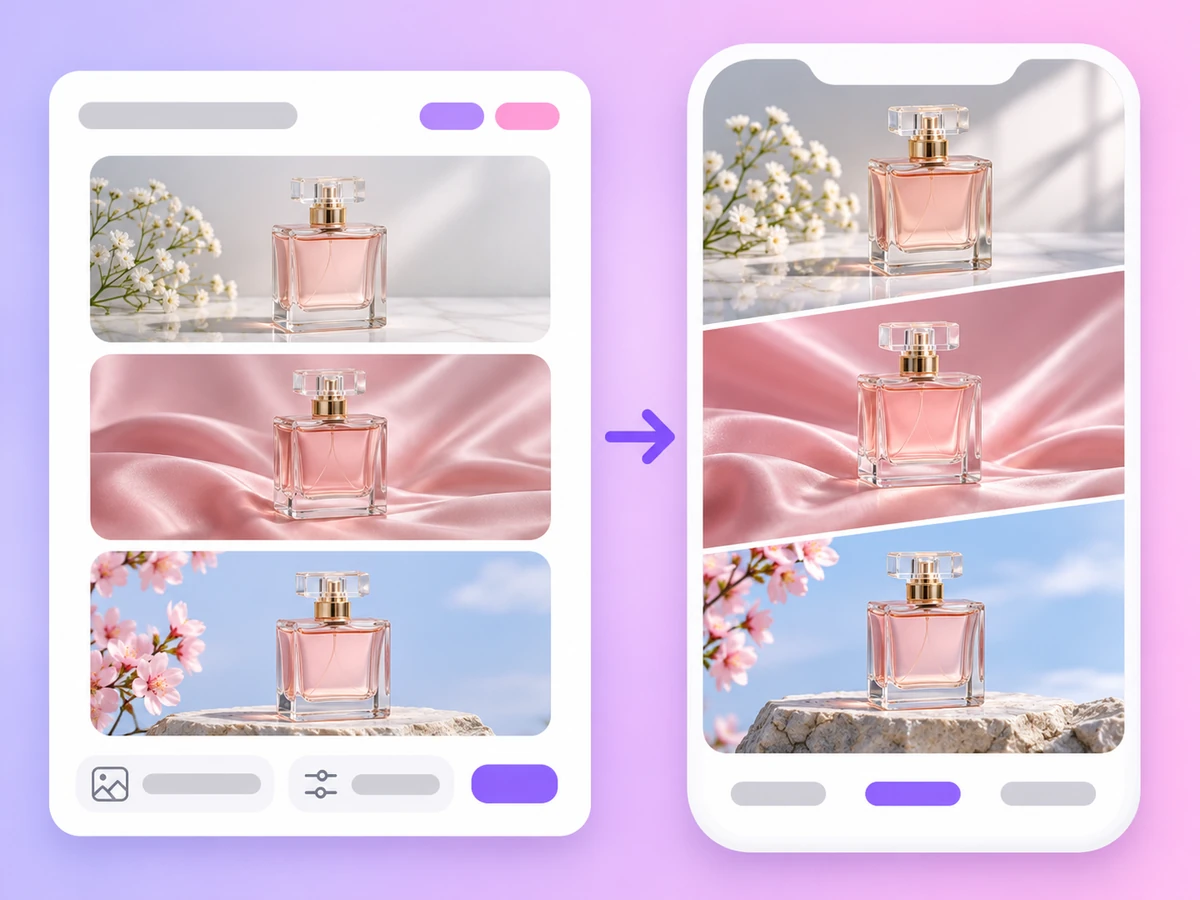
Upload product photos as references so the packaging and logo stay the same from shot to shot.
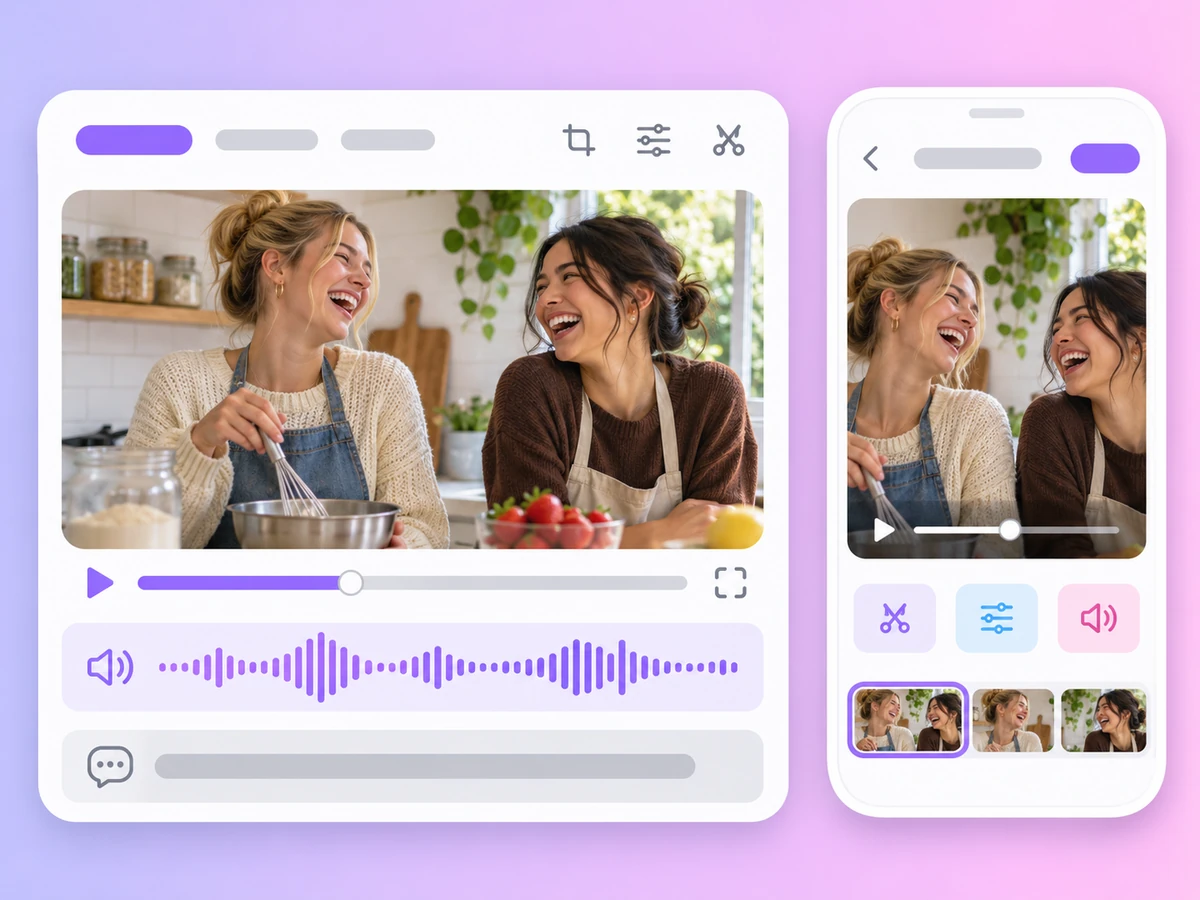
Write a short scene with dialogue or music cues and get a clip with native audio for Reels, TikTok or Shorts.
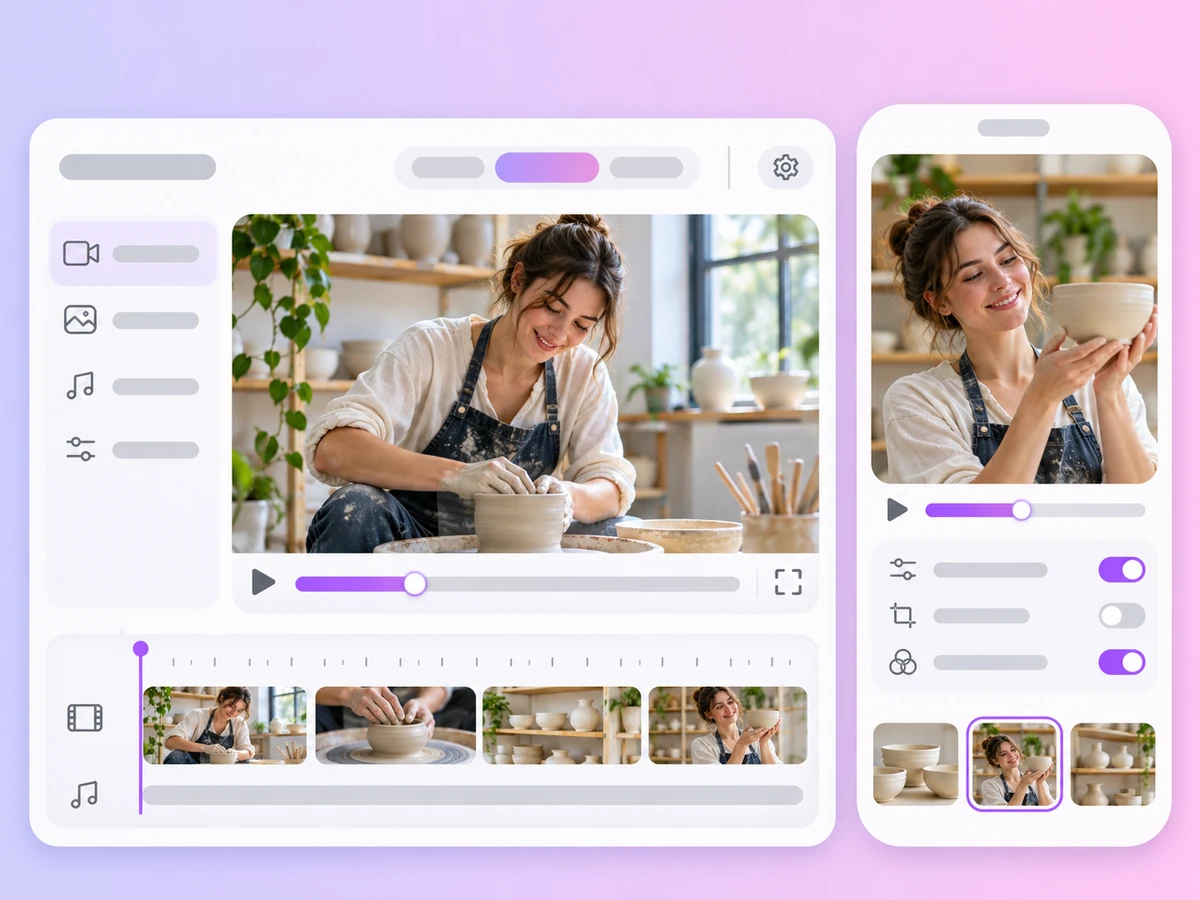
Use Seedance 2.5 for clips up to 30 seconds when one shot needs time to unfold.


Seedance AI Video Generator
Seedance 2.0 is a third-party AI video model from ByteDance. In AdsTurbo it generates clips of 4 to 15 seconds at up to 1080p with native audio, from a text prompt, from start and end frames, or from up to 9 reference images. AdsTurbo is not affiliated with ByteDance; it gives you access to the model in its workspace.
Seedance 2.5 makes longer clips, from 4 to 30 seconds instead of 4 to 15, and takes many more references: up to 30 images, 10 video clips and 10 audio clips, compared with 9 images and 12 files in total for 2.0. Both offer 1080p, 720p and 480p, six aspect ratios, start and end frames and native audio.
Seedance 2.5 Flash takes the same frames and references as Seedance 2.5 but renders at 720p or 480p only. Lengths run from 4 to 30 seconds, and it also has an Auto option that lets the model choose the length. It suits drafts and quick tests.
Open the workspace home, switch to Video and pick Seedance 2.5, 2.5 Flash or 2.0 from the model list. Set the aspect ratio, length and resolution, write a prompt, and optionally add start and end frames or reference files. Sign in and generate, then download the video when it is ready.
Generation uses credits from your plan. The credits per video depend on the version, length and resolution, and credits are returned if a task fails. Plans start with Creator and are billed monthly. See Pricing for plans and credits.
Yes. Switch to Start/End Frames, upload a photo as the start frame and, if you want, a second photo as the end frame. Each task uses either frames or reference files, not both. For a guide to animating photos with all frame-capable models, see Image to Video.
Yes. All three versions generate native sound with the video. You can also upload audio as a reference: up to 10 clips of 30 seconds each on Seedance 2.5 and 2.5 Flash, or up to 15 seconds in total on Seedance 2.0, which also needs at least one image or video with the audio.
Both offer clips of up to 30 seconds on their newest version. Seedance gives native audio on every version, six aspect ratios and up to 30 reference images. Kling 4.0 takes up to 10 reference images and has no audio, while Kling 3.0 adds audio for clips up to 15 seconds. Trying the same prompt on both is the quickest way to decide. See the Kling AI Video Generator for Kling details.
Pick Seedance 2.5, 2.5 Flash or 2.0, add your prompt and references, and generate your first clip.
 AdsTurbo