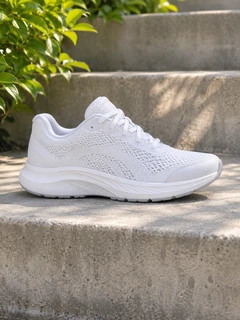
Describe a scene, or add product photos as references, and generate a video for your ads. Choose from nine video models, including Seedance 2.5, Kling 4.0, Veo 3.1 and Wan 3.0, or let Auto pick one, with clips up to 30 seconds, up to 4K and native sound on supported models.
Demo preview. Open the workspace to write your prompt and generate a video.
The AdsTurbo AI video generator for ads turns a text prompt, and optionally reference images, video or audio, into a new video clip with the model you choose in the Video mode of the workspace.
It generates video from a description. Text to video AI creates the scene, the movement and the camera from your prompt; on supported models it also generates sound.
A prompt on its own, or a prompt plus reference images such as a product photo. Some models also take reference videos and audio, or a start and end frame.
A clip in the length, quality and aspect ratio you set. Depending on the model, that is up to 30 seconds, up to 4K and with or without native audio.
It is not a video editor for footage you already have, and it does not write a full ad for you from a product link. For that, use Quick Ads on the home page.
From prompt to video in three steps in the AdsTurbo workspace.
Open the AdsTurbo home page and choose Video. Write what should happen: the subject, the setting, the movement and one camera move. To keep a real product in the shot, add its photo as a reference.
Leave the model on Auto, or pick Seedance, Kling, Veo, MiniMax, Wan or HappyHorse. Choose the length, quality and aspect ratio; the options change with each model.
Sign in and start the task. Video generation uses credits, which vary by model, length and quality, and credits are returned when generation fails. Review the clip and download it for your ads.
If the result is not right, adjust the prompt or try another model on the same prompt and generate again.
Nine video models behind one prompt box, with the settings each one supports.
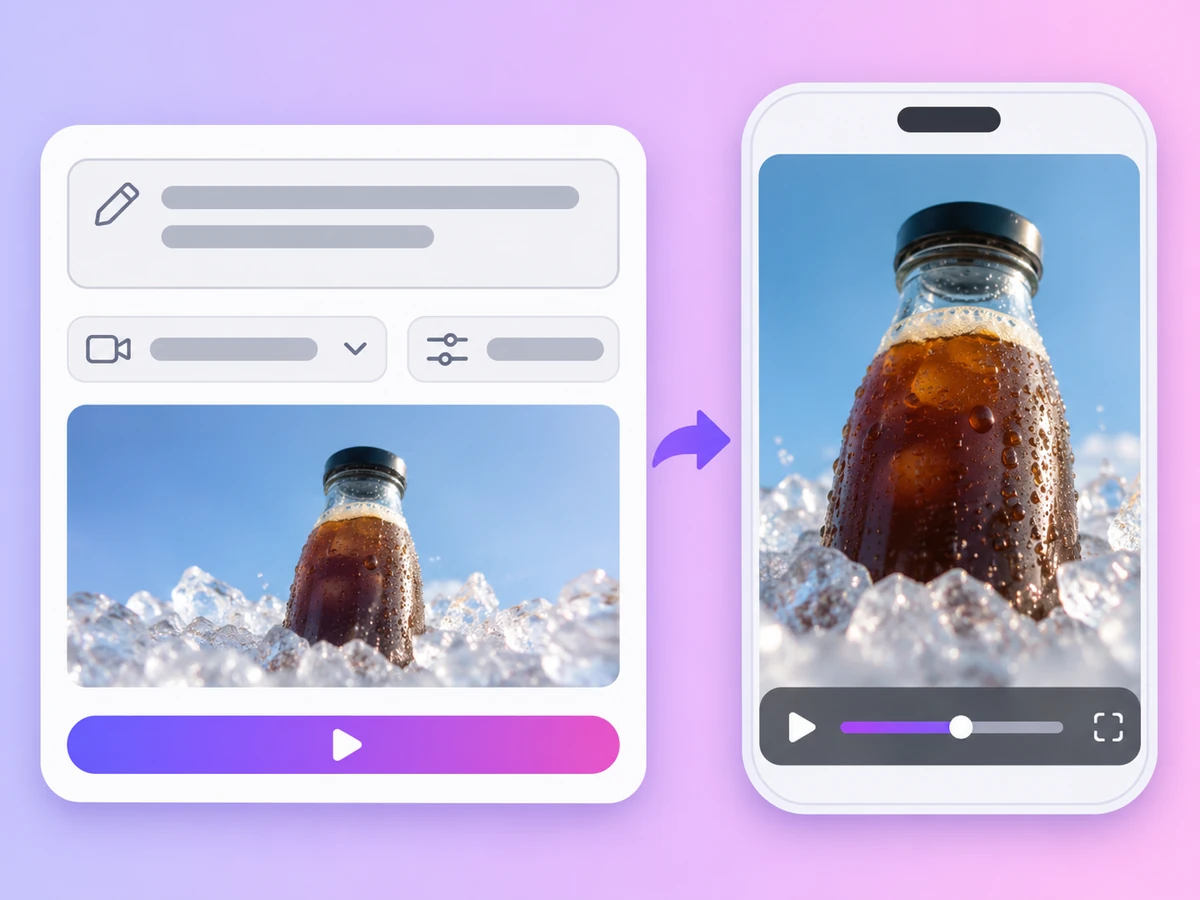
Write a prompt and generate a clip from nothing else. Name the subject, the action and the camera move, and the model builds the scene.
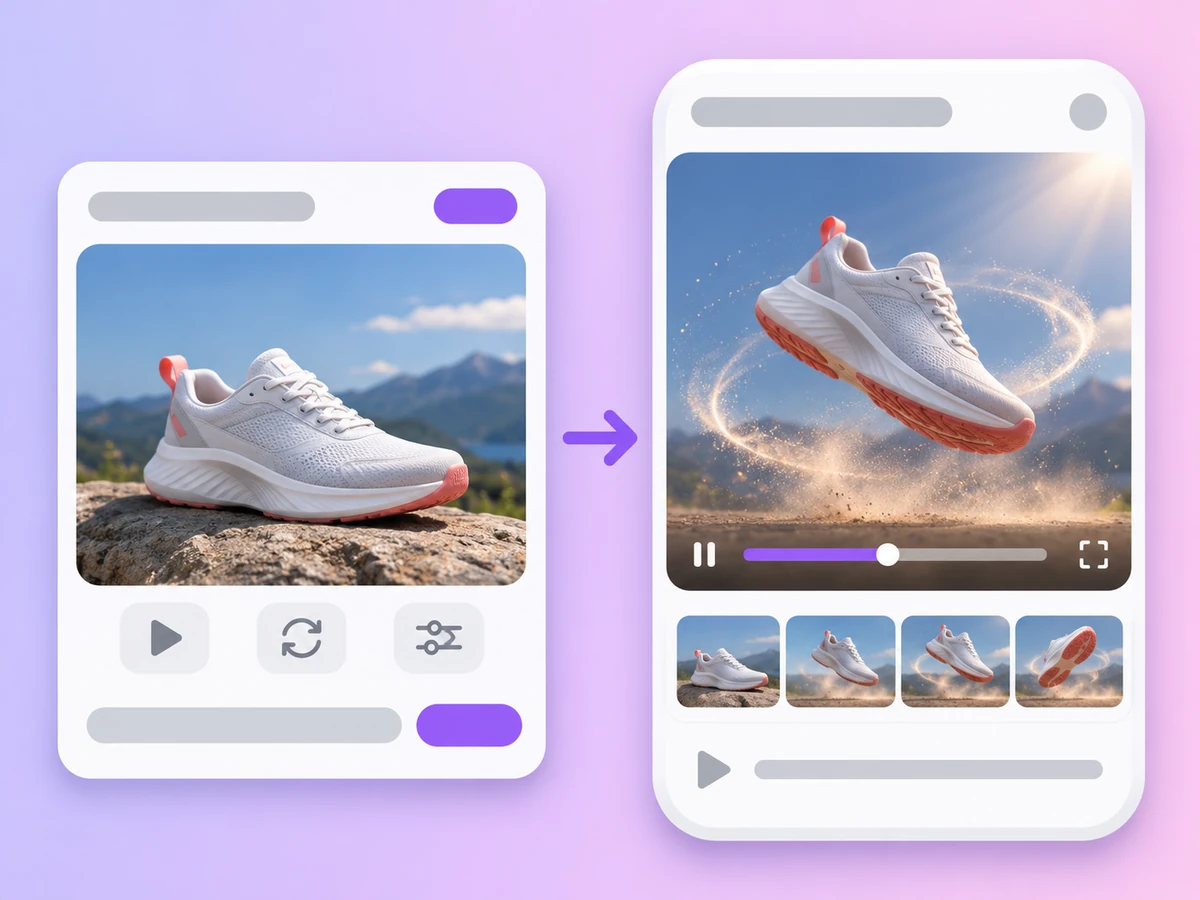
Upload a photo as the start frame, or two photos as the start and end frames, and the model animates it.
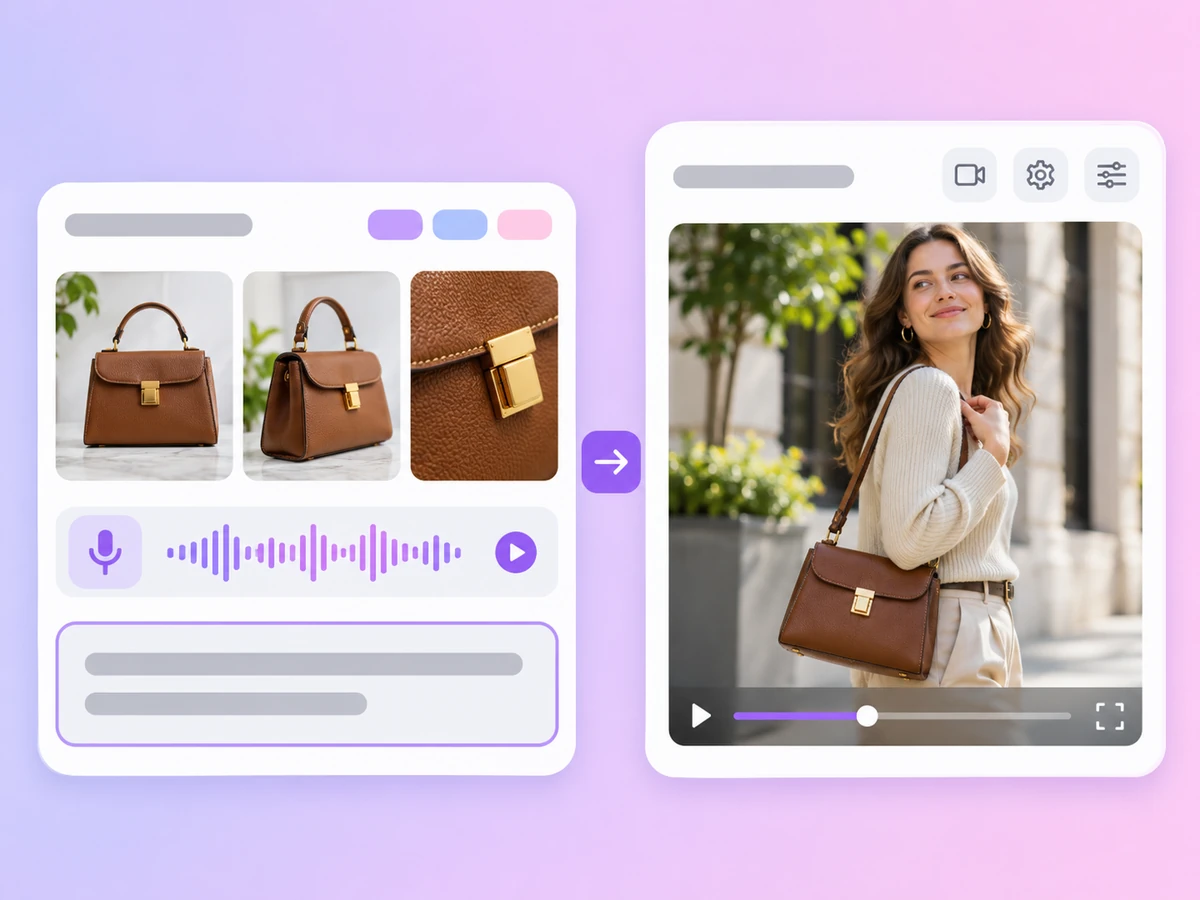
Add product photos so the item looks like the real thing. Seedance 2.5 takes up to 30 reference images plus reference video and audio; Kling 4.0, Wan 3.0 and MiniMax H3 also accept all three.
Seedance 2.5, Seedance 2.5 Flash, Seedance 2.0, Kling 4.0, Kling 3.0, Veo 3.1, MiniMax H3, Wan 3.0 and HappyHorse 1.0. Auto picks a model for your prompt and references.
Seedance 2.5, Seedance 2.5 Flash, Kling 4.0 and Wan 3.0 go up to 30 seconds. Seedance 2.5 Flash can also choose the length for you.
Veo 3.1 offers 4K and MiniMax H3 offers 2K; most other models go up to 1080p. Seedance, Kling 3.0, Veo 3.1, MiniMax H3 and Wan 3.0 can generate native audio.
Model choice
Want the details on ByteDance's models? See Seedance AI Video Generator.
Prompt
Ad format
Working with Kuaishou's models? See Kling AI Video Generator.
Video models available in the AdsTurbo Video mode
Based on the AdsTurbo workspace as of November 2026; models and limits may change. Seedance, Kling, Veo, MiniMax, Wan and HappyHorse are third-party models that AdsTurbo gives you access to. Auto picks one of these models for you. Video at 1080p and above requires a subscription plan.
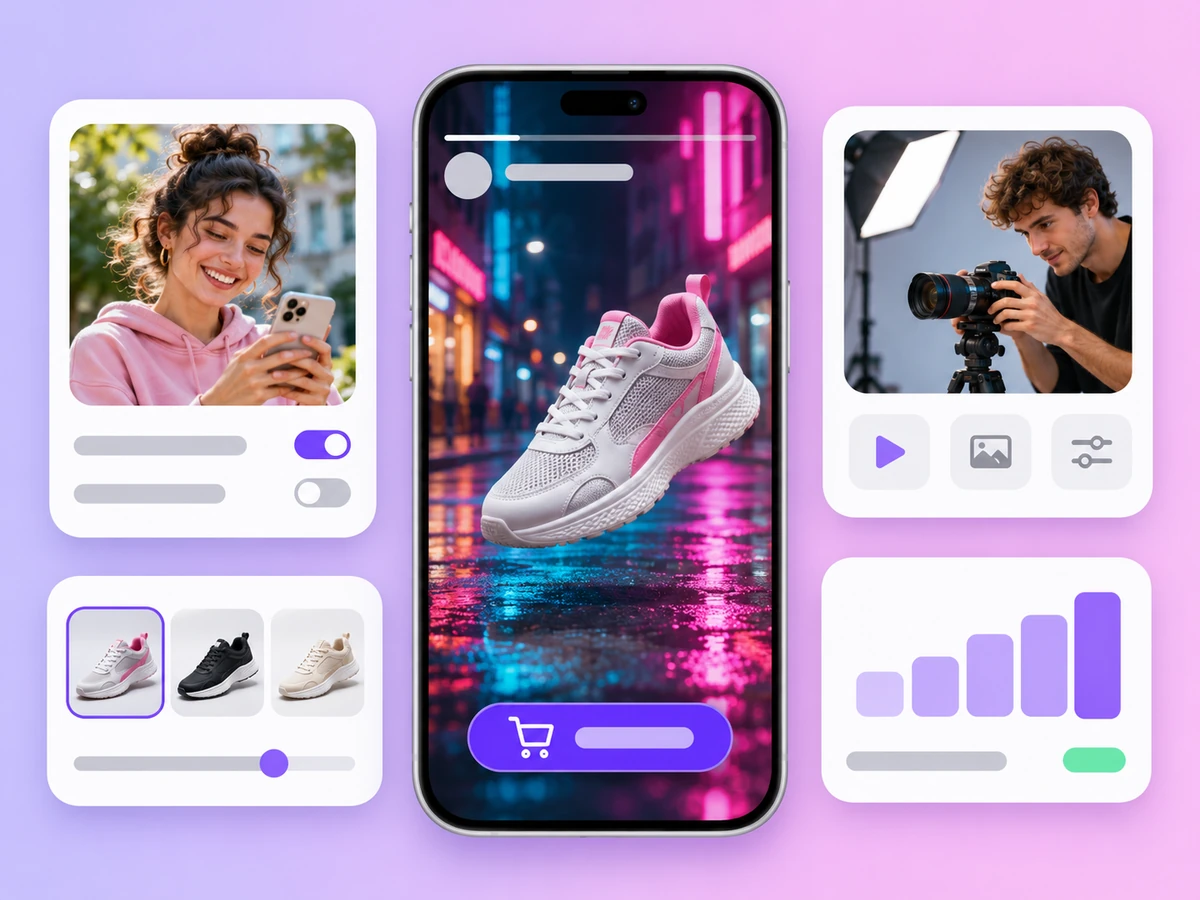
Hero shots, close-ups and lifestyle scenes of your product for paid social and product pages, kept on-model with reference photos.
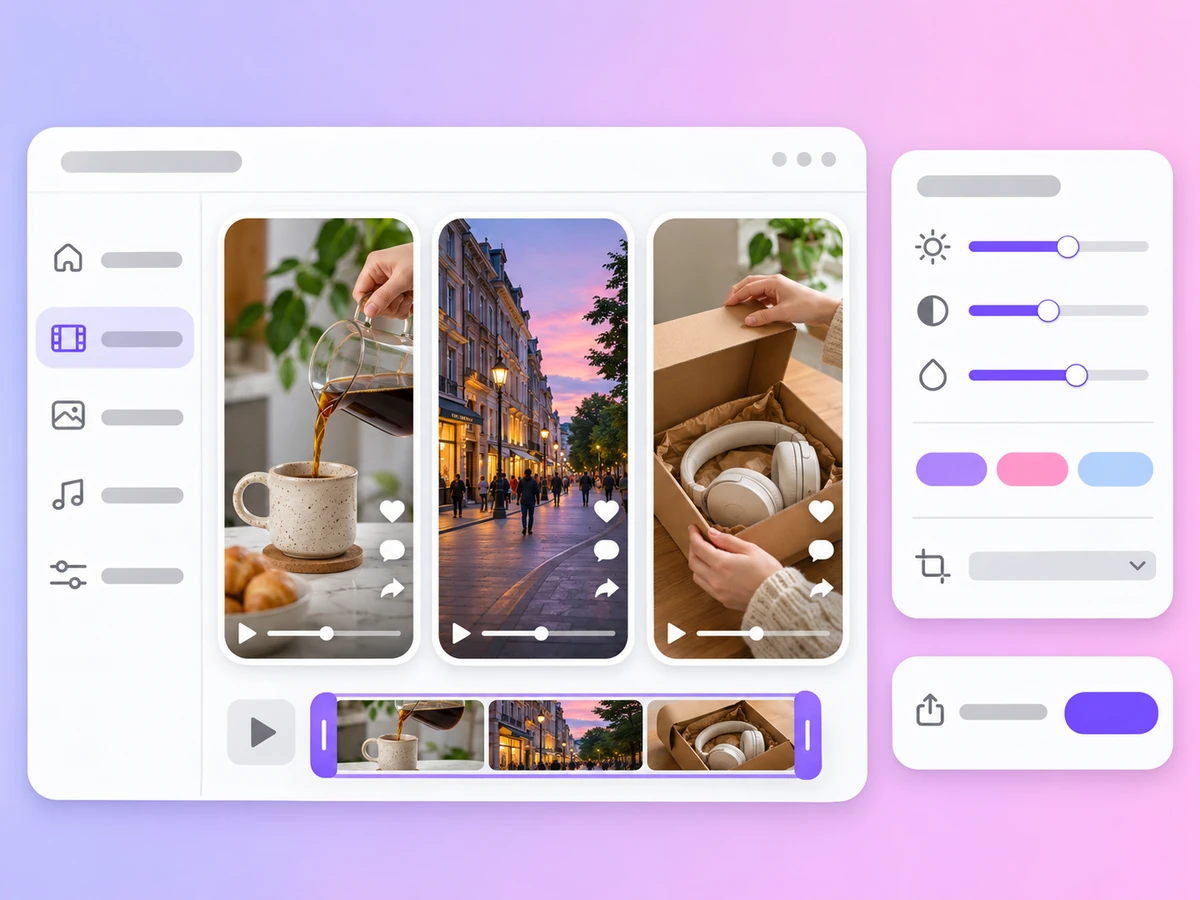
Vertical clips, openers and filler shots for Reels, TikTok and Shorts, written from a prompt.
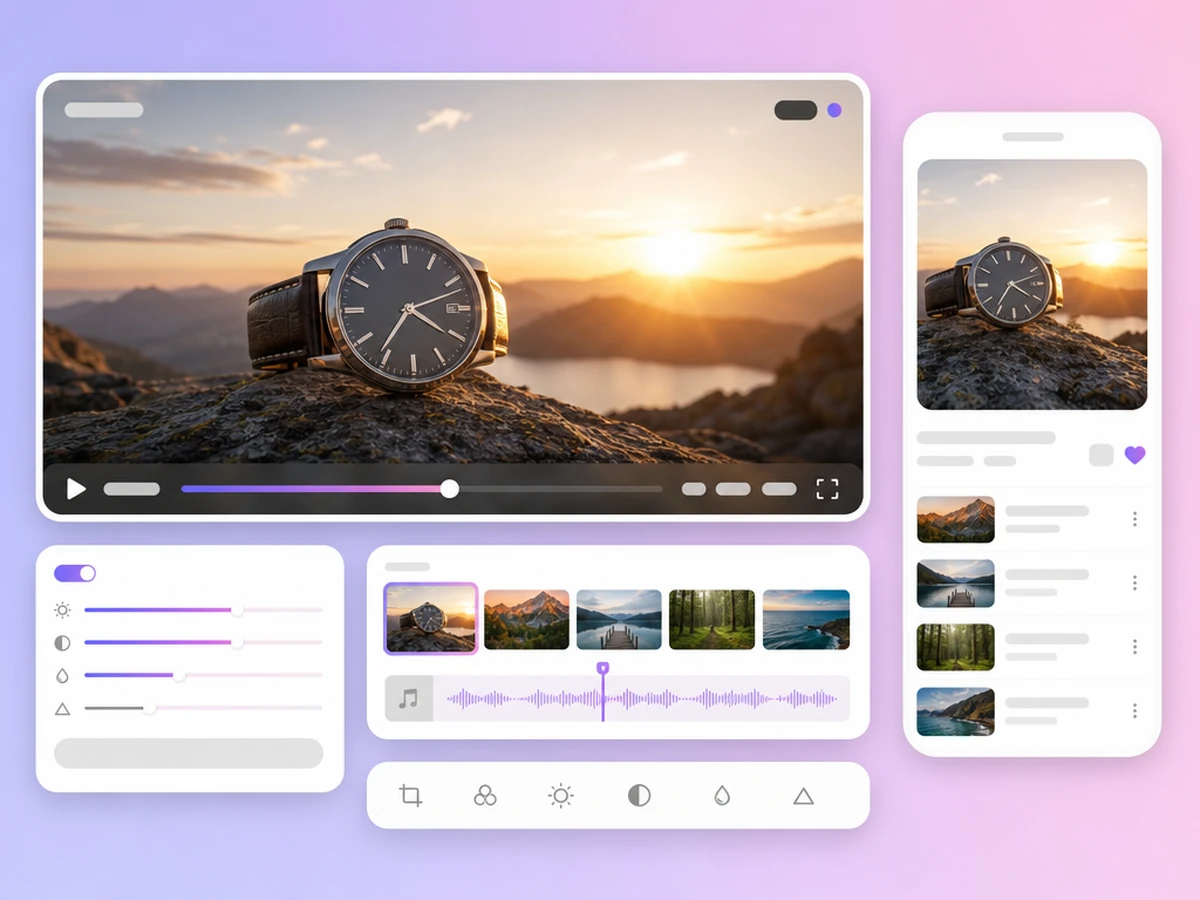
Cinematic 16:9 shots for YouTube, websites and campaign launches, up to 4K with Veo 3.1.
AI Video Generator
It depends on the clip. Seedance 2.5, Kling 4.0 and Wan 3.0 make the longest clips, up to 30 seconds. Veo 3.1 gives the highest resolution, 4K, on shots of 4, 6 or 8 seconds. For quick drafts, Seedance 2.5 Flash is limited to 720p. If you are not sure, leave the model on Auto, or run the same prompt on two models and compare.
Choose Video on the AdsTurbo home page, write a prompt that describes the subject, action, camera move and mood, pick a model and the length, quality and aspect ratio, then sign in and generate. The model creates the clip from your text; add reference images when a product has to look exact.
Seedance 2.5, Seedance 2.5 Flash and Seedance 2.0 from ByteDance, Kling 4.0 and Kling 3.0 from Kuaishou, Veo 3.1 from Google, MiniMax H3, Wan 3.0 and HappyHorse 1.0, plus Auto. These are third-party models that AdsTurbo gives you access to in one workspace.
Yes. Every model except HappyHorse 1.0 accepts a start frame, or a start and end frame, so you can animate a product photo or a portrait. See Image to Video for how frames work.
Up to 30 seconds with Seedance 2.5, Seedance 2.5 Flash, Kling 4.0 or Wan 3.0; up to 15 seconds with Seedance 2.0, Kling 3.0, MiniMax H3 or HappyHorse 1.0; and 4, 6 or 8 seconds with Veo 3.1. Most models go up to 1080p, Seedance 2.5 Flash to 720p, MiniMax H3 to 2K and Veo 3.1 to 4K. 1080p and above requires a subscription plan.
On models with native audio, yes: Seedance 2.5, Seedance 2.5 Flash, Seedance 2.0, Kling 3.0, Veo 3.1, MiniMax H3 and Wan 3.0. Kling 4.0 and HappyHorse 1.0 make silent clips, and Wan 3.0 cannot add audio when you set an end frame.
Each video uses credits, and the cost depends on the model, the length and the quality. Credits are returned when generation fails. Plans start with Creator, billed monthly. See Pricing for plans and credits.
Usage rights and watermark rules follow your plan and the AdsTurbo terms. Only upload references you own or have permission to use, and check each video and the ad platform's rules before you publish. See the Terms of Service for details.
Write a prompt, pick a model and set the size. Your clip is a few clicks away.
 AdsTurbo