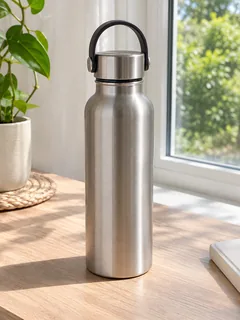
Paste a product page link or upload product photos. Quick Ads reads the product, picks an ad concept and returns an 8–15 second video ad with voiceover, sized for the placement you run it in. Need a still ad instead? Switch to Image mode in the same workspace.
Demo preview. Open the workspace to paste your product link or upload product photos.
The AdsTurbo AI ad generator turns a product link, product photos or a short product description into a short video ad, using Quick Ads on the AdsTurbo home page.
It writes, shoots and edits a short video ad around your product. AI reads the product, matches an ad concept such as a UGC talking head or a POV demo, and generates the visuals and voiceover.
A product page link from Amazon, Shopify, TikTok Shop, the App Store or Google Play, or up to 9 product photos. Add a line about the offer or the style you want, or describe the product in text alone.
A video ad of 8 to 15 seconds in 9:16, 16:9, 4:3, 3:4, 1:1 or 21:9, at 480p, 720p or 1080p, with a voiceover in English, Chinese, Spanish, French, German or Japanese.
It does not run or buy media for your campaigns, and it does not edit a video you already have. A link and product photos cannot be used in the same task: pick one.
From product to finished video ad in three steps on the AdsTurbo home page.
Open the AdsTurbo home page and choose Quick Ads. Paste the link to a single product page, or upload up to 9 product photos instead. In the text box, add anything the ad should say, such as the offer, the audience or the look you want.
Leave the concept on Auto and AI picks one for your product, or choose UGC Talking Head, POV Product Demo, Problem-Solution Demo, Try-On or Studio Product Showcase. Set the aspect ratio, resolution, voiceover language and length, or keep the defaults of 9:16, 480p and 10 seconds.
Sign in and send the task. Quick Ads uses credits per second of video, and higher resolutions cost more. When the ad is ready, review it and download it for your campaign.
Each send makes one ad. To test another angle, run the same product again with a different concept, language or size.
One product in, a ready-to-review ad out, in the size and language of your campaign.
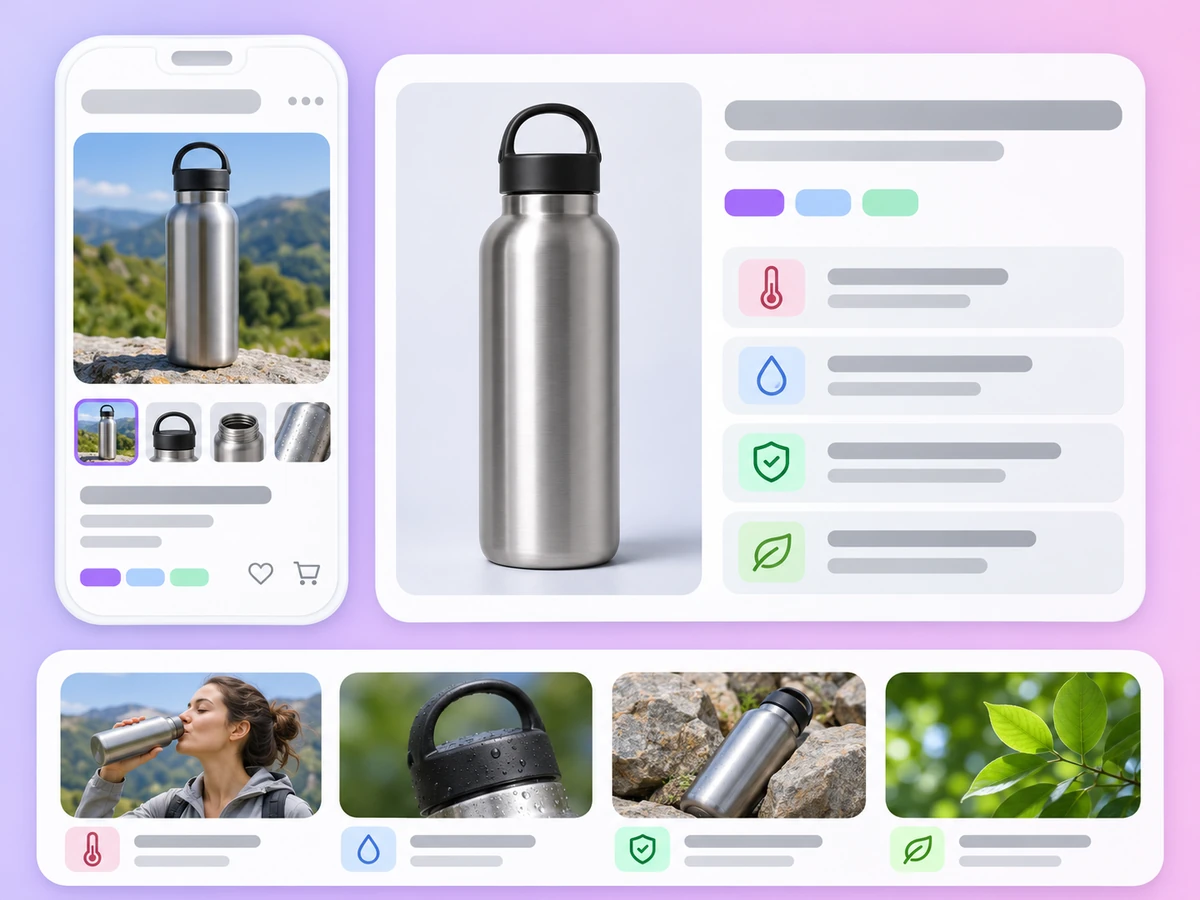
Paste a product page link and AI reads the product name, details and images from the page, so you do not have to write a brief or collect assets first.
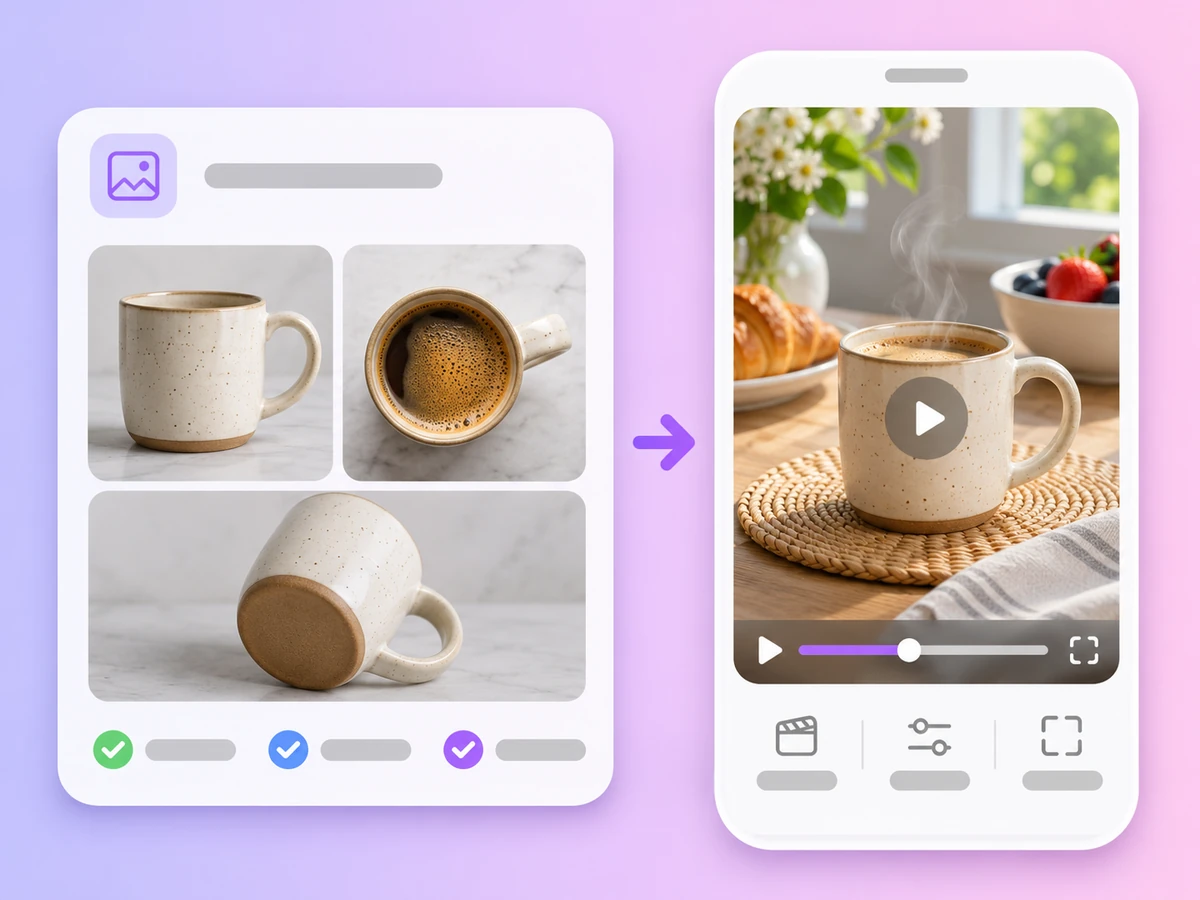
No product page yet? Upload up to 9 photos of the product and describe it in a sentence. Quick Ads builds the ad from your images.
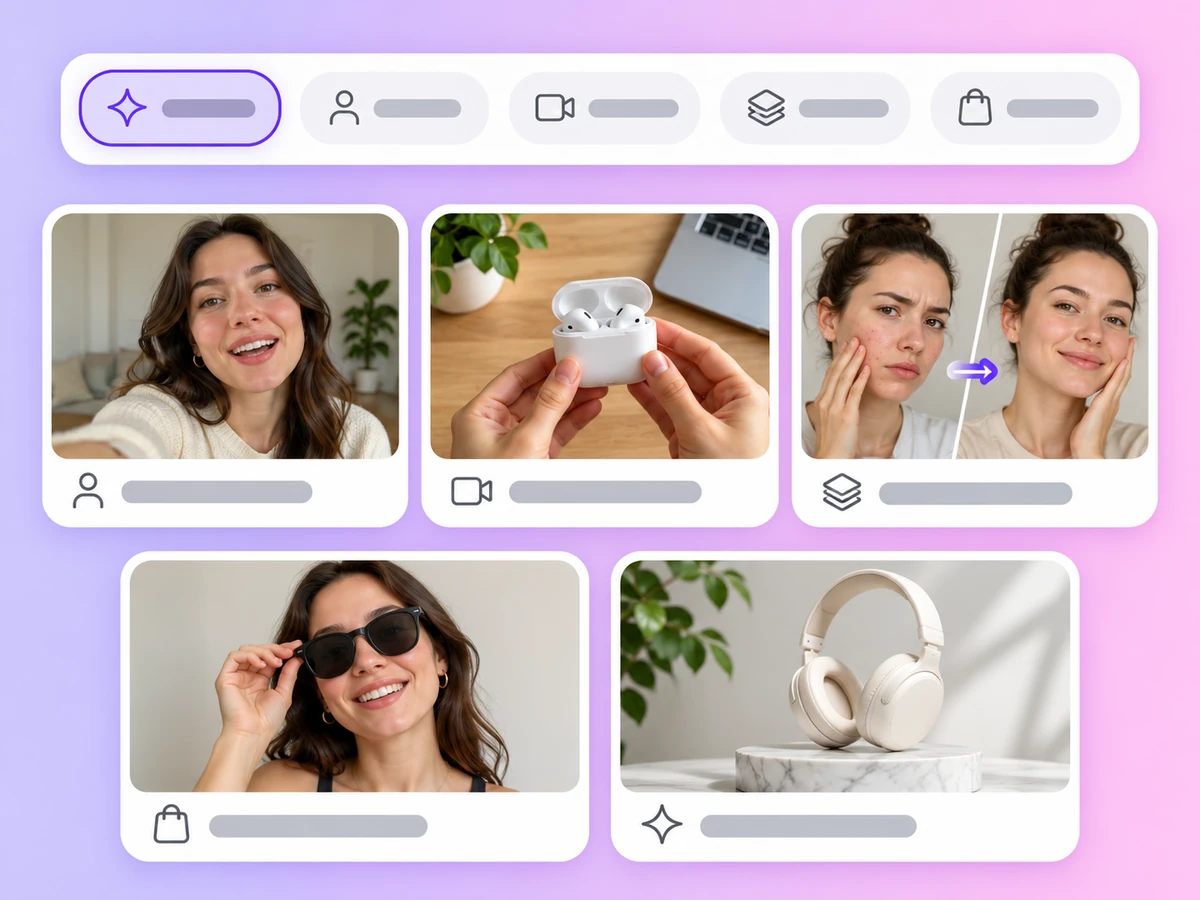
UGC Talking Head, POV Product Demo, Problem-Solution Demo, Try-On and Studio Product Showcase. Leave it on Auto and AI matches a concept to your product.
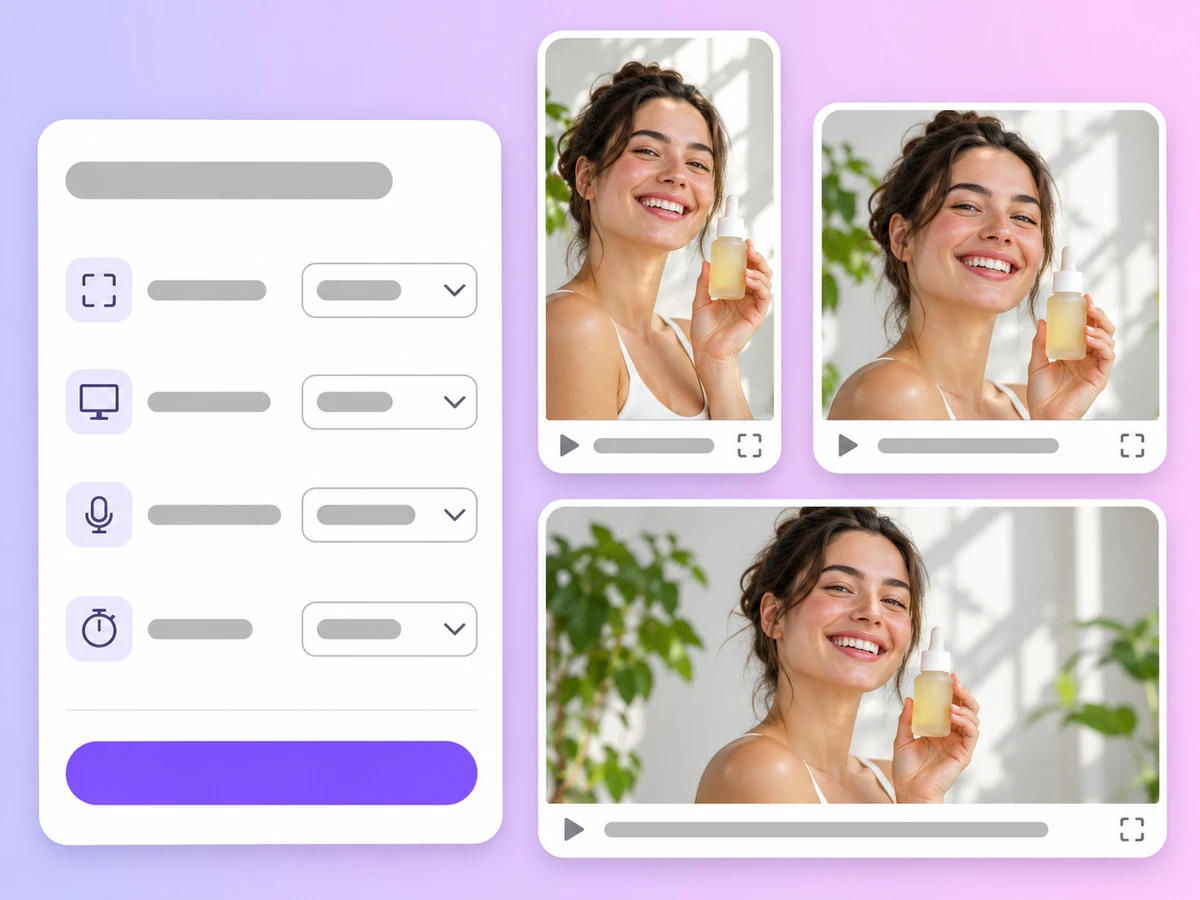
Choose 9:16 for Reels, TikTok and Shorts, 1:1 or 4:3 for feeds, or 16:9 and 21:9 for YouTube and websites, at 480p, 720p or 1080p.
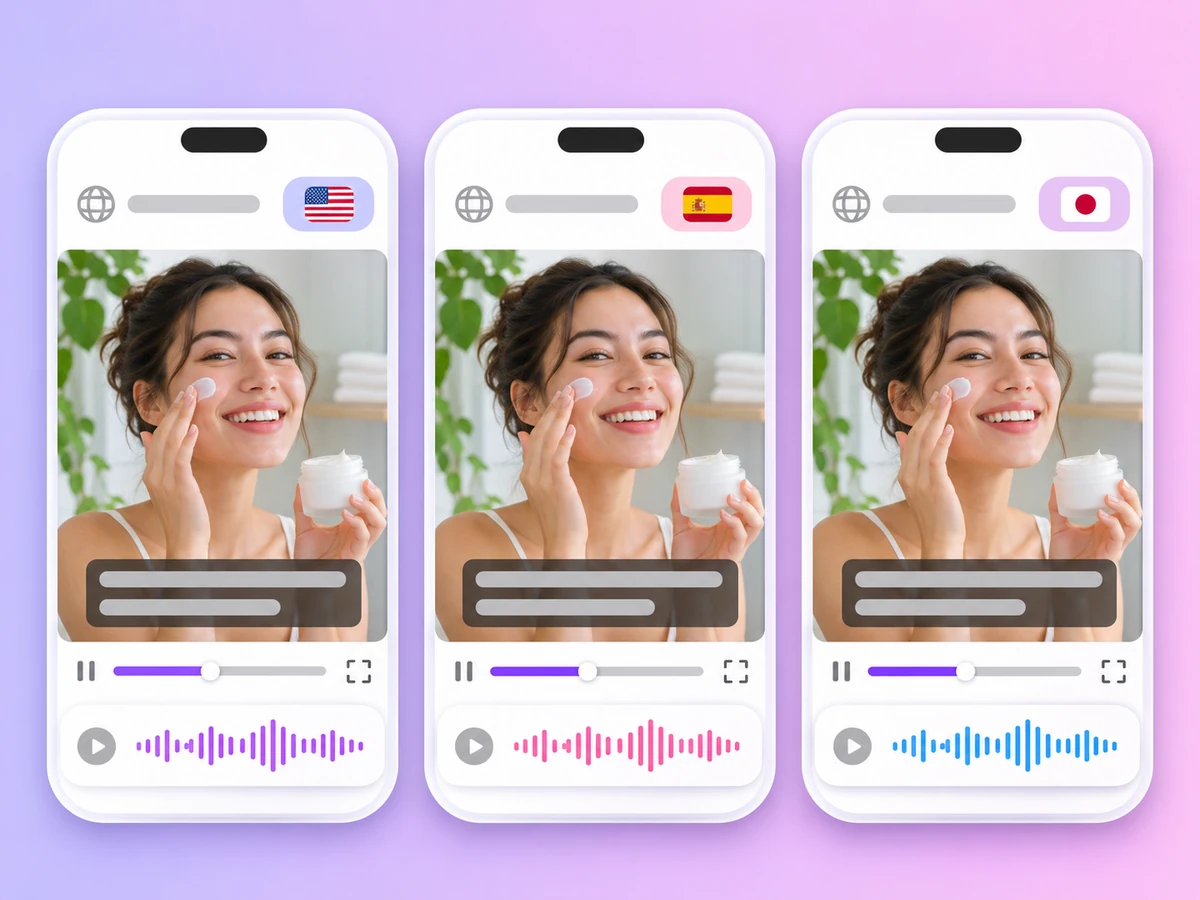
The voiceover can be English, Chinese, Spanish, French, German or Japanese. Run the same product again in another language to localize the ad.
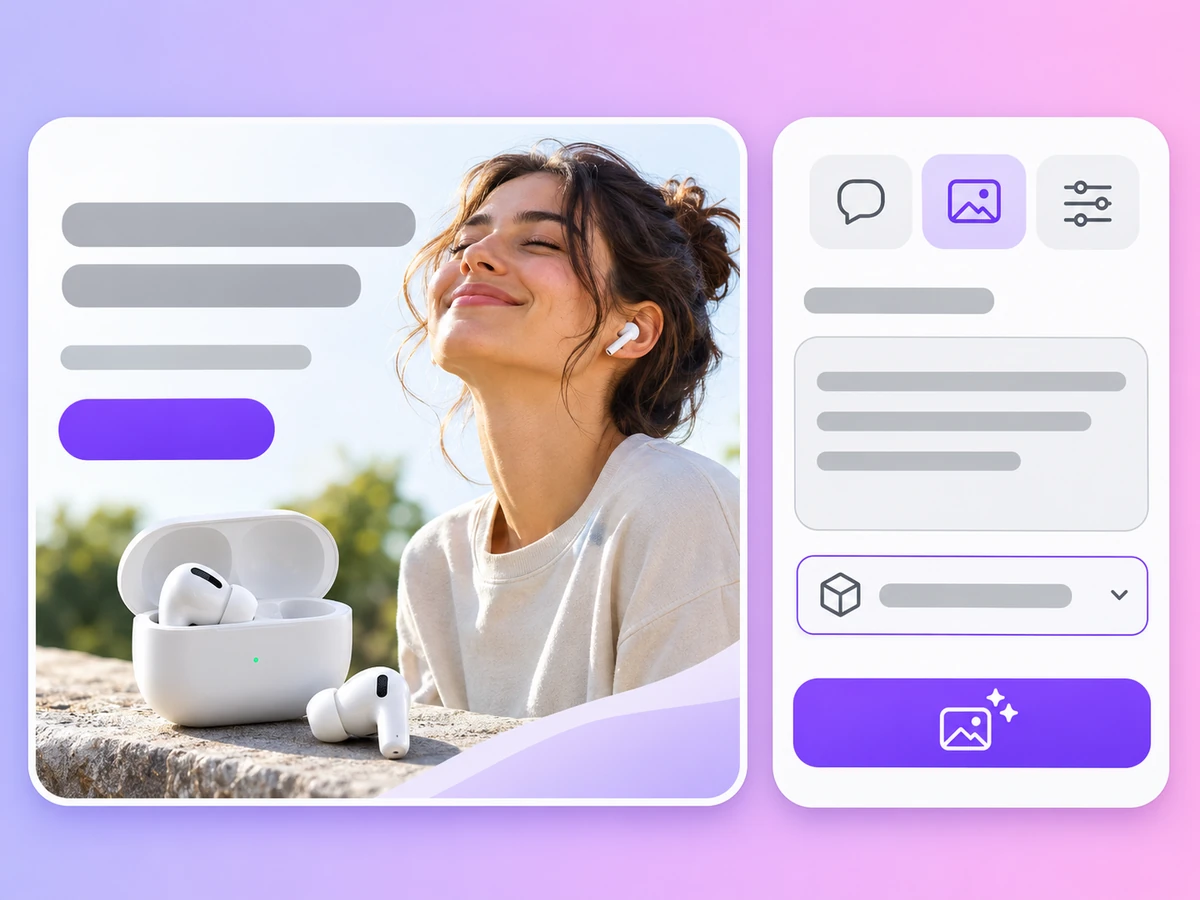
For still ads, switch to Image mode and generate banners, product shots and social graphics with models such as GPT Image 2.6, Nano-Banana Pro and Seedream 5.5.
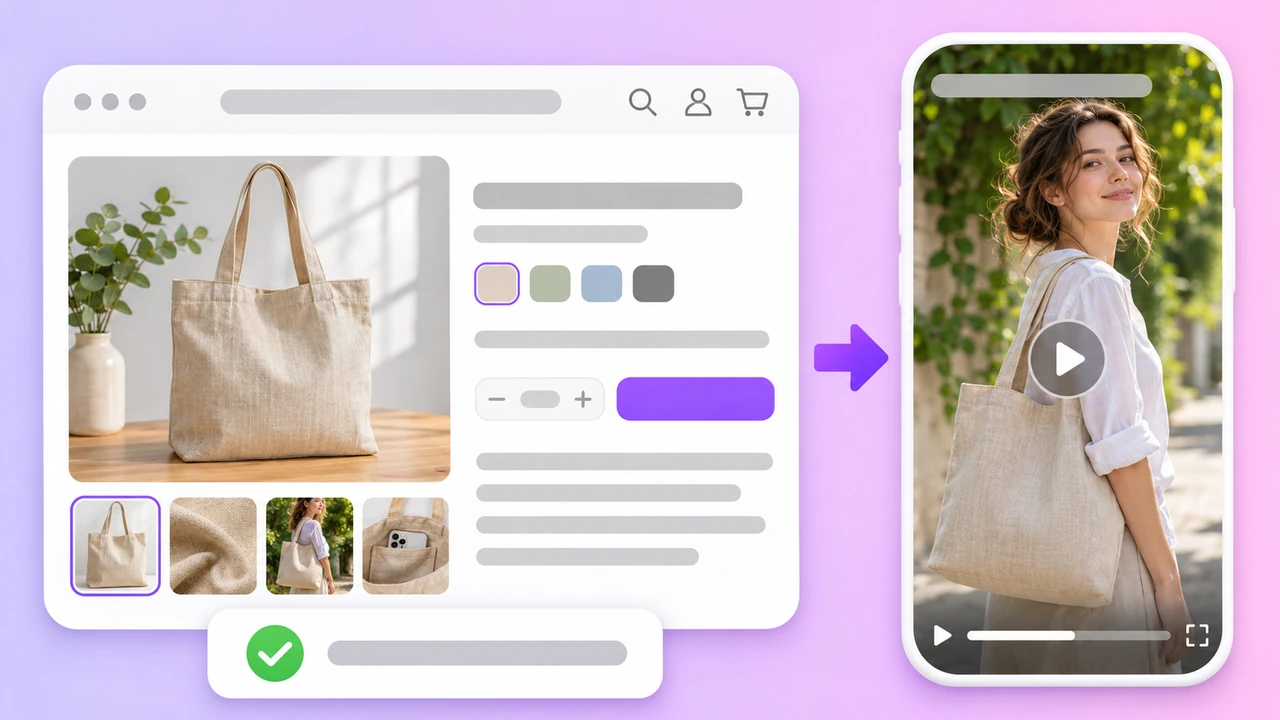
Product link
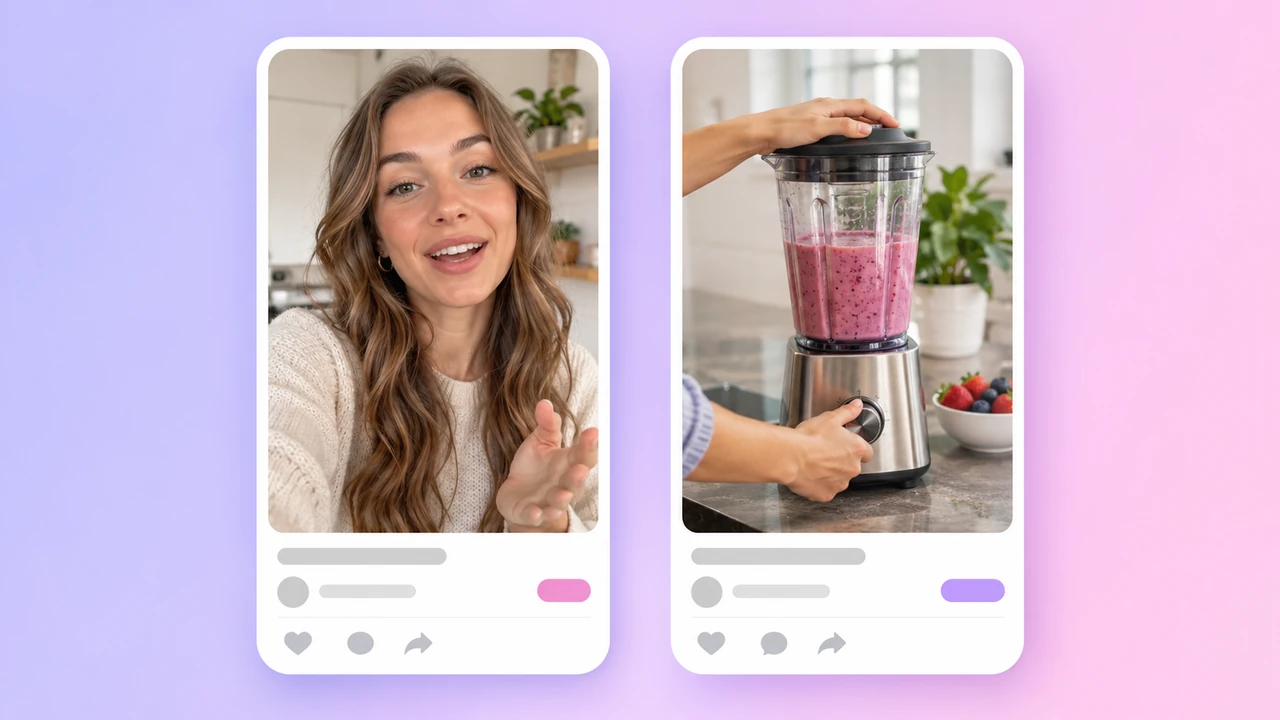
Ad concept
Want to review the product details and pick a concept step by step? Try URL to Video.
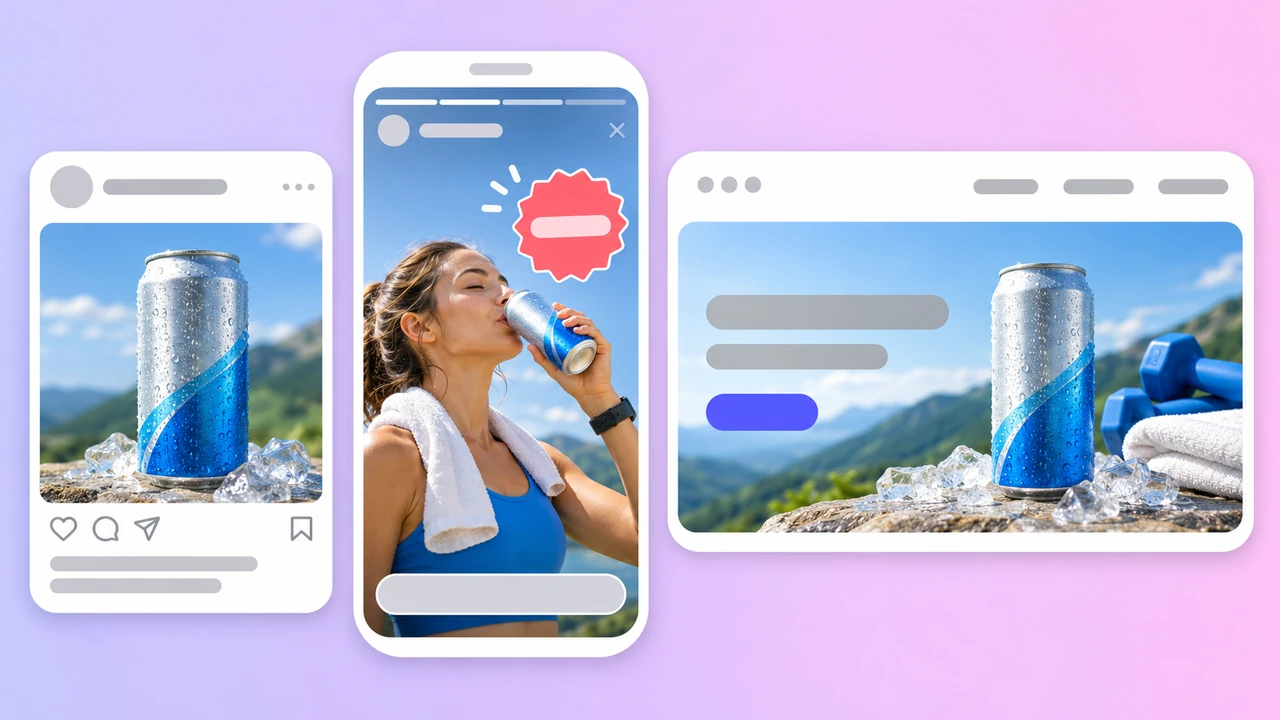
Image ads
Need a full set of listing images from one product photo? Try E-commerce Product Image.
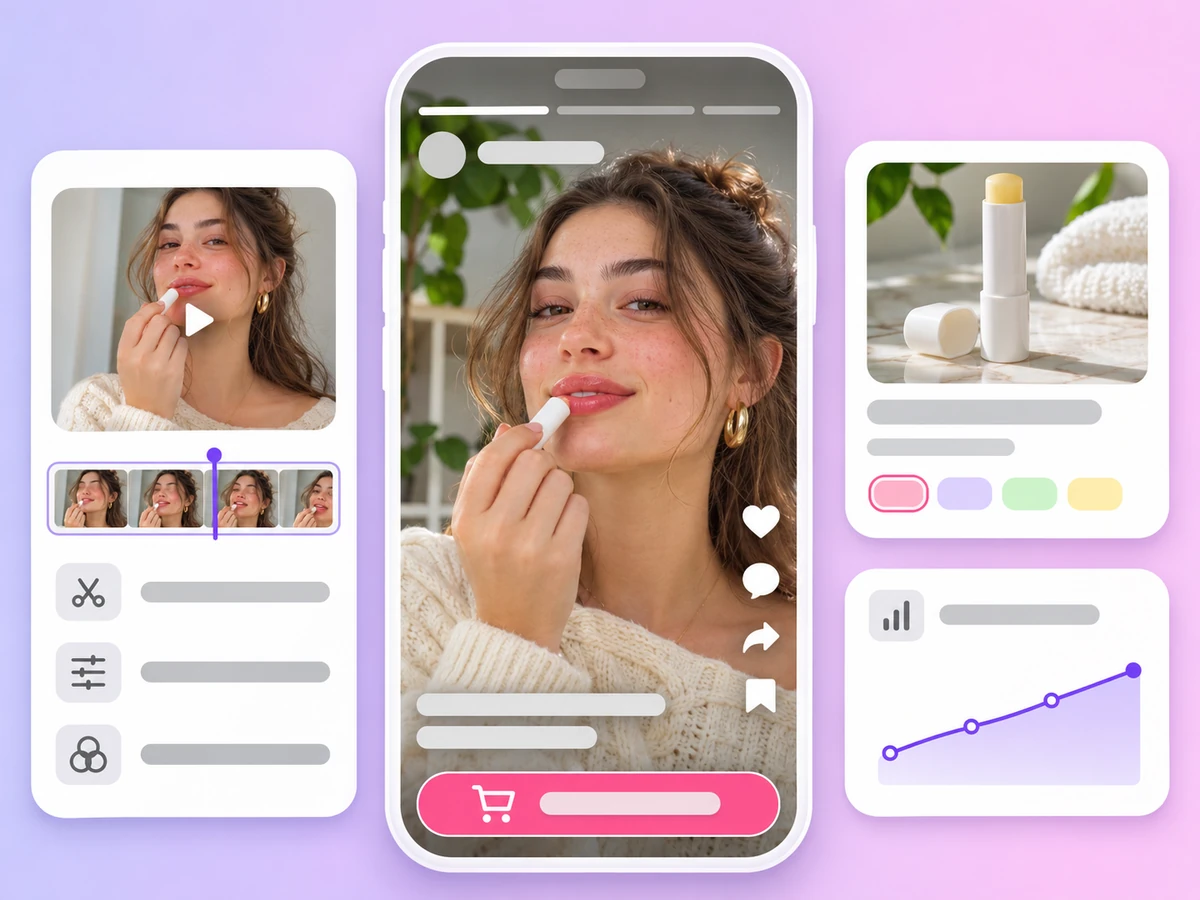
9:16 product ads with voiceover for TikTok, Reels and Shorts, made from a product link or photos.
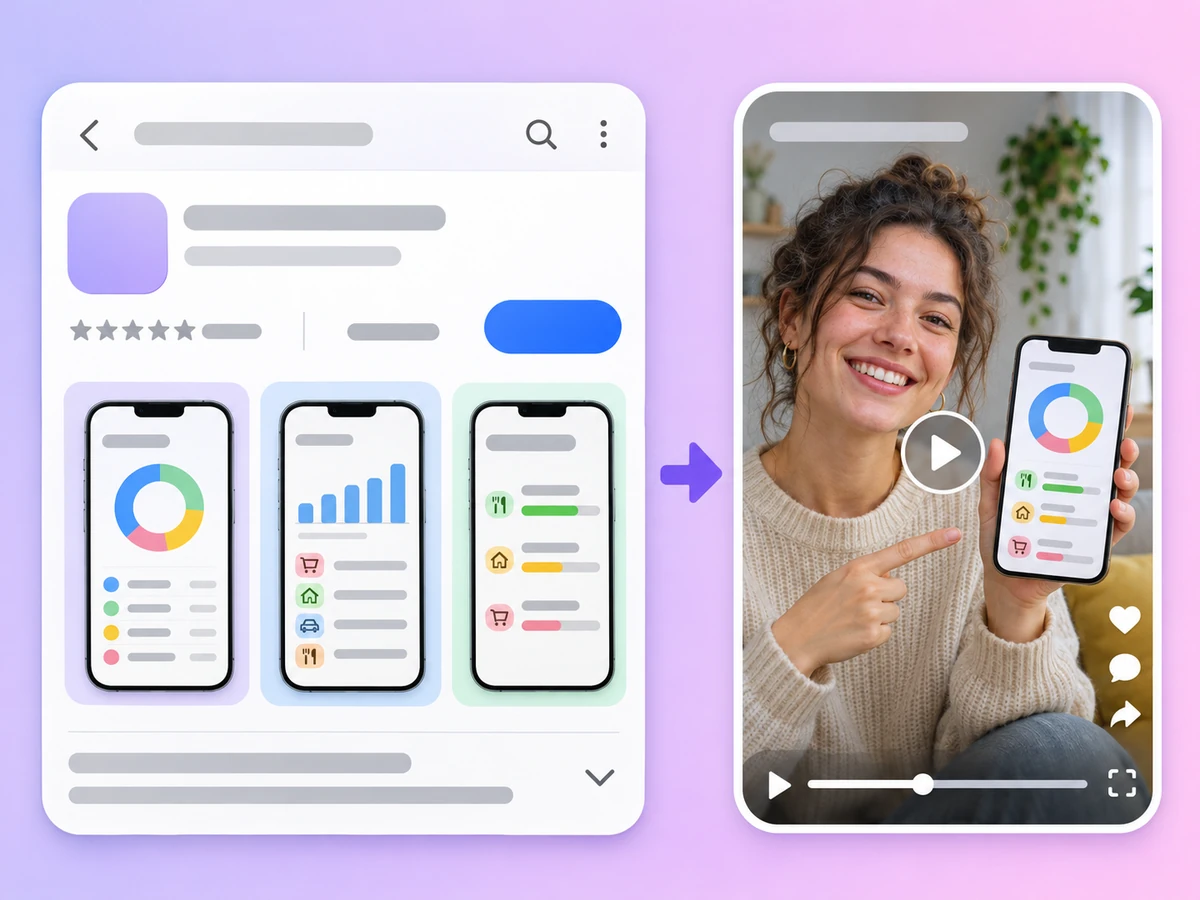
Paste an App Store or Google Play link and get a short video ad that presents the app.
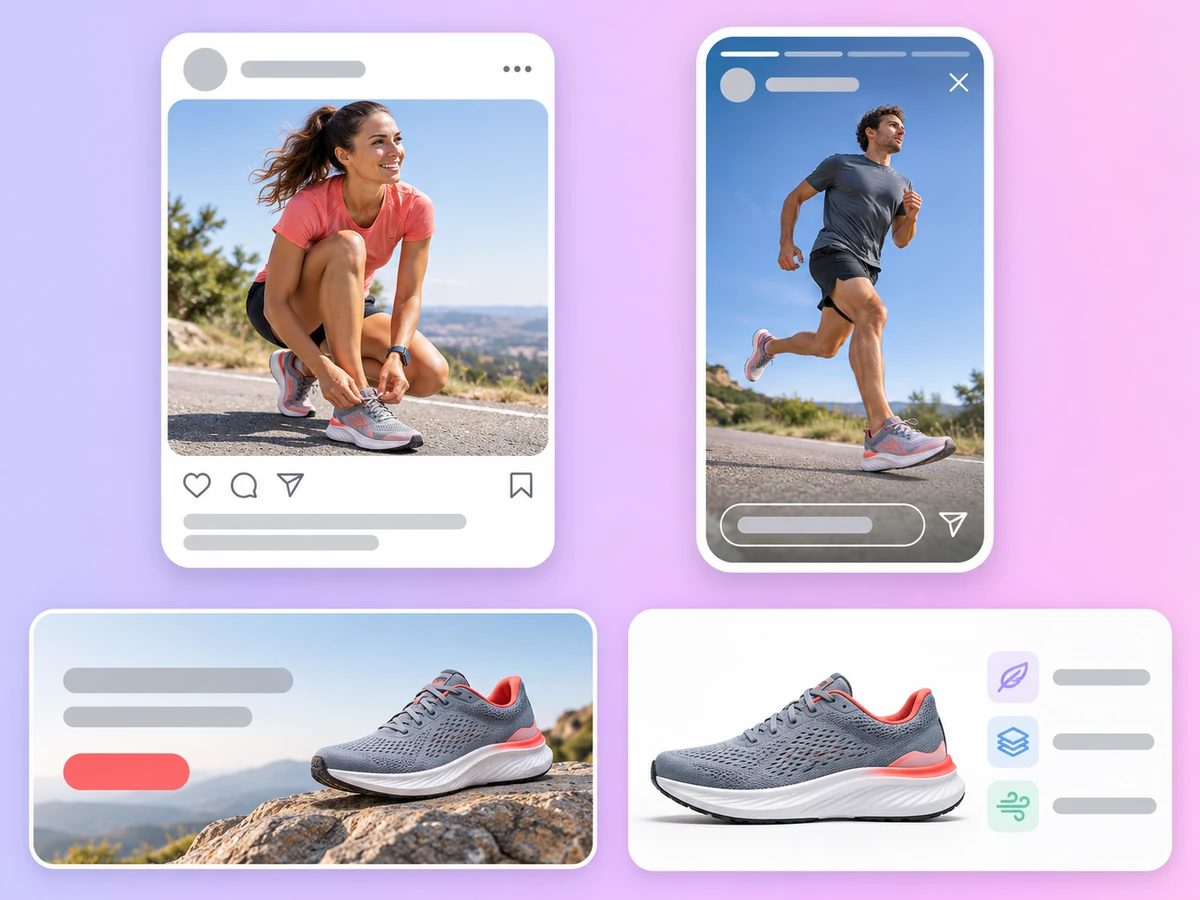
Banners, feed posts and product shots for display and social campaigns, made in Image mode.
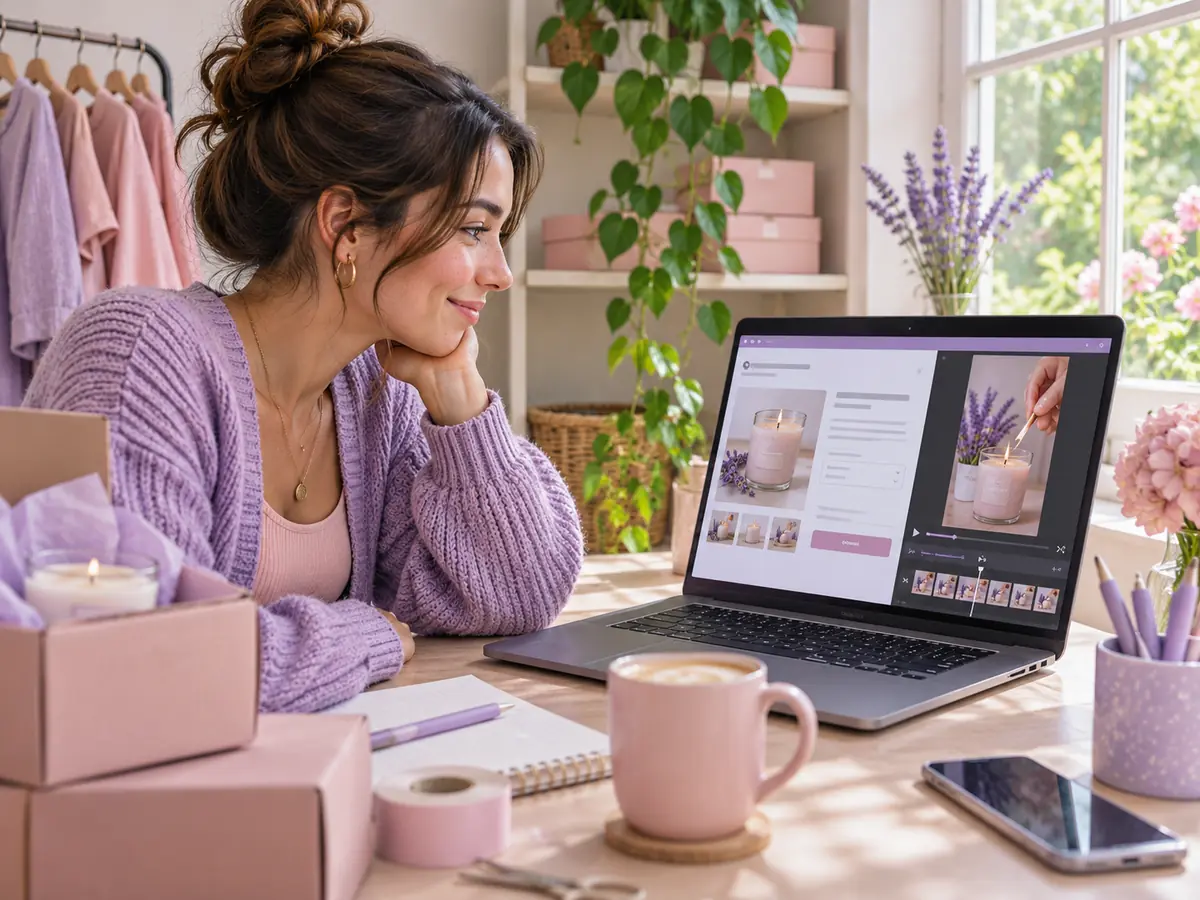
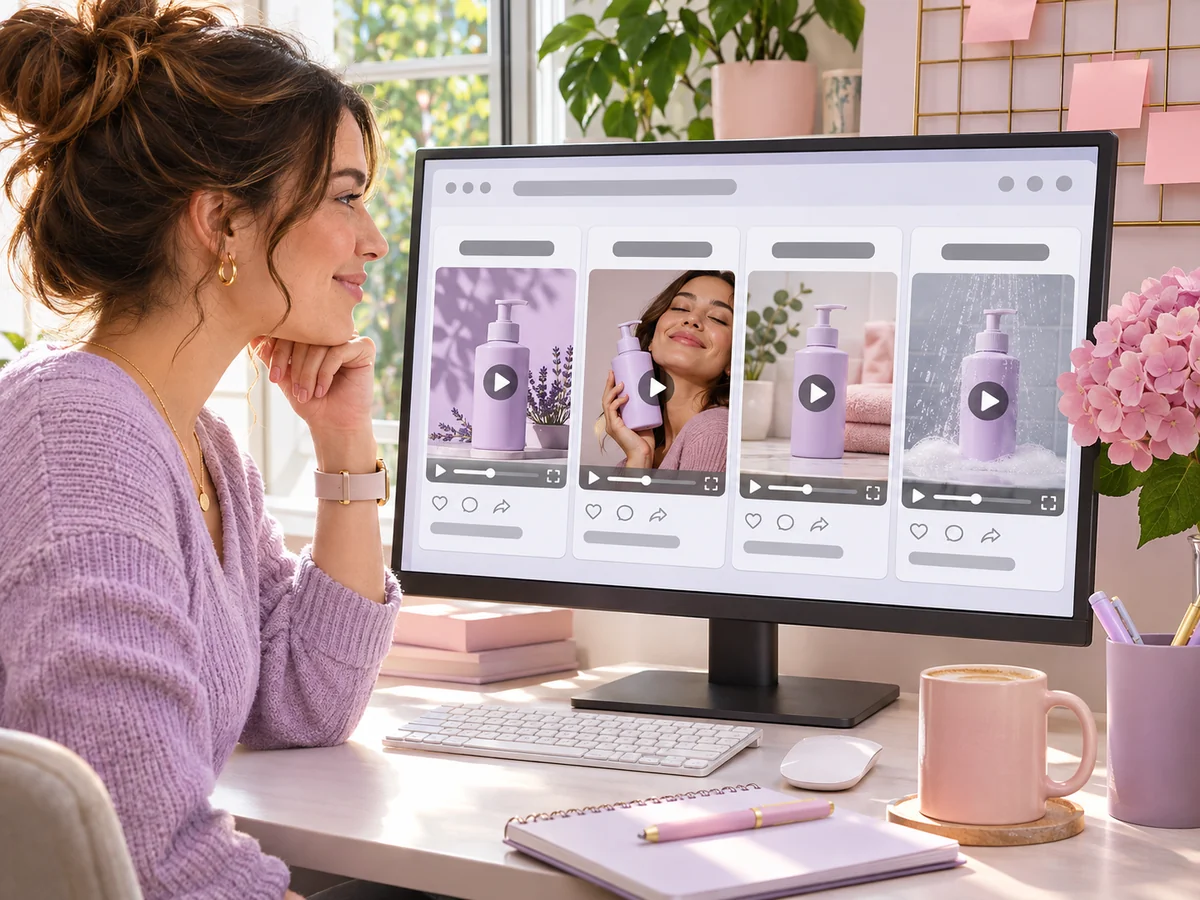
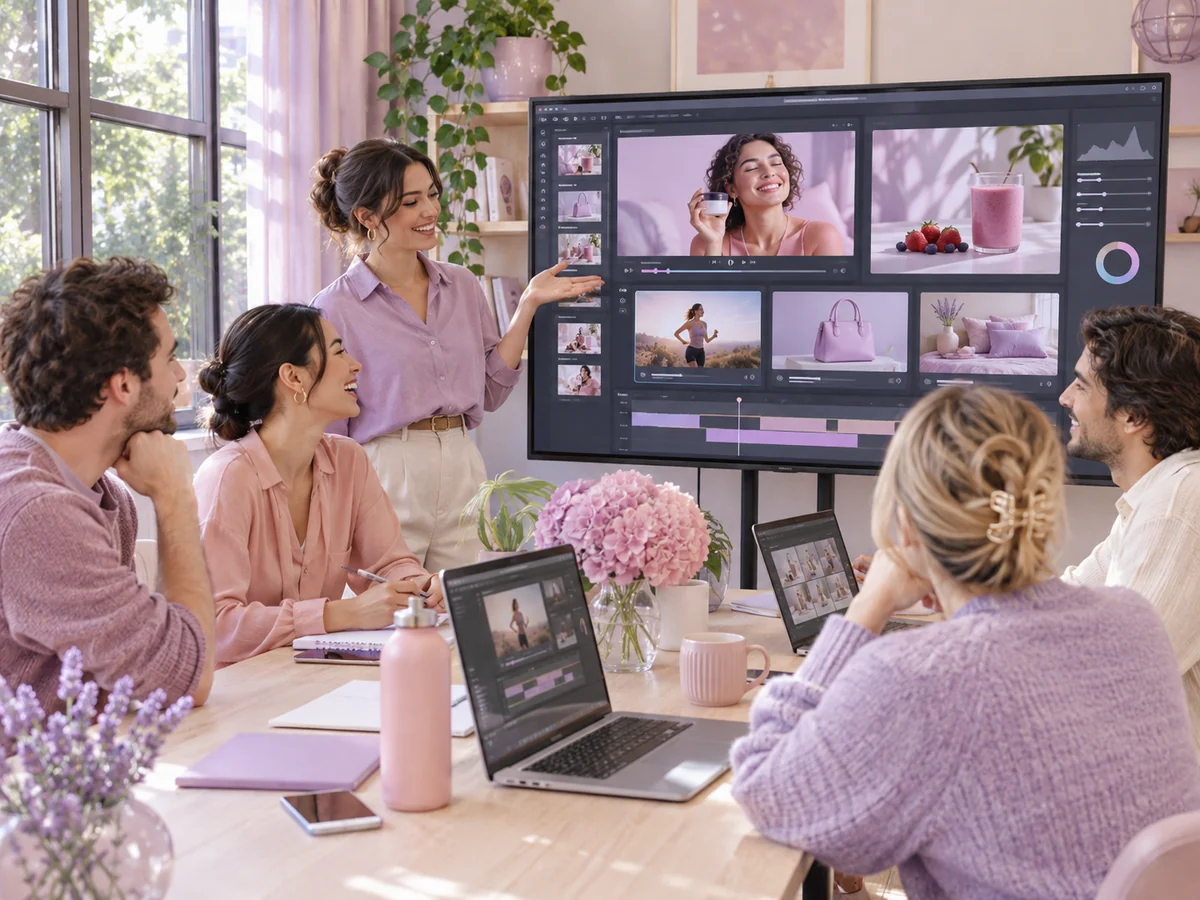
An AI commercial generator makes a polished, brand-style product spot rather than a casual social clip. In Quick Ads, choose the Studio Product Showcase concept: it uses studio lighting and close-ups to show the product's design, materials and finish.
Set 16:9 or 21:9 for YouTube, websites and connected screens, and 1080p for the sharpest result. Quick Ads makes commercials of 8 to 15 seconds. For a longer or more cinematic shot, switch to Video mode and write the scene yourself: Veo 3.1 goes up to 4K, and Seedance 2.5, Kling 4.0 and Wan 3.0 go up to 30 seconds.
AI Ad Generator
An AI ad generator creates an advertisement from your product information instead of a shoot. In AdsTurbo, you paste a product link or upload product photos in Quick Ads, and AI writes the script, generates the visuals and voiceover, and returns an 8–15 second video ad that you review and download.
Open the AdsTurbo home page, choose Quick Ads and paste the product page link. Leave the concept on Auto or pick one, set the aspect ratio, resolution, voiceover language and length, then sign in and send. AI reads the product from the page and generates the ad.
Links to single product pages on Amazon, Shopify, TikTok Shop, the App Store and Google Play. The page must be public and show the product and its images. If a link cannot be read, the workspace shows the reason, and you can upload product photos instead.
Quick Ads makes video ads. For image ads, switch to Image mode in the same workspace and generate banners, feed posts or product shots with models such as GPT Image 2.6, Nano-Banana Pro, Seedream 5.5 or MiniMax H3-Image, using your product photo as a reference.
Quick Ads videos run 8 to 15 seconds, with 10 seconds as the default. Aspect ratios are 9:16, 16:9, 4:3, 3:4, 1:1 and 21:9, at 480p, 720p or 1080p. The voiceover can be English, Chinese, Spanish, French, German or Japanese.
Quick Ads is charged per second of video: at 480p it uses 9 credits per second, so a 10-second ad is 90 credits. Higher resolutions use more. Credits are returned when generation fails. Plans start with Creator, billed monthly. See Pricing for plans and credits.
Usage rights and watermark rules follow your plan and the AdsTurbo terms. Only use product links and photos you have the right to use, check each ad for accuracy and follow the ad platform's rules before you publish. See the Terms of Service for details.
Quick Ads does everything in one step from the home page: paste a link or upload photos, and the ad comes back. URL to Video works in its own workspace and lets you review and edit the product details and choose from recommended concepts before generating. Learn more about URL to Video.
Paste a product link or upload a few photos. Your next ad is one send away.
 AdsTurbo