By adsturbo.ai | Published 2026-10-01 | Updated 2026-10-01
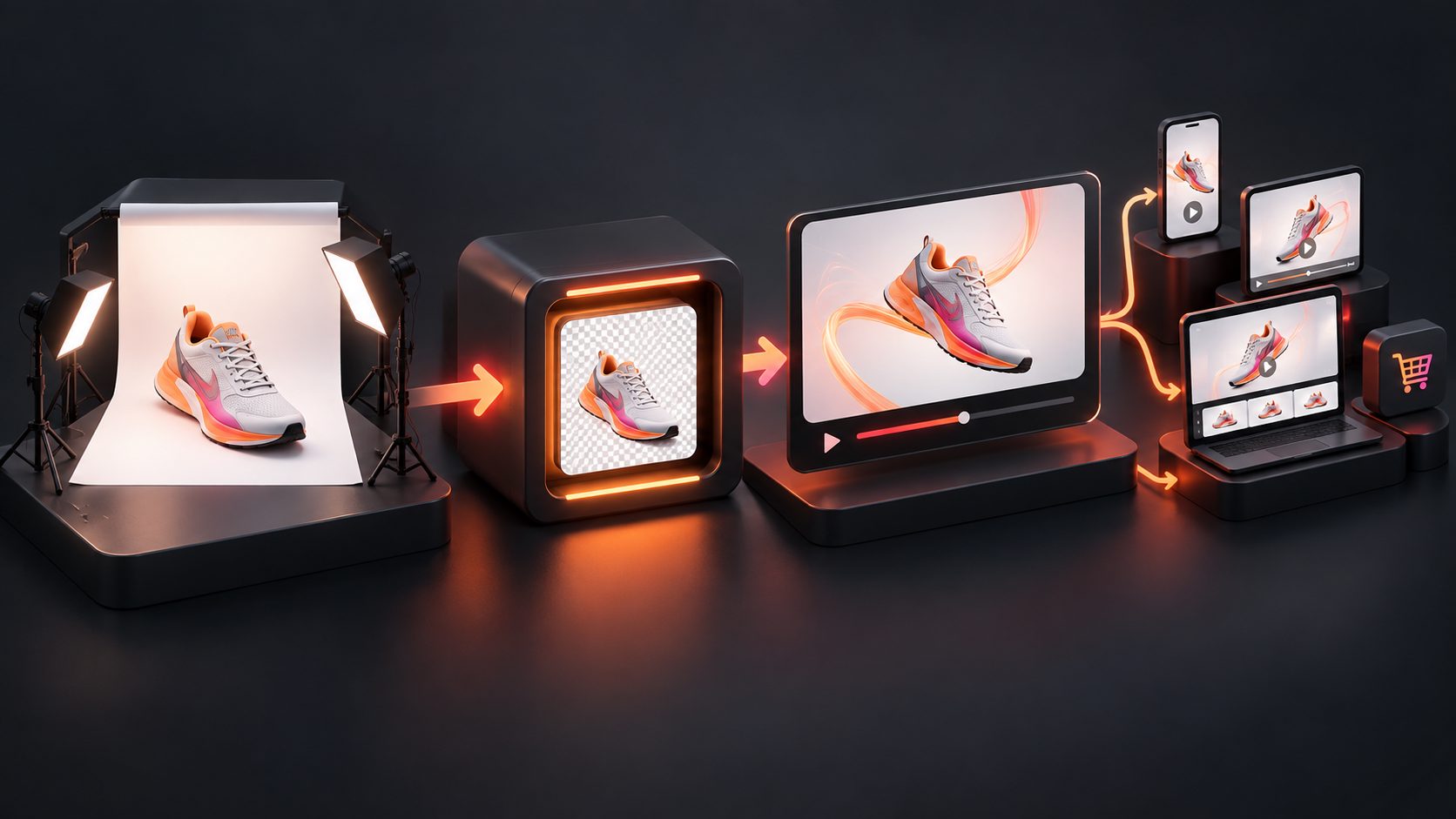
A white background product video ecommerce workflow turns a static catalog image into a short product showcase using controlled camera movement, light motion, or limited rotation. The goal is not cinematic spectacle. It is to make the item easier to inspect without changing its shape, color, packaging, or visible features.
This approach works especially well for independent stores with a clean product photo but no turntable, studio, or multi-angle footage. The key constraint is simple: animate only what the source image can reliably support.
What Is a White-Background Product Video?
A white-background product video is a short, distraction-free clip that presents one item against a white or near-white field. Motion usually comes from a slow push-in, lateral slide, light sweep, or restrained turn rather than a complex demonstration.
Unlike a lifestyle ad, this format prioritizes visual verification. A shopper should be able to identify the exact SKU, read important packaging details, and understand its silhouette within seconds.
It is useful for:
- Product detail page galleries
- Marketplace listing media
- Collection and landing pages
- Retargeting ads
- Silent social media loops
- Email launch graphics
White-background rules for primary images do not automatically apply to product videos. For example, Google Merchant Center recommends that the main product image use a solid white, gray, or light-colored background and that the product occupy roughly 75%–90% of the frame, but sellers should verify separate requirements for each video destination. (support.google.com)
How Should You Prepare the Source Product Photo?
Start with a high-resolution JPG or PNG that clearly shows the complete product, preserves its natural proportions, and leaves enough space for reframing. Clean input matters because blur, clipped edges, glare, and unreadable labels usually become more noticeable once the image moves.
Use this preparation sequence:
- Choose the correct SKU. Confirm the color, package size, included accessories, and variant.
- Remove visual contamination. Clean dust, editing marks, unwanted reflections, and colored edge spill.
- Preserve a contact shadow. A soft shadow prevents the product from appearing pasted onto the frame.
- Leave crop space. Keep enough white area around the object for square, horizontal, and vertical versions.
- Inspect small text. If a label is unreadable in the source image, animation will not restore it reliably.
- Export a clean master. Avoid repeatedly compressing the image before video generation.
AdsTurbo Product Image accepts JPG and PNG product photos, with clear photos on solid-color backgrounds producing the best results. It can analyze product shape, color, and category, while background replacement can support additional creative versions. Sellers planning lifestyle variants can also review this AI video background changer workflow.
Which Camera Motions Are Safe From One Product Image?
The safest movement is motion that does not reveal unseen geometry. A push-in enlarges existing information, while a full rotation asks the generator to invent the back, sides, seams, ports, or packaging text that were never photographed.
The Single-Image Motion Budget is an original editorial framework for choosing movement. It is a creative risk tool, not a marketplace specification.
| Motion choice | Risk points | Best use | Primary risk |
|---|---|---|---|
| Slow push-in or pull-back | 1 | Hero detail, PDP loop | Softness at extreme zoom |
| Subtle light or shadow sweep | 1 | Gloss, texture, premium finish | Incorrect reflections |
| 3°–5° parallax shift | 2 | Adding depth to a flat packshot | Warped edges |
| 15°–25° partial orbit | 3 | Simple, symmetrical products | Invented side details |
| Full 360° rotation | 5 | Multi-angle sources or 3D assets | Fabricated back geometry |
| Moving lids, buttons, or parts | 5 | Documented product states only | False functionality |
Keep the total motion budget at three points or fewer when only one image is available. A slow push-in plus a light sweep is generally safer than combining rotation, zoom, floating particles, and moving product parts.
When a true spin is necessary, use additional angles or a 3D source instead of forcing one photograph to supply hidden details. This one-image 360 product spin guide explains how to distinguish a visual spin effect from a verifiable all-angle product view.
How Do You Turn the Static Image Into a Product Video?
A reliable workflow separates product accuracy from creative decoration. Build the clean product shot first, approve it, and only then create channel-specific crops, captions, or promotional versions.
- Define one viewing job. Choose detail inspection, texture emphasis, packaging visibility, or a hero reveal.
- Select one primary motion. Use a push-in, light sweep, parallax move, or limited orbit.
- State what must remain fixed. Lock the product shape, logo, label, color, background, and shadow direction.
- Generate a short master clip. Five to eight seconds is usually enough for one controlled movement.
- Review frame by frame. Pause at the beginning, midpoint, and final frame to find geometry or typography drift.
- Correct by section. Replace a weak segment instead of regenerating an otherwise usable sequence.
- Create placement versions. Reframe the approved master for product pages, feeds, and vertical video.
AdsTurbo supports JPG or PNG uploads for Product Video, including product images up to 10 MB, and can generate product review, introduction, and demonstration videos. Its Clip by Clip editing, background replacement, video upscaling, and subtitle tools can support later finishing stages.
For a broader launch sequence, combine the clean showcase with the structure in this first ecommerce video ad workflow.
How Should the Video Change by Sales Channel?
Create one fidelity-approved master, but do not distribute one identical export everywhere. Composition, text size, pacing, and safe zones should match where the video will appear.
| Placement | Recommended creative treatment | Practical format |
|---|---|---|
| Product detail page | Slow motion, no hard sell, seamless loop | Square or horizontal MP4 |
| Marketplace gallery | Product-first, readable packaging, minimal overlays | Follow current listing rules |
| Instagram or TikTok | Faster opening, vertical crop, optional caption | 9:16 |
| Paid social feed | Product plus one benefit or offer | 1:1 or 4:5 |
| Email or landing-page hero | Lightweight loop with restrained motion | Short MP4 or optimized GIF |
Shopify currently accepts uploaded product videos in MP4, MOV, or WebM format, with files up to 1 GB, durations up to 10 minutes, and resolutions up to 4K. Shopify converts compatible uploads for delivery, but a short compressed clip remains more appropriate for a fast-loading product page. (help.shopify.com)
Keep promotional text outside the clean master whenever possible. That lets the same approved product motion support a PDP loop, a localized ad, and a sale version without regenerating the product itself.
What Should You Check Before Publishing?
A publishable product video must remain accurate during every frame, not merely at the opening thumbnail. Review it at full size and again on a phone, where small text distortions and edge artifacts are easier to notice.
Use this final checklist:
- The product silhouette stays stable.
- Logos and physical packaging text do not mutate.
- Color and material remain consistent with the real SKU.
- The video does not reveal invented ports, seams, ingredients, or accessories.
- Reflections move logically with the light source.
- White products retain visible edge separation from the background.
- The contact shadow does not slide independently.
- The first frame works as a recognizable poster image.
- The crop leaves room for interface controls and captions.
- The exported file plays correctly on the intended storefront.
If the product must be shown in use, treat that as a separate creative rather than stretching a packshot beyond its evidence. A controlled showcase can then be paired with a one-product-photo UGC ad workflow.
Frequently Asked Questions
Can one product image create a real 360-degree video?
One image can create the appearance of rotation, but it cannot verify unseen sides. Use several product angles, a 3D model, or real turntable footage when accurate back and side details matter.
Should the background be pure white?
Pure white can suit catalog-style presentation, but the product still needs edge definition and a believable shadow. White or transparent products may require a slightly off-white field or controlled contrast.
How long should a product showcase video be?
A single-motion product loop can often communicate its purpose in five to eight seconds. Longer videos should introduce another useful job, such as scale, setup, material detail, or operation.
Should captions appear in the product video?
Captions are useful when the clip includes narration or a benefit statement. Keep a clean, caption-free master so it can be reused across storefronts and localized campaigns.
What products are hardest to animate from one photo?
Transparent containers, reflective metal, jewelry, flexible fabrics, products with small printed labels, and asymmetrical items carry the highest risk. Use slower movement and avoid revealing unseen surfaces.